
Call analytics
Analyze call activity and link telephony results to sales in Bitrix24
Percuma
-
Pengkadaran
-
Pemasangan91964
-
PembangunAlaio, inc
Penerangan
Call Analytics connects telephony data to CRM deal results inside Bitrix24. It is built for sales and call center managers who need to see not just call volumes but how call activity translates into revenue.
Why businesses use it
Managers need to understand whether call activity is driving results. Tracking volume alone doesn't reveal which call patterns lead to closed deals or where missed calls are creating lost opportunities.
Business value
- Monitor inbound and outgoing call dynamics over time
- Identify missed call trends by day and time
- Understand how call activity per manager relates to deal revenue
- Find the optimal number of calls before a deal closes (won and lost)
- Review weekly call volume and spot drops in activity
- Identify which managers have the most unanswered calls
- Check which days of the week have peak call load
- Compare call-to-close patterns between won and lost deals
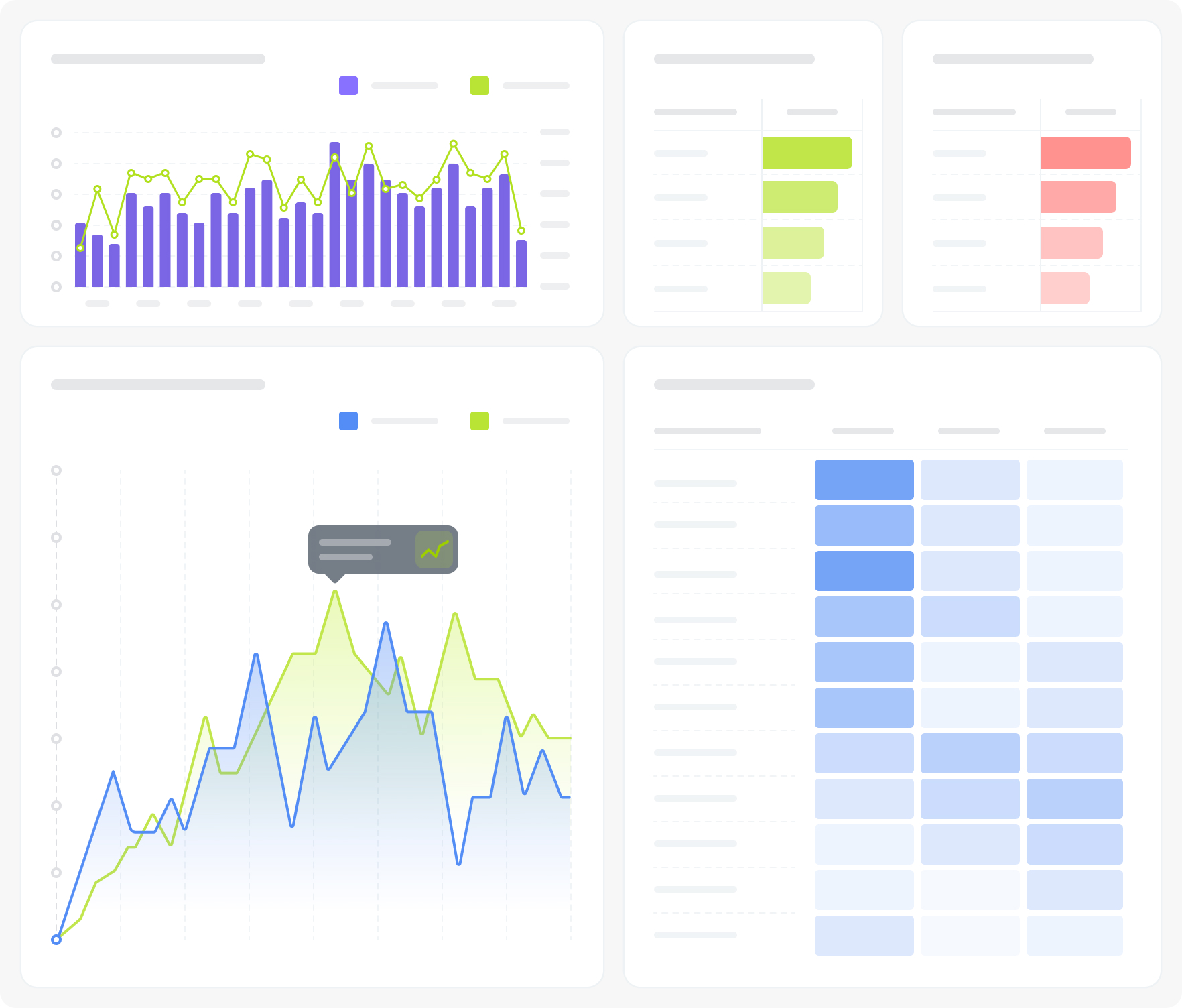
The dashboard connects to Bitrix24 telephony and CRM deal data. Seven visualizations cover call volume dynamics (inbound/outbound), unanswered call trends, average calls by day of week, manager-level call statistics (inbound, outbound, callbacks, linked deals, sales amount), two tables distributing won and lost deals by number of pre-close calls, and a sales trend chart. Filters: Period, Responsible person, Grouping.
FAQ
- We track call volume, but don't know if it's actually driving sales. Can this dashboard show the connection?
- We suspect some managers are letting calls go unanswered. Where do we see that?
- We don't know how many calls it typically takes before a deal closes. Is there data on that?
- What is needed to connect to Bitrix24?

Sejarah versi
Versi 3
bug fixes
07.05.2025
Versi 2
Bug fixes
22.08.2024


