Online booking
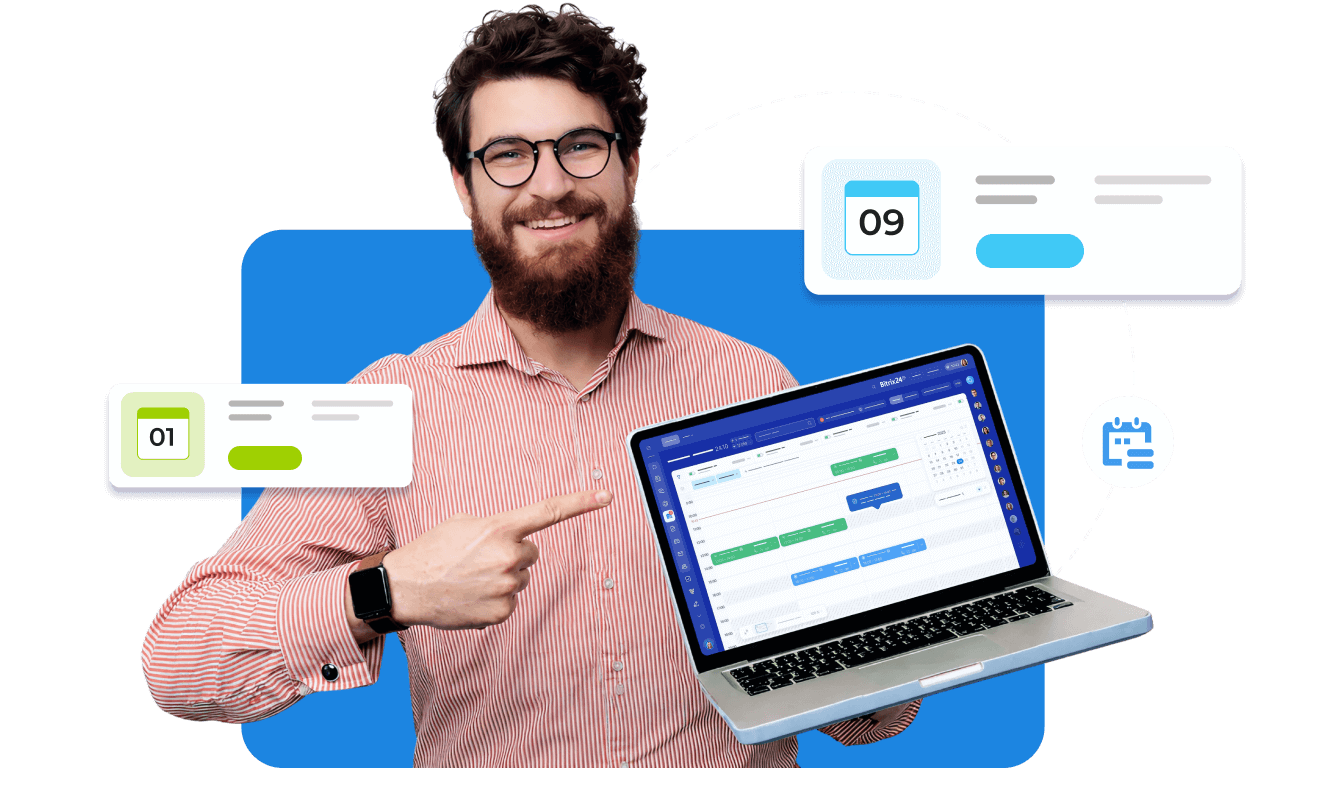
Smarter scheduling that runs itself
Booking helps appointment-based businesses stay fully booked without the tedious back-and-forth. From online self-booking to automatic reminders and CRM tracking, everything works together so you never miss a client – or an opportunity.
Online self-booking
Auto-sync with deals and contacts in CRM
Automated reminders via WhatsApp
Staff and resource availability management
Client history, communication, and bookings in one place
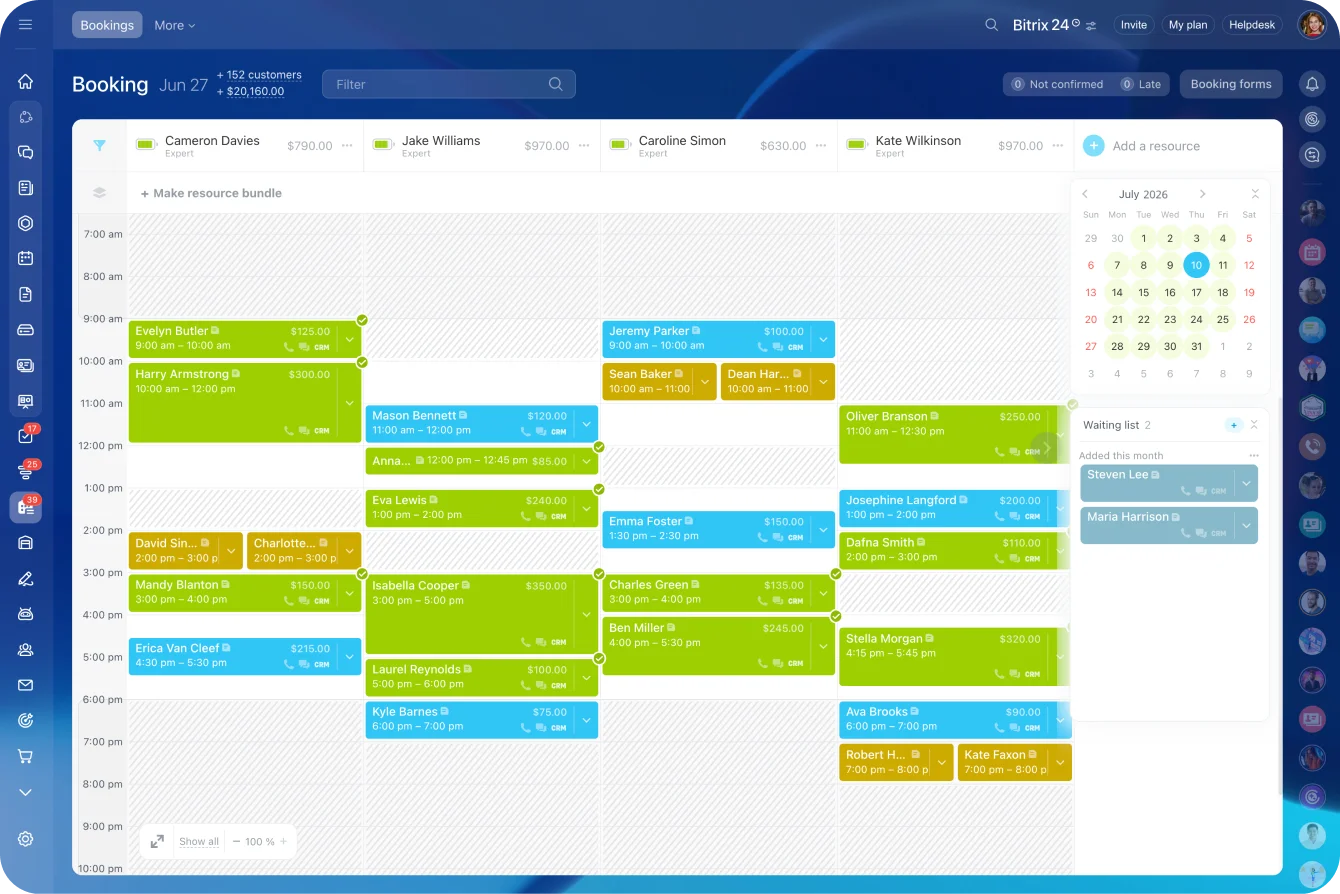
Online self-booking your clients will love
Configure and place a booking form on your website or social media. Allow your clients choose a service, specialist, and time slot themselves – no calls, no messages, no manual work for your team.
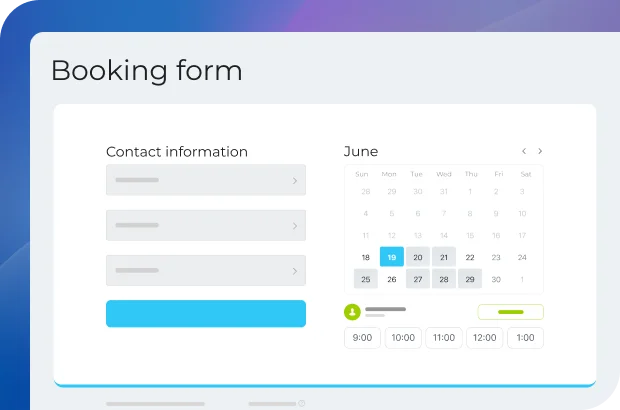
A calendar built around your business
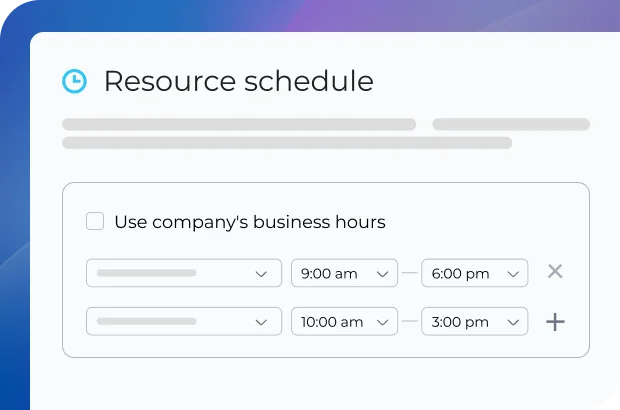
Each team member or service has its own schedule, working hours, and visit duration. This makes it easy to manage different specialists, avoid double bookings, and see your entire operation at a glance.
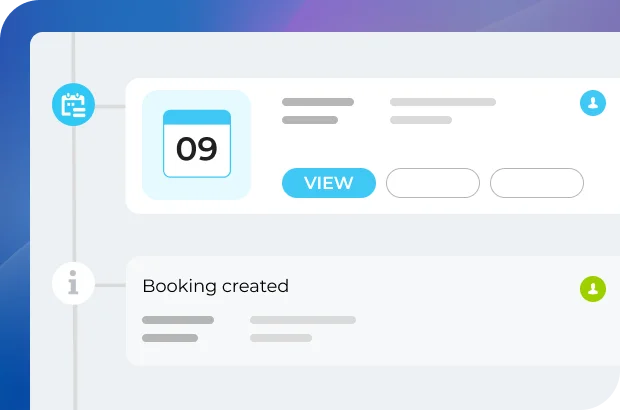
Bookings automatically become CRM deals
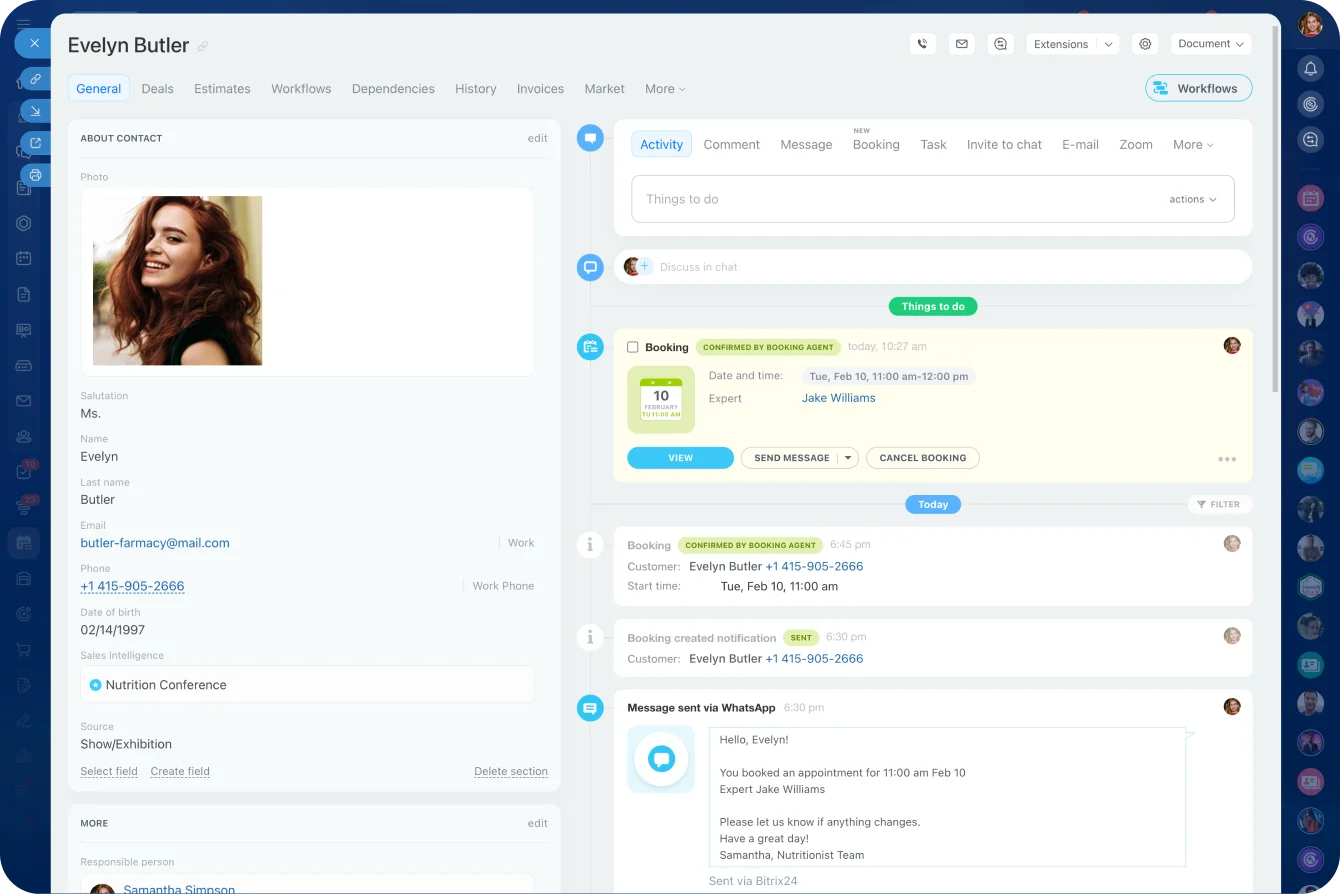
Every appointment is turned into a deal, which is then tied to the respective contact in your Bitrix24 CRM. That means confirmations, reminders, reschedules, and cancellations are all logged automatically.

Ready to create booking forms in Bitrix24?
Turn every appointment into a sales opportunity
Booking doesn't just fill your calendar – it feeds your entire business system. Every scheduled visit becomes structured data you can use to grow relationships, increase repeat visits, and launch smarter marketing campaigns.
Client details are stored in CRM
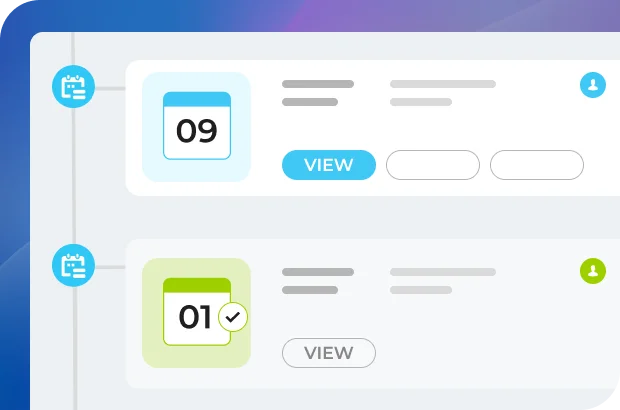
Full appointment history
Easy rebooking for returning customers
Seamless connection to marketing tools
Perfect for repeat-based businesses
A dental clinic can instantly see a patient's visit history and book their next checkup. A beauty salon can identify loyal clients and send them personalized offers based on past services.
Built-in follow-ups and communication
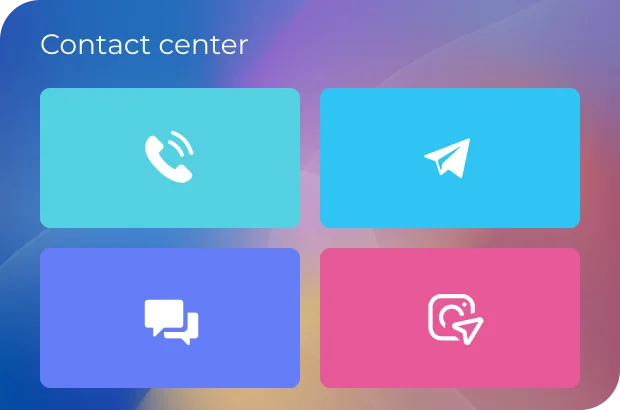
Using the Contact Center in Bitrix24, you can easily reach out to all your clients through a communication channel of your choice (email, SMS, social media, messengers).
A single platform for all your operations
No more switching between calendars, spreadsheets, and messaging apps. Booking works as part of the Bitrix24 platform, alongside CRM, marketing, collaboration, and automation tools.

Ready to turn appointments into deals with Bitrix24?
Reduce no-shows and stay fully booked
Missed appointments cost time and money. Booking in Bitrix24 helps to prevent gaps in your schedule with smart notifications, confirmations, and waiting lists.
Automated reminders sent at the right time
Custom messages via WhatsApp
Waiting lists to replace canceled appointments
Clear visibility into schedule changes
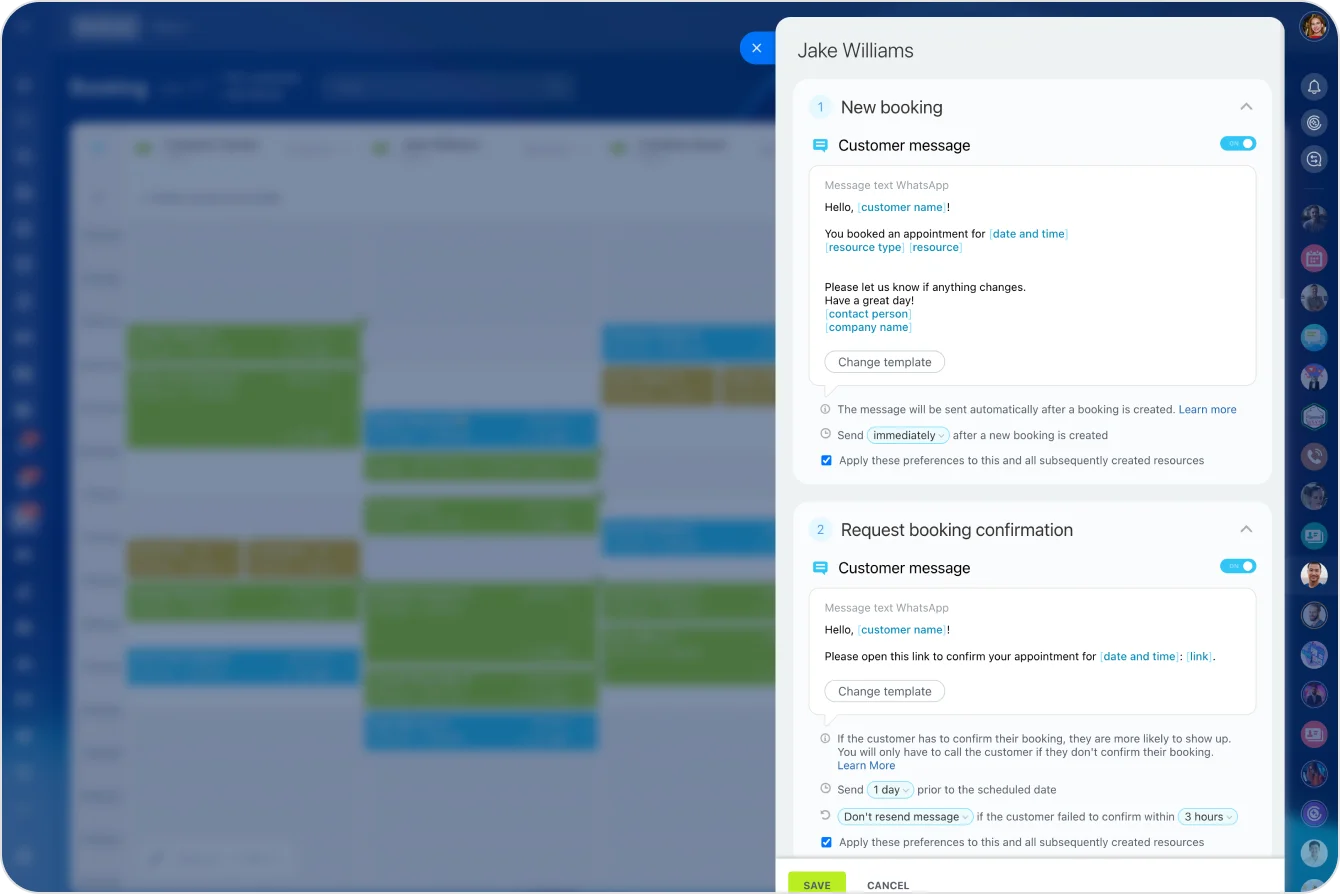
Automated reminders that actually work
Clients receive timely reminders before their appointment, reducing forgotten visits. For a small clinic or rental service, this alone can significantly improve daily revenue.
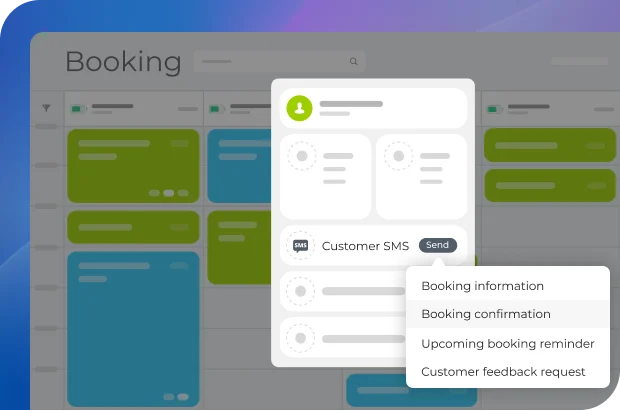
Stress-free cancellation management
If a client cancels, you can quickly offer the slot to someone on the waiting list. This helps service-based businesses keep resources fully utilized, even on busy days.
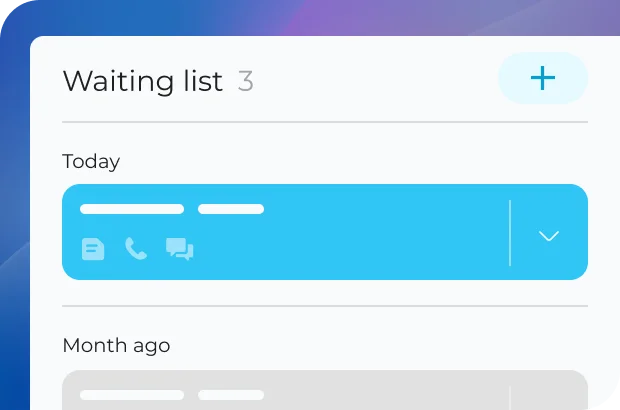
Full visibility and control
Whether it's a reschedule, confirmation, or cancellation, you won't miss it. Your team always knows what's happening without chasing messages or notes.


Ready to manage your bookings with Bitrix24?
Part of a bigger business toolkit
Booking is powerful on its own – but it's even better as part of Bitrix24. When you sign up, you don't just get scheduling software; you get a complete online workspace designed to grow your business.
One platform to run your business
Over 35 integrated tools working together
AI-powered sales and automation
Scales easily as your business grows
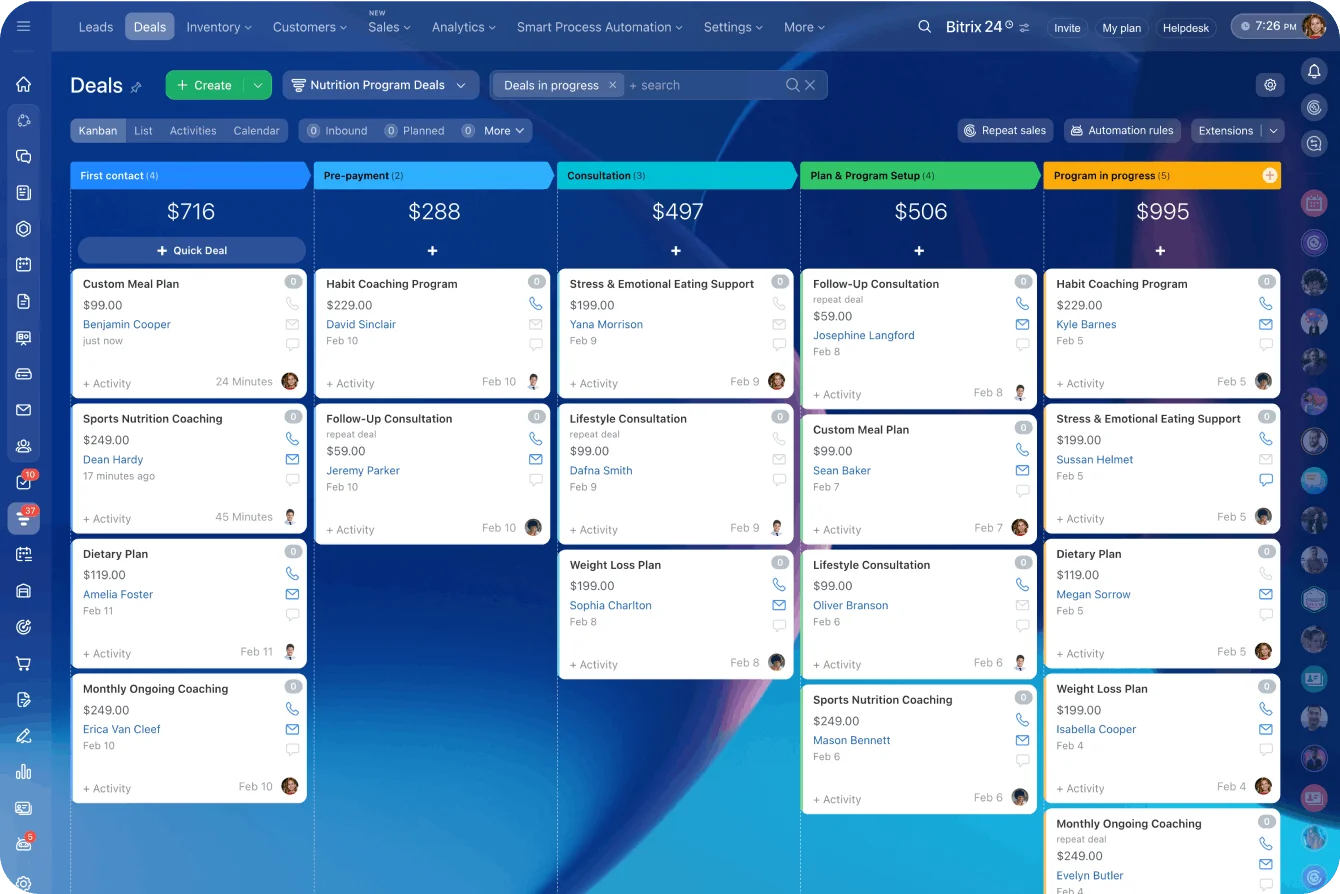
From first booking to loyal client
A client books online → a deal is created in CRM → reminders are sent automatically → follow-up marketing keeps them coming back. All of this happens inside Bitrix24, without manual effort.

Built for small businesses that want to grow
Whether you run a barbershop, beauty salon, clinic, or rental service, booking in Bitrix24 fits naturally into your daily workflow – while giving you the tools of a much larger operation.
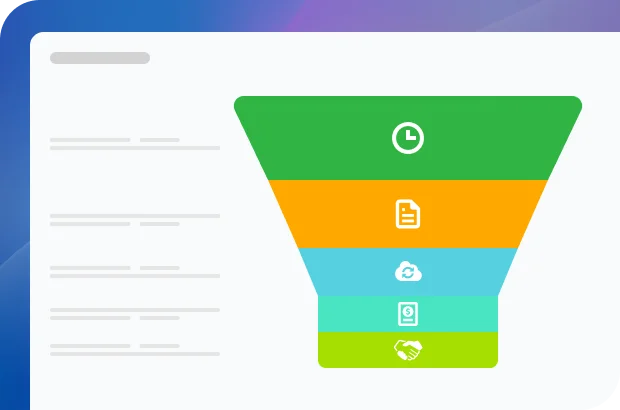
Everything connected, nothing lost
Your entire team stays aligned: staff can see upcoming appointments, managers get full visibility into performance, and automated workflows ensure no client request ever gets overlooked.
FAQ
Is this actually free, or are there hidden fees later?
How does it look for my clients? Is it a pain for them to book?
Do I have to manually add every booking to my CRM?
Can I put this on my own website?
People keep forgetting their appointments. Can this tool send reminders?
Is this just for me, or can my whole team use it?
I run a salon. Can my regulars choose their favorite stylist?
I’m a consultant – can I make people pay before the meeting starts?
I do home repairs. Can clients describe their problem or add details when they book?
Ready to get started?
Used and trusted by over 15,000,000 organizations around the world, Bitrix24 is a perfect choice for your business
Start for free Request assistance from Bitrix24 partners