Project management

Projects
Setting up a project in Bitrix24 is really easy – all the tools are already in place. You just need to add your team members, set access permissions, and get down to work!
Kanban board, Gantt chart, task list
Project calendar, drive, and knowledge base
Project chat and online meetings
Free project management app
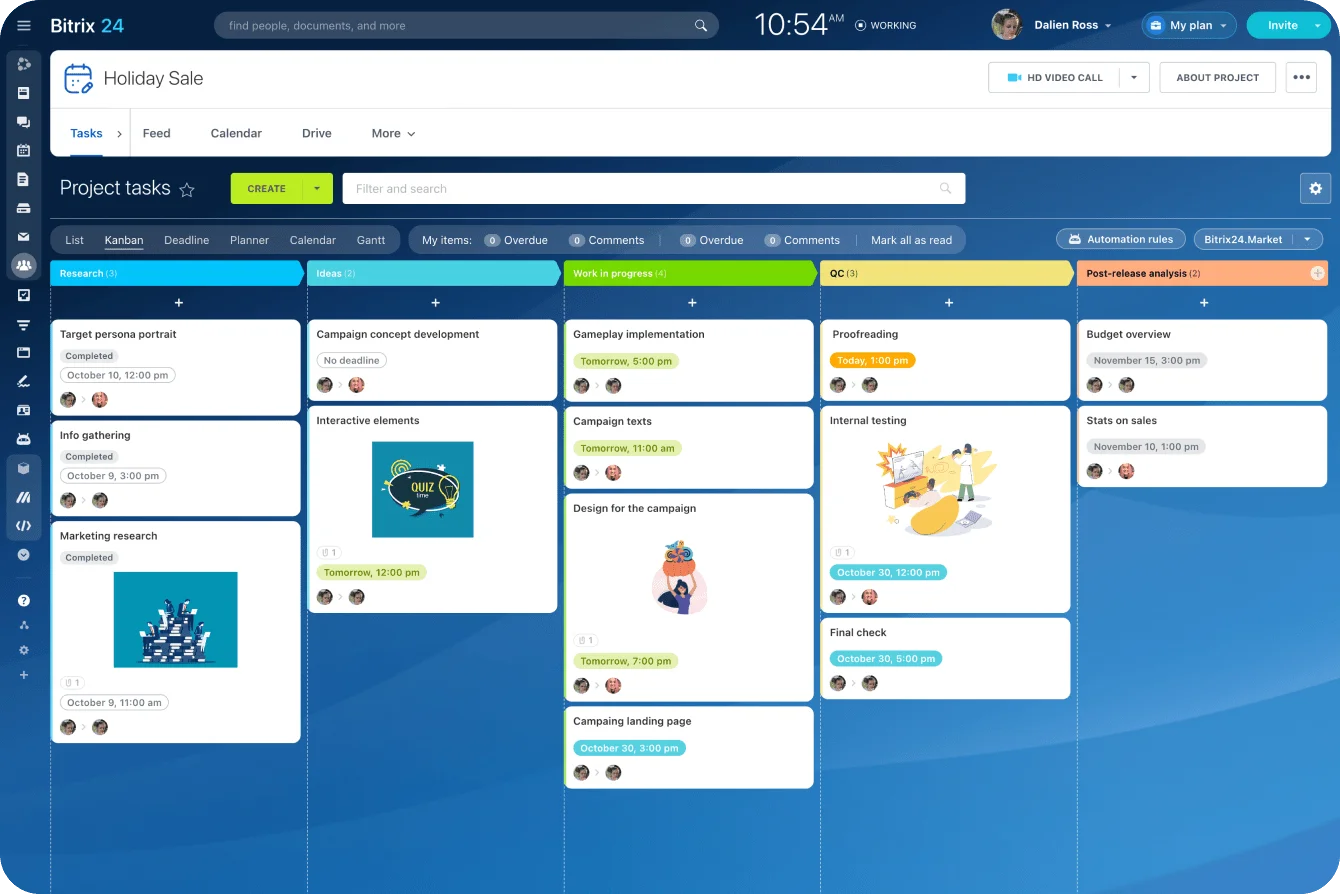
Different ways to work with tasks
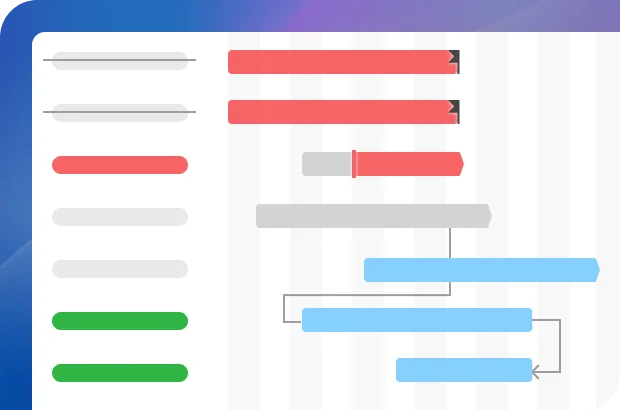
Depending on a project, you can always choose how to view and manage tasks in the Bitrix24 project management software: via Kanban board, Gantt chart, or a simple list.
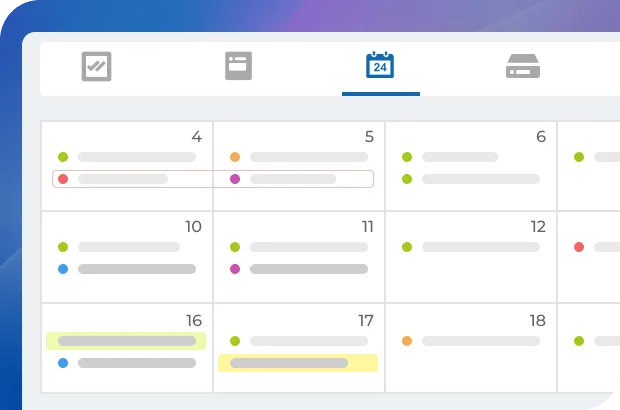
All the project management tools you need
Every project you create features its own chat, calendar, file storage, knowledge base, and a videoconferencing tool.
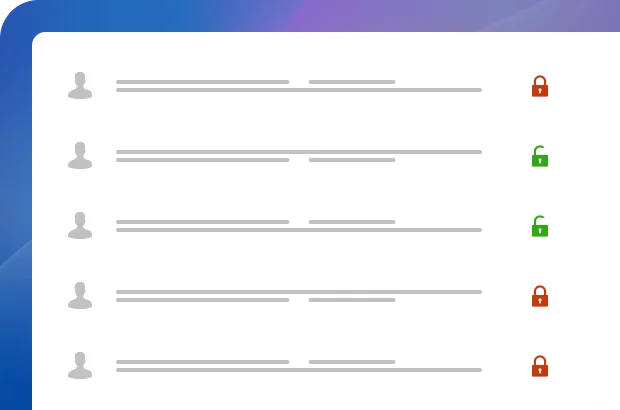
Access permissions
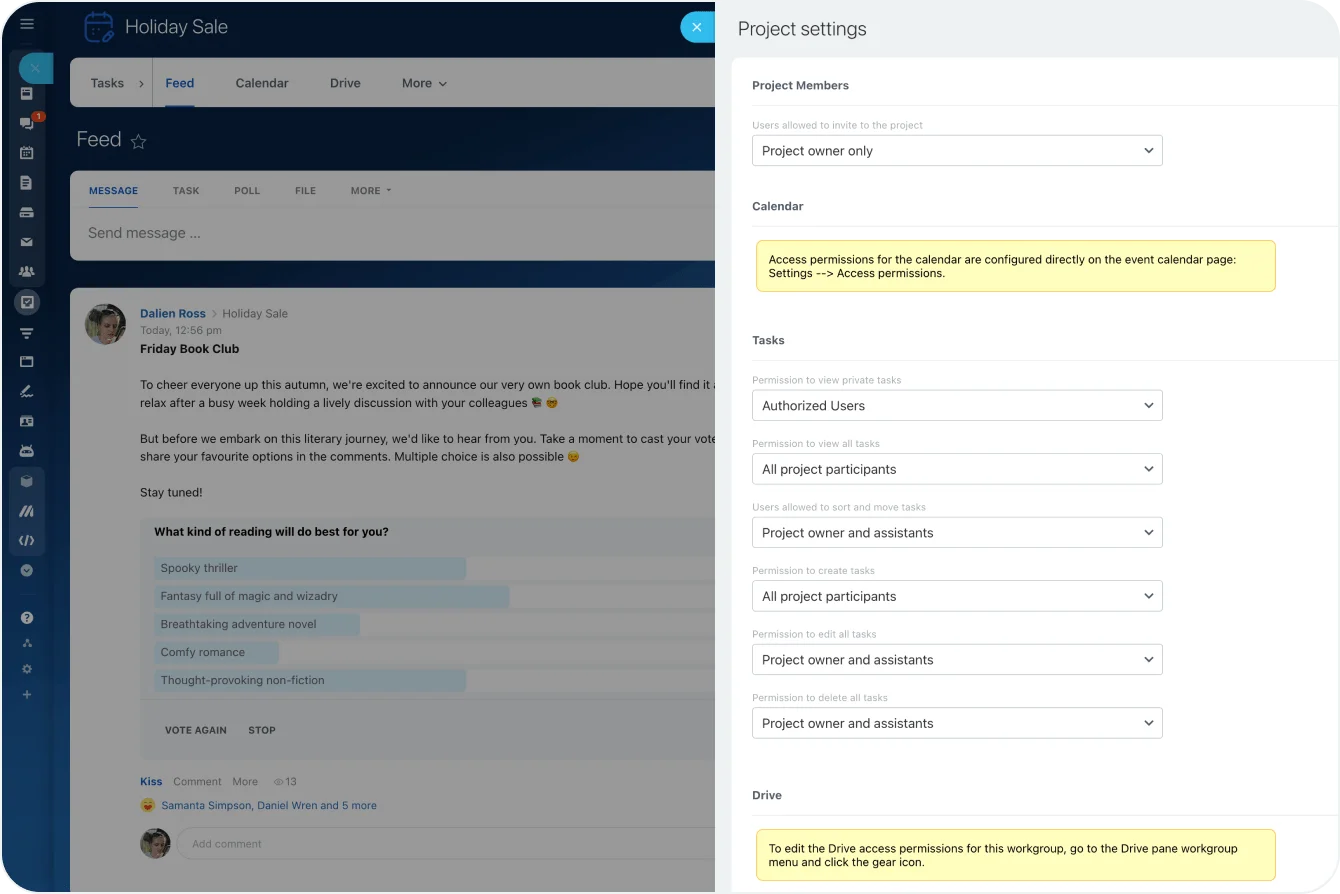
Set custom access permissions to decide which users can perform certain actions (e.g., assign, view, and edit tasks, view files on the project drive, etc.). Invite external users to collaborate with you on a project inside Bitrix24.

Ready to manage your projects with Bitrix24?
Workgroups
Workgroups in Bitrix24 are designed to accommodate a team that works on different projects, featuring all the collaboration and communication tools they might need.
Kanban board, Gantt chart, task list
Workgroup calendar, drive, and knowledge base
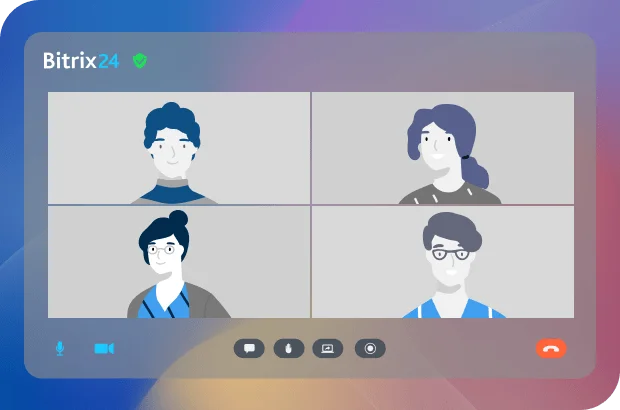
Workgroup chat and online meetings
External users
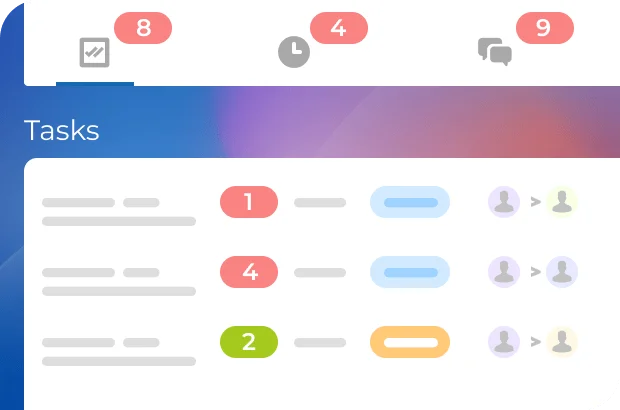
Different task modes to choose from
Depending on a project, your workgroup members can always choose the most convenient way to work with their tasks – Kanban board, Gantt chart, or a simple list.
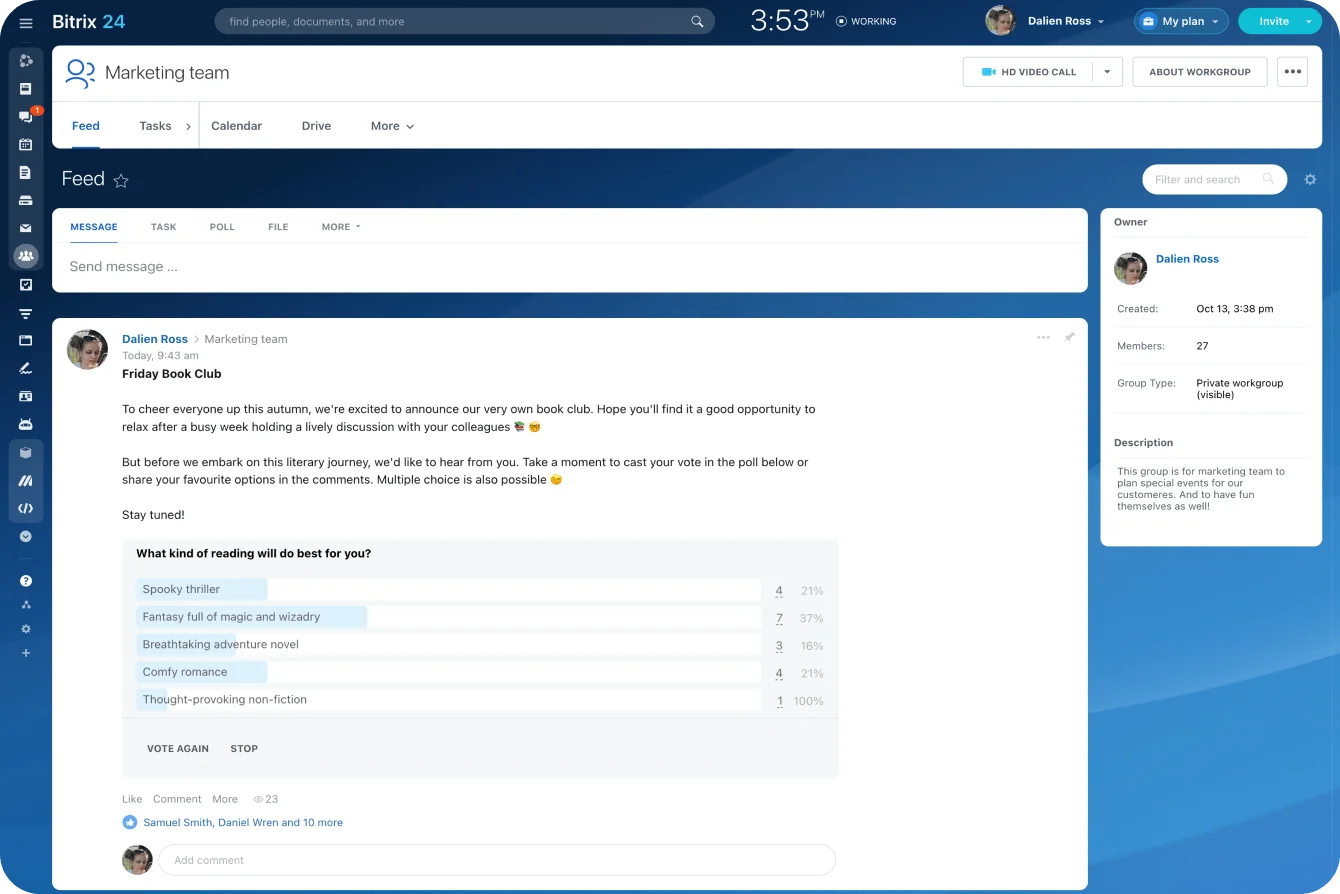
Every tool you need, always at hand
A workgroup can feature tasks, drive, chat, feed, calendar, knowledge base, and other tools, depending on your choice.
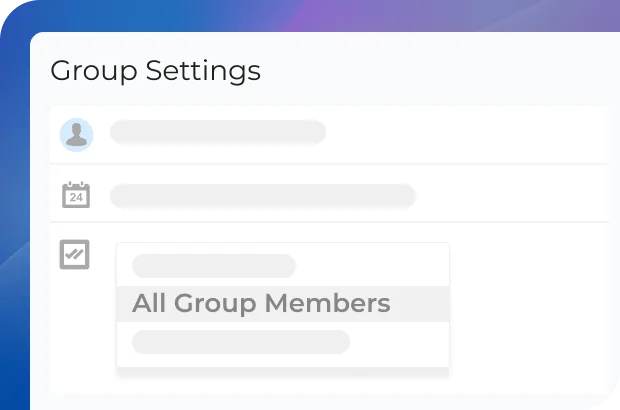
Roles and access permissions
Set custom access permissions to decide which users can perform certain actions (e.g., assign, view, and edit tasks, view files on the workgroup drive, etc.). Invite external users to join a workgroup inside Bitrix24.

Ready to manage your workgroups with Bitrix24?
What makes Bitrix24 better than 99% of other solutions on the market?
- Replaces all your current SaaS solutions
- Free forever for unlimited users
- Easy to migrate your data from other systems
- Integrated with all your favorite services and apps
- Used, loved, and trusted by 15,000,000+ organizations worldwide
- 100% flat fee: predictable costs, no per-user pricing

Project planning
With the Bitrix24 project management system, you can easily plan your personal daily tasks, complex projects, and even employee workload.
Kanban board
Gantt chart
Task time tracking
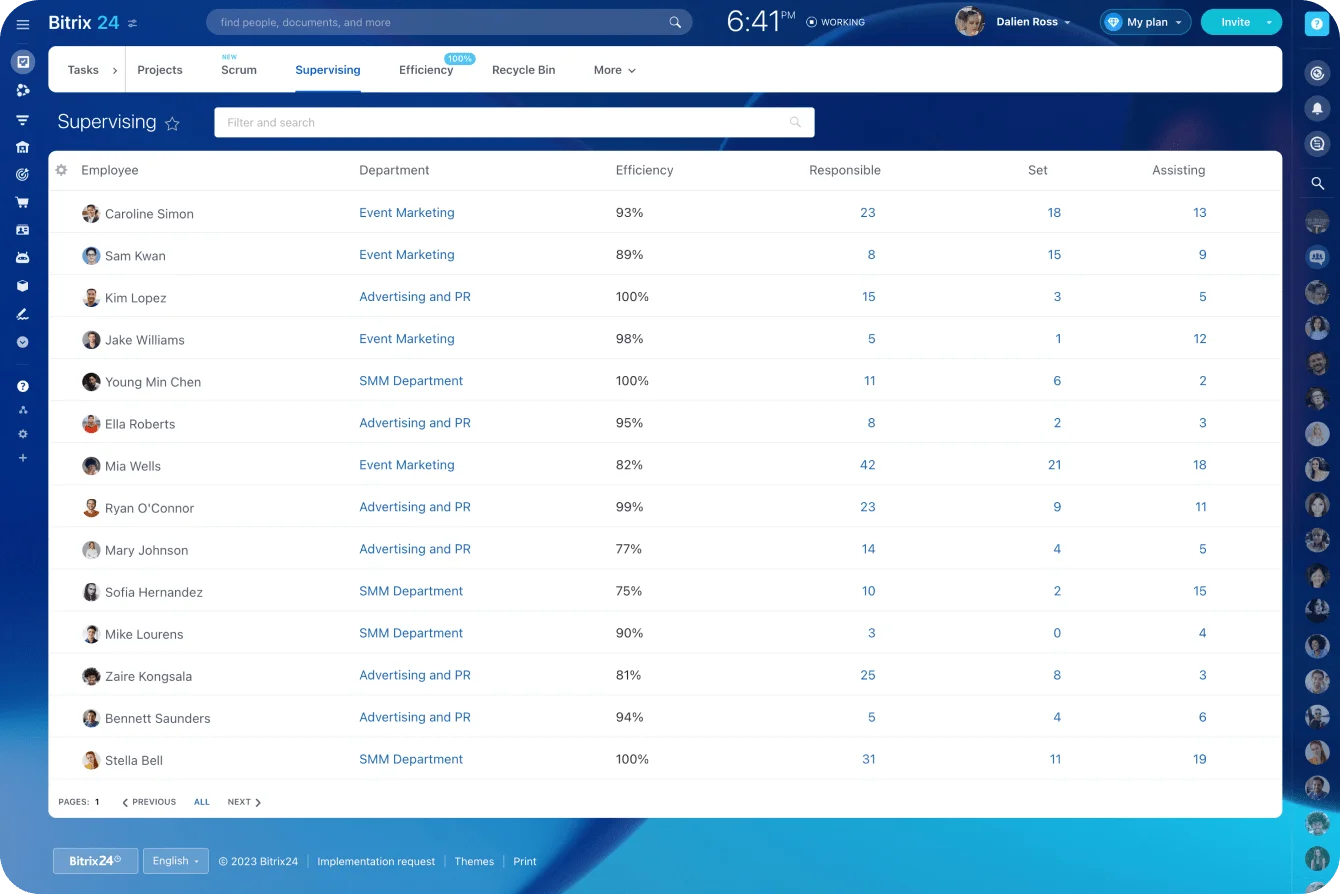
KPI and task efficiency
Employee workload planning
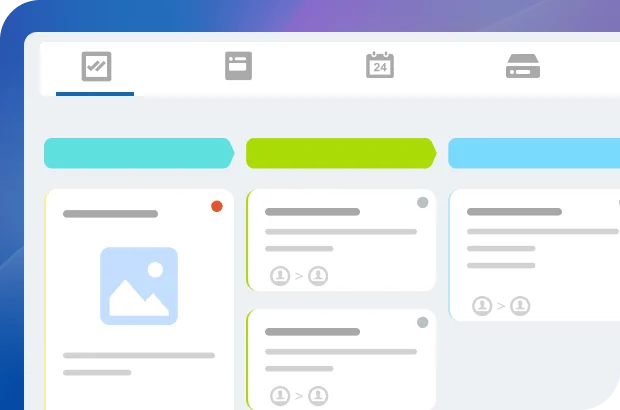
Kanban board
Kanban board is a simple and effective project management tool, allowing you to distribute tasks across a number of columns/stages with different names and colors.
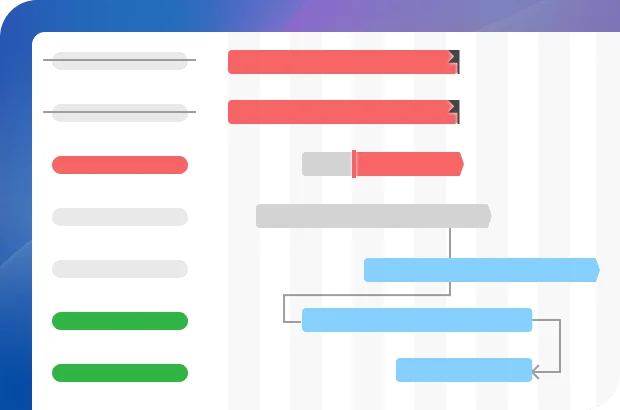
Gantt chart
Gantt chart is ideal for mapping out complex projects with a lot of related tasks performed in a particular sequence or dependency.
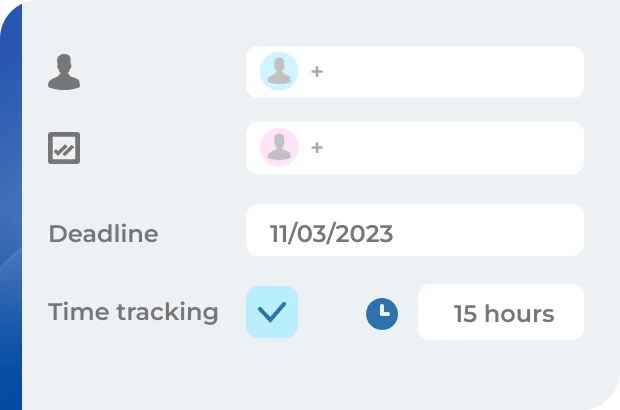
Workload planning and scheduling
With the task tracking tool enabled in Bitrix24, you can see how long it takes for an employee to complete a task. This data can be used for project scheduling and workload planning.

Ready to plan your projects with Bitrix24?
Task roles
Bitrix24 features several task roles designed to help you organize project work more efficiently. Plus, our free project management tool will always keep you notified of any project-related activity and help you focus on what's really important.
Four distinctive task roles
Observers and participants in tasks
Notifications and reminders
External users
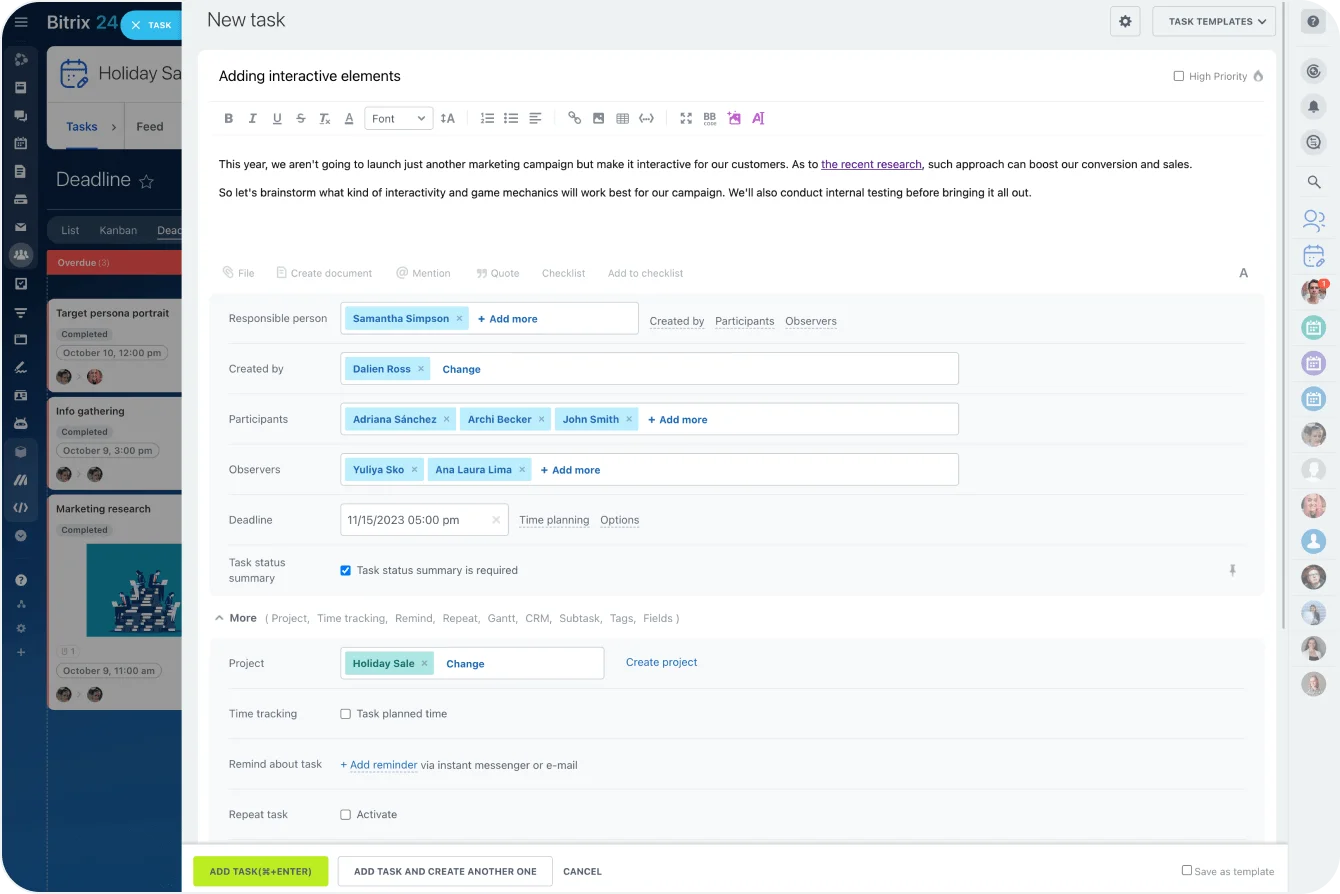
Four distinctive task roles
In Bitrix24, you can have 4 task roles: the person who assigned the task, the person it was assigned to (assignee), those helping the assignee (participants), and those who need to be in the loop (observers).
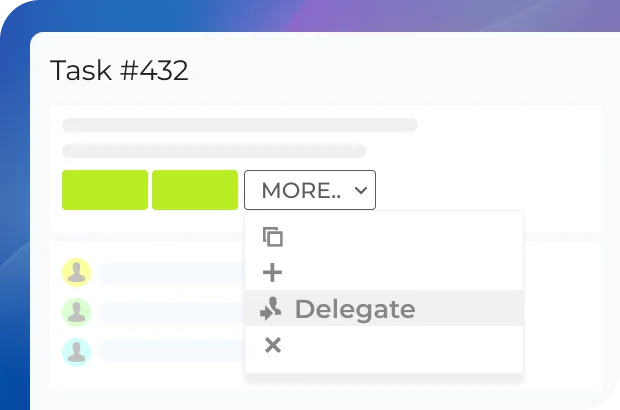
Observers in tasks
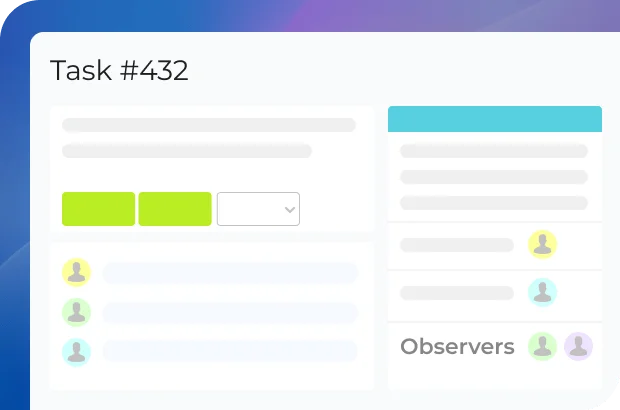
Adding an observer to a task in Bitrix24 is really convenient in situations when there's a person who does not actively participate in completing the task but needs to supervise the ongoing activity and maybe step in when necessary.
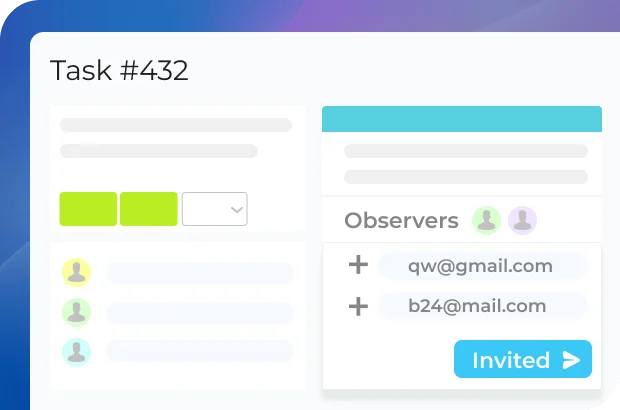
External users
Need to collaborate with a freelancer or contractor? Add them as external users to your Bitrix24. They will receive an invitation link via email or SMS and join without having to create an account. External users have limited access permissions, which you can customize.

Ready to manage task roles with Bitrix24?
Access permissions
When large teams work on a project, sometimes it makes sense to set different levels of access for different team members and groups, especially when it comes to financial and other sensitive data. Bitrix24 allows you to set granular access control for every project and task.
Task and project access permissions
External users
Permission to view and edit project-related files
Authorization history
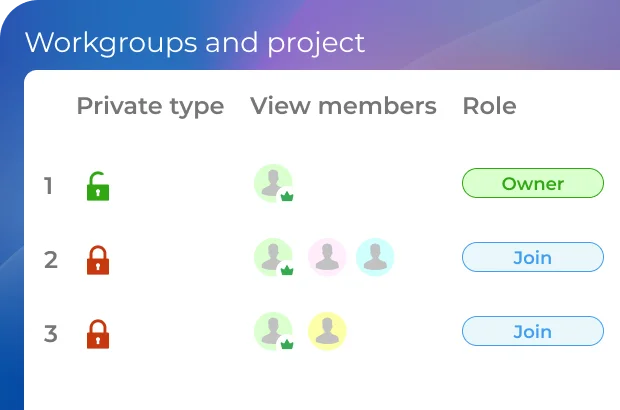
Different project privacy levels
Projects in Bitrix24 can have three privacy levels: public (anyone can view and join), private (invitation-only access), and hidden (the project is not listen or visible to anyone except its members).
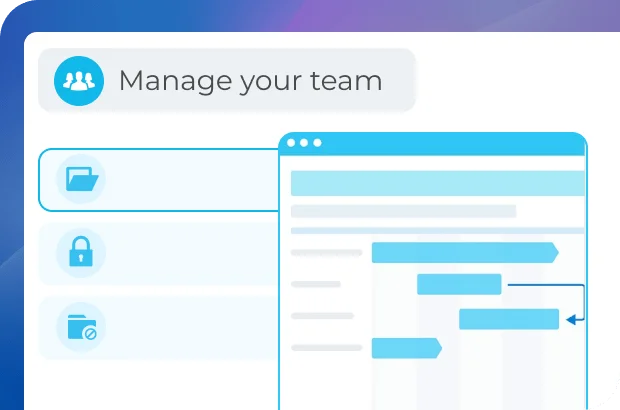
Granular access permissions
Within a project or workgroup, you can set per-user (per-group) access permissions, deciding who can assign tasks, view/edit files, post comments, etc.
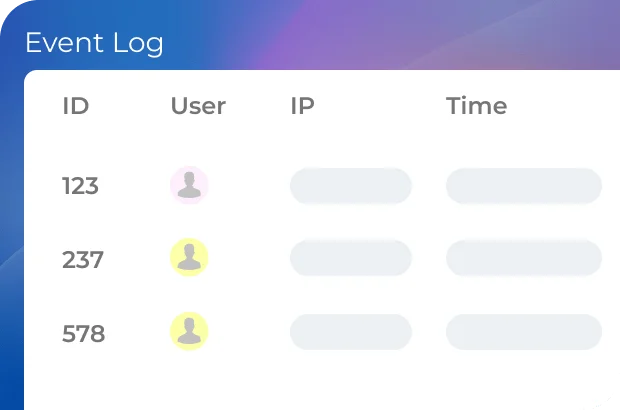
Authorization history
Bitrix24 agile project management software gives you the ability to view the list of all users who logged in to their Bitrix24 account, with time, date, and device they used for authorization.
More than just project management
Explore the full potential and amazing capabilities of Bitrix24.



Enhance your Bitrix24 experience
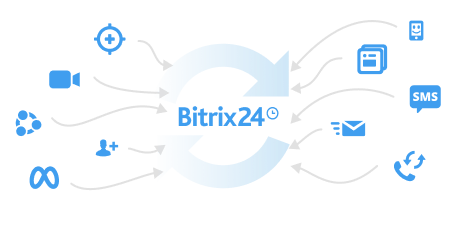
Go beyond the standard functionality and migrate your data easily using apps, add-ons, and extensions from the Bitrix24 Market.
- 1 Integrations with WhatsApp, telephony, etc.
- 2 One-click data migration to Bitrix24.
- 3 550+ apps and solutions in the catalog














Ready to get started?
Used and trusted by over 15,000,000 organizations around the world, Bitrix24 is a perfect choice for your business
Start for free Request assistance from Bitrix24 partners