Mobile communications

Messenger
Our messenger is a secure way of keeping all your team communications inside the company. Create chats and channels, communicate with external users (freelancers, contractors) via Collab, share files and give reactions.
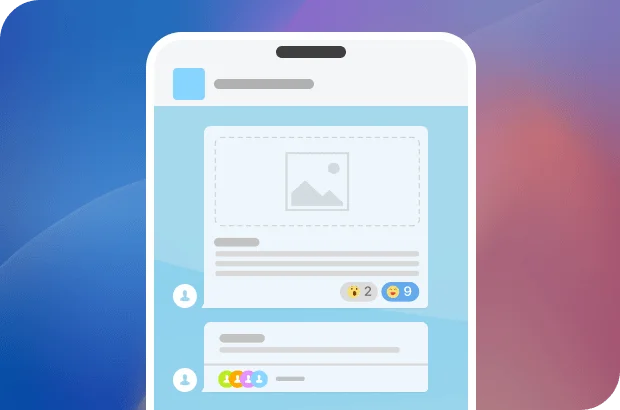
Likes, reactions, and emojis
Chat history search
Message auto-delete
Polls to collect feedback & opinions
AI-powered assistant CoPilot
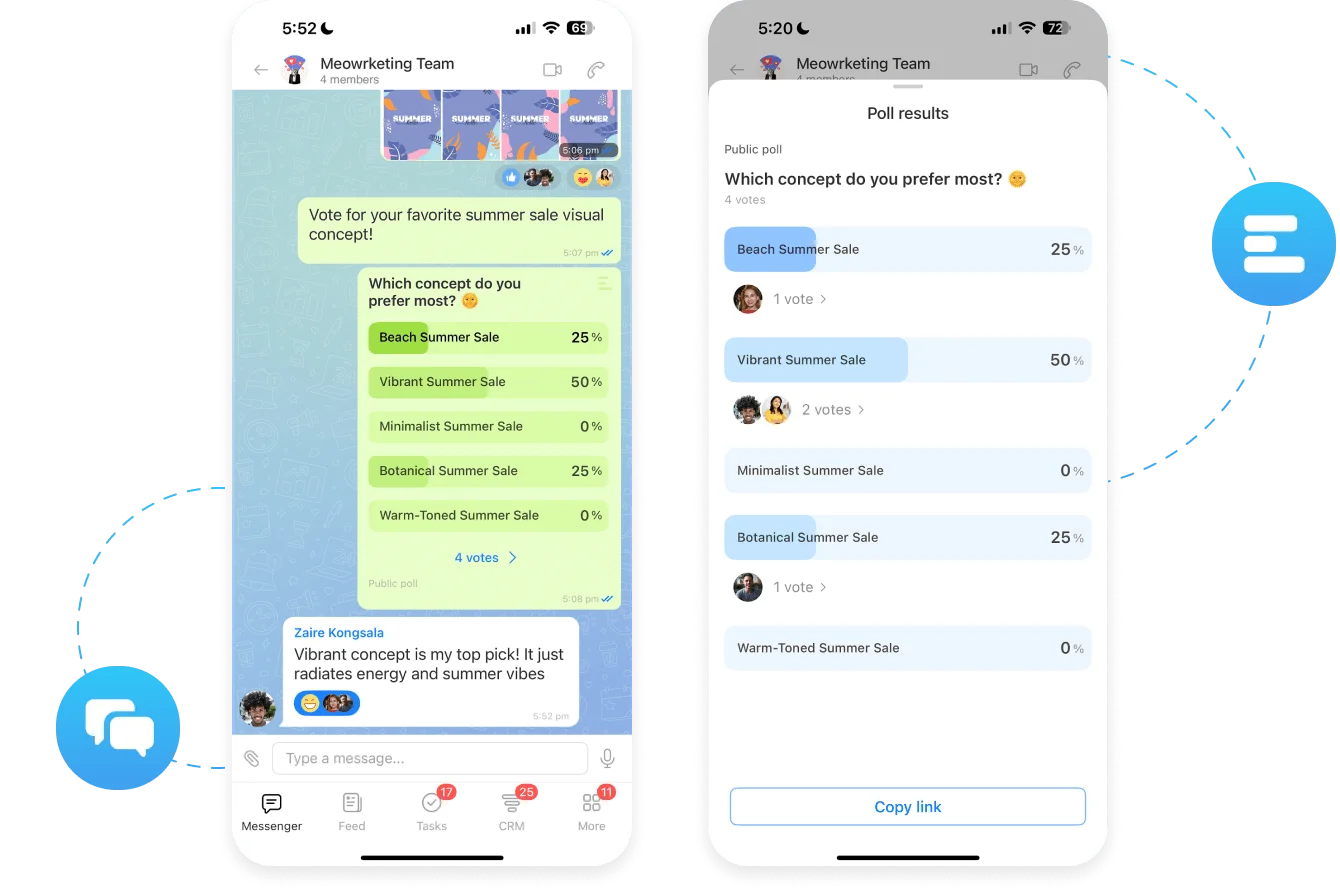
One team – one messenger
Bitrix24 Messenger ensures swift, productive, and secure communication that's organically tied in with the rest of our collaboration tools and CRM.
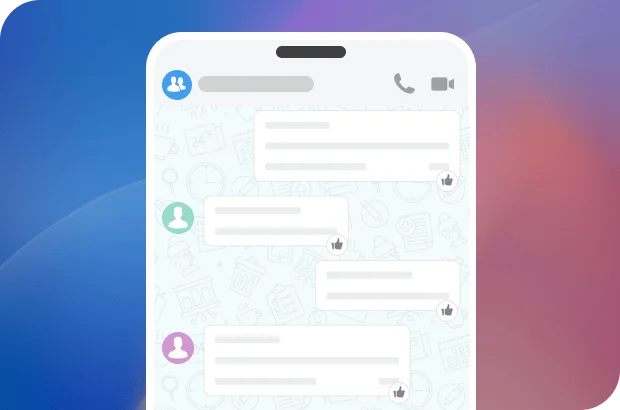
Channels
Create a channel for company announcements, employee onboarding, or industry news to share information in a way that’s both organic and engaging.
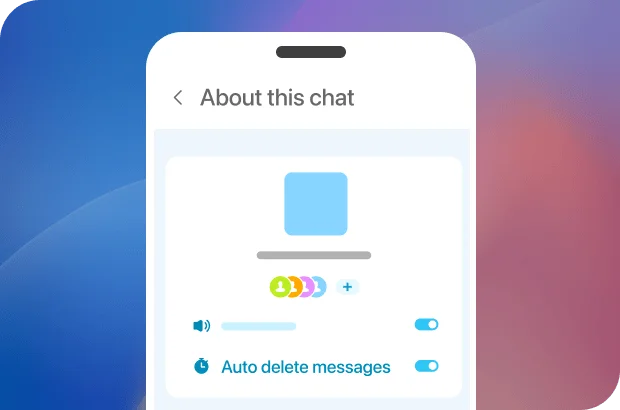
Auto-delete for peace of mind
Set custom expiration timers for messages that contain sensitive or time-limited info. Once deleted, it’s gone – permanently removed from our servers for true privacy.

Ready to use mobile chats in Bitrix24?
Video calls
Why spend time exchanging messages when you can make a quick video call? Resolving work issues and discussing new ideas is always easier that way. Start an online meeting right from a chat, an event in your calendar, or directly from any task in our mobile app.
100+ participants
AI video call analytics
No time limit
Screen sharing
Custom backgrounds
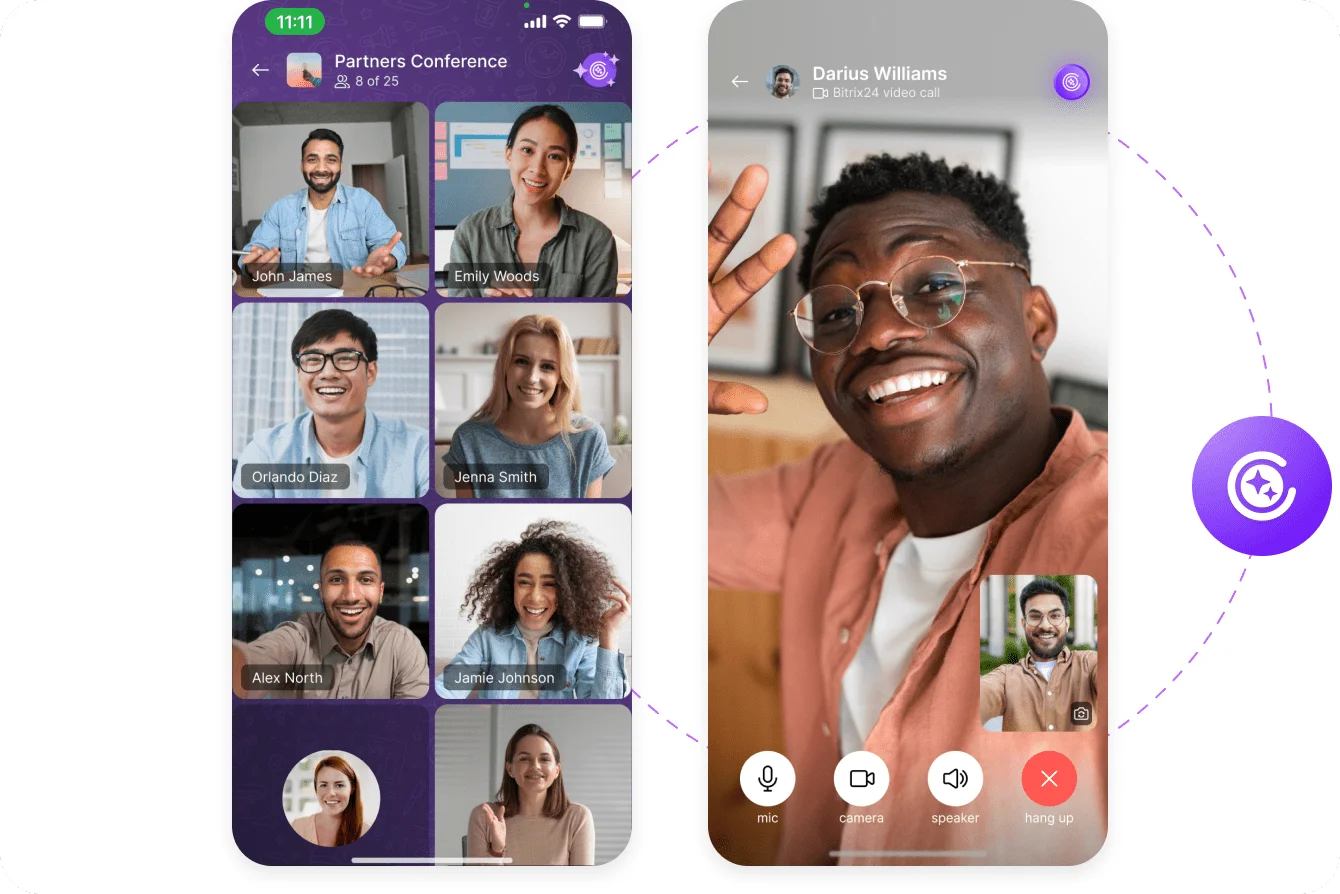
Ideal for remote work
Get your team together for a quick online discussion. Share your screen, send over files and links, enjoy crisp clear audio and video quality even with slow Internet connection.
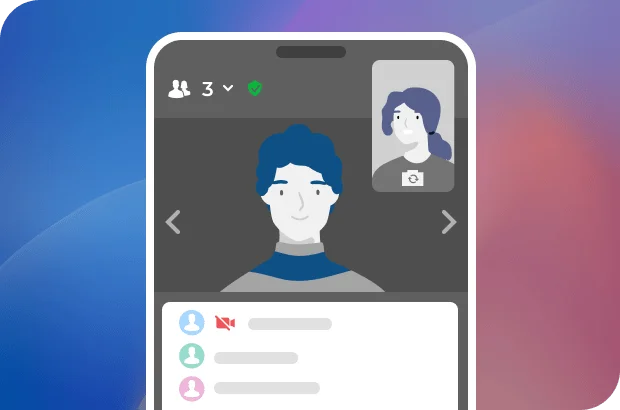
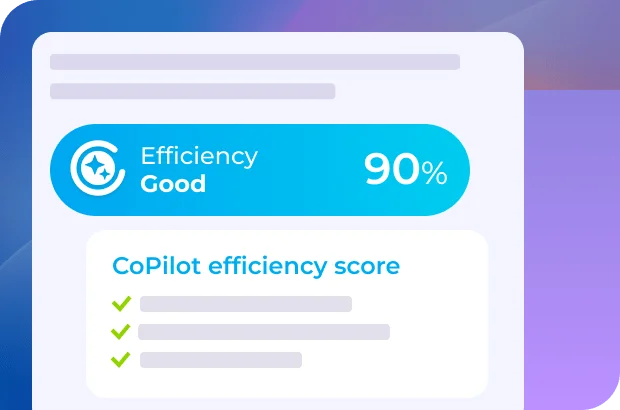
AI video call analytics
Our AI-powered assistant CoPilot can analyze your video calls, providing a detailed report with key discussed points and recommendations on how to increase call productivity.
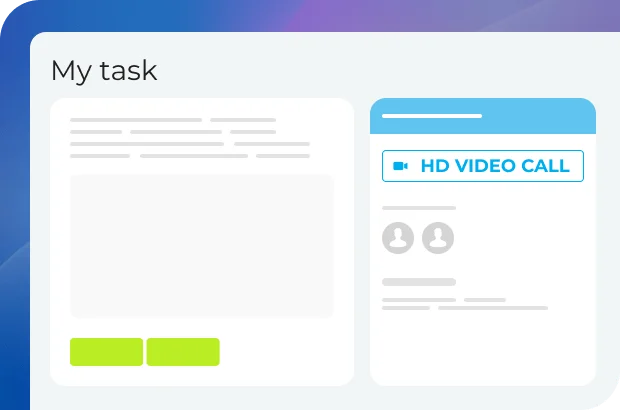
Online meetings right where you need them
You can quickly set up an online meeting from a chat, task, calendar event, or even a lead or a deal in CRM.

Ready to use video calls in Bitrix24?
Work email, wherever you are
Stay on top of emails even when you are away from your desk. Read, reply to, and forward messages, turn emails into tasks, events, or CRM items – all without switching tools.
Full mobile email
Fast email actions
Reply anywhere
Email to tasks
CRM-linked workflows
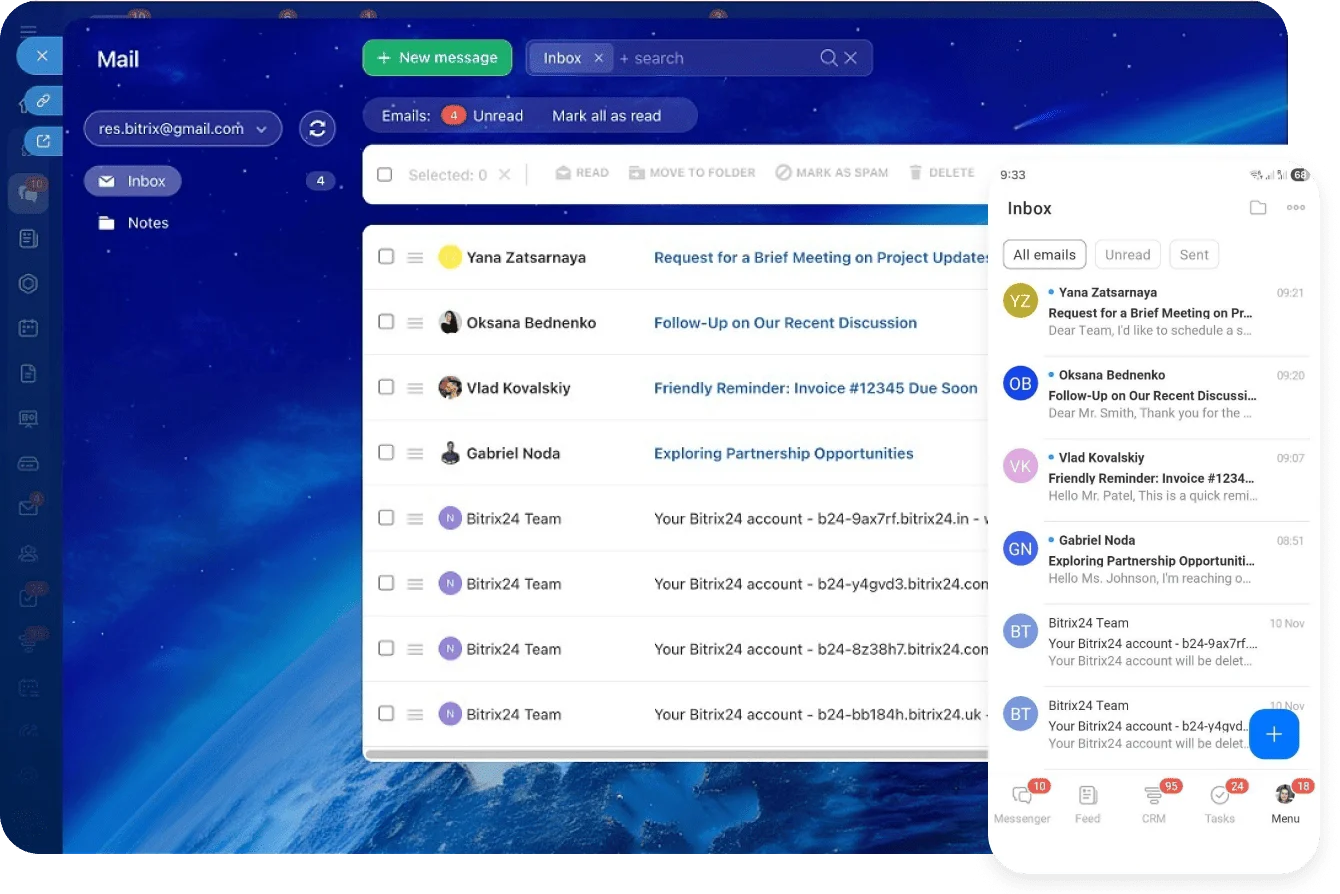
Handle emails on the go
Work with email much like you would on a computer. You can read incoming messages, send replies, and forward emails whenever you need to.

Turn emails into work items
From the mobile app, emails can quickly become tasks, events, CRM forms, and other follow-up actions. This helps you move from communication to execution without losing time.
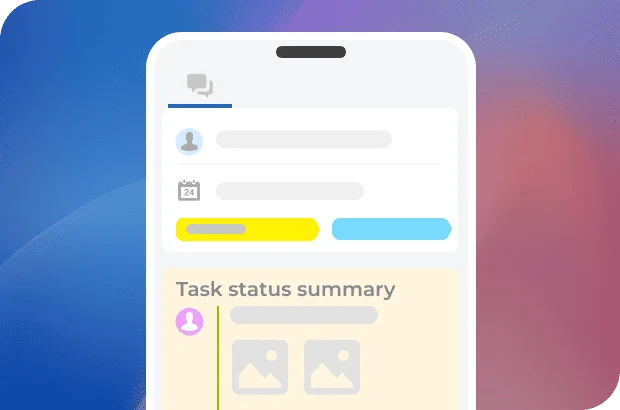
Set up on desktop, work on mobile
Mailbox settings are configured in the desktop version of Bitrix24. Once your email is connected, you can use the mobile app for all the main day-to-day email actions.
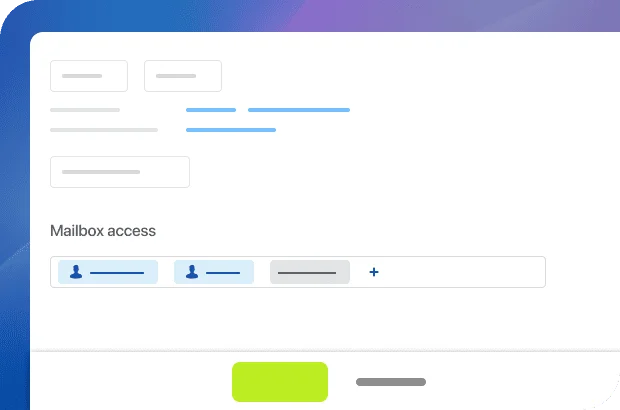

Ready to use email in Bitrix24?
What makes Bitrix24 better than 99% of other solutions on the market?
- Replaces all your current SaaS solutions
- Free forever for unlimited users
- Easy to migrate your data from other systems
- Integrated with all your favorite services and apps
- Used, loved, and trusted by 15,000,000+ organizations worldwide
- 100% flat fee: predictable costs, no per-user pricing

Comments in tasks
Leave comments under tasks in your workgroup or reply to comments left by others. This is a great way to discuss task progress and exchange opinions with your teammates.
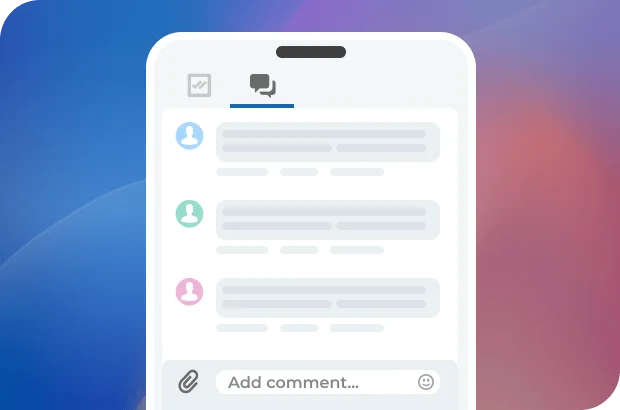
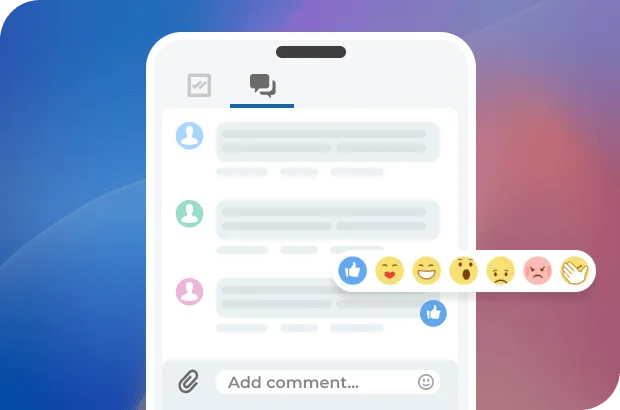
Likes and reactions
Too busy to write a comment? Just let your colleagues know you've seen and understood their message by simply leaving a like or choosing an appropriate reaction.
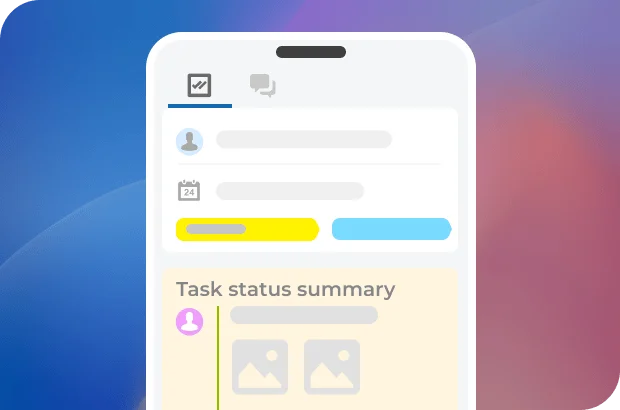
Task status summary
Even with 100+ comments under a task, the responsible person can always pin a comment that contains task summary, thus signifying the completion of that task.

Ready to communicate with your team in Bitrix24?
Calendar
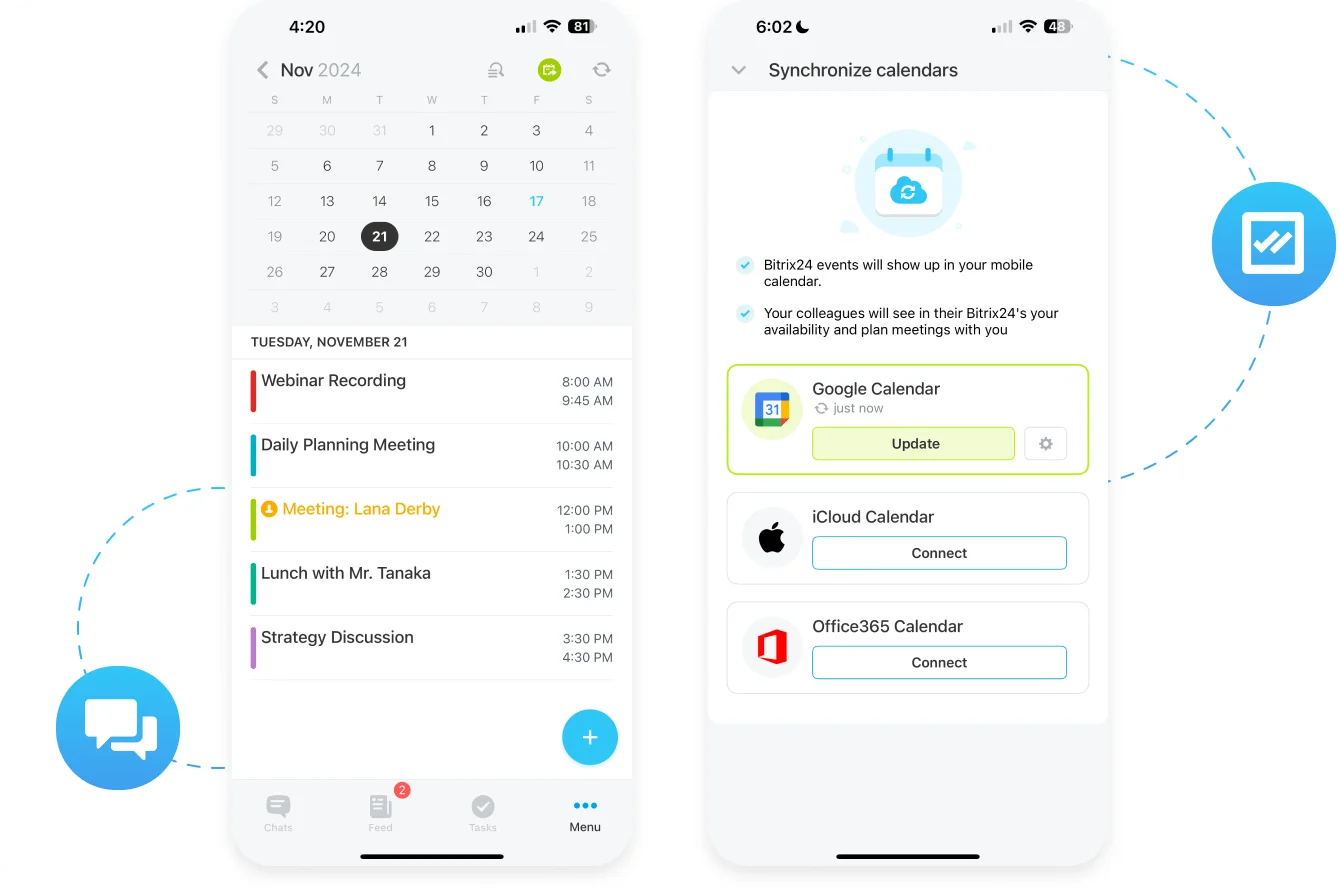
Set up meetings with your clients in just a few taps, right from a deal or lead. Organize online video calls with your team to discuss work-related issues, or simply have a daily planning meeting.
Auto-sync with Google and Apple Calendars
iPhone integration
Quick call or chat from a calendar event
Schedule calls or meetings from CRM
Plan your day
Organize meetings and events, invite your clients and external users, schedule appointments and plan your day – all with Bitrix24 mobile app.
Organize events
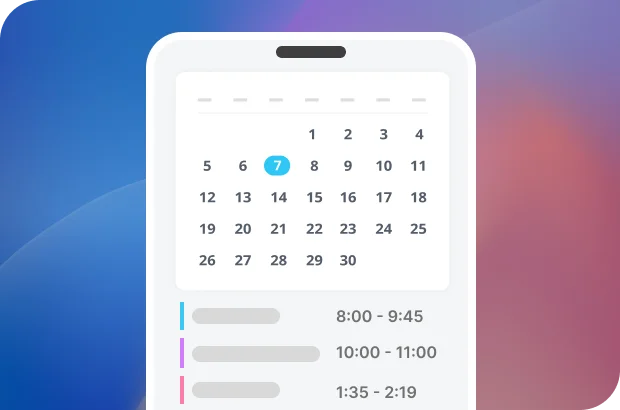
There's so much you can do with a simple event in Bitrix24 Calendar: create a quick chat, call up a client right from a deal/lead, set up an online meeting, assign a task, and more.
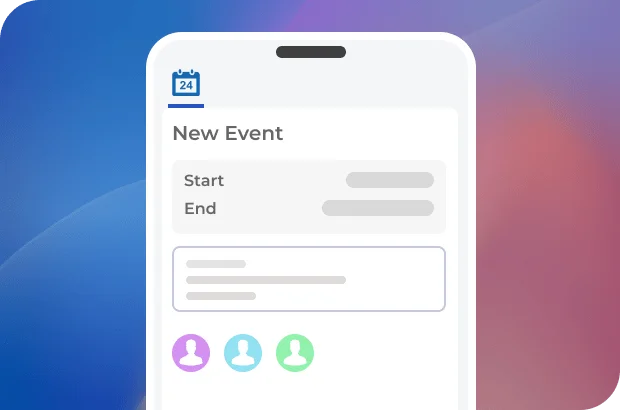
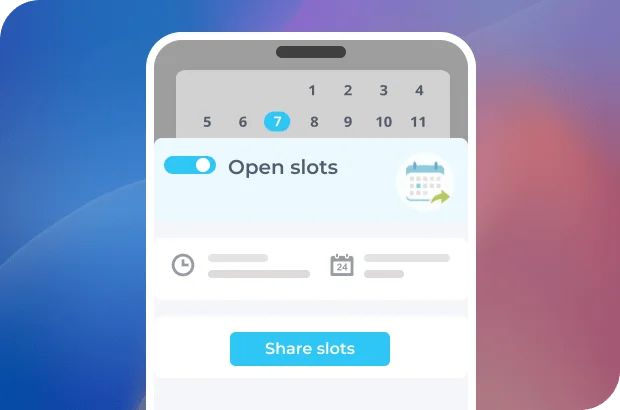
Schedule meetings with clients
Send a link to your calendar to the client so that they could pick an available time slot. After the meeting, you can update the respective deal or simply add notes.
More than just online workspace
Explore the full potential and amazing capabilities of Bitrix24.

Enhance your Bitrix24 experience
Go beyond the standard functionality and migrate your data easily using apps, add-ons, and extensions from the Bitrix24 Market.
- 1 Integrations with WhatsApp, telephony, etc.
- 2 One-click data migration to Bitrix24.
- 3 550+ apps and solutions in the catalog














Ready to get started?
Used and trusted by over 15,000,000 organizations around the world, Bitrix24 is a perfect choice for your business
Start for free Request assistance from Bitrix24 partners
Comments
Comments in the Bitrix24 mobile messaging app are a quick and easy way to discuss work-related issues and share important information with your team. Likes, reactions, and quotes add a bit of human touch to the usual office communication routine.
Comments in tasks
Notifications and mentions
Likes and reactions
Task status summary