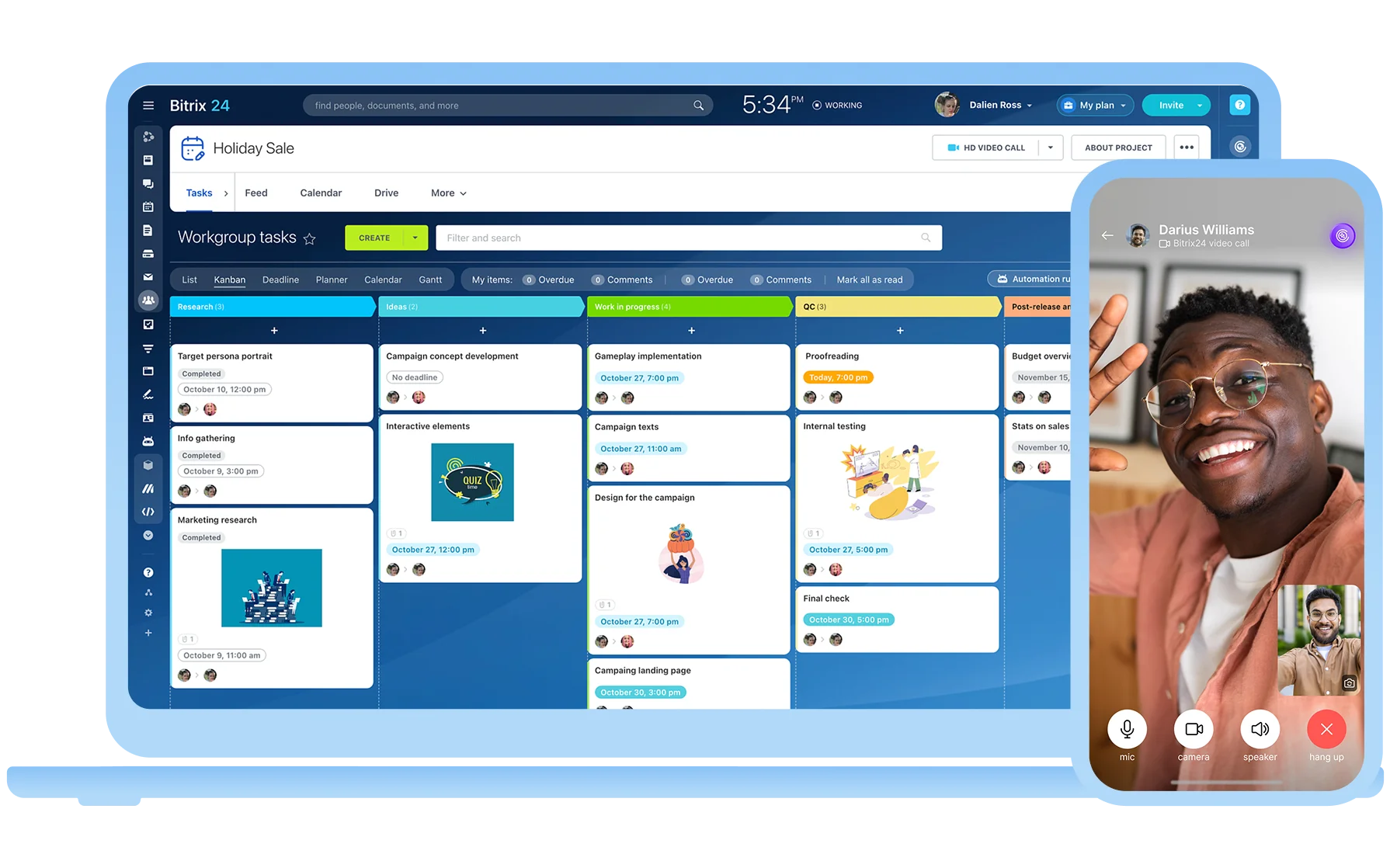
All your business tools
in one mobile app
One app for all your business
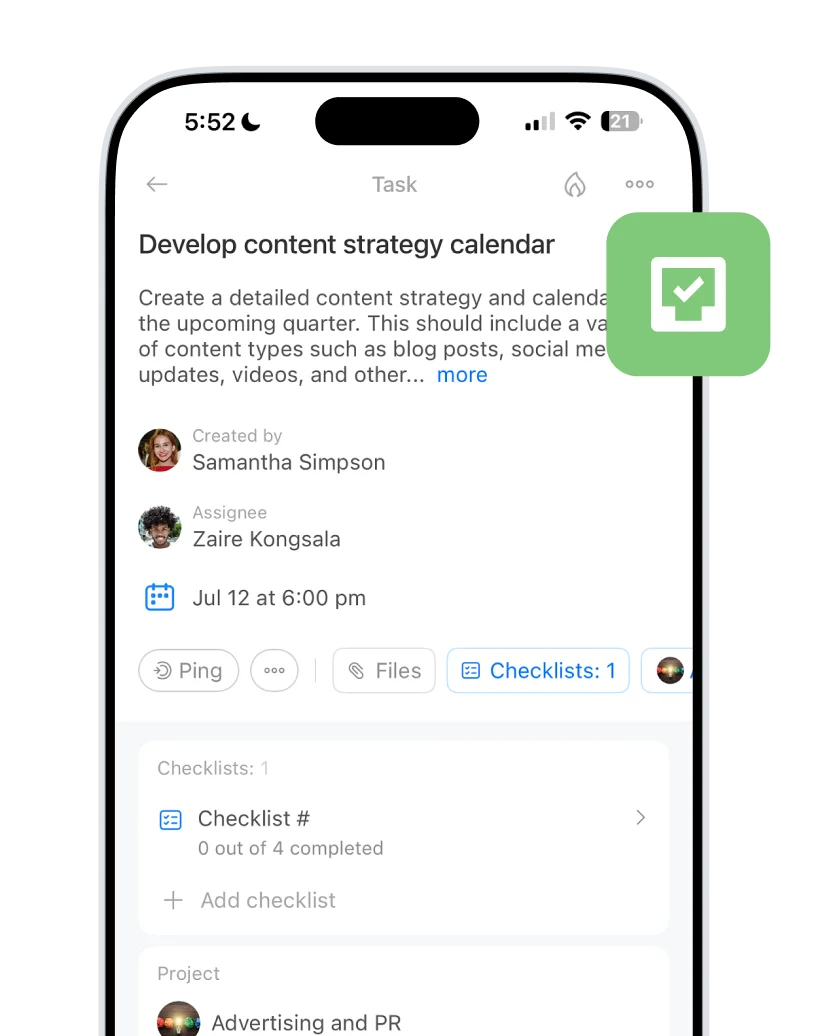
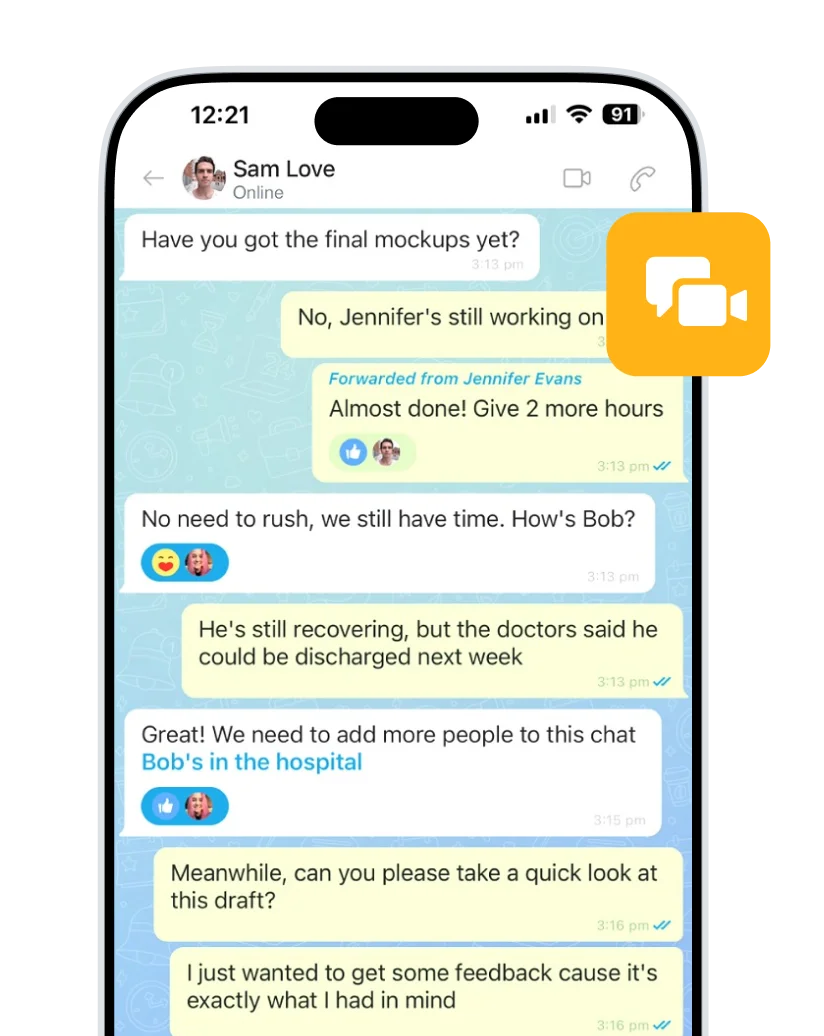
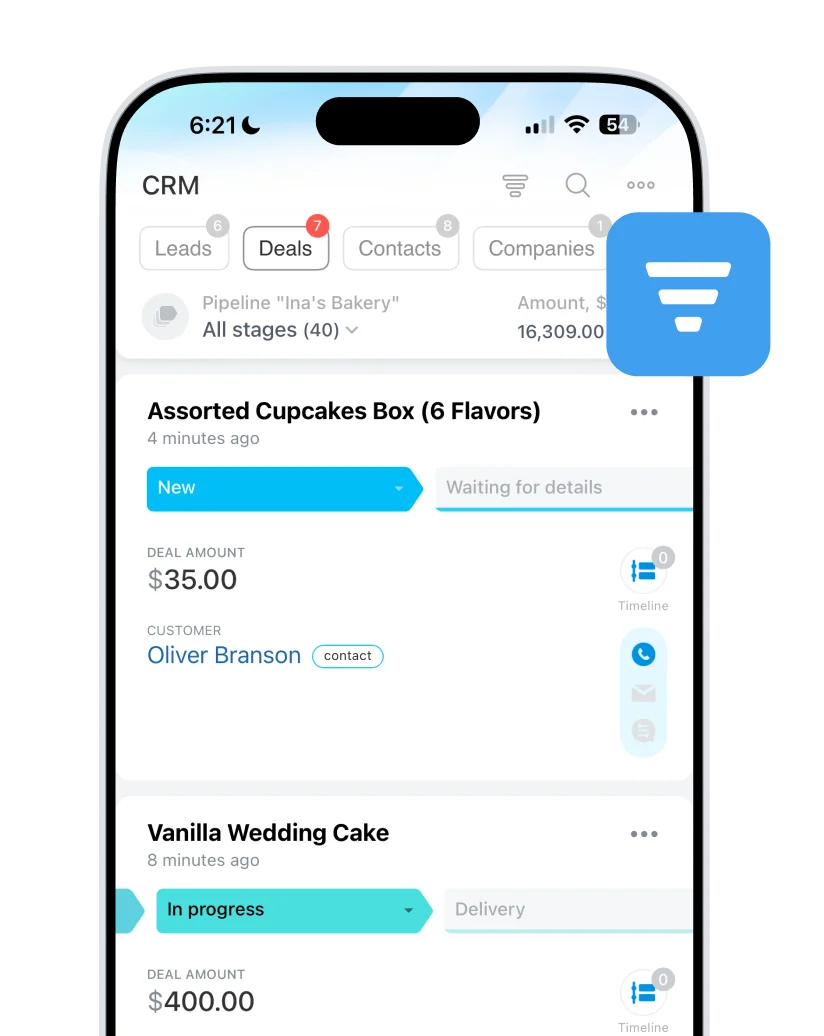
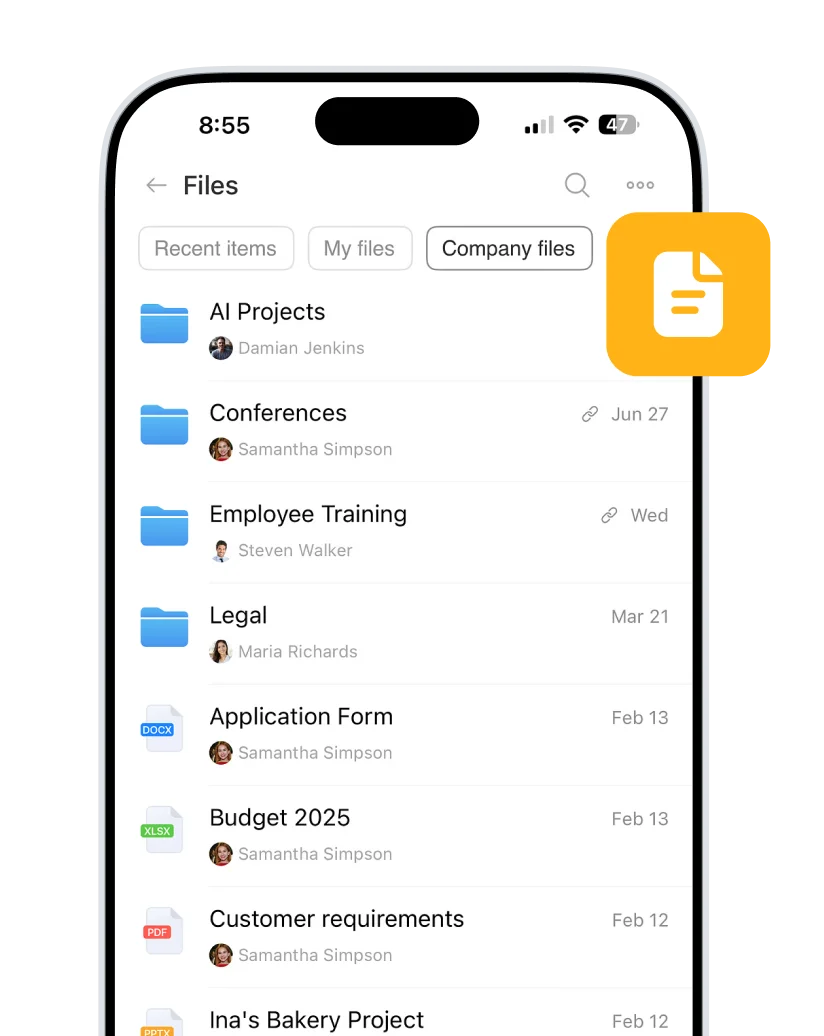
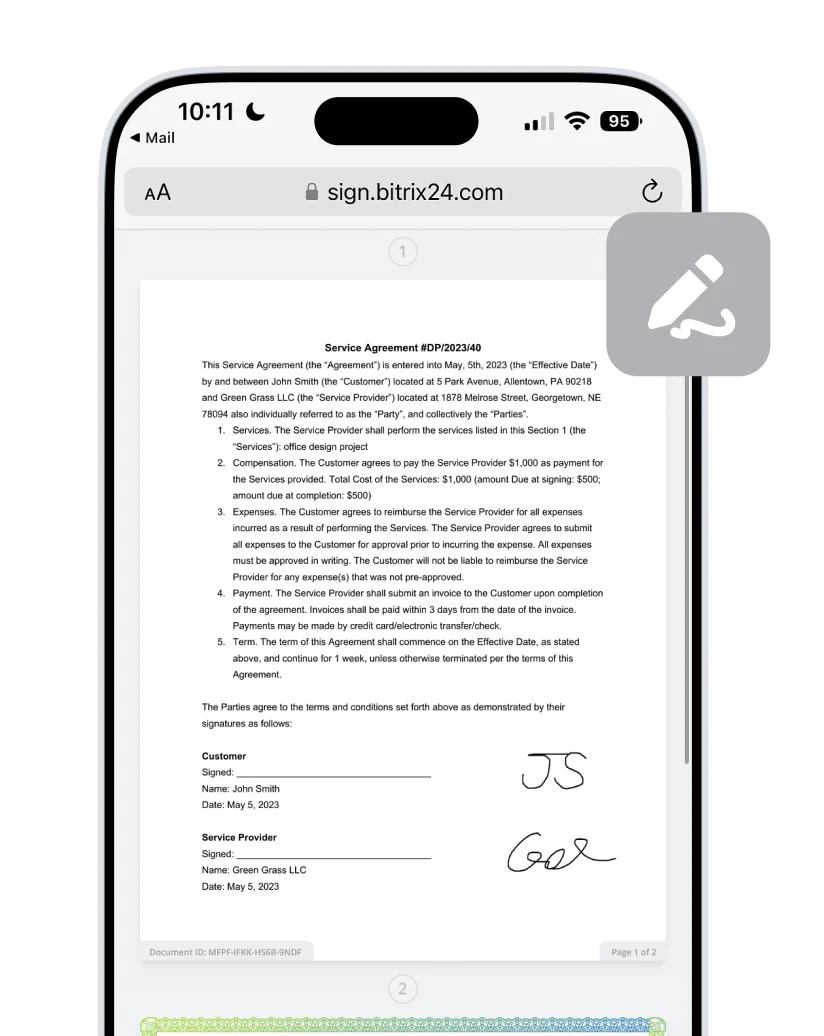
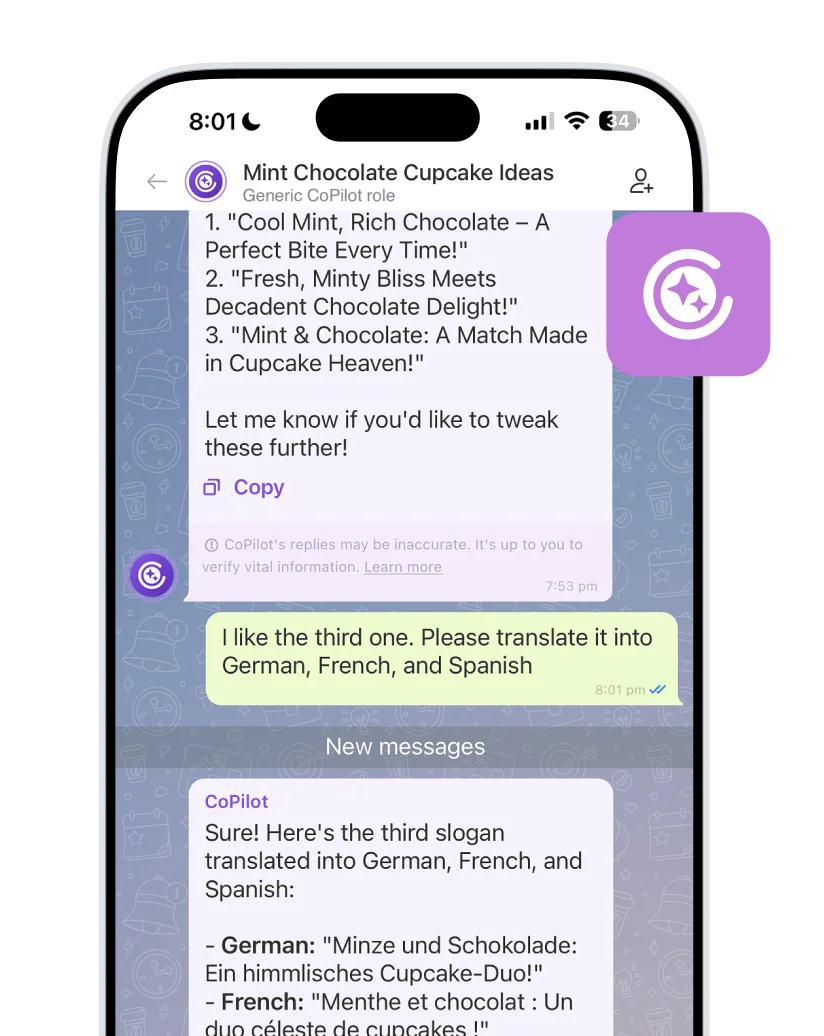
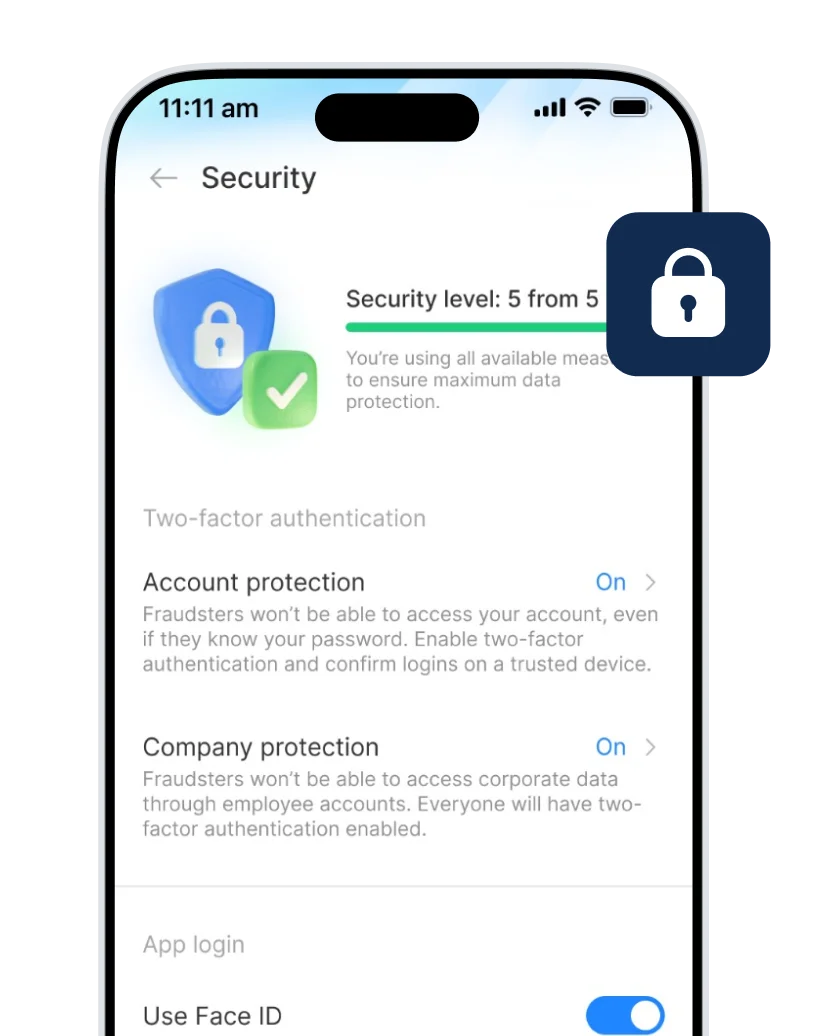
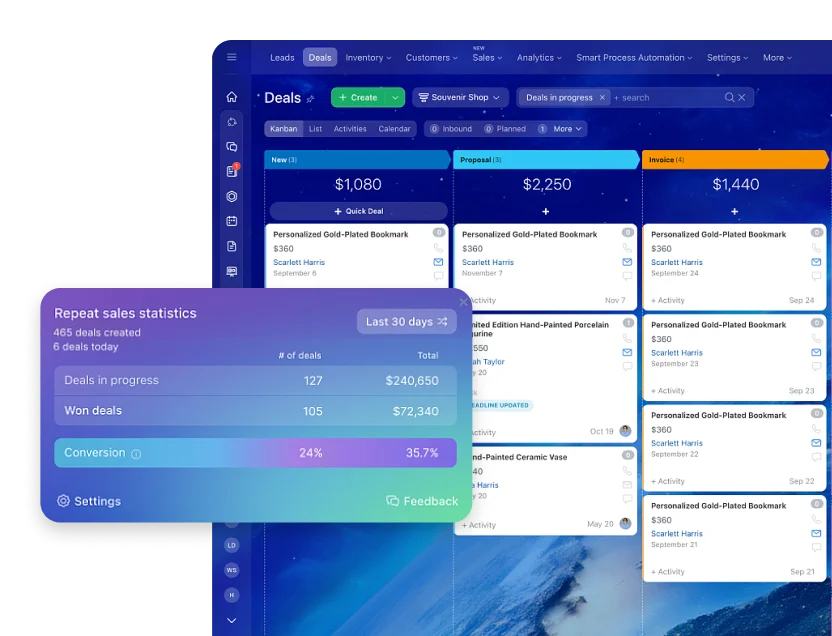
Bitrix24 mobile app brings your CRM, tasks, communication, and team collaboration into one platform. Available for download on the App Store, Google Play, and Huawei AppGallery. Manage your sales, clients, projects, and team with the Bitrix24 mobile app. Available for iOS and Android devices.

DOWNLOAD APP
Customer reviews
Download Bitrix24 app
Mobile App
- iOS
- Android
- Huawei

Desktop App
DOWNLOAD
Not a Bitrix24 user yet?
Your ultimate workspace is just a few clicks away.
Create a free account
Invite your team
Download the mobile app
Access your work from any device
Use the browser version of Bitrix24 at your desk and our mobile app everywhere else. Stay responsive, keep work moving, and never lose track of what matters.
The mobile app is great for working on the go, while the browser version offers a superior desktop experience from your laptop, PC, or Mac.
FAQ
What is the Bitrix24 mobile app and is it free?
The Bitrix24 mobile app lets you use your Bitrix24 workspace on your smartphone or tablet with a mobile-optimized interface. It is completely free for an unlimited number of users.
What can I do in the Bitrix24 App?
You can chat with your team, work with tasks, manage CRM records, join calls, open files, and keep track of daily work from your phone.
What communication features are available?
The app includes chats, comments, notifications, calls, video calls, and activity updates.
How does task management and reporting work on mobile?
You can create tasks, assign responsible users, set deadlines, comment on progress, and monitor updates from your phone.
Does the mobile app include CRM and business processes?
Yes, the Bitrix24 mobile app gives access to CRM records, deals, contacts, approvals, and workflow actions.
Can I work with documents and knowledge base on mobile?
Yes, you can open files, share documents, and access knowledge base content from the app.
How do I start using Bitrix24 mobile app with my team?
Create a free Bitrix24 account, invite your team, and ask everyone to install the mobile app.