Task tracking
Checklists and subtasks
Checklists and subtasks come in handy when you need to tackle a big, complex task and ensure its flawless completion in the Bitrix24 task tracking software.
Improved task control
Easier to manage complex tasks
Unlimited subtasks and checklists
Separate assignee for each item in a checklist
Improved task control
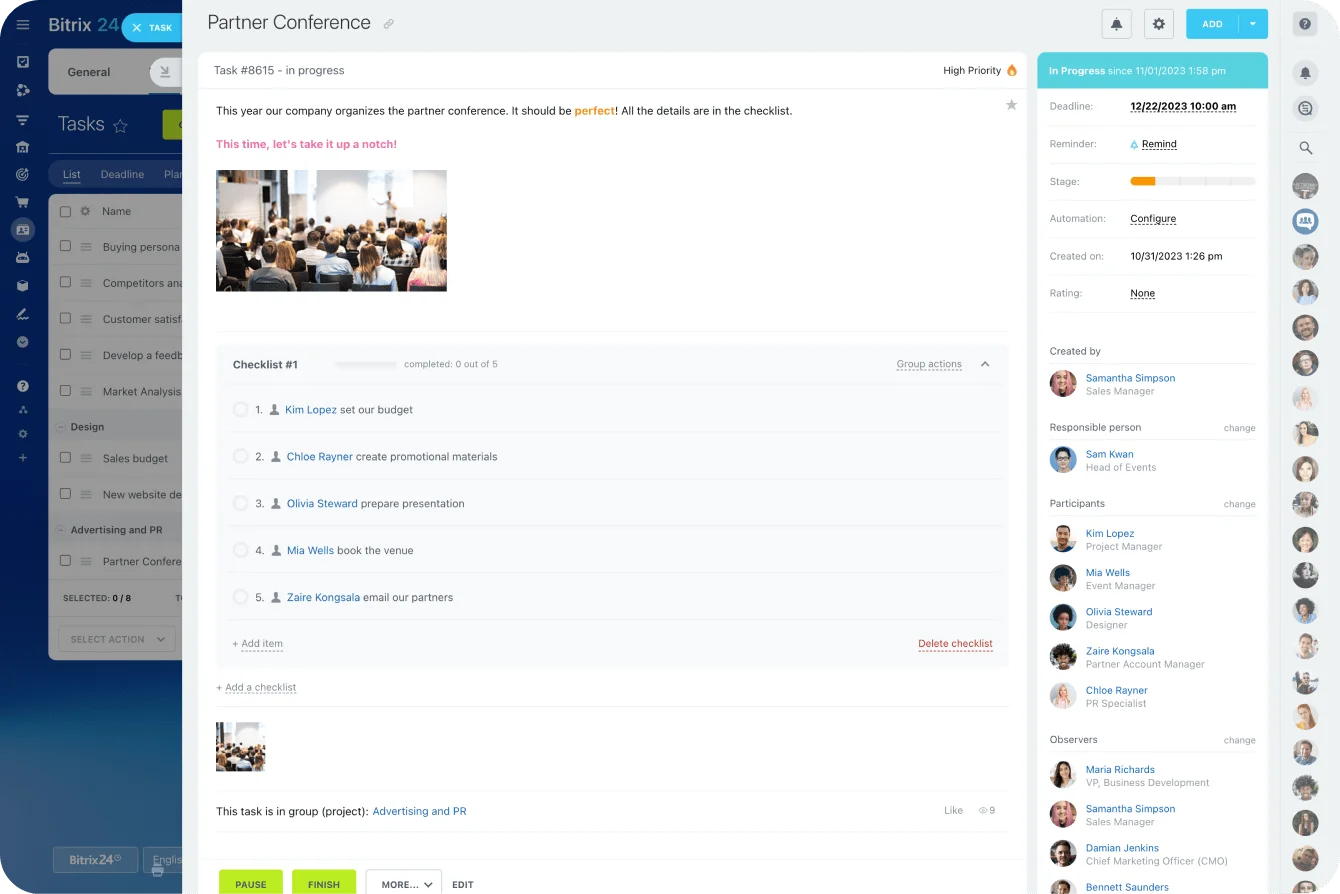
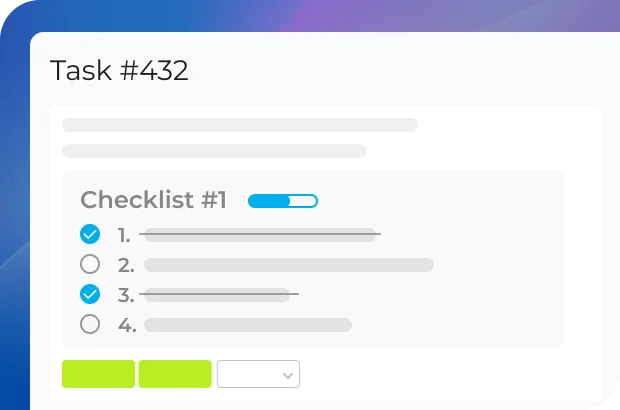
Adding a checklist to your task in the Bitrix24 work task tracker makes it easy to complete it and ensure that nothing important has been overlooked.
Easier to manage complex tasks
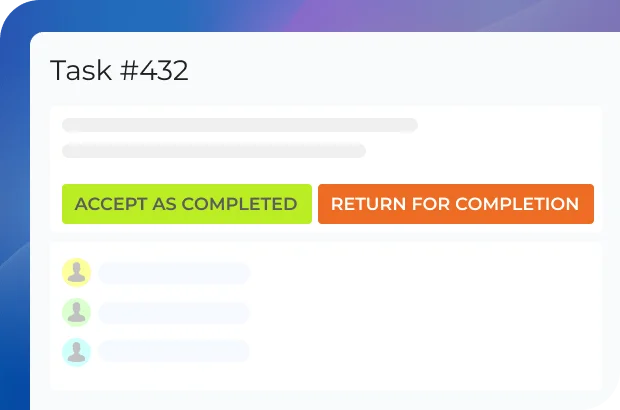
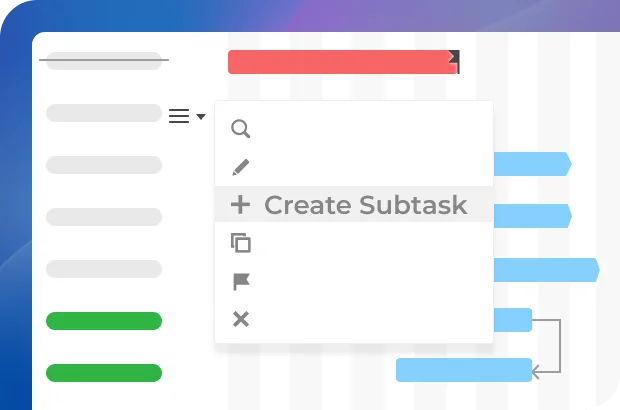
Subtasks are ideal in situations when a task you're working on is just too big, and you need to split it into several smaller chunks of work, each with its own assignee.
Unlimited subtasks and checklists
Create as many checklists or subtasks as you need and keep completing them one by one until you finish the whole task.

Ready to use checklists & subtasks in Bitrix24?
Task summary
Even with 100+ comments under a task, the assignee can always pin a comment that contains the final task result, marking it as a summary and thus signifying the completion of that task.
Easy to see the task results
Ideal for supervisors
Improved project task tracking
Works as a task report
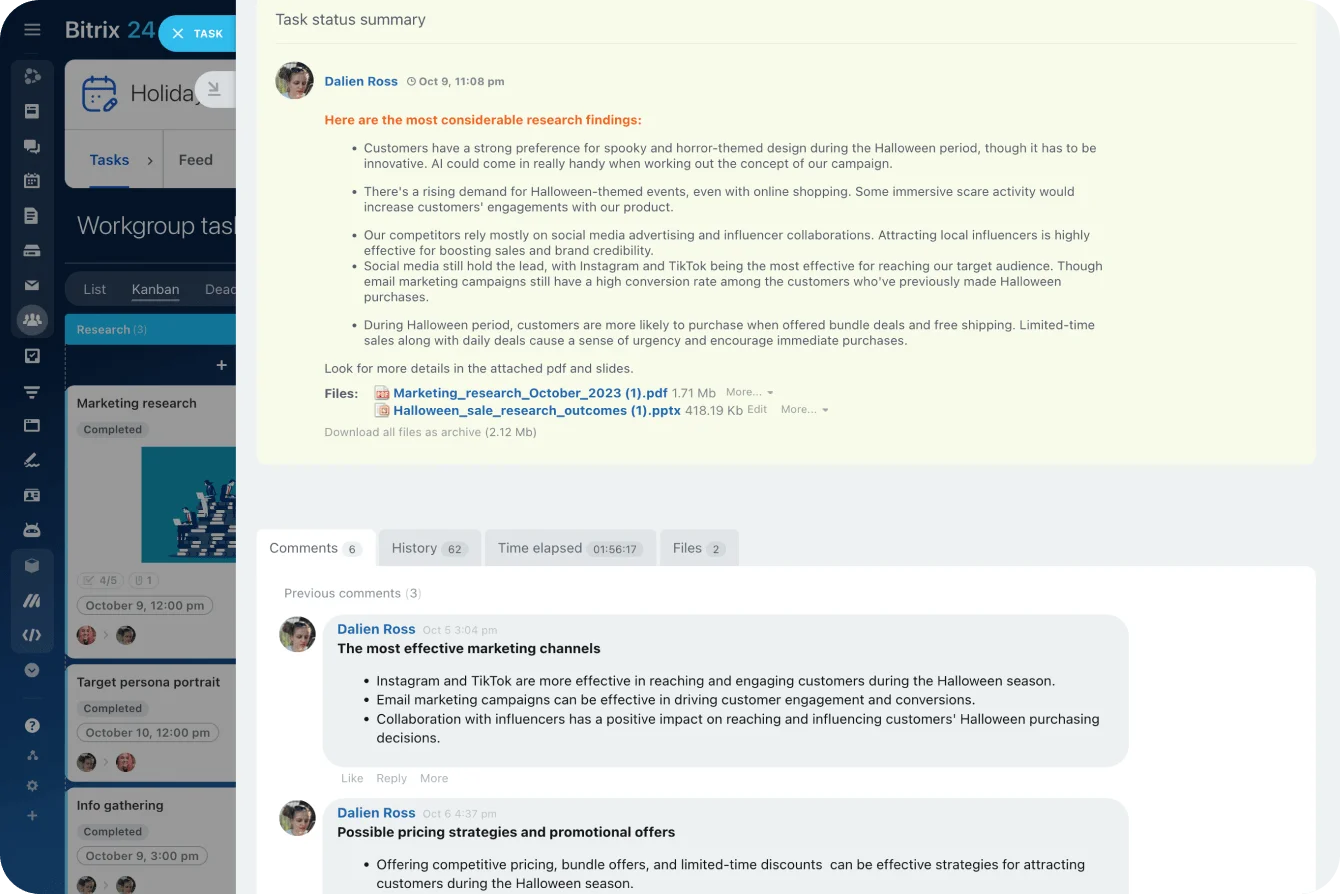
CoPilot task summary
You don't have to read every comment under every task to understand what it's about and what the current status is – just ask CoPilot to give you a task summary, and you'll get one in a second.
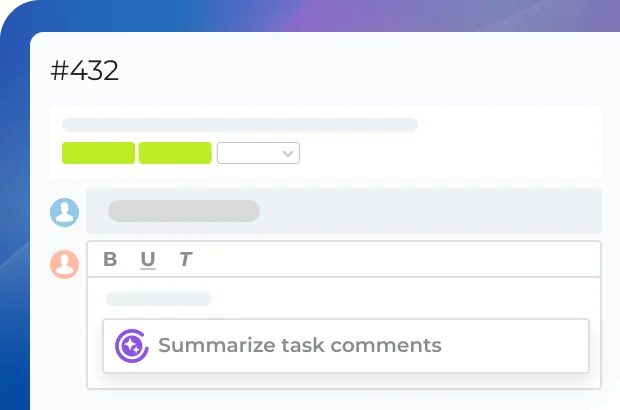
Ideal for supervisors
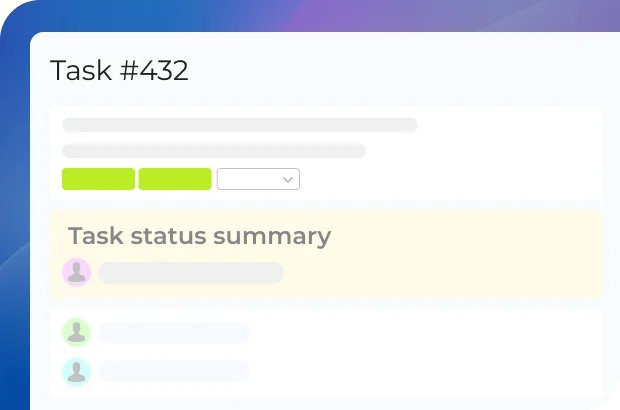
When your team member is ready to close a task in the Bitrix24 project task tracker, you can request them to leave a comment containing the task summary. Once they post it, it gets pinned on top where you can easily read it at your convenience.
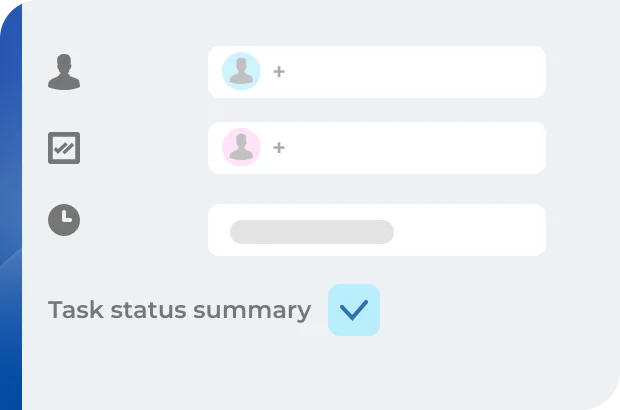
Always pinned to the top
When a comment is marked as task status summary, it gets pinned to the top of the thread, making it easier to read for the supervisor and everyone else involved.

Ready to use task summaries in Bitrix24?
What makes Bitrix24 better than 99% of other solutions on the market?
- Replaces all your current SaaS solutions
- Free forever for unlimited users
- Easy to migrate your data from other systems
- Integrated with all your favorite services and apps
- Used, loved, and trusted by 15,000,000+ organizations worldwide
- 100% flat fee: predictable costs, no per-user pricing

Time tracking
Knowing how much time has been spent to complete a certain task is a great way to evaluate employee efficiency and distribute workload more evenly in the Bitrix24 task tracker software.
Time and task tracking
Task planned time
Task history
Time elapsed
Task planned time
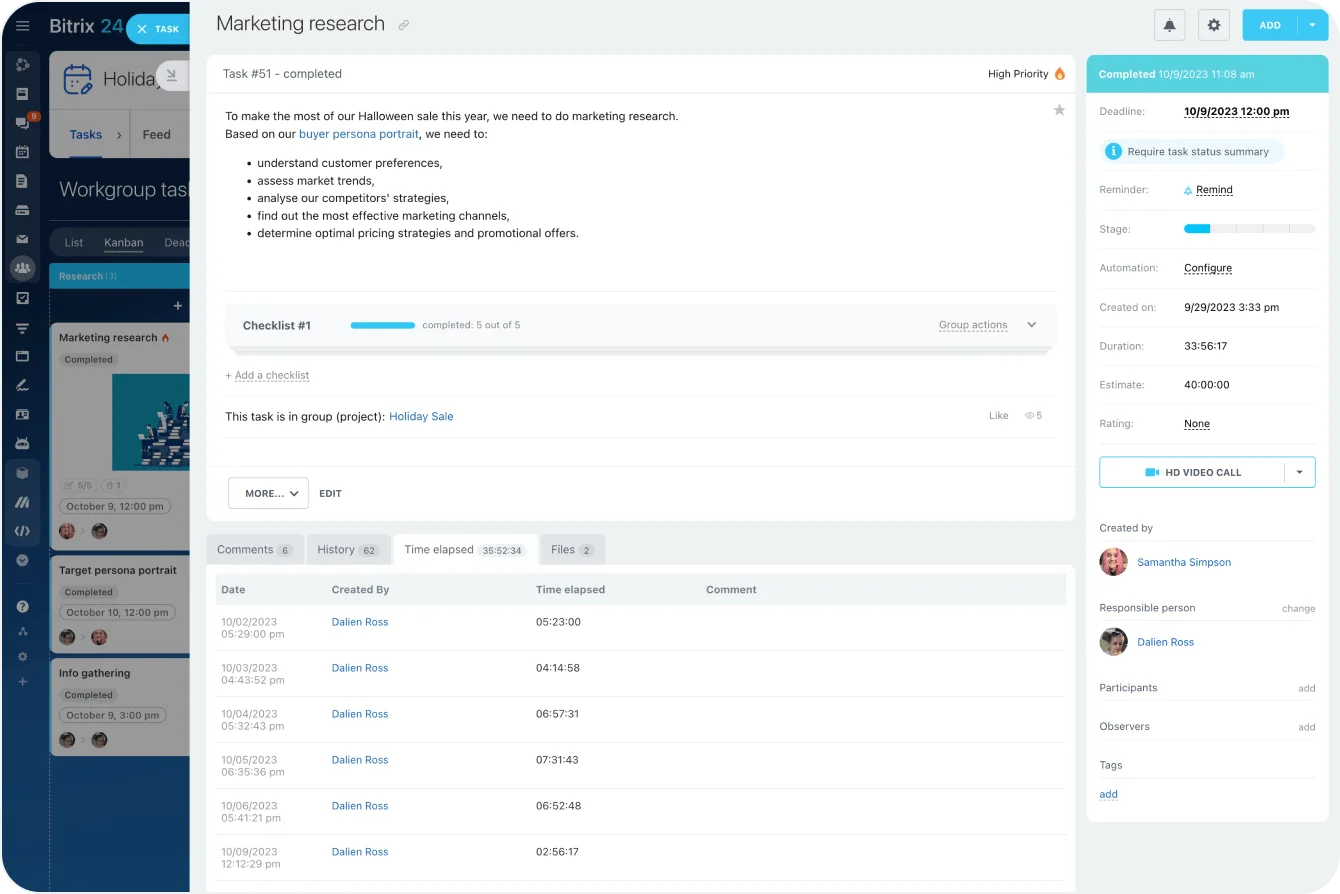
Set the task planned time and compare it with the actual time it took to complete that task. This task tracking tool is a simple and straightforward way to measure your employee efficiency.
Task time tracking
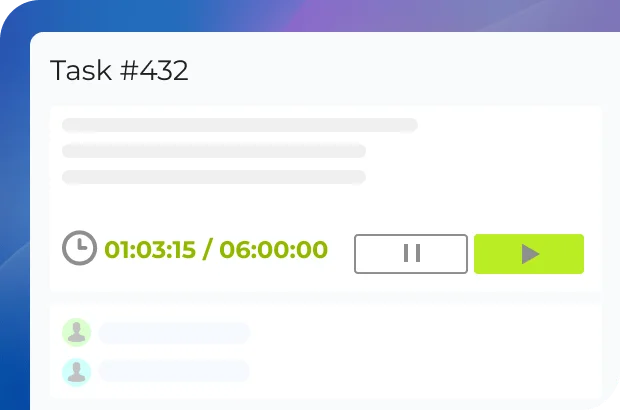
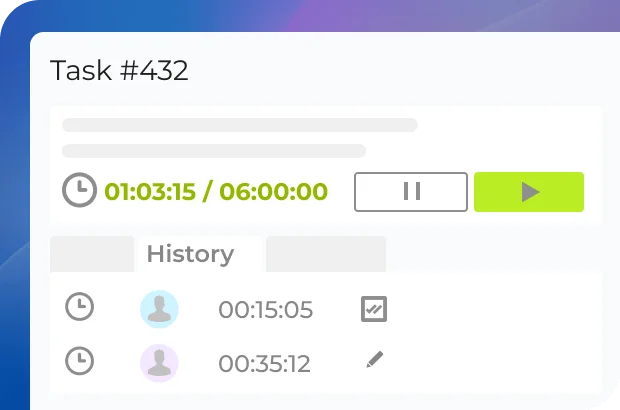
Enable the time tracking option to see how much time it will take to complete a task. Use this data to optimize your team workload and plan projects more efficiently. The time task tracker can be paused/resumed when needed.
Task history
All the task tracking changes are reflected in the task history. There, you can see how many times a task was put on pause, the duration of these pauses, and the overall work pace.

Ready to use task time tracking in Bitrix24?
Supervisor mode
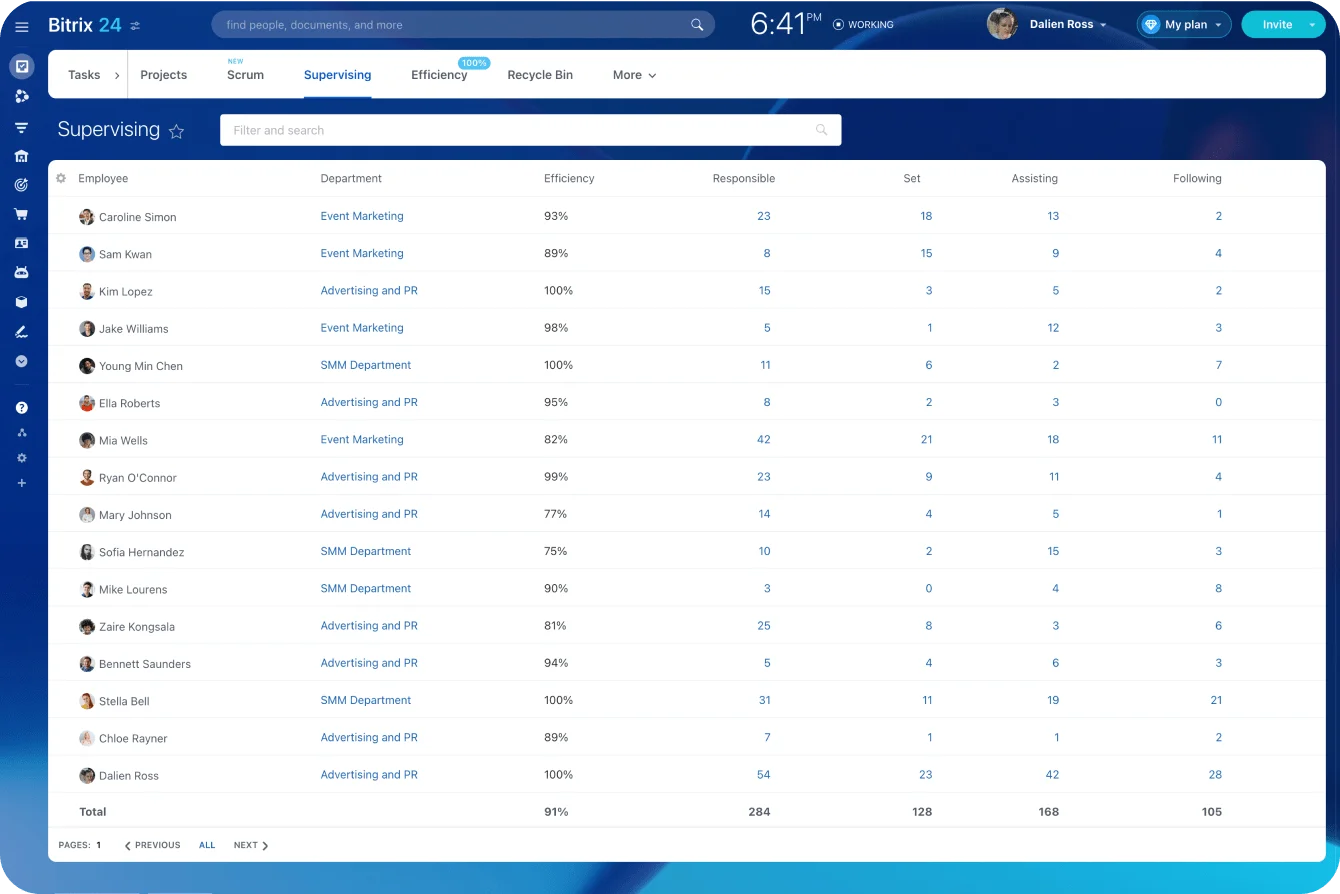
In the supervisor mode, you can see all the tasks your subordinates are working on, assisting, or following, as well as their efficiency. This is a must-have tool for task planning and workload optimization.
Online task tracking
Employee efficiency
Customizable access permissions
Tracking by employee role
Real-time workload tracking
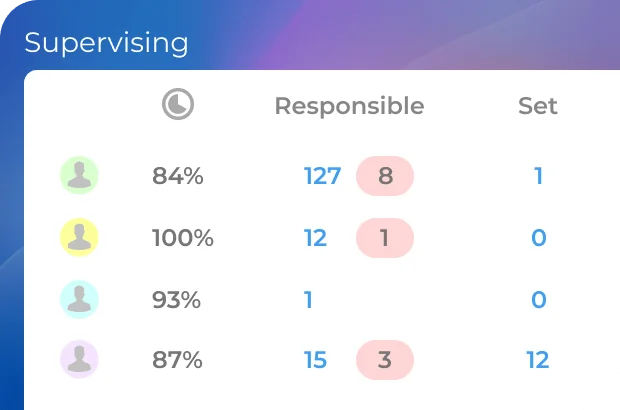
In the supervisor dashboard, you can see what each of your subordinates are up to at the moment and how many tasks they are currently working on. From there, you can quickly jump to any of the tasks and check on the work progress there.
Employee efficiency
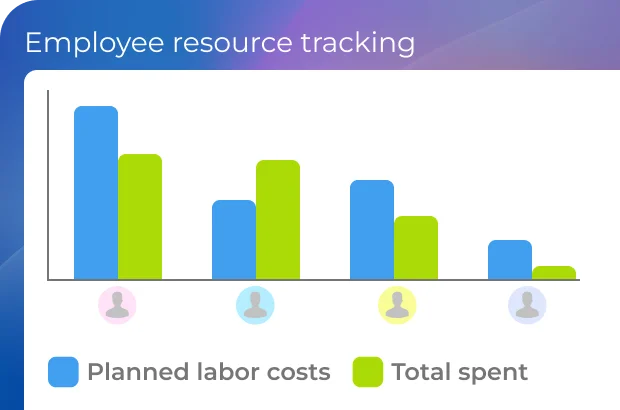
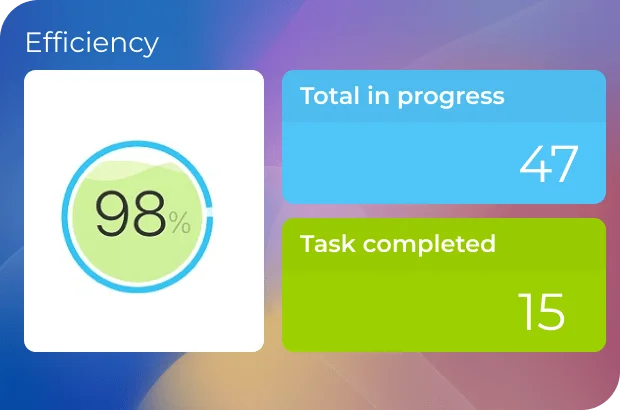
Bitrix24 free task tracking software allows you to see the percentage of successfully completed tasks by an employee for a specific period of time – this data can be used to evaluate work efficiency.
Customizable access permissions
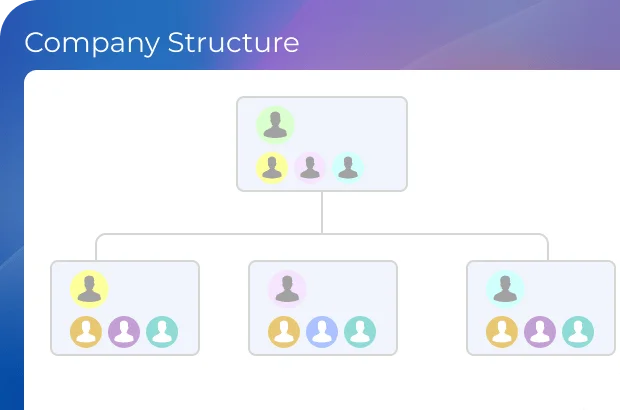
In accordance with your position in the company structure, you can see only see the tasks of your subordinates (department, team, etc.). The account administrator, however, has full access to all employees' tasks.
More than just task tracking
Explore the full potential and amazing capabilities of Bitrix24.
Enhance your Bitrix24 experience
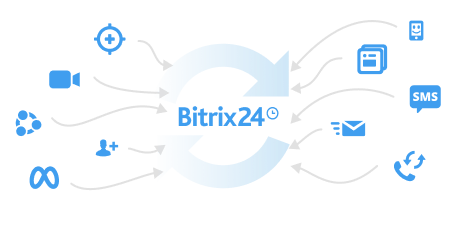
Go beyond the standard functionality and migrate your data easily using apps, add-ons, and extensions from the Bitrix24 Market.
- 1 Integrations with WhatsApp, telephony, etc.
- 2 One-click data migration to Bitrix24.
- 3 550+ apps and solutions in the catalog













Ready to get started?
Used and trusted by over 15,000,000 organizations around the world, Bitrix24 is a perfect choice for your business
Start for free Request assistance from Bitrix24 partners