Bitrix24 for Legal Practice
Reliable. Scalable. Where Every Case Counts.
Whether you run a law firm or provide legal consulting services, Bitrix24 helps you streamline legal matter management and deliver exceptional client service.
- Seamless client communication
- Smart scheduling and booking
- Secure document signing and collaboration
- Efficient case coordination

Bitrix24 for Legal Teams - built to support teams like yours:






Ready to work every case smarter, not harder?
Bitrix24 Partners deliver customized, end-to-end solutions that help legal firms streamline operations, improve case coordination, and strengthen client communication. Book a demo to discover how Bitrix24 helps bring structure, clarity, and efficiency to every case.
Why you need a Bitrix24 Partner
- Quick product implementation
- Employee education for quicker start
- Picking a proper plan
- Tailored customization for your needs

Bring order to your law firm with Bitrix24
Build strong client relationships at every stage
- Deliver consultations via telephony and integrated messengers
- Run video meetings and automatically summarize call outcomes
- Use chatbots to handle routine inquiries and provide quick responses
- Instantly notify managers about new messages or missed calls
- Stay connected on the go with the mobile app

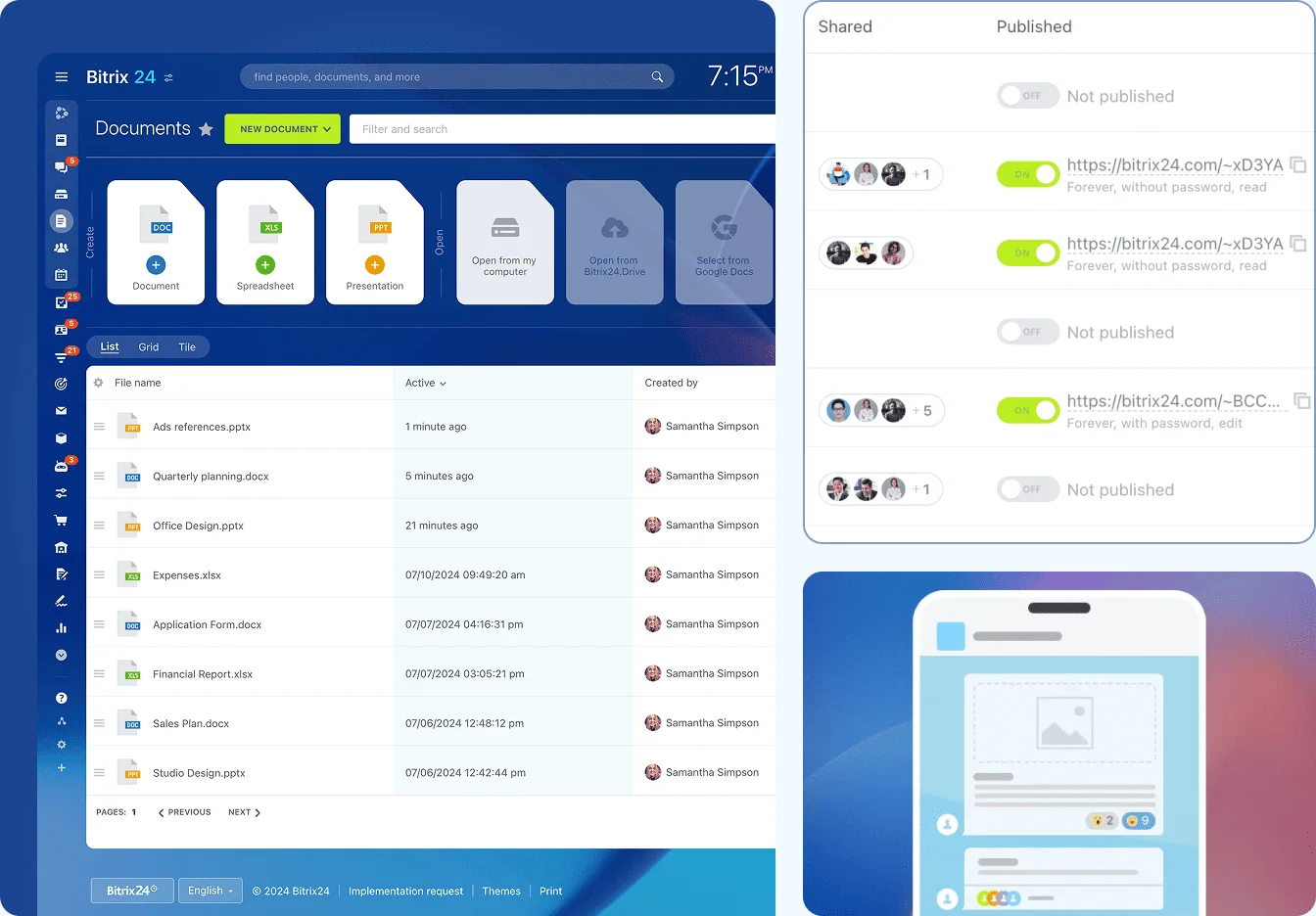
Protect documents and sensitive information
- Store ID scans, agreements, and client documents securely
- Collaborate on legal documents with colleagues in real time
- Use boards to visually organize matters
- Set detailed access permissions to protect confidential information
- Share public links to selected documents with clients
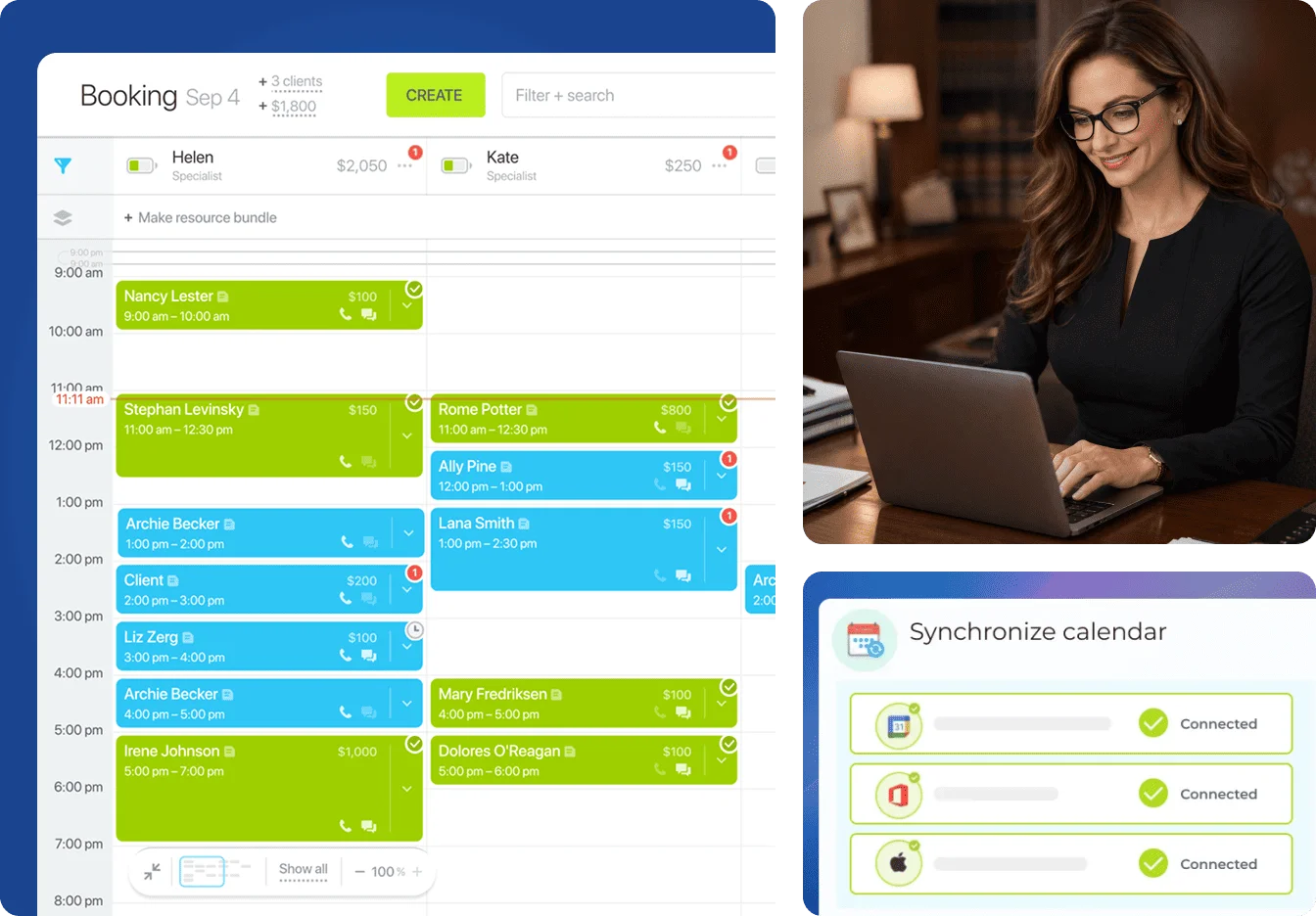
Manage client appointments with ease
- Let prospective clients book consultations in just a few clicks
- Link every booking to a CRM record with full client details
- See lawyer availability and booked time slots in real time
- Add booking forms to your website for fast, seamless access
- Reduce no-shows with automatic appointment reminders
- Fill canceled appointments faster with built-in waitlists
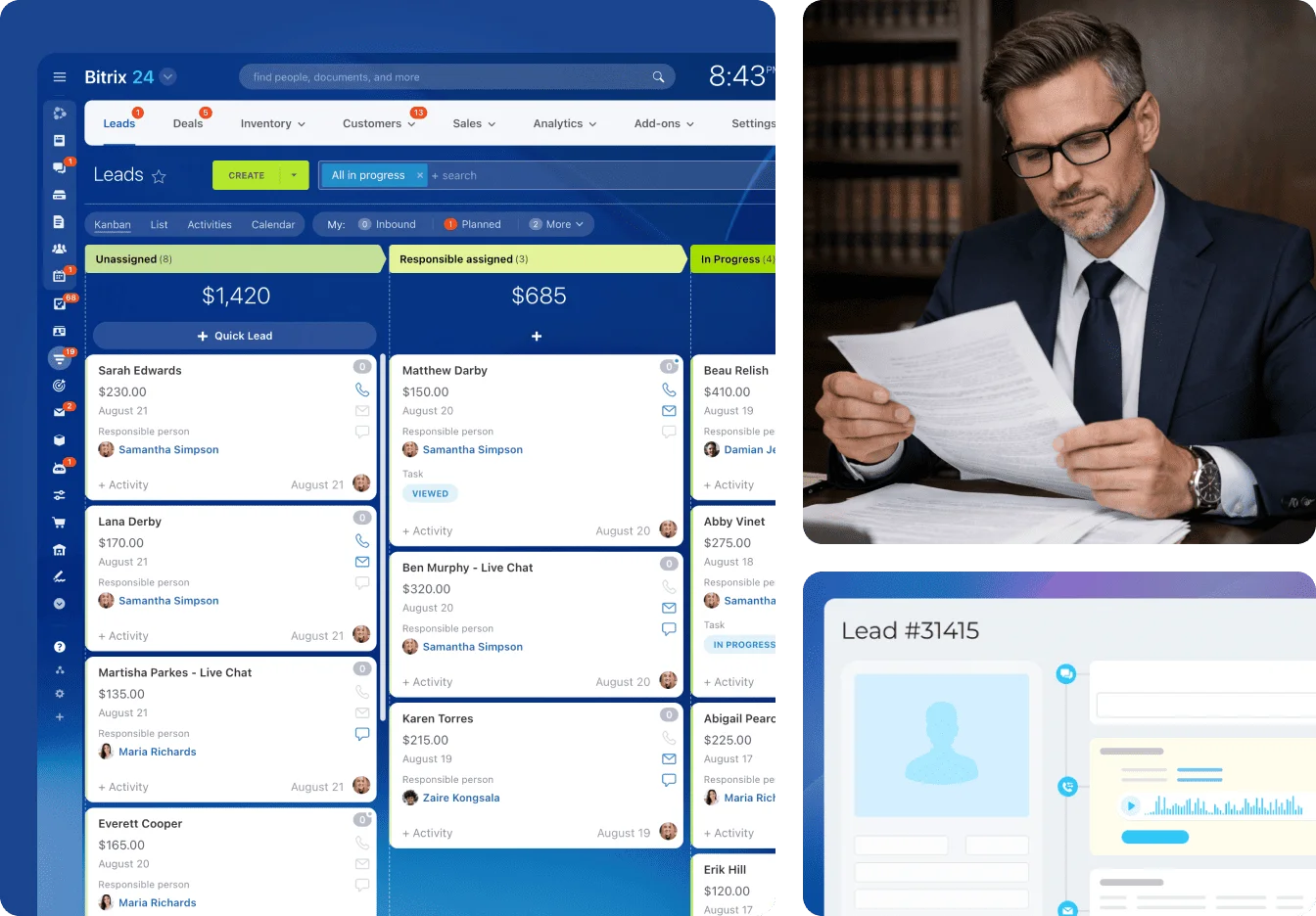
Handle cases faster with less admin work
- View all client data and interaction history in a single CRM card
- Organize your workflow using pipelines with flexible access control
- Create invoices and send documents for online signature
- Track every signing step and avoid unnecessary delays
- Manage client payments within the deal card
Bring order to every matter from start to finish
- Plan workloads and timelines with greater accuracy
- Bring related tasks, files, and events together in one workspace
- Keep clients updated without exposing unnecessary information
- Optimize routine tasks using templates and default deadlines
- Use advanced analytics to monitor performance and improve results

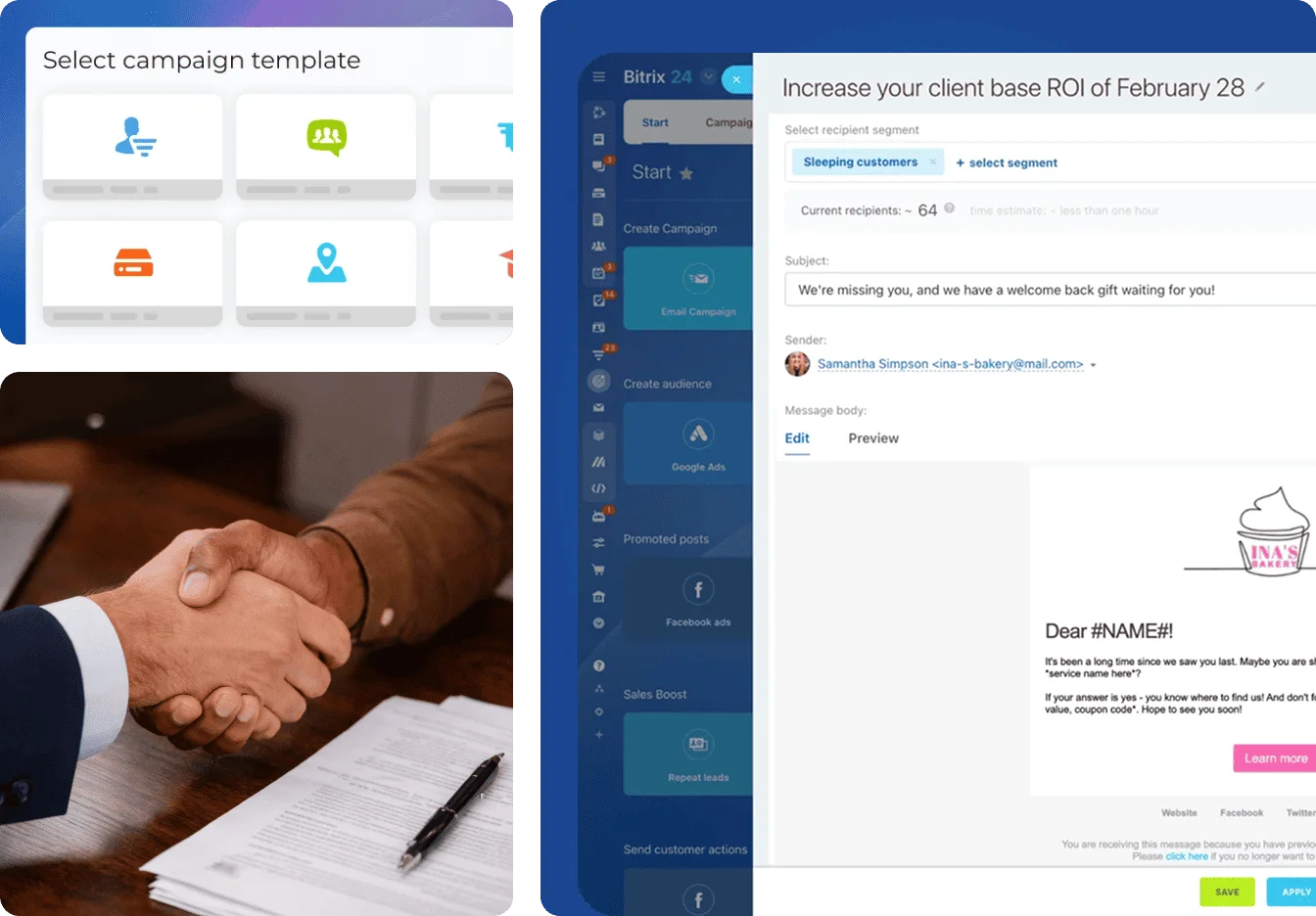
Attract more qualified leads to your legal practice
- Run multi-channel campaigns across social media, email, and SMS
- Build targeted audiences for specific legal services and client needs
- Use ready-to-go campaign templates to scale marketing faster
- Strengthen relationships with personalized messages and promotions
- Analyze top-performing ad channels and improve campaign outcomes




Smart integrations to support your legal practice

Connect payment systems, analytical tools, and more through 500+ integrations and a robust REST API.
- SMS, chat & call services: Stay connected with clients across every channel
- Payment systems: Simplify payments, billing, and transaction management
- Reports for BI Analytics: Turn performance data into clearer decisions across matters and teams
- Custom integrations from Bitrix24 partners: Tailored solutions for unique business needs
Law firms thrive with Bitrix24 Partners






Take your legal practice to the next level with our partners
Bitrix24 Partners help law firms and legal teams build connected systems that bring structure to every case - from first client contact to final resolution.
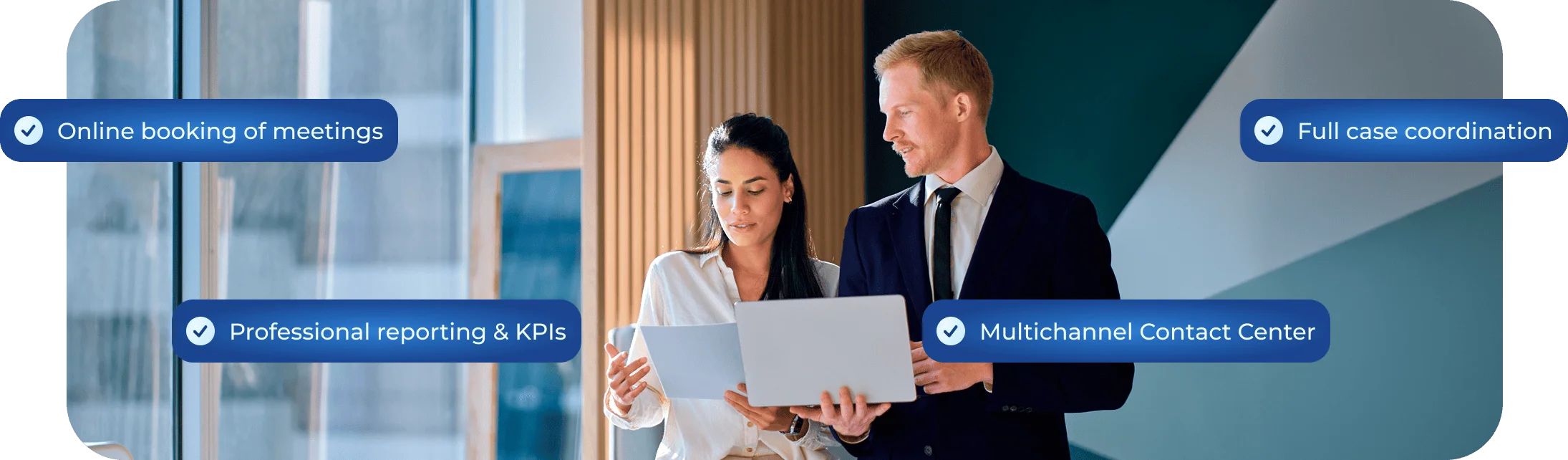
Whether your goal is to improve client communication or scale your practice more efficiently, Bitrix24 delivers the tools you need to stay organized and competitive.