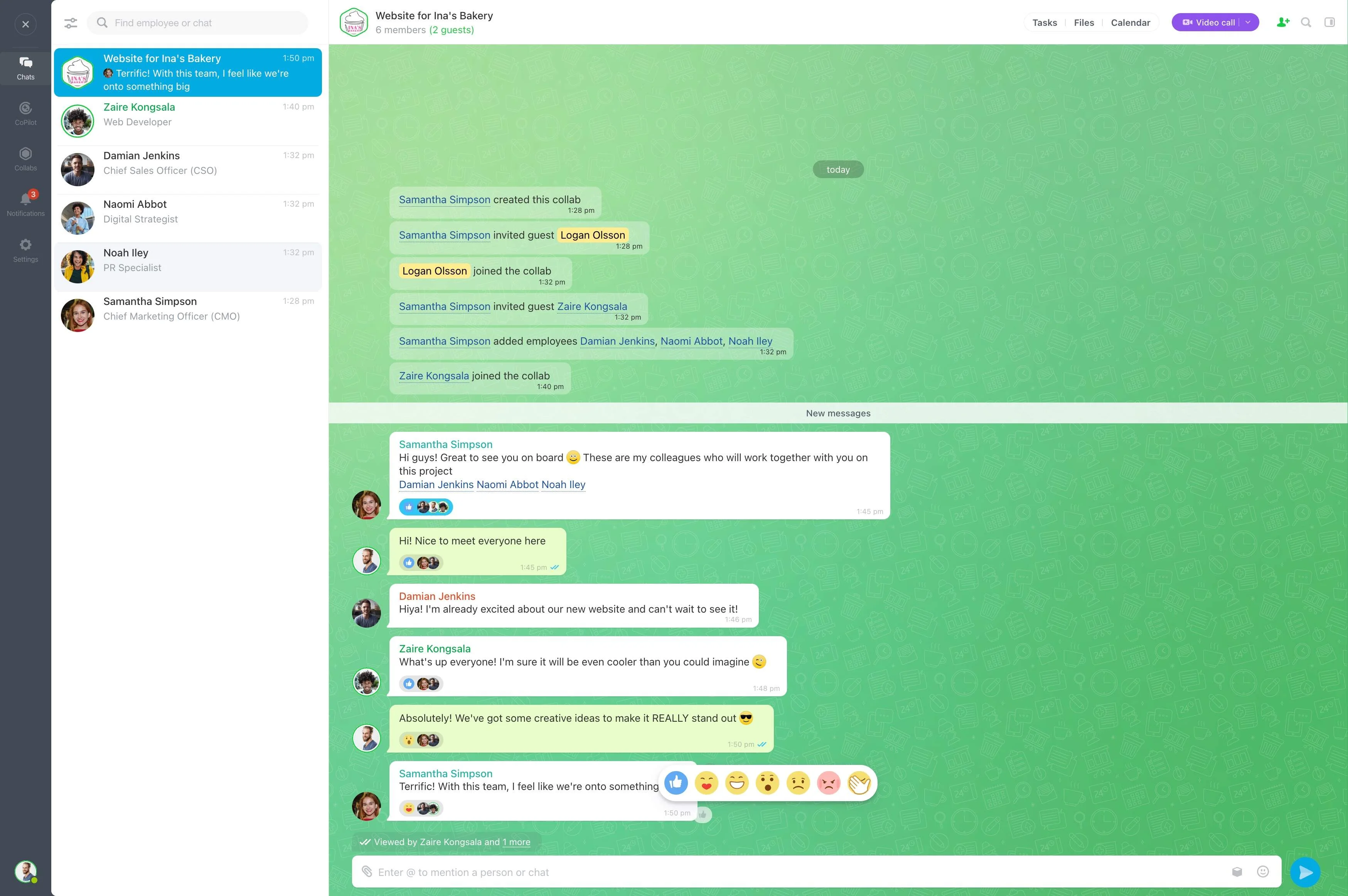
Project collaboration software gives teams a shared place to organize tasks, discuss decisions, review documents, and involve everyone contributing to the work. It is especially useful when a project includes internal staff, clients, contractors, or agencies who need the same working context.
Bitrix24 brings project tasks, comments, Drive, online documents, chat, and video calls into that context. Contributors can move from a question or review to an assigned action while keeping the related project information together.
Give external contributors a defined role
Clients, contractors, and agencies may need to review files, answer questions, or complete assigned work. A shared project workspace gives these contributors a clear place to participate instead of scattering updates across separate exchanges.
Tasks, comments, chat, shared files, and calls help coordinate their contribution around the project’s central work.
Turn project priorities into assigned work
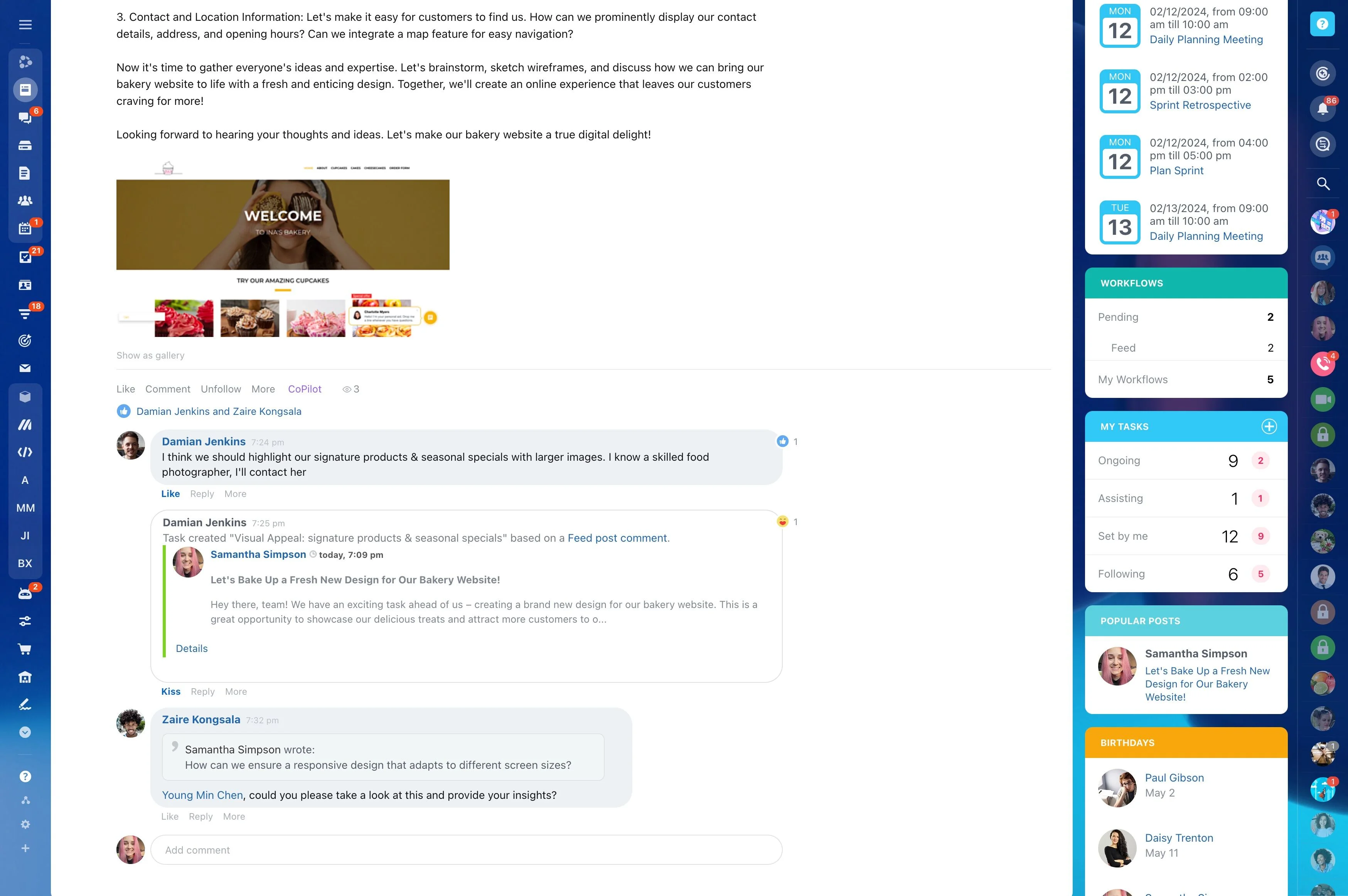
Project tasks give contributors a clear reference for assignments, deadlines, descriptions, and progress. Each person can see what needs attention and how their work fits the wider project.
Comments keep questions, decisions, and follow-up details attached to the task they concern, so important context stays with the work.
Connect documents to project tasks
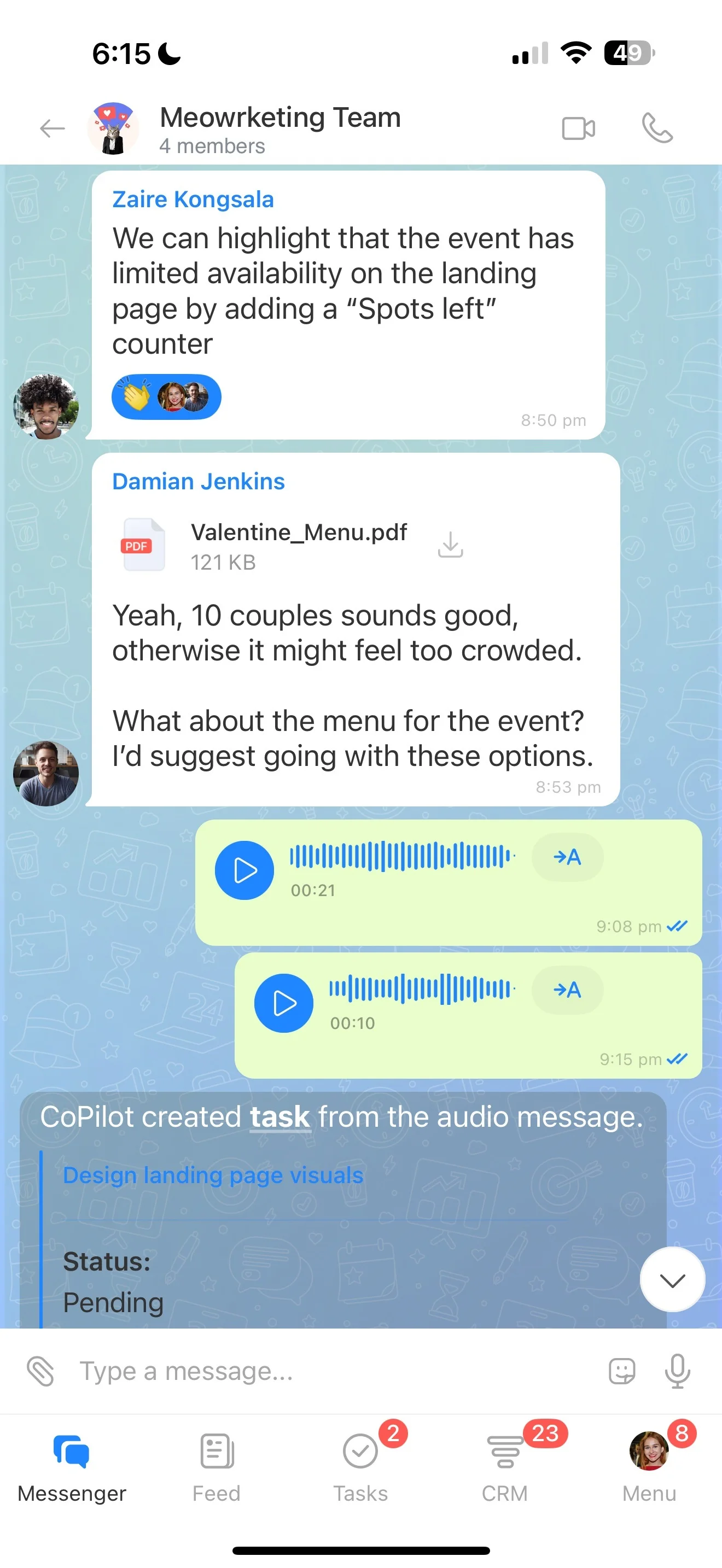
Project files are easier to use when participants can reach them alongside the related assignment or discussion. Bitrix24 Drive stores project content, while online documents support shared work on material that needs review or changes.
This connects a document with the task, comment, or approval that gives it purpose.
Use the right channel for each discussion
Quick questions, task-specific comments, and broader project conversations serve different purposes. Chat and comments let contributors communicate in the context that fits the work.
When a topic needs direct discussion, video calls provide another way to involve team members or external contributors before returning to the related tasks and documents.
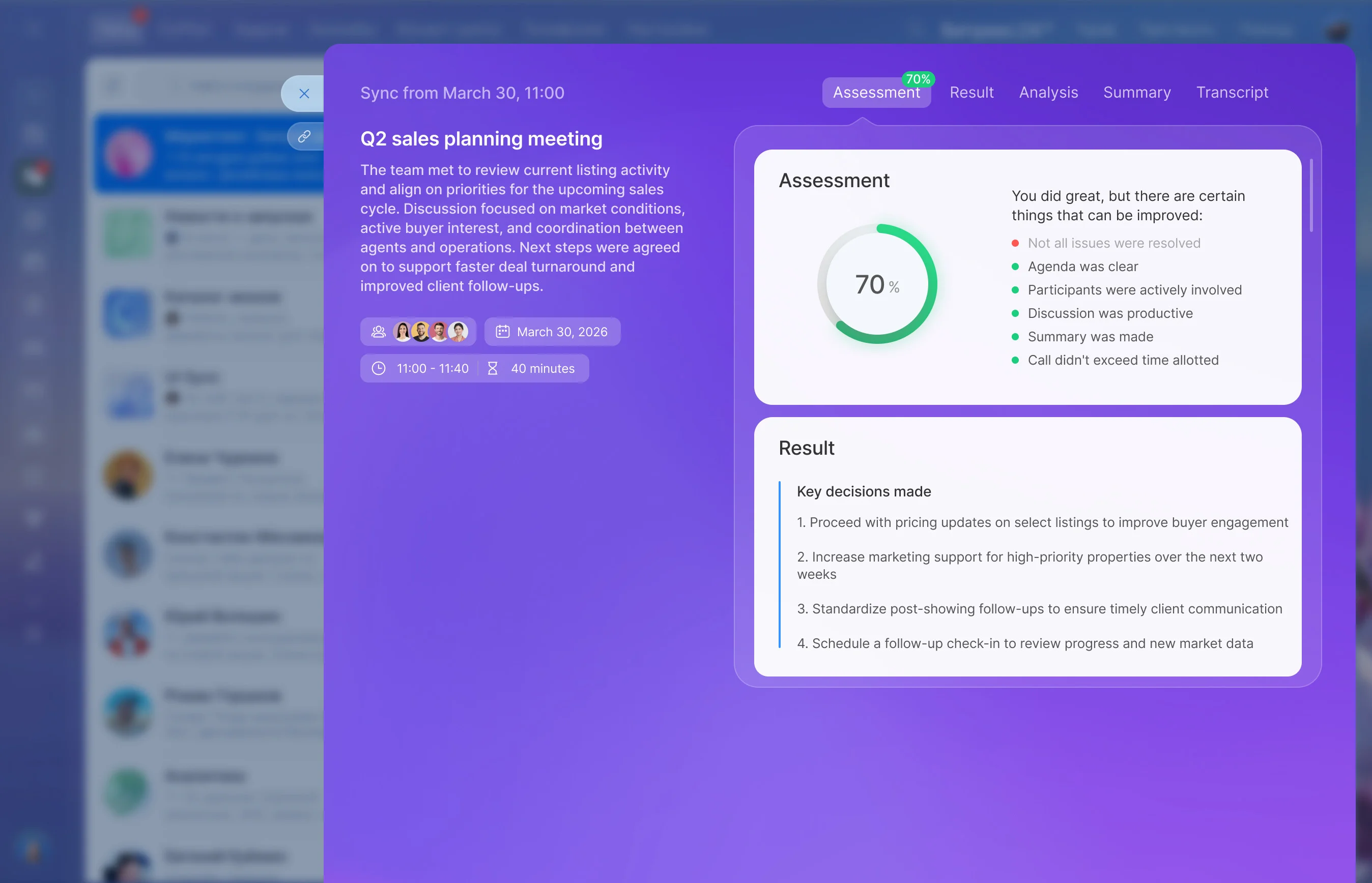
Convert project discussion into action
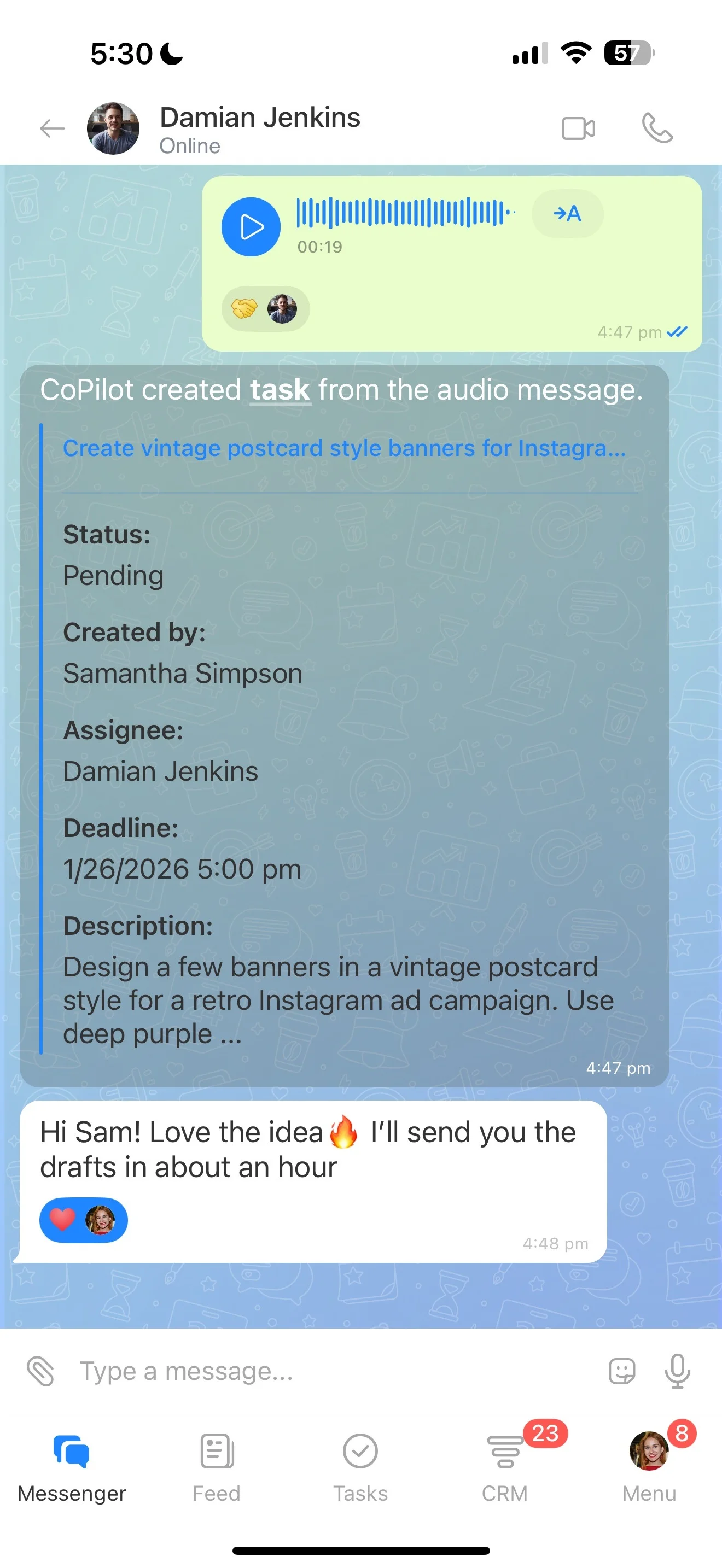
Useful collaboration ends with a clear next step. Capture that step as a project task, connect the relevant document or discussion, and keep follow-up comments with the assignment.
This creates a visible path from a meeting or idea to accountable work that contributors can continue together.
Collaborate online across project participants
Online access matters when project contributors work from different locations or outside the same organization. Bitrix24 combines the project workspace with Drive, online documents, chat, and video calls.
Participants can coordinate tasks, exchange information, and continue project work from a shared online environment.