A project management checklist gives your team a practical sequence for moving from a defined objective to an approved deliverable. Use it to confirm scope, responsibilities, milestones, reviews, and closure activities before work begins.
For online execution, connect each checklist item to a project task with a clear owner and deadline. Bitrix24 provides a shared workspace where the team can organize tasks, follow their status, and keep project-related communication close to the work.
Download the checklist as a starting point, then adapt the items to your project type, approval process, and team responsibilities.
Make the checklist part of online delivery
A downloadable checklist supports preparation; an online version supports execution. Keep checklist items connected to the owners, deadlines, and status updates that show what is happening in the project.
Bitrix24 lets teams adapt the checklist to their process and reuse the same structure for planning, tracking, review, and closure.
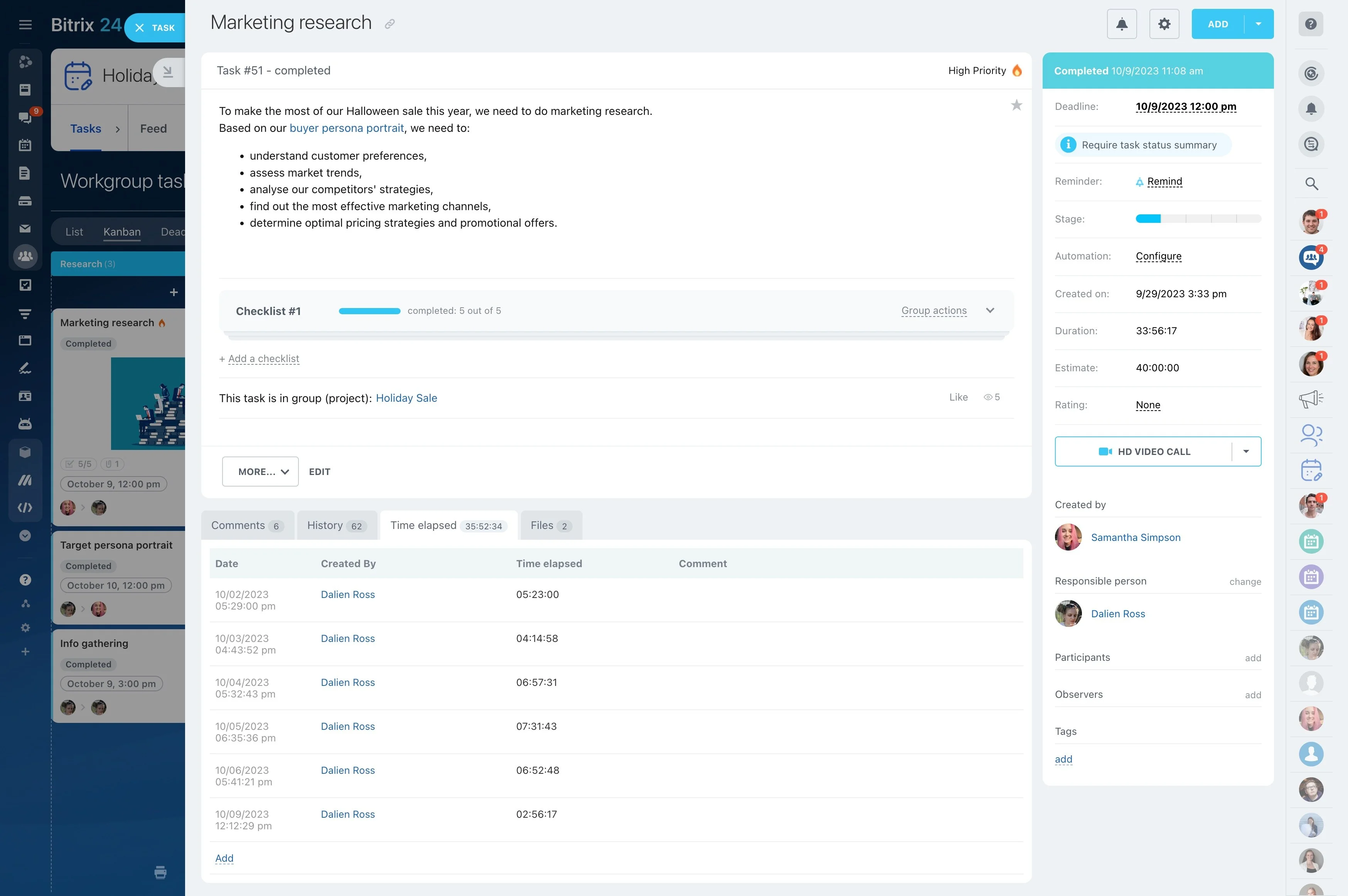
Keep decisions with the related work
Record decisions that change requirements, ownership, timing, or deliverables alongside the relevant project work. This helps contributors understand the current direction and the next action without relying on separate notes.
It is particularly useful when several people contribute to one deliverable or when work must wait for an approval.

Define the deliverable and success criteria
Start by stating what the project must produce and how the team will know it is complete. Record the objective, expected deliverables, scope, key participants, milestones, deadlines, dependencies, and final approver.
- Describe the required outcome.
- Set measurable completion criteria.
- Confirm who approves the result.
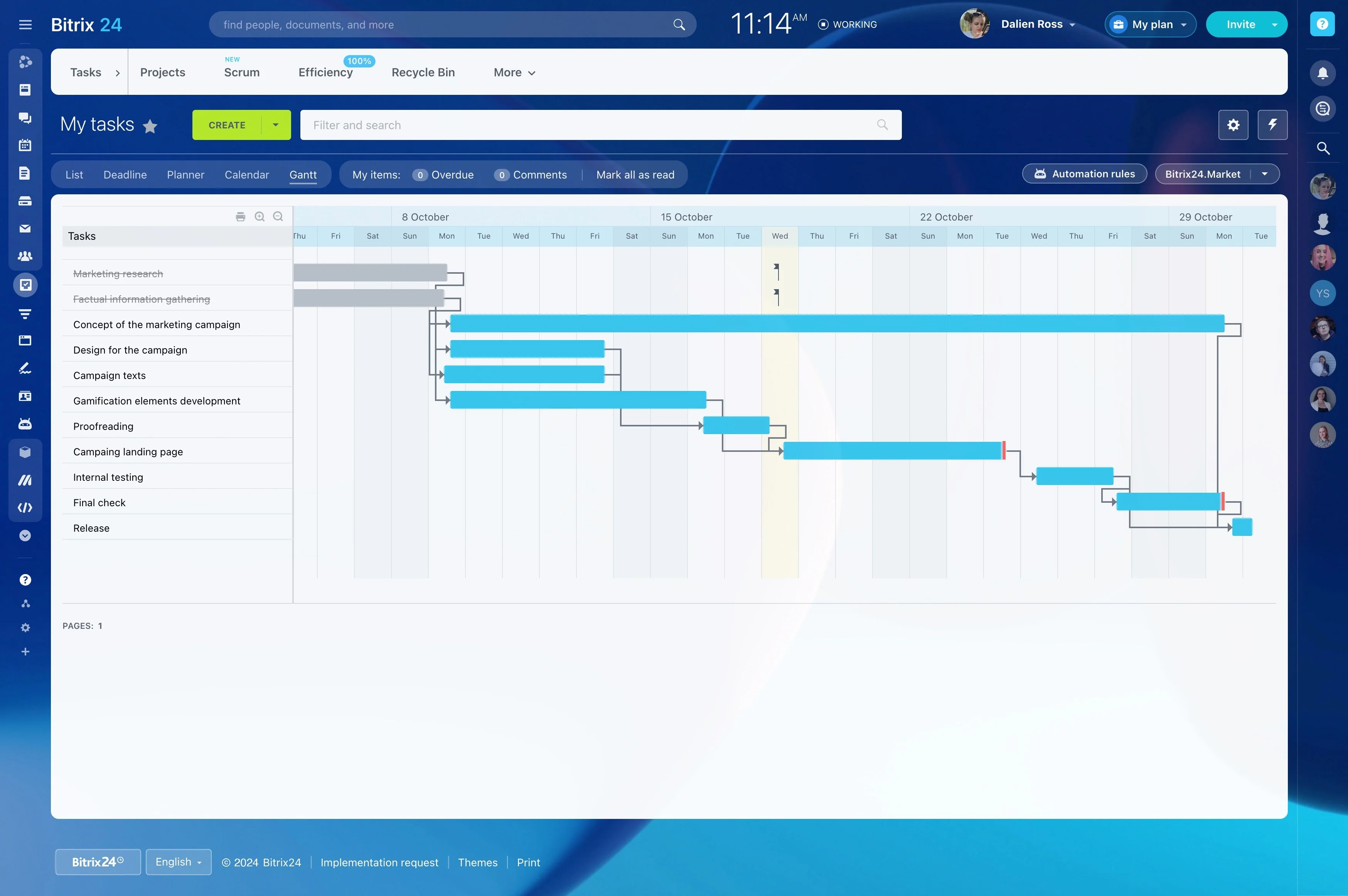
Convert the plan into owned tasks
Break the project into actions that one person or role can own. Each task should explain the expected result, include a deadline, and connect to a milestone or deliverable.
In Bitrix24, assign these tasks in a shared project workspace so the checklist becomes an active work plan rather than a document that requires separate interpretation.
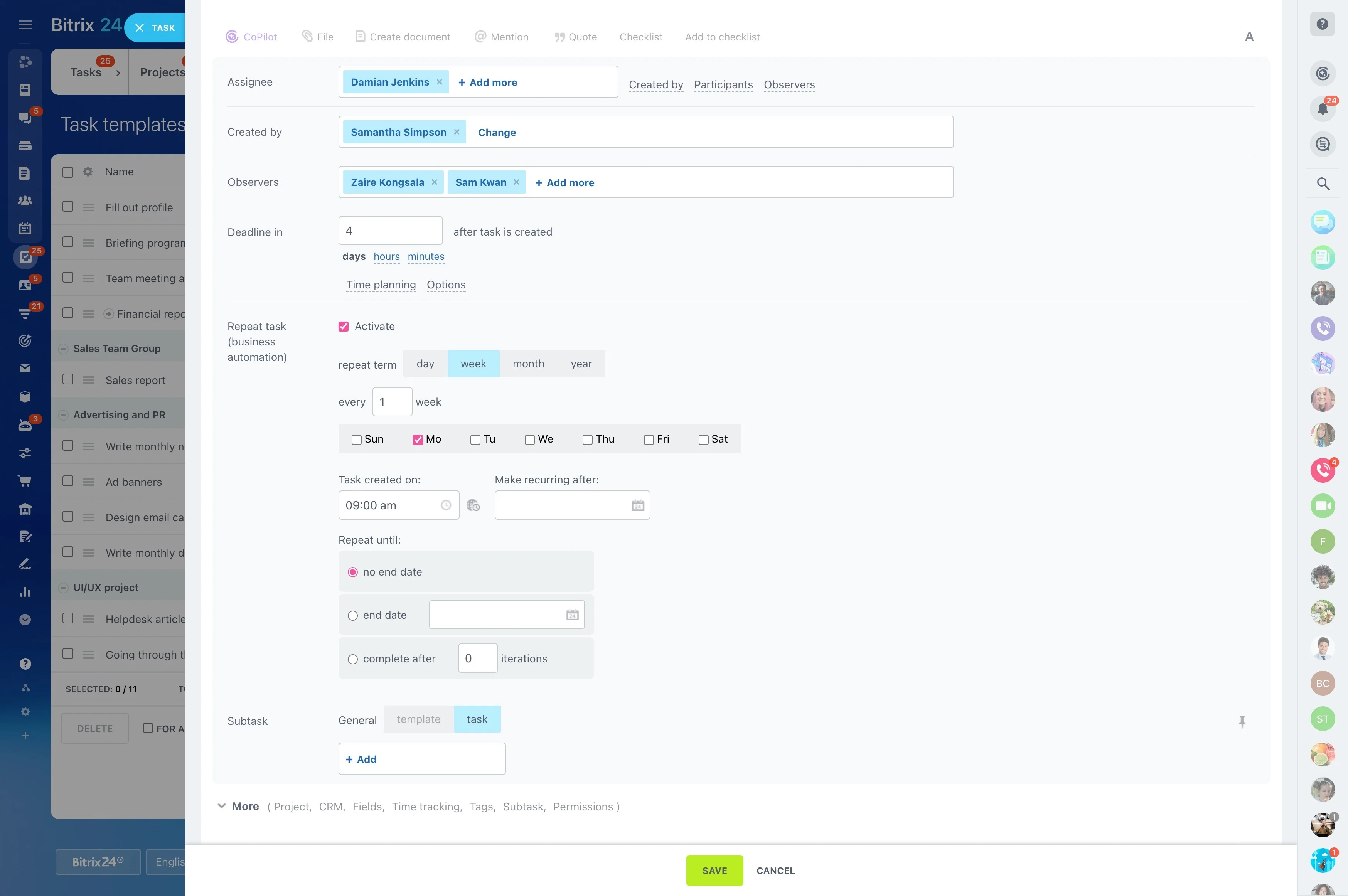
Review milestones and changing priorities
Check the checklist throughout delivery, especially at milestones. Identify completed, delayed, blocked, or dependent tasks, then update priorities and deadlines when the project changes.
Task statuses and project views in Bitrix24 give the team a common reference for deciding what needs attention next.
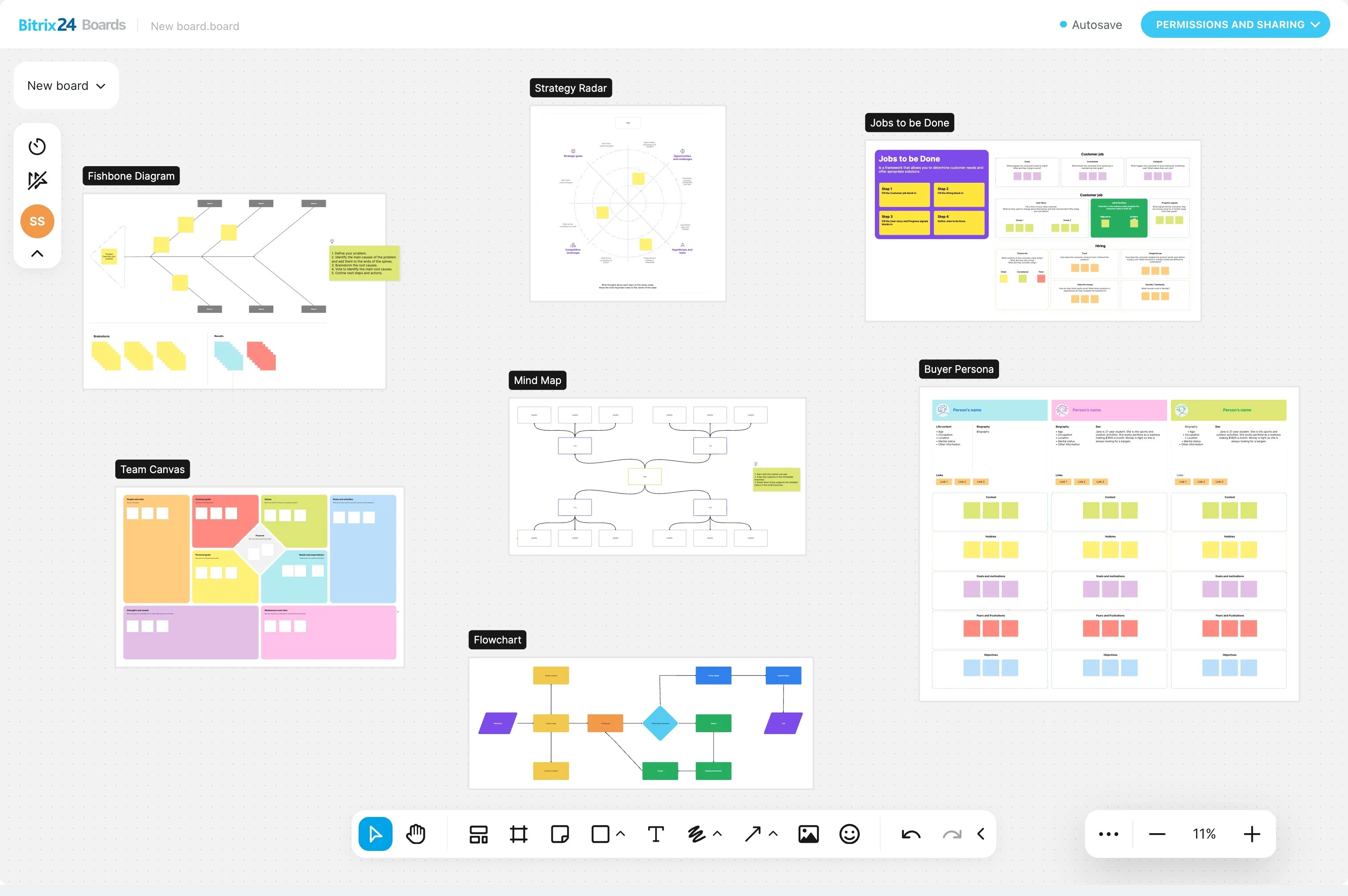
Add a review before final completion
Separate task completion from deliverable approval when work needs testing, editing, or stakeholder confirmation. Use the review step to compare the result with the original requirements and capture any remaining revisions.
- Check the deliverable against the agreed criteria.
- Confirm required approvals.
- Record outstanding actions before closure.
Close the project with a clear handoff
Before marking the project complete, resolve outstanding tasks, hand over the final deliverables, and confirm that participants know the work is closed.
Keep useful decisions, notes, and follow-up actions with the project record. These details can guide similar projects without turning closure into an afterthought.