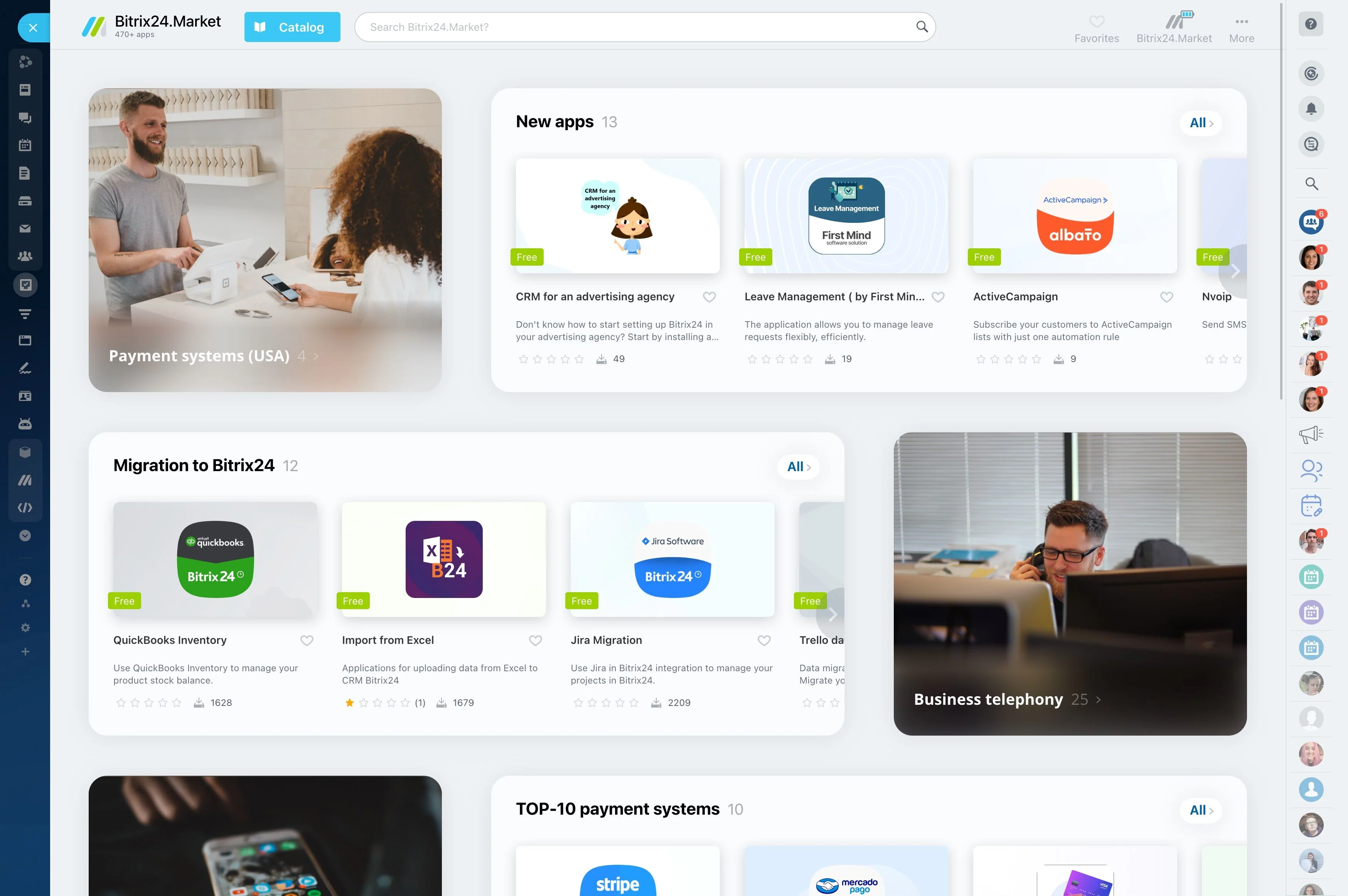
CRM Email Marketing: Targeted Campaigns From the CRM You Already Use
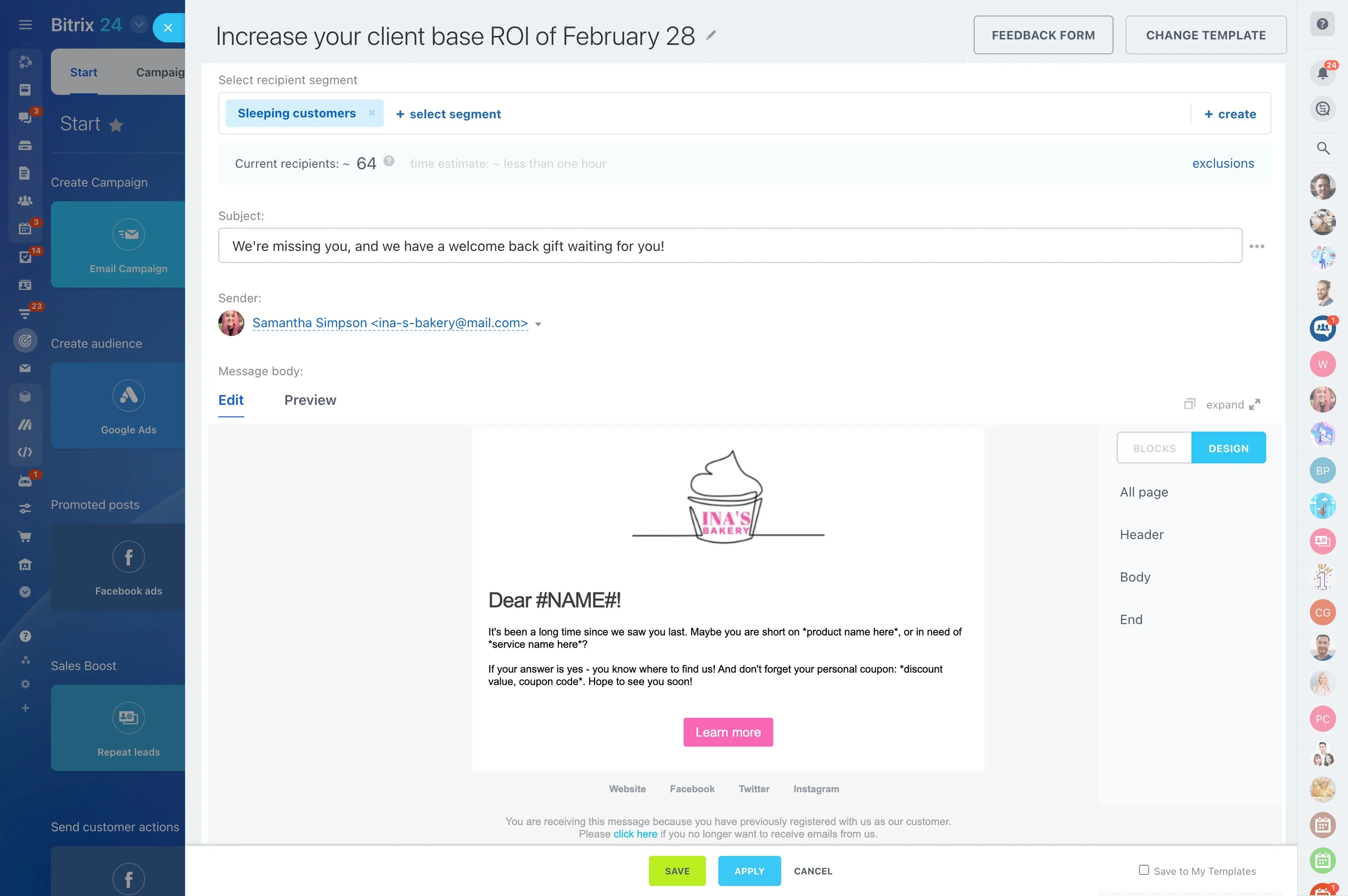
You’re juggling a CRM, an email service provider, and a stack of spreadsheets — copying lists, exporting segments, mapping columns, and crossing your fingers that nothing breaks. Every switch costs minutes you don’t have. Every delay slows momentum. And when data drifts, “personalized” emails miss the mark, confusing prospects and wasting goodwill.
The hidden cost of a split stack shows up where it hurts: missed follow-ups, stale segments, duplicate sends, compliance slips, and one more subscription you have to defend each quarter. If your leads and deals already live in your CRM, why are your campaigns living somewhere else?
Bitrix24 brings email marketing into the heart of your pipeline. Plan, segment, personalize, automate, and measure right where your contacts, deals, and activities already live. No exports. No fragile integrations. No waiting on overnight syncs. Just targeted emails driven by real-time CRM data, delivered when it matters.
What you get when CRM and email are one system:
- Faster cycles: go from idea to segmented send in hours, not days.
- Fewer errors: one source of truth means cleaner personalization and accurate suppression.
- Lower cost and risk: fewer tools, fewer approvals, fewer points of failure.
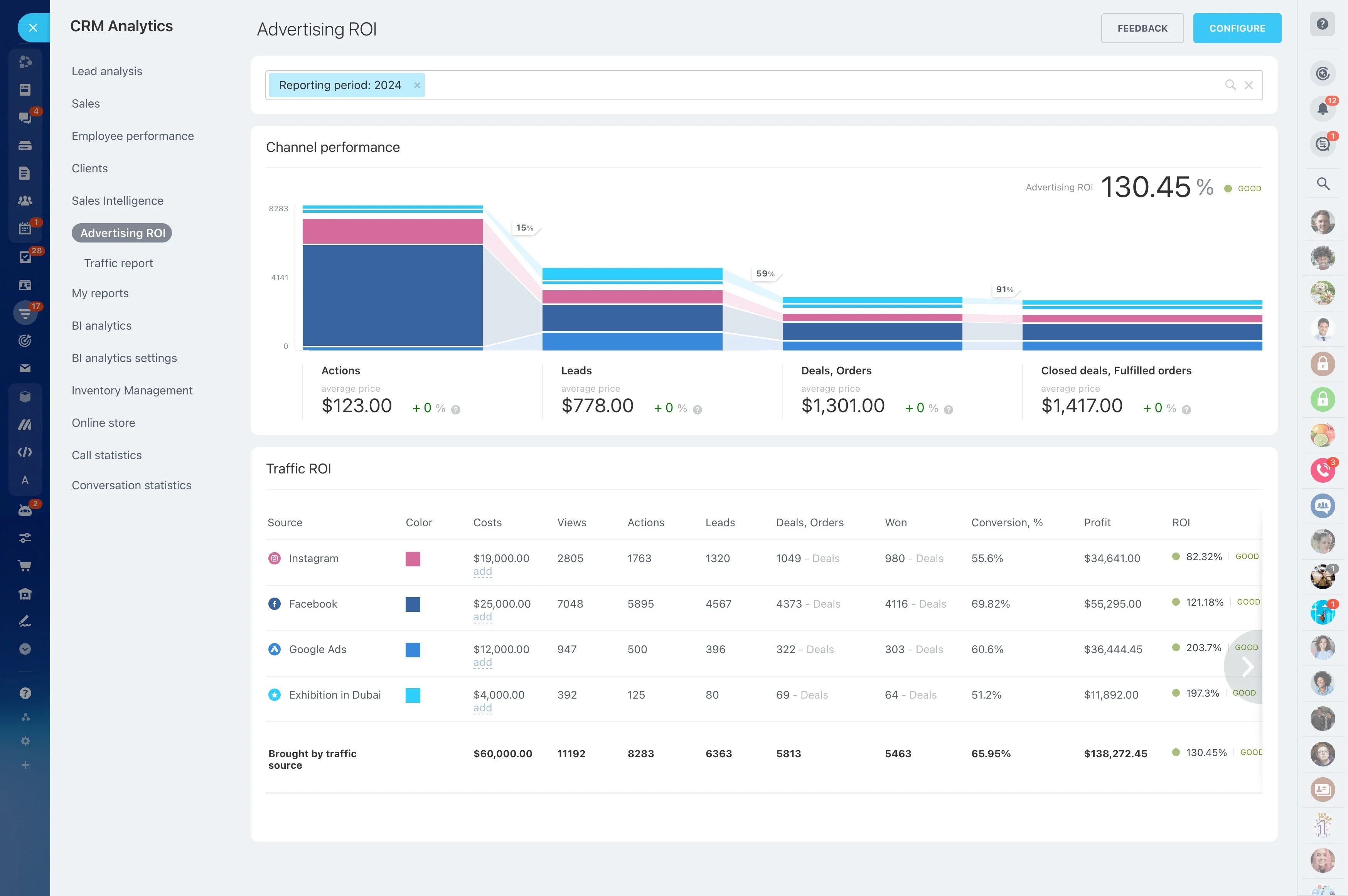
- Better revenue visibility: see meetings booked, deals created, and revenue influenced — by campaign.
Built-in beats bolt-on: lower cost, lower risk
Many CRMs treat email marketing as an upsell or an integration project.
The real costs of a stitched stack:
- Time-to-campaign: every export, upload, and mapping exercise slows launch by days.
- Compliance exposure: unsubscribe in the ESP, email from the CRM — instant risk and a bad recipient experience.
- Reporting gaps: revenue in CRM, engagement in ESP. You can’t prove cause and effect.
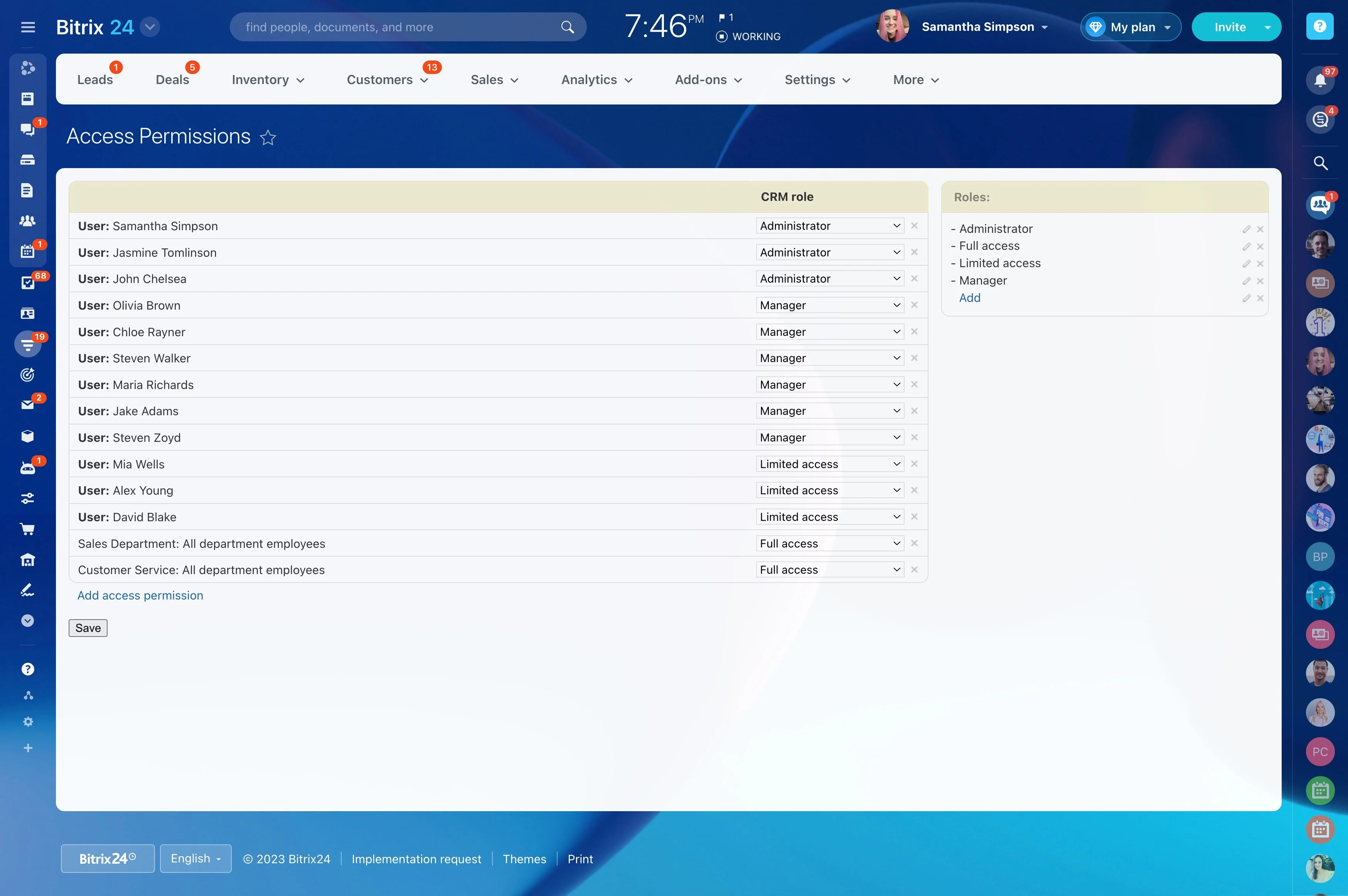
- Operational overhead: two permission models, two onboarding paths, two vendors to manage.
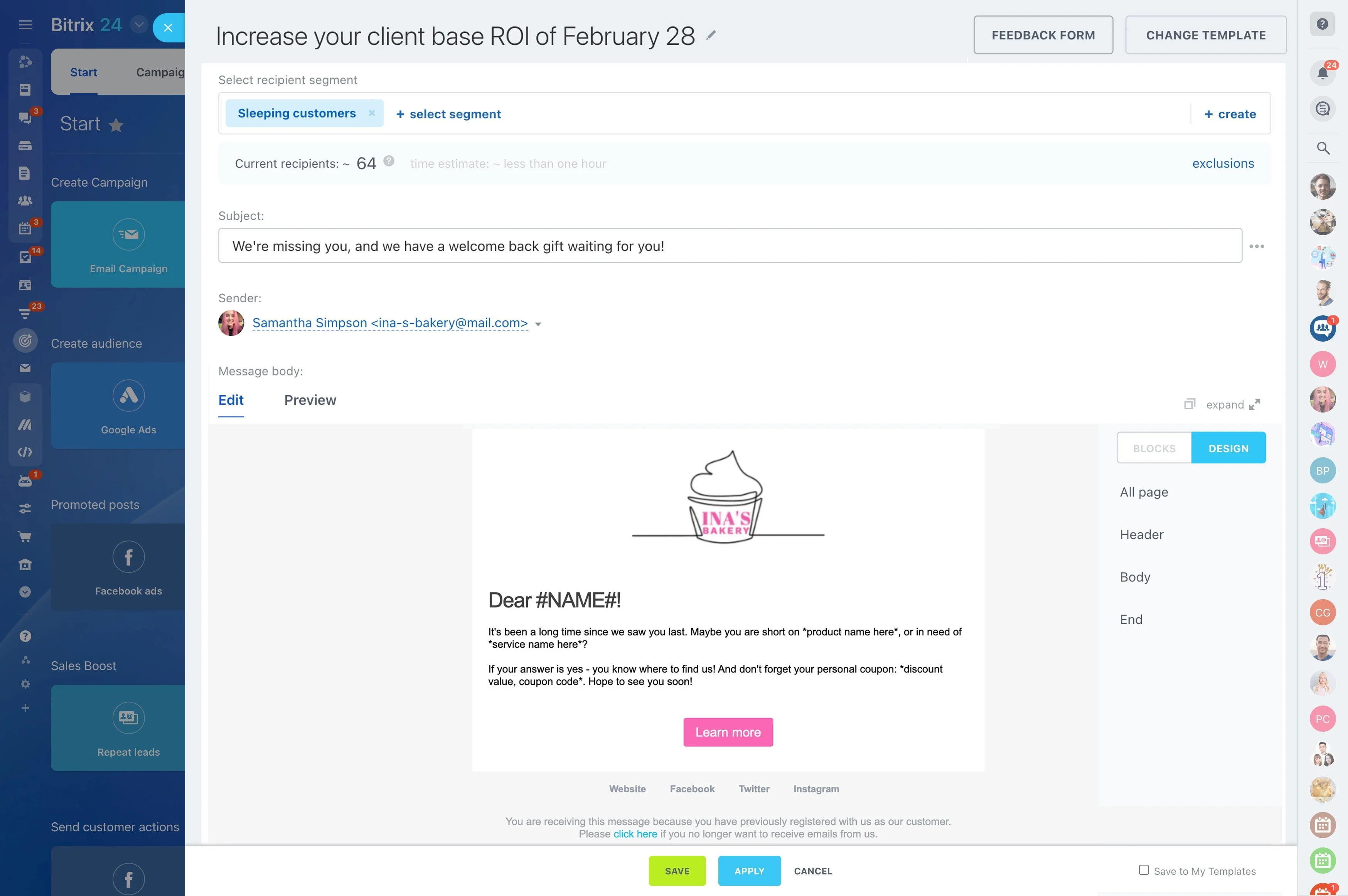
Target, personalize, and send—inside your CRM
Your best audiences already live in Bitrix24.
Where split stacks break down: You export a “Q2 Prospects” list, lose the lead scores your sales team updated this morning, and send a pricing email to people still evaluating.
- Build precise segments with any CRM field: industry, territory, deal stage, MQL score, last activity, owner, product interest, renewal date, or custom fields your team relies on.
- Personalize with depth: reference company size, open deal value, last purchase, onboarding progress, or upcoming contract milestones using merge fields and conditional logic.
- Use dynamic content blocks: swap offers, case studies, and CTAs per segment in a single send — no duplicate campaigns to manage.
- Save smart segments that auto-refresh: when a lead’s score increases or a deal moves stage, they’re added or removed instantly — no manual list hygiene.
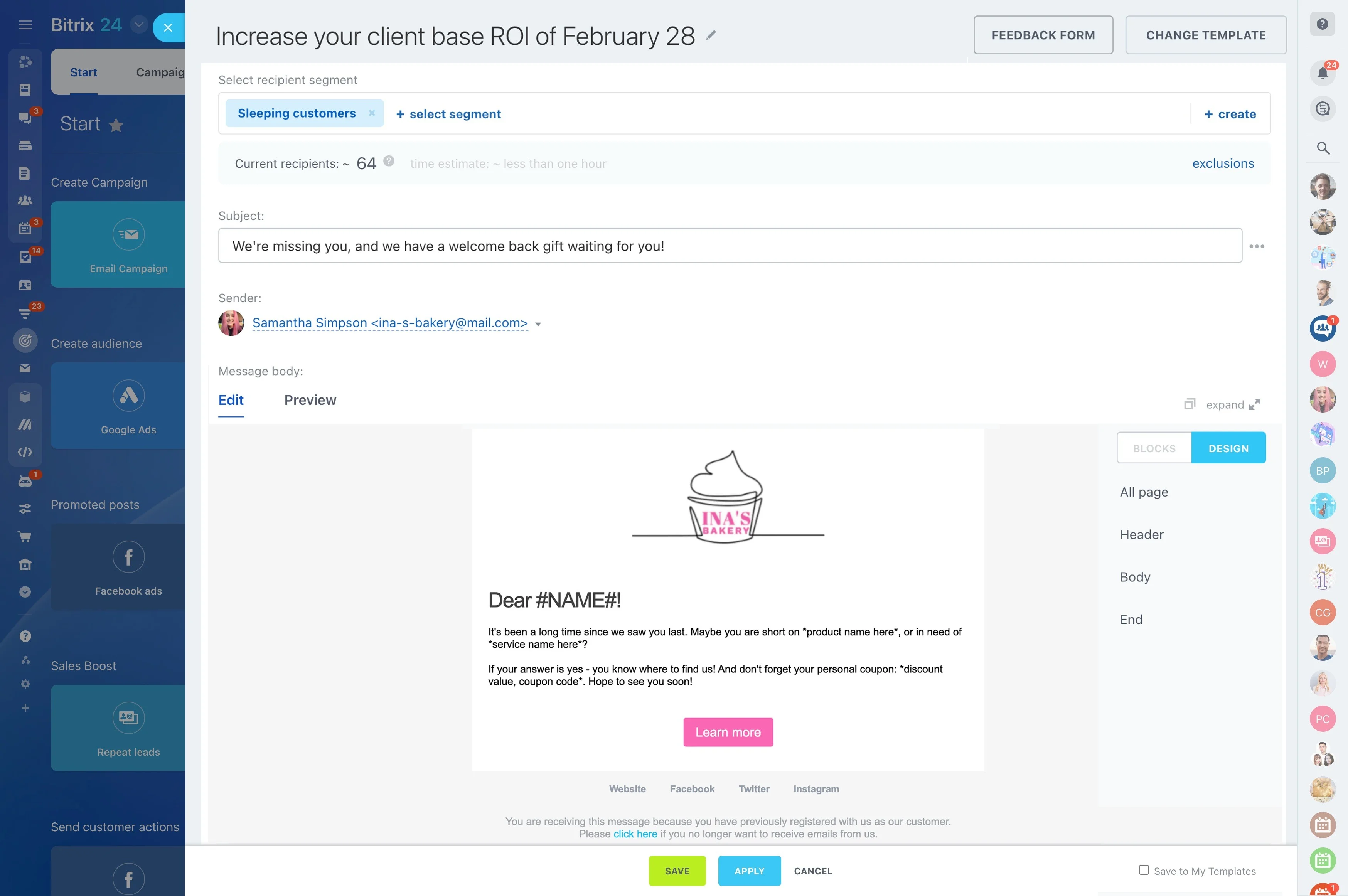
Automate every follow-up, never miss the moment
Manual follow-up dies in the gaps between meetings and spreadsheets.
Build sequences that trigger from real events — no brittle workarounds.
- Triggers: new lead created, score crossed a threshold, deal entered stage “Discovery,” renewal date approaching, inactivity for X days, form submitted, or custom field change.
- Branching logic: if/else based on opens, clicks, replies, region, industry, account tier, or MQL score. Route high-fit leads to a fast-lane cadence while keeping long-tail nurturing…
- Timing control: send during business hours in the recipient’s timezone, add randomized windows to avoid “blast” patterns, and insert waits contingent on CRM updates.
- Multichannel steps: email + auto-created tasks for reps + phone call reminders + internal notifications + live chat handoffs — all coordinated in one flow.
See revenue, not just opens: real attribution
Opens and clicks are proxies.
Contrast with a separate ESP:
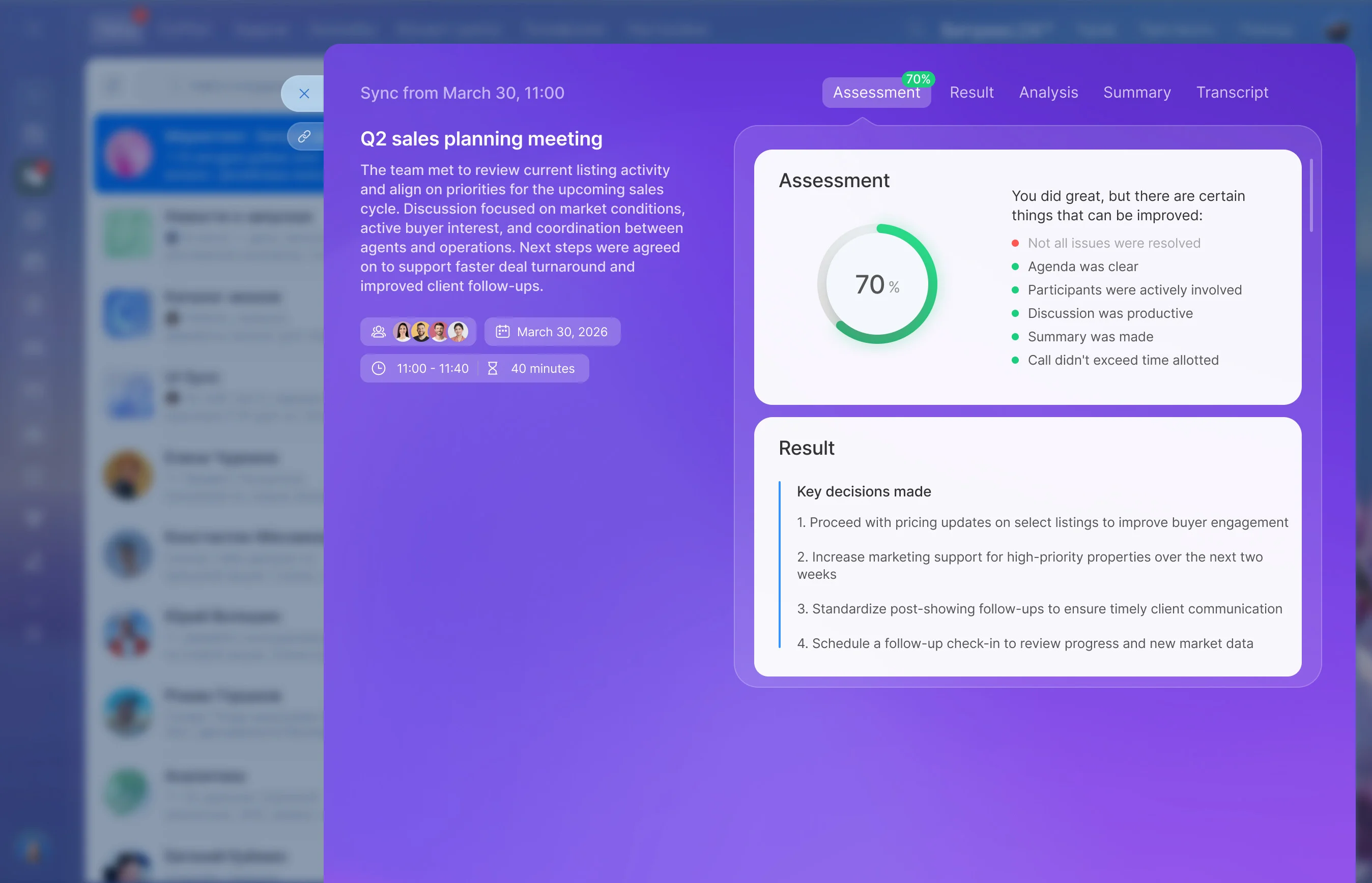
- Direct linkage: each campaign writeback shows up on the contact and company timeline, and rolls up to open deals. You can see which emails preceded “Meeting booked” or “Proposal sent.”
- Opportunity creation and stage movement: attribute created deals and stage progression to specific emails or sequences, so you know which messages accelerate movement from…
- Pipeline velocity insights: compare sequences by time-to-first-meeting, time-in-stage, and total cycle length. Optimize for speed, not just engagement.
- Real A/B tests: test subject lines, content blocks, and send times, and measure on down-funnel metrics like meetings scheduled or revenue influenced — not vanity metrics.
Deliverability, compliance, and control handled
Powerful doesn’t have to mean risky.
Deliverability foundations:
- Authentication support: configure SPF and DKIM for your sending domains, with guidance to align records and improve inbox placement. DMARC alignment guidance is available where…
- Automatic hygiene: hard bounces and complaints are captured and suppressed automatically; you won’t keep sending to bad addresses or uninterested recipients.
- Subscription management: one-click unsubscribe in every email and granular subscription categories (e.g., “Product updates,” “Events,” “Promotions”) so recipients can opt down, not…
- Send timing and pacing: schedule by recipient timezone and space sends to avoid “blast” patterns that can trigger filters.
From list import to first send in a day
Getting started shouldn’t take a sprint.
Your fast path to value:
- Import contacts and companies via CSV: map columns to standard or custom CRM fields (e.g., industry, lifecycle stage, consent date). Save mappings for repeat imports.
- Clean as you go: dedupe automatically by email or by rules you define (email + company), and normalize values (e.g., US vs. United States) using picklists.
- Bring your structure: include tags, interests, or segment flags in the import so your audiences remain intact. Import suppression lists to preserve unsubscribe status.
- Recreate templates quickly: use the drag-and-drop builder for layouts and brand elements, or paste existing HTML (inline CSS supported). Save reusable content blocks for headers,…