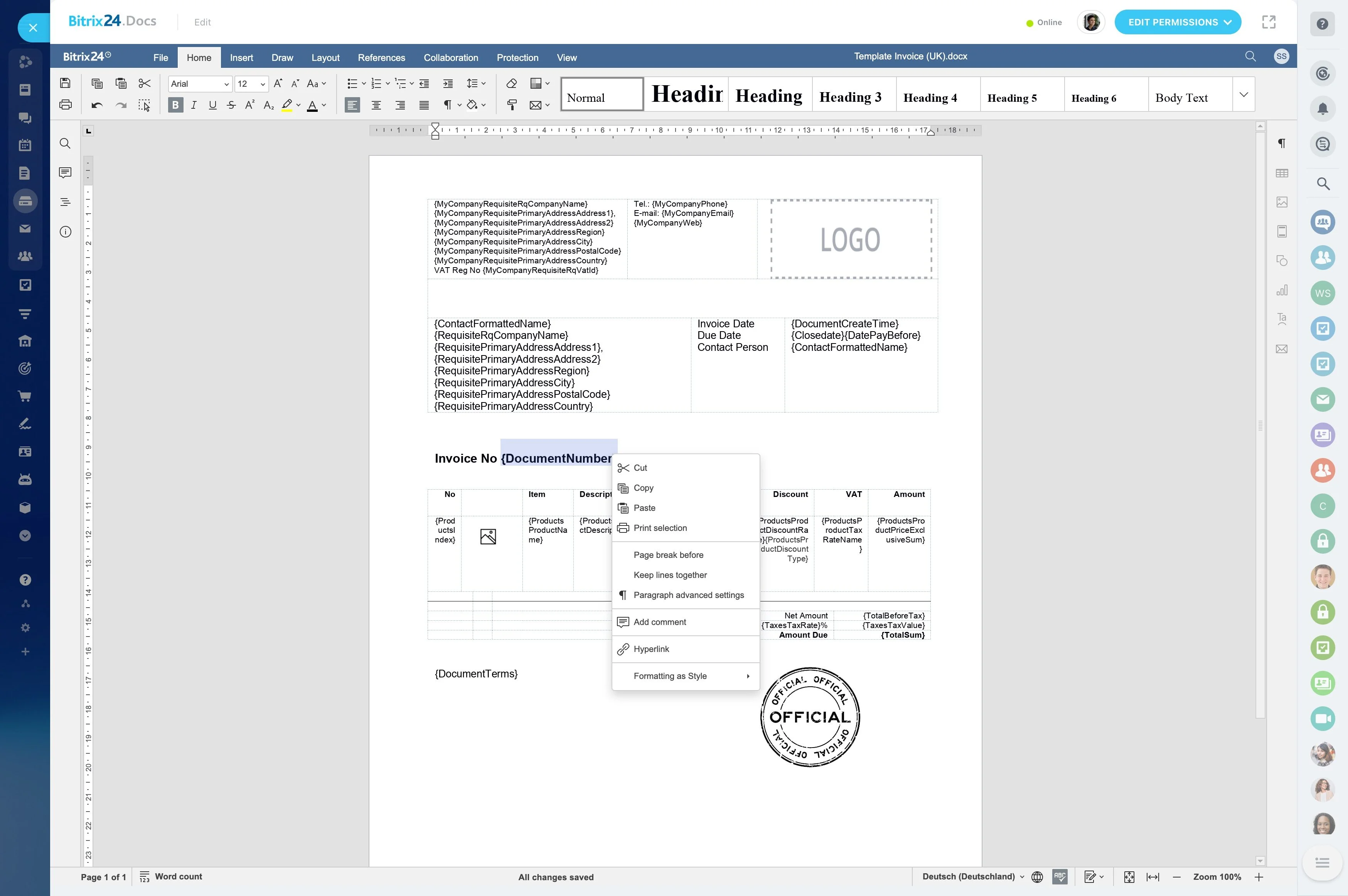
A quote is more than a document: it marks a decision point in the deal.
A quote is more than a document: it marks a decision point in the deal. Sales representatives need to prepare accurate terms, route them to the right person, send them to the customer, and know what action follows.
CRM quote management keeps that sequence connected to the deal record. In Bitrix24, teams can organize quote preparation, approval responsibilities, customer delivery, and status tracking within the same CRM workflow, giving representatives and managers a clearer view of commercial progress.
Track quote status through follow-up
After sending, review which quotes are awaiting approval, have reached customers, or need another action. Keeping these states visible alongside the deal helps representatives decide what to do next.
Managers can focus on stalled negotiations and open commercial work instead of reviewing every deal equally.
Build the quote from the deal record
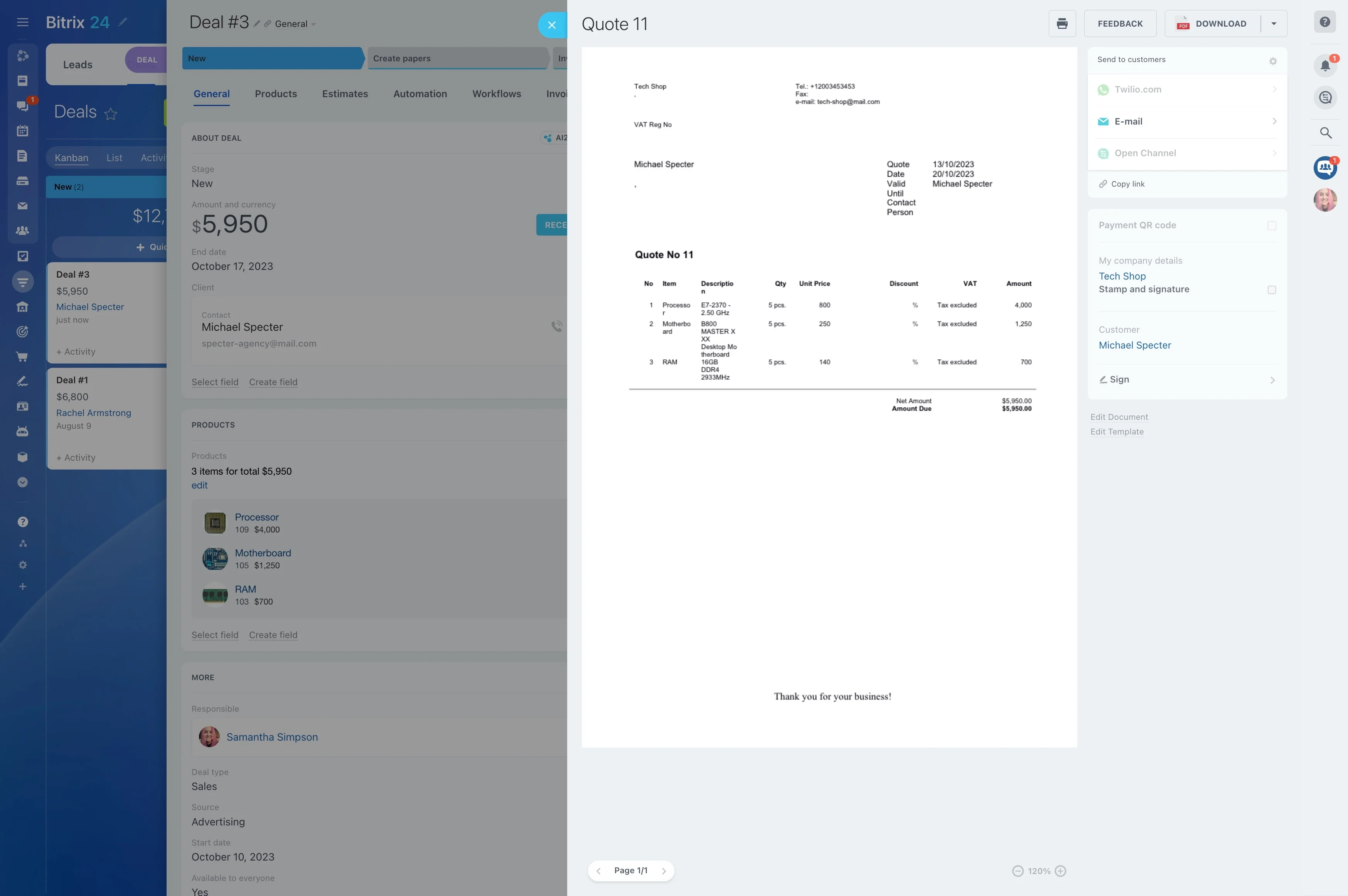
Begin with the deal that contains the customer, products, and commercial context. Preparing the quote from that record reduces repeated entry and keeps the document connected to the opportunity it supports.
- Open the relevant deal and prepare the quote.
- Check products, terms, and customer details.
- Save the quote within the surrounding CRM activity.
Set approval responsibilities before sending
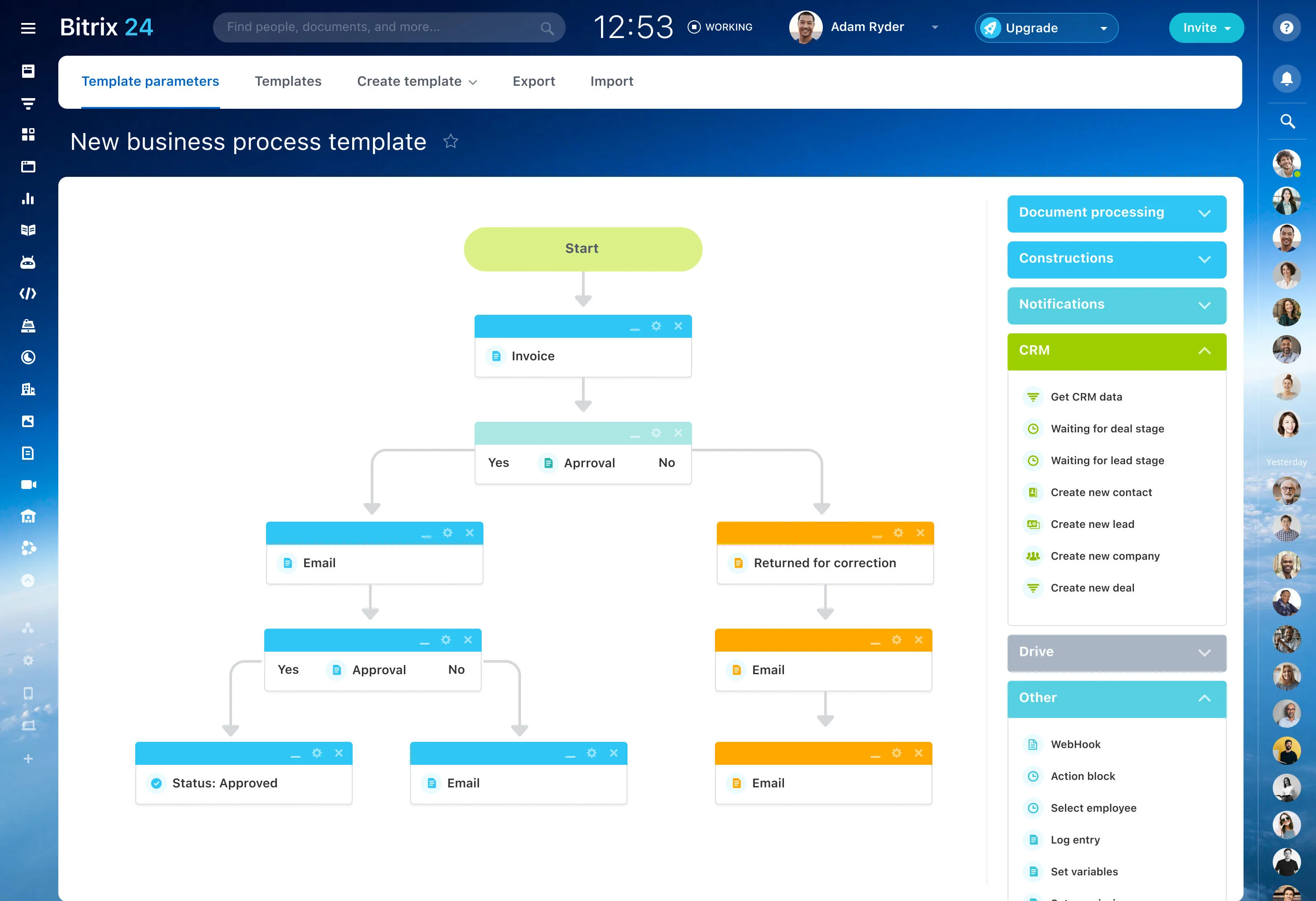
Define who reviews a quote before it reaches the customer. Separating preparation from approval gives representatives a clear handoff and gives managers a defined control point for commercial documents.
Use permissions and team responsibilities to reflect your internal process, whether approval belongs to a sales manager or another designated reviewer.
Send quotes without losing deal context
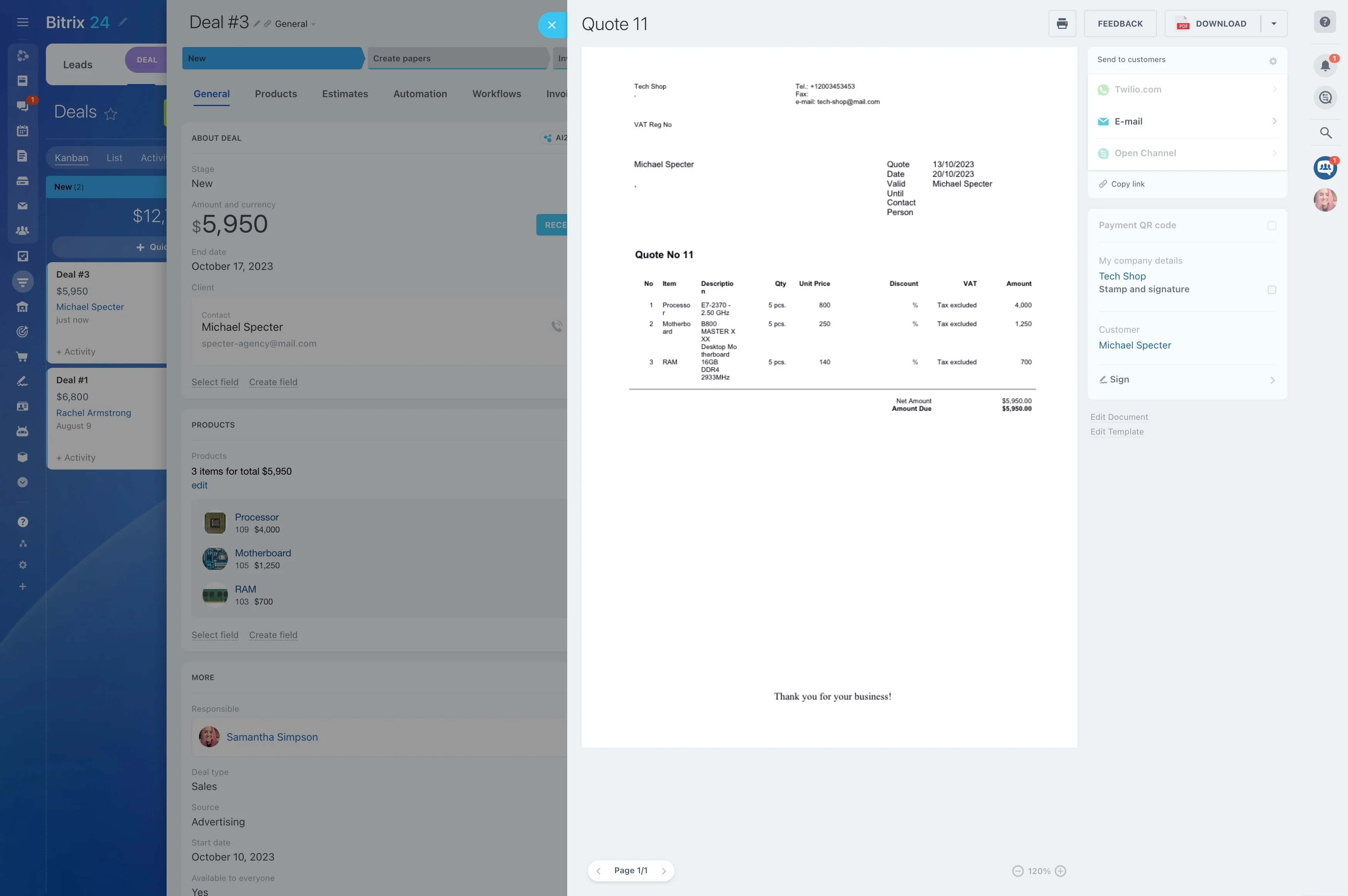
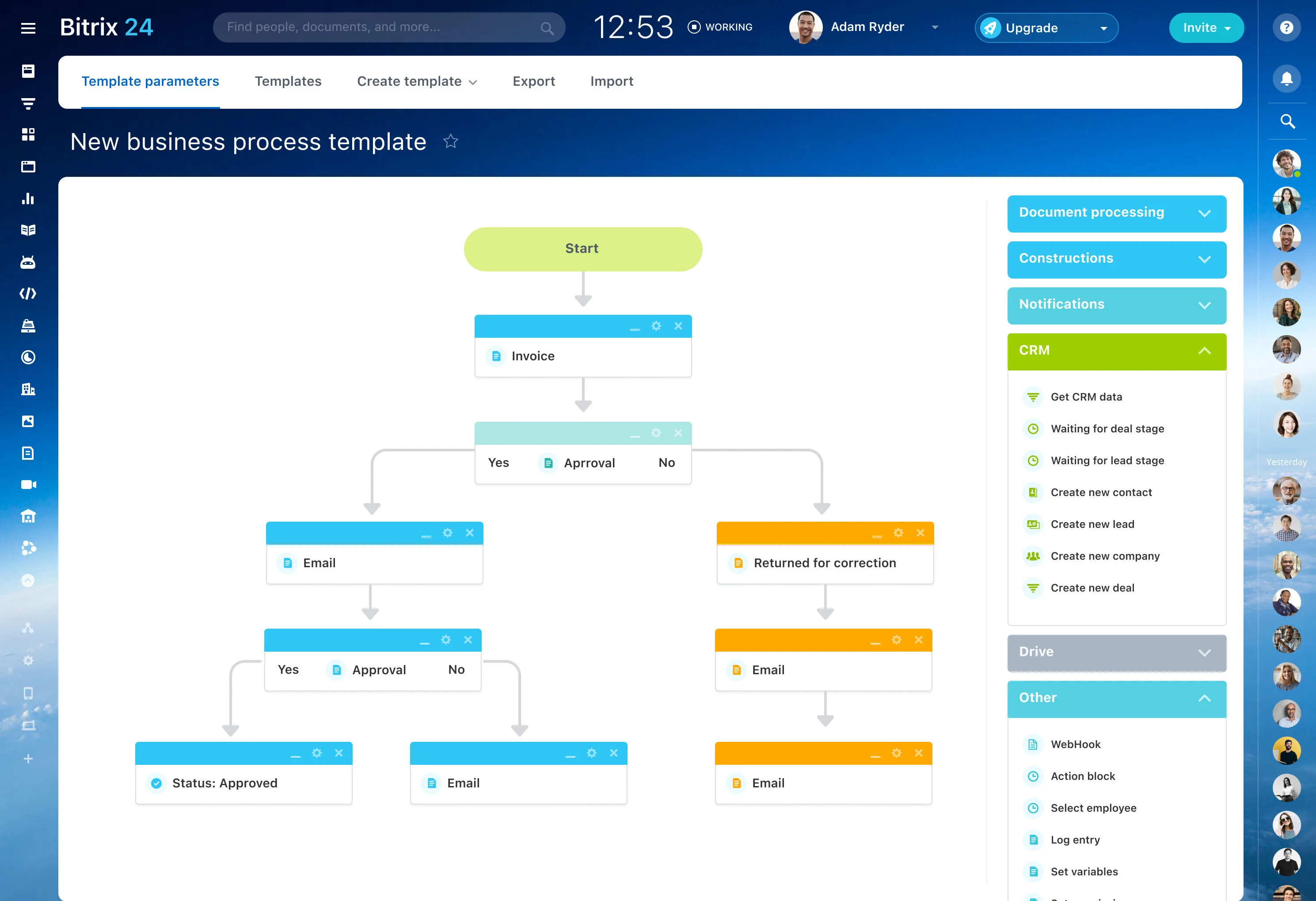
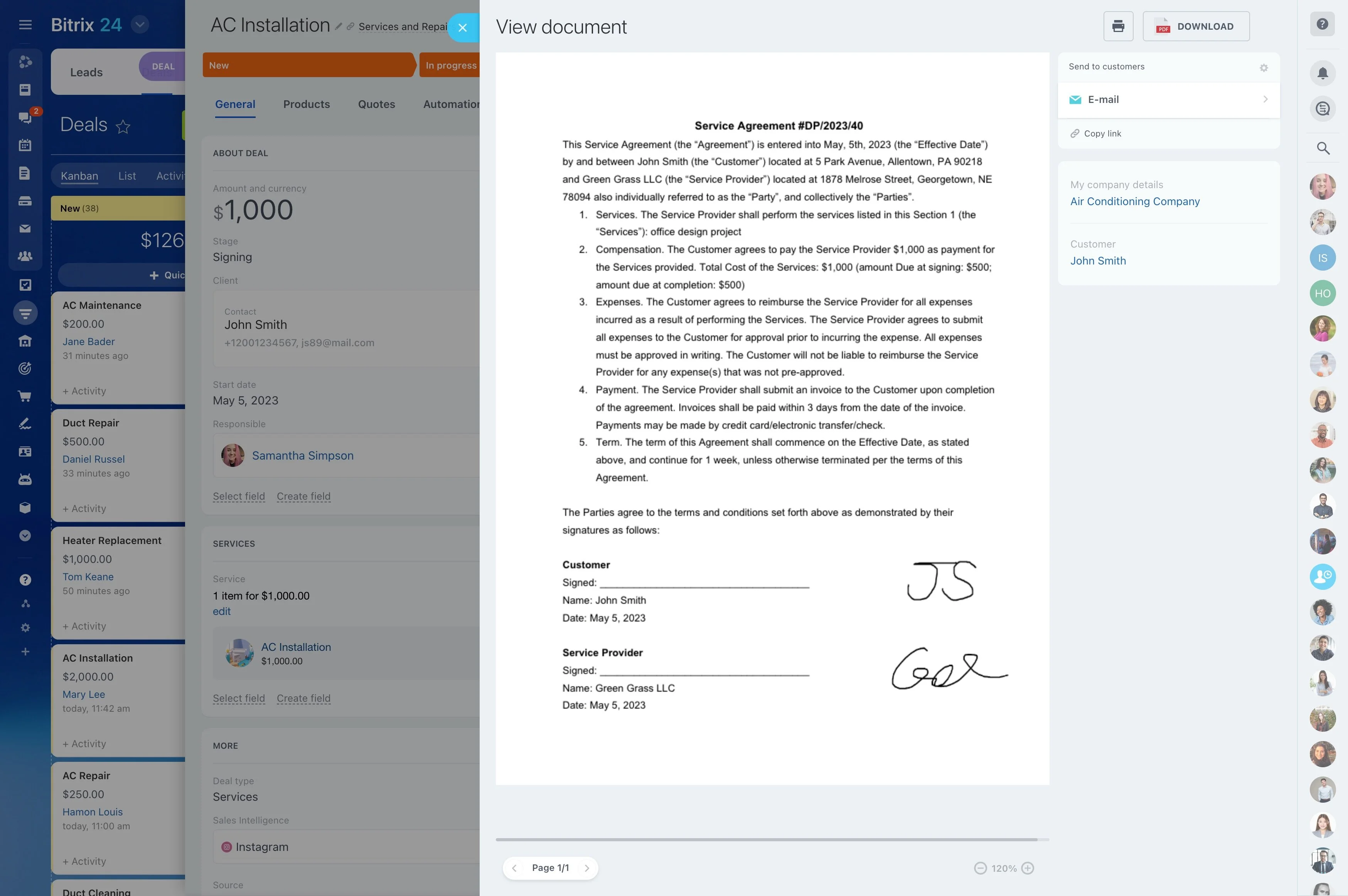
When the quote is ready, send it as the next step in the customer conversation while keeping it associated with the deal. Representatives can then connect the document with the customer response and planned follow-up.
A useful trigger-to-outcome sequence is: the deal reaches its quoting stage, the CRM action prepares the quote, and its resulting status gives the team a record to follow toward a customer decision.
Report on quote progress
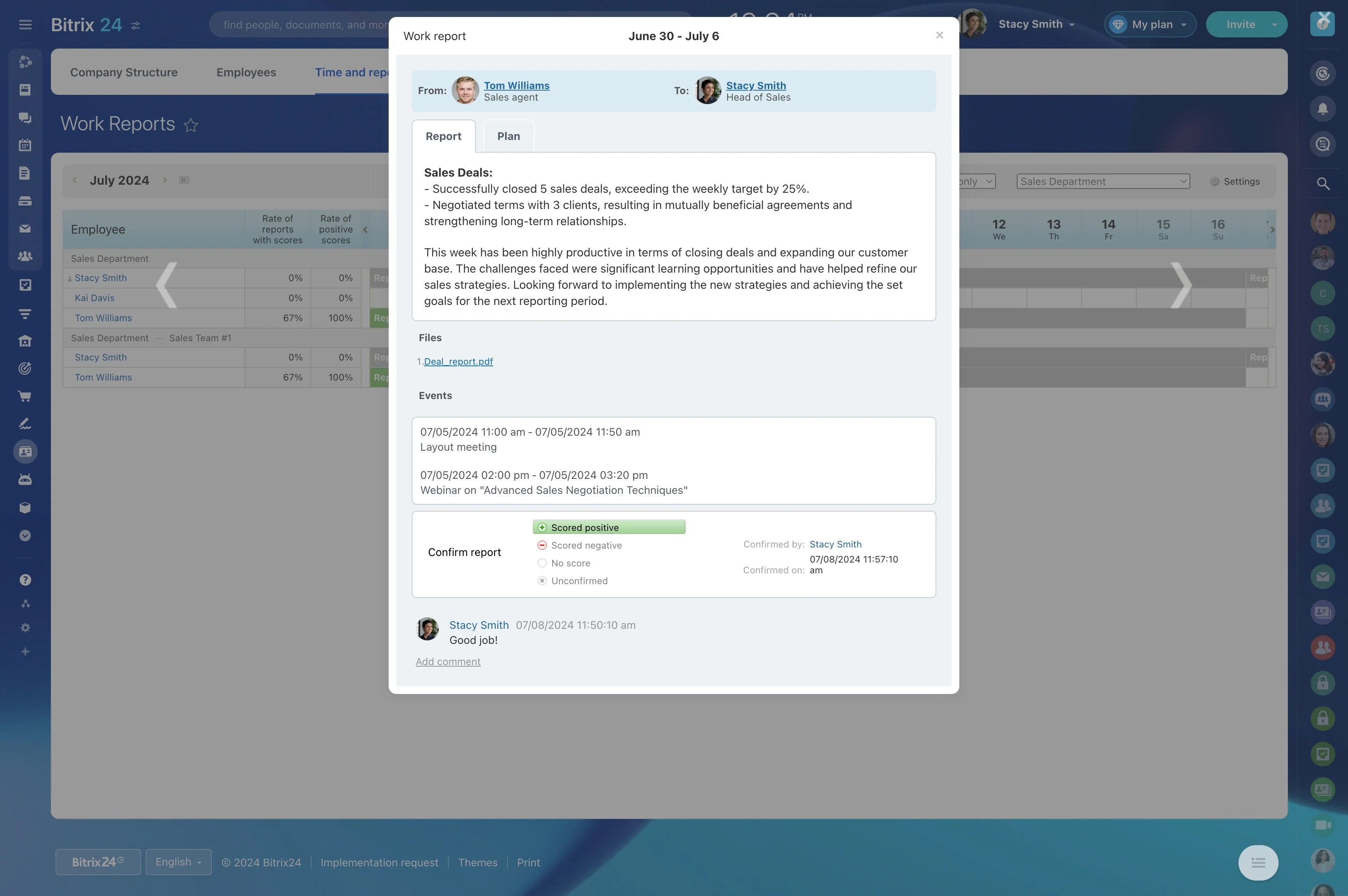
Quote reporting helps managers examine how commercial documents move through the sales process. Review quote activity alongside deals to identify items awaiting internal action and opportunities where progress has stopped.
- Which active deals have quotes?
- Which quotes are waiting for approval?
- Where do quoted deals stop progressing?
Connect quotes with surrounding CRM work
Quote management works best when it remains connected to the records and actions around the opportunity. Customer details, products, activities, follow-ups, and deal stages provide the context needed after a quote is prepared or sent.
Use the quote as a focused step within the broader deal workflow, from qualification and negotiation through follow-up and closing.