CRM Implementation Guide: Roll Out CRM Without Adoption Headaches
You bought a CRM to stop revenue leaks — slower-than-necessary lead response, missed follow-ups, fuzzy forecasts, and handoffs that drop deals on the floor. The purchase was the easy part. The hard part is turning Bitrix24 into a daily habit for your team so that the pipeline you see in dashboards matches reality and drives better decisions.
The cost of poor adoption is immediate and compounding:
- Wasted licenses and hours spent configuring features nobody opens
- Dirty, duplicate data that destroys trust and derails reporting
- Lost deals from missed SLAs, stale stages, and inconsistent handoffs
- Team frustration and a quiet slide back to spreadsheets and side systems
The fix is straightforward: a practical, step-by-step way to implement Bitrix24 that starts with outcomes, not menus. Align on business goals, migrate clean data, design pipelines your team understands, automate the busywork, train by role with real scenarios, and measure adoption in the same place work happens. This guide shows you exactly how to do it — faster, with less resistance, and with visible revenue impact.
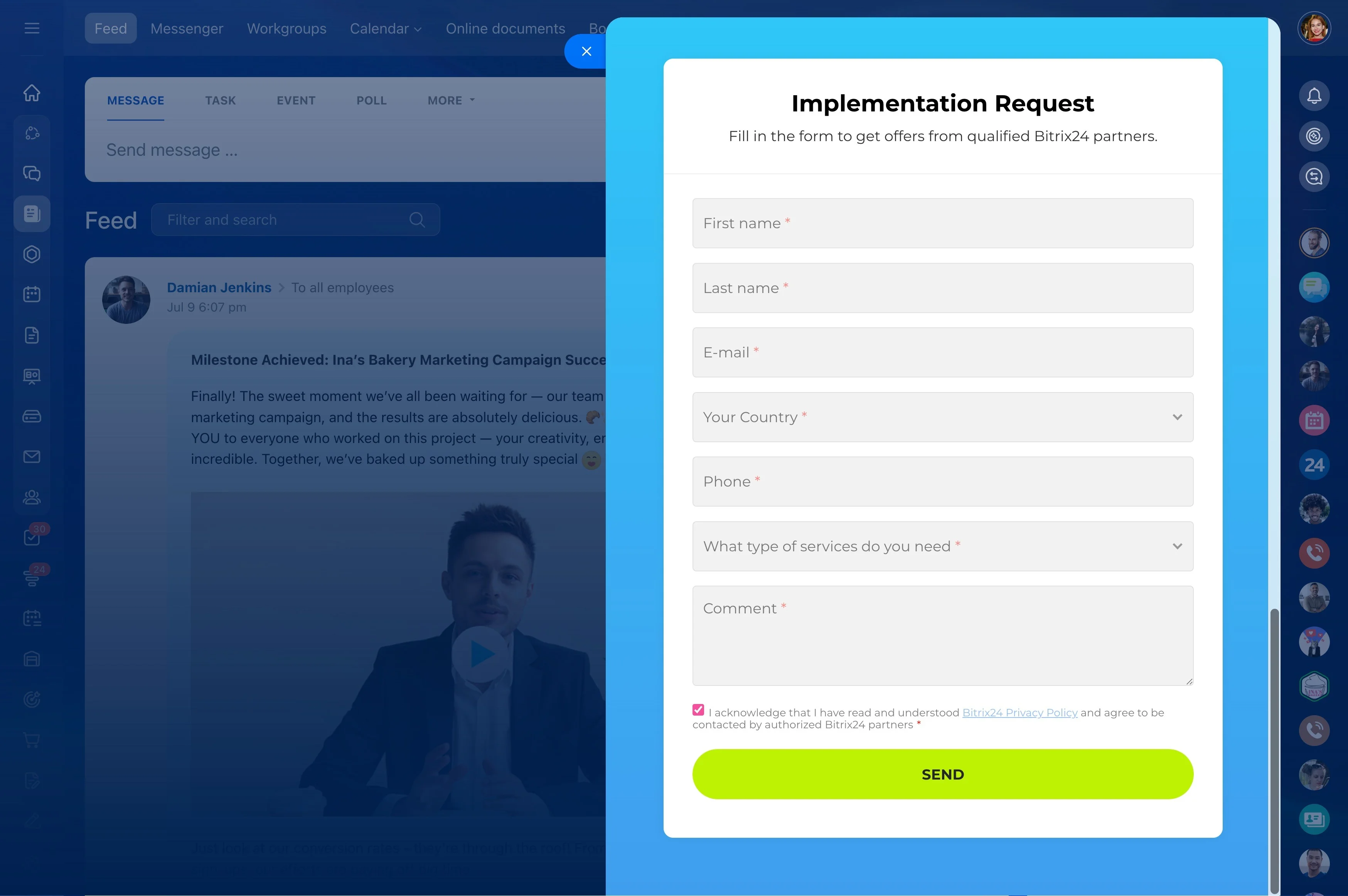
Make it concrete with the downloadable CRM Implementation Checklist. Use it to plan your rollout, assign owners, track progress, and keep scope under control. You’ll launch Bitrix24 cleanly, earn quick wins in weeks, and build a system your team actually wants to use.
Download the CRM Implementation Checklist
Turn this guide into action with the CRM Implementation Checklist — a ready-to-use, editable playbook that keeps your rollout on time and on target.
Real value you’ll feel in week one:
- A step-by-step CRM rollout plan template with a 6-week example you can adapt to your reality
- RACI matrix covering sales, marketing, service, finance, and IT so responsibilities are unambiguous
- Pipeline design worksheet: stage names, exit criteria, lost reasons, and SLA triggers
- Automation blueprints: round-robin assignment, SLA timers, alerts, task creation, and stage movement
Design a workspace your team actually wants to use
Adoption is a design problem long before it’s a motivation problem.
Design principles that drive daily usage:
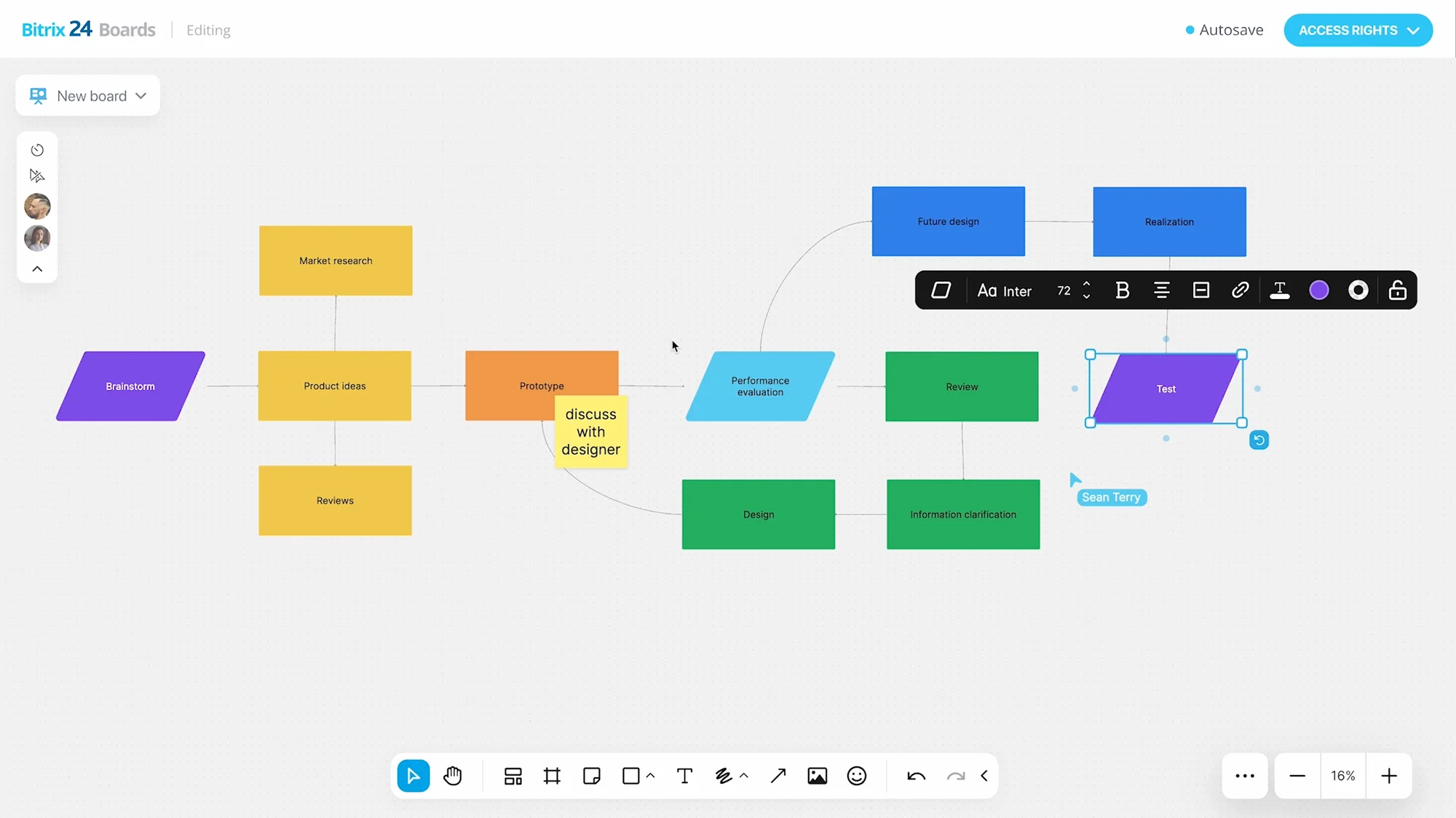
- Pipelines and stages: mirror real milestones. Keep stage names short, add exit criteria, and define lost reasons that inform coaching
- Fields and forms: show only what each role needs. Make critical fields required at the right stage (not all upfront) to reduce friction
- Automations: use triggers to assign owners, set deadlines, move stages, create tasks, and notify on SLA breaches so nothing falls through the cracks
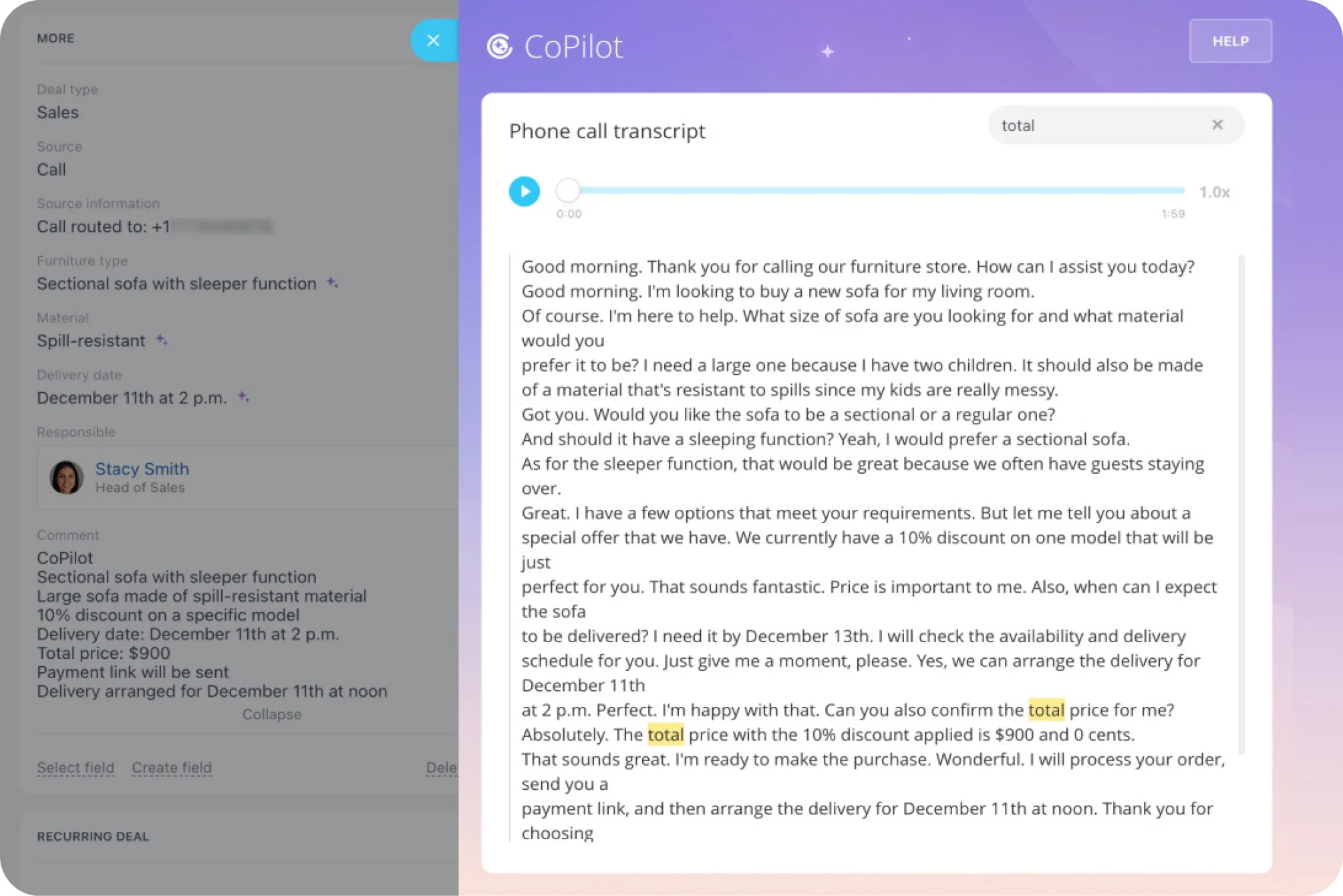
- Communication: connect shared inboxes and telephony so emails, calls, and recordings auto-log to the timeline; no more manual notes
Start with outcomes, not features
Most CRM deployments fail in the first meeting because the conversation jumps straight to toggles and tabs.
Anchor on 3–5 measurable objectives everyone can recite.
- Reduce first response time on inbound leads to under 10 minutes across business hours
- Improve Stage 2→3 conversion by 15% through better qualification and required data
- Achieve 95% activity logging compliance so managers coach from facts, not guesses
- Cut deal stage aging by 30% to accelerate cycle time and improve forecast accuracy
A practical CRM rollout plan you can keep
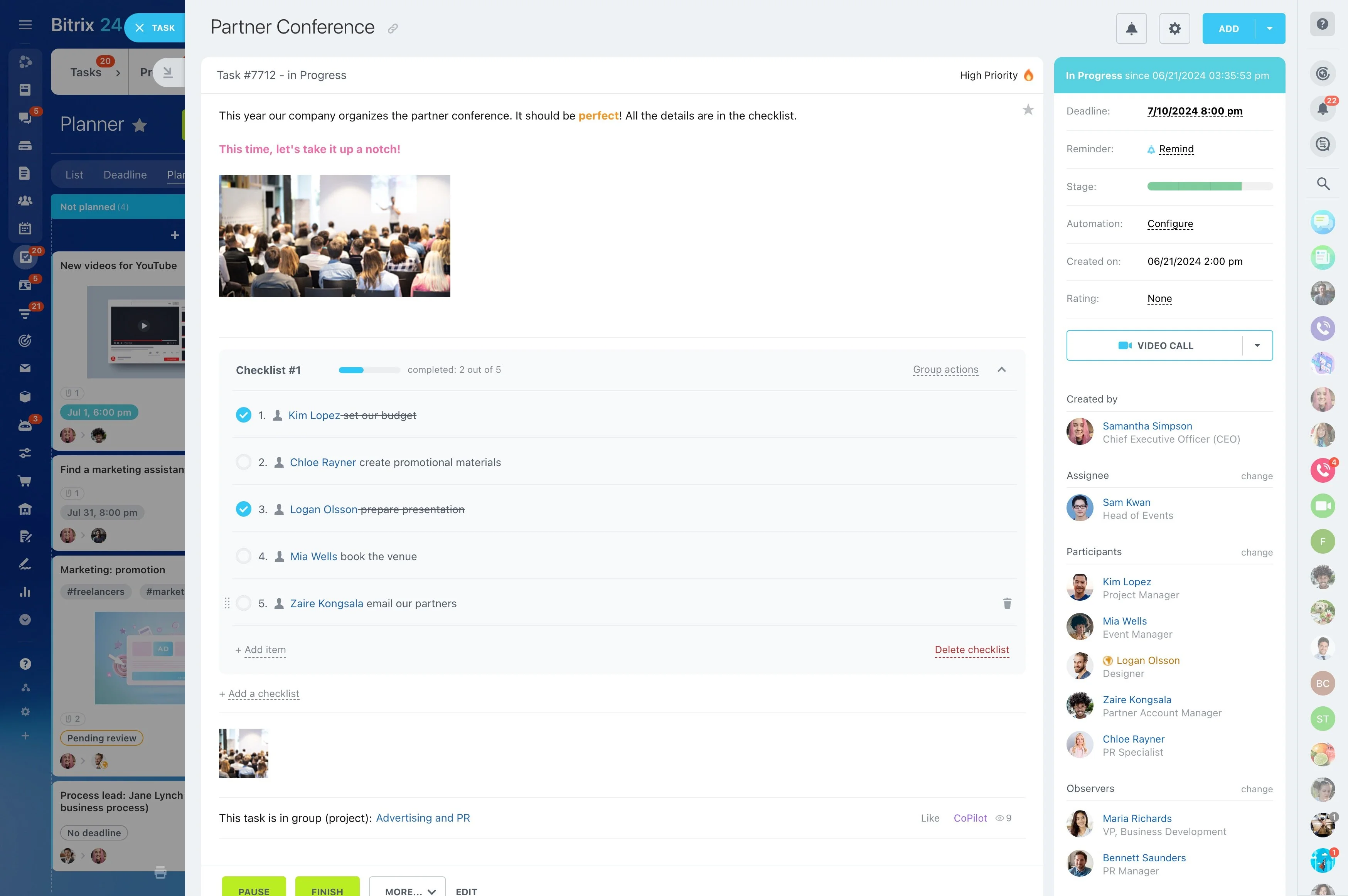
Grand visions die without owner accountability and a calendar.
Suggested 6-week plan you can adapt:
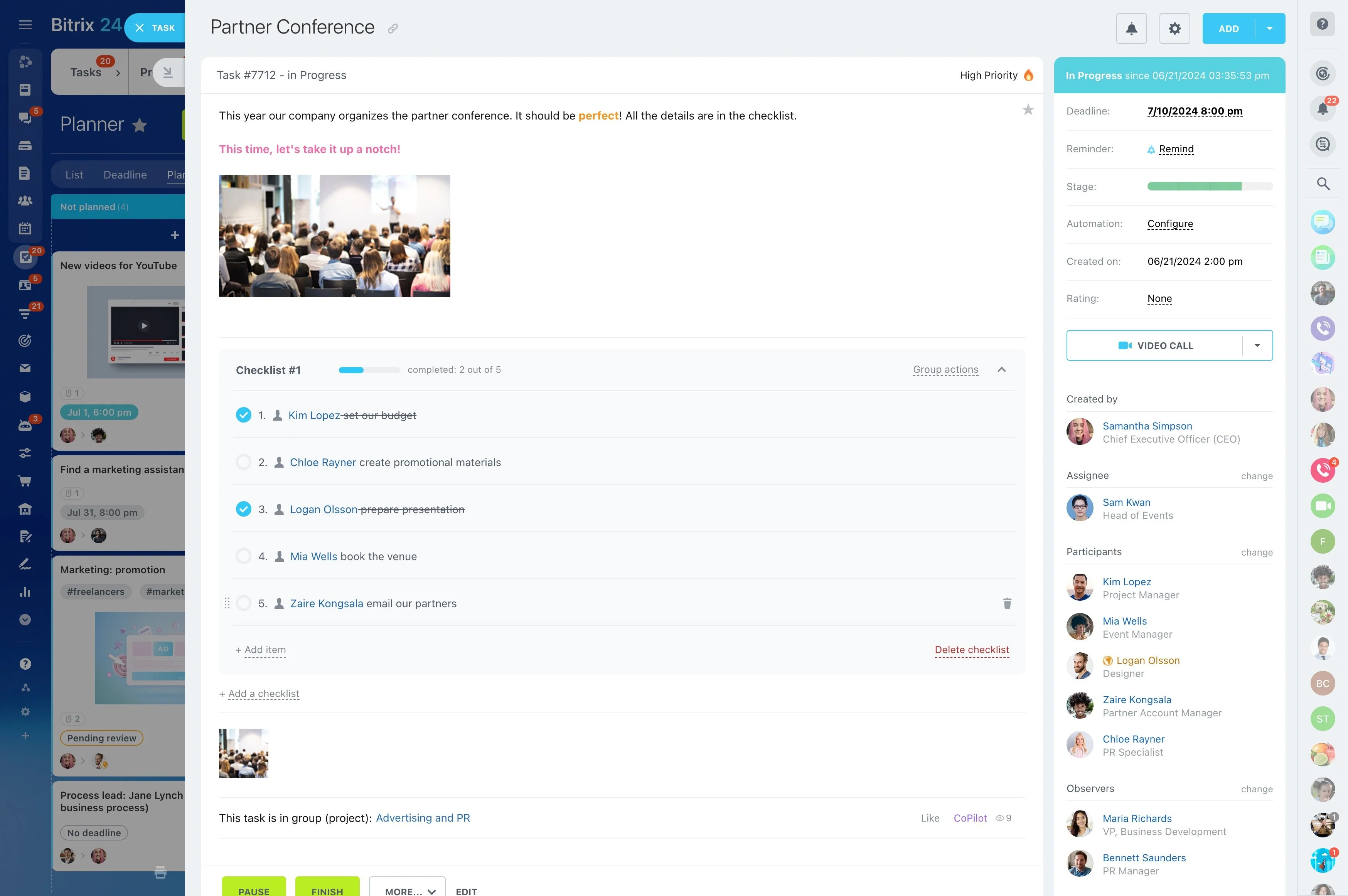
- Week 1: Kickoff and scope. Align on 3–5 measurable objectives, define success metrics, and name owners. Create a Bitrix24 Workgroup to centralize decisions, docs, and Q&A. Draft…
- Week 2: Data model and pipelines. Define entities, required fields, stage names, exit criteria, and user roles/permissions. Build a test pipeline and a product catalog. Outcome: a…
- Week 3: Data migration prep. Inventory sources, clean and dedupe, map fields, and run a 100–500 record test import. Validate ownership, dates, links, and stage placement. Outcome:…
- Week 4: Automations and templates. Configure round-robin rules, SLA alerts, task creation, and stage movement triggers. Connect email and telephony. Create email/quote templates and…
Migrate clean data, not chaos
Nothing crushes trust faster than opening a new CRM to find duplicates, missing context, or deals in the wrong stage.
Validation checklist before full cutover:
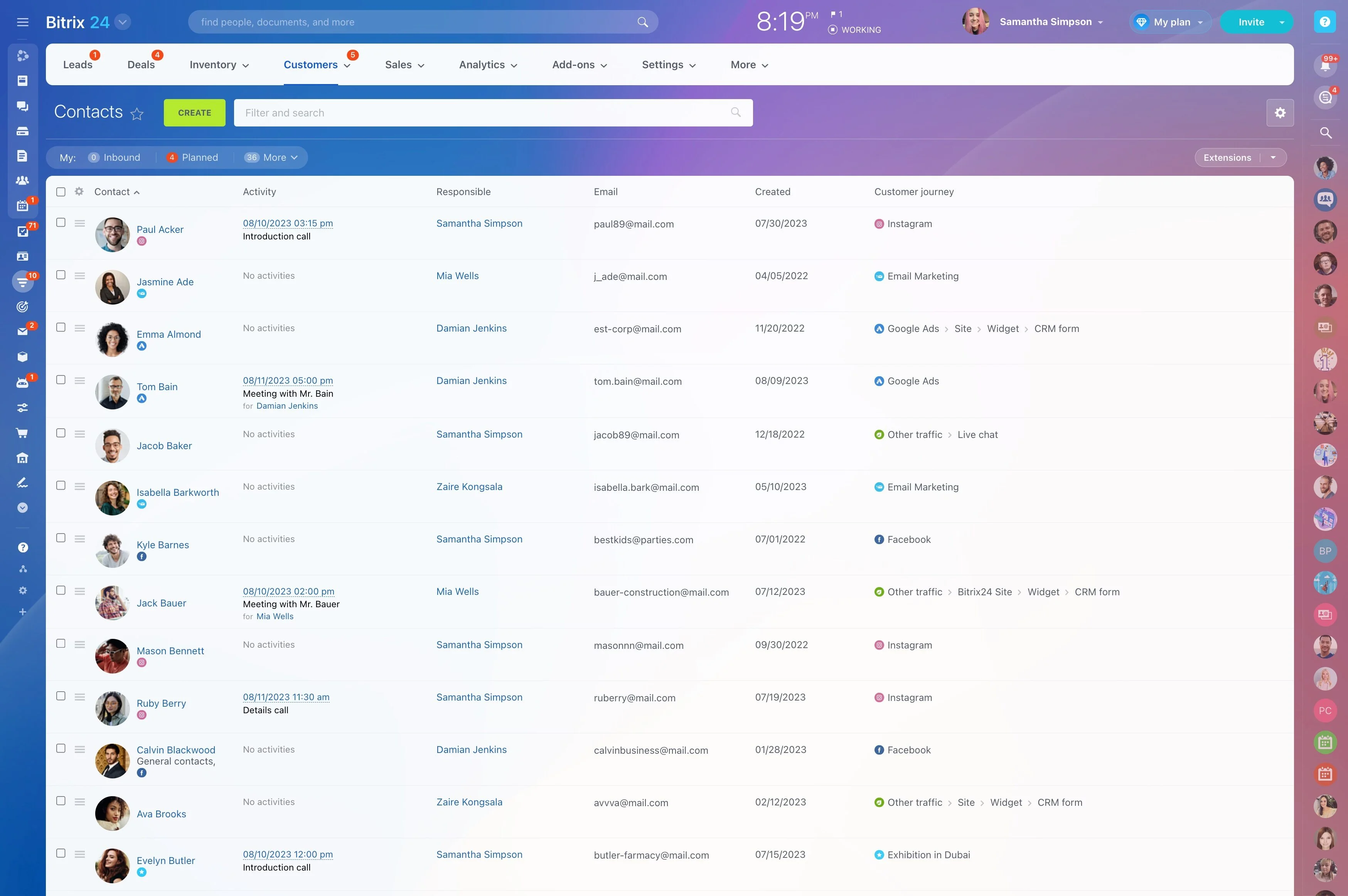
- Inventory sources: old CRM exports, spreadsheets, inboxes, telephony logs, web forms, chat, and any offline lists
- Standardize values: names, lifecycle stages, industries, currencies, and date formats; decide canonical picklists now
- Dedupe early: match on email + phone, then company domain; consolidate notes and owners into a single record
- Map to Bitrix24 entities: leads, contacts, companies, deals, products, and activities; document every field’s purpose
Train for behavior change, not button clicks
One-time webinars don’t create habits.
Build a system that sticks:
- Role paths: design separate tracks for SDRs, AEs, CSMs, and managers; each gets a focused 60–90 minute session with hands-on exercises using Bitrix24
- Real data, safe space: practice in a test pipeline that mirrors production so muscle memory transfers on go-live
- Micro-lessons: 3–5 minute videos on logging calls, moving stages, creating quotes, scheduling next steps; embed them in records via the Knowledge Base
- Checklists: give “first week” missions — log 5 calls, convert 3 leads, create 2 deals, schedule all next steps — directly as Bitrix24 Tasks

Measure adoption and iterate with intent
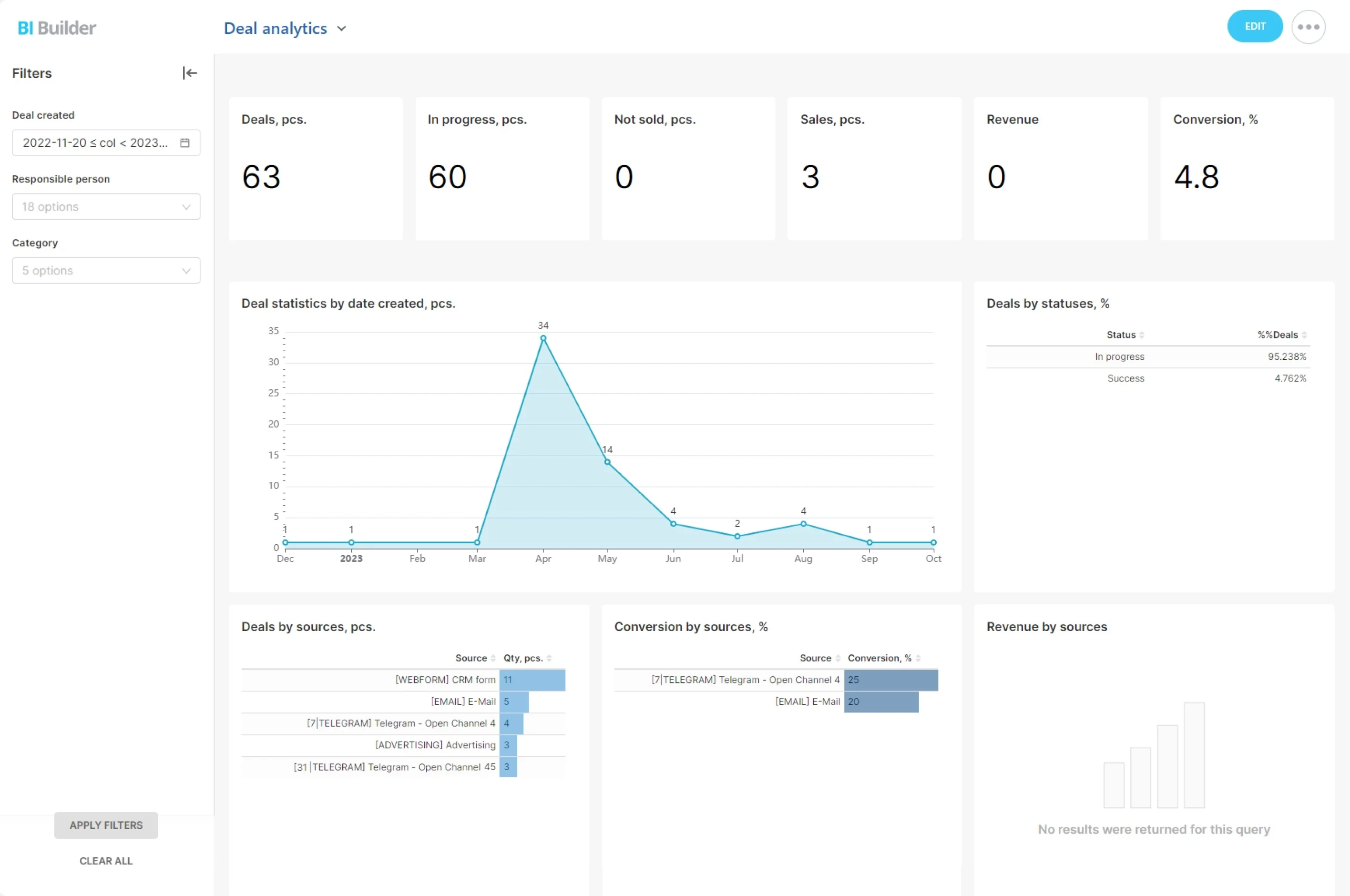
If you define adoption up front, build the dashboards, and review them on a cadence, your rollout evolves based on evidence instead of anecdotes.
Adoption metrics to track in Bitrix24:
- Daily/weekly active users by role to spot teams that need support
- Activity logging rate per rep (calls, emails, meetings) to confirm data completeness
- Time from lead creation to first touch to protect pipeline freshness
- Percentage of deals with a next step scheduled to avoid stall-outs