Build a pipeline that matches the subscriber lifecycle
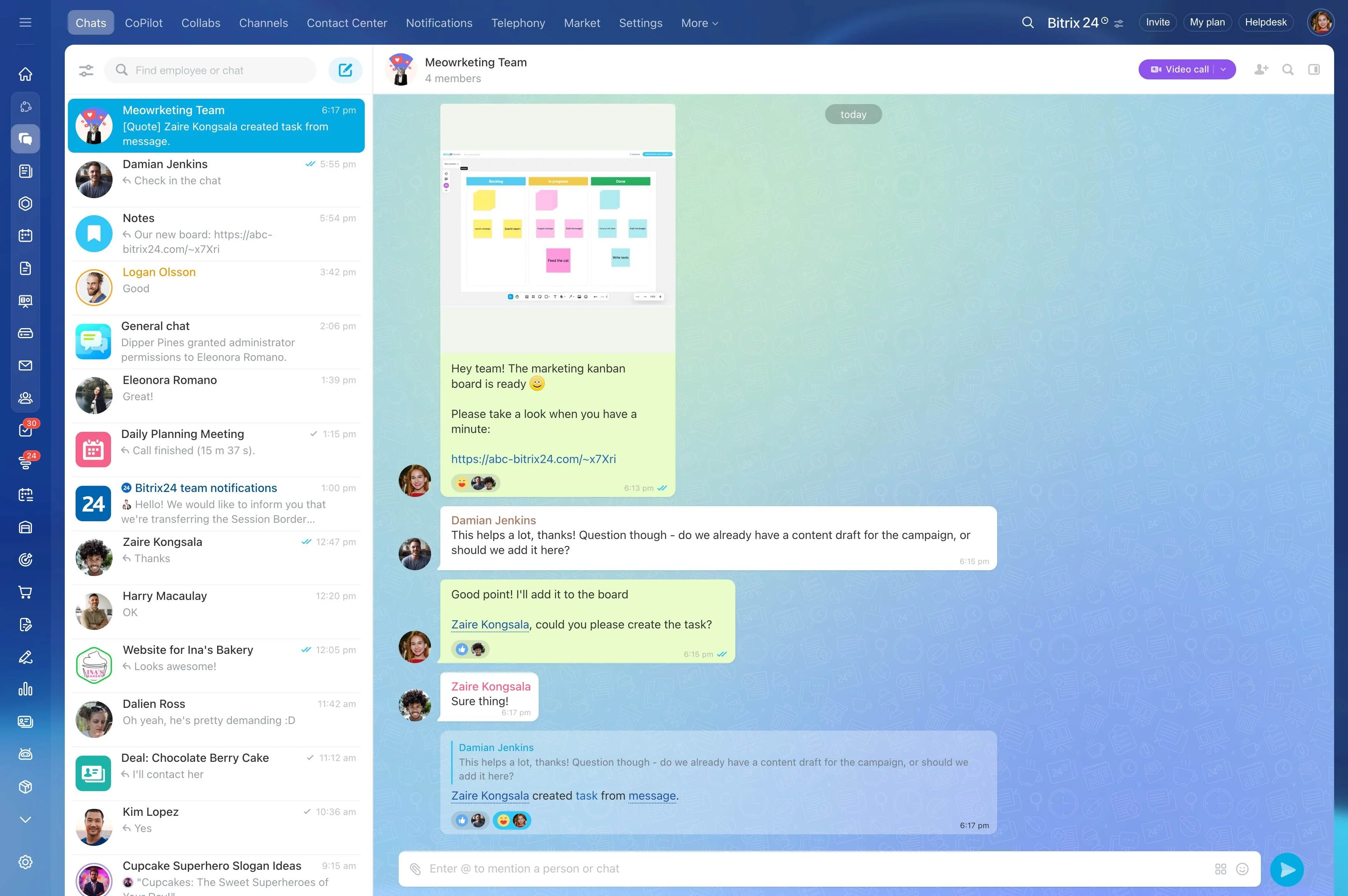
Telecom teams don’t just close a deal—they qualify a subscriber, match the right plan and options, confirm contract terms, coordinate activation, handle service interactions, and protect renewals. When these steps live in separate systems or disconnected records, the details that drive the next action get lost: what plan was quoted, which terms were confirmed, where activation stands, and what support has already done.
A CRM for telecom works best when it mirrors the subscriber lifecycle end to end. Bitrix24 lets you manage acquisition, onboarding, service, and retention as one connected workflow: move prospects through stages, store plan and contract context on the customer record, and keep every call, note, task, and case tied to the same history so sales, provisioning, and support can operate from the same facts.
- Follow one lifecycle from lead to active subscriber to renewal
- Keep plan/option and contract context attached to the account
- Make handoffs and follow-ups clear, trackable, and owned
Scenario: lead → activation → service → renewal
A regional telecom provider receives an inbound request for three mobile lines and a data plan. A sales rep qualifies needs, records usage and term preferences, and selects a plan with add-ons; contract checkpoints are documented on the subscriber record.
The opportunity moves to “activation ready” and is handed to provisioning with clear ownership and prerequisites. After activation, eSIM setup questions and a billing clarification are logged to the same timeline. As renewal approaches, the account is flagged for an upgrade conversation using the recorded plan usage and prior issues, so outreach matches the subscriber’s actual experience.
Turn sales-to-provisioning handoffs into a defined step
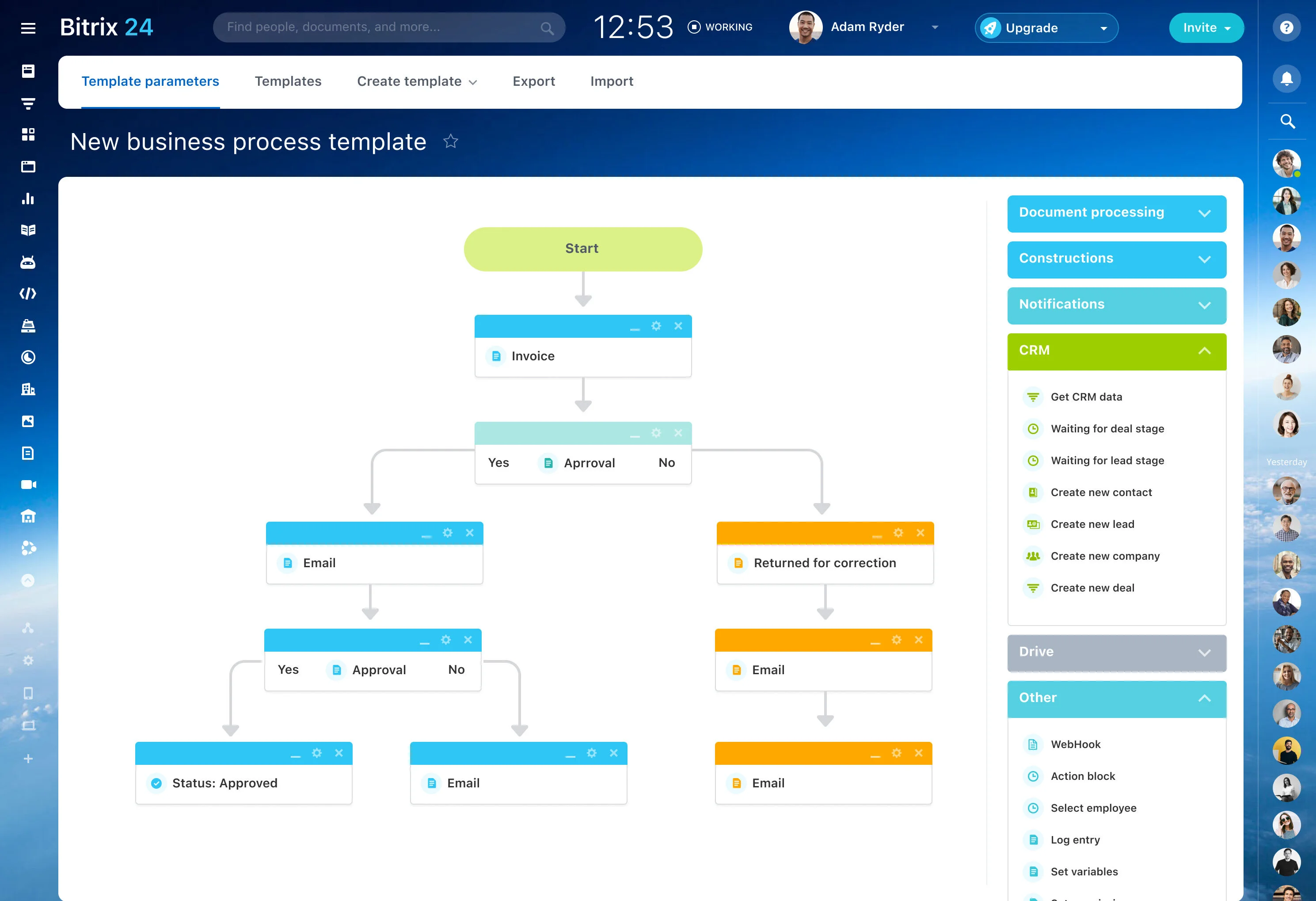
The highest-risk moment in onboarding is the handoff from sales to provisioning/operations. Use a clear workflow step with ownership and required validations (plan confirmed, contract received, activation prerequisites met) tied to the same record, so provisioning works from confirmed details and sales can see when activation is truly complete.
Build a pipeline that matches the subscriber lifecycle
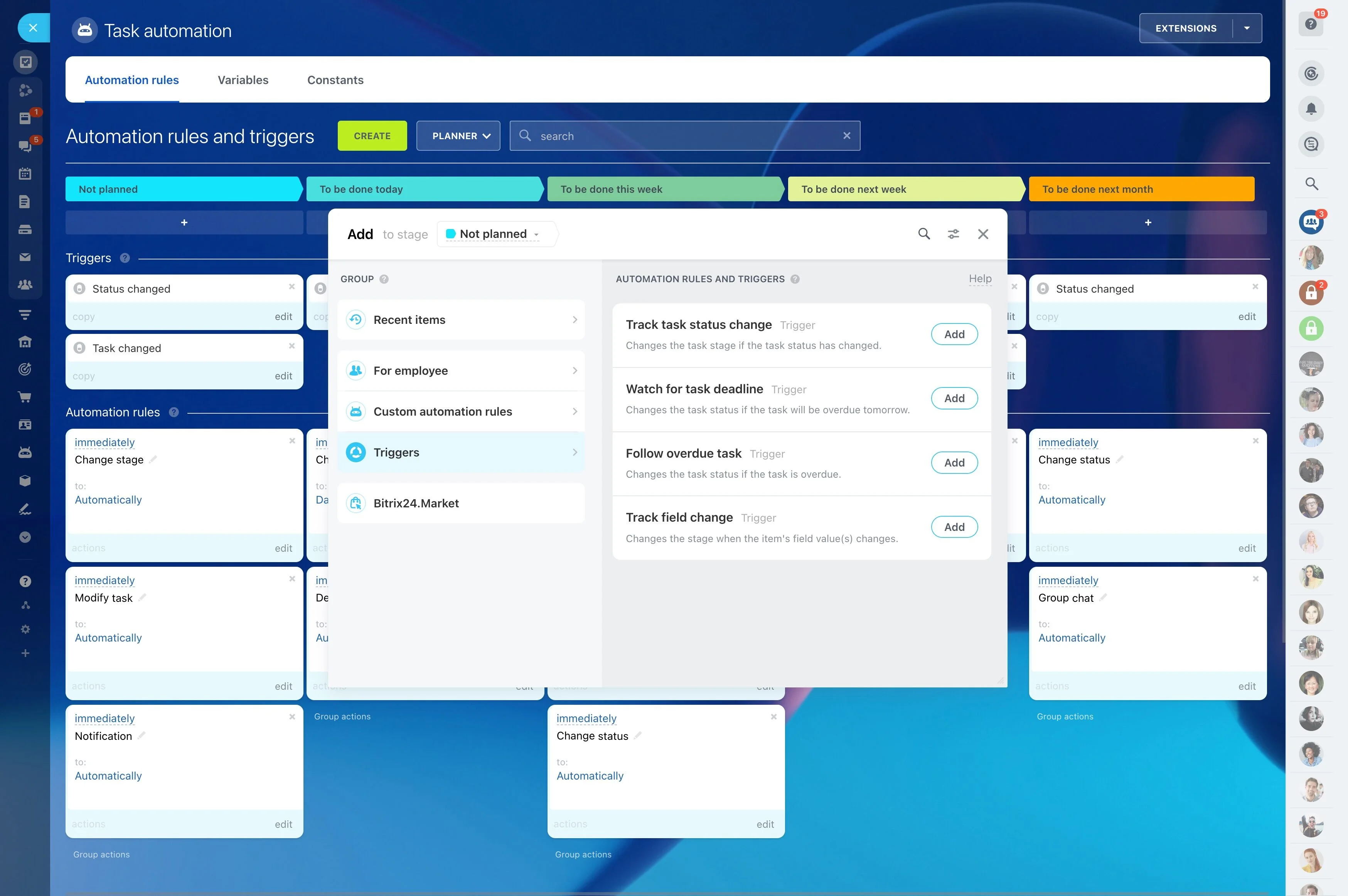
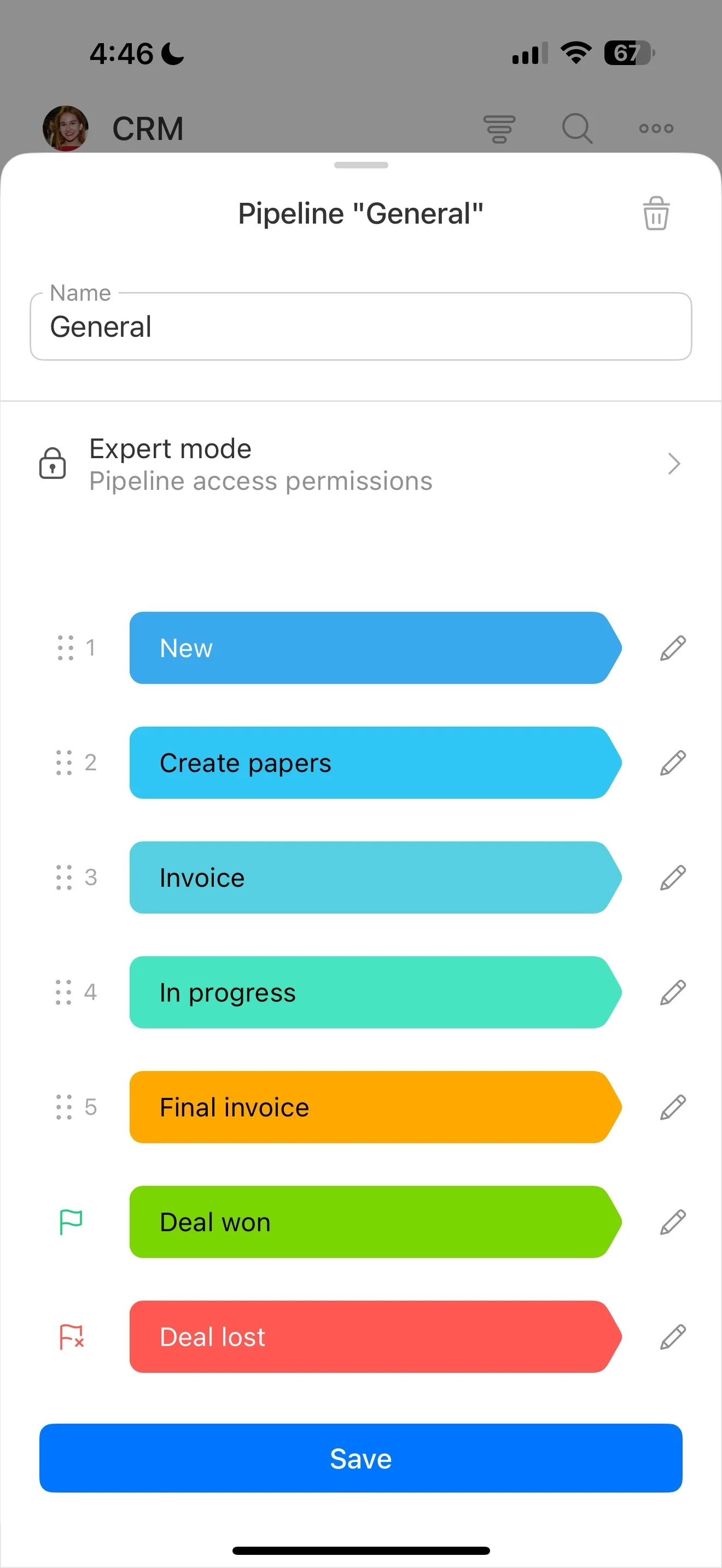
Telecom CRM work spans acquisition and ongoing account success. Set up stages that reflect how you actually operate—lead capture, qualification, plan selection, contract confirmation, activation ready, active subscriber, renewal/upgrade—so each team sees the current status and the next required step.
Capture qualification details that matter later
Subscriber acquisition requires context you’ll need again during onboarding and support. Store eligibility and fit details on the record (usage profile, number of lines, device needs, consumer vs. business, preferred term) so teams don’t re-collect basics and recommendations stay consistent from first call through activation.
Keep plan and contract terms visible for every team
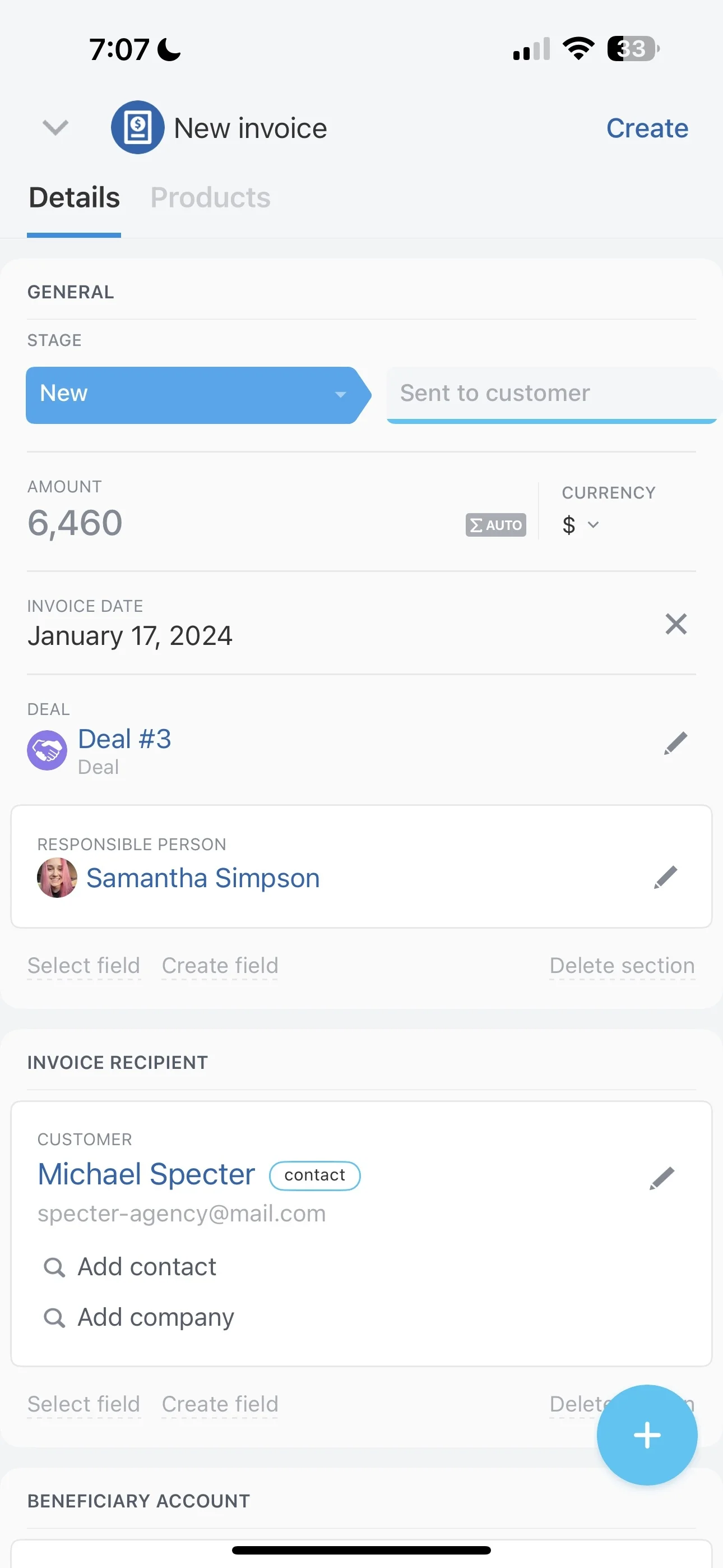
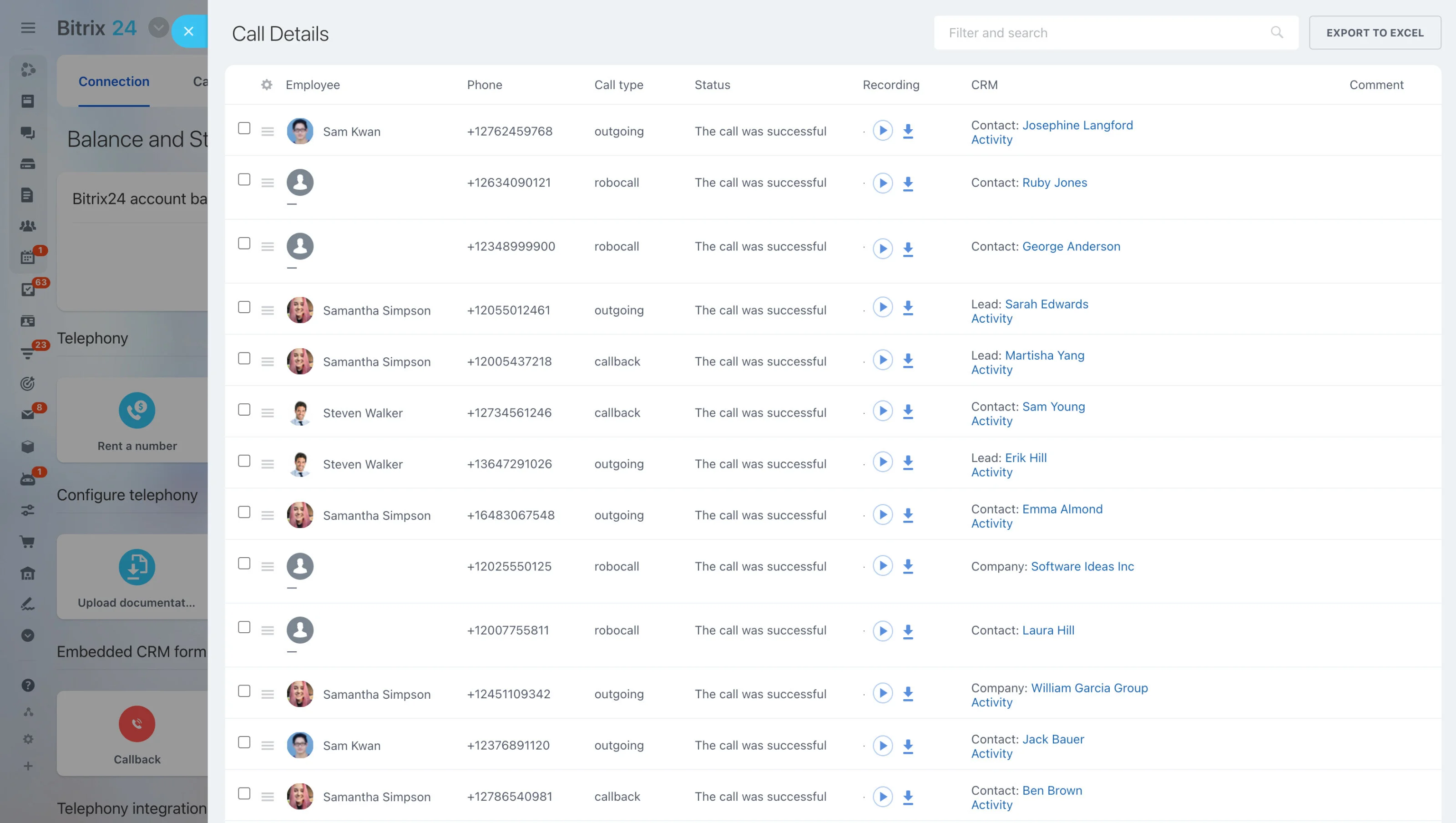
Plan tiers, add-ons, device choices, and contract conditions often determine what can be provisioned and what can be offered in retention. Track those checkpoints on the subscriber record so provisioning can verify what was agreed, and support can respond with the right plan context when requests come in.
Log service interactions in one customer timeline
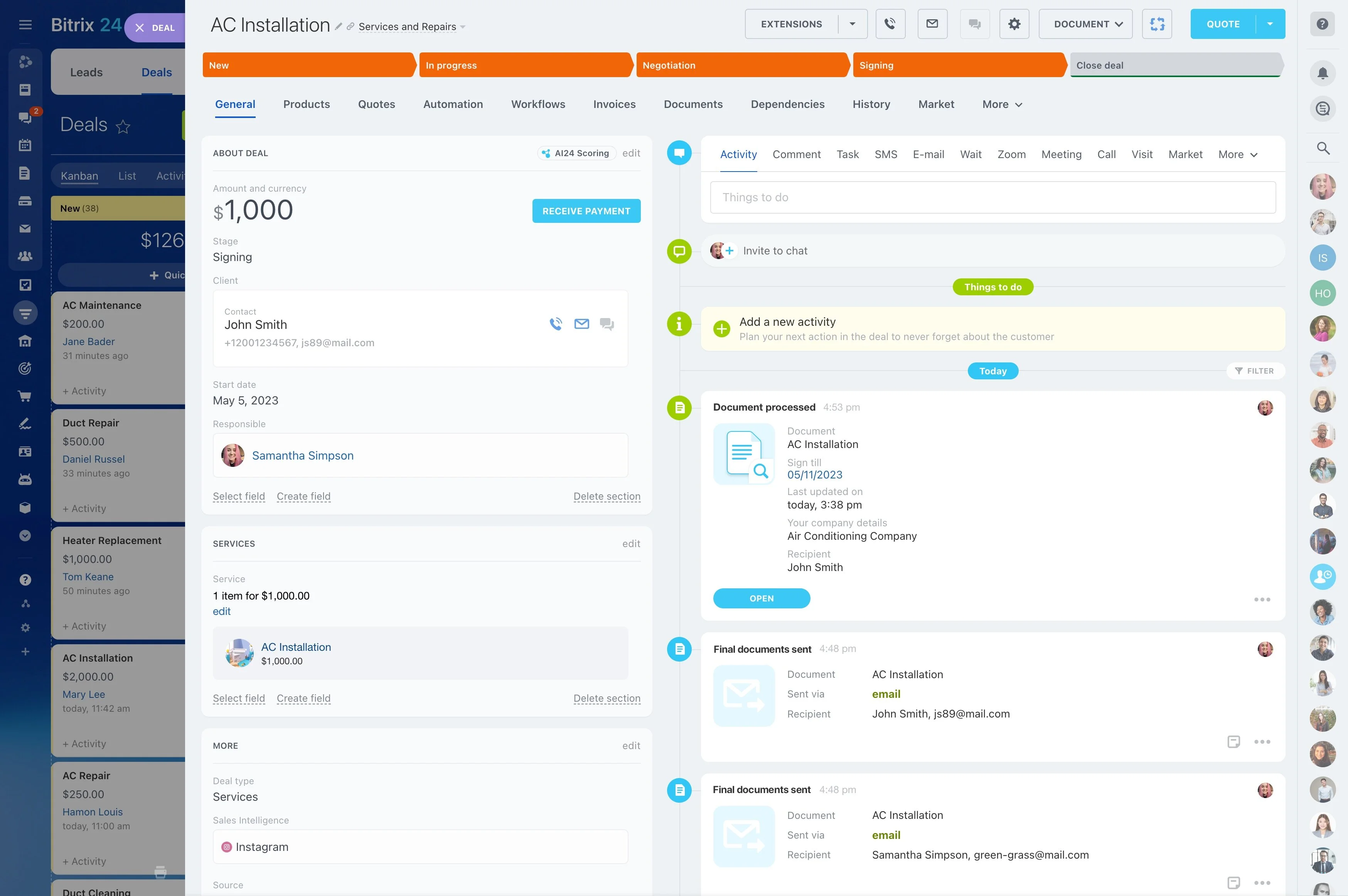
Support decisions depend on full history: what was sold, what was activated, and what’s already been attempted. Keep service interactions linked to the subscriber record so agents and account teams share one timeline, improving continuity when cases move across shifts, tiers, or owners.
Plan retention: renewals, upgrades, and win-backs
Renewal and upgrade conversations work best when they’re based on real account context, not guesswork. Track renewal readiness, upgrade interest, and service friction on the subscriber record so retention outreach aligns with plan history and recent outcomes—and avoids offers that don’t fit the customer’s situation.