ERP and CRM Integration: One Sales-to-Operations Flow Without Data Silos
Your sales team works in the CRM. Operations runs the ERP. Finance lives in the ledger. Every handoff between systems becomes a bottleneck — reps stall deals to chase stock updates, ops fights surprises after contracts are signed, and finance fixes errors that started as copy-paste. The result: delays, rework, and a customer experience that depends on who last touched the data.
The real cost is not just manual effort — it’s revenue leakage and trust erosion. Common symptoms include: duplicate entries that create conflicting versions of the truth; quotes that ignore actual costs and lead times; invoices with wrong terms that trigger disputes; missed renewals; slow order cycles that push revenue into next quarter; avoidable returns and expedited shipping; and compliance risks from inconsistent tax, credit, and approval handling.
Bitrix24 connects your customer-facing processes to your back office so information moves, not people. With flexible CRM — ERP integration options — prebuilt apps, iPaaS connectors, and robust REST APIs — Bitrix24 turns fragmented workflows into one reliable flow of data from lead to ledger. Product, pricing, and availability populate quotes automatically. Closed deals become ERP orders and invoices. Payment and shipment statuses return to CRM to trigger the next best action.
What changes:
- Faster quote-to-cash with fewer errors and escalations
- Inventory-aware selling and accurate, confidence-building delivery dates
- Clean, consistent master data across sales, operations, and finance
- Real-time visibility from first touch to final payment, for better decisions and happier customers
A pragmatic rollout plan and clear ROI
You don’t need a big-bang project to see value.
Suggested rollout roadmap:
- Weeks 1–2: Discovery and mapping. Inventory entities, define systems of record, and document field mappings. Agree on approval thresholds and exception handling. Choose your…
- Weeks 3–4: Pilot the critical path. Sync products, price lists, and taxes to Bitrix24 quotes. Push closed-won deals to ERP orders. Validate dedupe rules, credit holds, and…
- Weeks 5–8: Extend to invoices, payments, shipments, and RMAs. Turn on customer notifications for tracking. Add renewal workflows and entitlement visibility for support. Success…
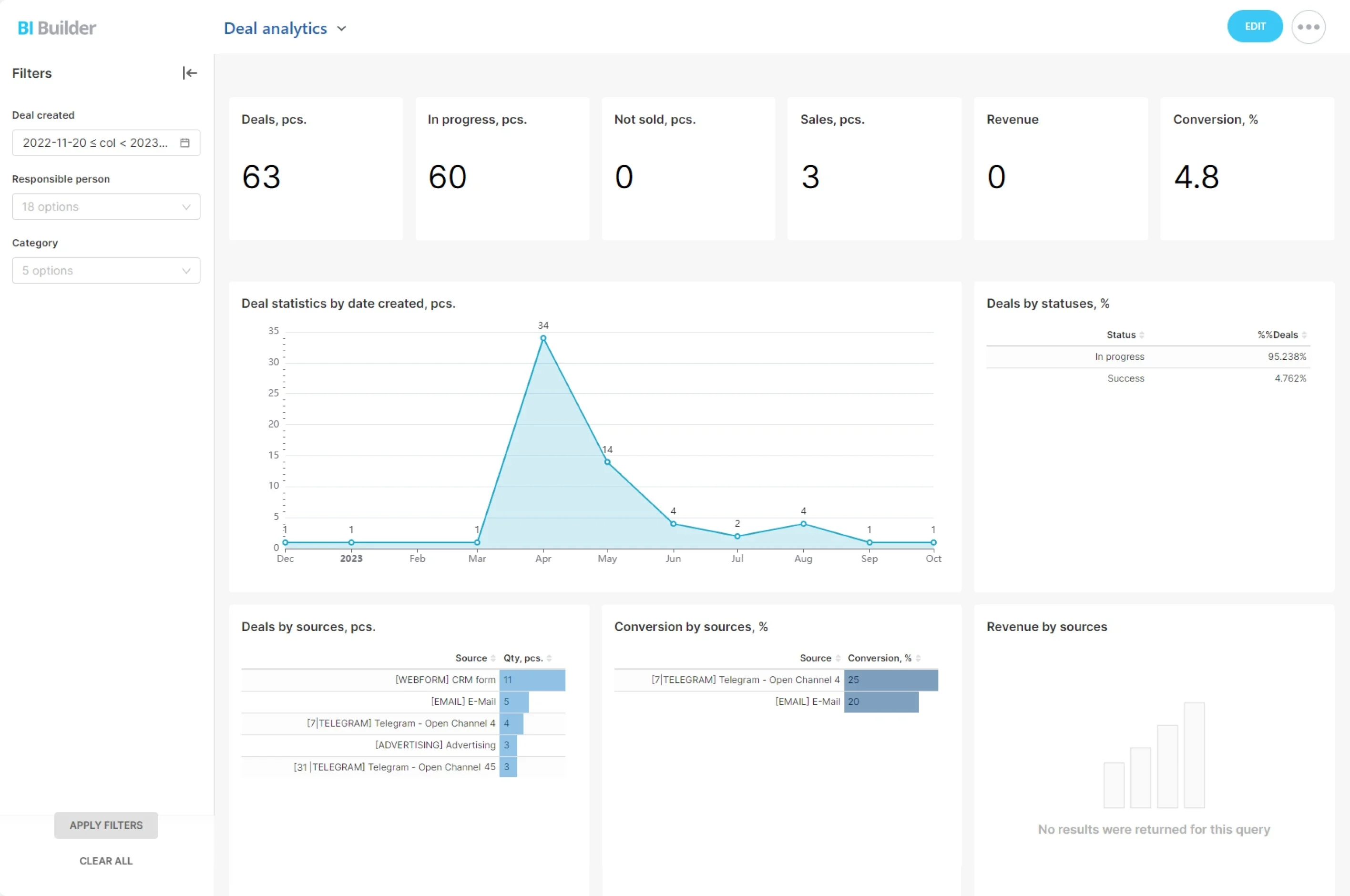
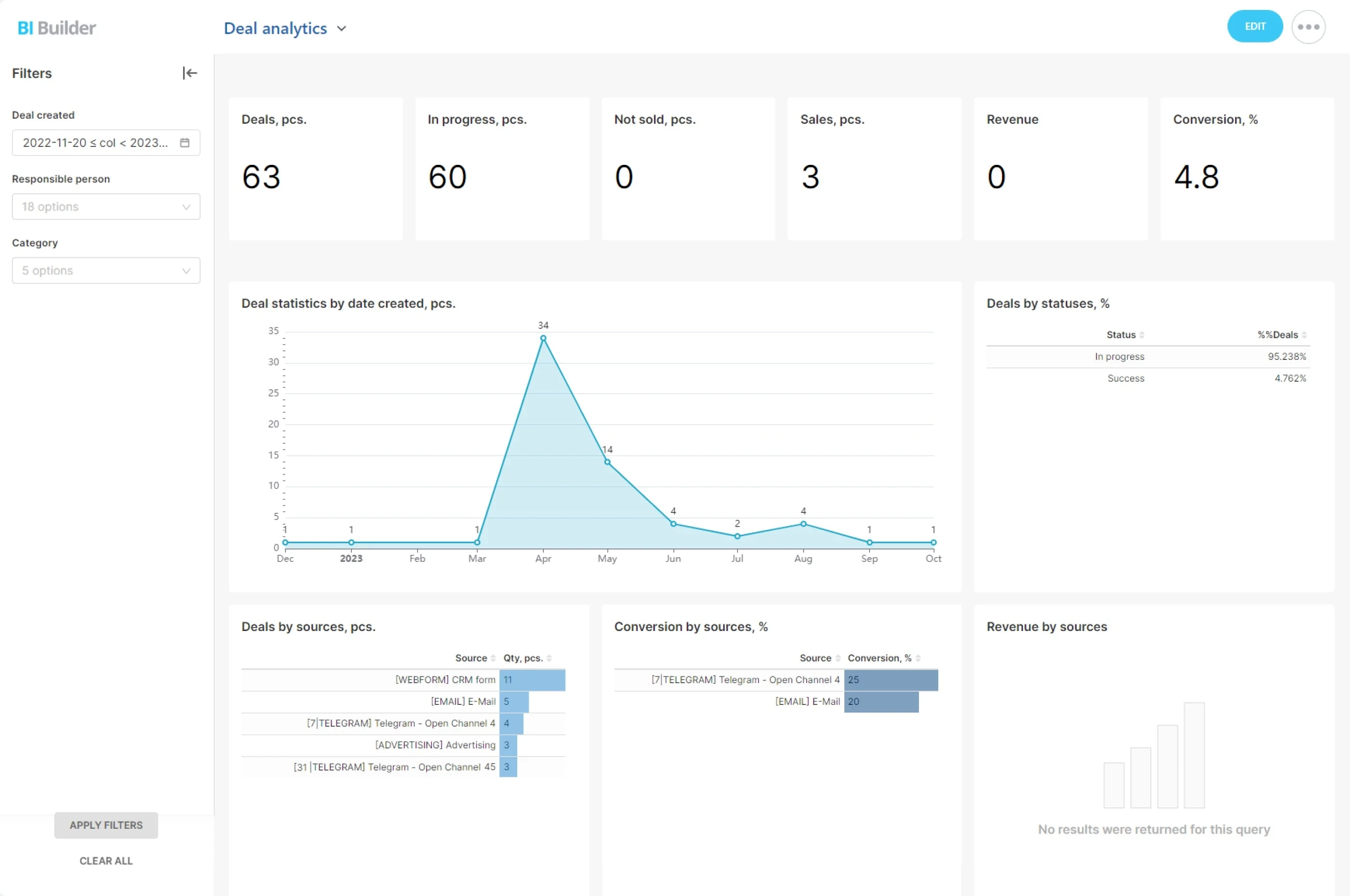
- Weeks 9–12: Optimize and operationalize. Tune performance and rate limits. Add dashboards for quote-to-cash KPIs (cycle time, error rate, DSO). Document the process and train users.…
Map once, sync always: clean, consistent data
Integrations fail when data quality fails.
Key practices for reliable CRM–ERP data:
- System of record per entity: Decide where each entity originates. For many teams, ERP owns items, price lists, tax, warehouses, and credit terms; CRM owns leads and early-stage…
- Stable keys and smart matching: Use ERP item IDs, customer numbers, VAT/tax IDs, or domain/phone as lookup keys. Combine multiple keys when needed to avoid collisions. Bitrix24…
- Field-level mapping and transforms: Align currencies, units of measure, and taxes. Map custom attributes with lookup tables — for example, converting CRM region to ERP tax…
- Fit-for-purpose sync modes: Use near real-time events for quotes, orders, and status changes so users act on fresh data. Schedule master data syncs (e.g., every 15–60 minutes) to…
When CRM and ERP don’t talk, revenue leaks
You feel it every day.
The costs are real: higher return rates, write-offs, avoidable freight, longer DSO, and opportunity cost as reps spend hours on status checks instead of selling.
- Pipeline volatility: Reps discount to win fast, then ops can’t fulfill on time. To save the deal, you expedite shipping and erode margin.
- Double entry and drift: Finance retypes quotes and orders into ERP, introducing typos and outdated pricing. Later, leadership can’t reconcile CRM bookings to ERP revenue.
- Blind spots in service: Support can’t see invoice status, shipment tracking, or RMA details in the CRM, so tickets bounce between teams and customers wait.
- Bad forecasts: Sales forecasts ignore capacity constraints and COGS; production plans ignore upcoming large orders; cash flow models assume invoices that aren’t ready.
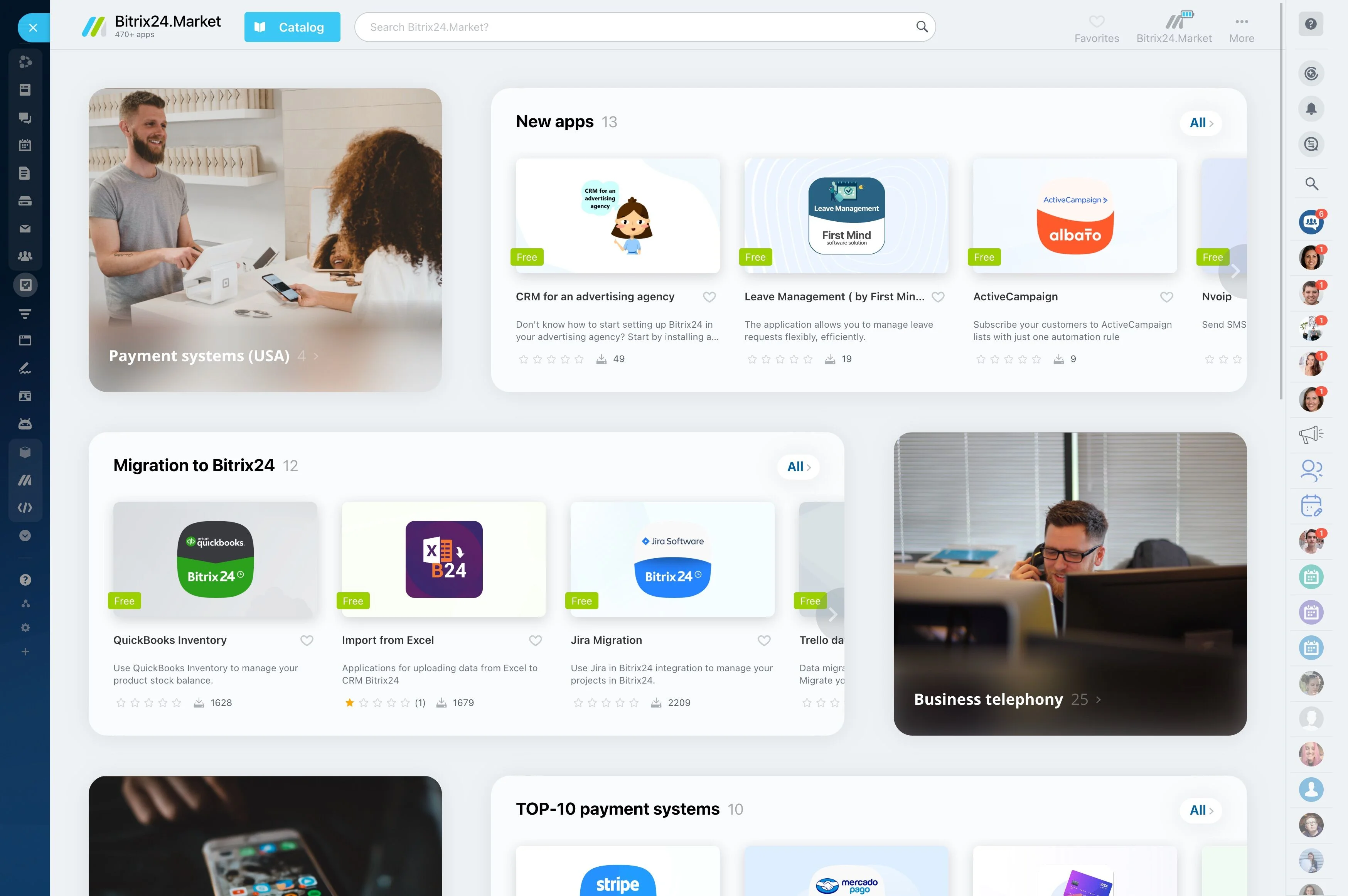
ERP vs. CRM: different jobs—stronger together
Choosing between ERP and CRM is the wrong question.
The overlap is exactly where integration matters most:
- Products and pricing: CRM must quote the same SKUs, tiers, discounts, and taxes the ERP will enforce later. If not, sales promises one thing and finance posts another.
- Availability and lead times: Reps should commit to what ops can deliver. ERP knows safety stock, work orders, and supplier ETAs; CRM needs that data to set expectations.
- Orders, invoices, and payments: A closed deal should become an ERP order and invoice automatically, with no rekeying and no version conflicts.
- Status and service: Everyone needs shipment, payment, return, and warranty status to act quickly and keep customers informed.
How Bitrix24 connects to your ERP
Every ERP stack is unique.
Choose the approach that fits your team and timeline:
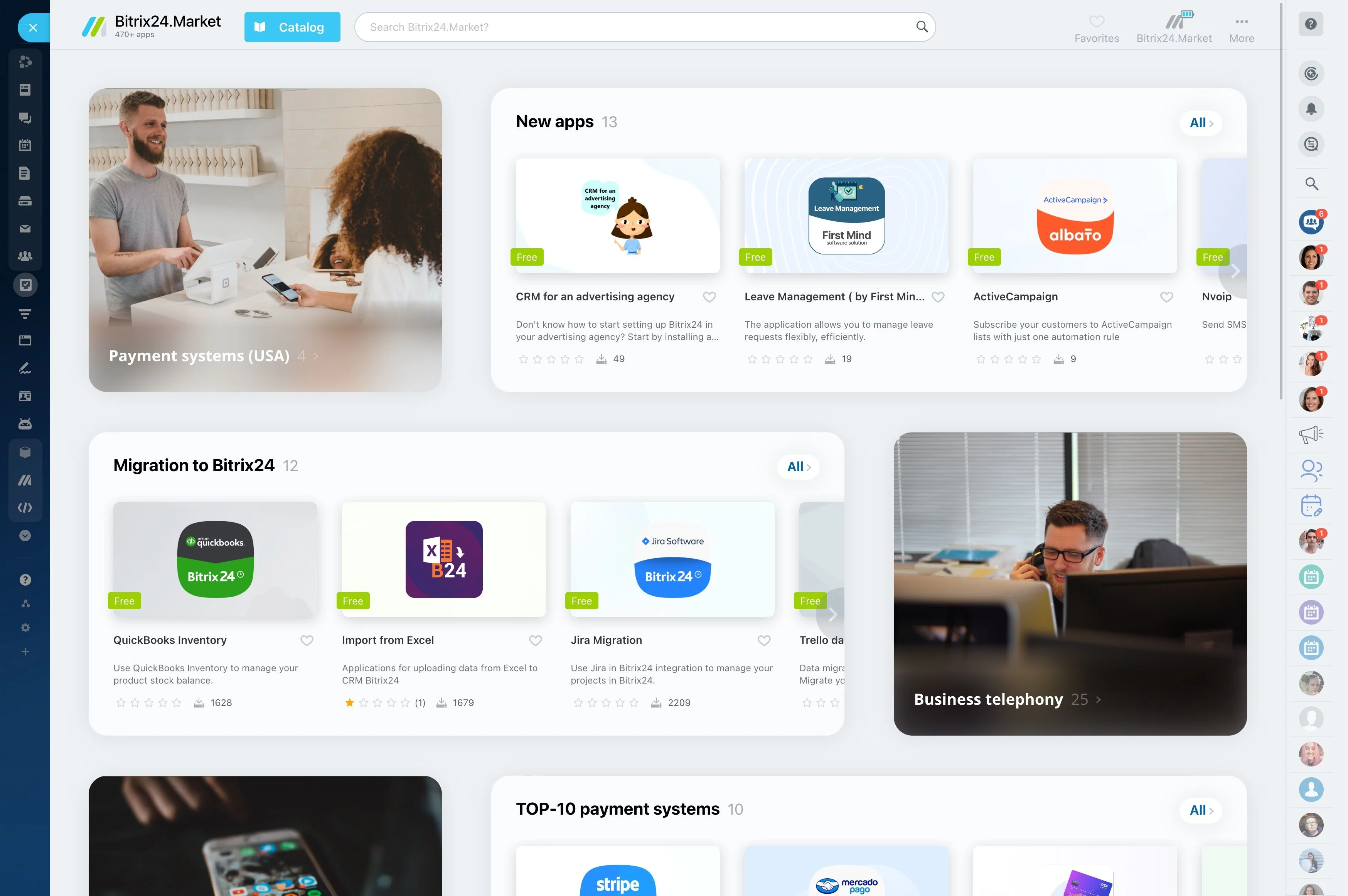
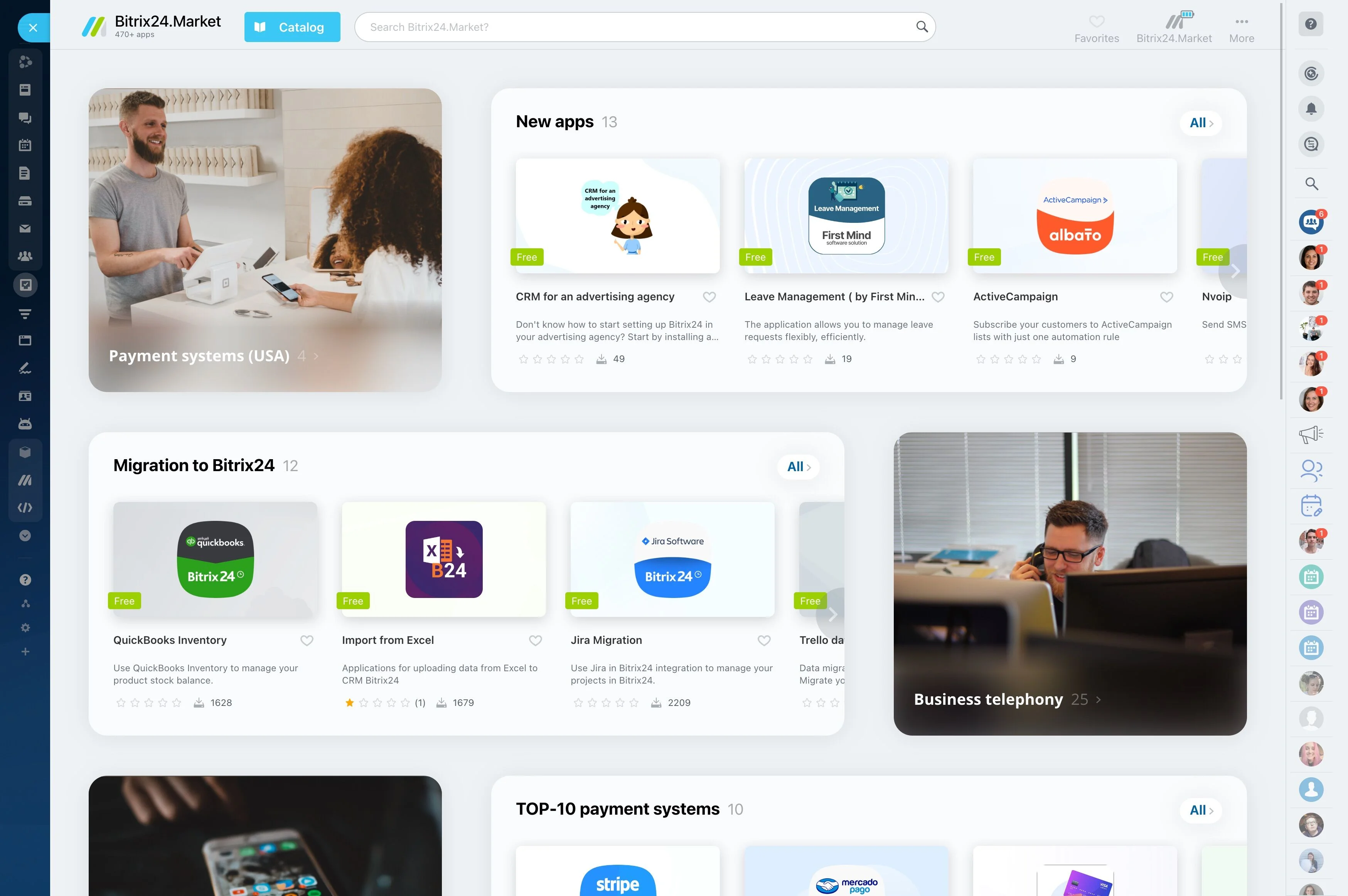
- Prebuilt apps from Bitrix24.Market: Accelerate time-to-value with partner-built connectors for popular ERPs where available. Ideal for standard flows like syncing products and price…
- iPaaS and middleware: Use platforms like Make, Zapier, n8n, or your existing ESB to orchestrate data flows, transformations, retries, and error handling without heavy custom code.…
- Open REST APIs and webhooks: Build tailored integrations when you need total control. Bitrix24 REST APIs expose entities like deals, quotes, contacts, products, invoices, and…
- Master data: Accounts, contacts, items/SKUs, price lists, warehouses, tax codes, currencies, and units of measure.
From lead to ledger: automate quote-to-cash
Customers don’t care how many systems you run.
Before integration, reps assemble quotes by hand, chase approvals in chat, and email PDFs to finance to retype.
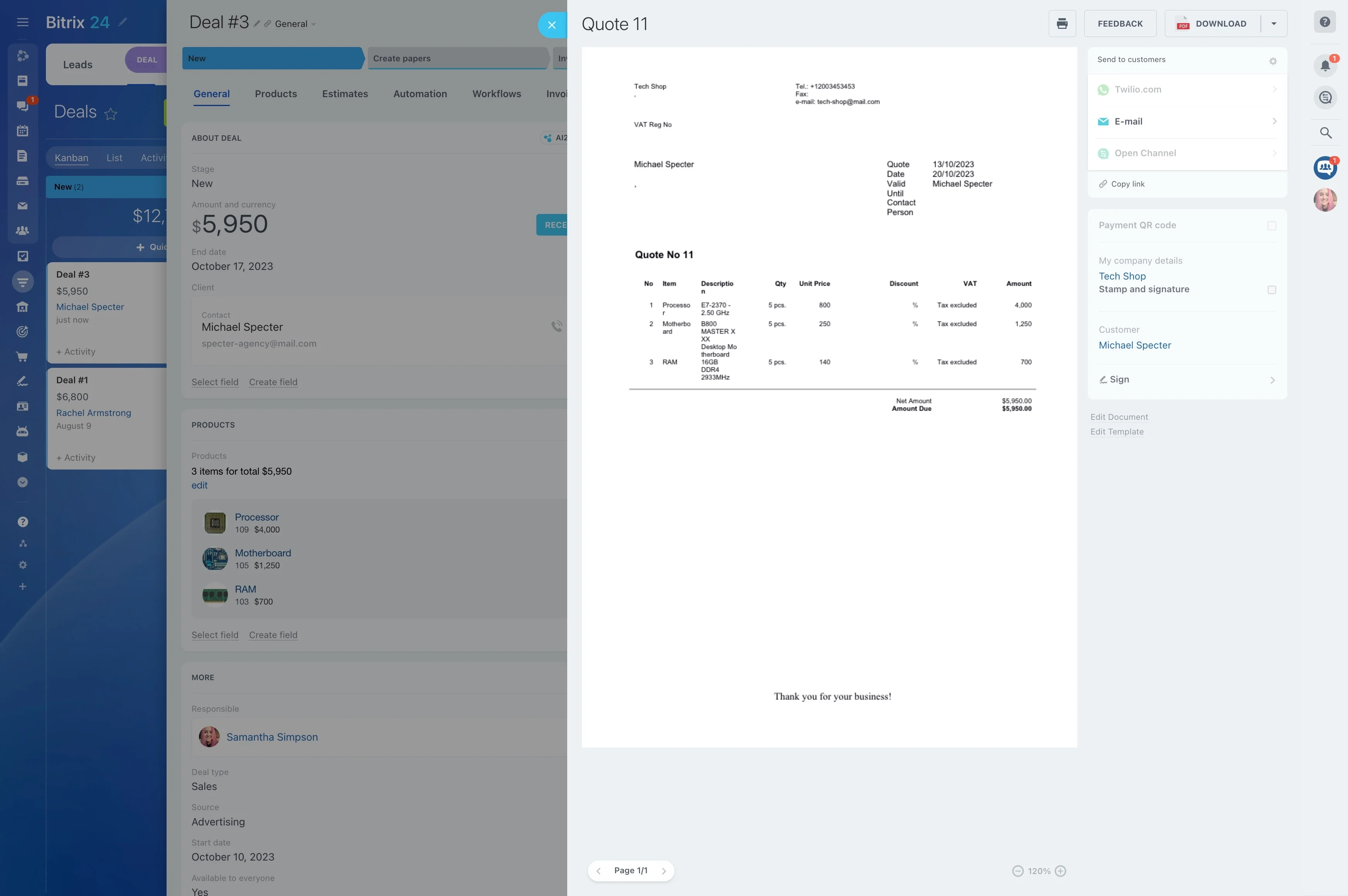
- Quote creation: Reps build quotes in Bitrix24 with live SKUs, price tiers, contract discounts, and taxes pulled from ERP. Approval rules trigger automatically when discounts or…
- Order creation: When the deal is marked “Closed Won,” Bitrix24 creates the ERP sales order with the right customer, ship-to, terms, tax codes, and line items. Inventory is allocated…
- Invoicing and payments: The ERP generates invoices from the order. Payment and dunning statuses sync back to Bitrix24. The account owner sees when funds post and can trigger…
- Service and renewals: Support sees warranty and contract data in Bitrix24. As renewal dates approach, tasks and emails are scheduled based on actual entitlements from ERP, not…
Governance, security, and deployment options you control
Integration should increase control — not risk.
Controls that keep you in charge:
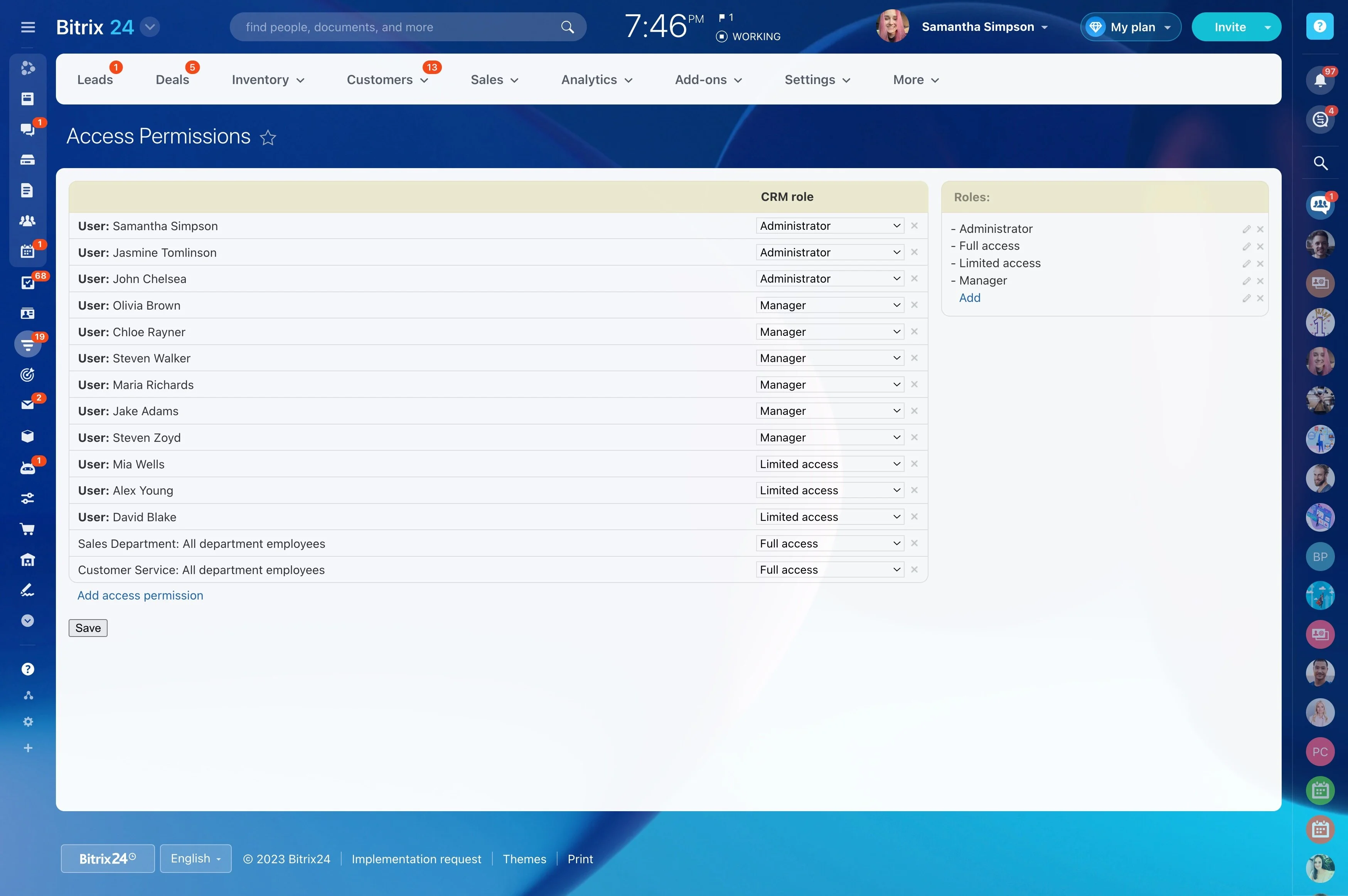
- Role-based permissions: Restrict who can view or edit financial and operational fields in Bitrix24. Limit access to price, margin, and credit data to specific roles.
- Approval workflows: Enforce discount, credit, tax, and exception approvals before data reaches ERP. Route requests to managers with clear thresholds and audit trails.
- Audit trails and history: Track who changed what and when across key records, automations, and integration settings. Tie CRM changes to ERP transactions with external IDs for easy…
- Segregation of duties: Keep sales editing in CRM and financial posting in ERP, while both share the same facts. Prevent risky bypasses by making the integration the official handoff.