Google Workspace CRM Integration: Sell From Gmail, Calendar, and Drive
Your team spends their day in Gmail and Google Calendar. Your CRM sits somewhere else. Every time reps switch tabs, copy-paste activity, or hunt for context, you pay a tax in missed follow-ups, fuzzy data, and preventable delays.
Here’s what that tax looks like in real life:
- Emails never make it to deals, so managers can’t see real activity and coaching turns into guesswork.
- Meetings get double-booked or lost in time-zone conversions, and “who’s sending the invite?” becomes a thread of its own.
- Attachments pile up in inboxes; versions fork; the final proposal isn’t final, and customers notice.
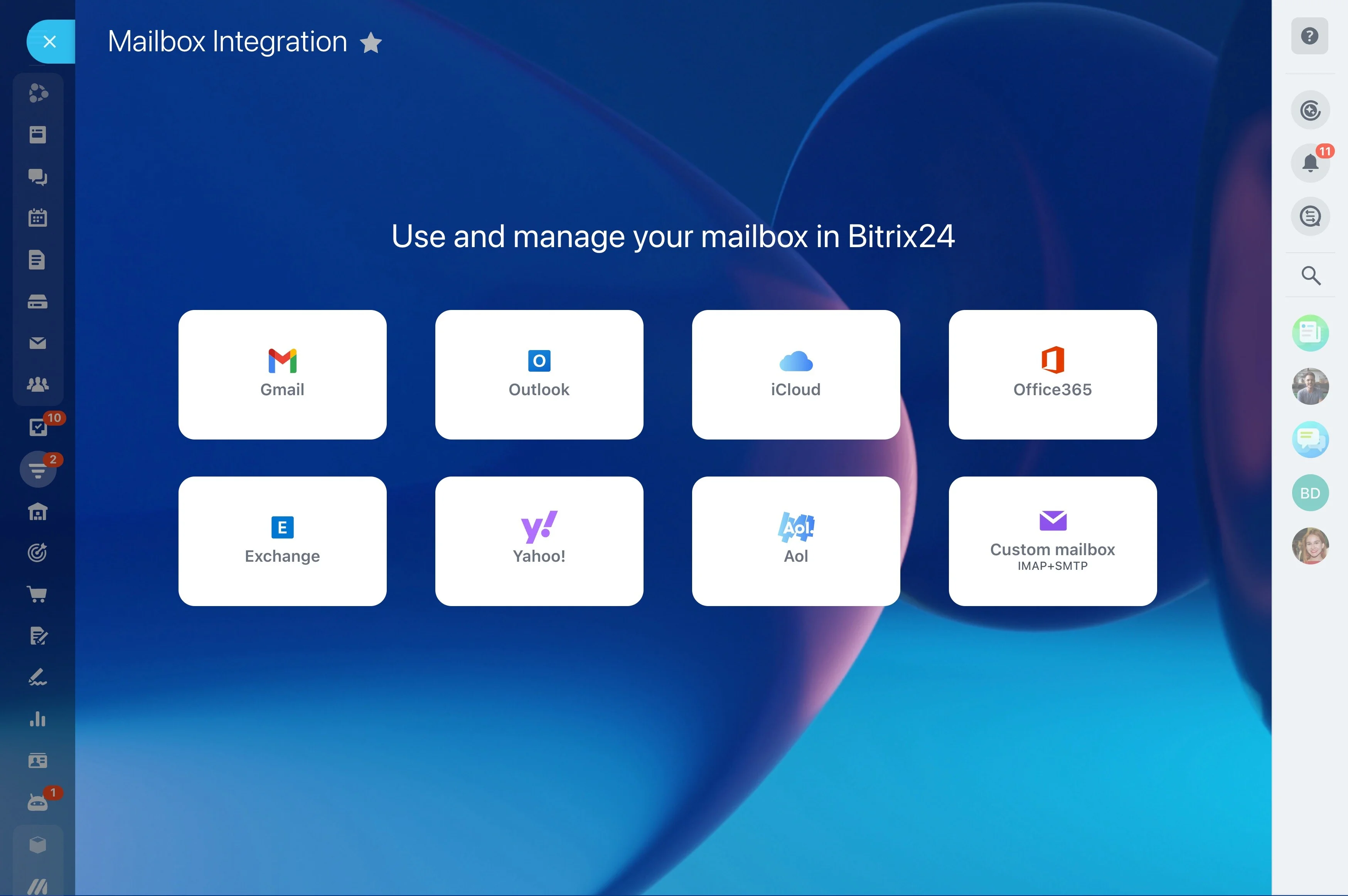
Bitrix24 + Google Workspace closes that gap. Connect Gmail, Google Calendar, and Drive once, then work exactly where you already do — while your CRM updates itself in the background. Two-way email and calendar sync keep conversations linked to the right leads, contacts, and deals. Drive links replace risky attachments, so one source of truth follows the deal from first reply to signed doc. No tab roulette. No double entry. Just accurate timelines, confident handoffs, and a pipeline that reflects reality.
The ROI of native Google Workspace CRM integration
Calling Gmail and Calendar sync “table stakes” underestimates the lift it creates when it actually works.
Consider a simple math example.
- 2–5 hours saved per rep per week by cutting copy‑paste, chasing attachments, and manual status updates.
- Faster lead response times because inbound emails create leads instantly, trigger alerts, and route to the right queue.
- Fewer no‑shows and reschedules thanks to real‑time calendar sync, clear join links in the CRM, and consistent reminders.
- Cleaner data and better forecasts because activities log themselves and stages move based on real events.
Automation that follows the conversation, not your tabs
Pipelines stall when progress depends on memory.
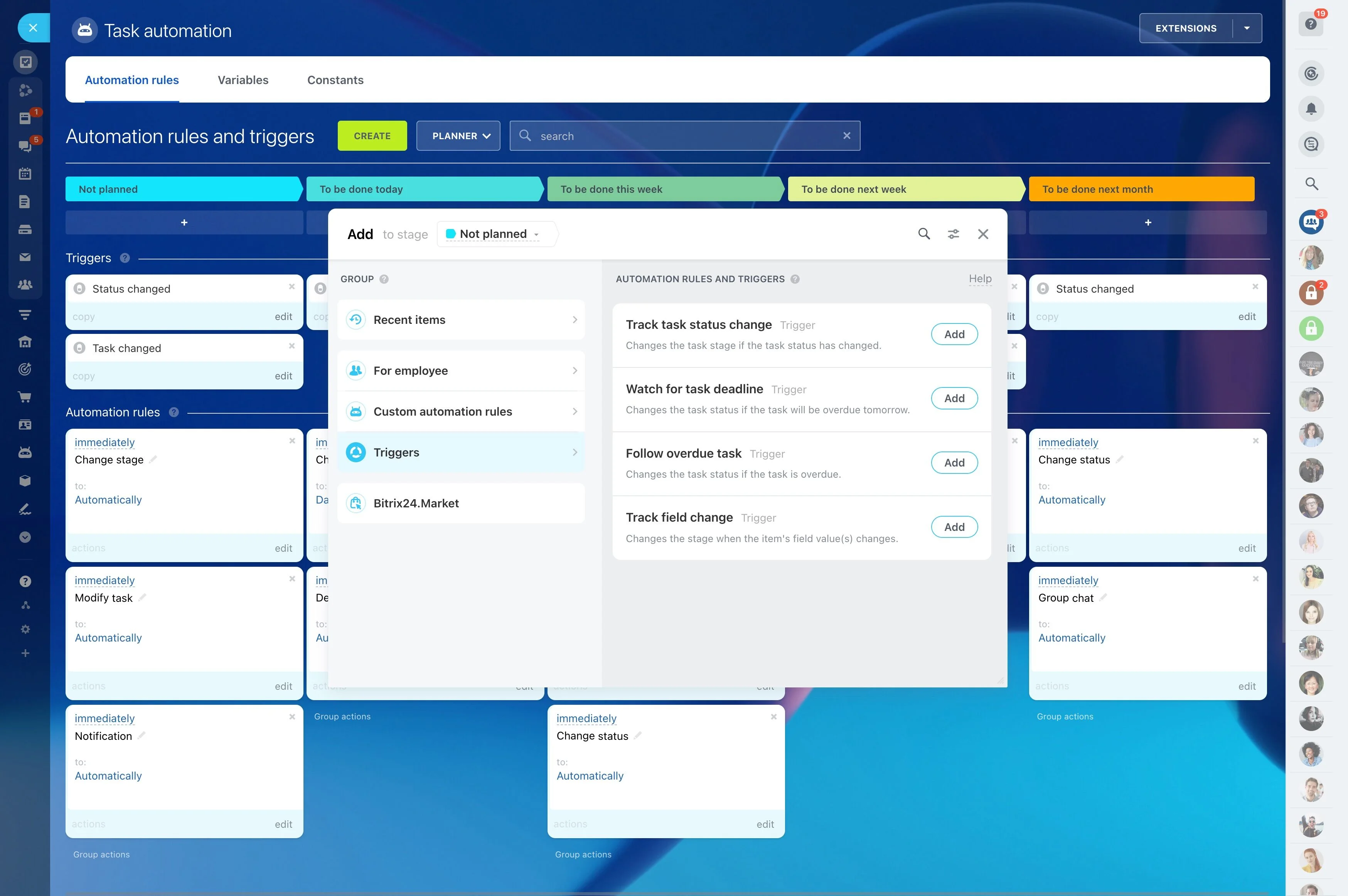
You define the rules; Bitrix24 does the busywork.
- New email from an unknown address creates a lead, assigns it to the right queue, and kicks off a nurture task sequence based on domain or region.
- No reply after 3 business days? Send a templated follow‑up from your Gmail address, tag the record for review, and create a call task for tomorrow morning — time‑zone aware.
- Meeting scheduled in Google Calendar moves the deal to Discovery, posts a prep checklist, and schedules a post‑call summary task for the owner.
- A signed proposal is added from Drive to the deal’s Files. Bitrix24 moves the stage to Contract Sent or Closed Won (your choice), notifies Finance, and creates a handoff task for…
Finally, a CRM Gmail integration that just works
When deals are won over email, a half‑working CRM Gmail integration creates a full‑blown visibility problem.
Connect your Google account via secure OAuth — no passwords stored.
- A prospect hits reply‑all from a purchasing alias. Bitrix24 recognizes the participant list, links the message to the active deal, and updates the last activity date — no manual…
- A rep forwards a critical email to a teammate. The forward is logged on the deal, keeping the full conversation in one timeline.
- A manager opens a deal and sees the entire email history — no chasing screenshots — plus quick actions to create a task or move stage.
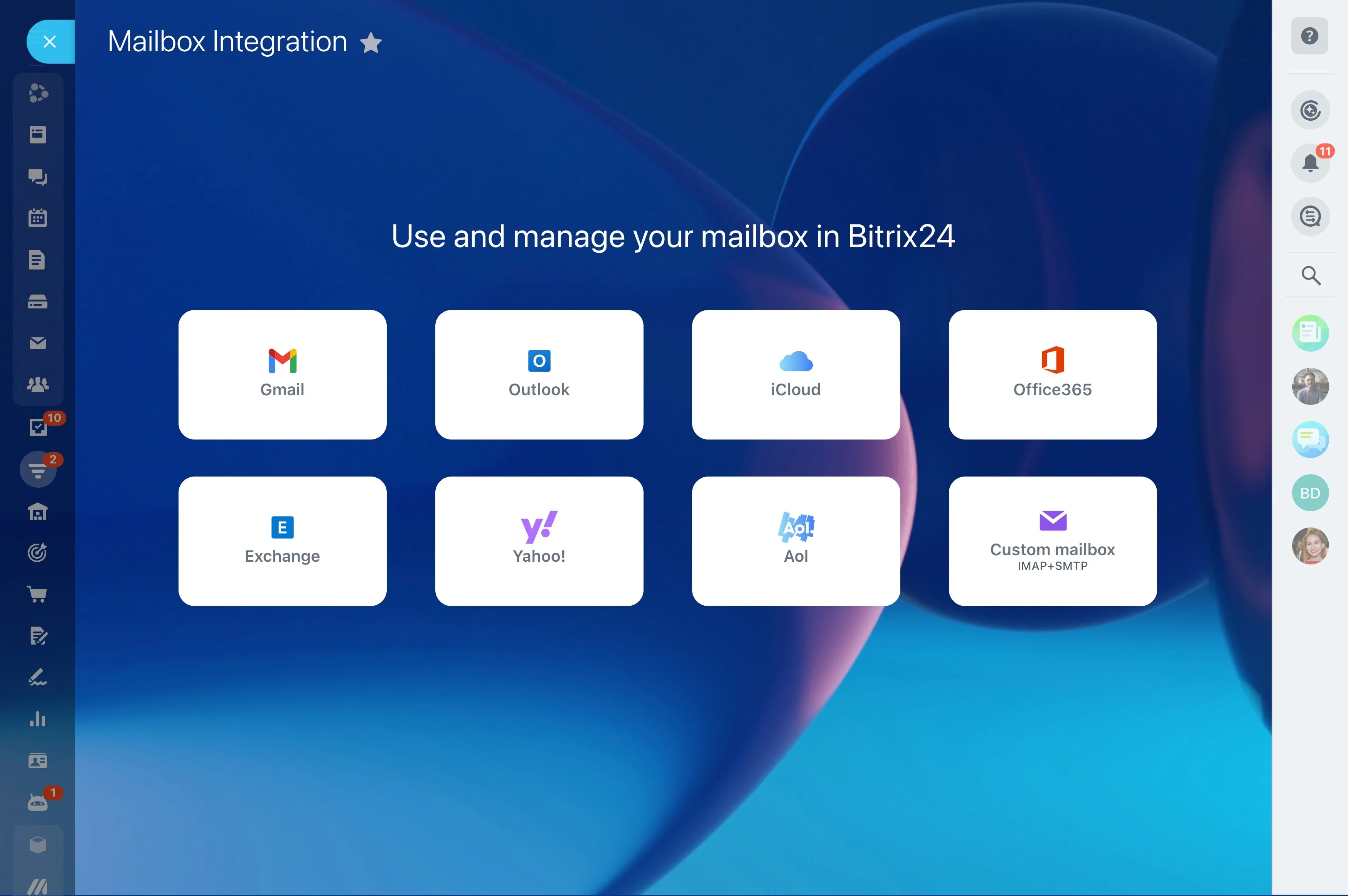
Real‑time Google Calendar sync, zero missed meetings
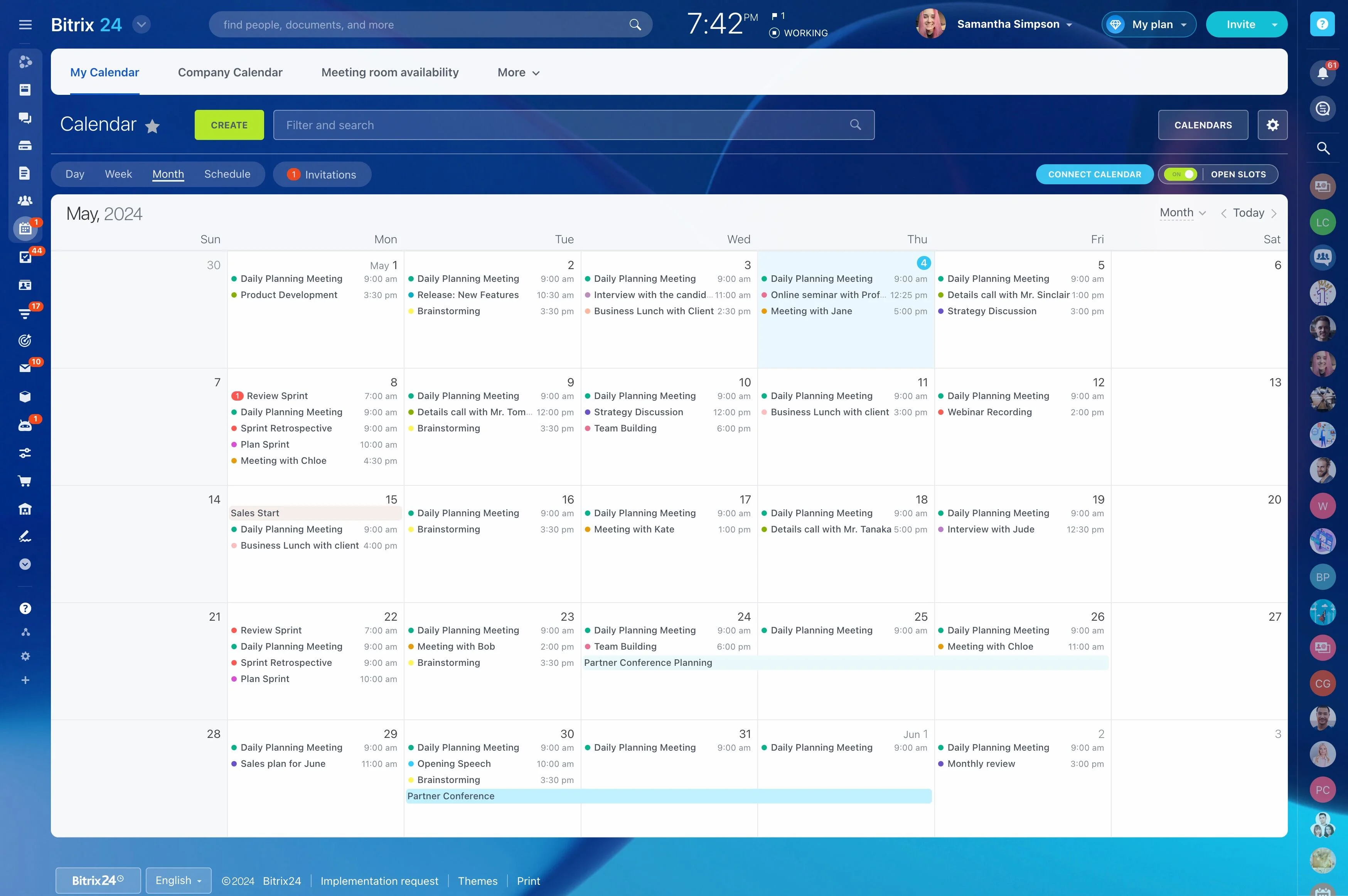
Calendar chaos erodes revenue quietly.
Create or edit events in either place — time, title, description, attendees, reminders — and changes sync both ways in near real time.
- A prospect books via your scheduling link (Bitrix24 booking page or Google appointment slots). Bitrix24 attaches the event to the relevant record based on email, moves the deal to…
- You shift a demo from your phone’s Google Calendar app while walking into another meeting. Bitrix24 reflects the change instantly and pings invited teammates in web and mobile so no…
- Someone adds a Google Meet link or a location. It’s visible right inside the CRM event — no hunting through threads for join details.
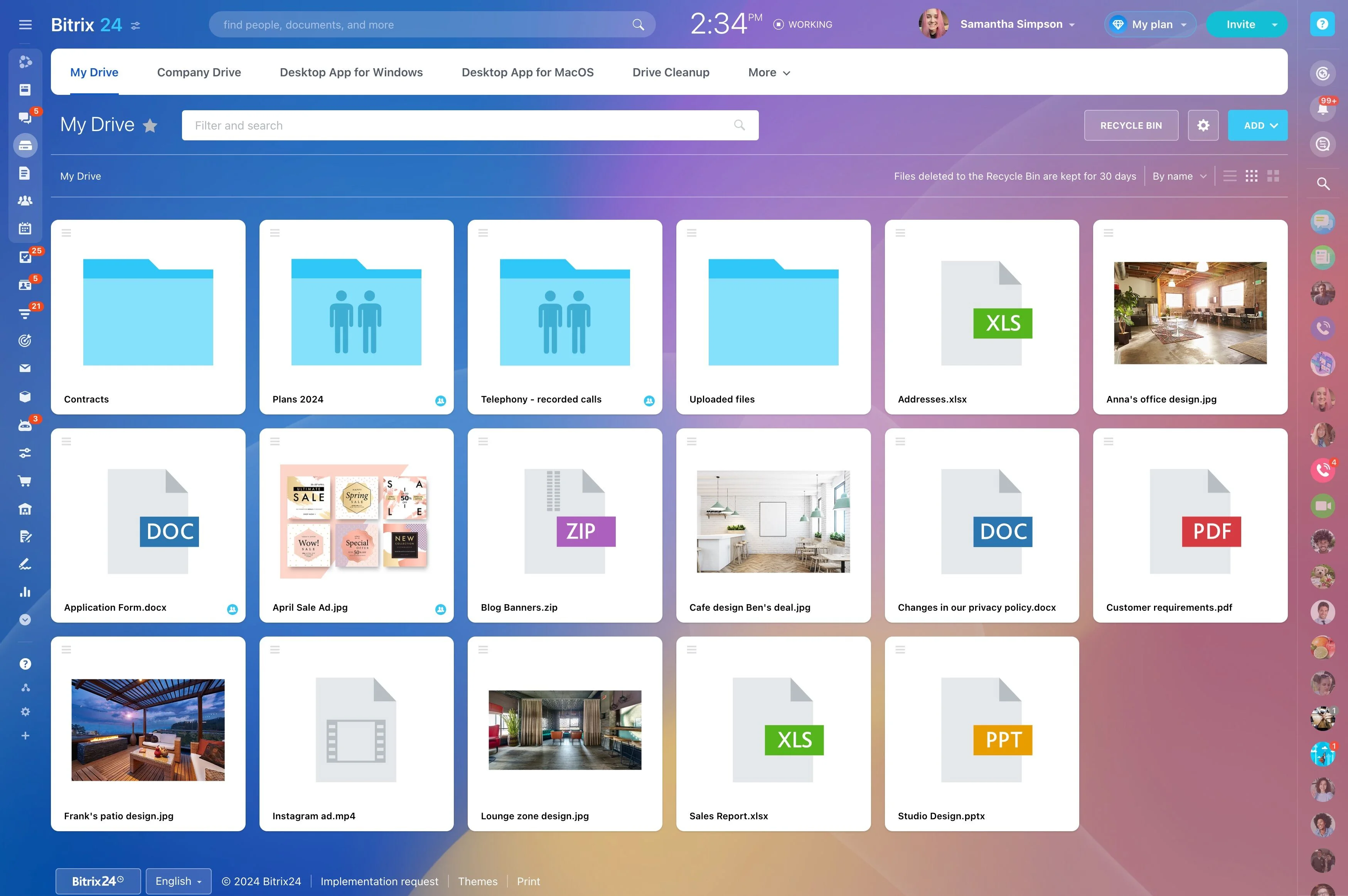
Close deals with Drive‑linked docs, not attachments
Attachments multiply; versions drift; Final_v7.pdf shows up two minutes after Final_v6.pdf went to the customer.
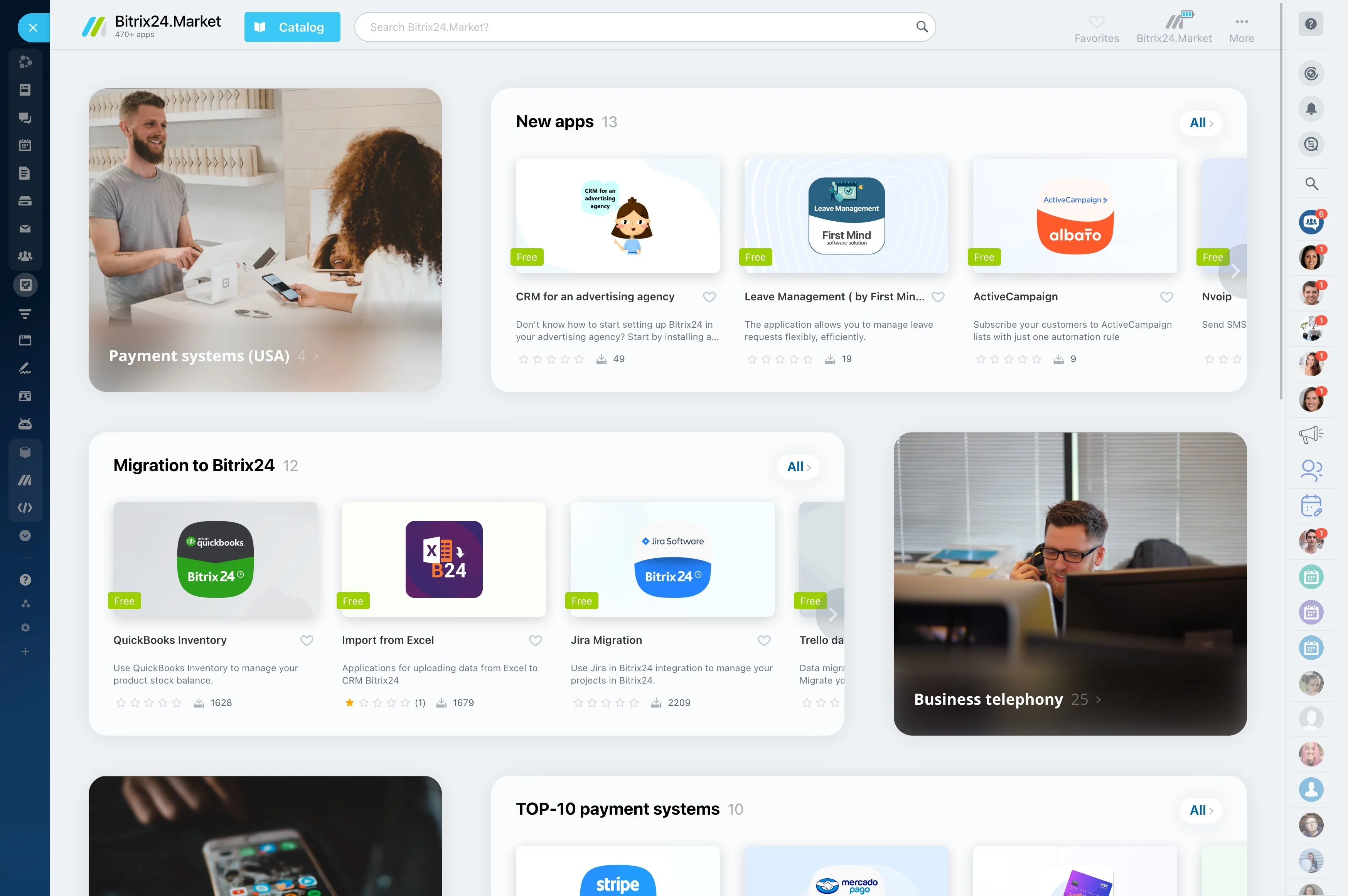
Instead of uploading copies, link Docs, Sheets, and Slides directly to deals, contacts, and tasks via the built‑in Drive picker.
- One source of truth per deal. The proposal, the pricing sheet, the SOW — each is a single Drive file referenced across the CRM, not a dozen detached attachments.
- Zero re‑uploading. Update pricing in the shared Sheet and every stakeholder sees the change; the CRM timeline notes the update without clogging the record with duplicates.
- Access that mirrors your rules. If a user can’t see a file in Drive, they won’t see it in Bitrix24. Link entire client folders to deals so Sales, Success, and Legal operate from the…
- A rep attaches a pricing calculator Sheet from Drive to a deal. Finance updates a discount cell; the new totals flow through, and the deal owner gets a CRM notification of the edit.
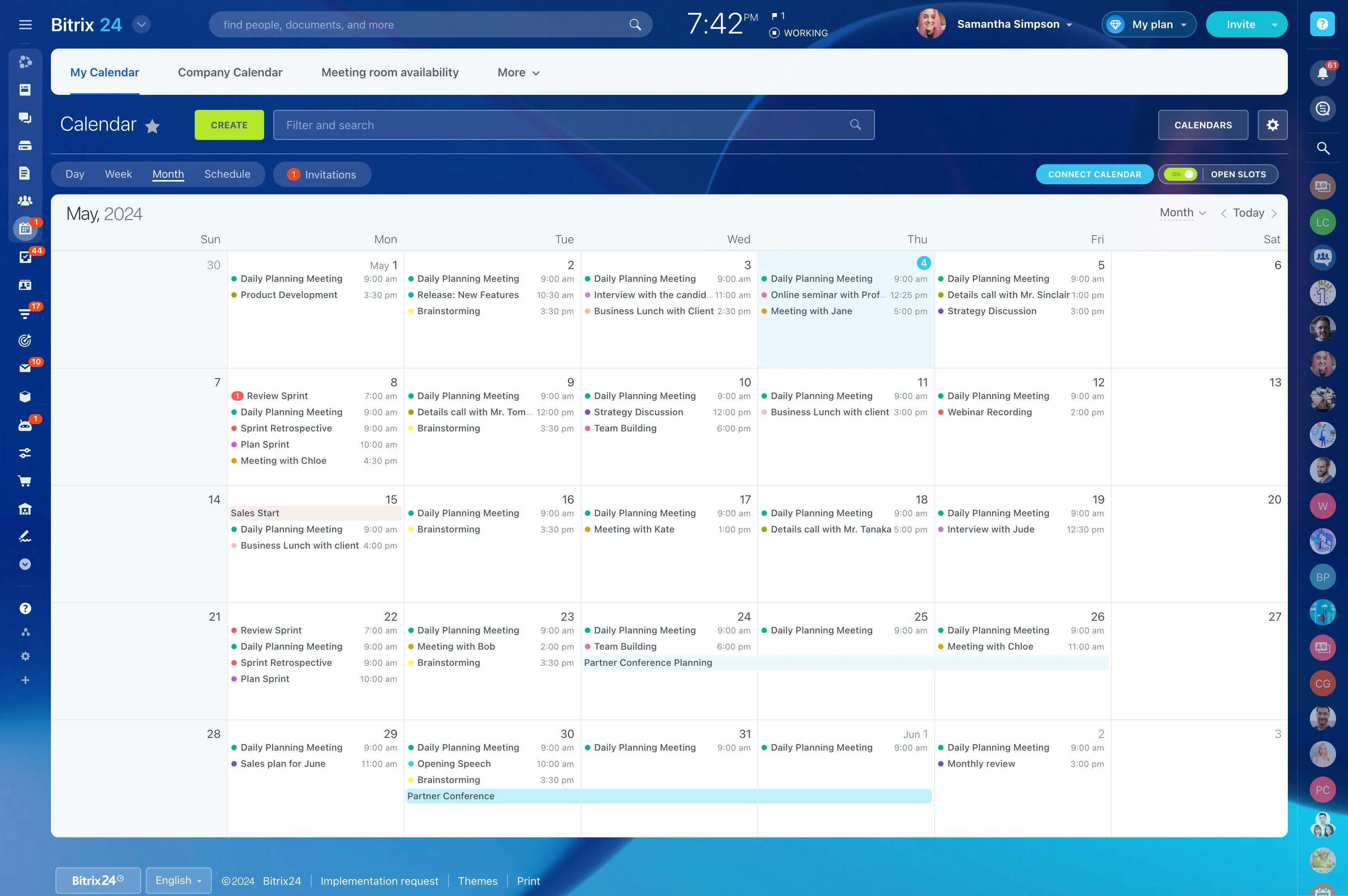
One place for contacts, emails, meetings, and tasks
Selling across Gmail, Google Calendar, chat, and files is normal.
Open any record and see:
- Emails synced from Gmail, linked to the correct record automatically.
- Meetings from Google Calendar, including join links and attendees, right alongside tasks and notes.
- Linked Drive files — Docs, Sheets, Slides — plus quotes and invoices next to deal values and probabilities.
- Sales sees what Support emailed last night before sending a follow‑up, so messages don’t collide.
Admin‑grade setup, security, and governance for Google
IT shouldn’t fight connectors or compromise on control.
Connect Google accounts via OAuth 2.0 — no password storage.
- OAuth authorization with clear consent screens and revocation at any time from either side.
- Per‑feature toggles and scopes (email, calendar, files) so pilots can start small, then expand.
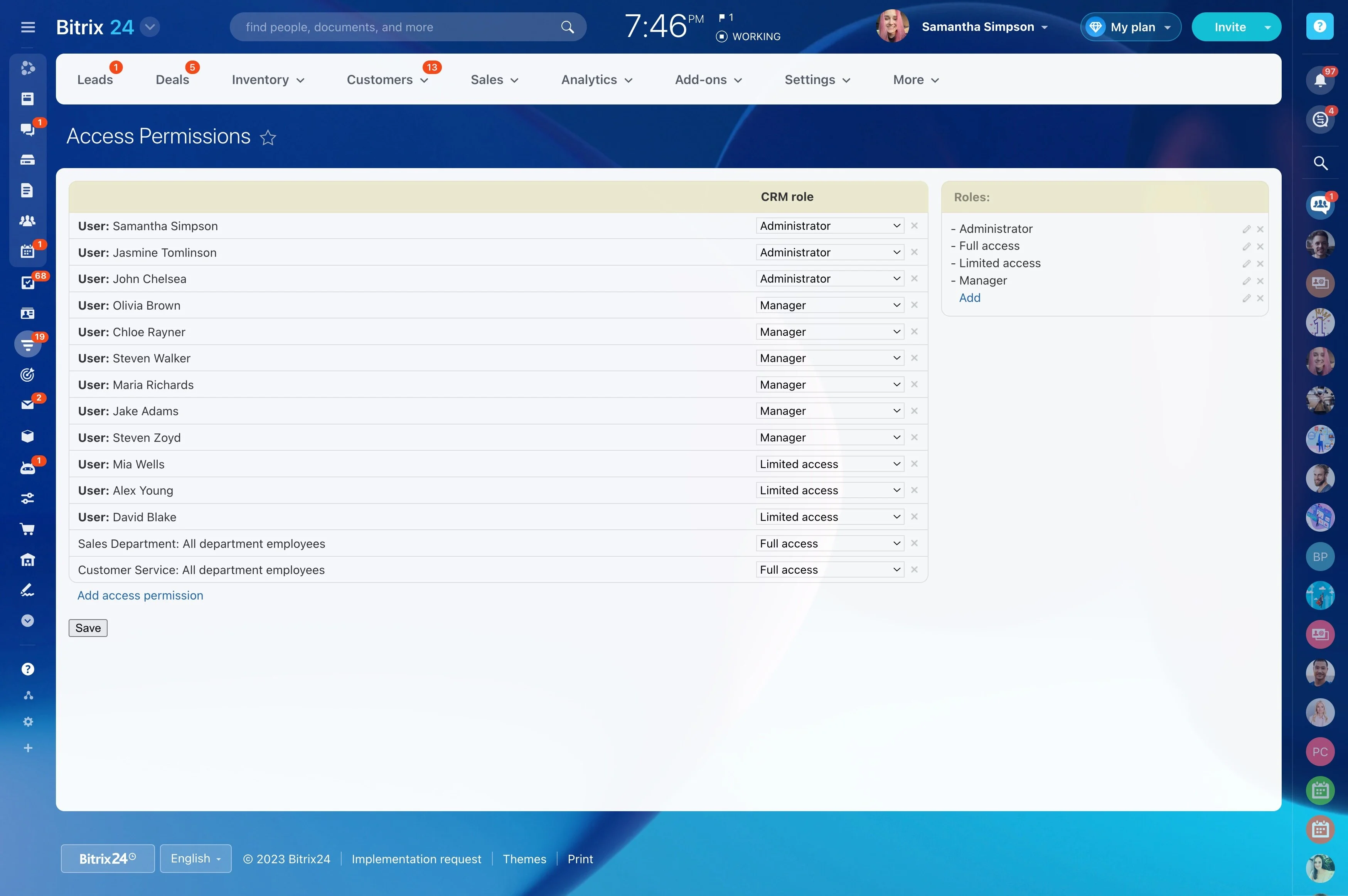
- Role‑based access in Bitrix24 to segregate who can connect mailboxes, view files, or change automation.
- Audit trails that show who connected what and when, plus activity logs that trace email capture, calendar syncs, and automation events.