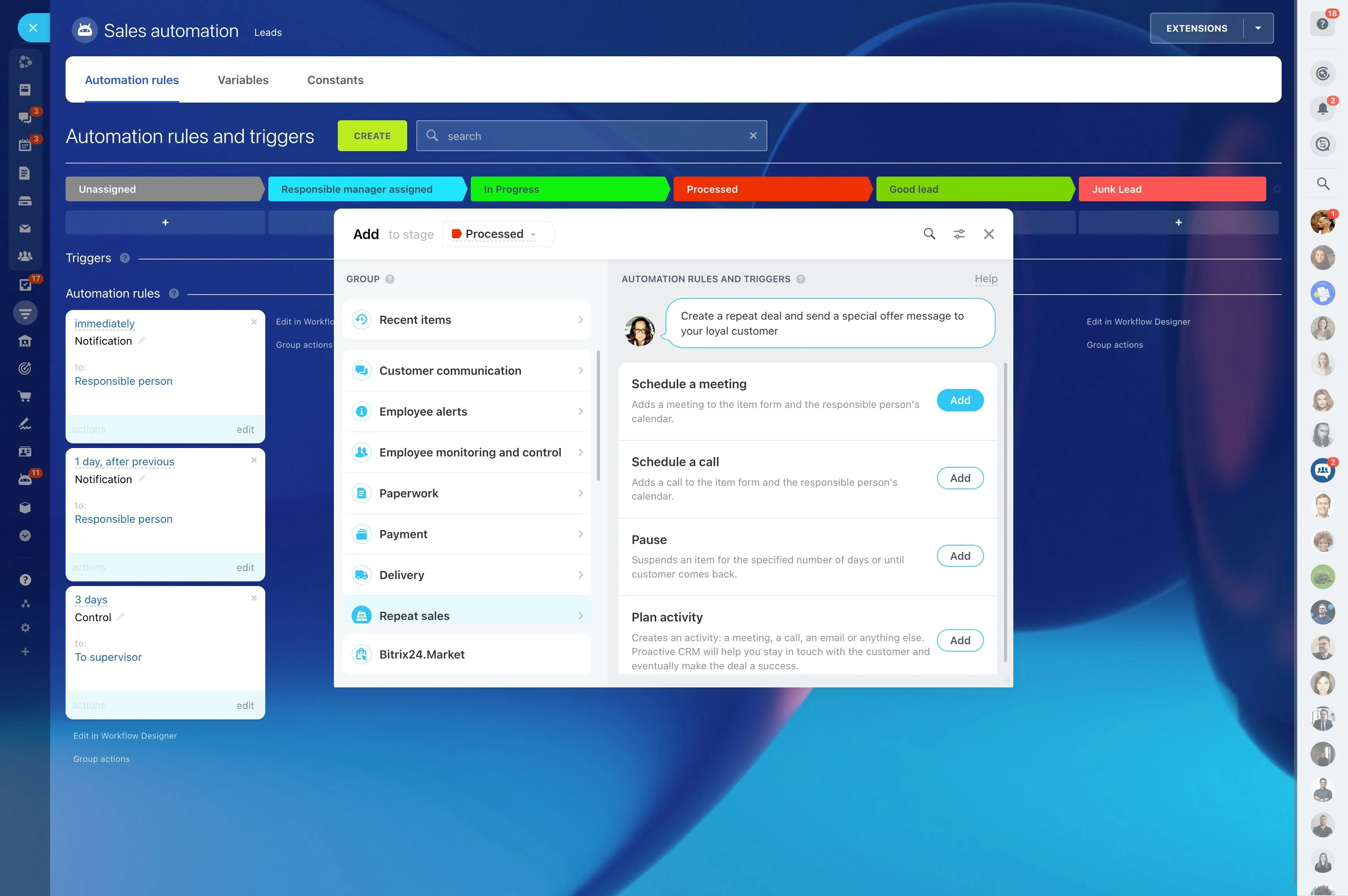
Follow up on attendance and no-shows
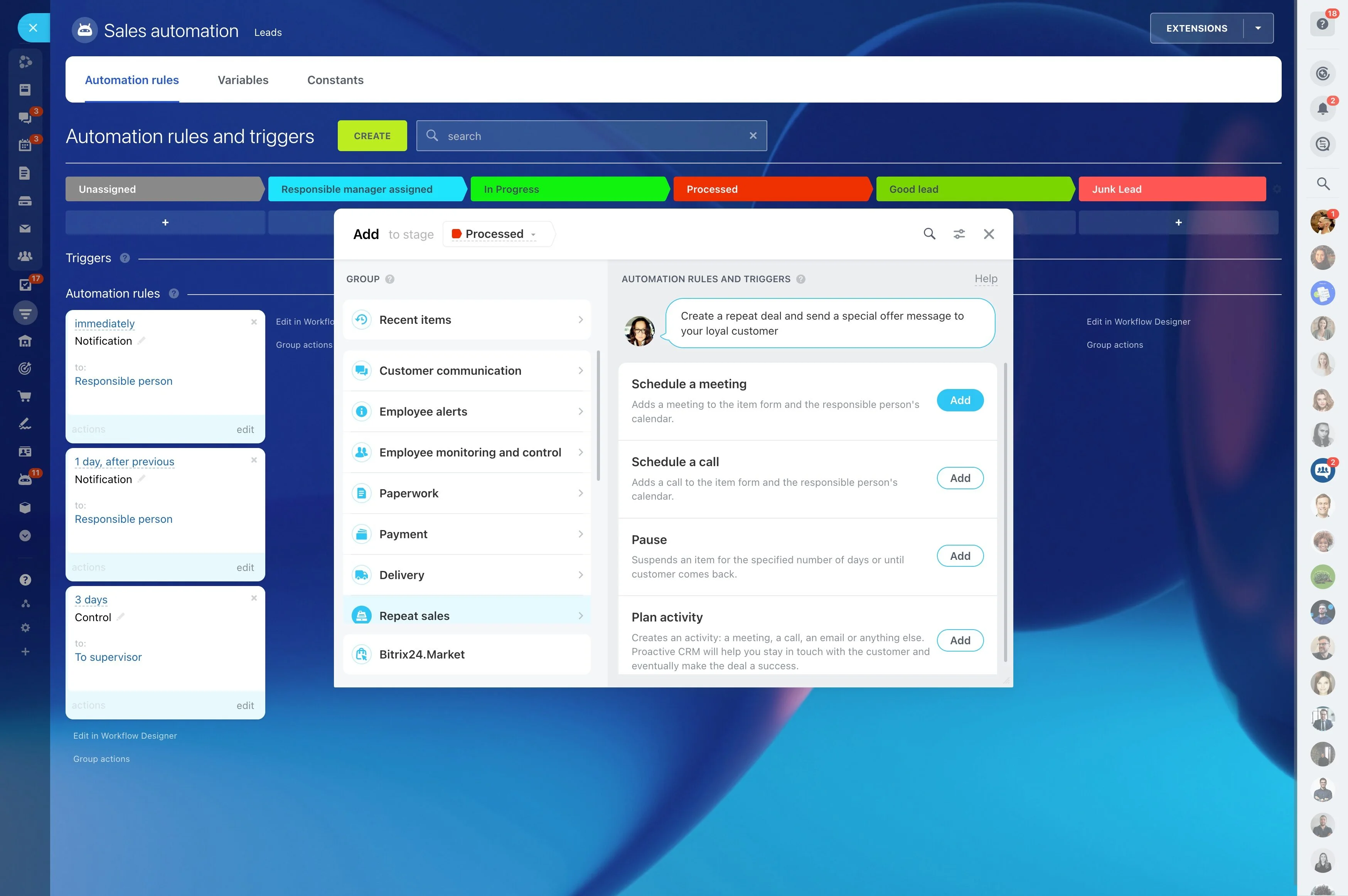
A fitness studio’s revenue is driven by repeatable transitions: inquiry to trial, trial to membership, consistent attendance, and renewals. A CRM for fitness studios should be built around that member lifecycle, so your team always knows what stage someone is in, who owns the next step, and what action needs to happen next.
Bitrix24 lets you organize leads and members in clear stages, keep every call/message/note in the record timeline, and turn routine moments—trial reminders, no-show recovery, renewal outreach—into trackable work. That makes it easier to manage leads, memberships, class bookings and attendance, renewals, and retention in one operating rhythm across the front desk, coaches, and sales.
- Track each person from lead to active member to renewal
- Standardize trial-to-sign-up and renewal follow-ups with automation
- Create tasks and handoffs so each step has an owner
Assign ownership across front desk and coaches
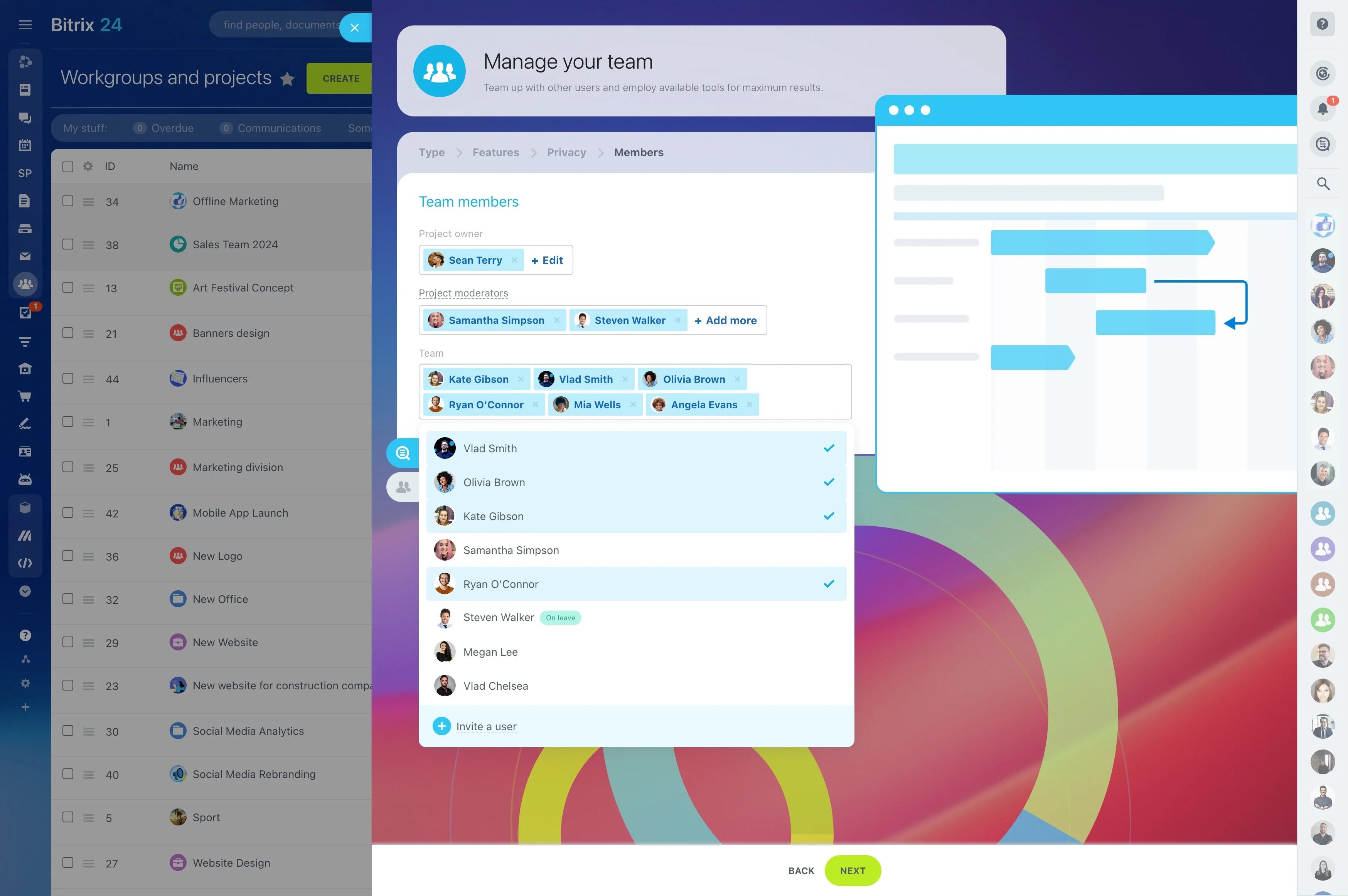
Studios win on clean handoffs: sales to coach, coach to front desk, front desk to manager. Make ownership explicit at each stage and attach tasks to the member record so follow-ups don’t depend on who’s on shift.
- Set different owners for lead vs. member stages
- Use task templates for onboarding, check-ins, and renewals
- Keep a single timeline so anyone can see what happened and what’s next
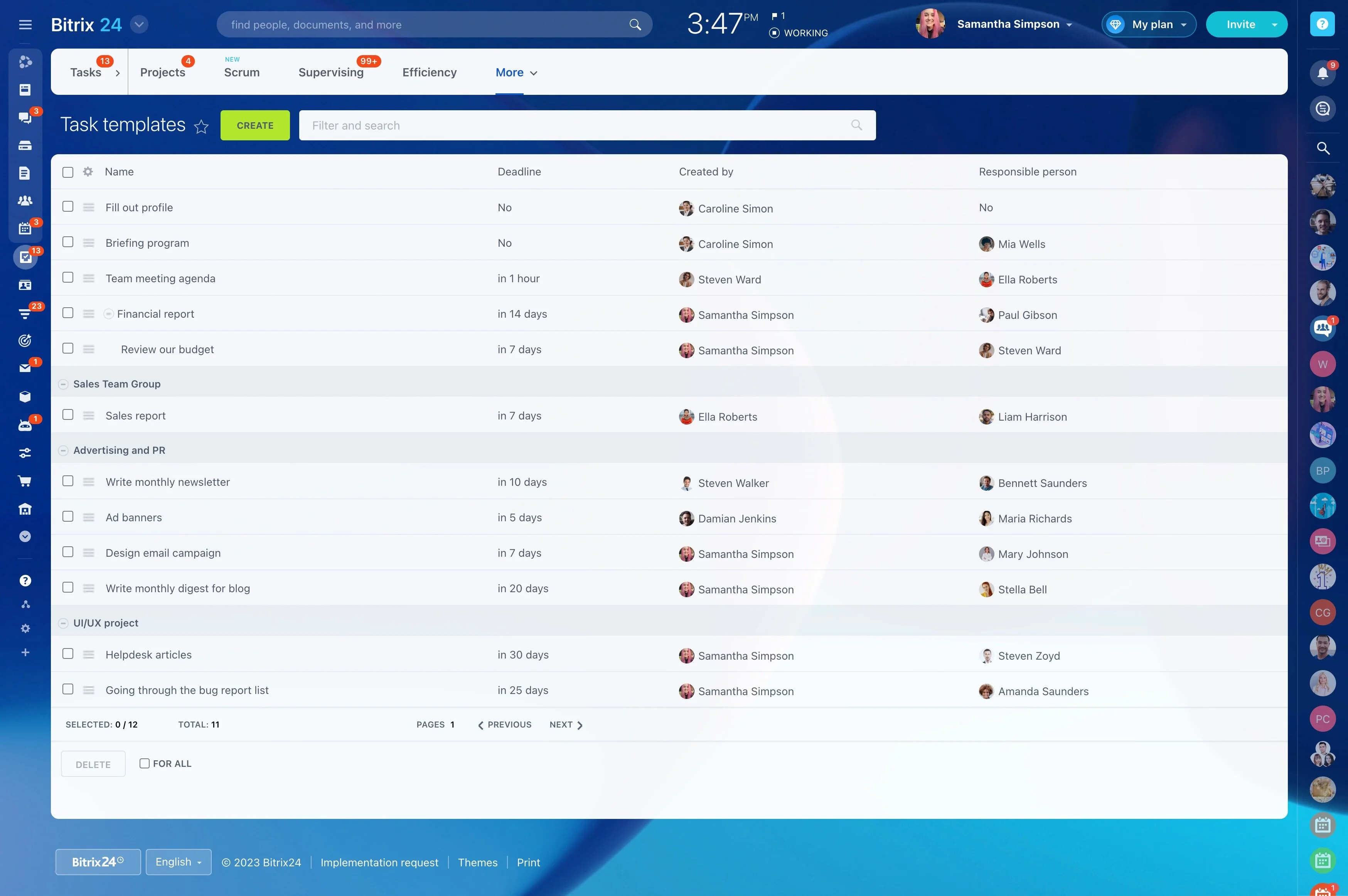
Follow up on attendance and no-shows
Attendance is a retention signal. Track participation and no-shows so the team can respond with a specific next step—reschedule, adjust the time slot, or check in after a missed session.
In Bitrix24, tasks and planned activities make “two missed classes” an owned follow-up instead of a memory-based process.
Map your studio lifecycle into CRM stages
Build stages that mirror how your studio actually runs, so every record shows what “complete” means and what comes next.
- Lead: New inquiry → Contacted → Trial booked → Trial completed → Ready to join
- Member: New member → Active → At-risk → Renewal due → Renewed / Cancelled
- Checkpoints: Waiver, onboarding session, start date, next review
A lifecycle pipeline makes conversion and retention work visible as a sequence, not one-off outreach.
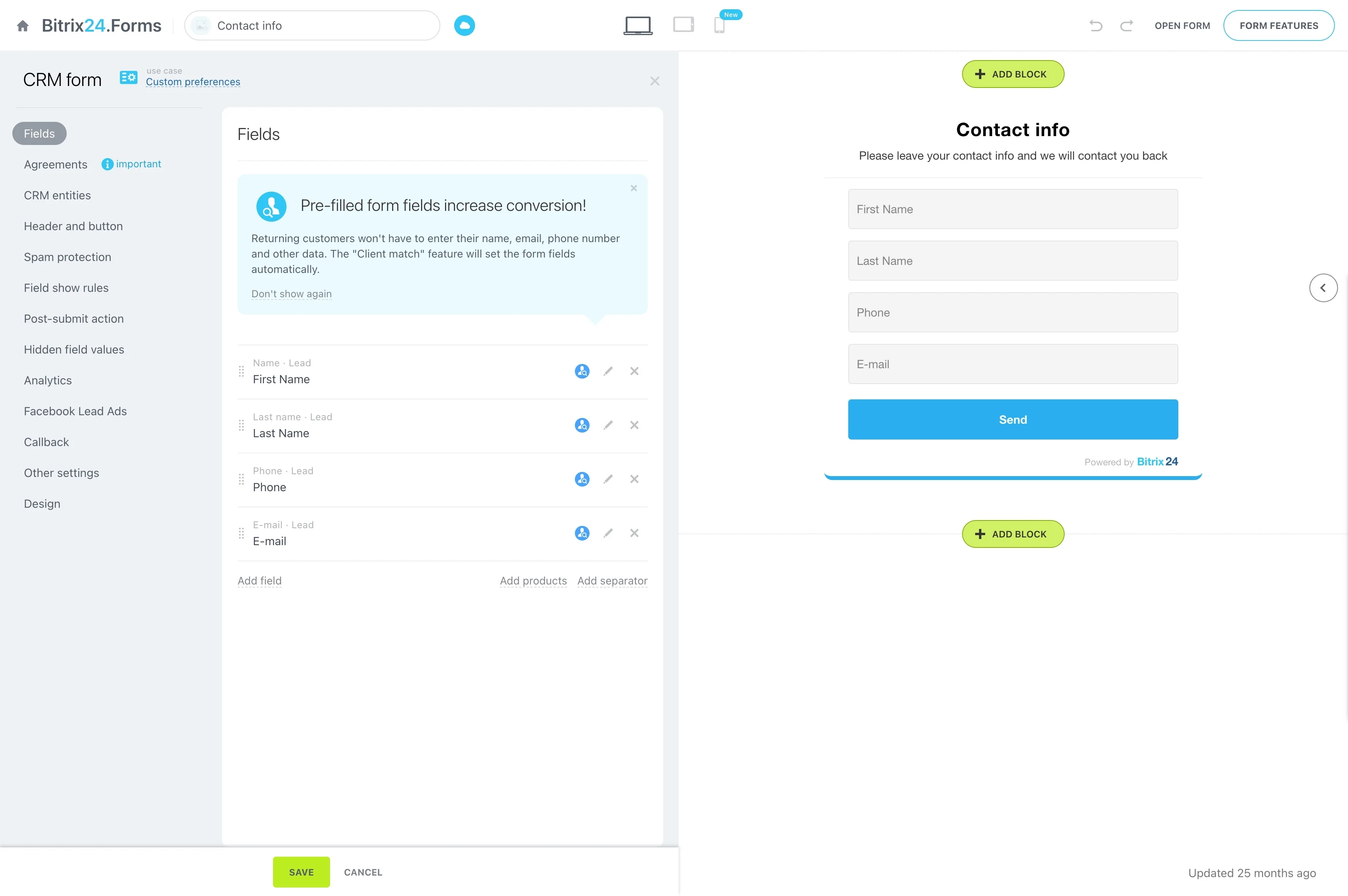
Route inquiries into booked trials and tours
When leads arrive in bursts, the key is consistent ownership and fast movement to a booked trial. Use your CRM process to assign each inquiry, capture the context of the conversation, and set the next required action.
In Bitrix24, keep notes and messages with the lead record and use follow-up tasks so staff know when to call, what to confirm, and which class format the prospect asked about.
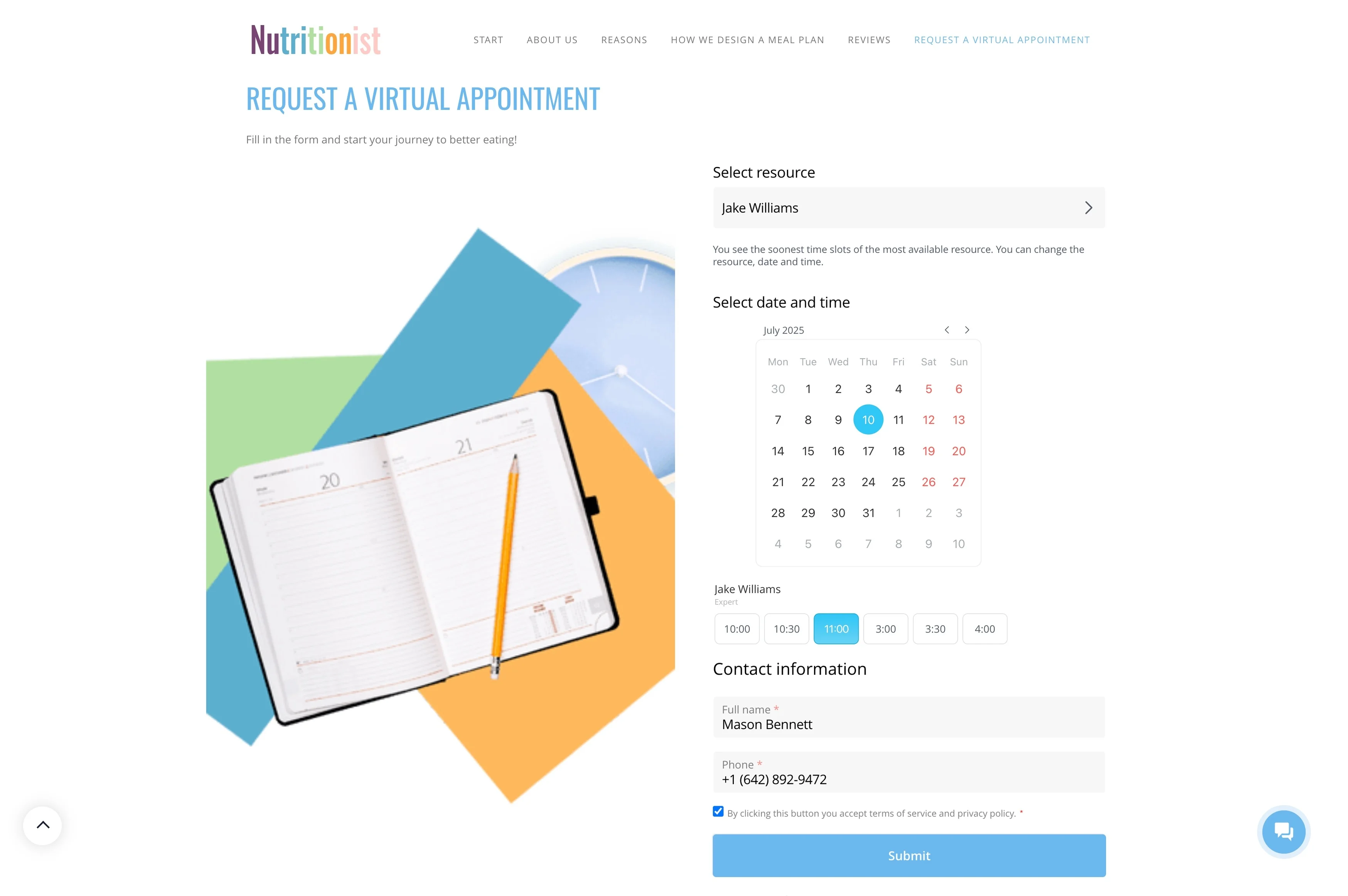
Standardize trial-to-membership sales
After a trial, consistency matters more than improvisation. Define the post-trial steps so every prospect gets the right follow-up, options, and a clear close moment.
- Create a next-day follow-up task after a trial
- Assign responsibility for closing and the onboarding handoff
- Log outcomes (joined, needs time, lost) to improve your trial experience
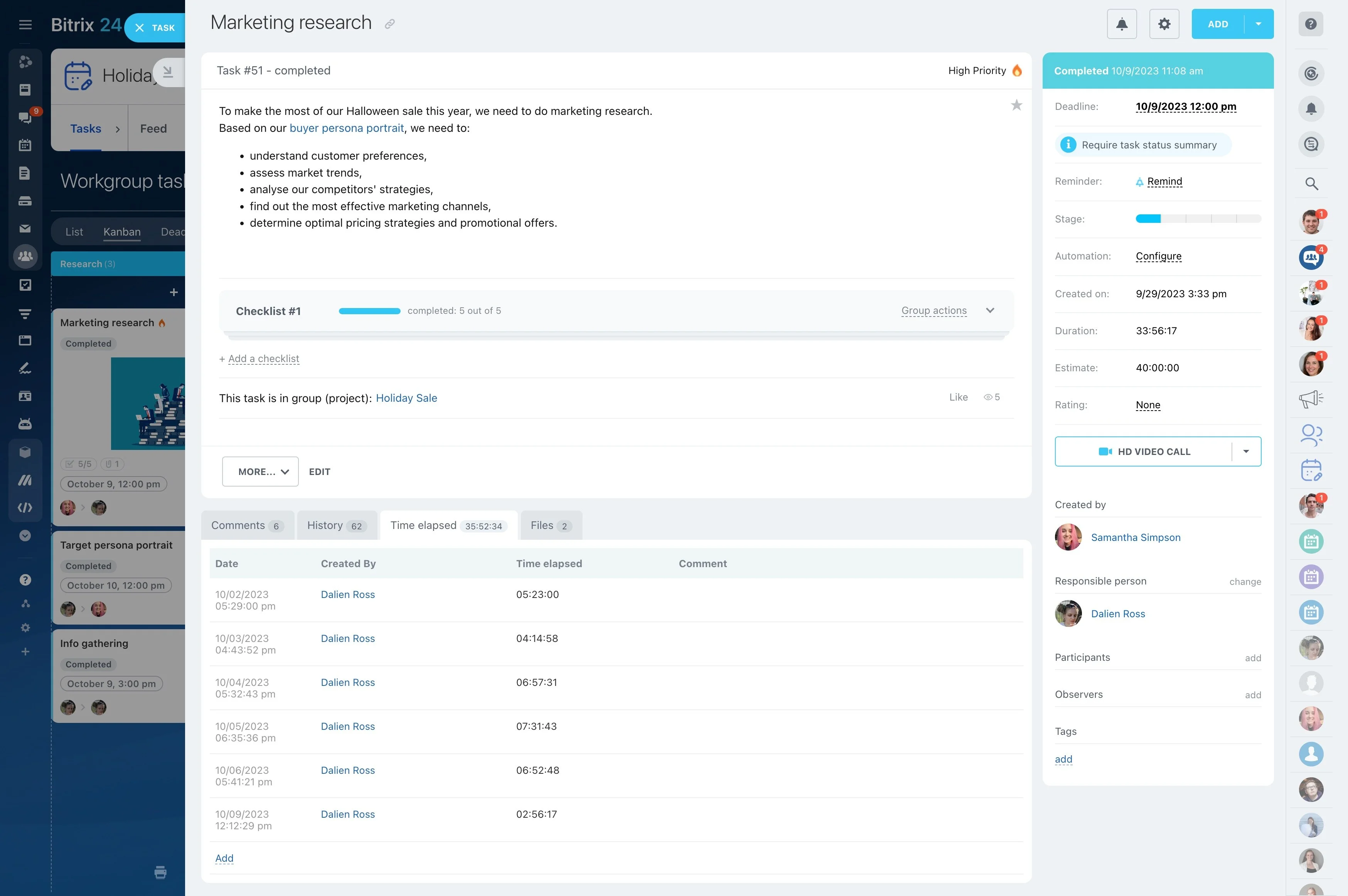
Make renewals a calendar-driven process
Renewals go smoother when they’re run on a schedule, with clear outreach windows and outcomes. Set up a renewal stage so members approaching an end date are visible, assigned, and worked consistently.
- Define a “renewal due” window and required outreach steps
- Create tasks for calls/messages and record outcomes
- Close as renewed, paused, or cancelled with a reason
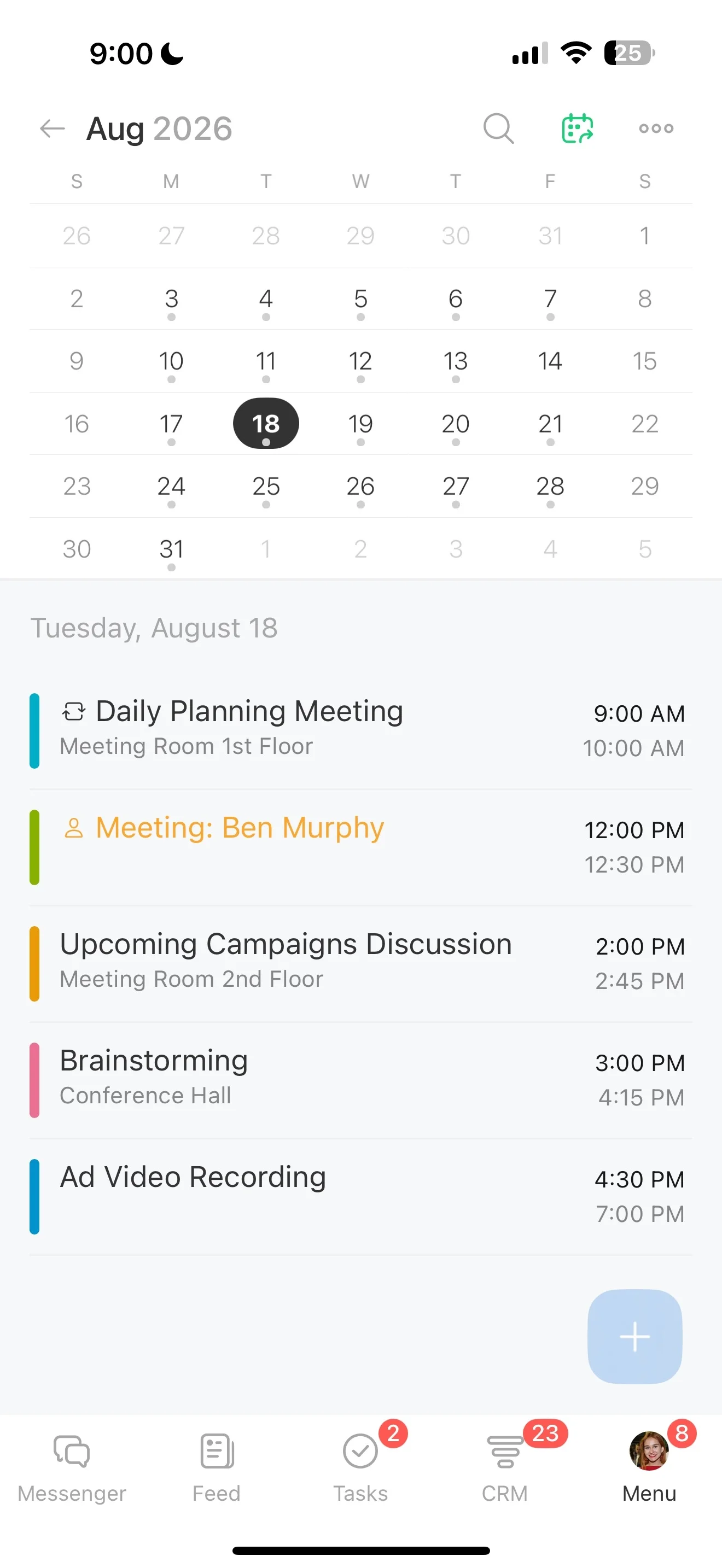
Run retention playbooks for at-risk members
“At-risk” needs a playbook, not a single message. Use an at-risk stage tied to specific triggers—attendance drop, schedule conflict, injury—so your team takes the same core actions every time.
In Bitrix24, automation can prompt check-ins while tasks coordinate whether the front desk or a coach should reach out, keeping the member experience consistent.