Capture program fit data for better decisions
Running an online course business means managing two connected journeys: the sales pipeline that turns interest into enrollments, and the student lifecycle that turns enrollments into completions, renewals, and referrals. When these steps live in different tools, it’s easy to lose track of who’s paid, which cohort a student belongs to, and what outreach needs to happen next.
A CRM for online course creators should cover the full lifecycle: capture leads, qualify them for the right program, manage enrollment commitments, and then keep delivery communication and follow-ups tied to the same record. In Bitrix24, you can define CRM stages that match your enrollment flow, plan the next action for every lead or student, and use automation to create tasks and reminders at key milestones—so your team can run each cohort consistently and still follow up with alumni offers.
- Track leads, enrollments, and student status in one lifecycle
- Organize cohorts by start date, format, and checkpoints
- Plan follow-ups around payment and delivery milestones
- Assign clear owners and handoffs for onboarding and support
- Segment alumni for repeat offers based on course history
Convert graduates into repeat offers
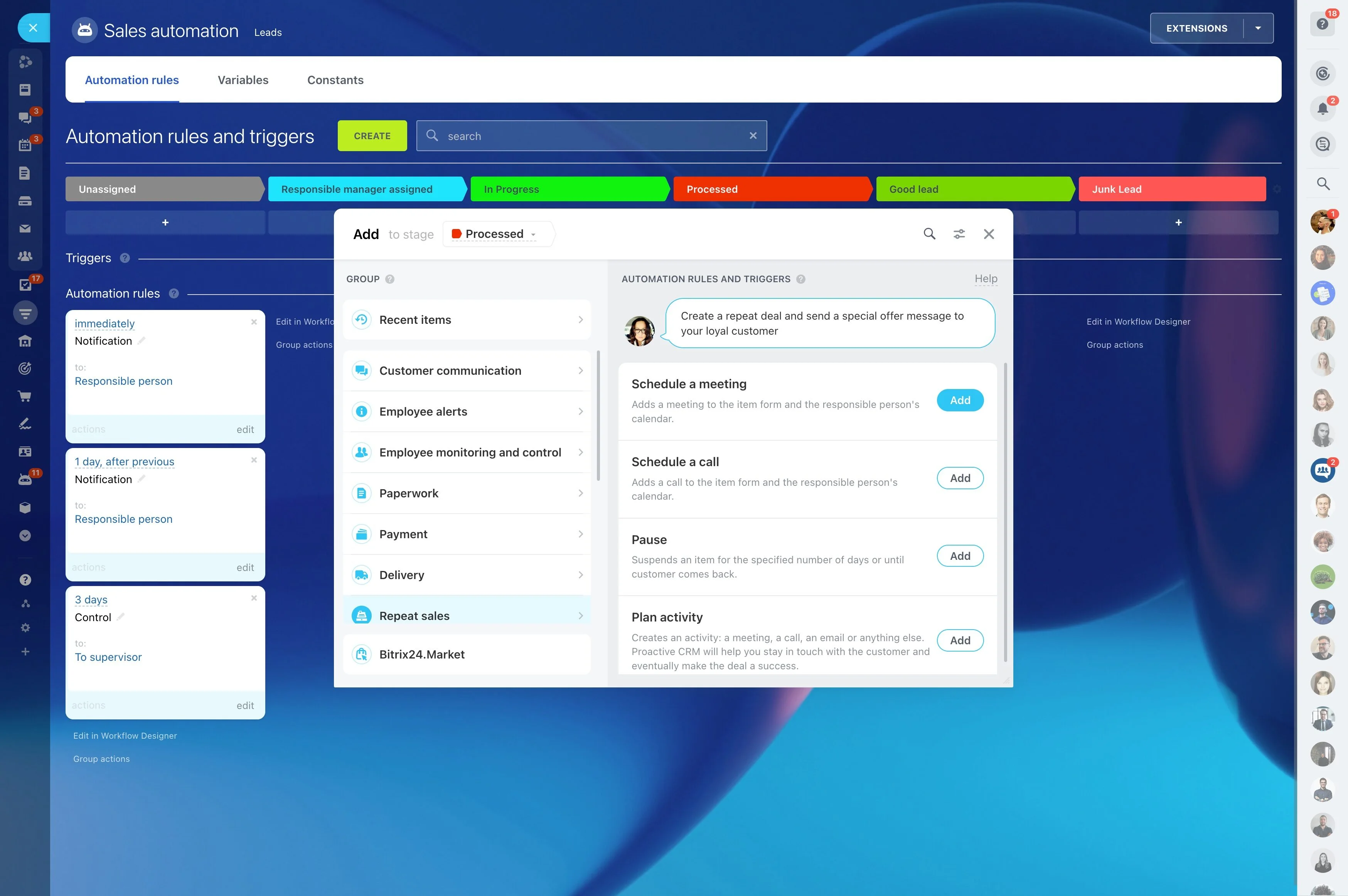
Post-course growth often comes from advanced programs, memberships, coaching, referrals, and re-enrollment. Track completion and segment alumni based on what they finished and what they’re ready for next.
With a defined post-course workflow, you can schedule outreach, run campaigns more consistently, and compare which offers convert best.
Standardize cohort checkpoints with tasks
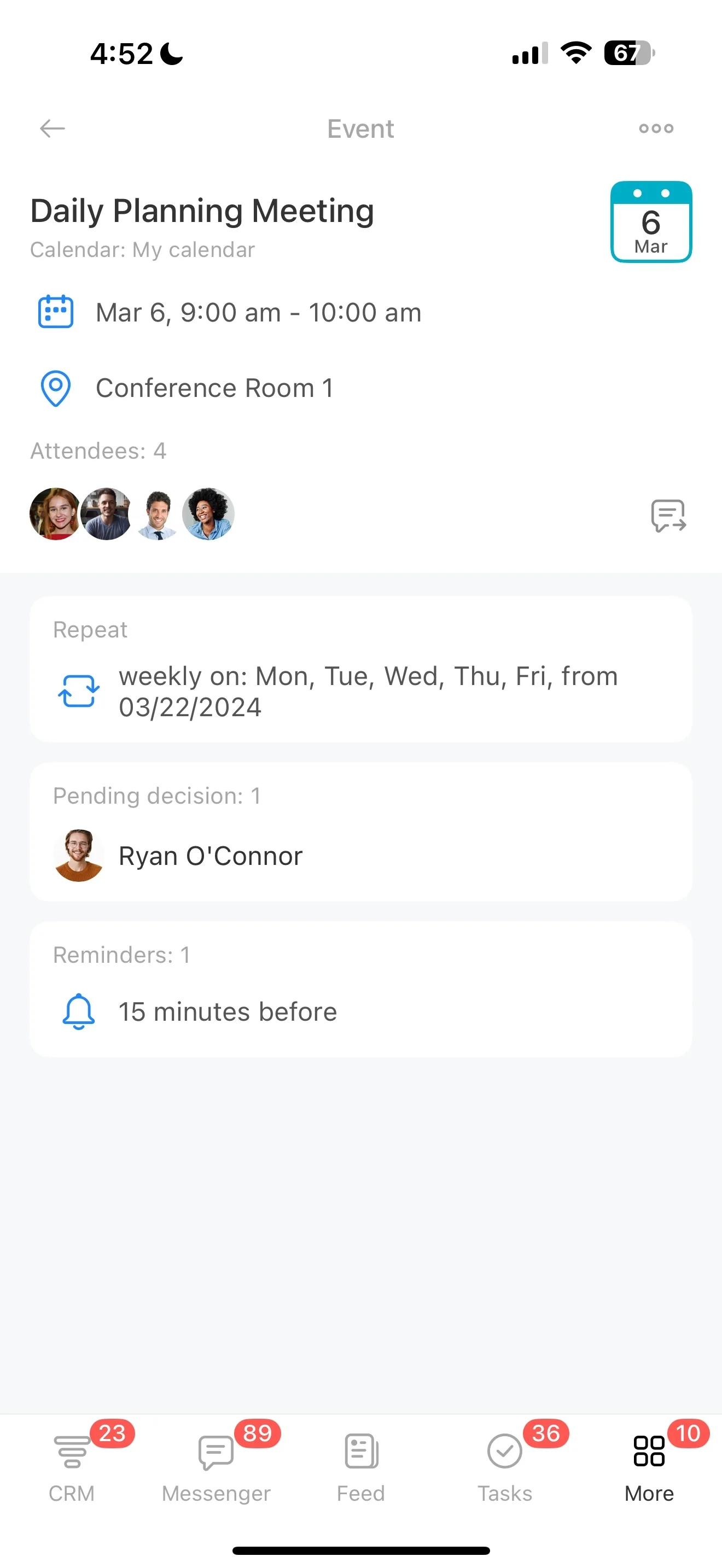
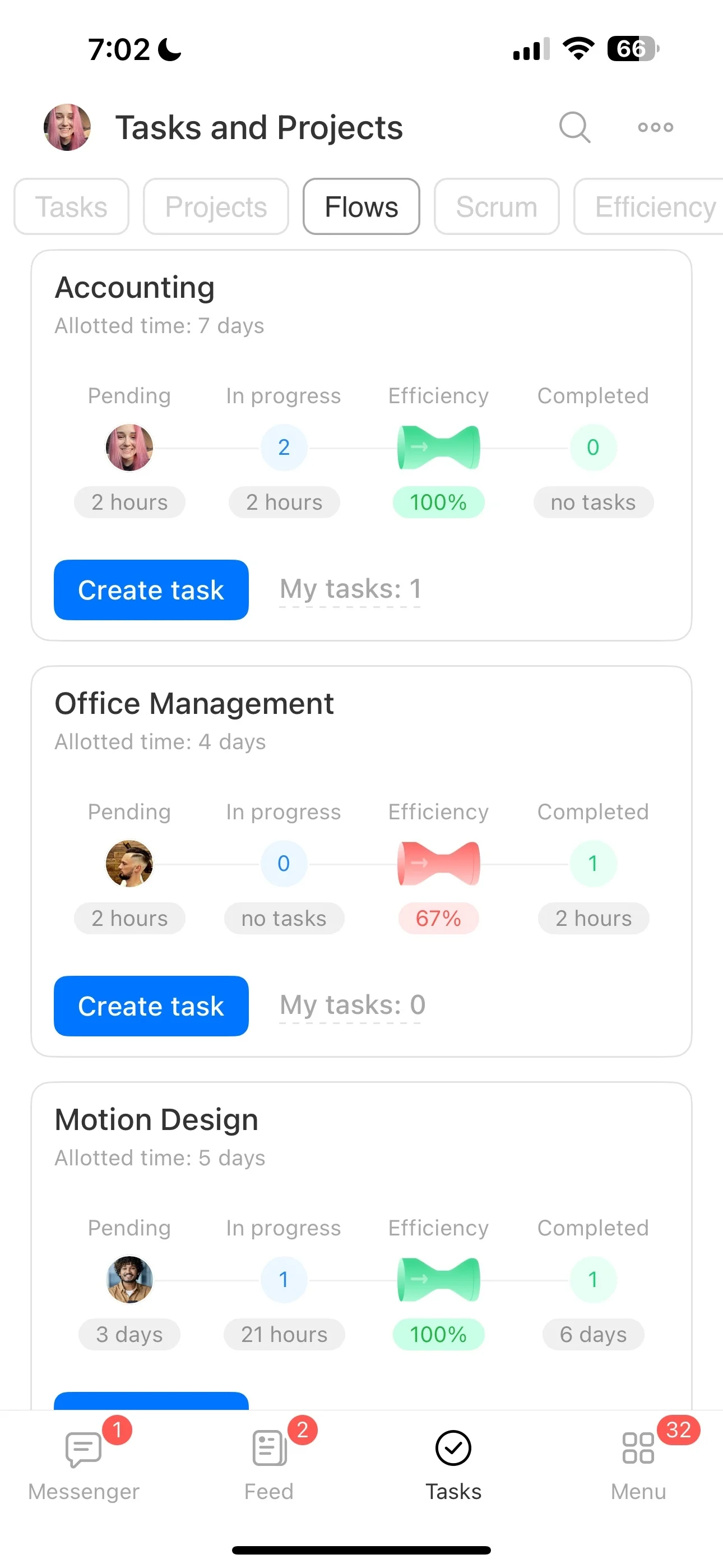
Cohort delivery has repeatable moments: welcome, kickoff, weekly milestones, office hours, assignment reviews, completion. Tie tasks to each student or cohort timeline so every checkpoint has a clear owner and due date.
That makes it easier to spot who needs outreach, who missed a step, and which students are nearing critical points like final submissions.
Build CRM stages around your enrollment flow
Course sales rarely fit a generic pipeline. Set CRM stages that match your process—such as inquiry, call booked, application review, deposit paid, fully paid, enrolled, deferred—so you can see what’s stuck and what’s ready for the next step.
Keep each record actionable with an owner, notes, and a planned next activity so follow-ups happen on time and with context.
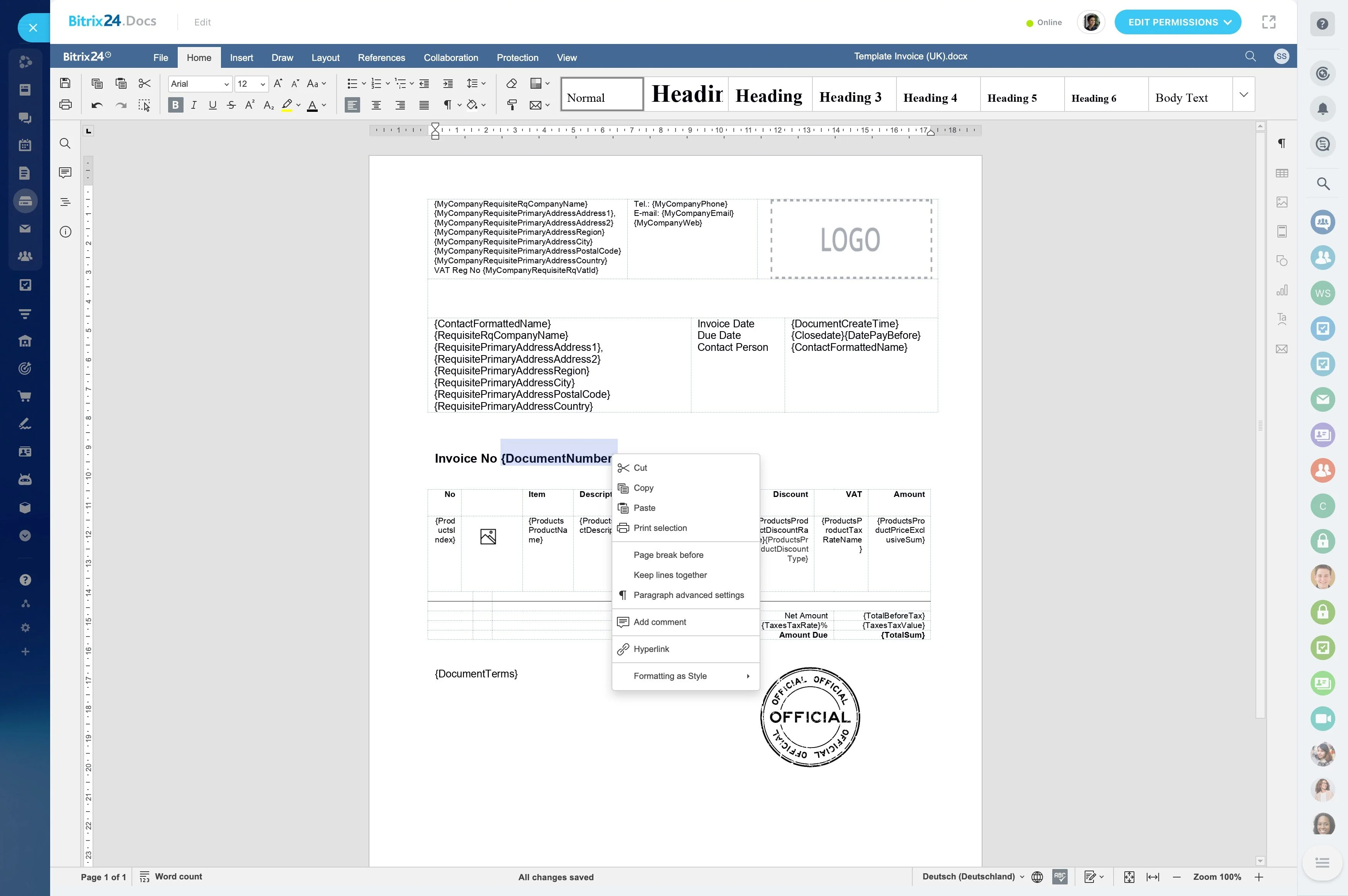
Capture program fit data for better decisions
Beyond email and phone, course enrollments depend on fit: goals, experience level, preferred start date, and which program a lead is considering. Use structured fields to record these details so you can segment follow-ups and route a lead to a call, an application step, or nurture.
This also improves forecasting by separating general interest from leads qualified for a specific cohort.
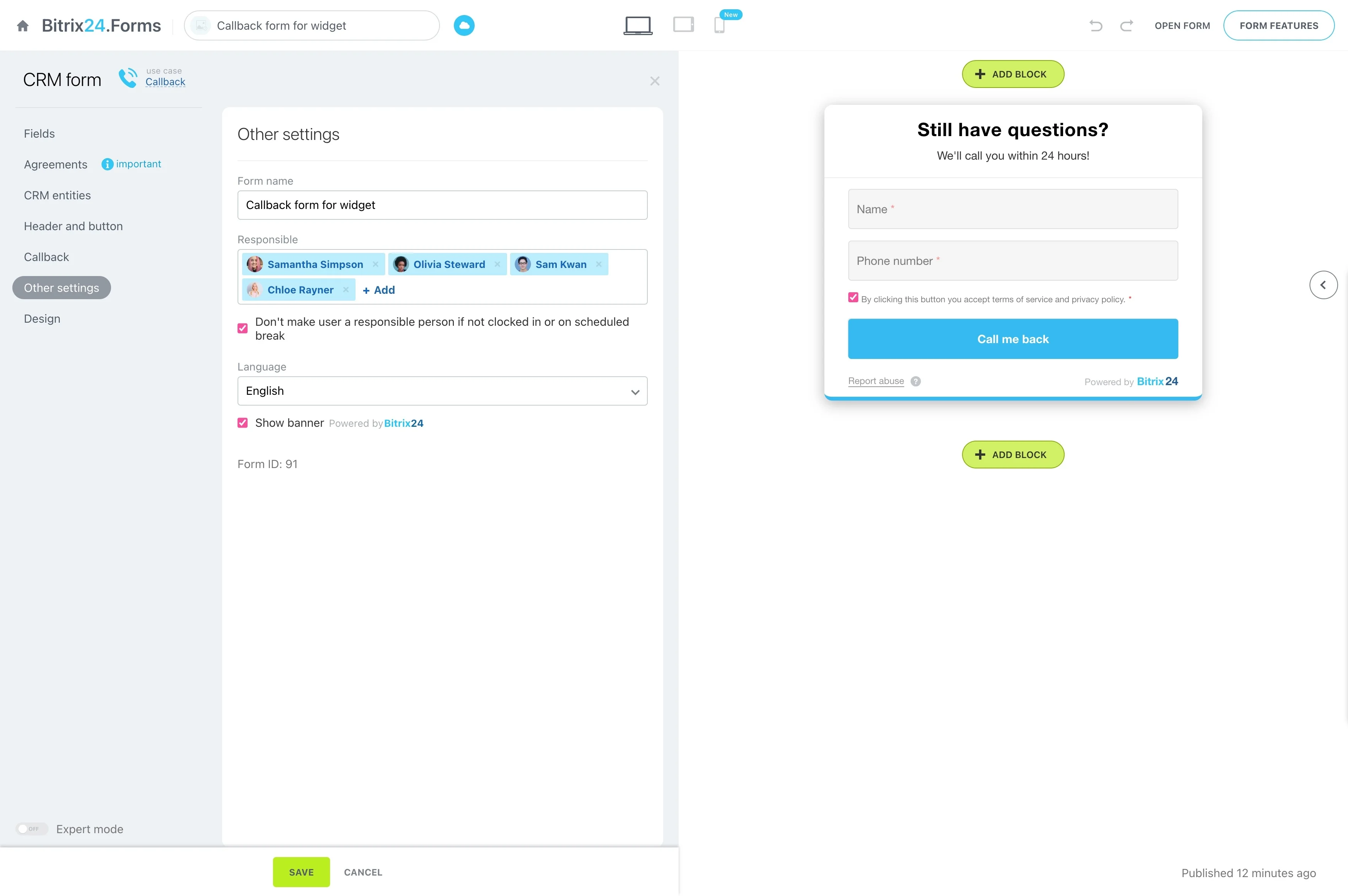
Track payment milestones and readiness to start
Enrollment is often a sequence: invoice sent, deposit received, installments due, final payment completed, access granted. Store payment status and key dates in the record so the right follow-up happens at the right time.
When a milestone is reached, trigger internal work—like onboarding prep or confirming the student’s seat—so delivery starts cleanly.
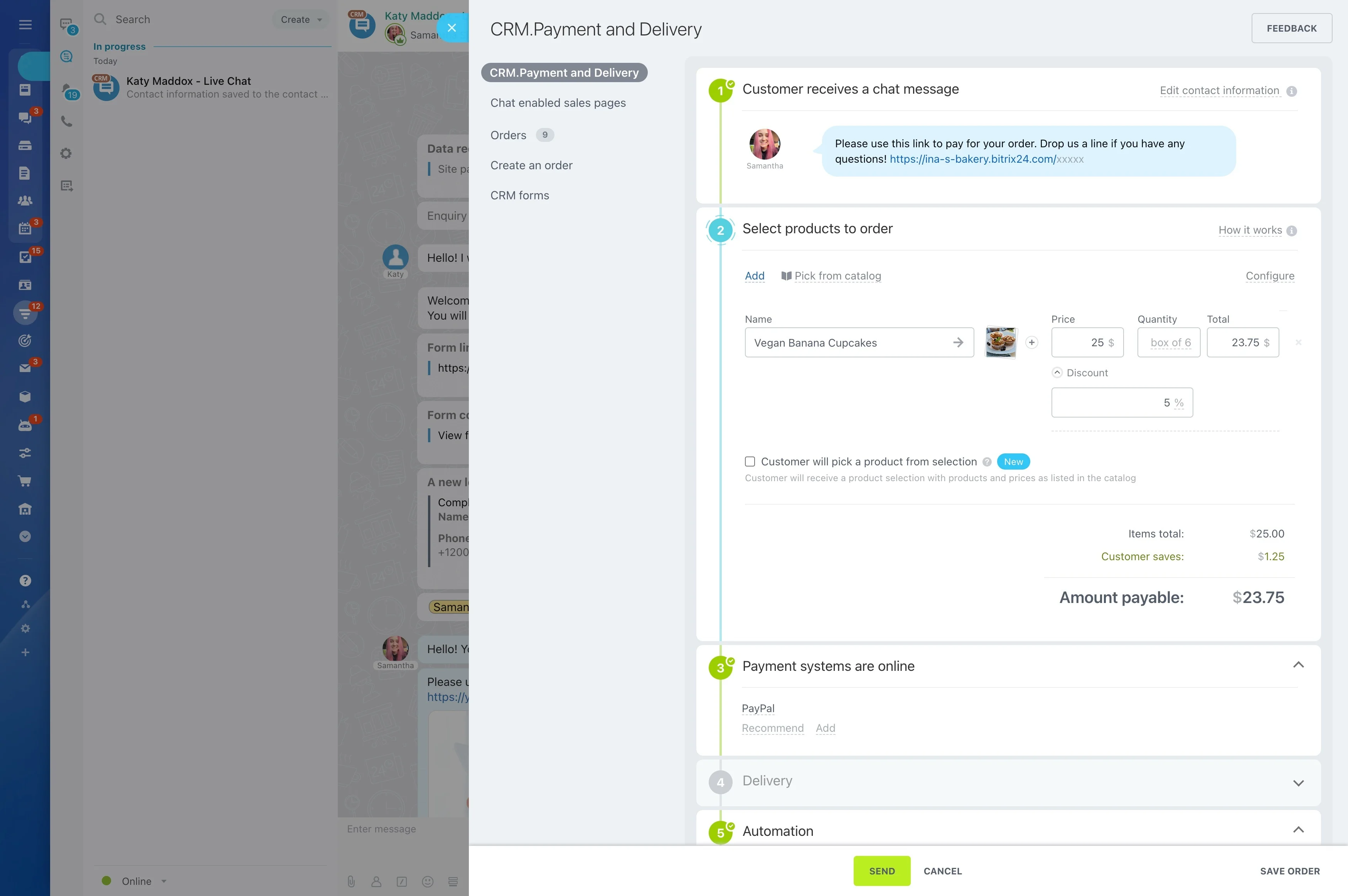
Keep communication history on the student record
Student support works best when messages aren’t scattered. Keep communication and activity planning connected to the record so you can see what was purchased, which cohort the student is in, prior questions, and promised next steps before you reply.
It also makes team coverage easier, because handoffs stay traceable and consistent.
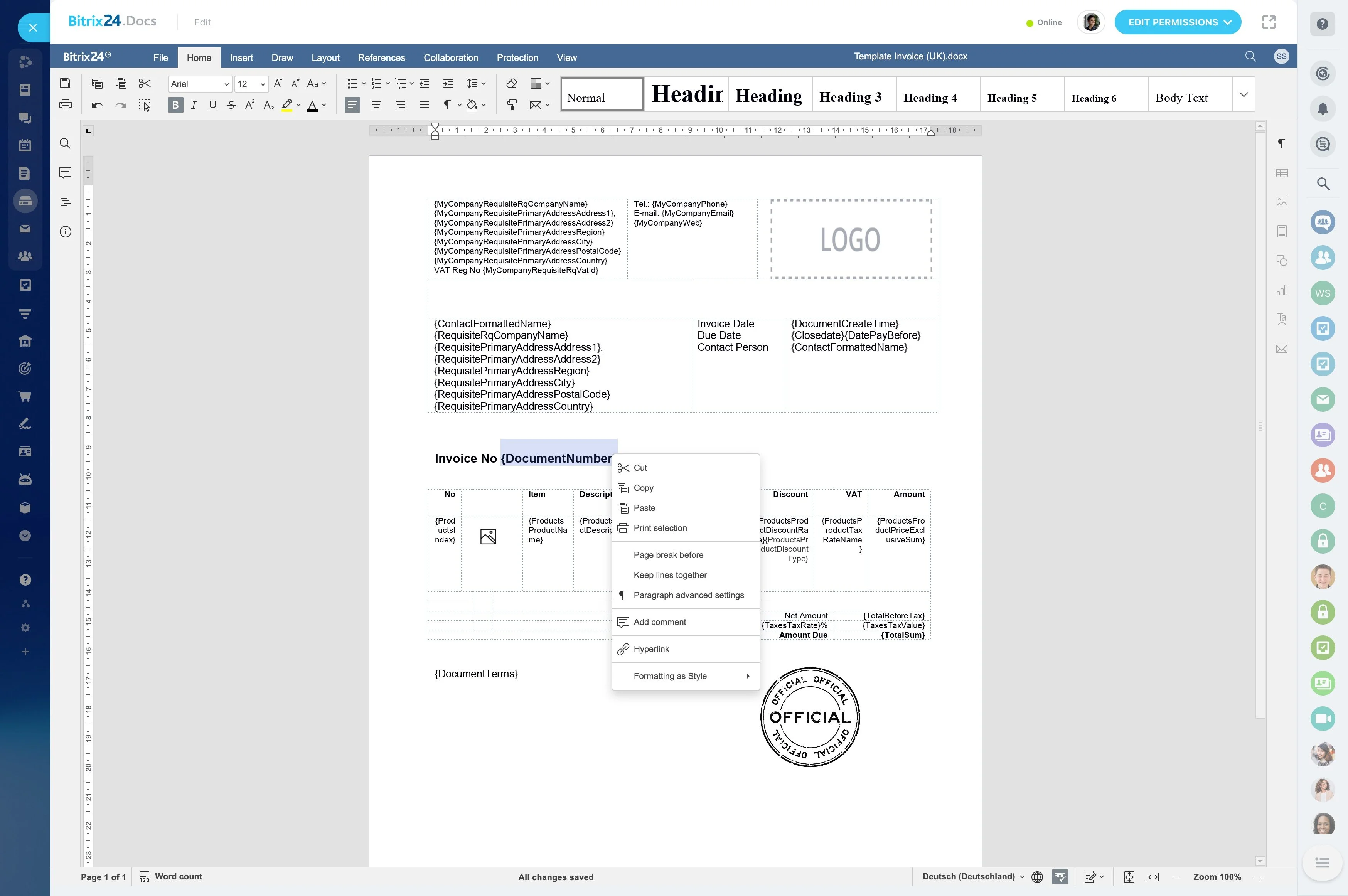
Automate predictable follow-ups and handoffs
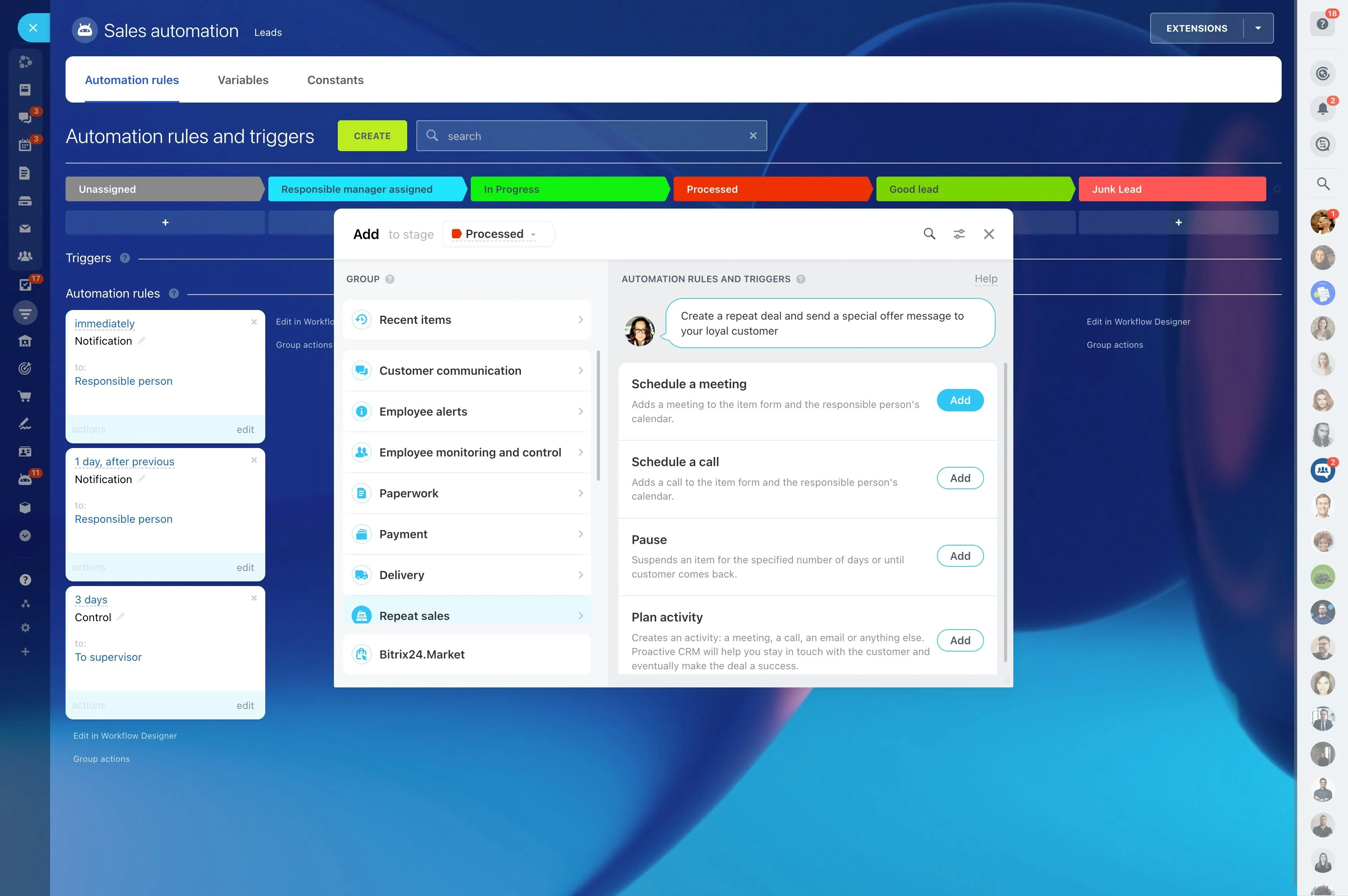
Course operations include routine actions—reminders, check-ins, “missing step” follow-ups, and internal handoffs. Use CRM automation to create tasks, schedule activities, and move records forward when conditions are met.
This keeps expected touchpoints reliable while you’re launching, teaching live, or supporting multiple cohorts.