Work with Bitrix24 Data Through Chat with Hermes

Want to bring a conversational AI agent into your Bitrix24 workspace? With Alaio Vibecode, you can create the Hermes AI Agent and connect it directly to Bitrix24 Messenger.
Hermes can work with Bitrix24 data through chat, helping users find deals that match specific conditions, build summaries, or check an employee’s current tasks. You describe what you need in plain language, and the agent works with the relevant Bitrix24 information from inside Messenger.
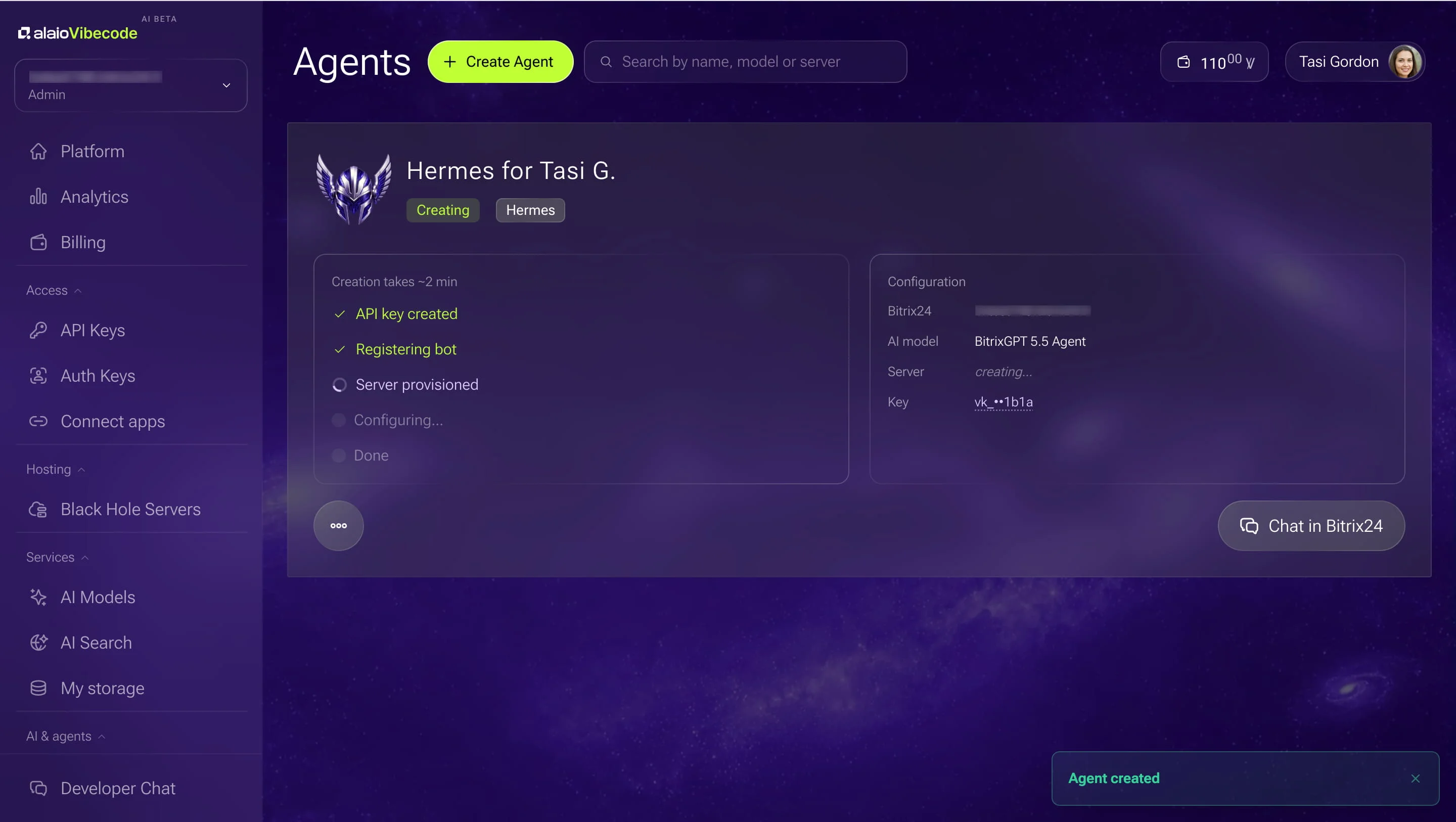
The technical side is handled through Alaio Vibecode. It sets up the private server, deploys the agent, connects the AI model, and registers Hermes in your Bitrix24 account as a chatbot. You decide what the agent should be able to access and whether it can only read information or also make selected changes.
What can you do with Hermes in Bitrix24?
Once connected, Hermes becomes another way to work with Bitrix24 information without leaving your usual workspace.
A sales manager could ask for a summary of deals that meet certain criteria before a pipeline review. A team lead could check current tasks for an employee. Hermes can also prepare reports, create tasks and activities, search the company knowledge base, and help with first drafts of standard replies, proposals, or letters.
If a request is unclear, the agent can ask for more detail before continuing. That makes it suitable for broader, conversational requests that may vary from one moment to the next.
Why create Hermes through Alaio Vibecode?
Alaio Vibecode is designed to turn ideas into working solutions for Bitrix24 without requiring teams to build the technical infrastructure themselves. Hermes follows the same principle.
Instead of creating an agent environment from scratch, you can start with a preconfigured Hermes template and let Alaio Vibecode take care of deployment and connection to Bitrix24. If you want to see the full setup process, including configuration and access settings, see how to create and configure the Hermes AI Agent in Alaio Vibecode.
This also gives teams flexibility in how they use Vibecode. A dedicated app can be created for a specific process or piece of logic, while Hermes can serve as a more general conversational assistant for different types of requests.
Access remains configurable, and actions that could affect customers or business operations still stay under employee control.
For teams interested in using Hermes as part of their Bitrix24 workspace, Alaio Vibecode provides a straightforward way to bring the agent into Bitrix24 Messenger and start working with it there.
Looking for a more conversational way to handle everyday requests in Bitrix24?
Add Hermes through Alaio Vibecode and see how it fits into your workflow.
Explore Hermes