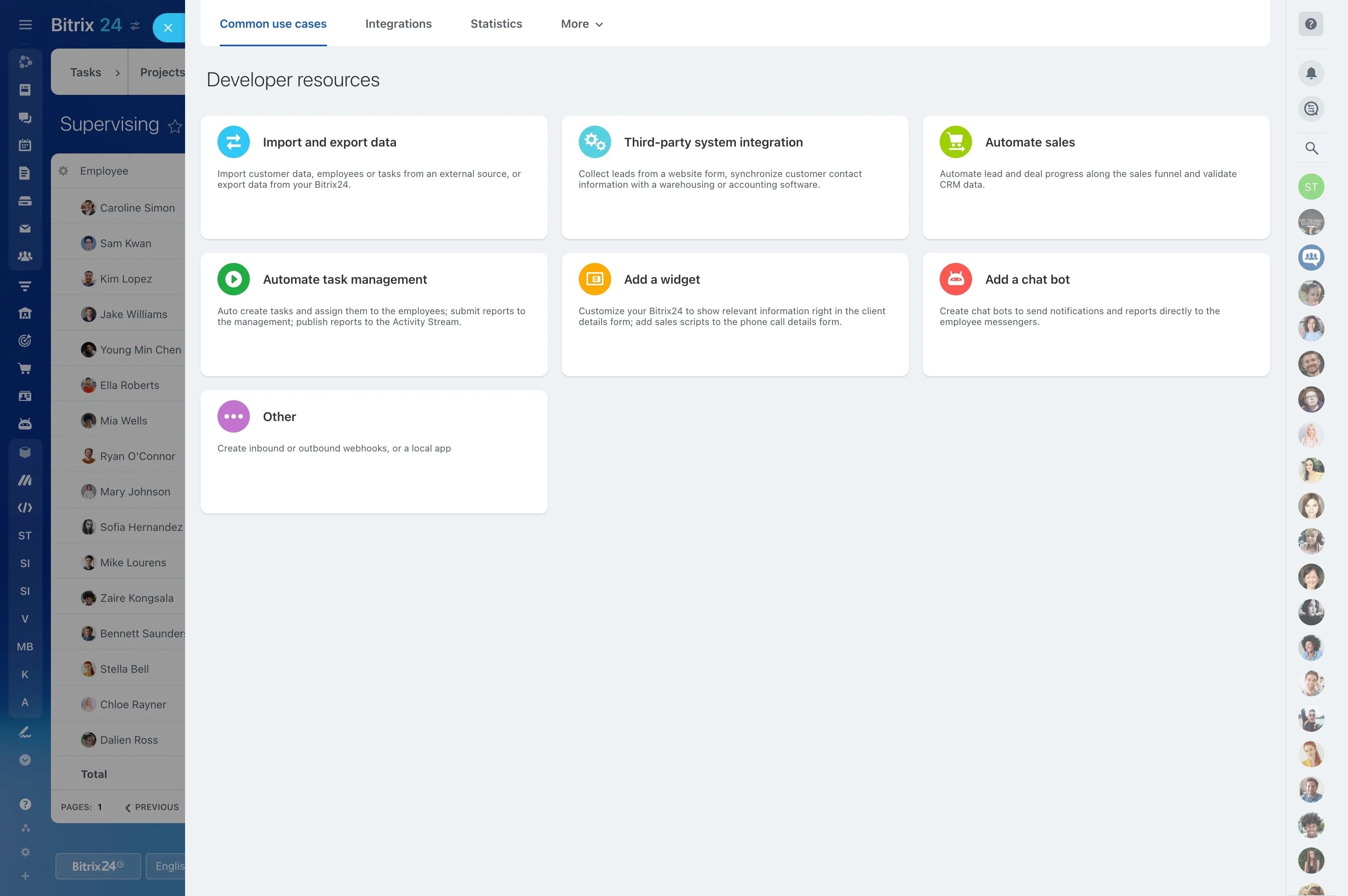
Scrum work depends on a clear view of what the team committed to, what is in progress, and what still needs attention. Scrum board software helps developers, product owners, and Scrum teams turn backlog items into manageable sprint tasks without losing sight of the sprint goal.
Bitrix24 gives the team a shared workspace for organizing those tasks and moving them through defined stages. Use the board during sprint planning, daily Scrum meetings, and reviews to keep ownership visible and conversations focused on the work itself.
Keep the sprint goal in view
A sprint board keeps selected backlog items visible while work is underway. Product owners can compare current activity with the intended outcome, and team members can focus on the work that belongs to the sprint.
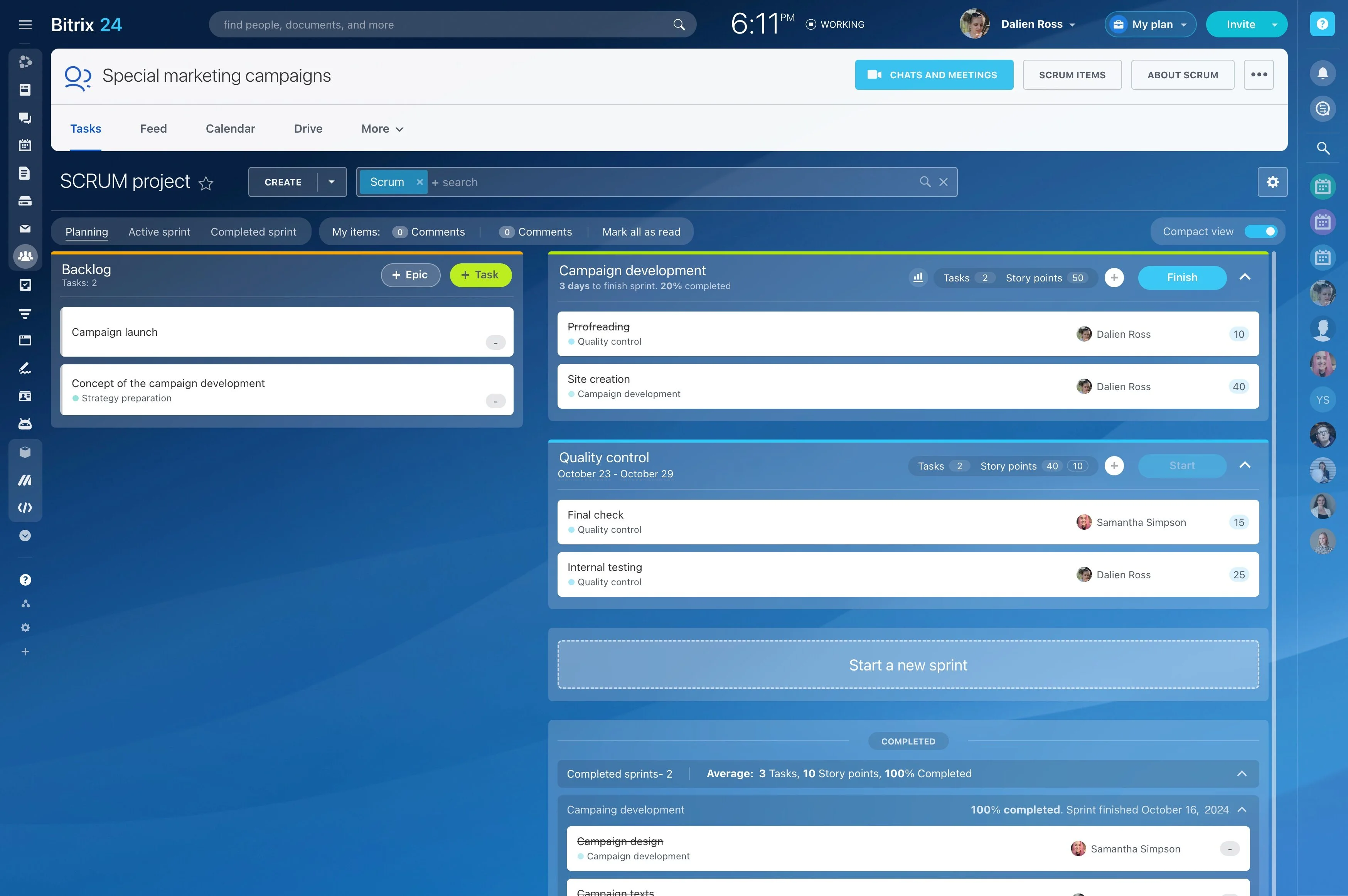
Build the sprint from backlog items
Select the backlog items for the sprint and break them into tasks the team can act on. A focused board separates current sprint work from the wider backlog, making the next action easier to identify.
- Group tasks by sprint
- Clarify the next action
- Keep completed work available for review
Show responsibility for each task
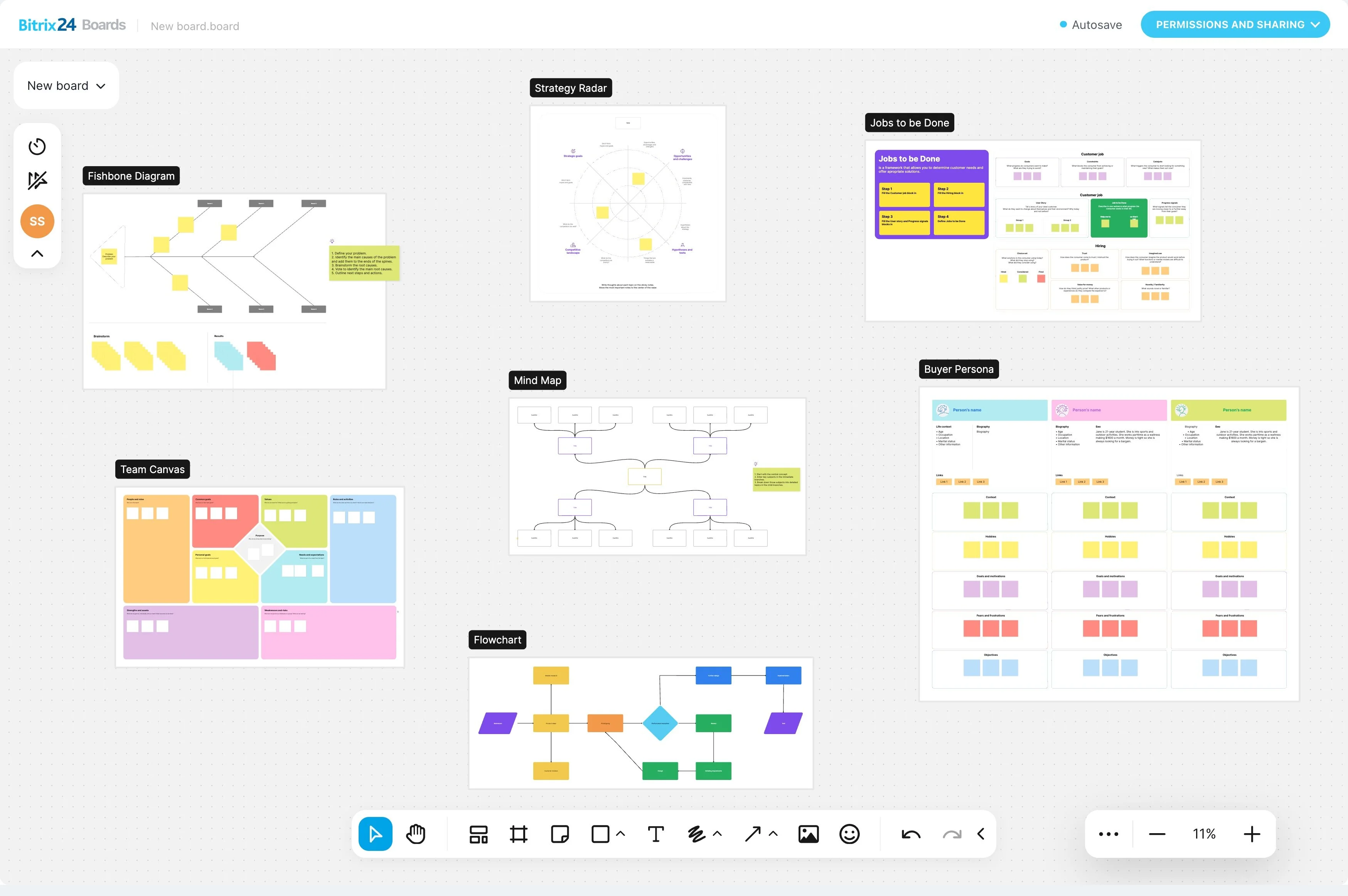
Assign every sprint task to the person responsible for moving it forward. Developers can see their commitments, while product owners can follow progress without relying on repeated status requests.
Move tasks through Scrum stages
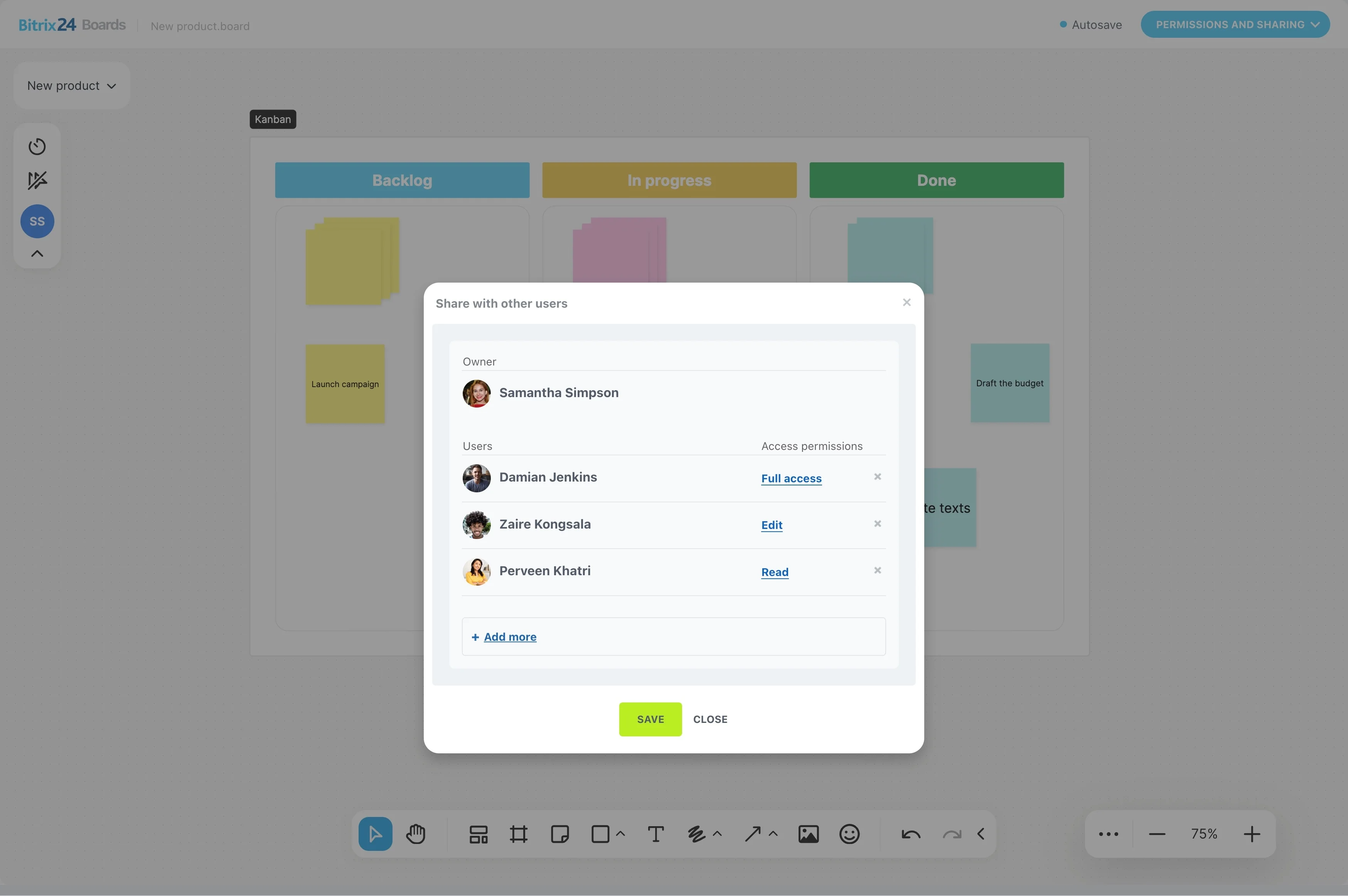
Set stages that match the team’s process, such as planned, in progress, review, and done. Moving tasks across the board shows their current state and makes unfinished work easier to spot.
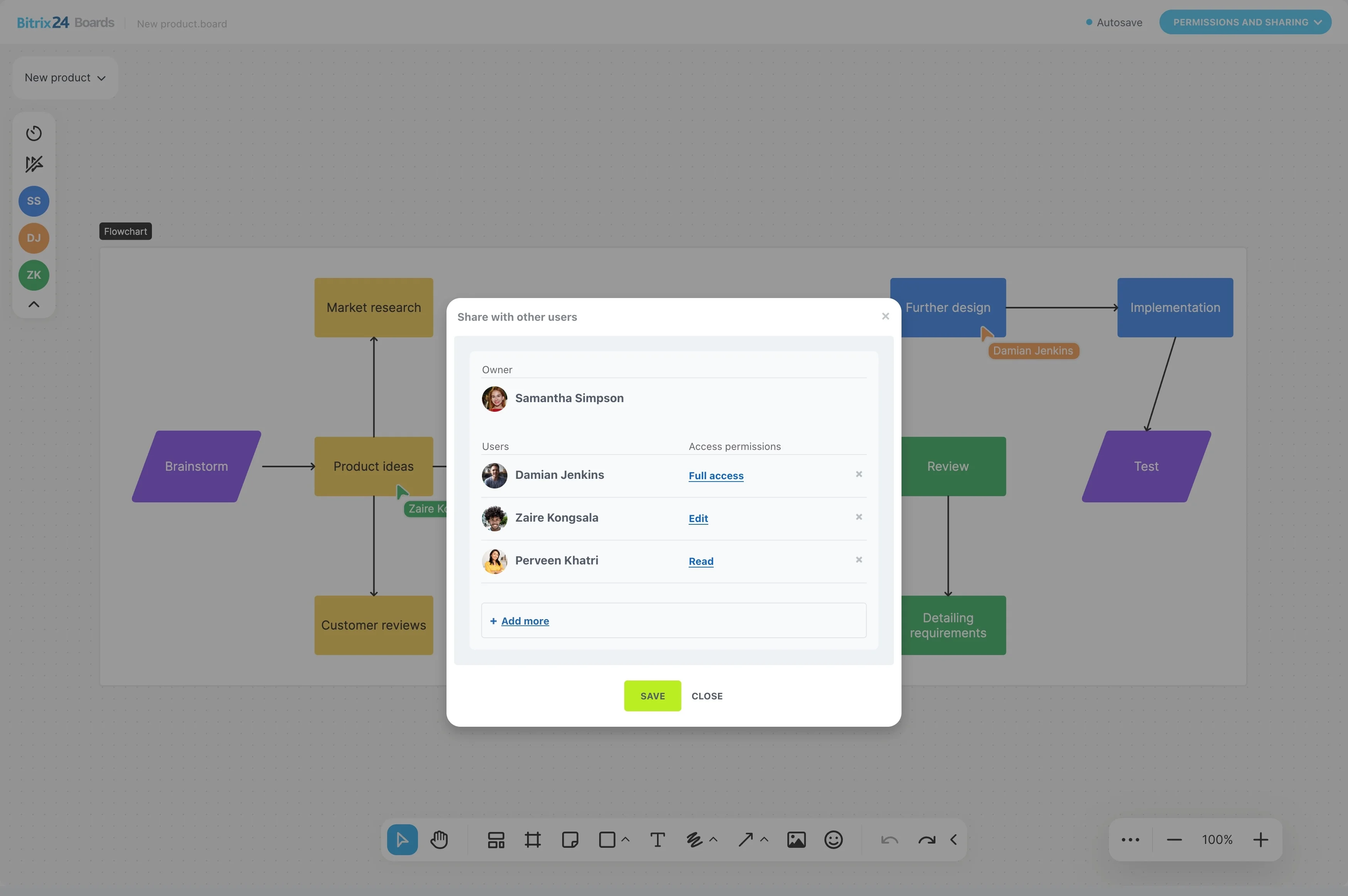
Use the board in daily Scrum
Open the board during daily Scrum to discuss specific tasks, current stages, blockers, and next actions. This gives the conversation a shared reference instead of depending on separate progress updates.
Review the sprint at completion
When the sprint ends, the board shows what was completed and what remains open. The team can use that view during review and retrospective discussions, then decide which unfinished backlog items belong in future planning.