Mobile CRM: Keep Deals Moving Wherever Work Takes You

Your reps leave a meeting, jump into a rideshare, and tell themselves they’ll “do the CRM later.” By the time later arrives, names blur, numbers shift, and the promise you made in person turns into a generic follow-up — if it happens at all. The result is slow response times, fuzzy forecasts, and deals that drift to competitors who follow up faster.
The cost shows up fast: five minutes retyping notes per stop becomes an hour a day; stale records create double work and missed cross-sells; managers manage guesses instead of facts. In field sales, momentum is the moat — every lag introduces risk.
Bitrix24 Mobile CRM ends the lag. Put your entire pipeline in your pocket and update deals between meetings, not after dinner. Capture voice-to-text notes, snap on-site photos, move stages, schedule the next step, call or email from the record, and trigger automations in seconds — even if your coverage is unreliable. It’s the mobile CRM app built for field speed, accuracy, and accountability.
Get your team moving now:
- Download on the App Store (badge)
- Get it on Google Play (badge)
Built for field sales teams, not desk jobs
Field selling is measured in minutes between stops, not hours at a desk.
Designed for speed and clarity:
- Clean, customizable deal cards highlight what matters most in the field: stage, amount, probability, last and next activity. Configure per pipeline so enterprise, channel, or SMB…
- Quick actions on every screen — update stage, add a note, schedule, call, attach — so common tasks are always one thumb away.
- Fast search across accounts, contacts, and deals. Type three characters and jump straight to the right record, even in large databases.
- Multiple pipelines tailored to territories or segments, each with its own stages, fields, and automation.

Update every deal before you leave the parking lot
Field sales is a race against fading memory.
Walking back to her car, she taps the deal, moves it from Qualification to Proposal, bumps probability to 60%, and adds the updated amount.
- Move stages with one tap; update probability and amount right on the deal card.
- Capture context that sticks: voice-to-text notes, photos of equipment, planograms, or contract redlines.
- Log the meeting outcome (met, rescheduled, no-show) and create the next step — call, task, or meeting — without switching screens.
- Call or email directly from Bitrix24; interactions are auto-logged to the timeline.

Never miss a follow‑up again
Deals don’t usually die in the meeting — they die in the gap that follows.
When a meeting ends, add the next step in two taps.
- Without: A strong conversation ends, and the next step is buried in a notebook or a text to yourself you never see again.
- With Bitrix24: The next step is logged, assigned, scheduled, and visible to your manager before you reach the elevator.
- Faster time-to-next-touch after first meetings
- Higher task completion per rep, per day

All your communications, one CRM mobile app
Fragmented communication creates fragmented deals.
From the Bitrix24 Mobile CRM you can:
- Tap-to-call and auto-log each call to the deal timeline. If you use Bitrix24 telephony, calls include duration and, depending on your plan and local laws, recordings — so coaching…
- Send emails using saved templates from the deal or contact. Connect your mailbox and see replies threaded right on the record; no copy-pasting between apps.
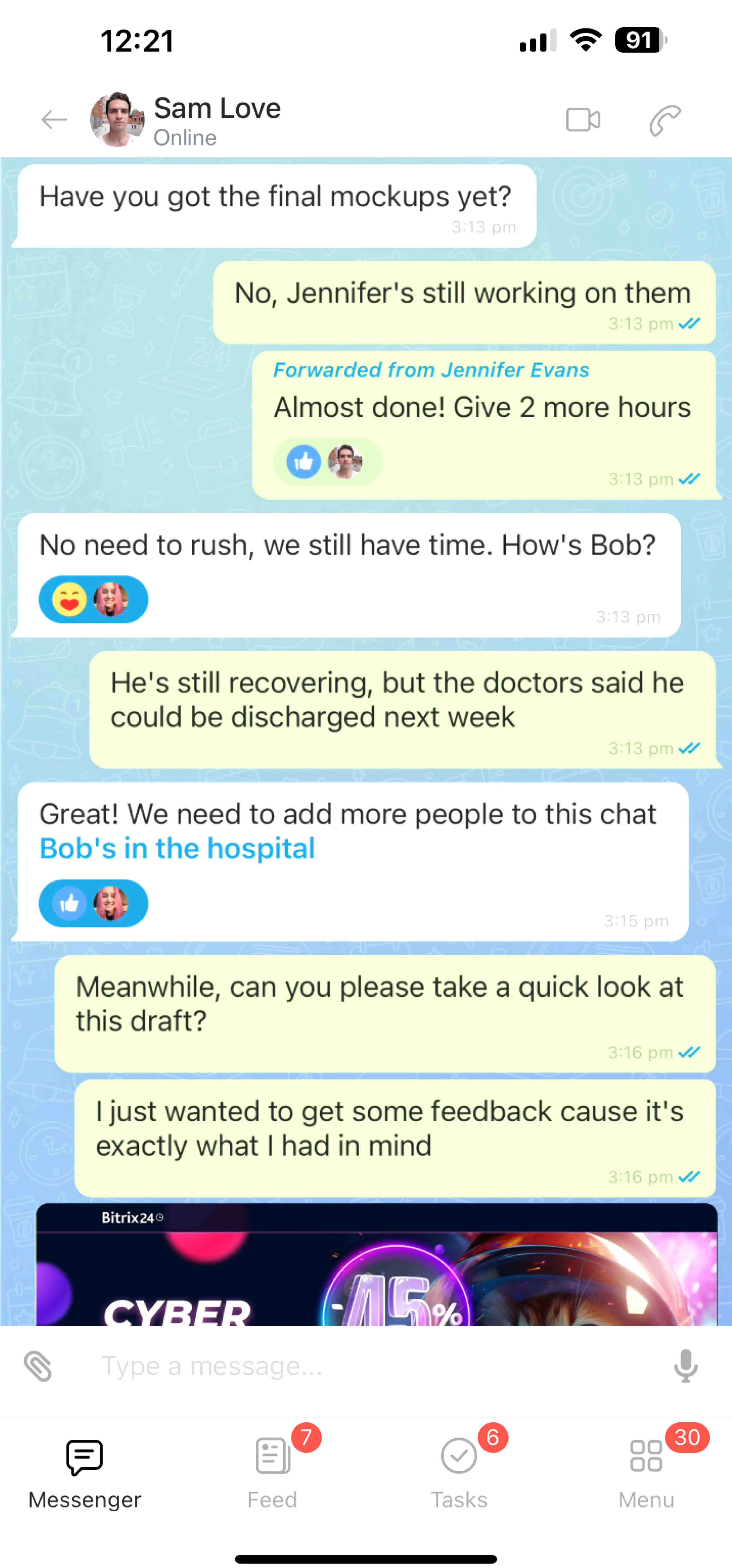
- Collaborate via built-in chat for internal alignment. @Mention colleagues for quick approvals, share files from Bitrix24 Drive, and keep the discussion attached to the opportunity.
- Review a single source of truth — meetings, notes, calls, emails, files — on one screen before you walk into the next visit.
Real-time pipeline visibility for managers on the move
If your team is mobile, your coaching and forecasting have to be mobile too.
Before vs. after for leadership:
- View pipelines with live stage totals and spot bottlenecks fast. Filter by owner, region, last activity, or amount to isolate risk and prioritize support.
- Open any deal timeline to see exactly what happened during today’s visit — voice notes, photos, call logs, and emails — so feedback is grounded in facts, not memory.
- Comment on records, @mention reps, and assign tasks in context. Coaching happens in the flow of work, not in a meeting next week.
- Track activity counters per rep to surface workload issues early. Re-balance territories or redistribute hot leads with data, not gut feel.

Easy rollout, secure by design
Rolling out a CRM for mobile shouldn’t slow selling.
Security you can trust:
- Invite users, set roles, and publish your pipelines. Reps download the app, log in, and start updating deals the same day.
- Migrate spreadsheets or export files from other CRMs using built‑in import tools. Map fields once, verify a sample, and go.
- Use onboarding hints and short, role‑based checklists so field reps learn exactly what they need to sell faster — no heavy manuals.
- Add automations and templates gradually. Start with core next‑step tasks, then layer in emails, approvals, and escalations without disrupting active deals.
