Project work rarely stays in one application. Schedules may sit in calendars, ideas in visual boards, hours in a time-tracking tool, and project information in another system. The right project management integrations connect these parts without losing sight of the tasks and records that drive the work.
Bitrix24 gives teams several ways to extend project workflows: marketplace apps for specialized tools, importers for existing information, and API access for custom connections. Use the options that fit your process and keep supporting work connected to the project context.
Create custom connections with API access
Some workflows require a connection to an external or internal system that is not covered by an available app. API access offers a way to develop a tailored integration around the project data and processes your team needs to connect.
Keep project documents in context
Briefs, specifications, approvals, and working files often determine what happens next on a task. Connecting document workflows with project work helps participants locate the material behind an assignment and follow the tasks that depend on it.
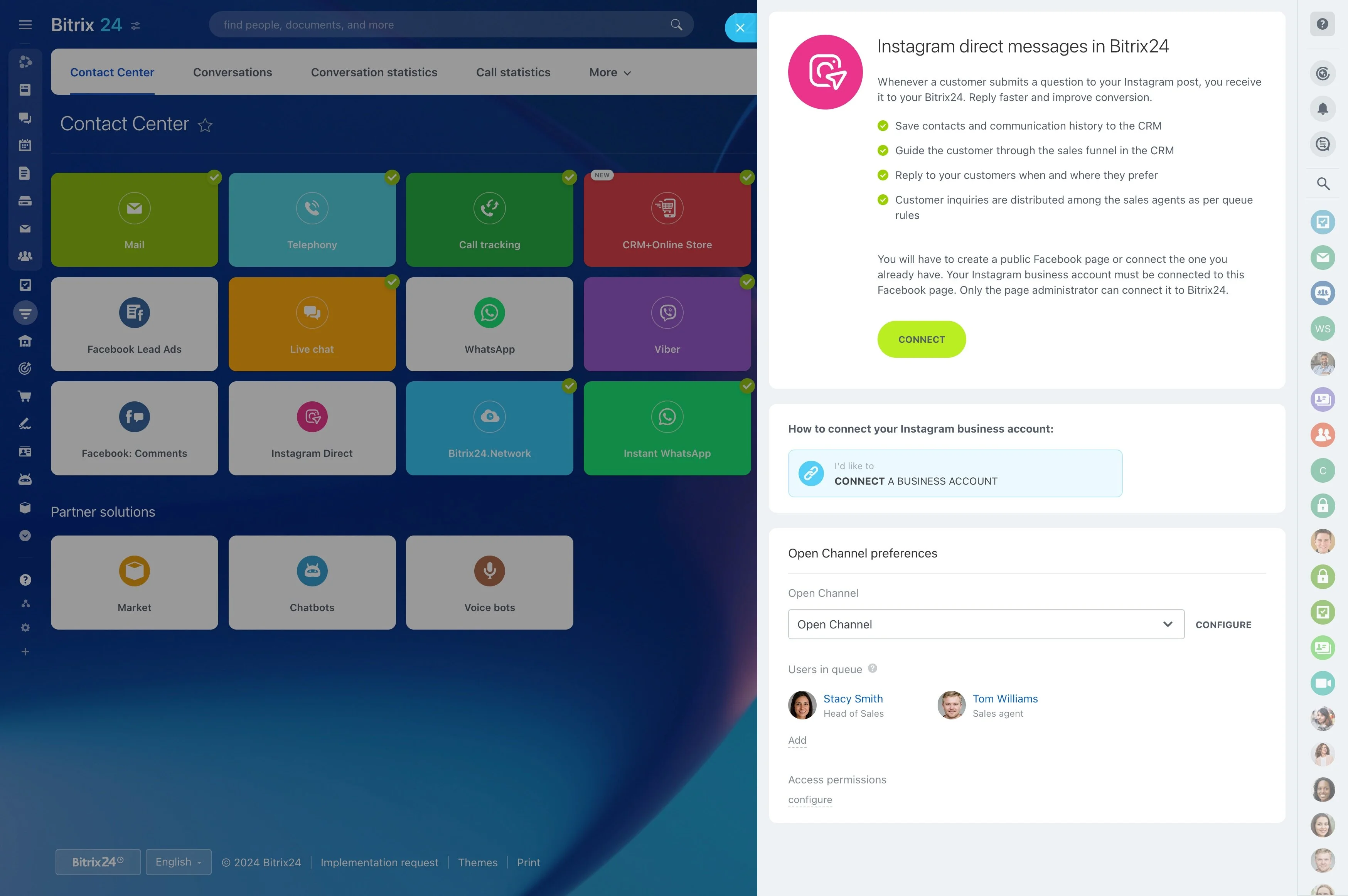
Connect project work to daily tools
Project roles rely on different sources of information. Managers track dates, contributors work with documents or visual boards, and operations teams review time or project data. Integrations connect these activities so supporting information can remain relevant to the tasks and deadlines it affects.
- Coordinate task dates with calendars.
- Keep documents and project materials near related work.
- Extend project workflows with time tracking, visual collaboration, or analysis tools.
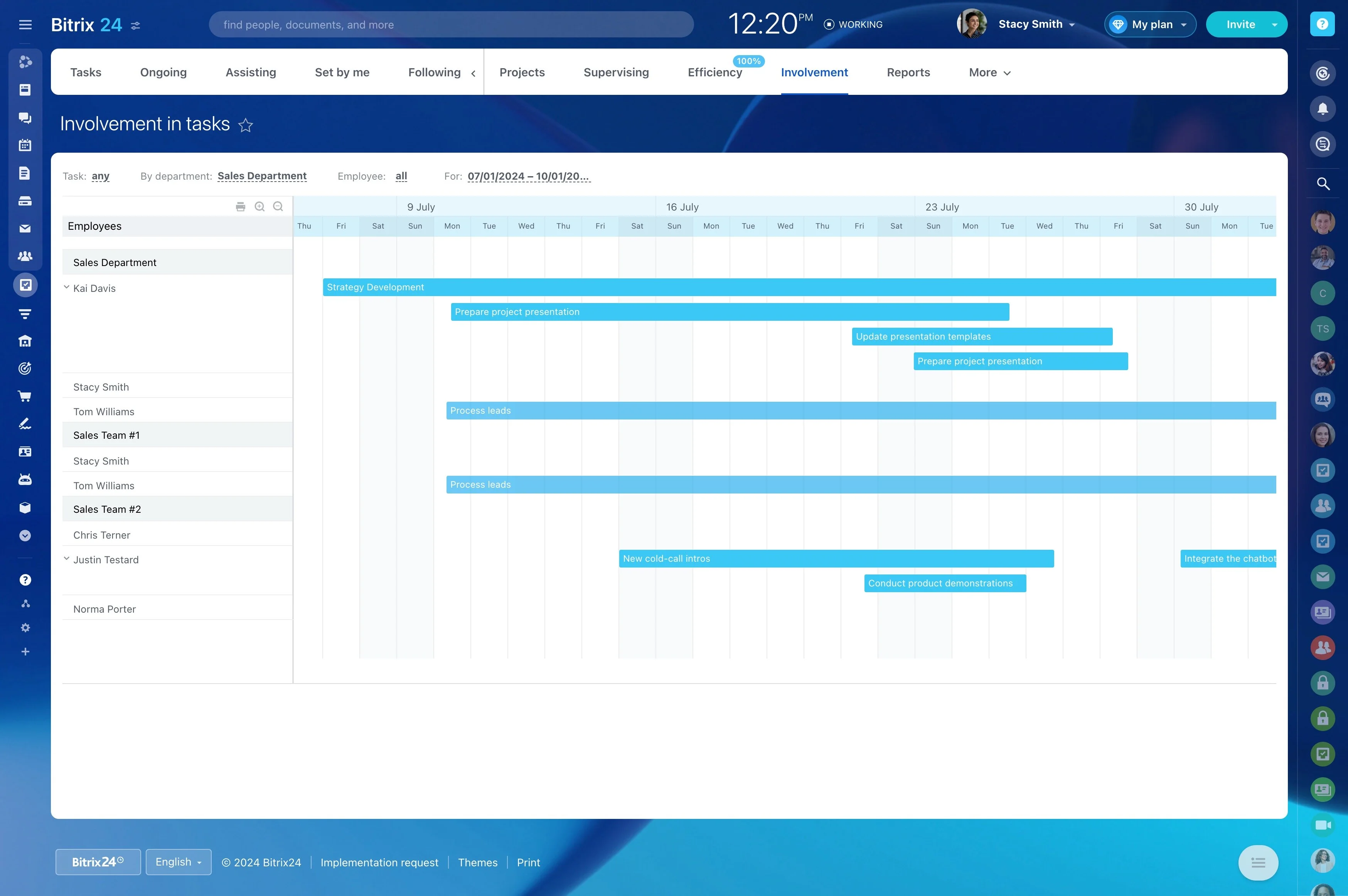
Extend projects with marketplace apps
Marketplace apps add specialized connections when a standard project workflow needs another service. Review apps for collaboration, time tracking, documents, or reporting, then choose the tools that match how your team plans, completes, and reviews project work.
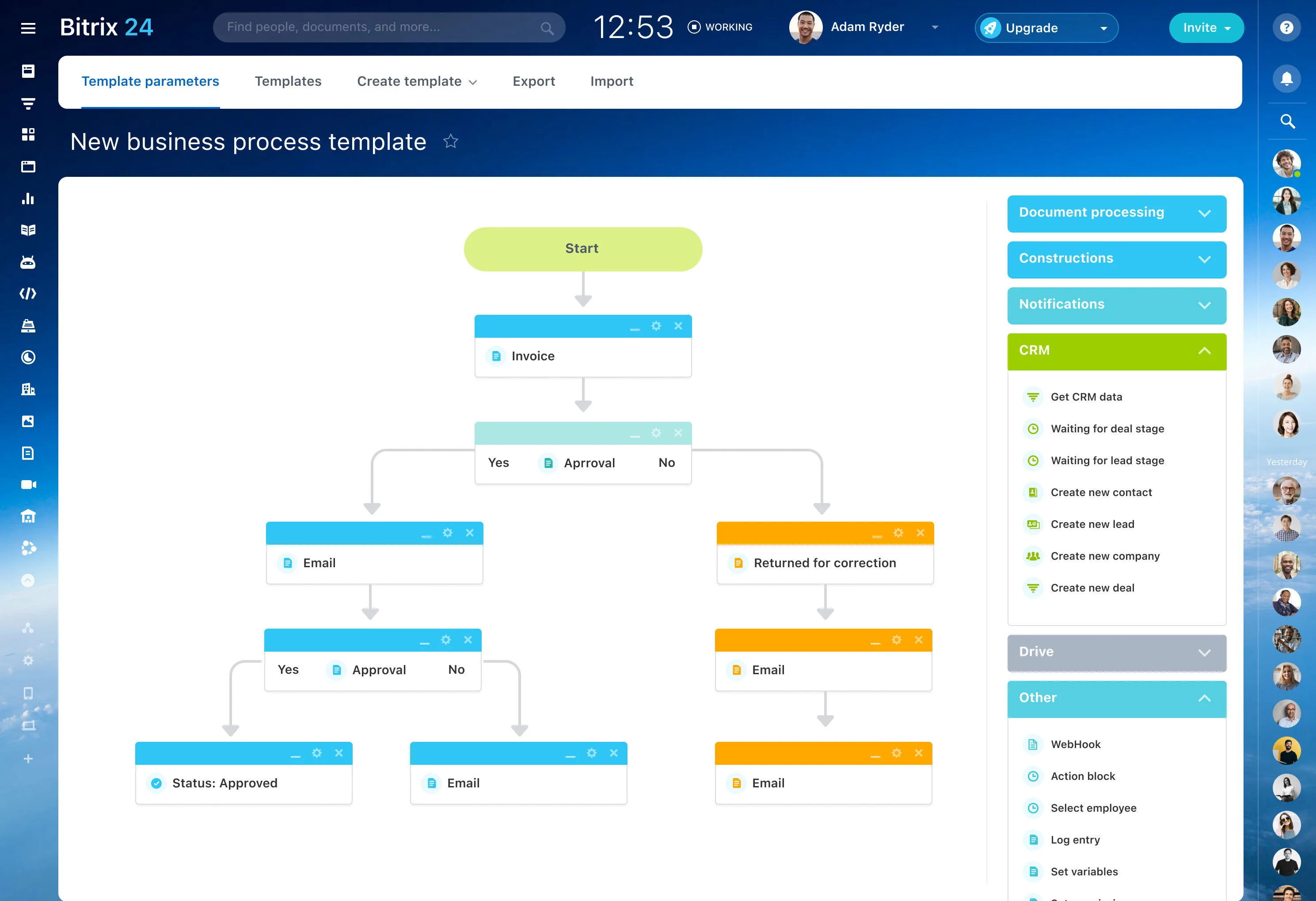
Coordinate deadlines with calendars
Meetings, planned work, and project deadlines influence one another. Calendar connections help teams view scheduled activity alongside task dates, making it easier to plan around commitments and keep important project timing visible during the workweek.
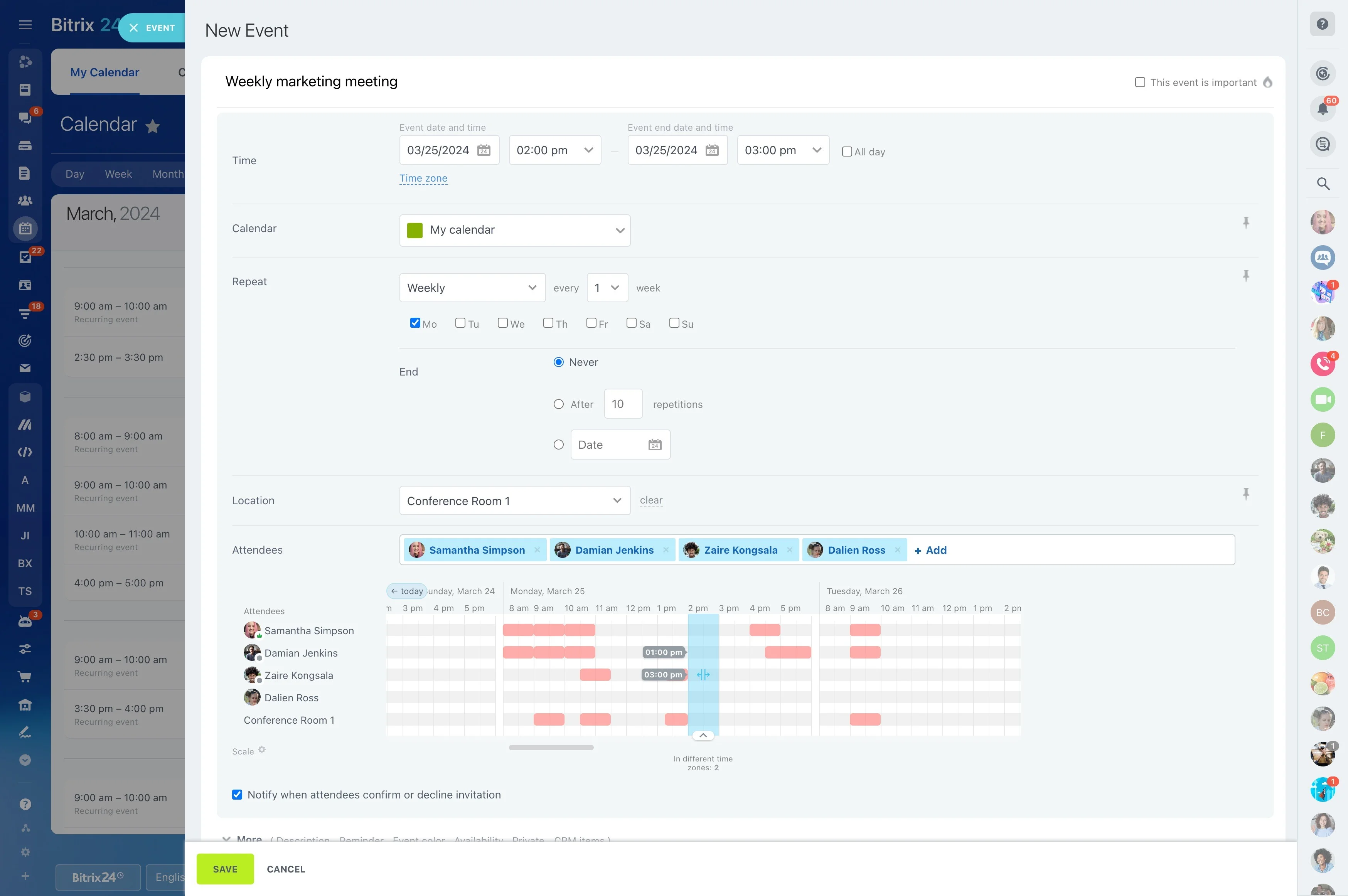
Track effort and review project data
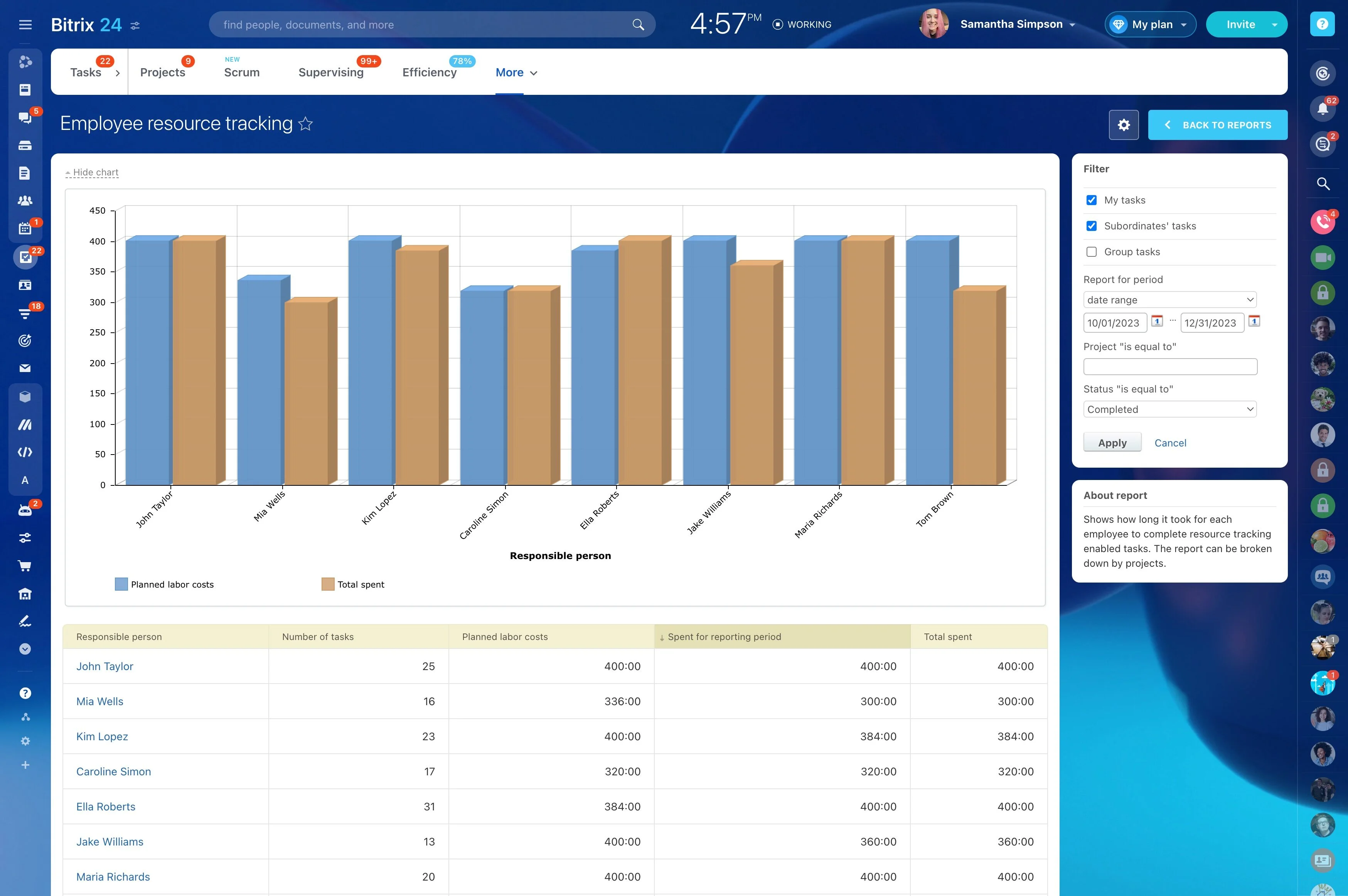
Time-tracking connections support teams that record effort against project work. Business intelligence integrations can also make project information available for broader analysis, allowing teams to review delivery activity alongside other operational data.
Move existing project information
When work is moving from another system, importers can help bring relevant project information into Bitrix24. Identify the records to transfer, check the imported data, and agree on how the team will manage tasks and project communication after the change.