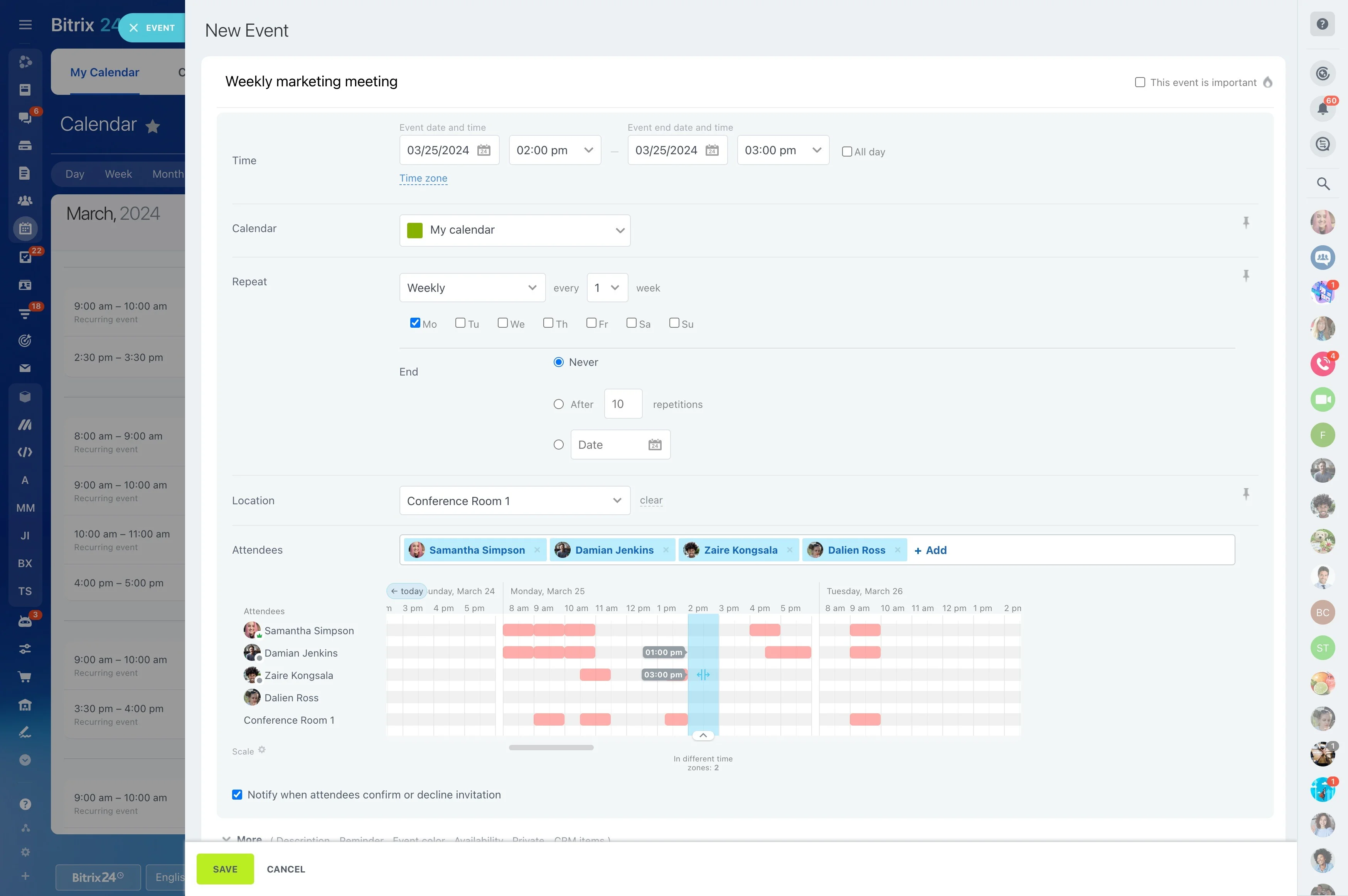
Remote projects need more than a task list. Team members must be able to connect decisions from chats and meetings with the tasks, files, and follow-up work those decisions create.
Bitrix24 gives distributed teams a shared online workspace for project tasks, discussions, video calls, and files. Mobile notifications help people follow assigned work and project updates when they are working across locations or schedules, while external participants can join the collaboration relevant to their contribution.
Follow project updates from any location
Remote contributors may check work from home, an office, or while traveling. Mobile notifications keep assigned work and relevant project activity visible without requiring everyone to stay in the same conversation.
This supports asynchronous work by letting each person review changes and return to the next action when their schedule allows.

Connect project discussions to next actions
Remote project decisions often begin in a chat or video call and lead to specific follow-up work. Keeping the discussion close to the project makes the reasoning, files, and next action easier to find later.
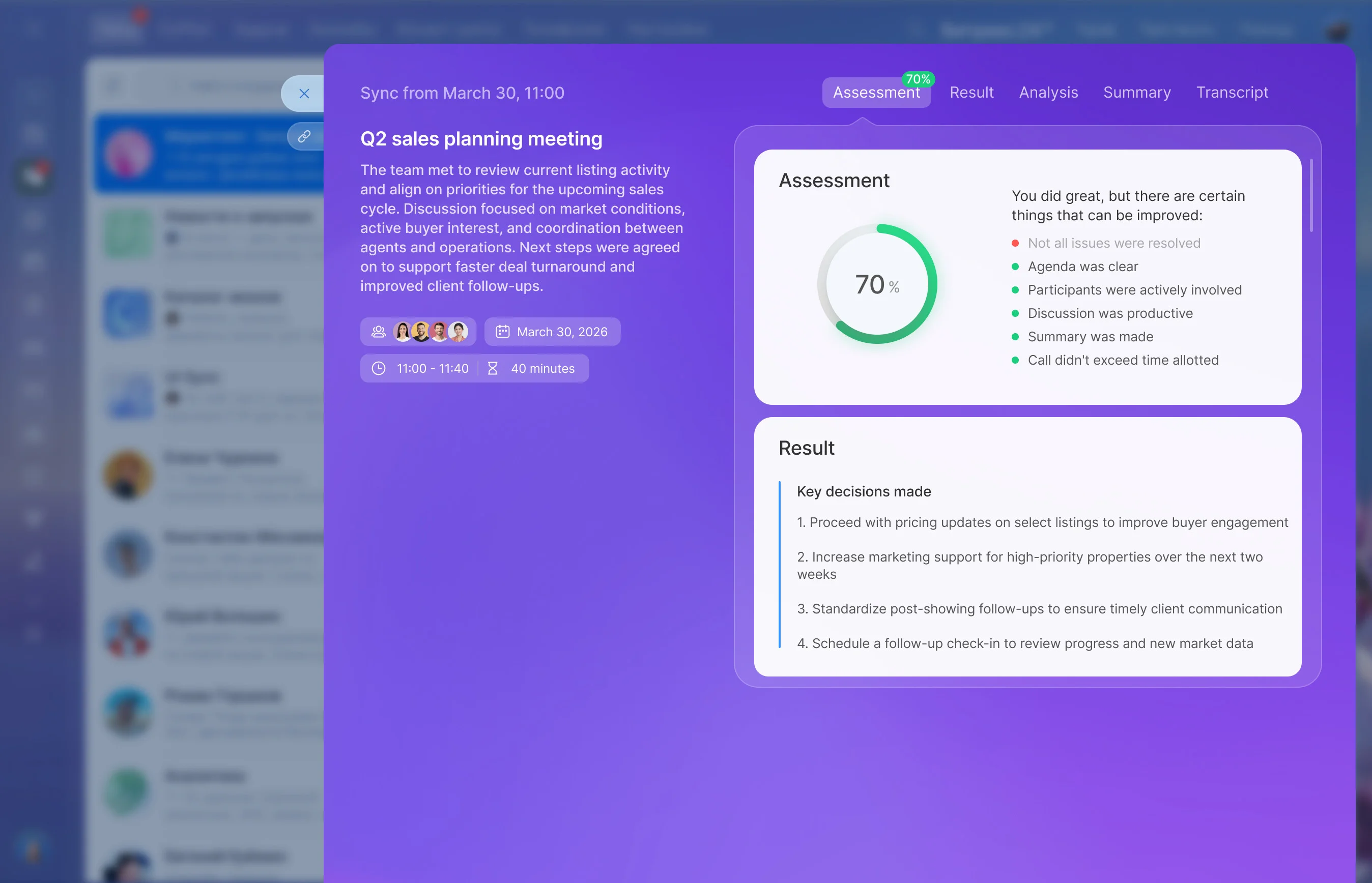
Teams can use the relevant project space to discuss an update, share supporting documents, and turn the agreed next step into assigned work.
Make responsibility visible across time zones
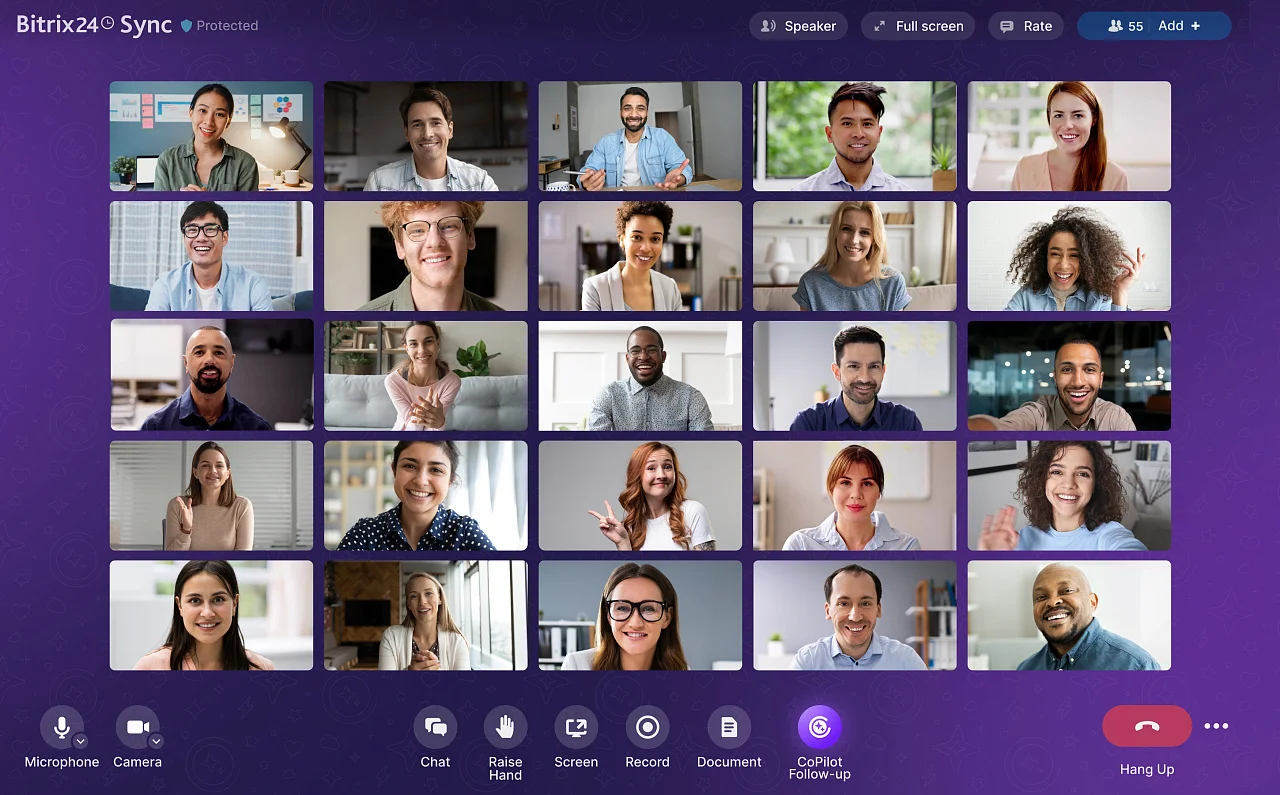
Colleagues do not need to be online together to understand who owns the next step. Project tasks record responsibilities, requirements, files, and status so progress remains visible between working hours.
- Assign each action to a responsible person.
- Track its status as work advances.
- Keep relevant details with the task.
Turn video meetings into follow-up work
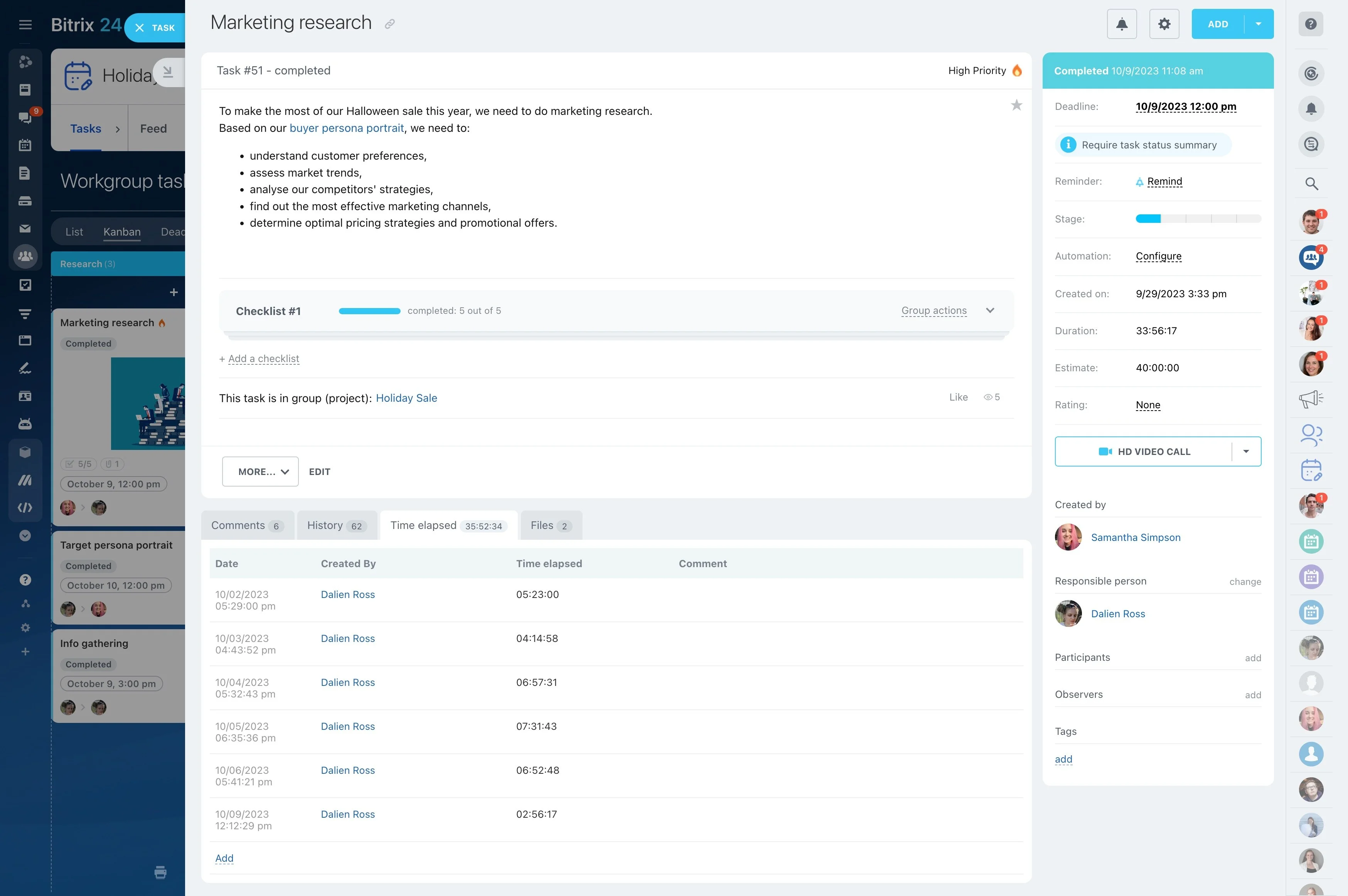
Video calls can resolve questions quickly, but the project still needs a clear record of what was agreed. After a meeting, teams can continue the discussion in the project space and capture decisions as follow-up tasks.
Related files remain available to the people responsible for delivering the next step.
Bring external contributors into the work
Customers, contractors, and other outside participants may need to review files, answer questions, or contribute to a project. Including them in the relevant collaboration space keeps their input connected to the work under discussion.
Internal team members can continue coordinating responsibilities while external participants see the information needed for their role.
Use a repeatable rhythm for remote projects
Distributed work becomes easier to follow when projects use a consistent sequence: discuss the work, assign the next action, share supporting information, meet when needed, and review progress.
Bitrix24 brings these activities into a connected workspace so remote teams can manage project work online without separating communication from delivery.