Capture outcomes and set the next step
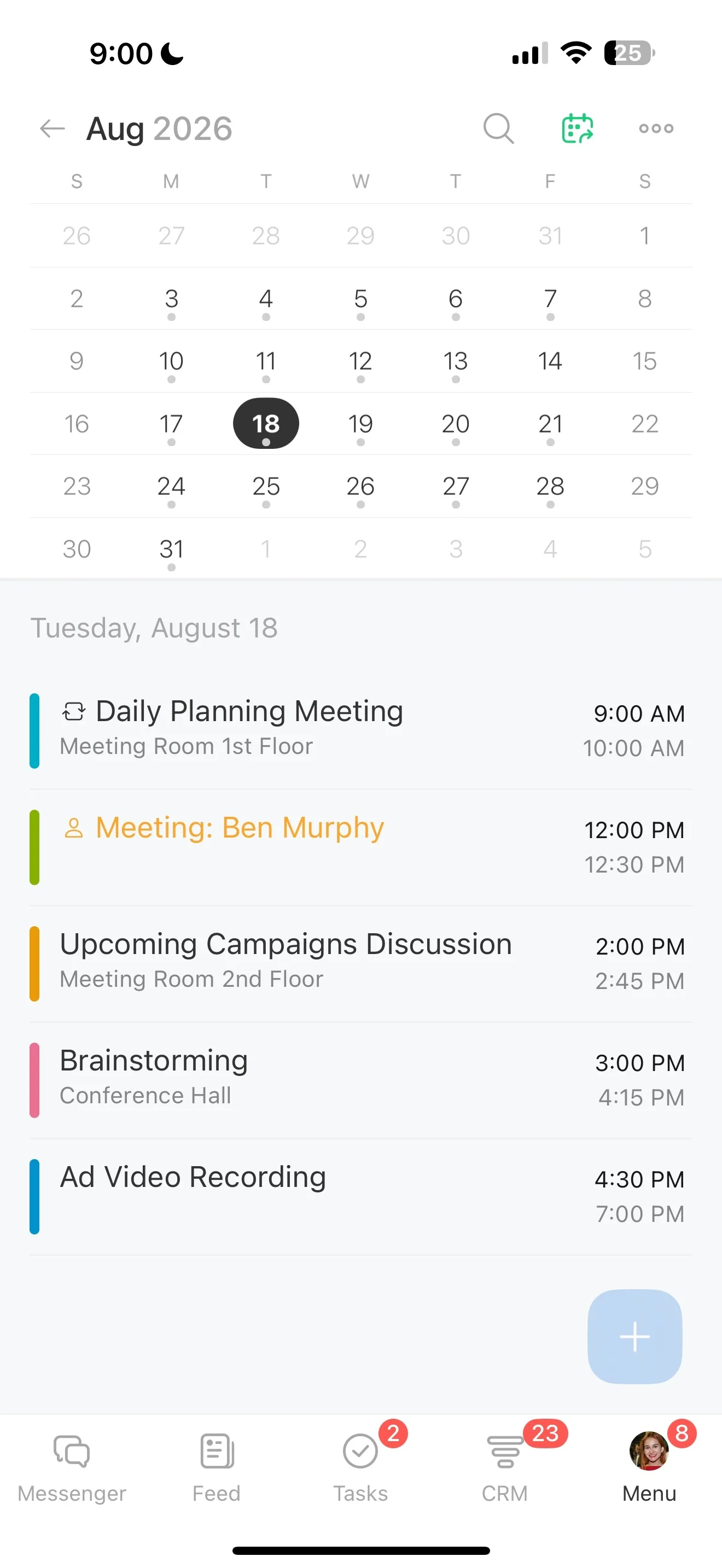
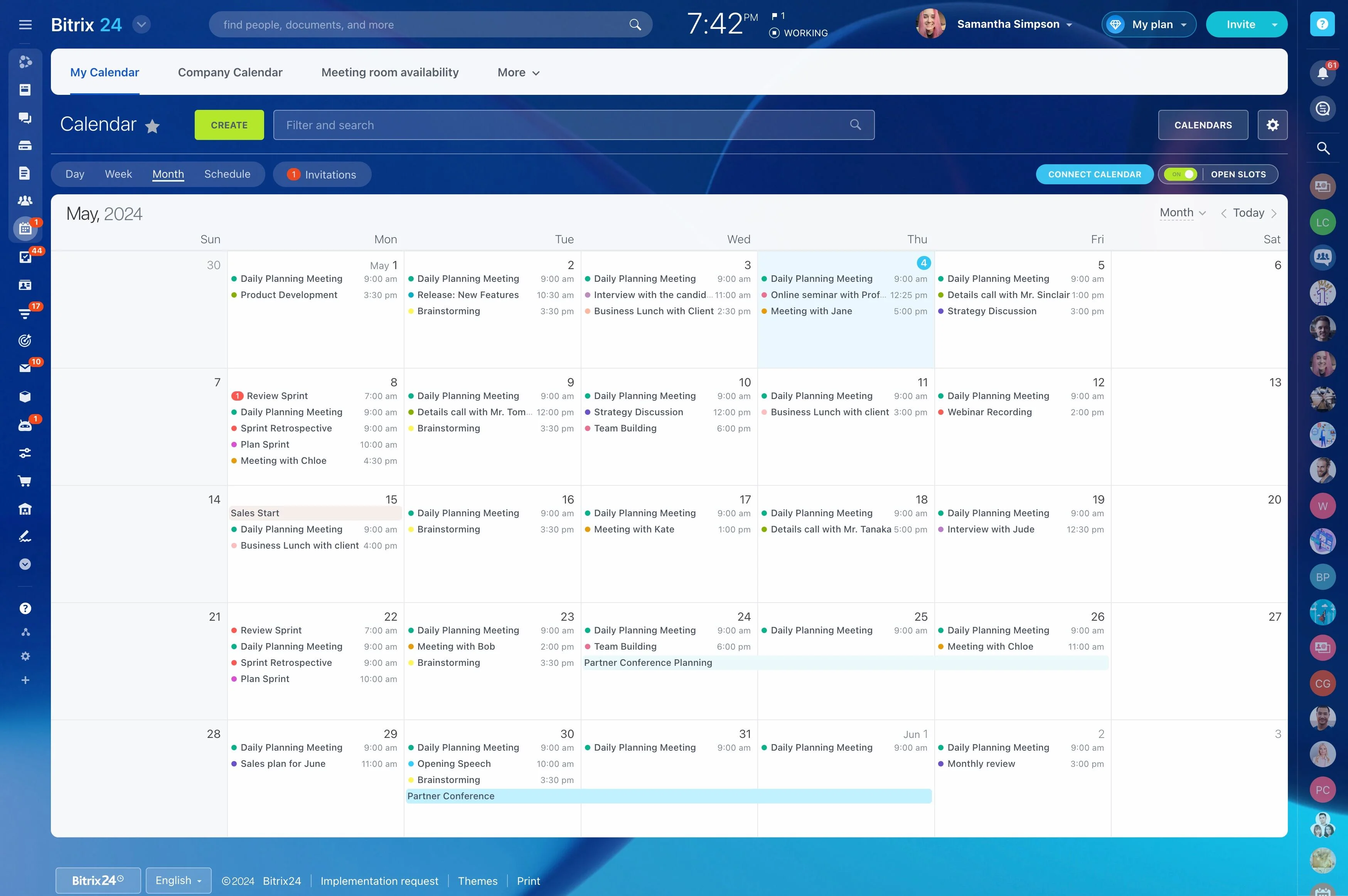
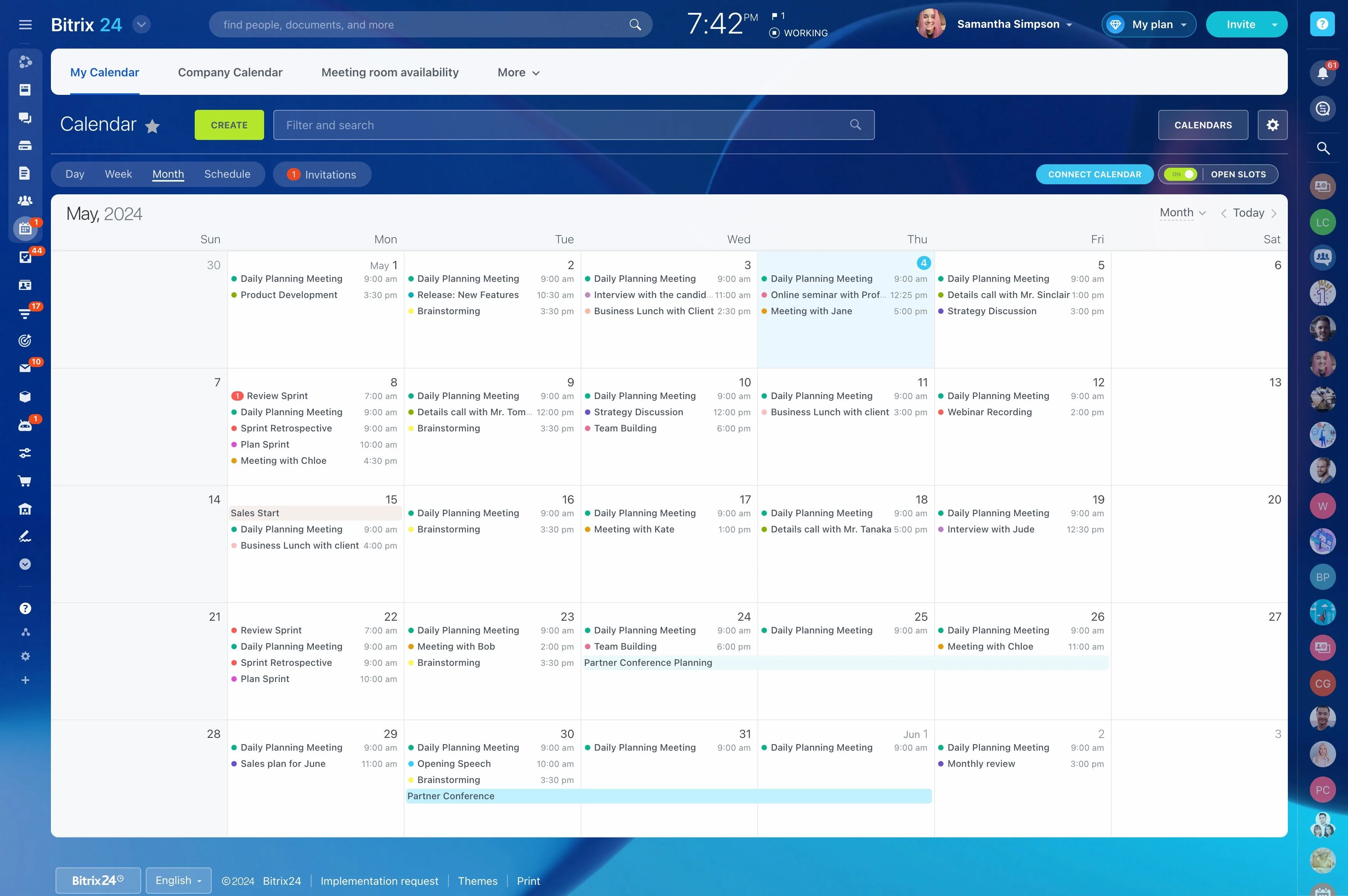
When scheduling is part of your service, the calendar can’t be a standalone tool. You need to check availability, reserve the right time (and the right person or resource), and keep everything that follows—confirmation, reminders, and post-visit follow-up—linked to the same client context.
With a CRM booking calendar in Bitrix24, each appointment is connected to a CRM record so your team can see who the client is, why they booked, and what should happen next. As bookings change, the updated details stay tied to the same record, which keeps handoffs clean and follow-ups accountable.
- Offer open slots based on real availability
- Keep appointment details attached to the client record
- Create the next action right after the appointment
Use reminders based on the booking owner
Reminders are most effective when they’re driven by the actual appointment and its owner. When reminders and related tasks start from a CRM-linked booking, staff can check what’s been sent and what still needs attention before the meeting.
This supports a steadier schedule and better preparation with the right client context.
Book against actual availability
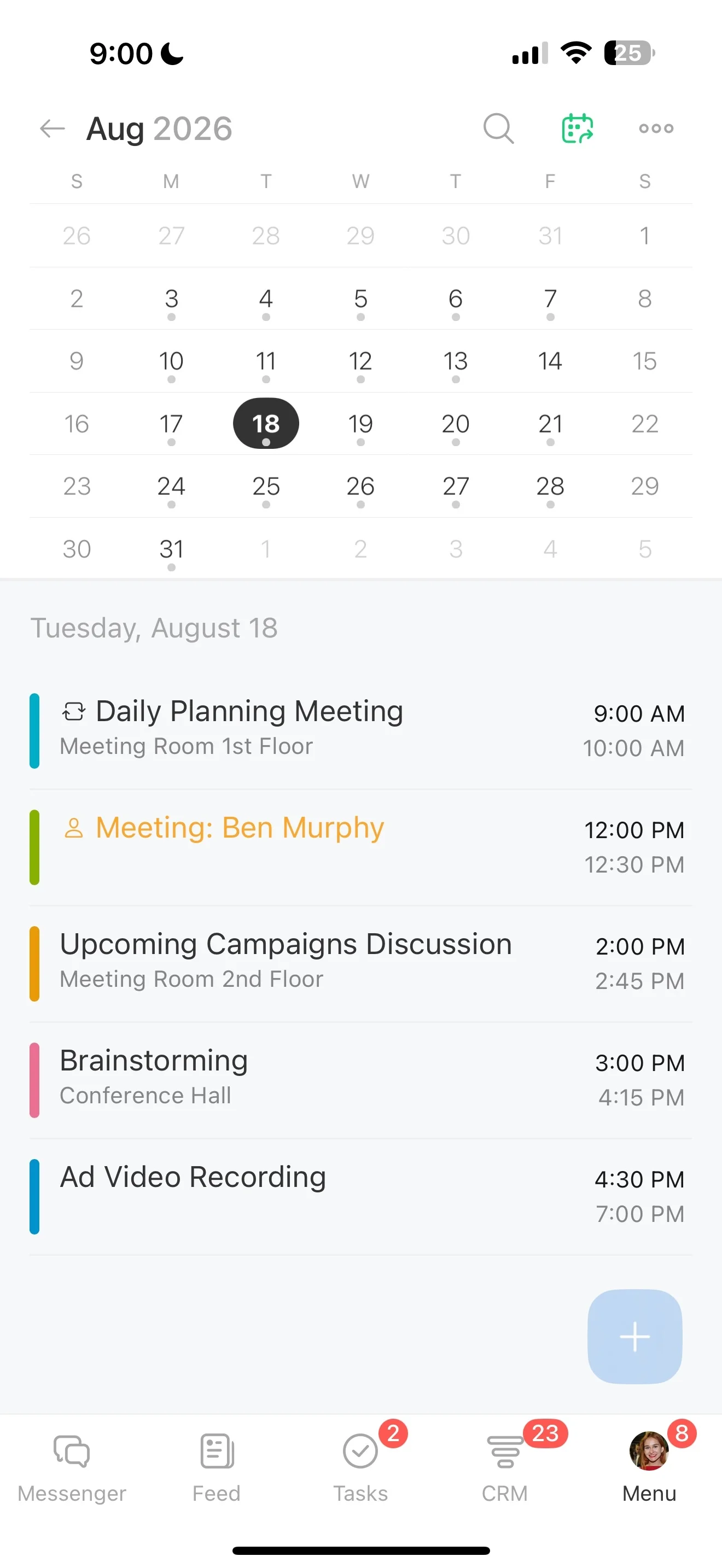
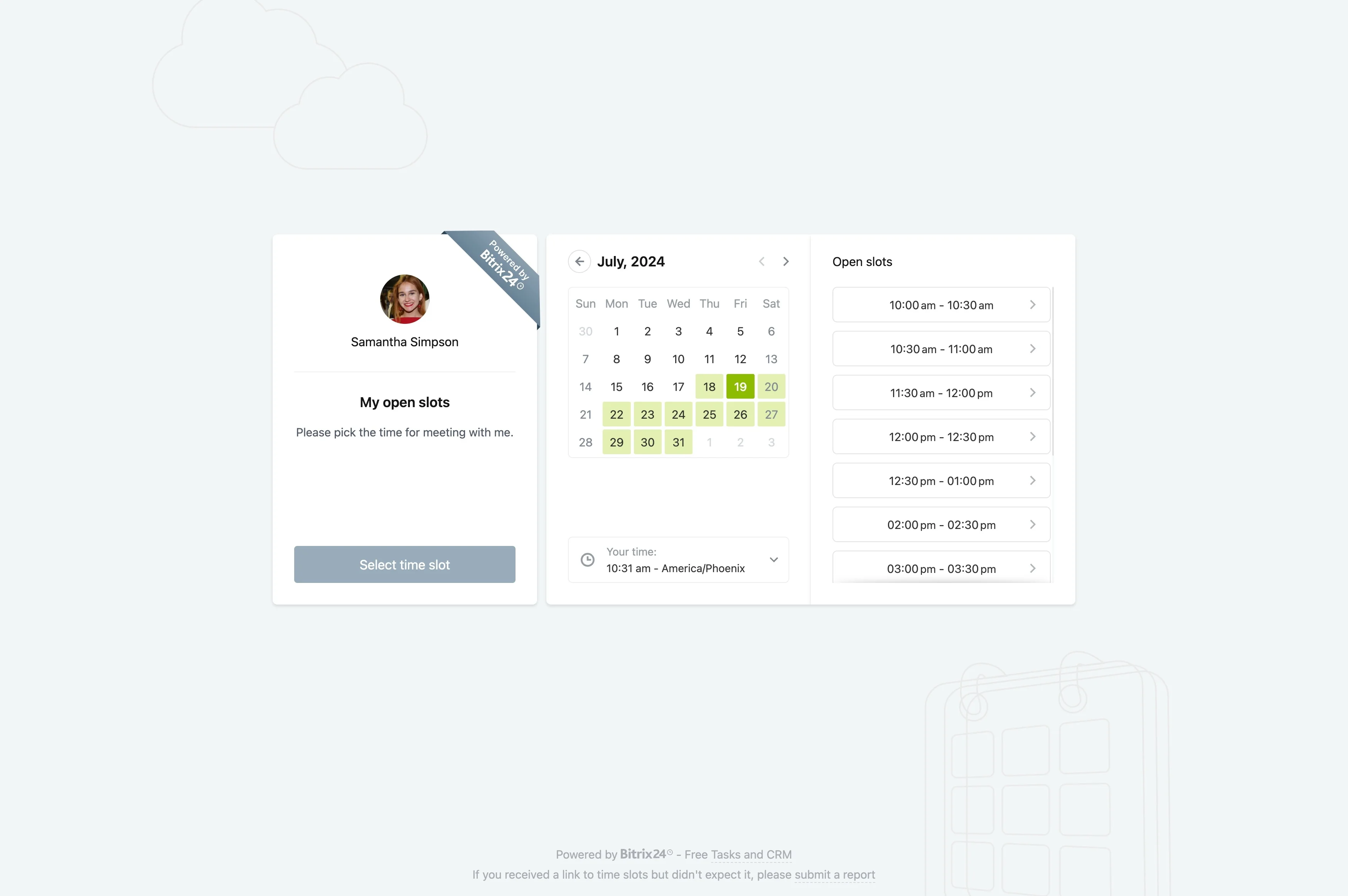
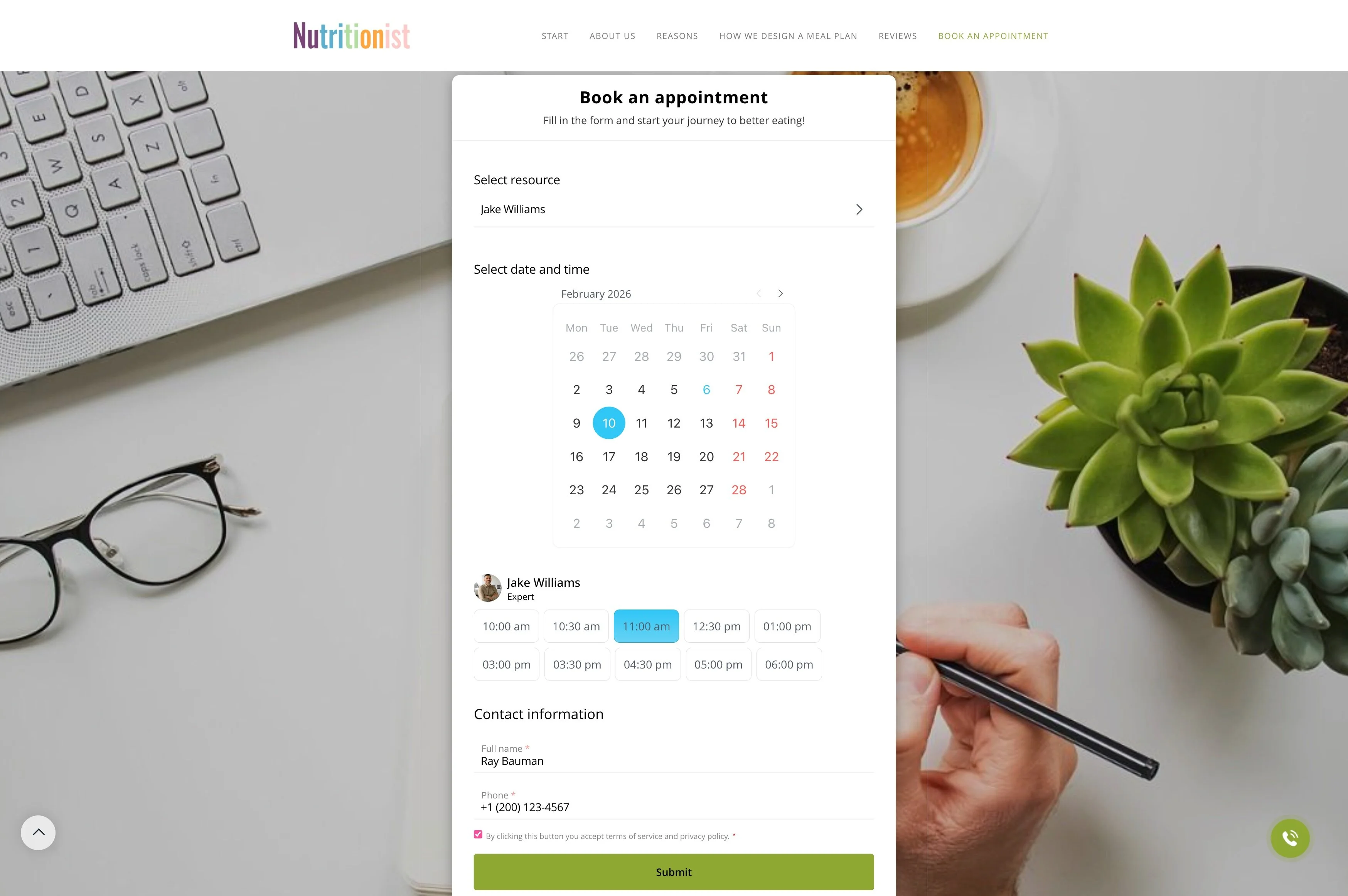
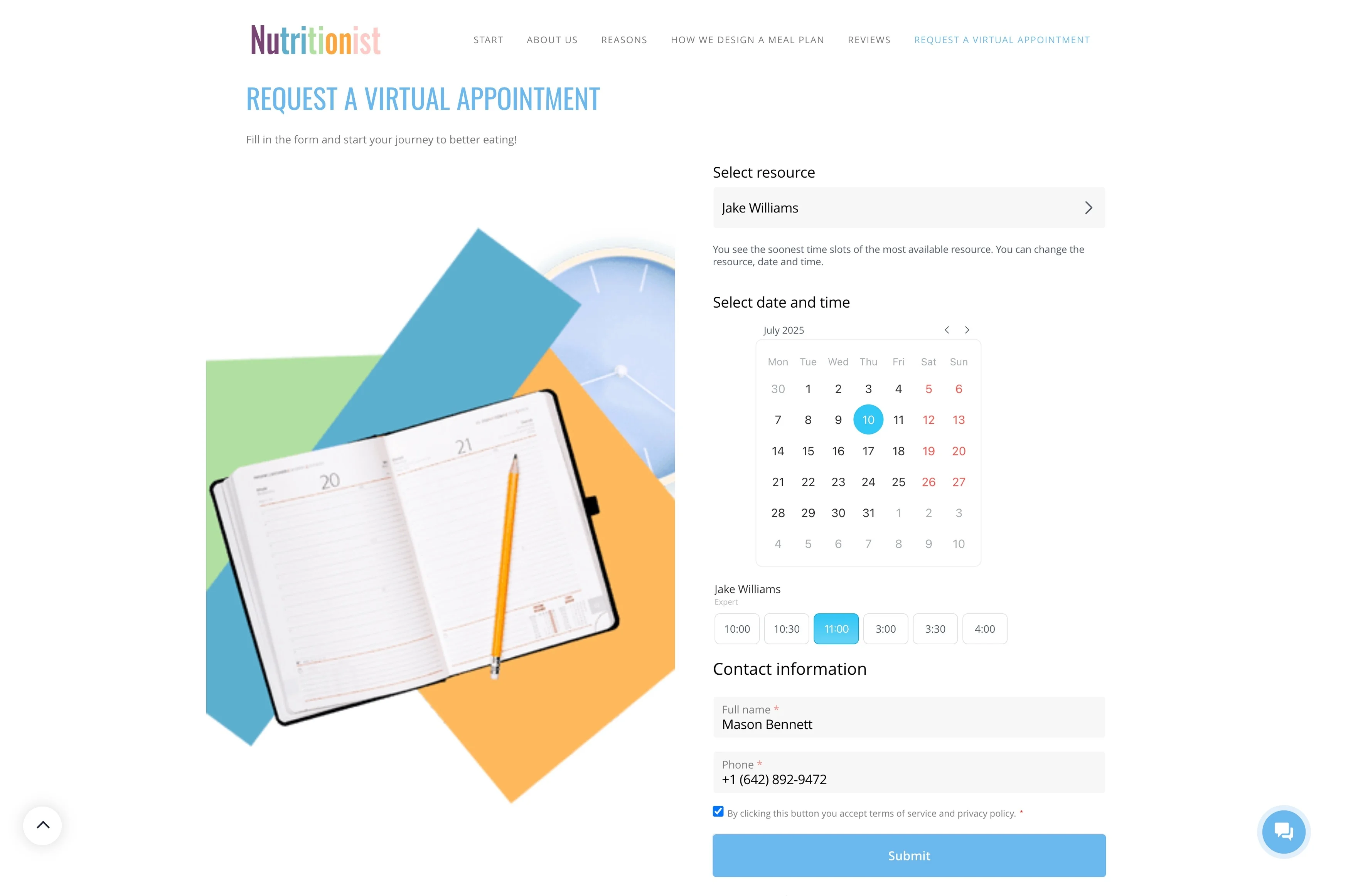
A usable booking calendar starts with accurate availability. In Bitrix24, you can work from open slots and shared schedules to offer times that fit your team’s capacity and avoid accidental overlaps.
This is most helpful when more than one person schedules appointments or when you need consistent rules for how bookings get assigned.
Link appointments to the right CRM record
Scheduling is only the first step—the context matters afterward. When an appointment is tied to a CRM record, your team can open the booking and immediately see the client’s contact details, history, and meeting purpose.
That connection keeps notes, communication, and next steps anchored to one record instead of being spread across separate calendar entries.
Send clear confirmations clients can trust
Clients expect a confirmation that matches what your team sees: time, attendee, and any preparation details. When the booking is connected to CRM, the appointment information stays consistent for everyone working the account.
If the time changes, the updated booking details remain attached to the same client record, reducing confusion during handoffs.
Capture outcomes and set the next step
After the visit, you need an easy way to turn the appointment into the next action. Because the booking history stays on the CRM record, you can log outcomes while they’re fresh and immediately create follow-up work.
- Save notes and results against the client
- Create the next task or next meeting from the same context
- Keep continuity even when follow-up is assigned to someone else
Schedule people, rooms, and equipment together
Appointments depend on more than time—often you must reserve a specific specialist, meeting room, or resource. Bitrix24 supports scheduling with these constraints in mind so the right capacity is held for the right client.
This is particularly important for shift-based teams, rotating specialists, and services that require dedicated rooms or equipment.