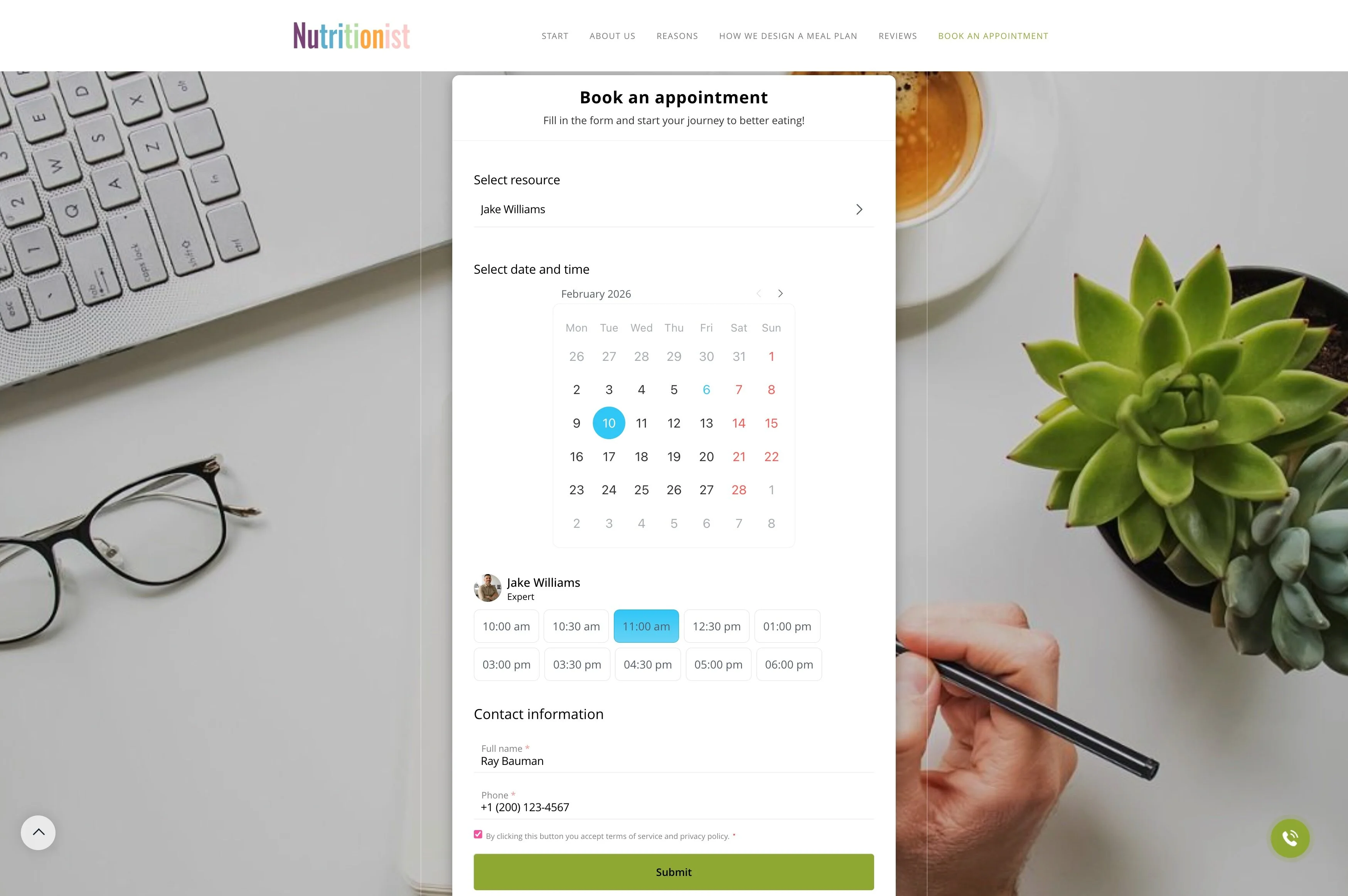
Send confirmations and reminders for each occurrence
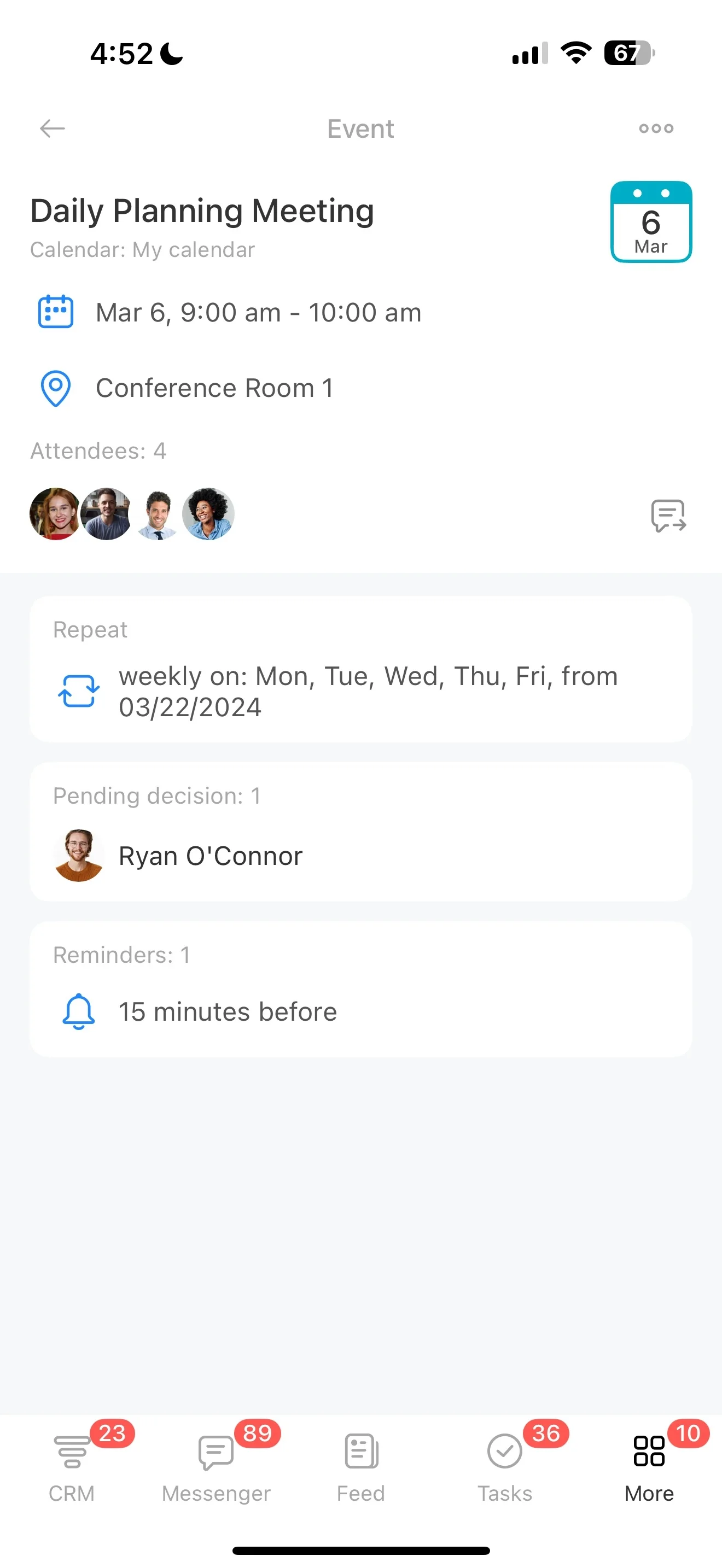
Recurring appointments aren’t just “copy the last booking.” You need the same service details, staff member, and cadence to stay consistent, while confirmations, reminders, and follow-ups still go out for every single occurrence. For weekly sessions, monthly check-ins, or ongoing maintenance visits, the workflow should create repeat bookings without re-entering the same information each time.
Bitrix24 supports a practical recurring booking flow: start from availability (or schedule it for the customer), create or update the CRM record, confirm the series, send reminders before each occurrence, and track follow-up after the visit. It’s designed for teams coordinating people and capacity over time—so regular clients get a reliable schedule, and your staff stays booked accurately.
- Create repeat appointments on a defined cadence
- Keep customer details and visit history connected to CRM
- Send confirmations and reminders for each occurrence
- Manage staff assignments and shared resources across the series
Confirm and remind clients every time
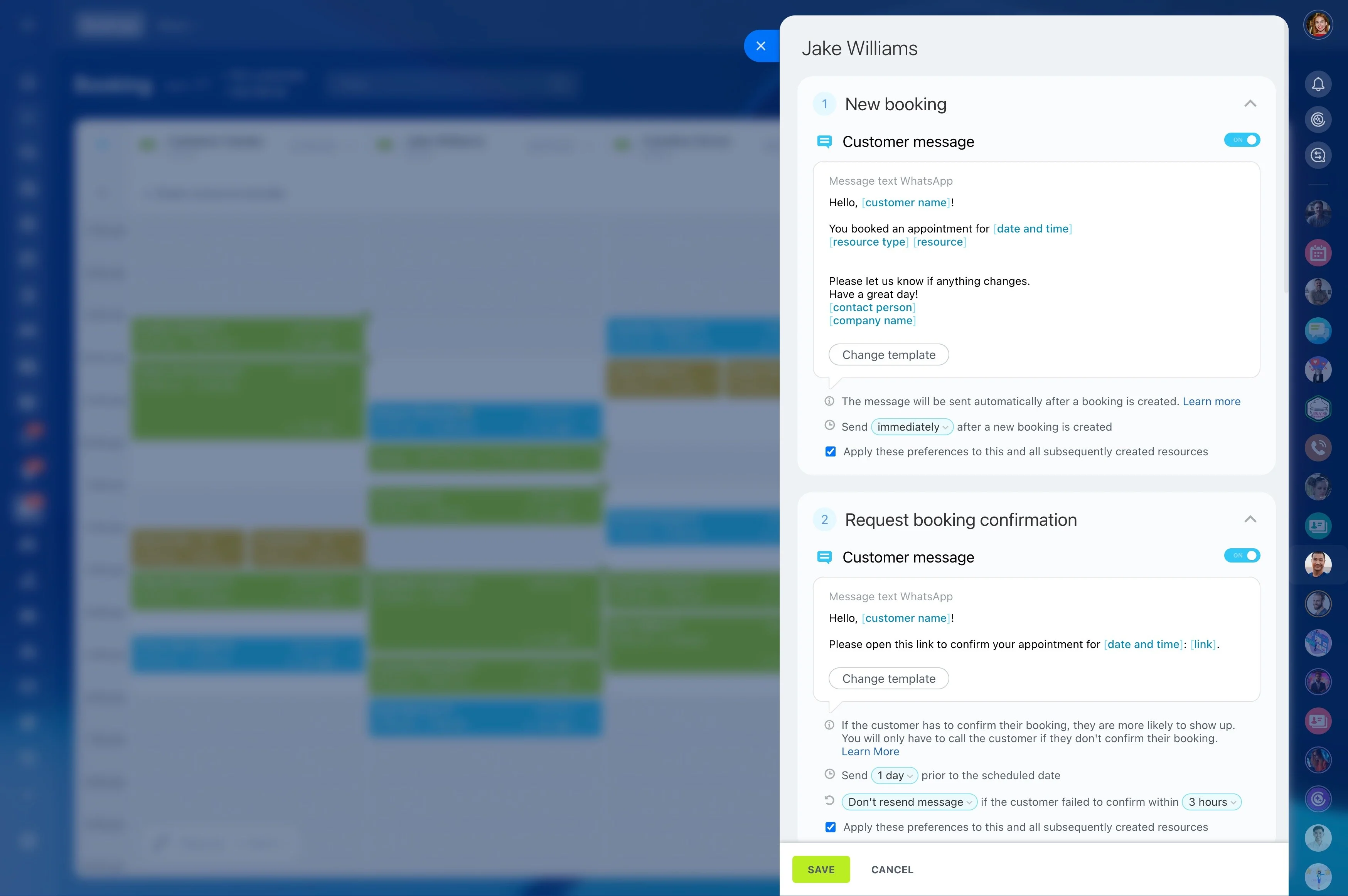
A recurring series still needs appointment-level communication. Send a confirmation when the schedule is created, then send reminders before each occurrence so clients know what’s booked and have time to reschedule when necessary.
- Confirmation when the recurring schedule is set
- Reminders before each occurrence
- Updates when one date is moved or canceled
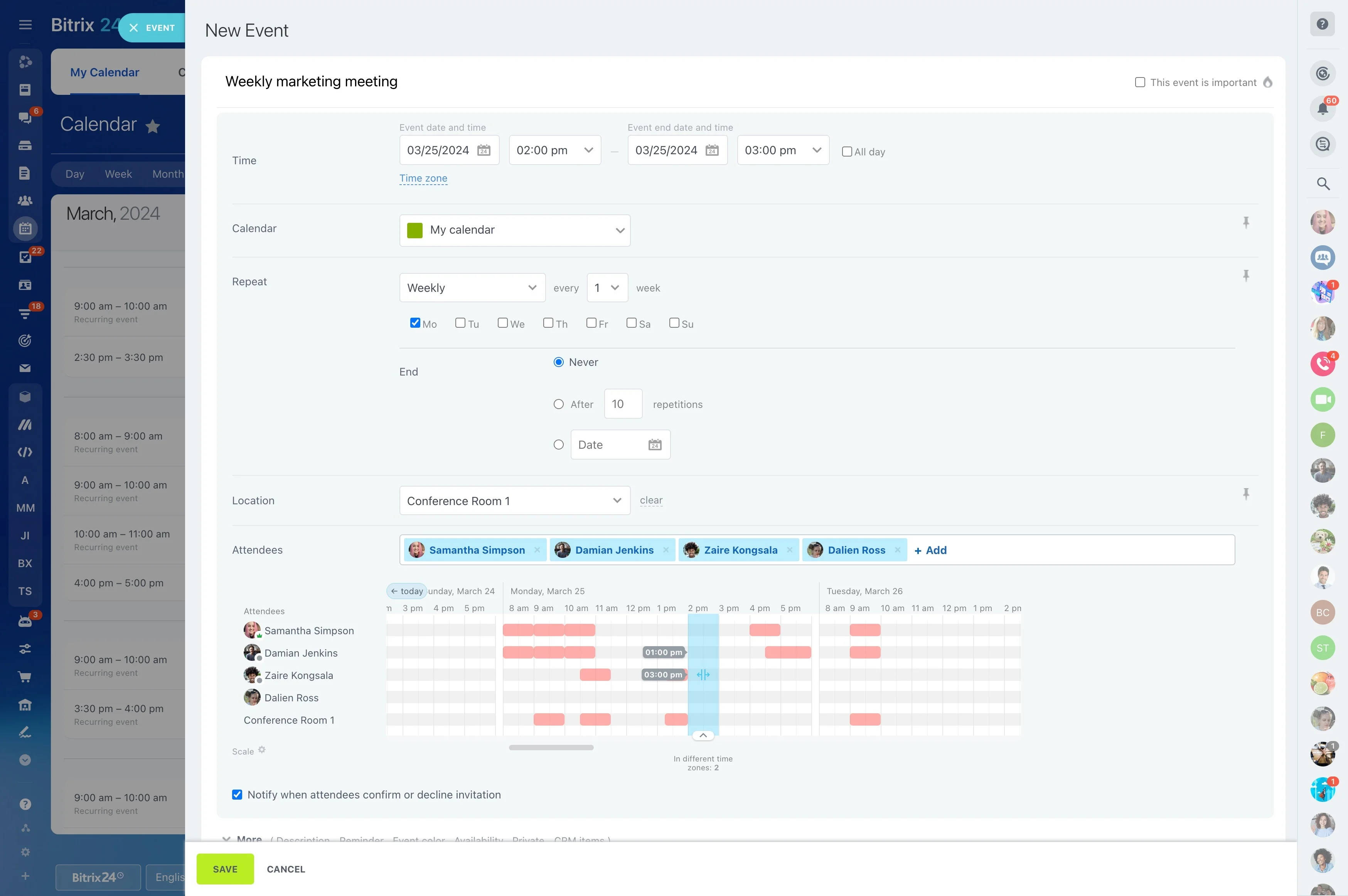
Define availability for repeatable time slots
Recurring bookings start with availability you can trust: working hours, service duration, buffer time, and which staff members can deliver the service. When a client wants the same slot over weeks or months, accurate availability reduces conflicts before you create the series.
If you book rooms, equipment, or other capacity, treat them as required resources that must be available for every occurrence—not only the first appointment.
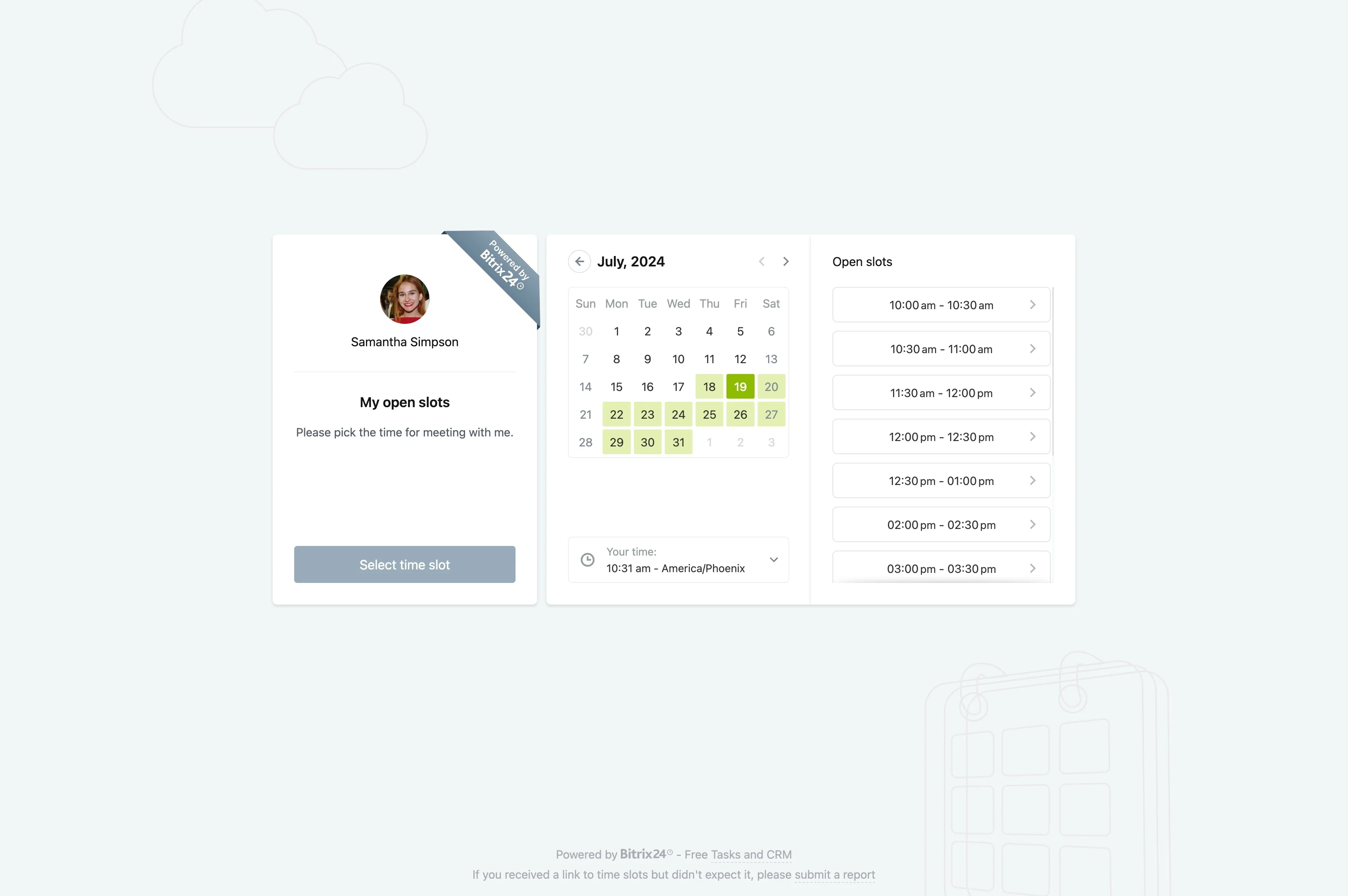
Schedule a series with a clear cadence
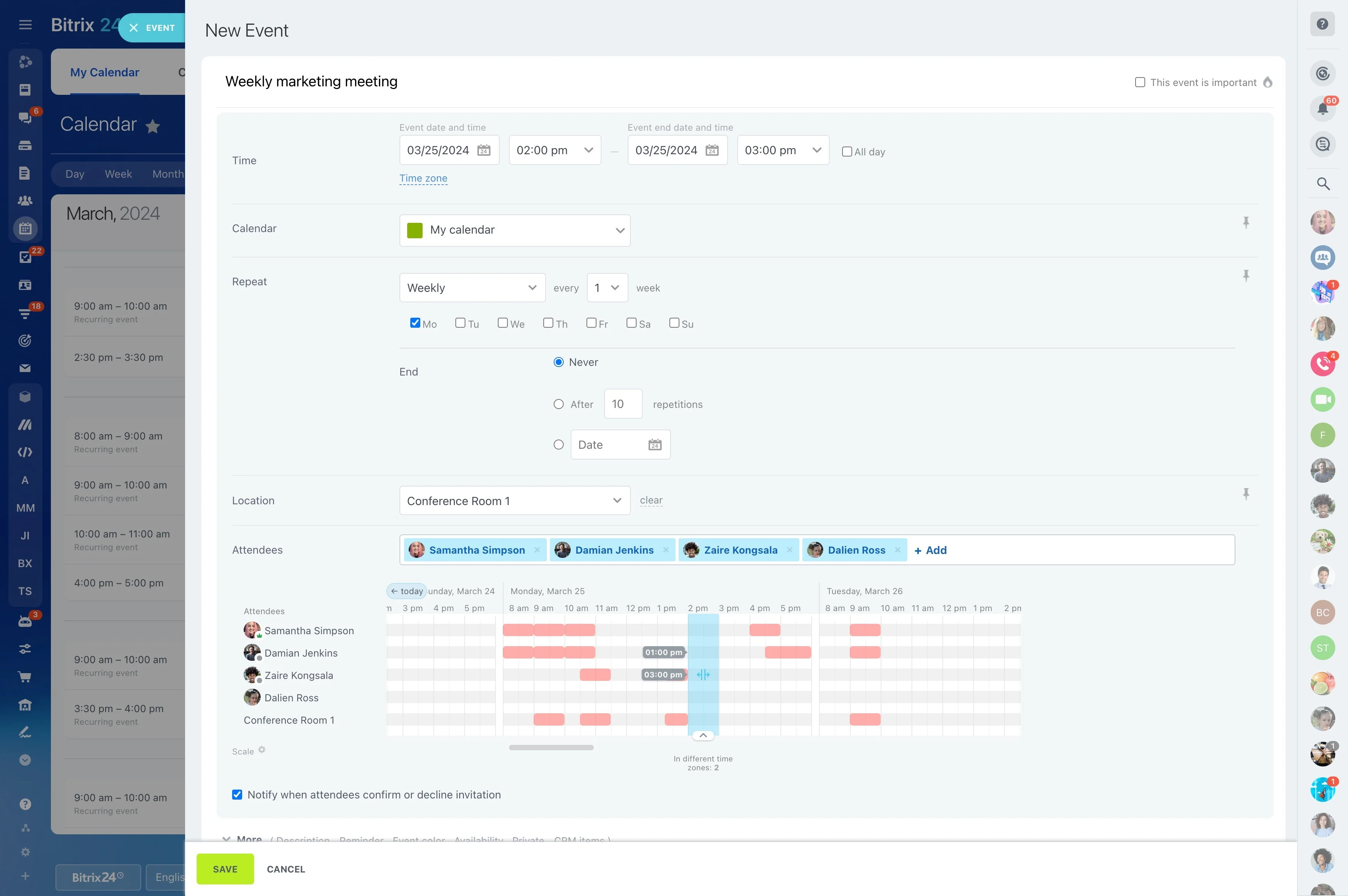
When a client requests “every Tuesday at 3 PM” or “first Monday of the month,” create a recurring series so each occurrence follows the same rules. You keep time and assignee consistent while still being able to change a single date when an exception comes up.
- Select the recurrence pattern (for example, weekly or monthly)
- Set the default time, duration, and assigned staff member
- Reschedule or skip one occurrence without rebuilding the series
Link each occurrence to the customer in CRM
Connect the series to one CRM record so contact details, preferences, and context are stored once and used across the whole schedule. Each occurrence stays tied to the same customer, so staff can quickly see who is coming in and what happened last time.
This also keeps a clean history for regular clients when they renew, change cadence, or switch services.
Keep staff and resources reserved across the series
Recurring appointments can cause problems later if staffing changes or a resource is double-booked in a future week. Make the assignee and required resources explicit so each occurrence remains workable as calendars change.
If coverage changes, reassign upcoming occurrences to another team member instead of recreating the schedule.
Capture outcomes and manage changes deliberately
After each visit, record notes and next steps so the next occurrence starts with context. When the client needs a new cadence, longer duration, or a different service, update the recurring plan intentionally rather than relying on one-off edits.
- Log outcomes and recommendations after each appointment
- Adjust cadence or service when requirements change
- Maintain a consistent experience across the series