Set a minimum data standard reps can follow
CRM training works when it builds one shared operating rhythm: enter the right data, schedule the next step, and update the pipeline the same way every time. When reps interpret fields and stages differently, managers can’t coach effectively, and the CRM stops being reliable for handoffs and forecasting.
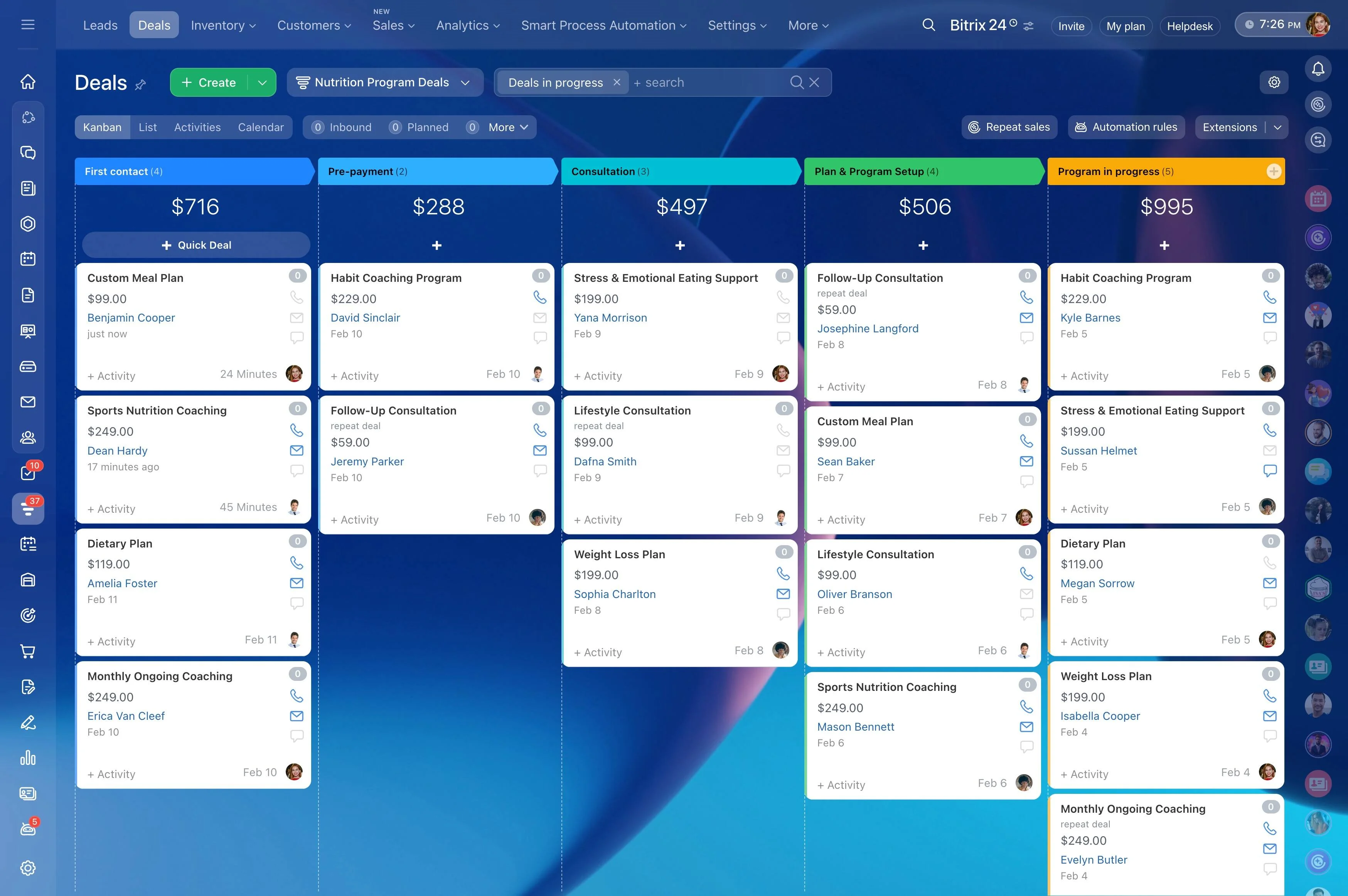
This page gives you a practical CRM user training plan you can run with new hires and existing reps. You’ll define a minimum data standard, set clear stage rules, and practice follow-ups through realistic scenarios—using Bitrix24 CRM as the training environment so the habits you teach match how the team works day to day.
- Set a “minimum viable record” for leads, contacts, companies, and deals
- Train follow-ups as scheduled activities with simple rules
- Define pipeline stage entry/exit criteria your team can repeat
- Run a weekly manager review that reinforces adoption
Run a simple 30-day adoption plan
A phased rollout beats a single “training day.” Use 30 days to set standards, build repetition, and tighten gaps through weekly review.
- Week 1: pipeline definitions + minimum data standard; practice creating records and updating stages
- Week 2: activity rules; practice follow-ups and handoffs with scenarios
- Week 3: quality checks; managers run the weekly review; fix recurring gaps
- Week 4: cover edge cases; document exceptions; finalize the team playbook
Next step: set up your Bitrix24 CRM fields and stages to match the standards, then run the first scenario session on your real pipeline.
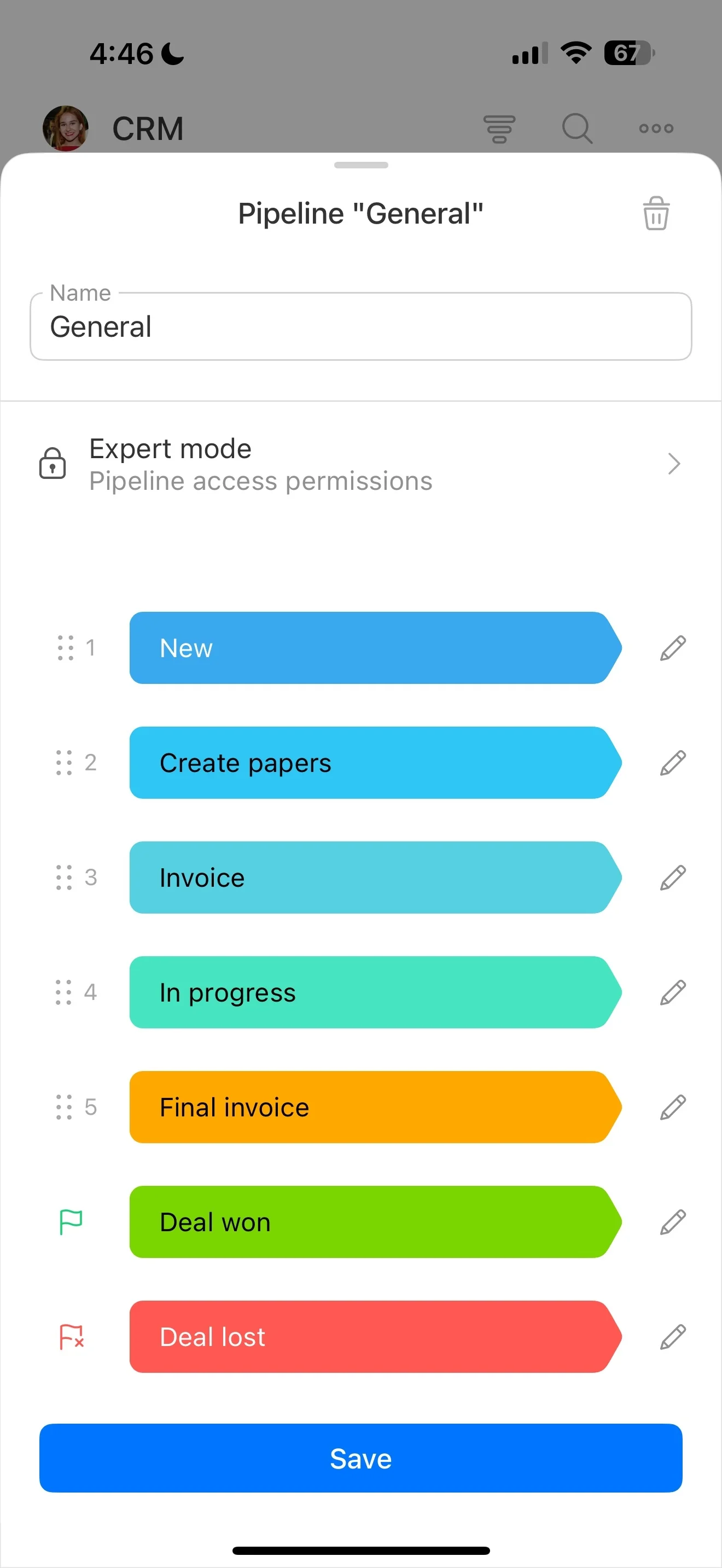
Define stage entry and exit criteria
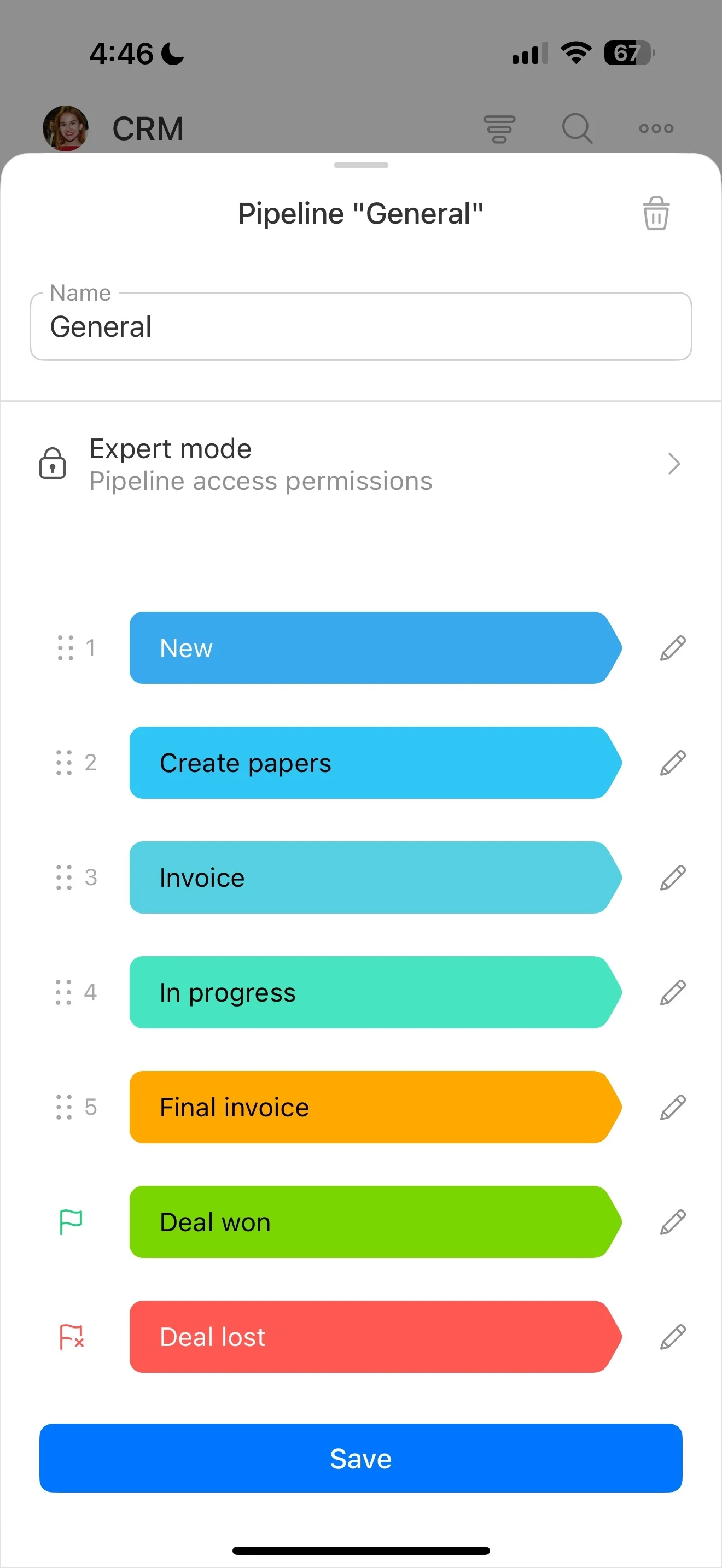
Pipeline stages stay consistent when they’re based on observable facts, not personal judgment. For each stage, define what must be true to enter it and what must be true to leave it, then coach to those definitions.
- Qualified: need confirmed, buyer role identified, next meeting scheduled
- Proposal sent: proposal delivered, decision date agreed, follow-up scheduled
- Negotiation: objections documented, terms discussed, final stakeholder identified
- Won/Lost: outcome reason captured using consistent options
Use Bitrix24 CRM pipelines and stages to reinforce these rules during deal updates and reviews.
Pick one sales motion and one pipeline first
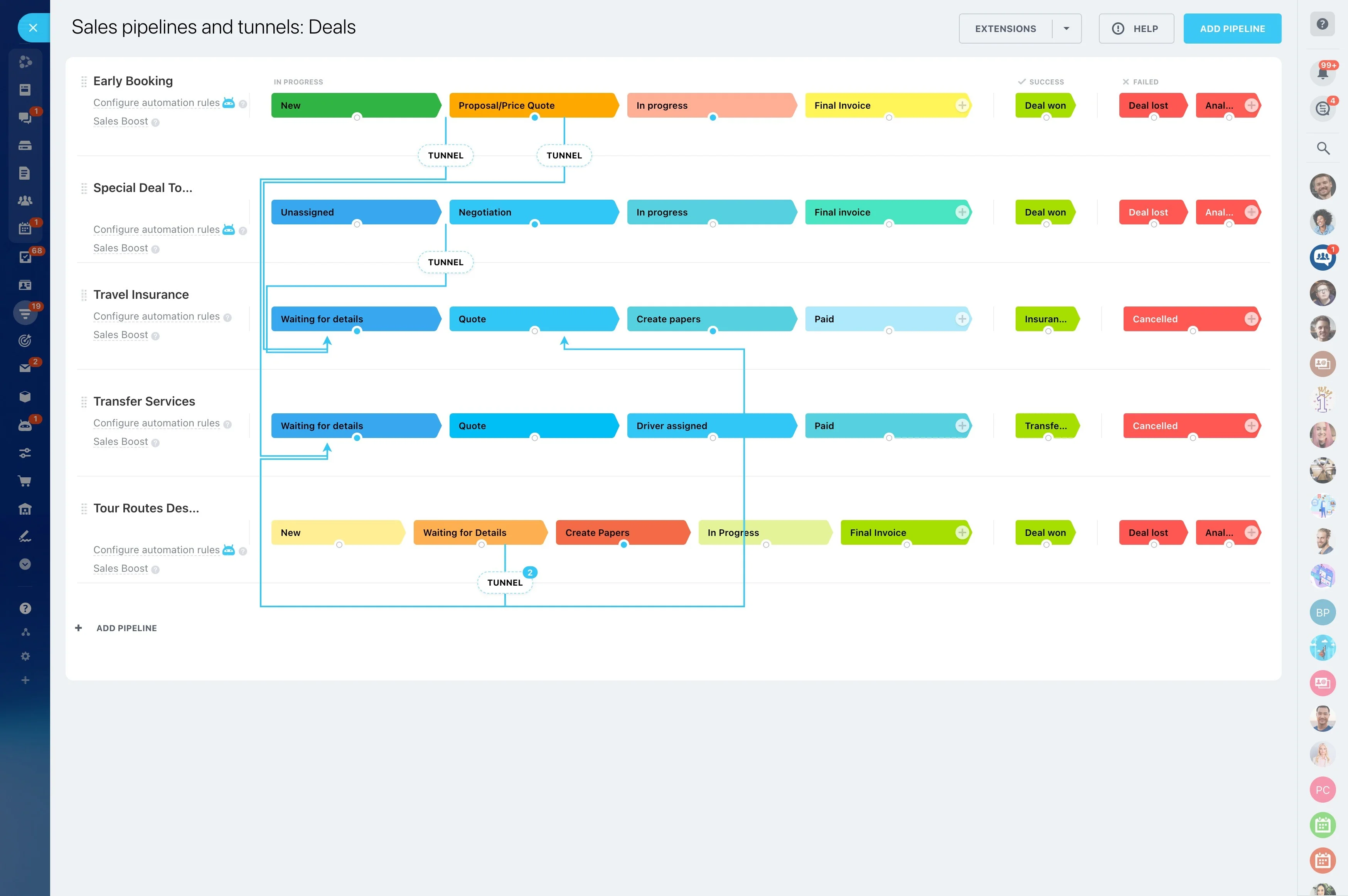
Before training starts, decide which motion you’re standardizing first (for example, inbound leads or outbound prospecting). A focused first pipeline is easier to learn, coach, and measure than trying to cover every edge case in week one.
Write each stage in plain language: what just happened, what must happen next, and who owns it. Then train only the actions that move work forward—capturing key info, scheduling the next step, and updating the stage when the customer outcome changes.
Set a minimum data standard reps can follow
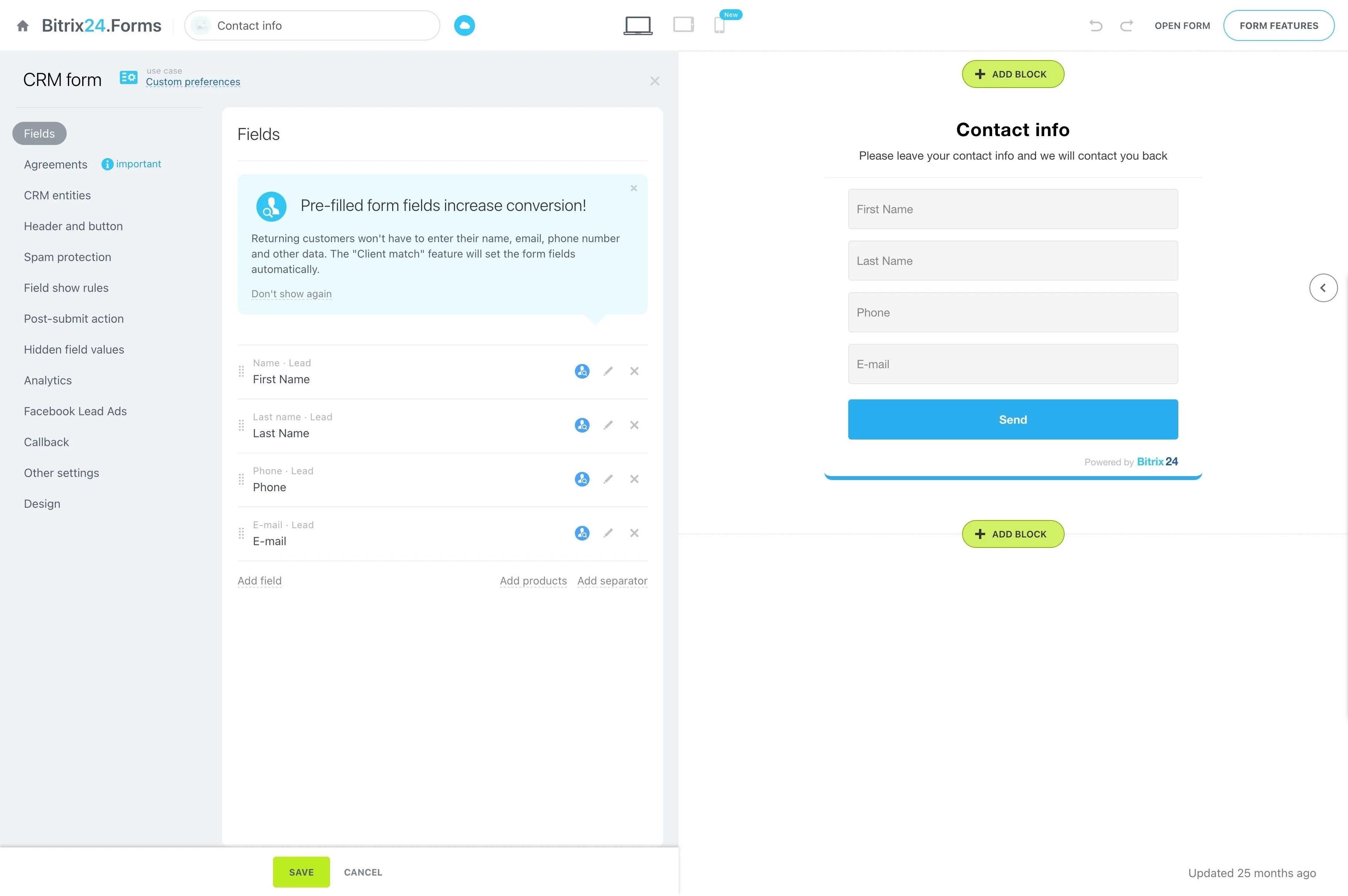
Adoption drops when people can’t tell what’s required versus optional. Define the smallest set of fields that makes follow-ups and handoffs work, and teach it as the “definition of done” for every record.
- Lead: source, name, phone/email, interest, next step
- Contact/Company: correct name, role, primary channel, location (if relevant)
- Deal: pipeline + stage, next activity scheduled (and amount/close date only if you truly use them)
Configure Bitrix24 CRM fields to match that standard so reps see the same structure whenever they create or update records.
Train follow-ups as scheduled activities
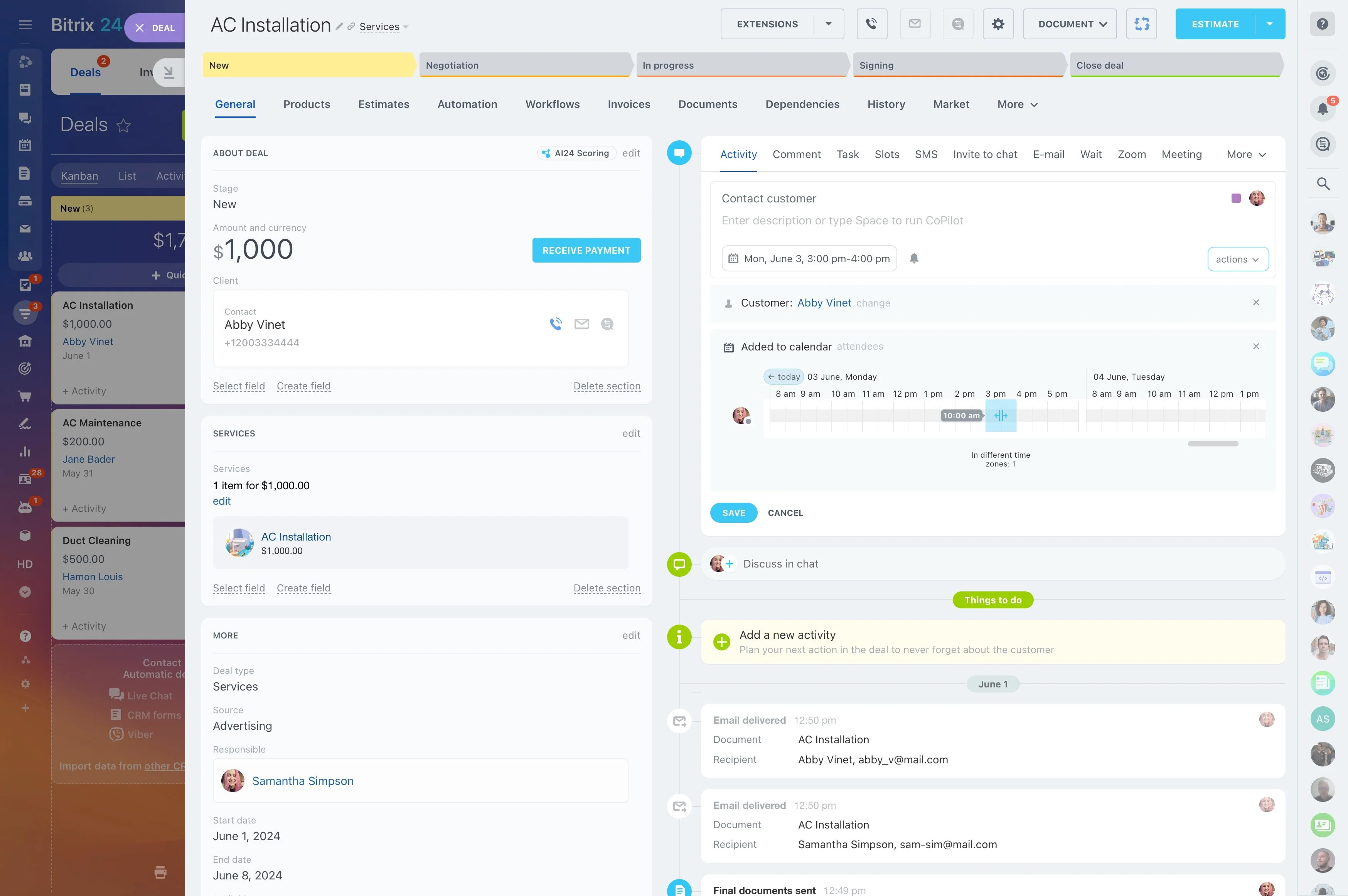
Replace “remember to follow up” with a rule managers can inspect: every active opportunity must have a next activity. Teach the team to schedule the next step while they still have context—right after a call, meeting, or email.
- No active deal without a next activity
- Every activity has an owner and due date
- Before closing an activity, schedule the next one
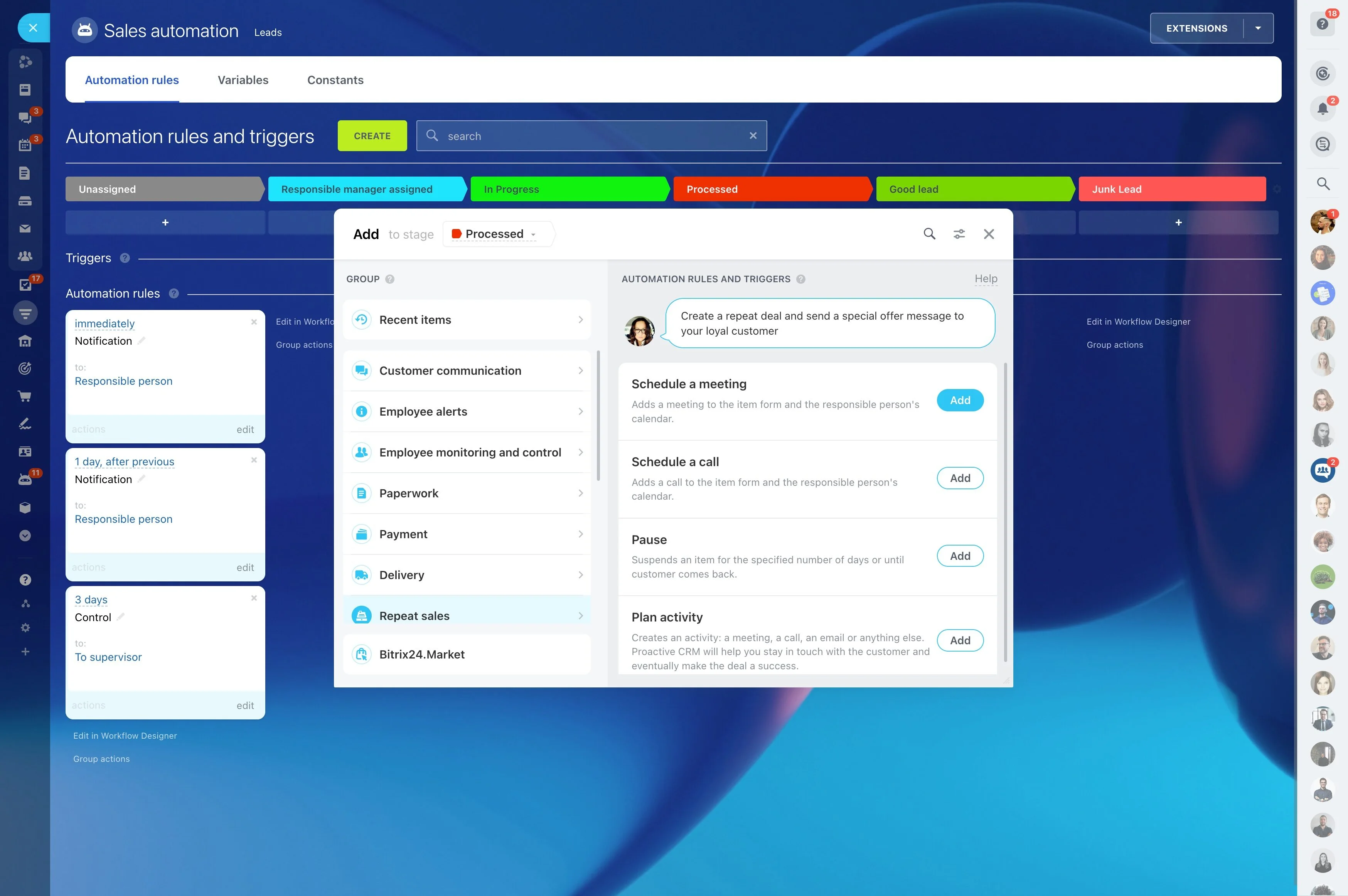
Practice creating and completing activities in Bitrix24 CRM during role-play so the behavior becomes muscle memory.
Use scenario practice instead of slides
People learn faster when training mirrors real situations: a new inbound lead, a no-show, a timeline change, a multi-stakeholder deal, or a loss to a competitor. Build 5–8 scenarios and repeat them until the workflow is consistent without prompts.
Simple 60–75 minute session:
- 10 min: review one standard (data, activities, or stages)
- 25 min: role-play and enter the record live in the CRM
- 15 min: critique against the checklist
- 10 min: fix gaps inside the CRM
Give managers a weekly adoption review
CRM adoption improves when managers inspect the same few behaviors every week. Keep the review short and tied to standards, so coaching stays consistent across the team.
- Do new records meet the minimum data standard?
- Do active deals have a next activity scheduled?
- Do stages match the agreed definitions?
- Are stalled deals advanced, recycled, or closed out?
Run reviews directly from Bitrix24 CRM records so coaching is based on what’s actually in the system.