Deliver role-based training and practice
A CRM rollout moves faster when you treat it like a controlled launch: define what must work on day one, decide which data you’ll trust, assign owners for every step, and set clear pass/fail criteria before cutover. This CRM onboarding checklist lays out a practical sequence for CRM setup, data cleanup and field mapping, testing, training, and go-live—so teams start working in the new system with fewer surprises.
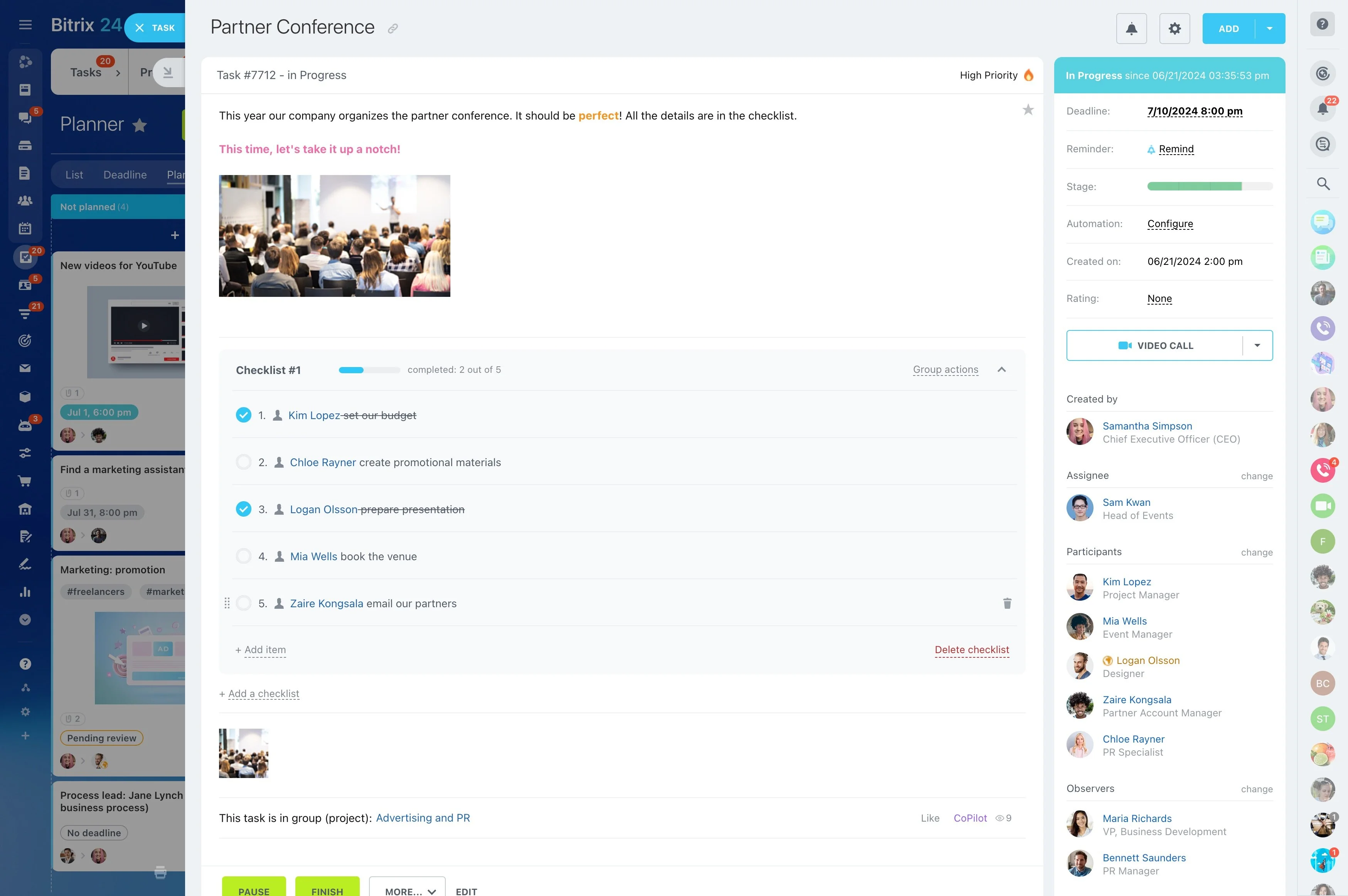
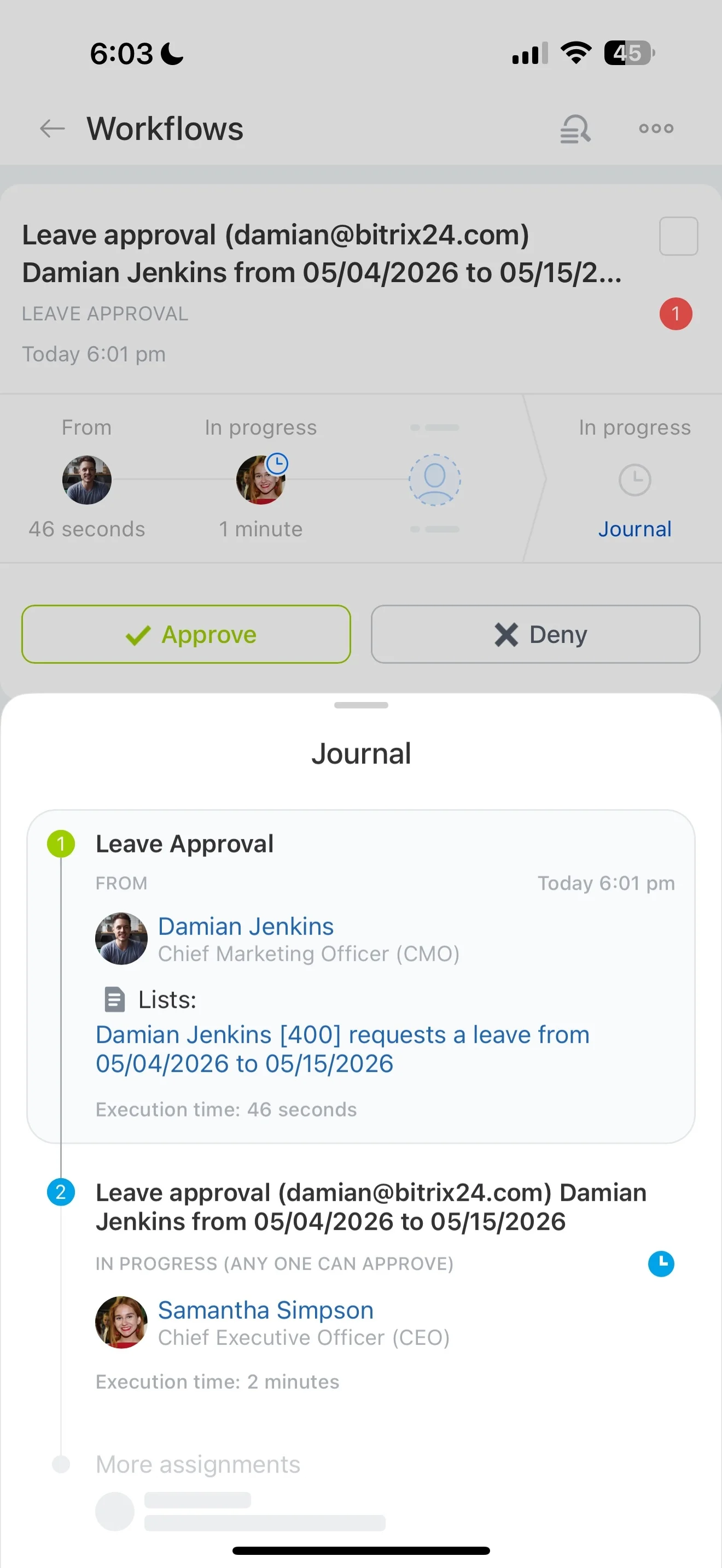
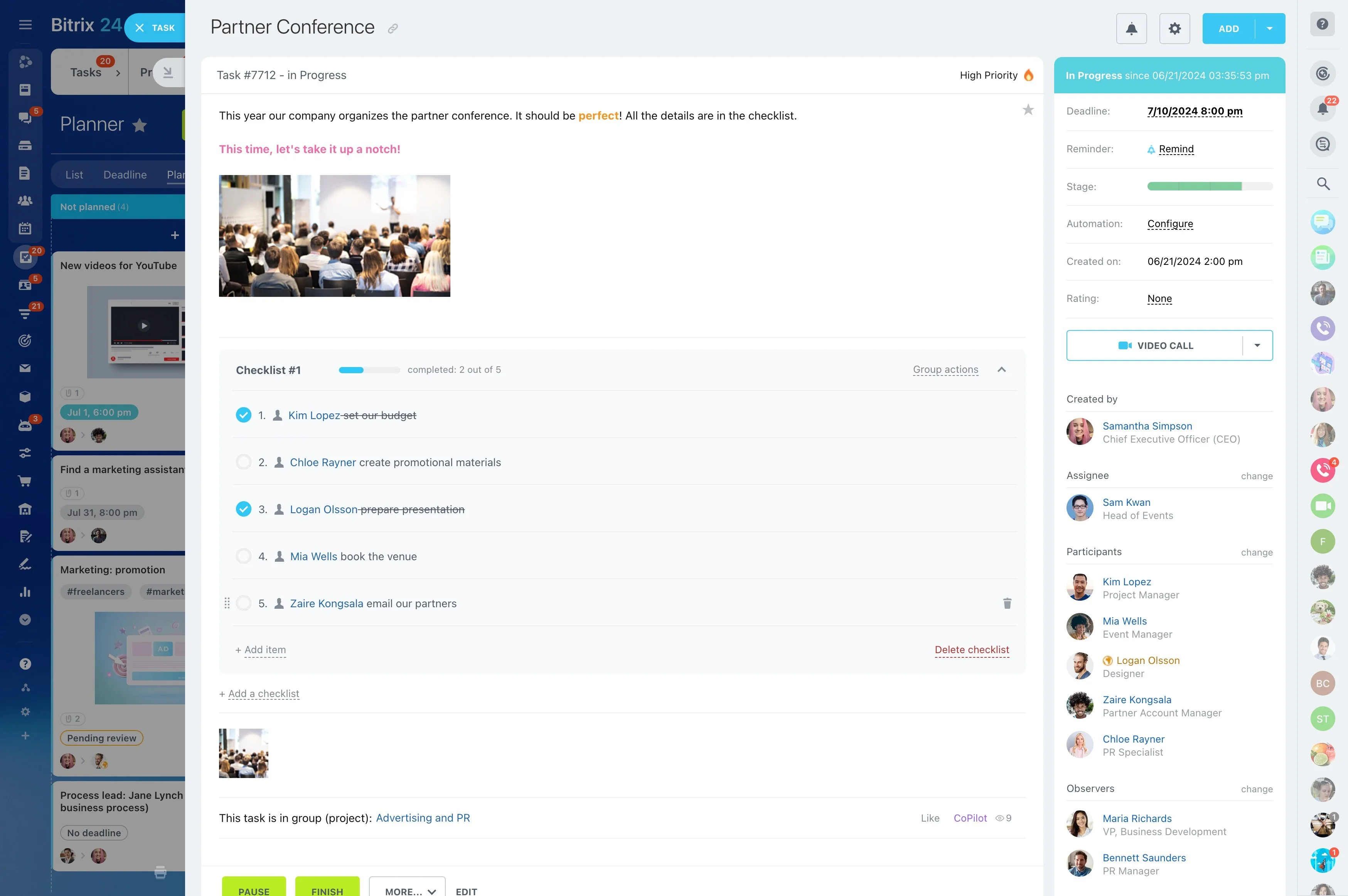
In Bitrix24, you can turn the onboarding plan into a tracked rollout: capture decisions about pipelines, fields, and responsibilities, then manage each milestone as assigned work with due dates and approvals. That keeps configuration, migration prep, and readiness testing tied to real owners instead of living in scattered documents.
- Define scope, records, and pipeline rules
- Clean and map data, then test-import and validate
- Train by role, run UAT, and execute a cutover plan
Execute cutover and stabilize go-live
Make cutover explicit: when the old system freezes, when the final import runs, and how issues are handled in week one. This is the core of a CRM rollout checklist.
- Set a freeze window and communicate what can/can’t change
- Run final cleanup and the final import using the proven mapping
- Re-test critical workflows immediately after import
- Establish a support triage and daily review until stable
Bitrix24 vs Salesforce: compare rollout work, not hype
If you’re comparing Bitrix24 and Salesforce for a new rollout, evaluate the practical work required to define your data model, configure roles and approvals, validate a test migration, and run training and cutover with clear ownership. Use the same CRM onboarding checklist for both tools so the comparison reflects effort, risk, and who will maintain the system after go-live.
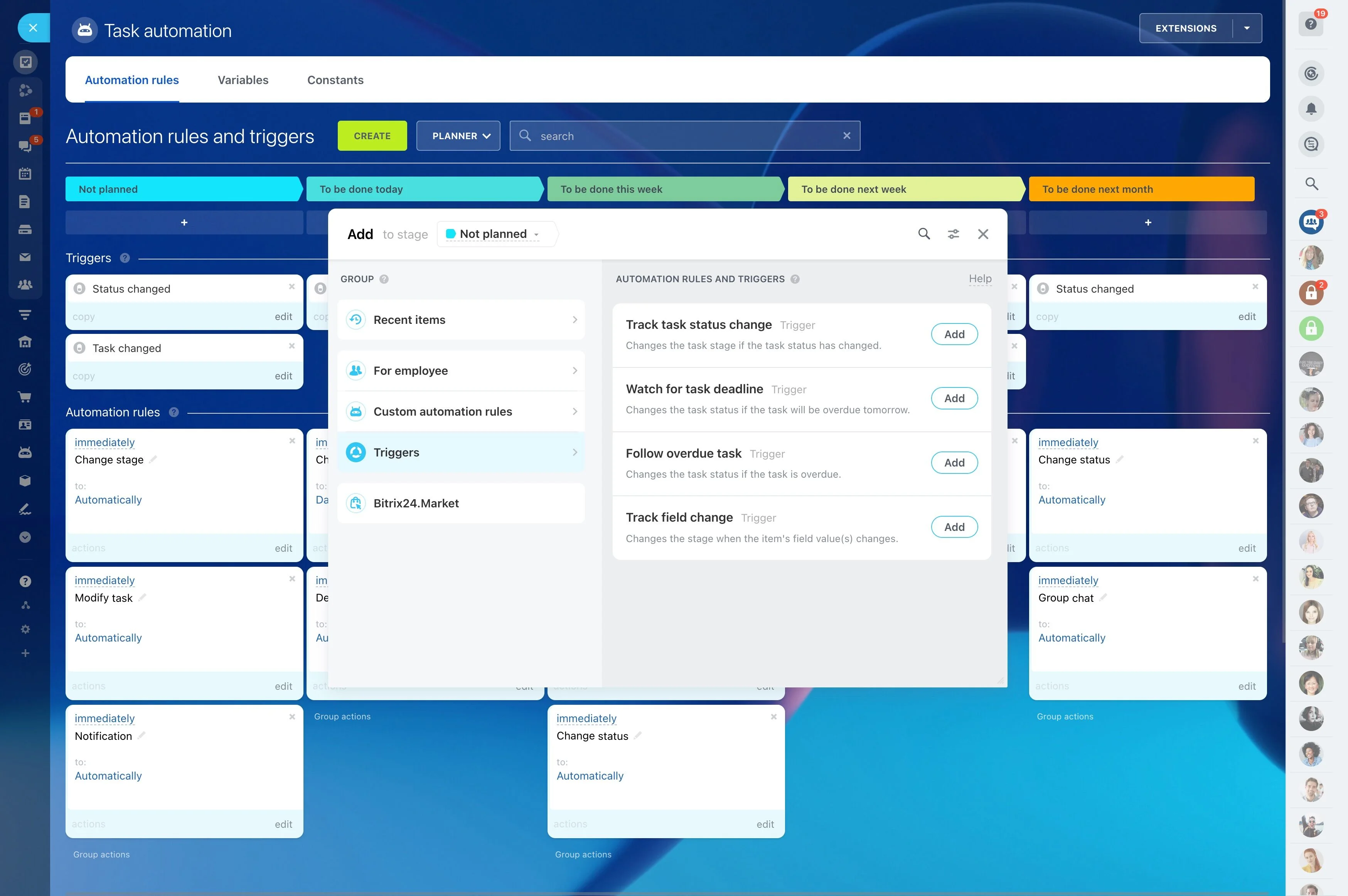
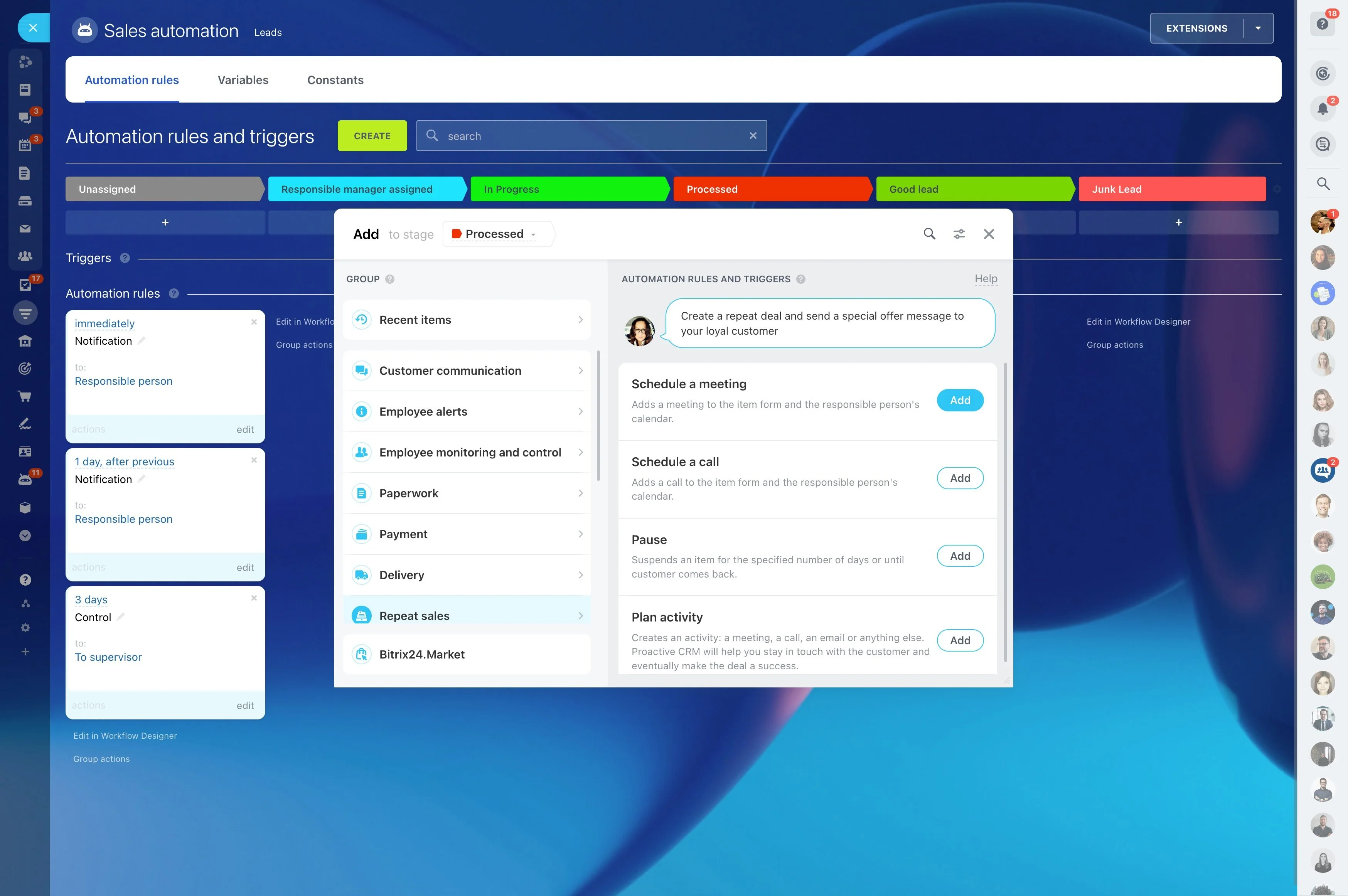
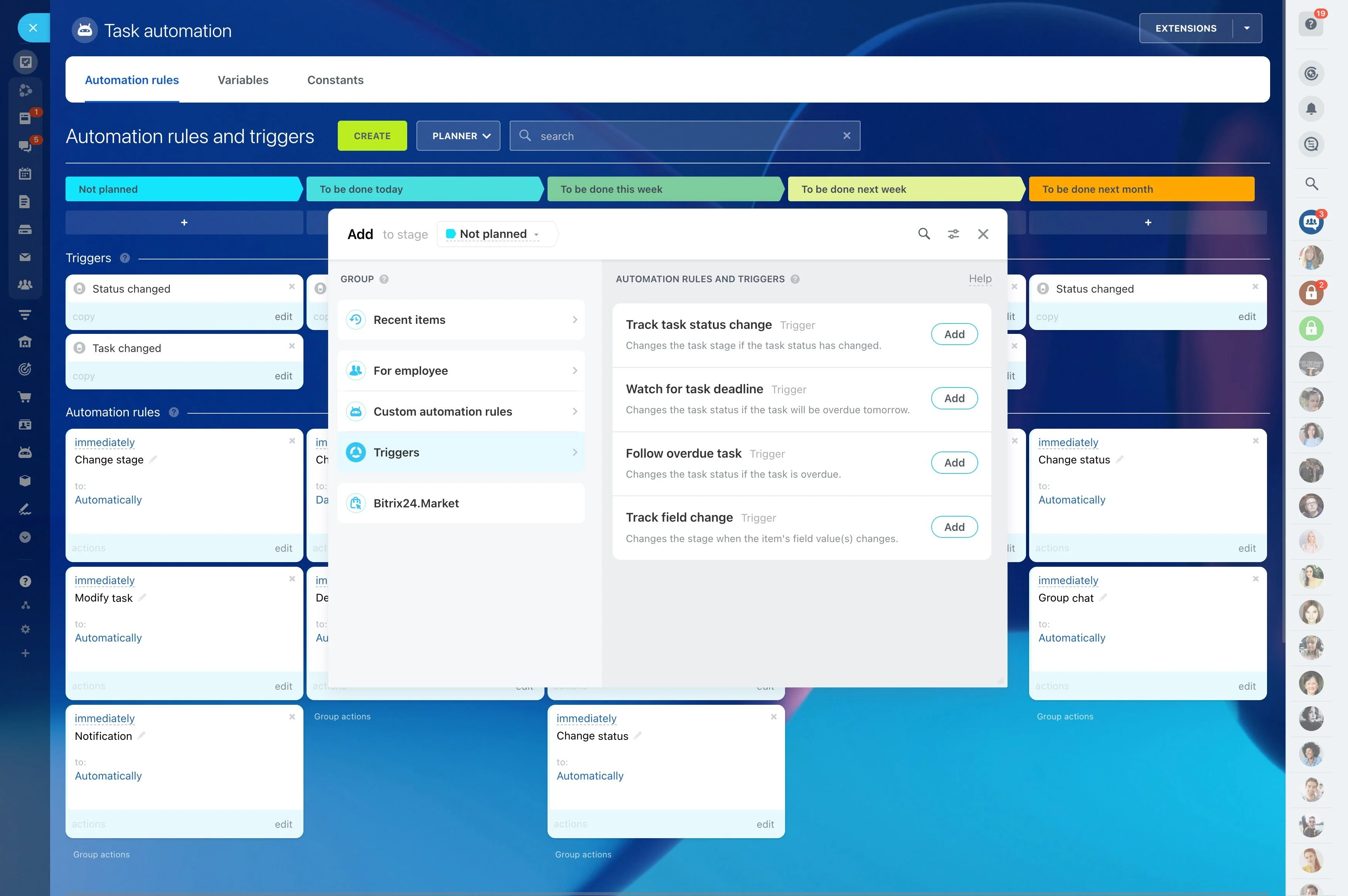
Launch only the automation you can govern
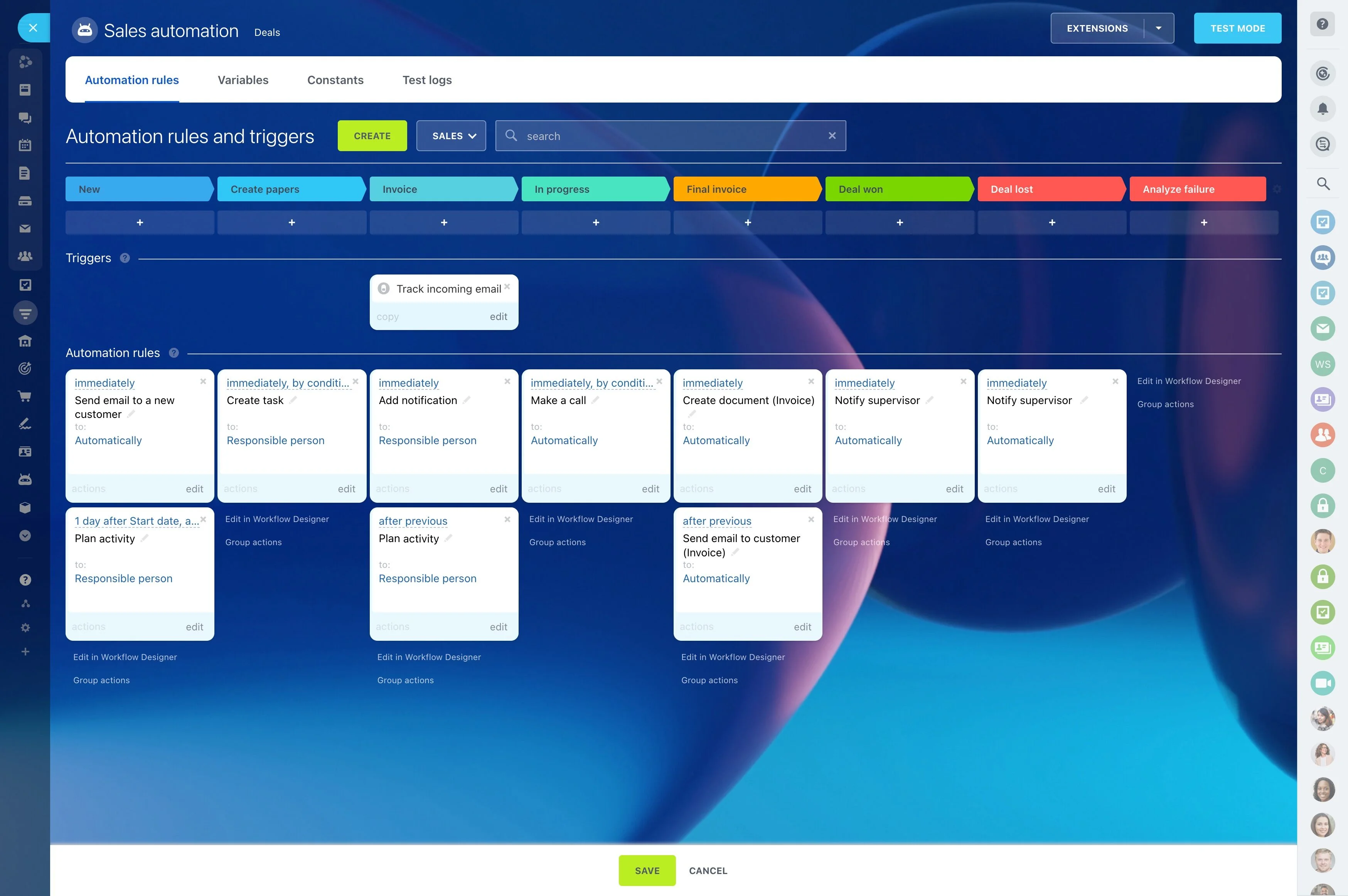
Automation is safest when it enforces an agreed process. In your CRM onboarding plan, specify what is allowed at go-live and what stays manual until the team proves the flow in UAT.
- Stage-change actions (task creation, manager notifications, approvals)
- Required-field checks before a stage move
- Handoffs (reassign owner and set next-step deadlines)
- Exceptions (missing info, on-hold deals, escalation paths)
Set day-one scope and success criteria
Write down what must be true at launch (and what can wait). A tight scope keeps your CRM implementation checklist centered on the workflows that affect revenue and service.
- Records to manage (leads, deals, contacts, companies) and who uses each
- Pipeline stages with entry/exit criteria and required fields
- Ownership and approvals for key handoffs
- A small “day-one” reporting baseline to confirm adoption
Plan data cleanup and field mapping
Data quality drives the timeline. Before any import, decide what fields are required, how picklists will be standardized, and what data won’t be migrated. Then map every source column to a destination field and rule.
- Choose the system of record per dataset to reduce duplicates
- Normalize formats (names, phones, emails, countries, currencies)
- Document transformations (status-to-stage, owner mapping, currency handling)
- Exclude obsolete or incomplete records by policy
Configure pipelines, roles, and permissions
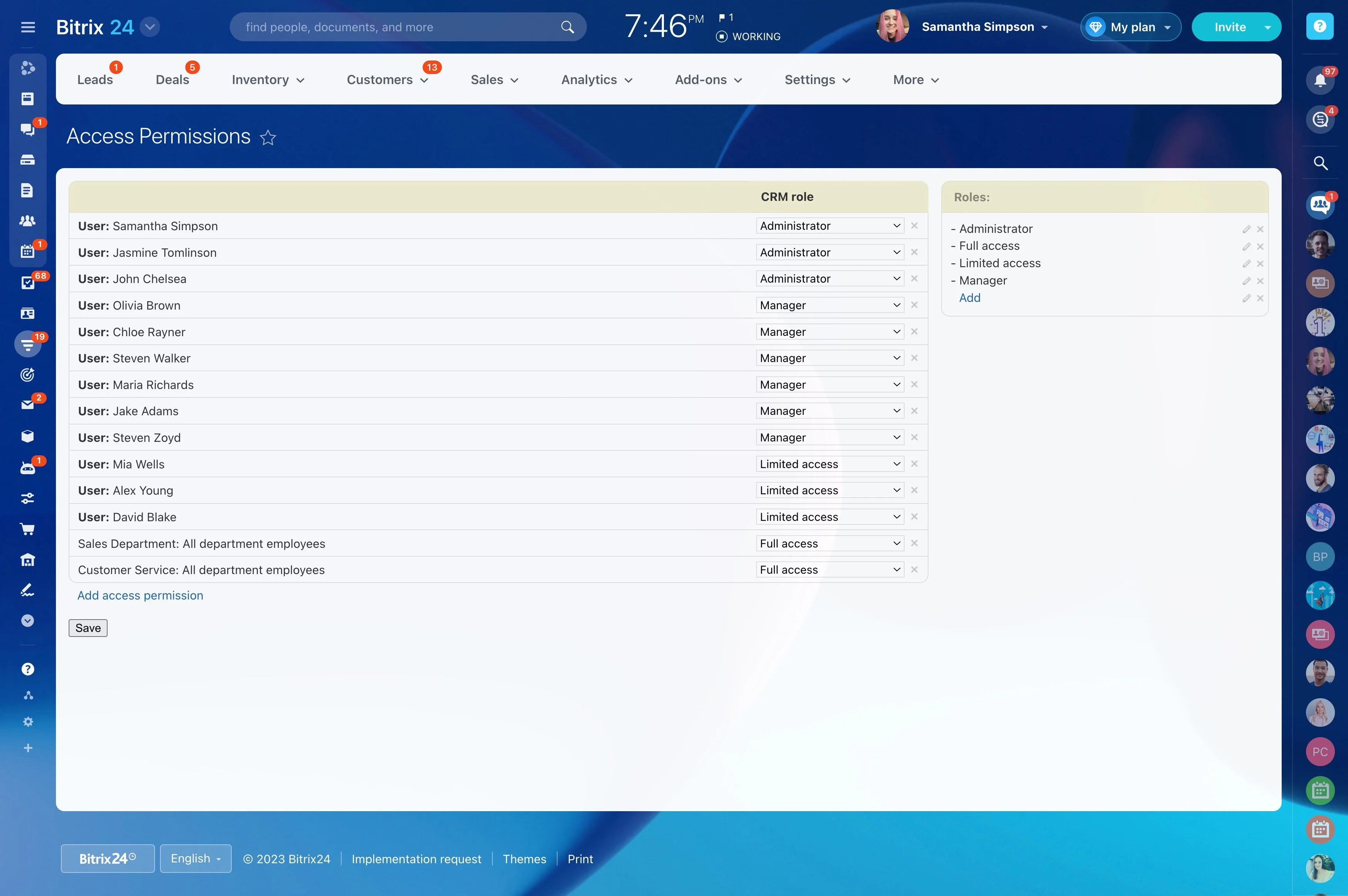
Build the CRM around how work is handed off. Your CRM setup checklist should make responsibility obvious and keep access aligned with real roles.
- Create pipelines and stage definitions with consistent naming
- Define roles (rep, SDR, manager, ops/admin) and what each can change
- Decide how assignment works (team, region, product line)
- Standardize deal, company, and activity conventions for clean search and reporting
Test-migrate and validate end-to-end scenarios
Run a test import with a representative dataset, then validate by executing real scenarios end to end (not just checking a few records). Fix mapping issues before UAT starts.
- Verify relationships (contact–company, deal–contact) and owner assignment
- Confirm picklists, currencies, dates, and required fields post-import
- Test stage changes and any launch automation for expected behavior
- Track issues and define what must be resolved before cutover
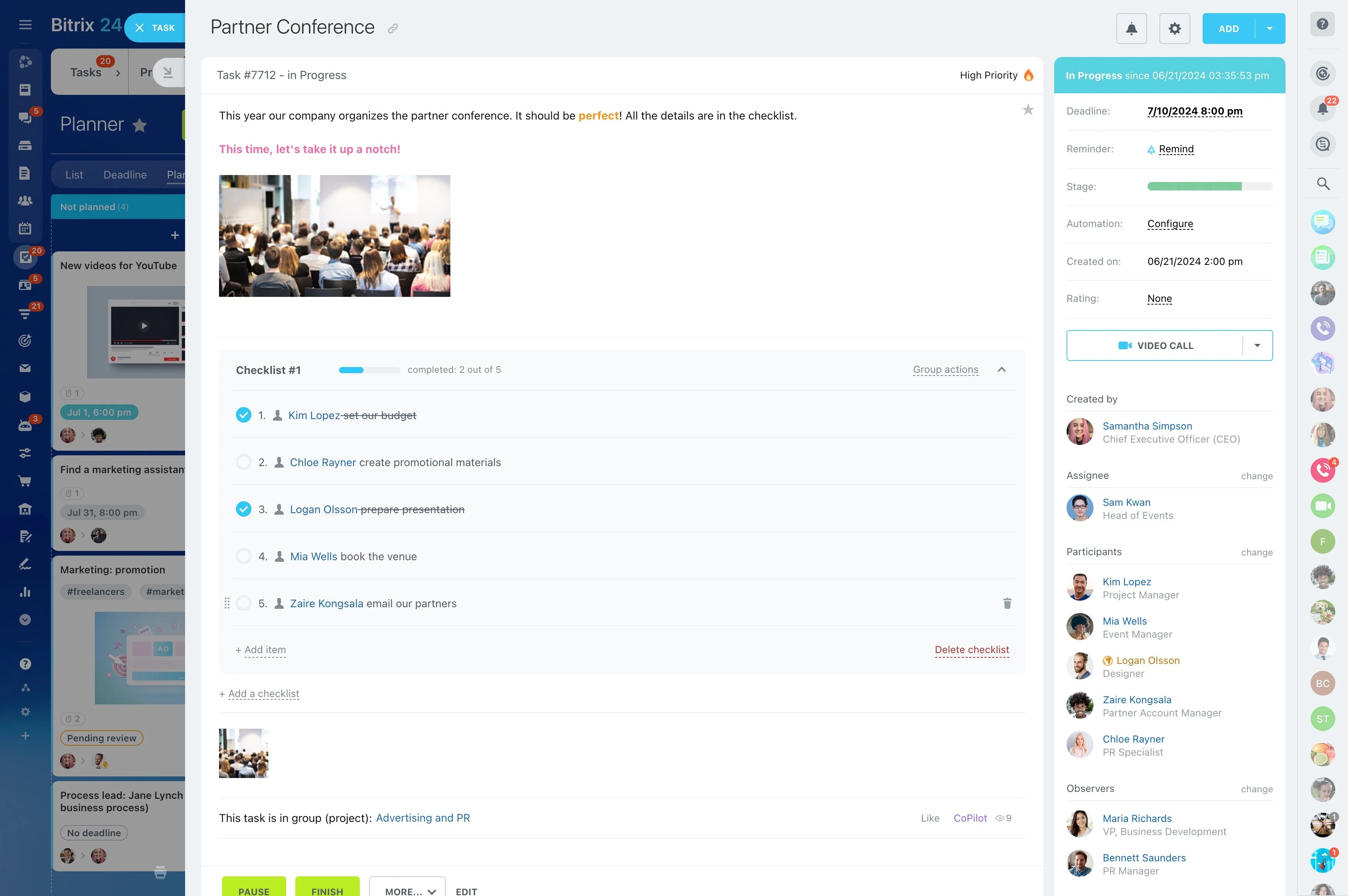
Deliver role-based training and practice
Training sticks when it matches daily actions and the stages people touch. Build a short practice sprint with sample deals so users experience the workflow, not a slide deck.
- Reps: create/update deals, log activities, move stages correctly
- Managers: handle approvals/exceptions and review pipeline quality
- Ops/admins: maintain fields, stage rules, and data standards
- Agree on “definition of done” for updates and activities