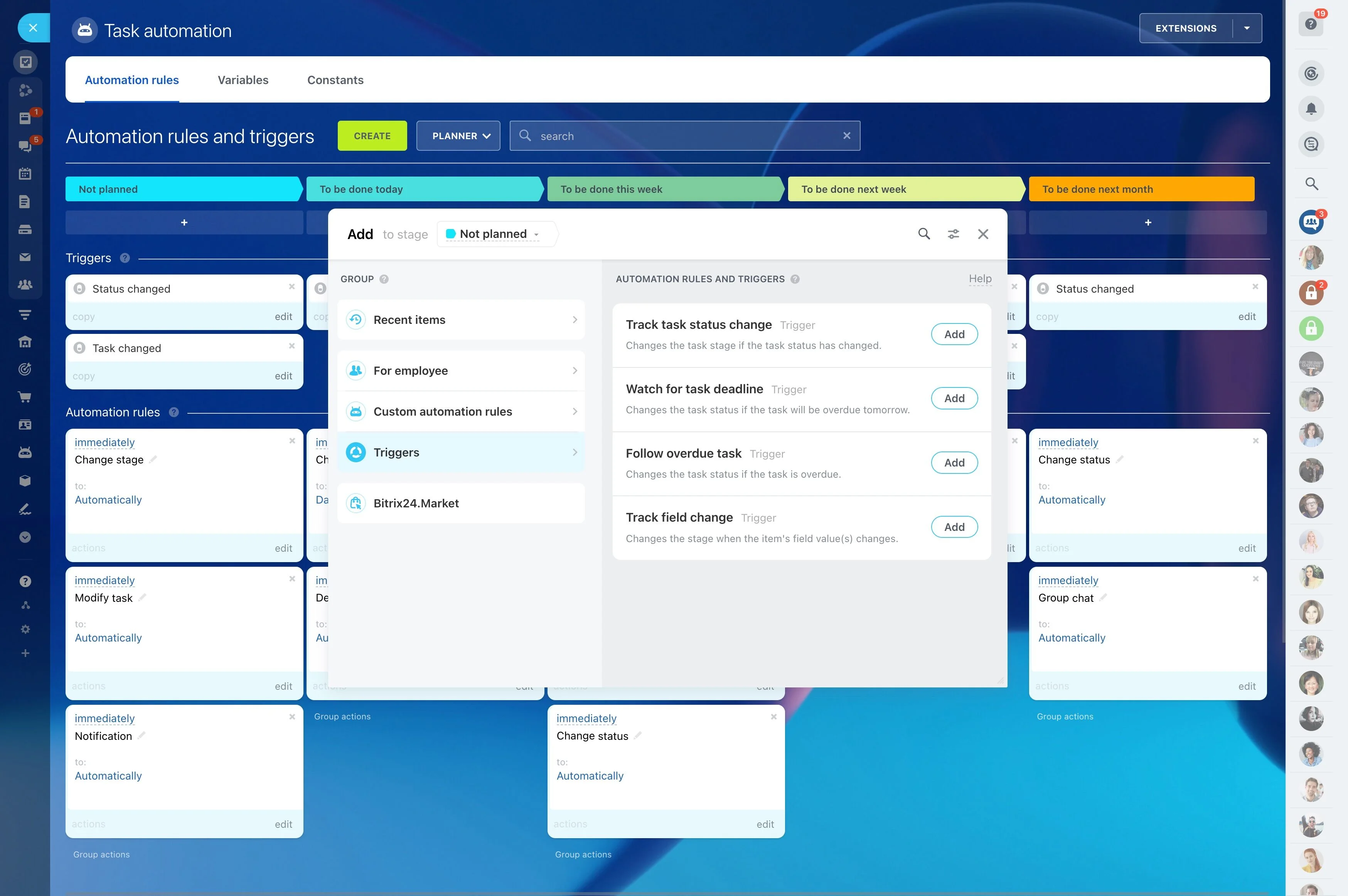
Standardize confirmations, reminders, and follow-ups
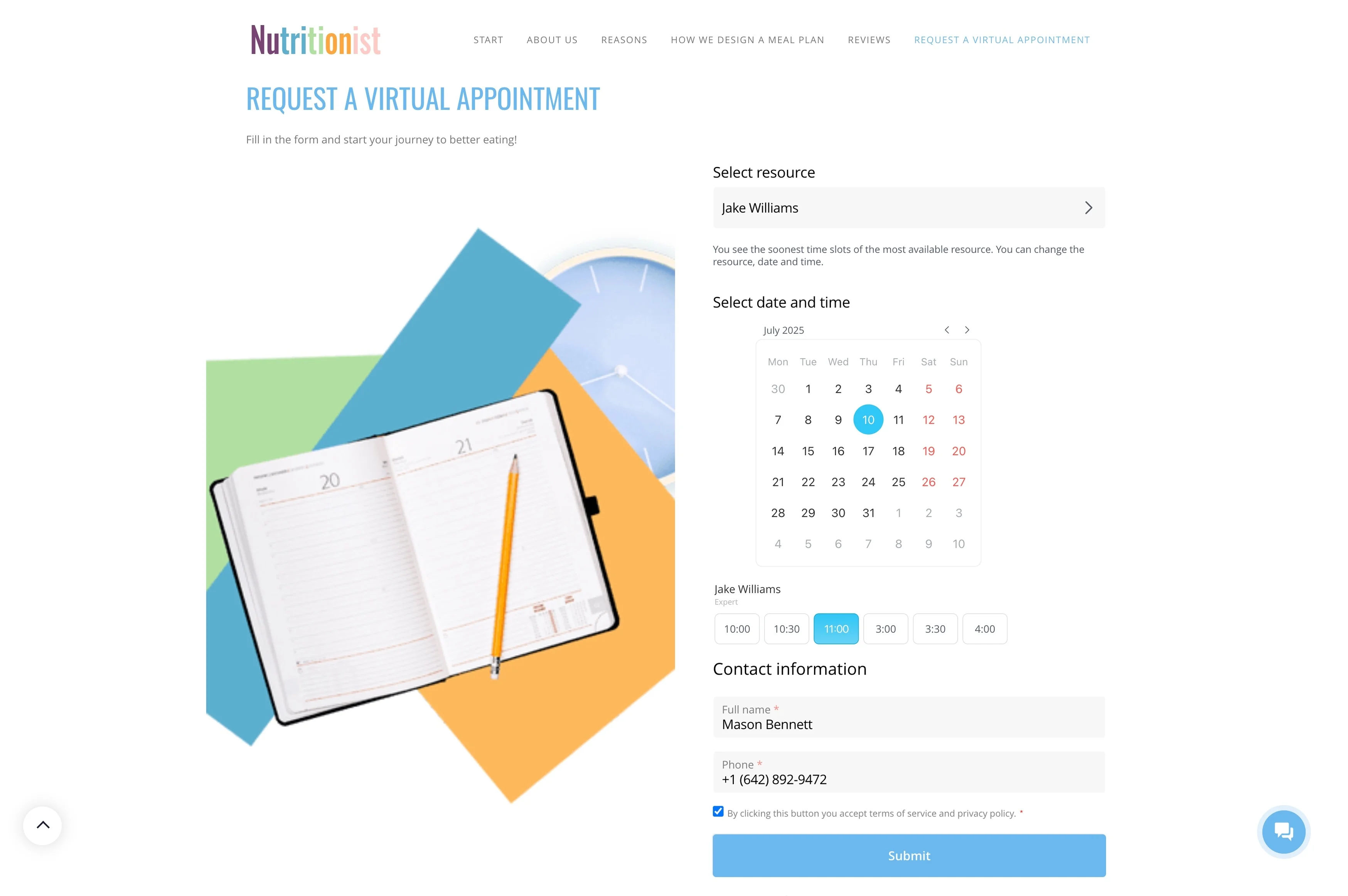
Clinic scheduling gets complex when you’re coordinating multiple providers, appointment types, and limited rooms or equipment—while still giving patients clear confirmations and timely reminders. What matters most is consistency: every visit should move through the same steps from request to follow-up, with fewer handoffs and less guesswork for staff.
Bitrix24 can be used as clinic scheduling software to run a practical booking flow: publish available time slots, capture each request into a patient CRM record, confirm the appointment with the right details, send reminders, and track post-visit follow-ups. Shared calendars help your front desk schedule confidently and help providers see upcoming visits in context.
- Match patients to the right provider and visit type
- Keep appointment details connected to a patient record
- Standardize confirmations, reminders, and follow-ups
Schedule reminders by visit type and timing
Set reminders based on your clinic’s cadence—for example, one the day before and one closer to the appointment—so outreach is consistent across providers and visit types.
When patients reschedule, update the appointment while keeping the communication history connected to the same record.
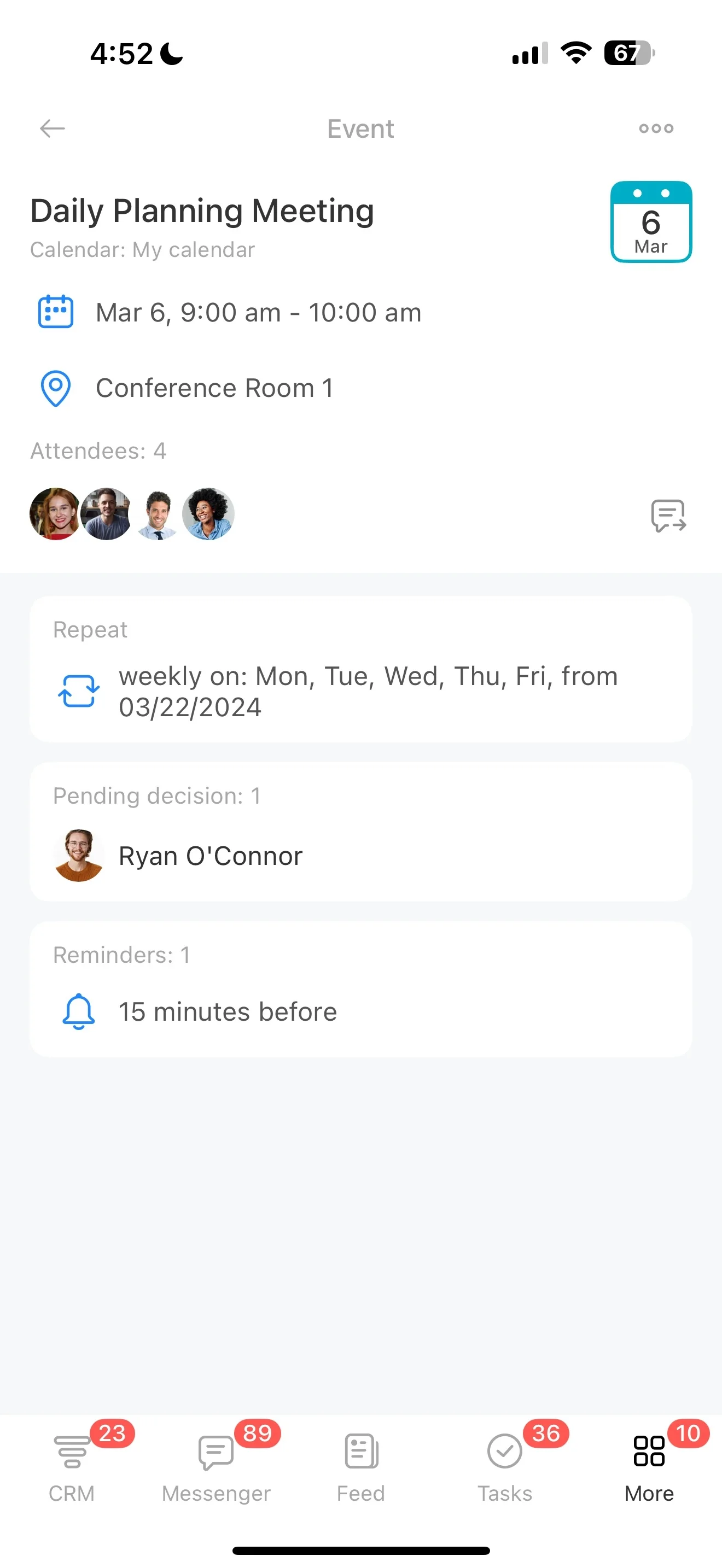
Offer bookable availability, not just open hours
Start with availability patients can actually request. Define open slots by provider and time window, then collect the key details needed to schedule correctly (visit reason, preferred time, notes) through an online entry point.
Cleaner requests mean fewer back-and-forth messages and faster placement into an appropriate slot.
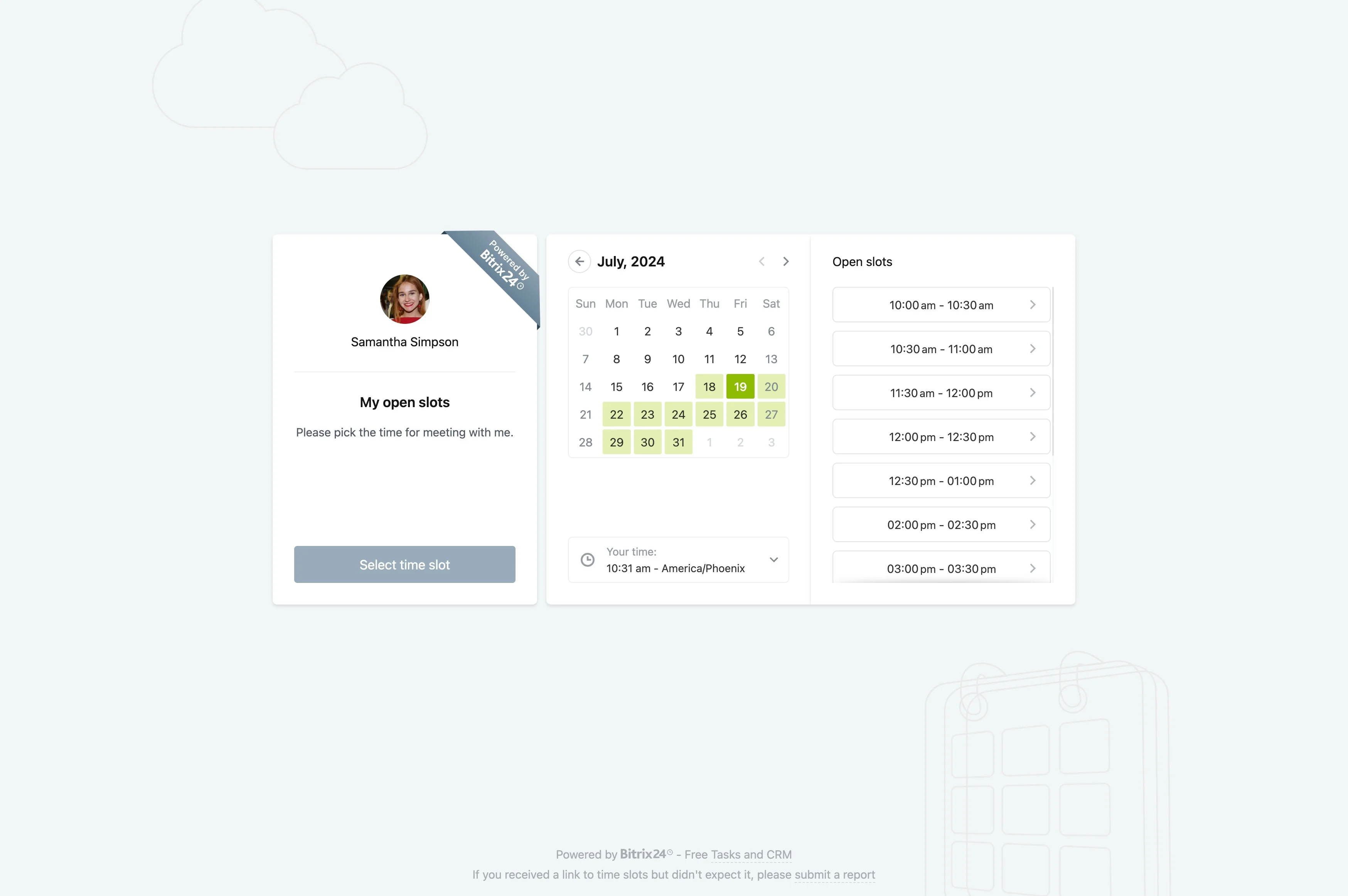
Connect scheduling to a patient CRM timeline
A calendar event is useful, but a patient timeline is better. When a booking is created, create or update the patient contact record so appointments and related communication stay tied to the right person.
This gives staff quick context before confirming, rescheduling, or planning follow-ups.
Send confirmations patients can act on
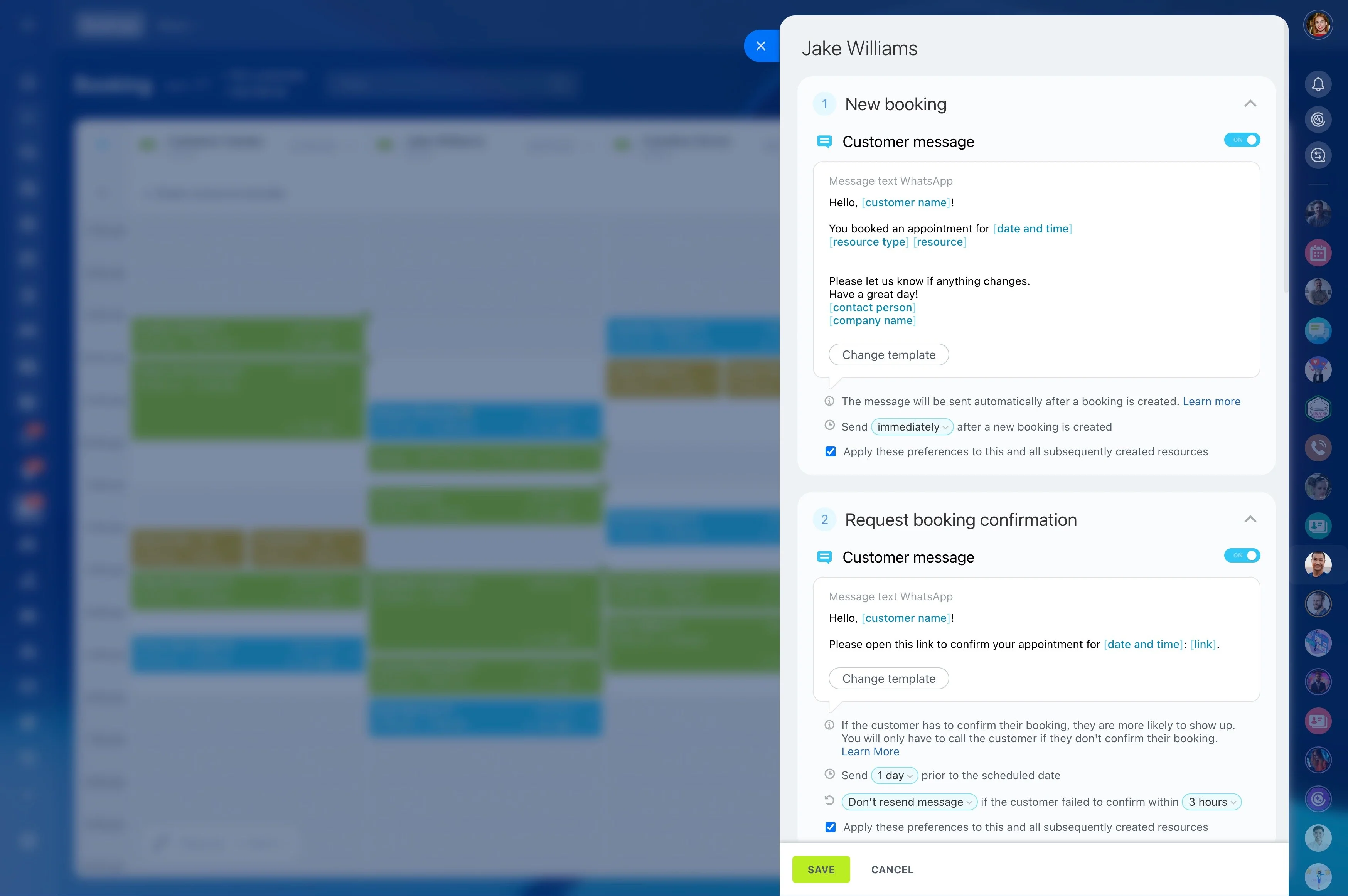
Confirmations should answer the questions that reduce no-shows: when the visit is, who it’s with, where to go, and what to bring or do in advance.
Keep confirmation status visible alongside the appointment so staff can see what’s confirmed, what’s pending, and what needs outreach.
Balance providers with rooms and shared resources
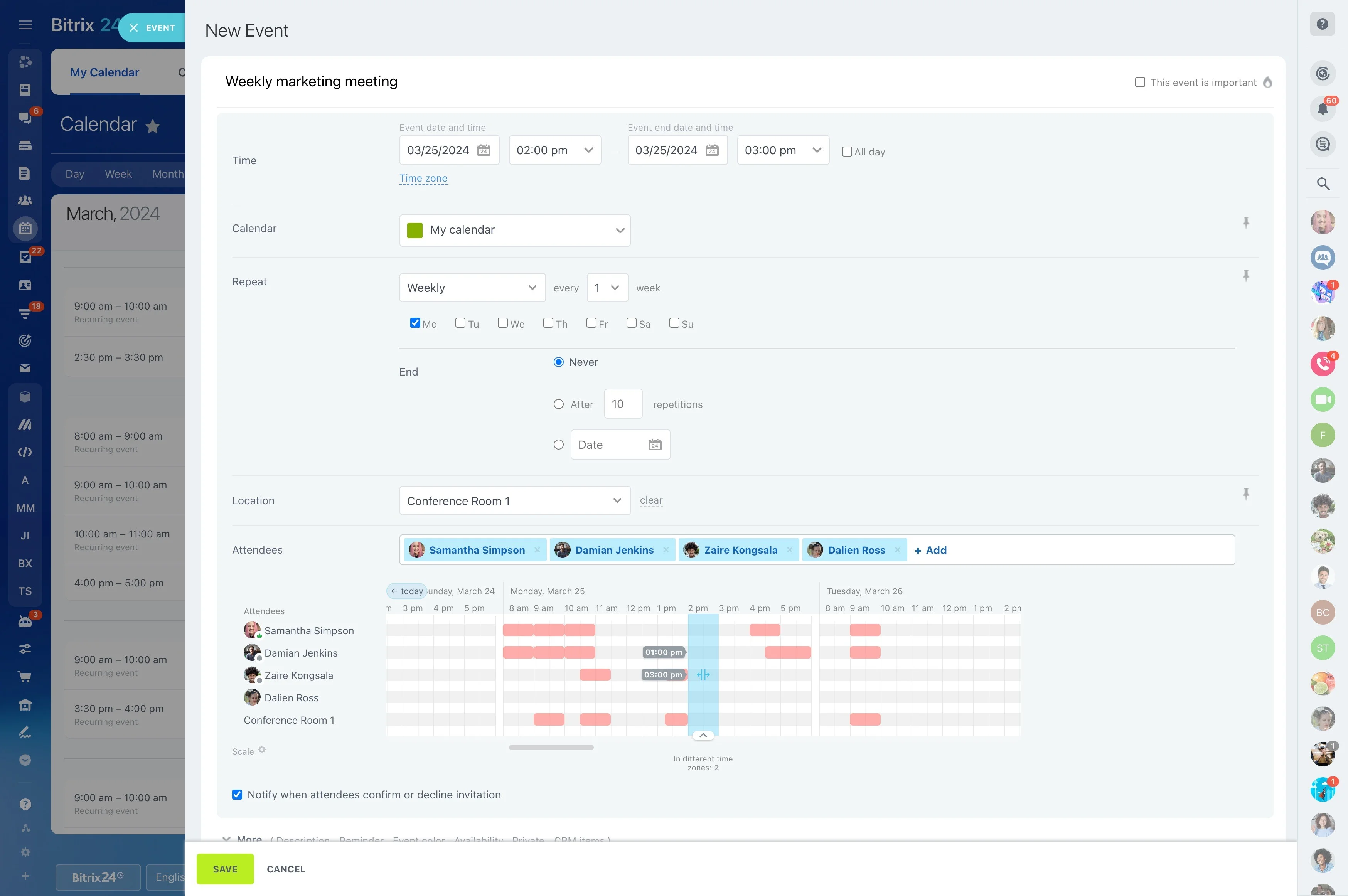
Clinic scheduling is a resource puzzle, not a single calendar. Use shared calendars to reflect provider availability and book rooms or equipment so the team avoids double-booking and unrealistic day plans.
This is especially helpful for rotating staff, part-time providers, and visits that require specific resources.
Make follow-ups part of the scheduling workflow
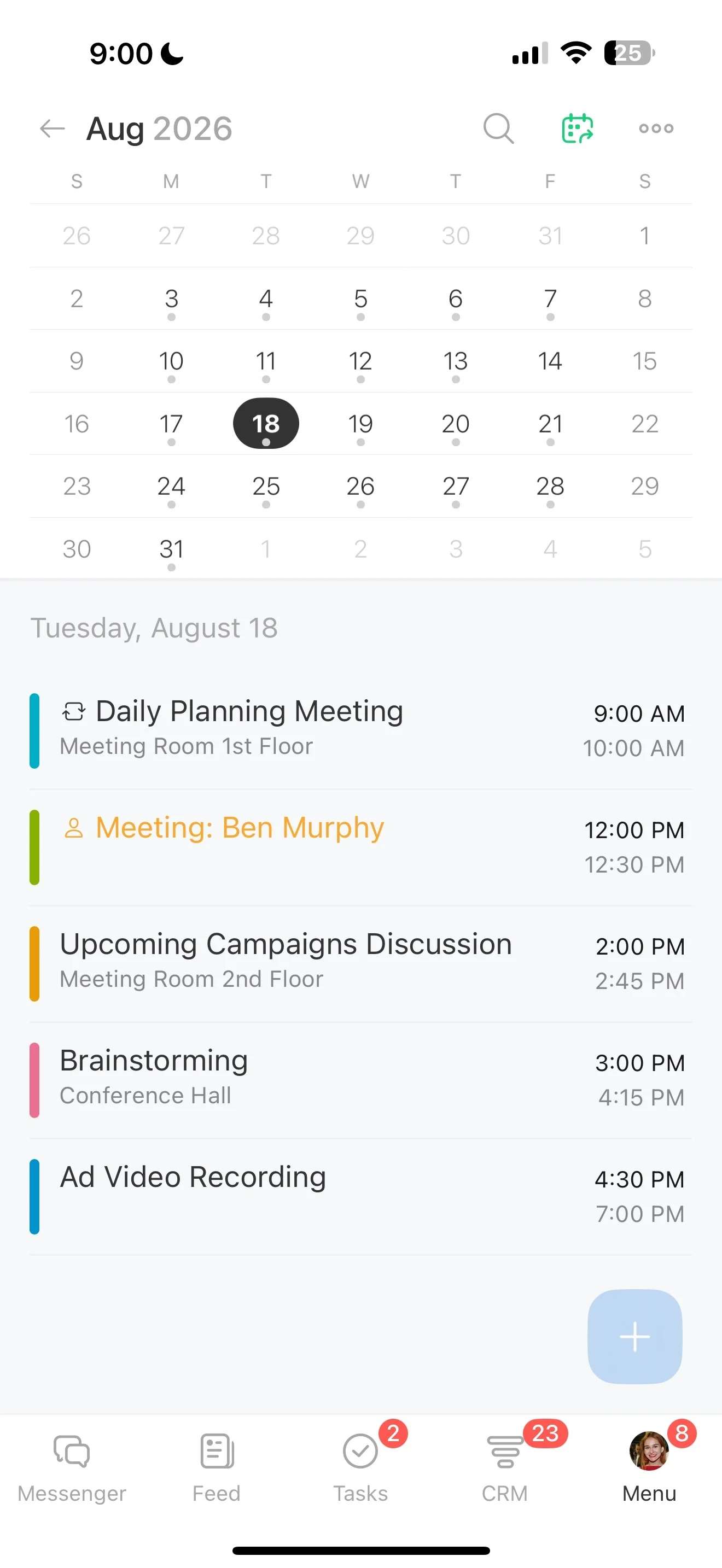
After the visit, create follow-up tasks tied to the patient record—such as sending next-step instructions, checking outcomes, or booking a return visit.
Keeping follow-ups on the same record makes ownership clear and preserves a complete, reviewable timeline for future visits.