Record health signals and drive follow-up actions
Customer success is a lifecycle you have to run consistently: onboard to first value, monitor adoption and risk, start renewal work early, and capture expansion signals while the context is fresh. A CRM for customer success should make that lifecycle visible on the account record—who owns it, what happened last, what’s next, and when key moments like QBRs and renewals are due.
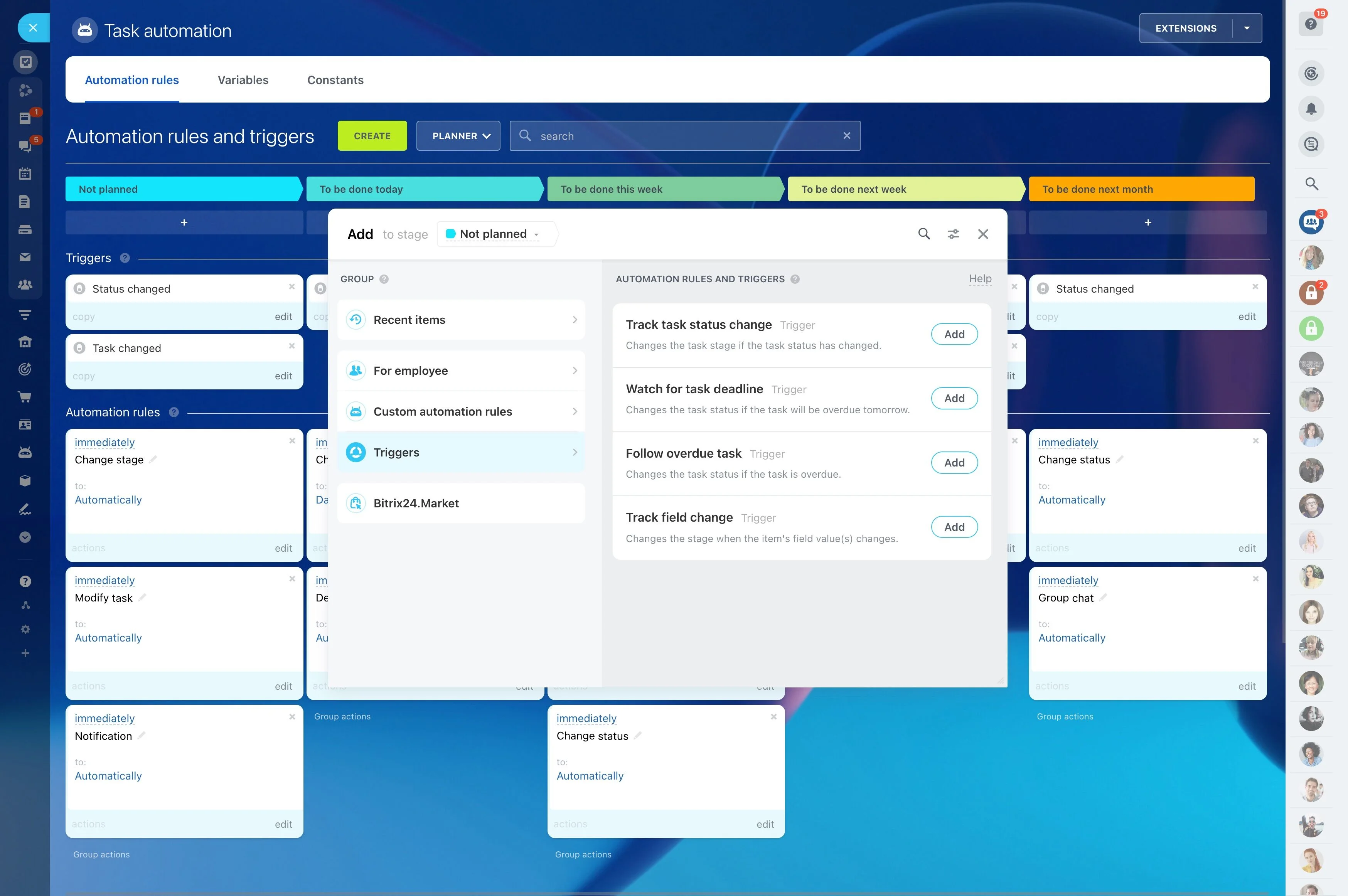
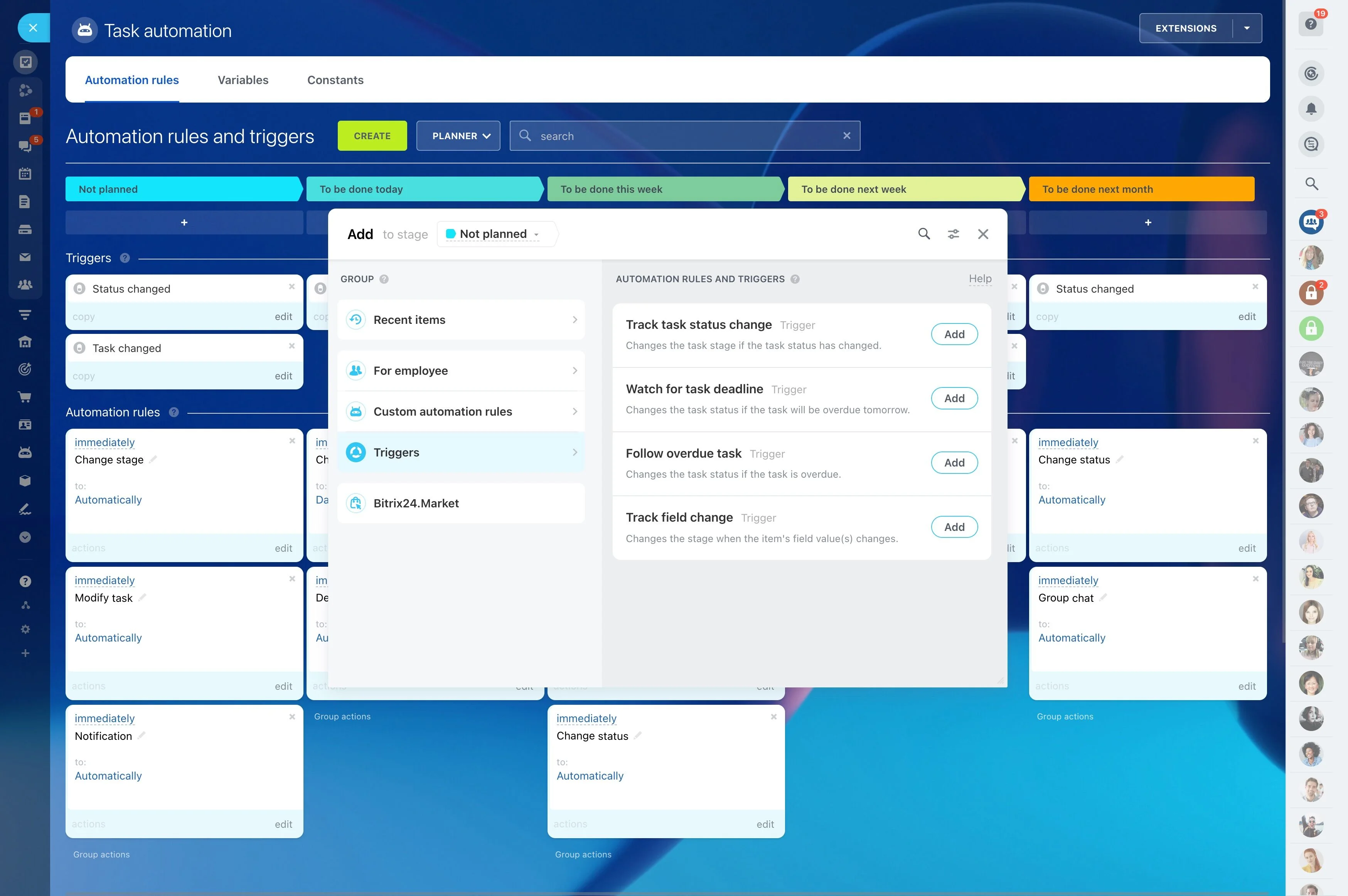
With Bitrix24, you can map your operating model into CRM stages, connect playbooks to each account with scheduled tasks, and use automation to trigger the right follow-ups when an account changes stage or status. That way onboarding steps don’t get skipped, risks don’t sit without an owner, and renewals are managed as a process—not a last-minute scramble.
- Track accounts through onboarding, adoption, renewal, and expansion stages
- Turn health and risk signals into assigned actions with deadlines
- Keep communication outcomes and task history tied to the customer record
- Manage expansion as linked opportunities while preserving success context
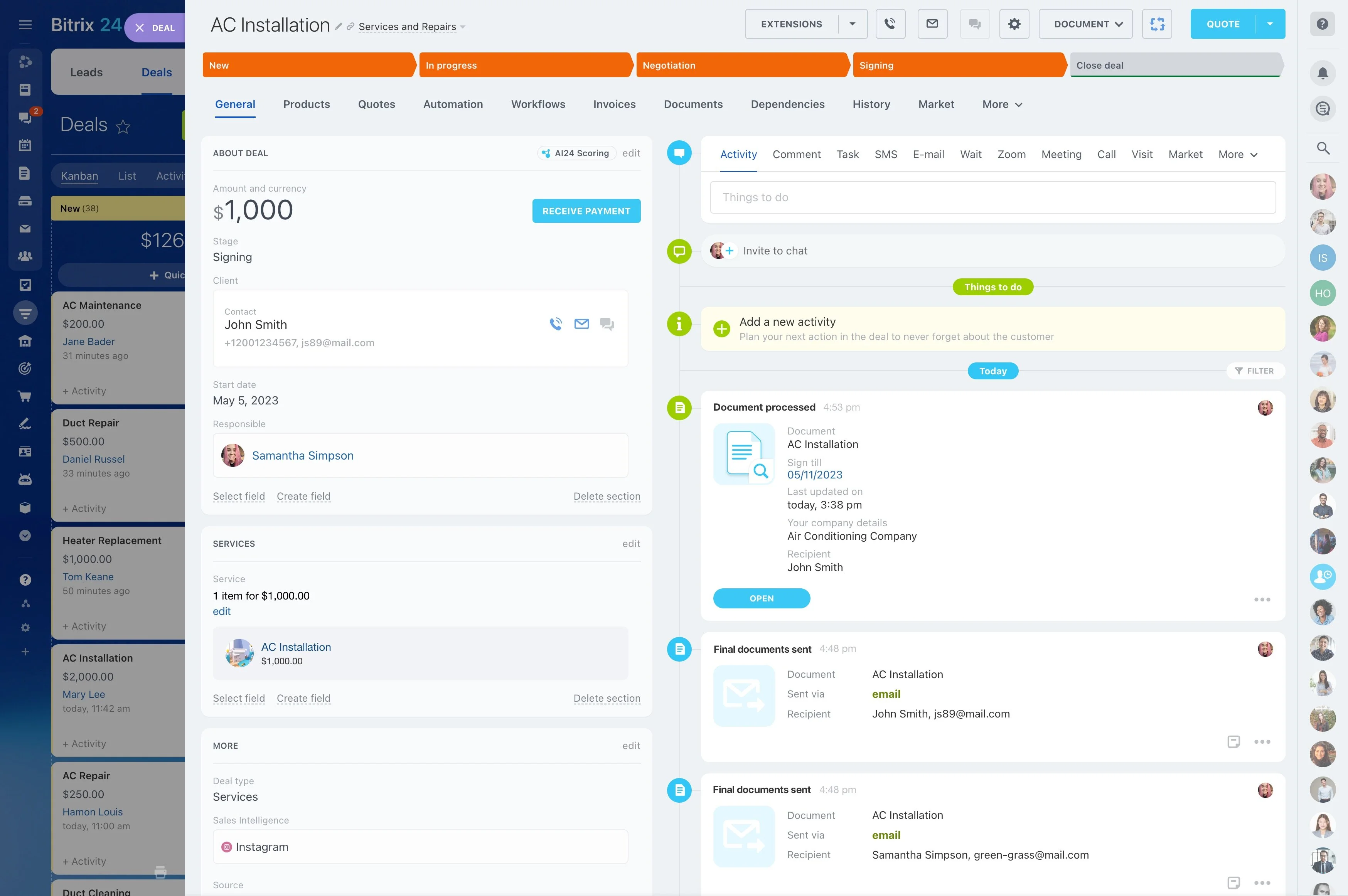
Keep every touchpoint on the account timeline
Continuity matters when accounts change hands or a renewal escalates. Logging call outcomes, emails, and activities on the account makes it easier to prepare for QBRs, confirm commitments, and pick up the thread without repeating conversations.
A complete timeline supports faster decision-making during risk periods and keeps renewal conversations grounded in what was agreed.
Standardize risk ownership and escalation
When an account is at risk, you need one place for status, context, and the current recovery plan. Use the account record to log what happened, what was tried, and what the next action is—so risk management doesn’t depend on individual memory.
Create a dedicated “At risk” stage and set automation to assign an owner and deadlines so the account can’t stall without a documented next step.
Map your success lifecycle to CRM stages
Define the stages your team actually uses—onboarding, adoption, steady-state, renewal prep, renewal, and expansion—and reflect them in the CRM pipeline. With every account in a clear stage, your team shares the same definition of “where we are” and what the next objective is.
This also supports cleaner handoffs between implementation, CSMs, and account managers because the stage makes expectations and exit criteria explicit.
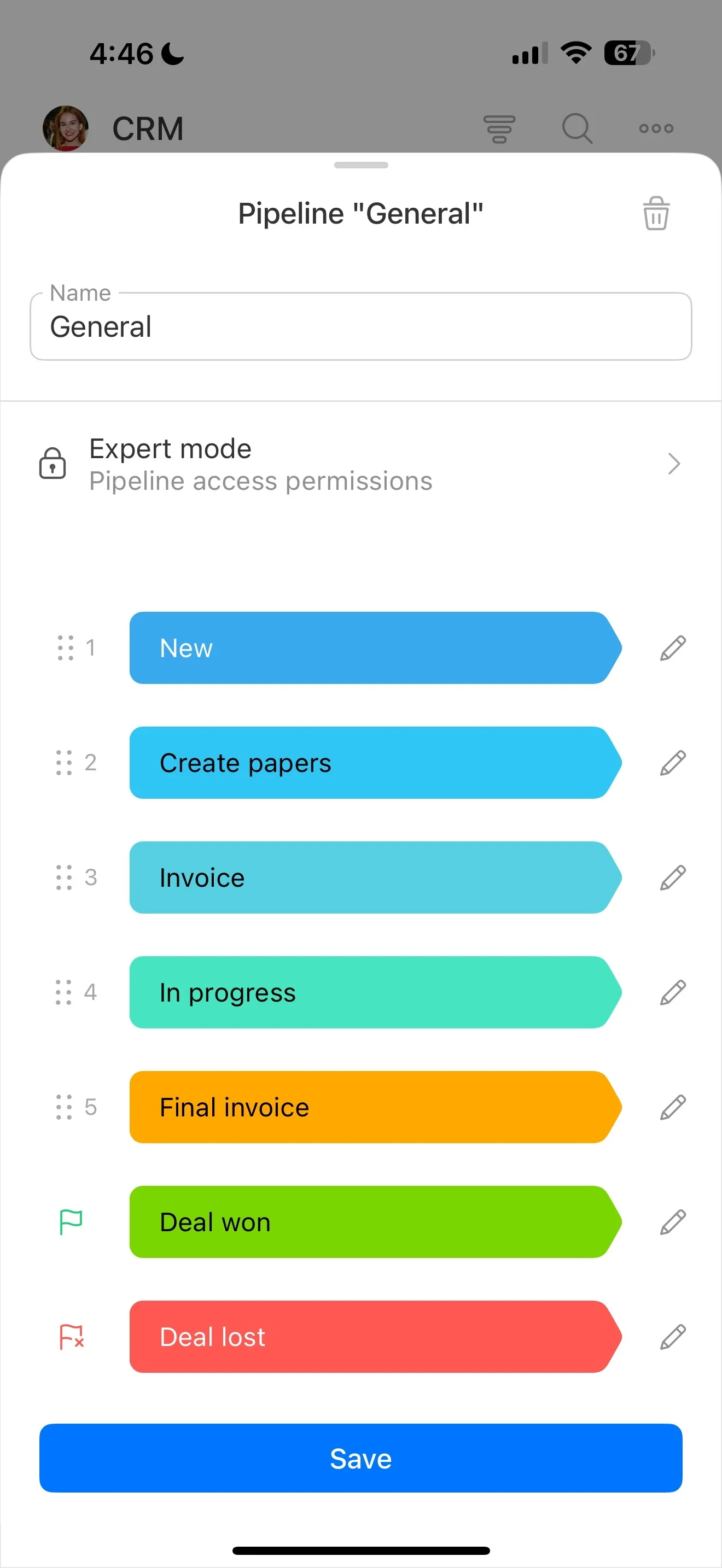
Execute onboarding with assigned playbook tasks
Attach an onboarding plan to the account and assign each step with an owner and due date: kickoff, setup, training, first value milestone, and go-live confirmation. Keeping tasks and notes on the account record makes progress easy to review in standups and handoffs.
Use automation to create or prompt onboarding tasks when an account enters the onboarding stage.
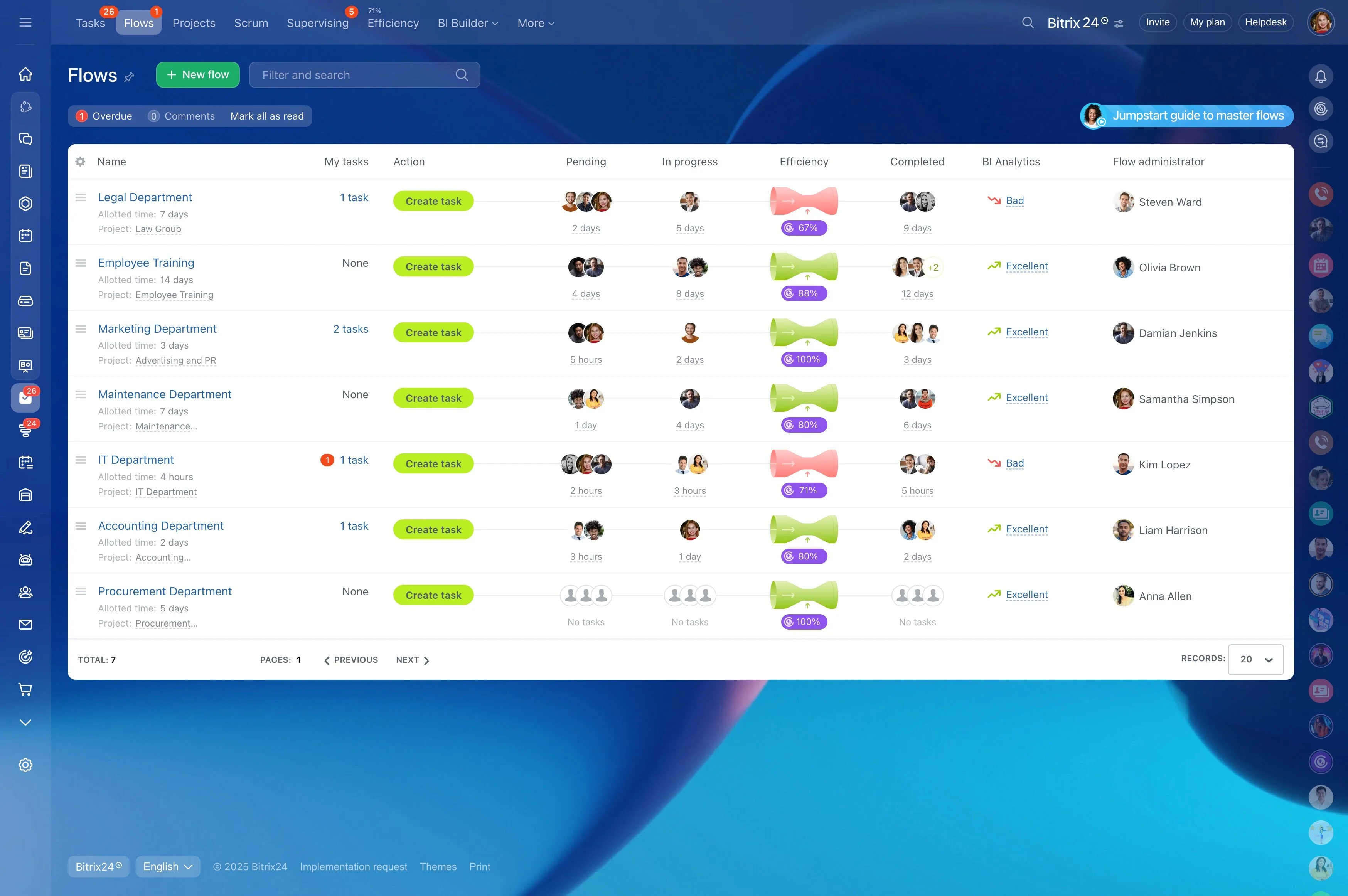
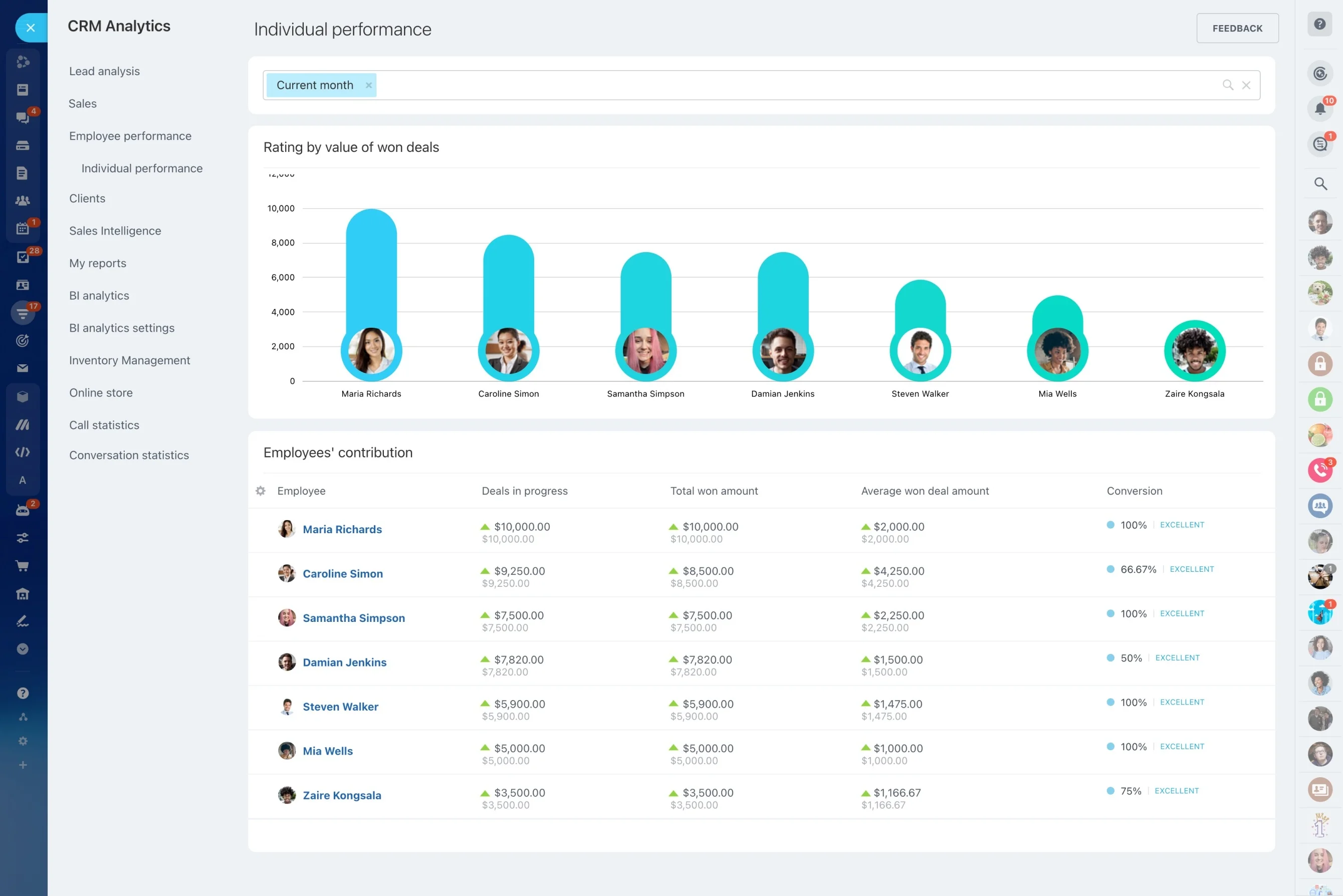
Record health signals and drive follow-up actions
Health tracking only matters when it leads to a next step. Capture the signals you rely on (adoption checks, stakeholder changes, support trends, or commercial milestones) on the account, then convert them into scheduled outreach, internal reviews, or action items.
Automation can prompt task creation, reminders, or re-assignment when an account’s stage or status changes—so the playbook runs the same way every time.

Operationalize renewals with early-stage planning
Build renewal stages that match how you work—planning, stakeholder alignment, terms, committed, closed—and attach the required tasks to each stage. Keeping renewal activities on the account record helps you track progress and surface blockers before the renewal date is close.
- Schedule renewal prep tasks well in advance
- Log commitments, notes, and approvals on the account
- Use reminders so key steps start on time
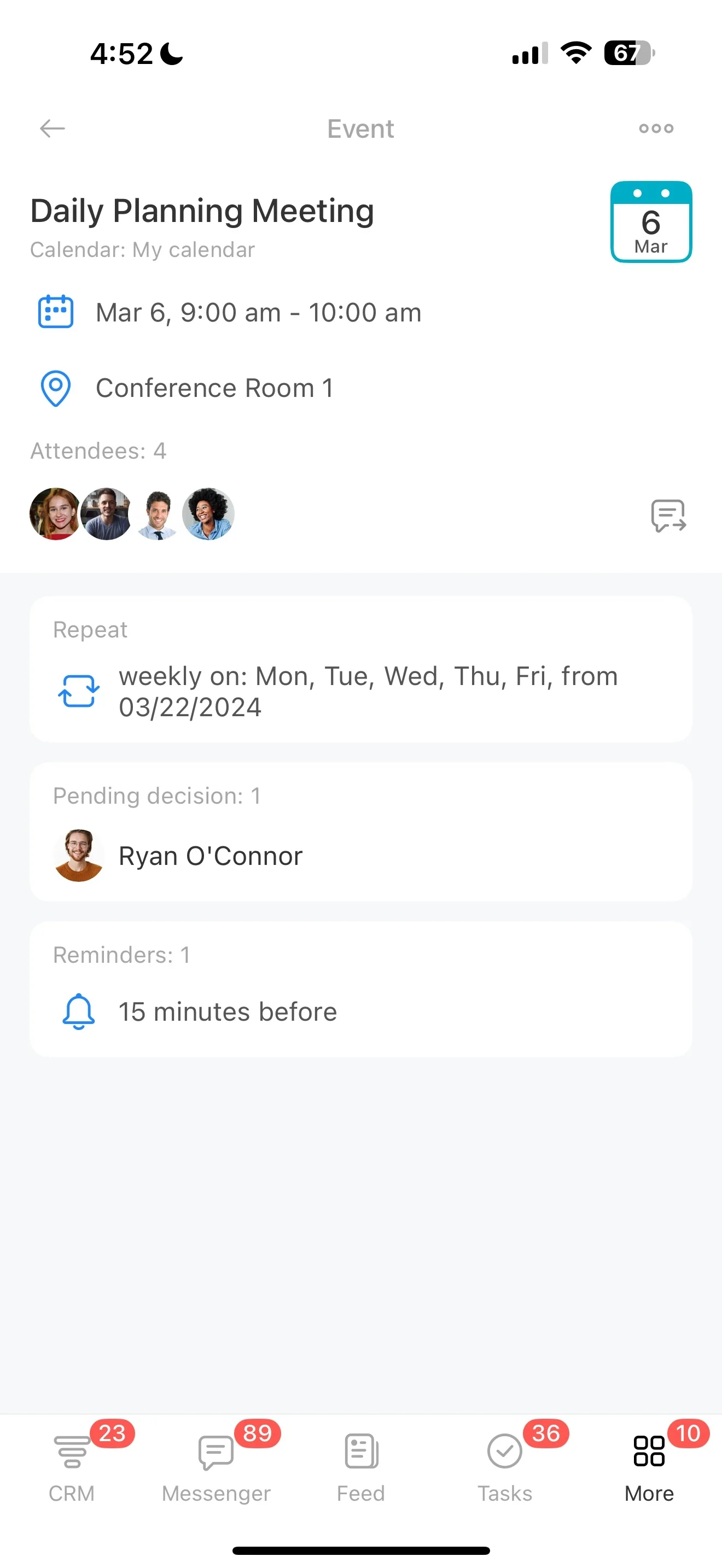
Manage expansion as linked opportunities
When a growth signal appears in a success touchpoint, capture it as an opportunity tied to the account and move it through defined stages with owners and activities. This keeps expansion work trackable without losing the customer-success context that explains why the opportunity exists.
It also helps coordinate success and commercial motions around the same customer history.