Plan, Write, and Assign Content in One Flow With an AI Content Calendar
The quiet week before a launch, two posts in one channel on the same day — see them all on one grid. Draft posts from a short brief and turn every planned item into a Bitrix24 task with an owner and a deadline.
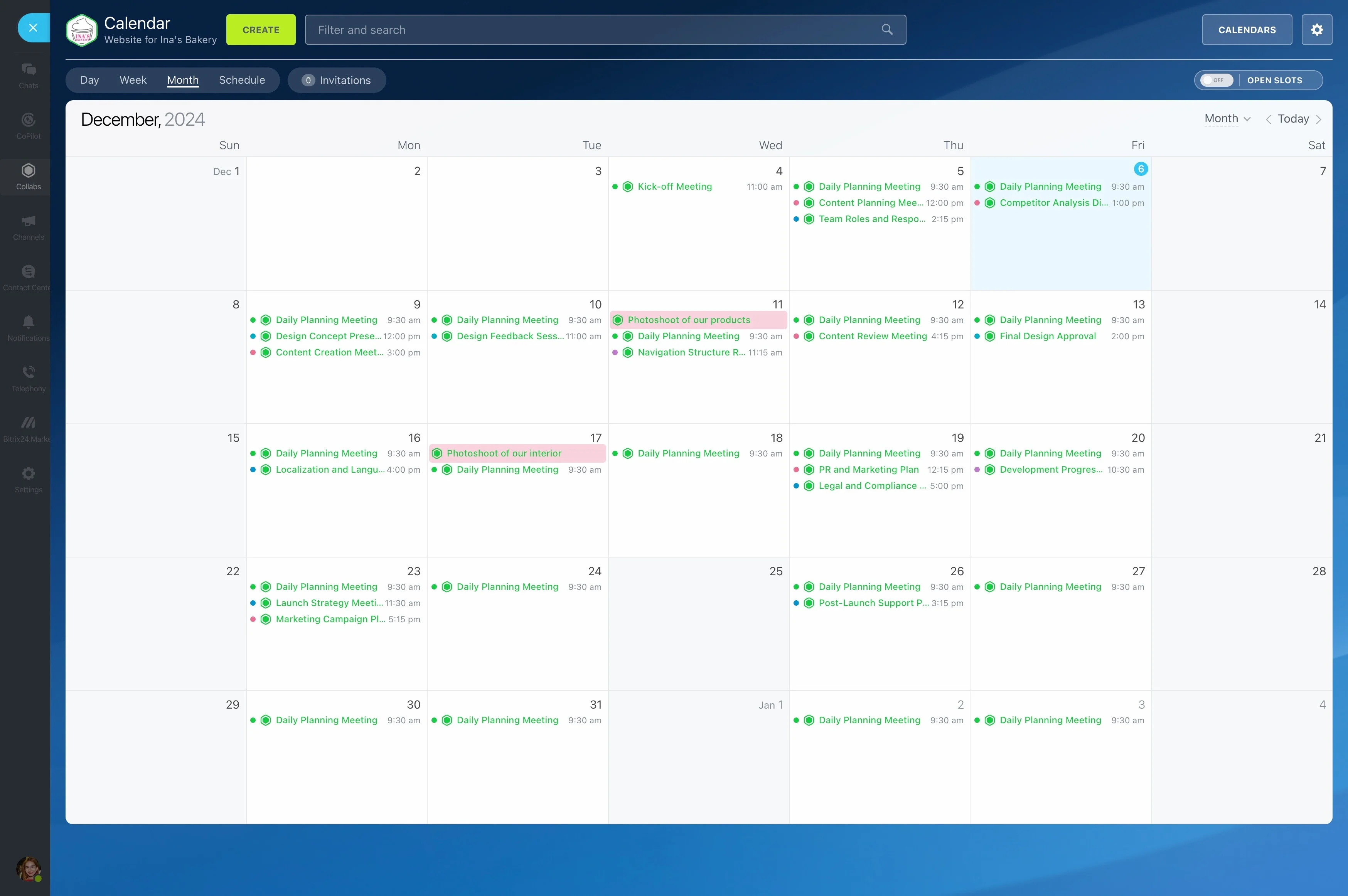
Ideas live in a spreadsheet, dates in a calendar, and assignments in chat — so the launch week ends up empty. With Alaio Vibecode, you can build a content calendar that reads Bitrix24 Calendar and Tasks, highlights problems, and drafts posts for you.
- See all planned content on one grid.
- Spot quiet weeks and overloaded days.
- Draft posts and outlines from a brief.
- Assign writing and design tasks automatically.
CoPilot and Vibecode Together
CoPilot already helps write and edit text inside tasks, chats, and the feed. The Vibecode app adds structure on top.
- The app handles the plan and the checks.
- CoPilot helps polish drafts where people work.
- Everything stays in one workspace.
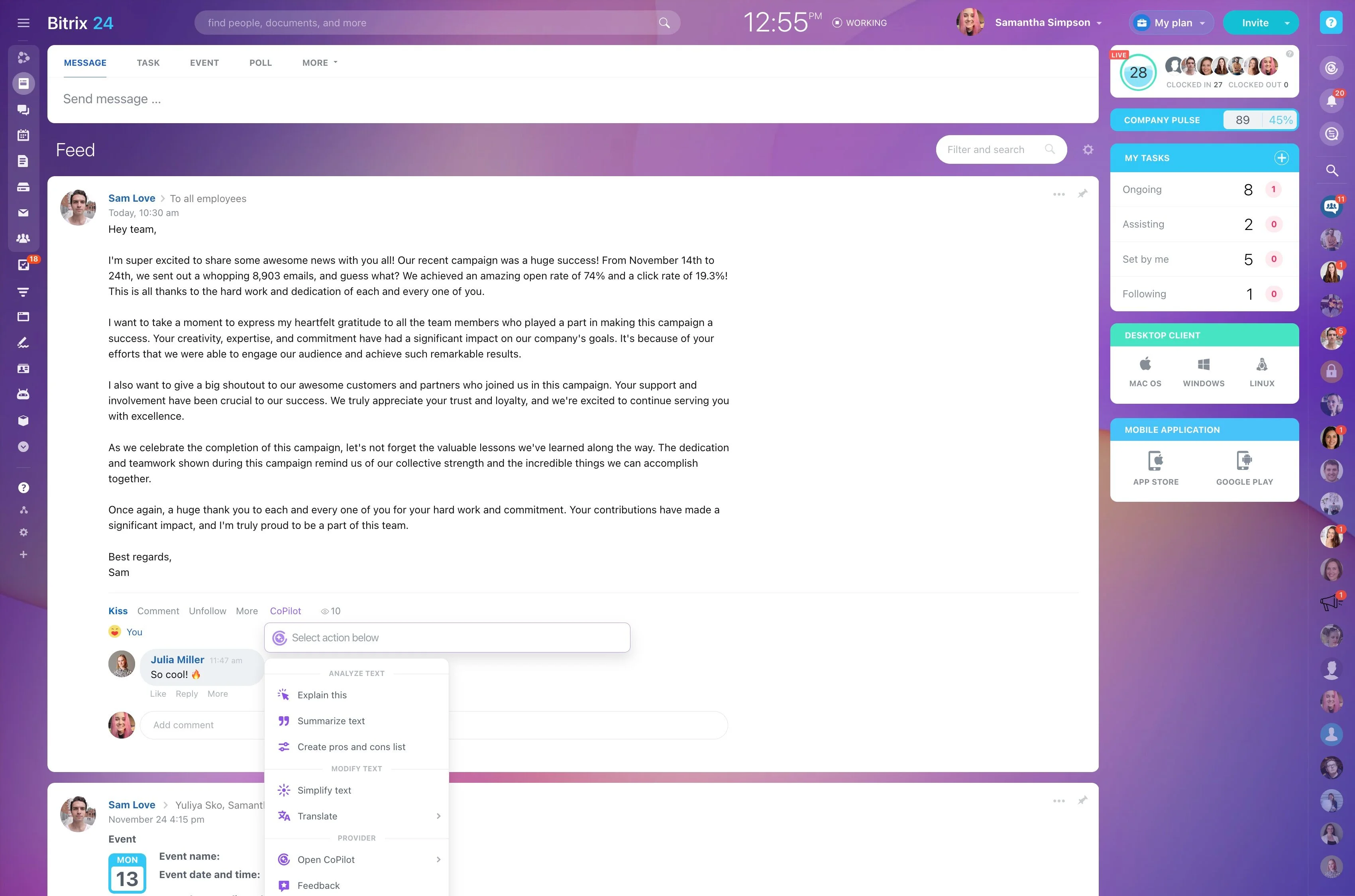
Gaps and Pile-Ups at a Glance
The app shows what a regular calendar will not tell you. Vibecode's ready-made Content Calendar prompt works exactly this way.
- Color items by type: blog, social, email, webinar, launch.
- Flag quiet days before a launch.
- Detect two posts in one channel on the same day.
Drafts From a Short Brief
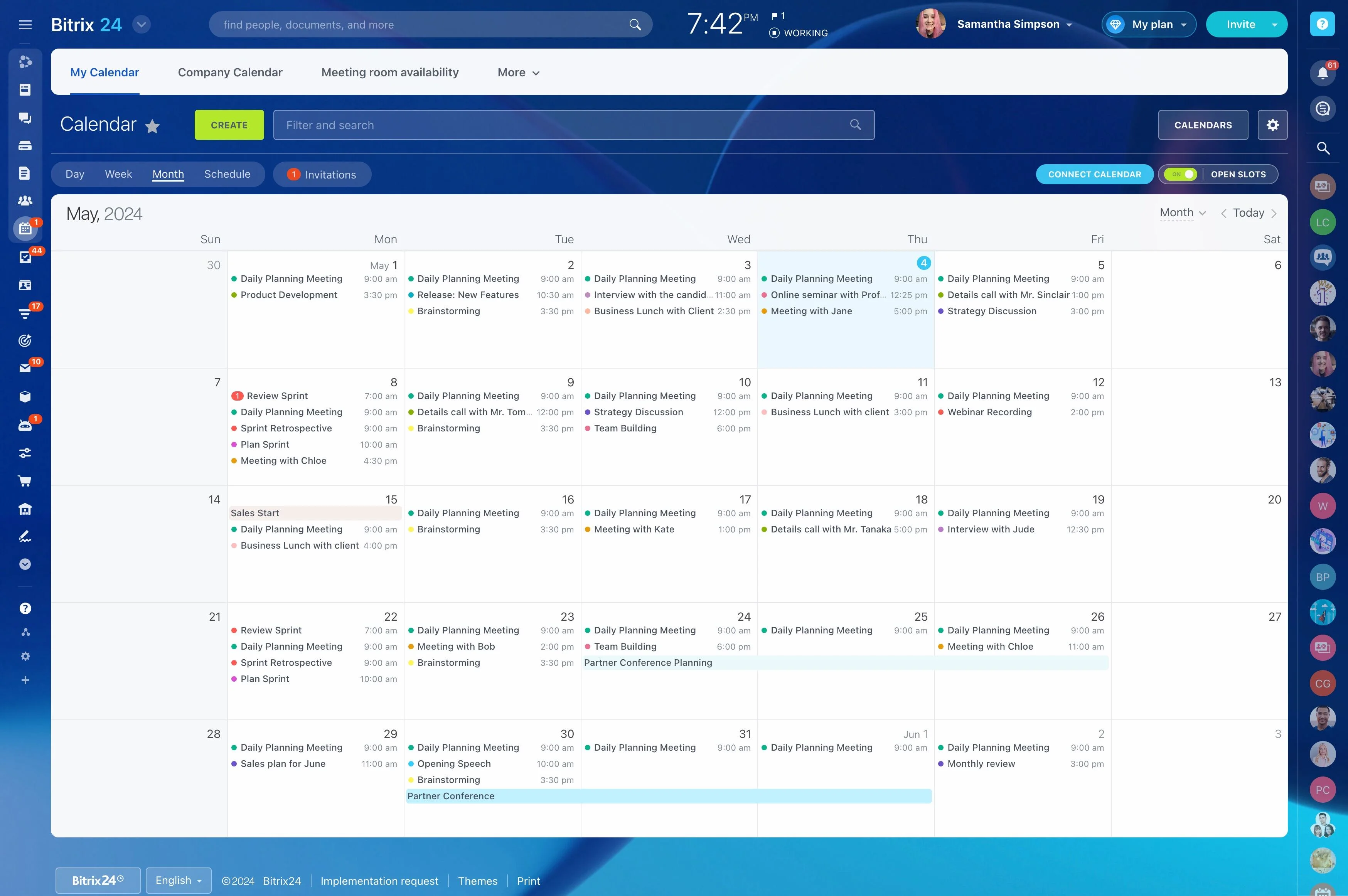
Writers start from a draft instead of a blank page.
- Enter topic, audience, channel, and key message.
- Get drafts sized for each channel.
- Generate versions in several languages at once.
The Plan Becomes Tasks
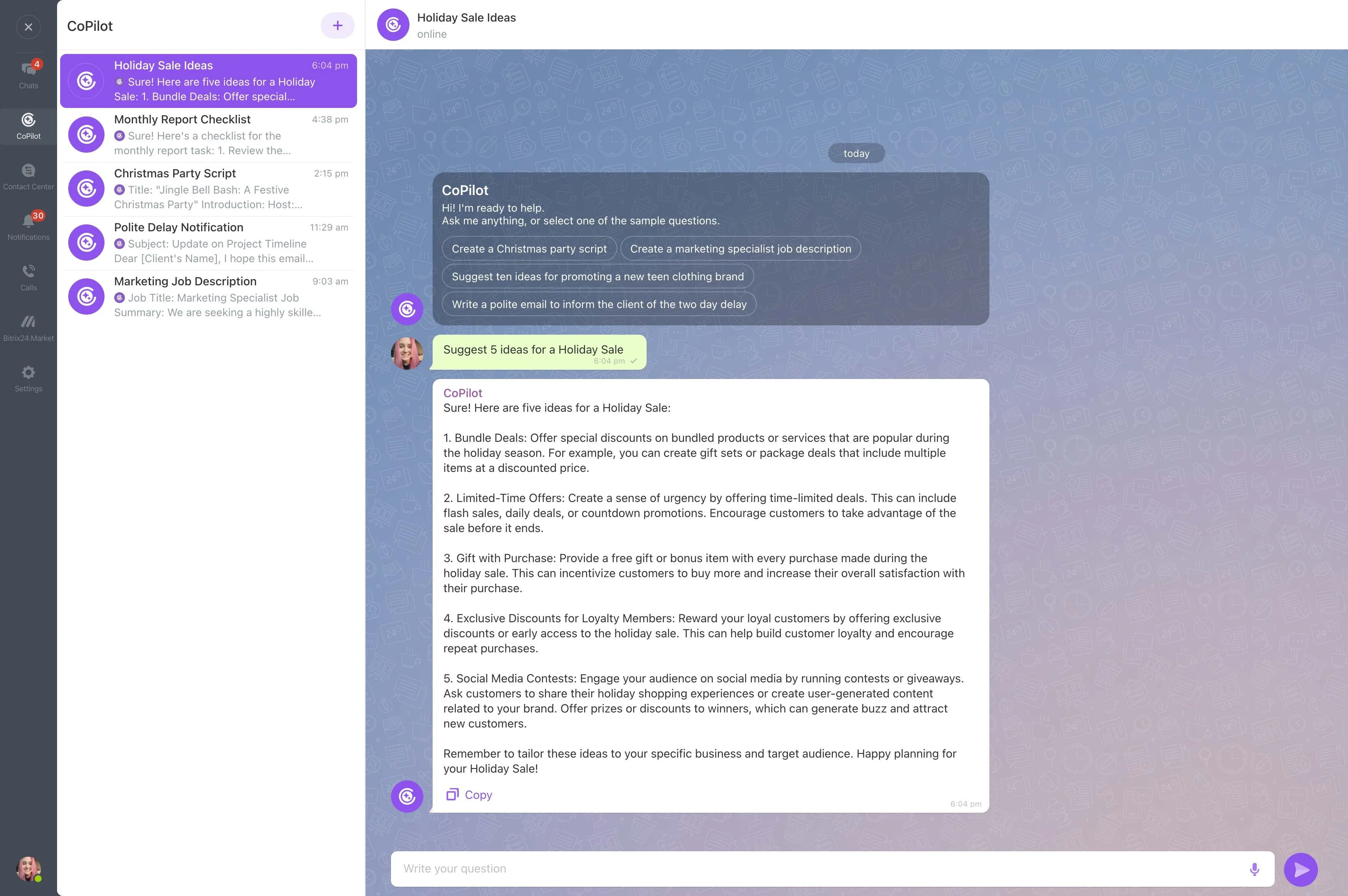
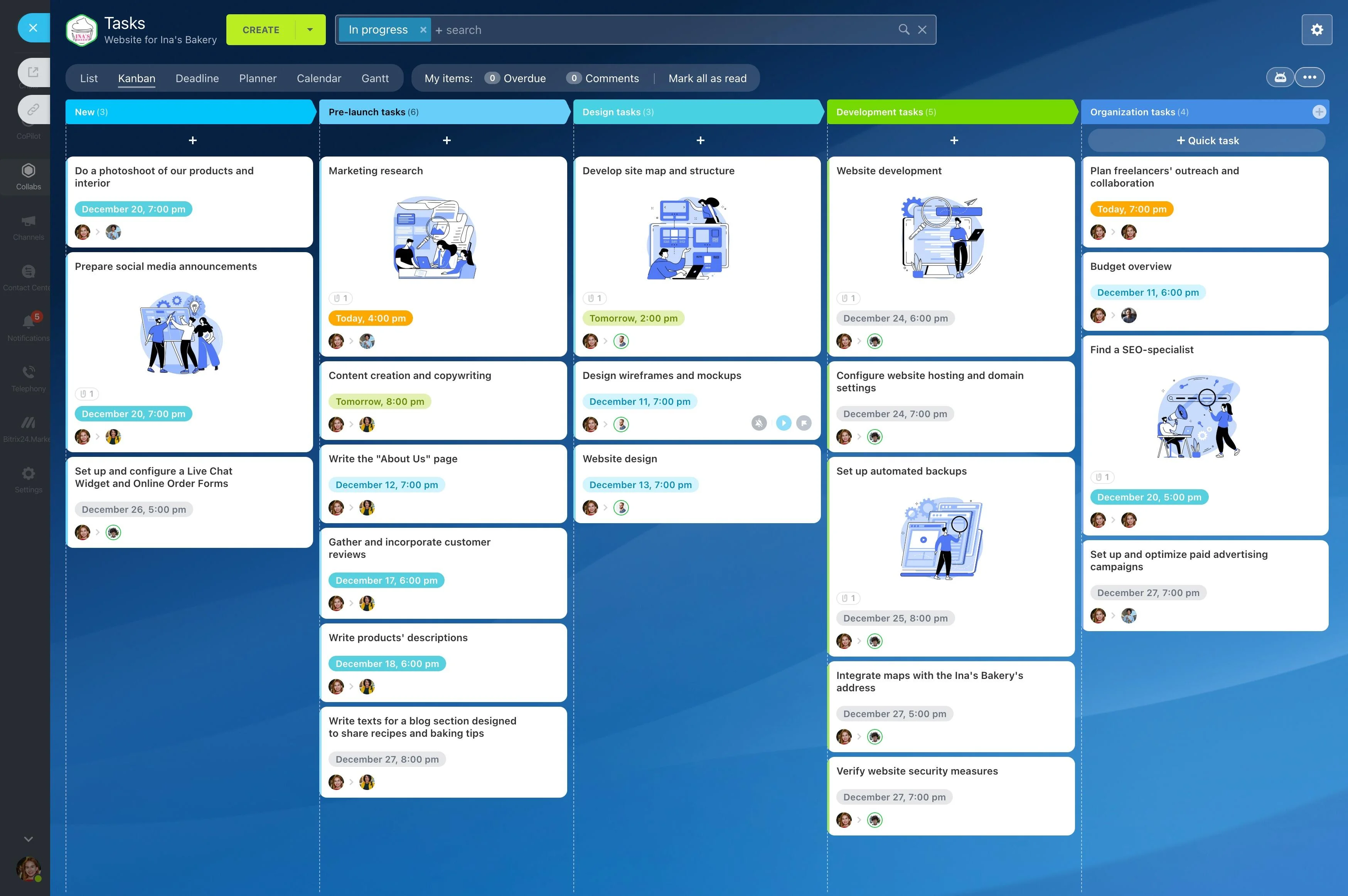
Every planned item can turn into trackable work in Bitrix24 Tasks & projects.
- Create tasks with deadlines and assignees.
- Add checklists for write, design, review, and publish.
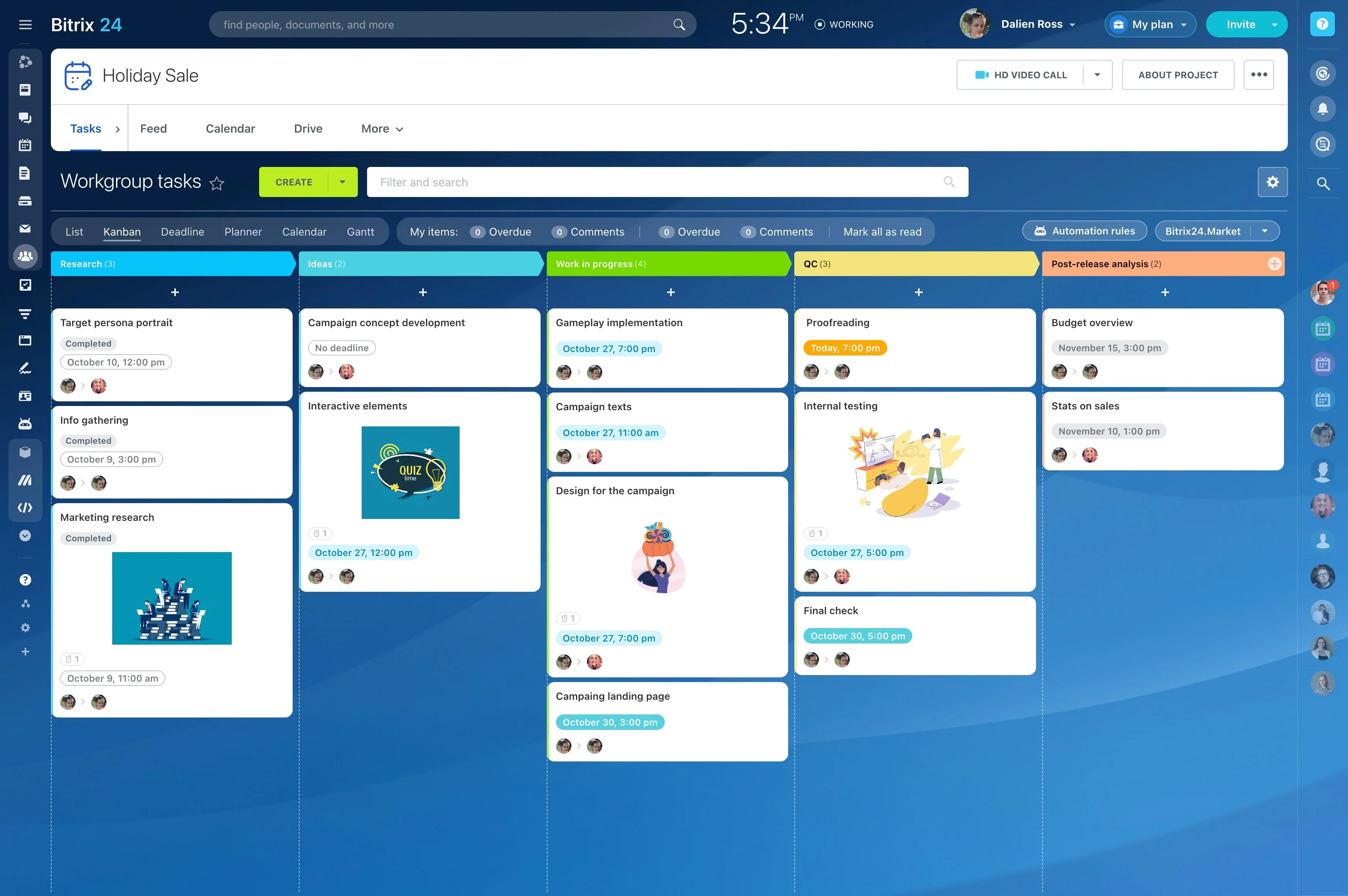
- Track progress in Kanban or Gantt views.
Build the Calendar With Vibecode
Describe how your team plans content, and AI builds the tool.
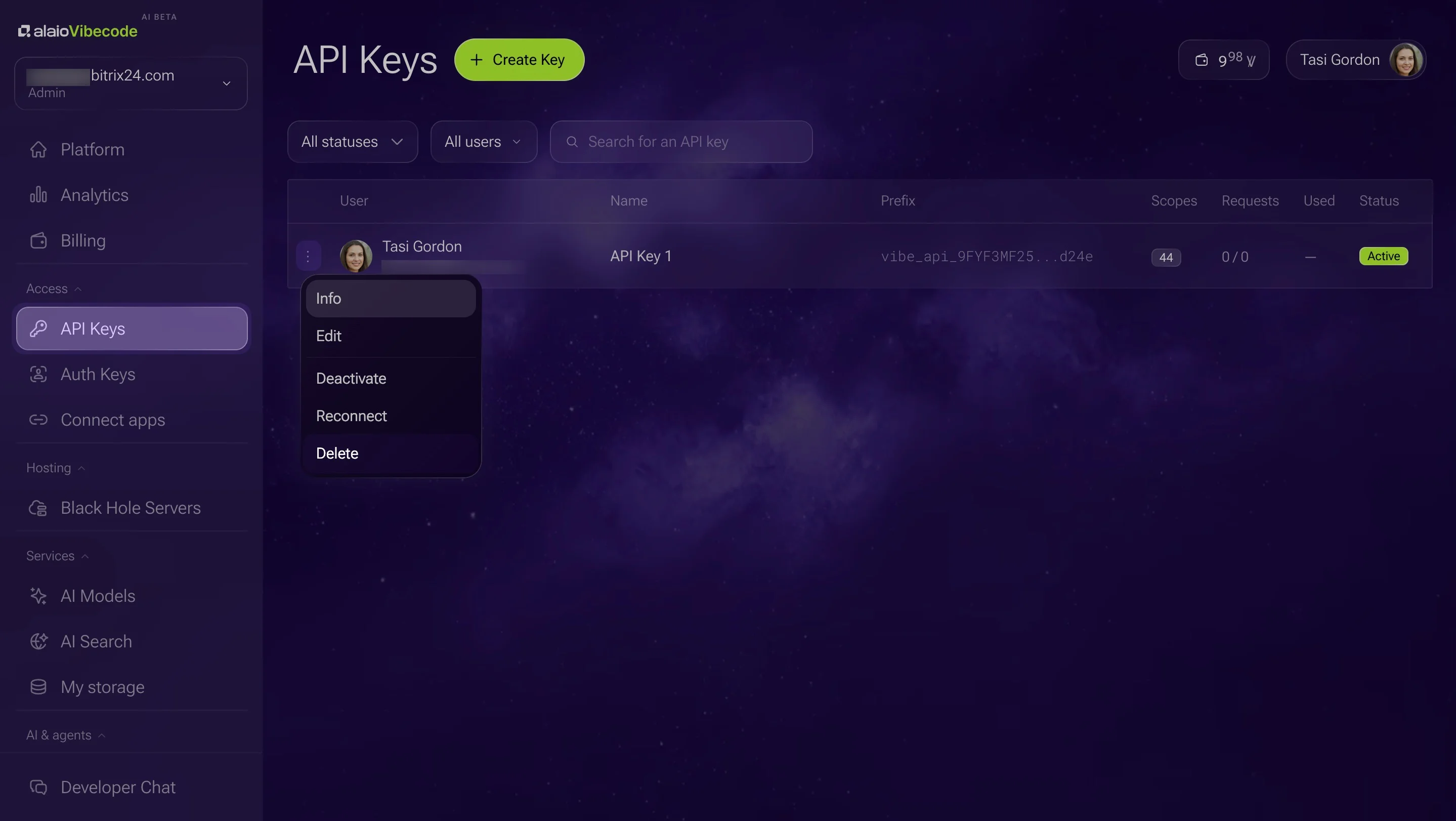
1. Create an API key with calendar, tasks, and AI access.
2. Describe it: "Show five weeks of content by type, highlight gaps and conflicts, and create tasks for each item."
3. Tag calendar events by type, for example [Blog] or [Social].
4. Refine the view in plain language.
No Extra Planning Tool to Pay For
Calendar, tasks, and chat are already in Bitrix24.
- Built-in AI models run within your Vibe+ plan's monthly AI allowance; usage beyond it is billed in Vibe credits.
- Your content plan stays in your own workspace.
- Vibecode is in AI Beta, so plans and pricing may change.
For more information about Bitrix24, head over to our training courses.
We also have a great YouTube channel that covers every aspect of Bitrix24, from sales and planning to document management and company internal communication tools.
To download the self-hosted edition of Bitrix24 that can be installed on your own server and give you access to open source code, please visit the Bitrix24 Self-Hosted page.
Be sure to check out other Bitrix24 tools:
15,000,000+ organizations have chosen Bitrix24