.png)


.png)


Business process automation

Robotic Process Automation (RPA)
Automate any standard business process (document approval, purchase request, expense report, etc.) and save up to 80% of your time on completing routine tasks.
Easy to set up and manage
No-code RPA
Workflow editor
Notifications
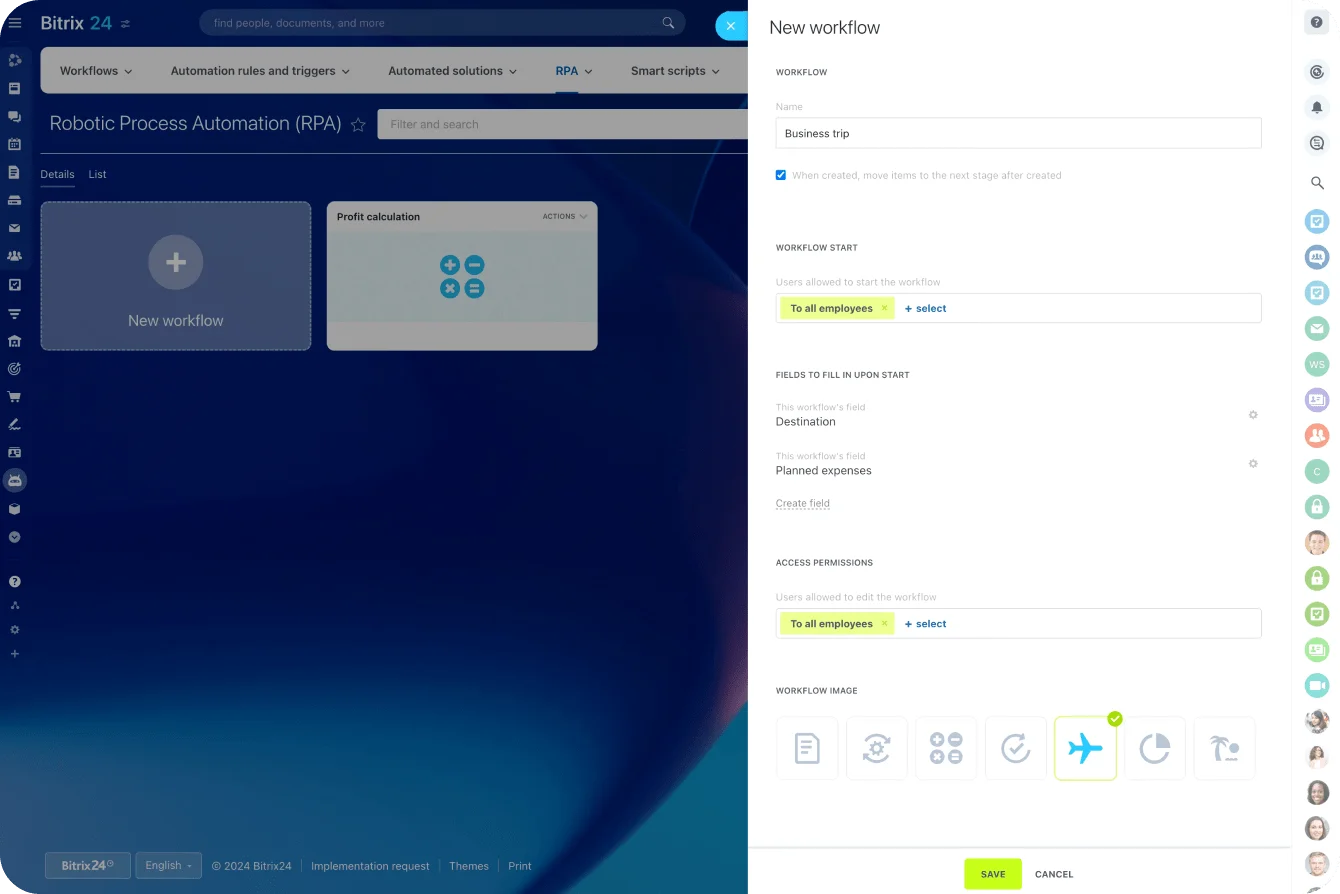
Workflow management
Our automated workflows can be used to take a document through approval stages, assign tasks, send emails, or notify of an approaching deadline. This way, you can approve a business trip, request a leave, and more.
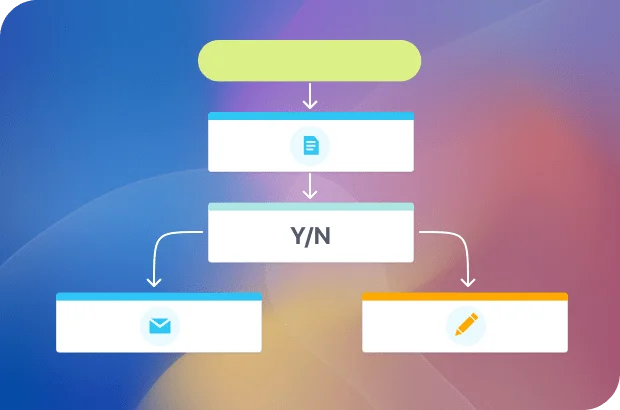
No-code RPA
Using our intuitive workflow editor, you simply have to list all the stages a document has to go through, select the required action, and assign the responsible person. No coding skills are required whatsoever.
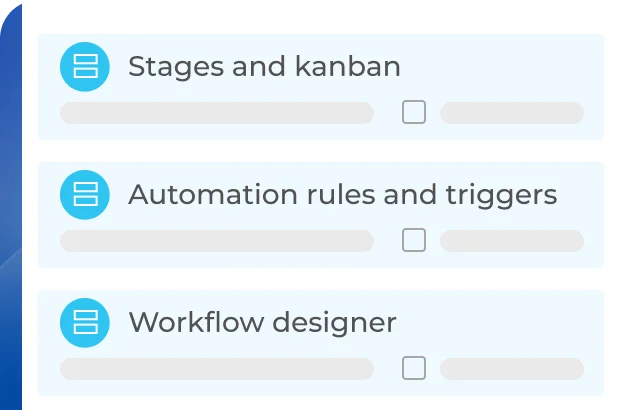
Easy to monitor and supervise
All process-related activity is saved and stored in a single dashboard, so there's no need to open every stage of a process to see the details and history.


Ready to use RPA in Bitrix24?
Smart Process Automation (SPA)
A smart process in Bitrix24 is a customizable type of element in CRM that allows you to create your own work scenarios. Go beyond deals, lead, and quotes – create and automate your own entities (contractor lists, purchase funnels, document registry, etc.).
Easy to set up
Intelligent automation
Wide choice of templates
Integrated with calendar and tasks
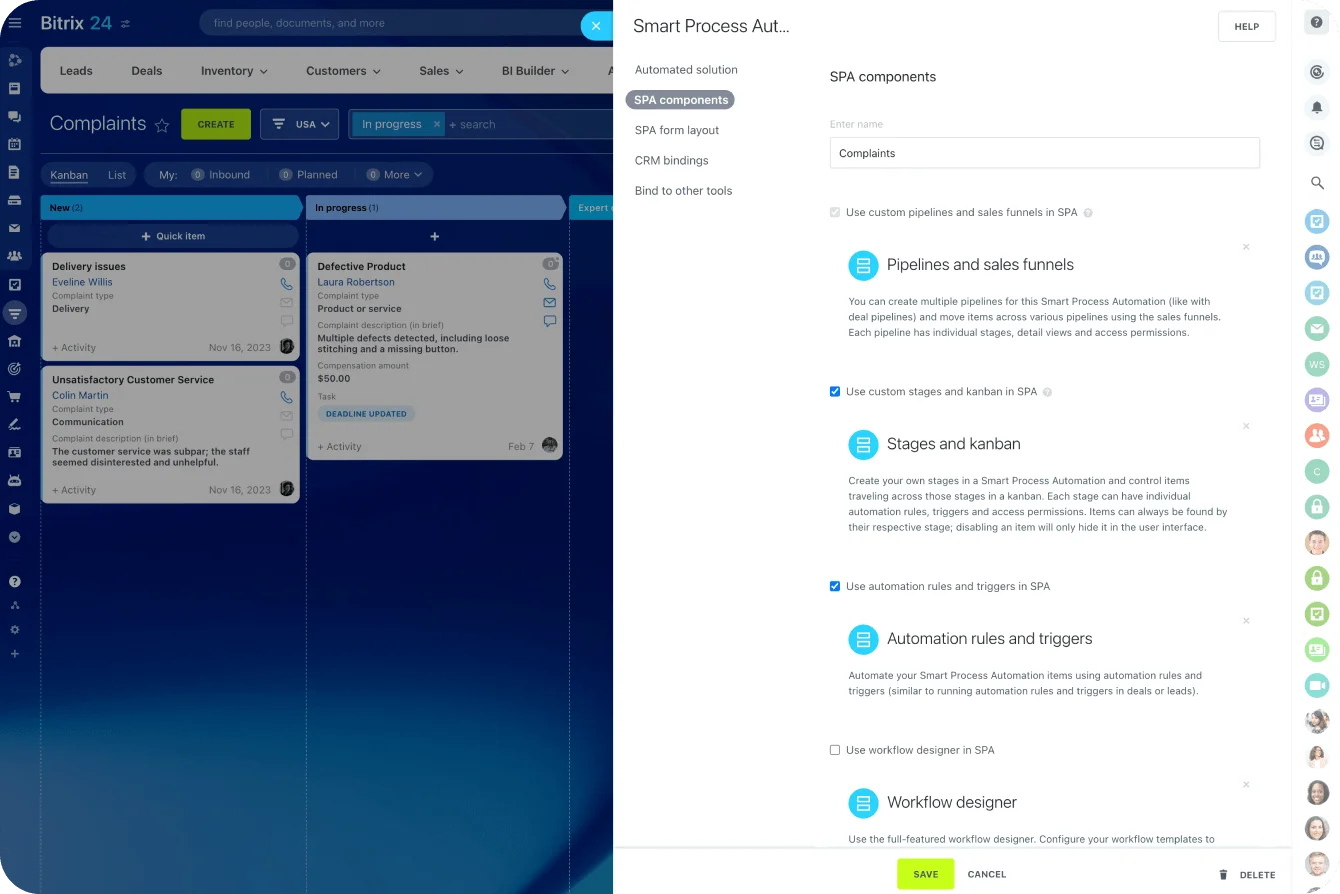
Easy to set up
To create a new smart process, you need to configure its components, set the required fields, and enable CRM bindings by selecting the entities you want to link to this new process.
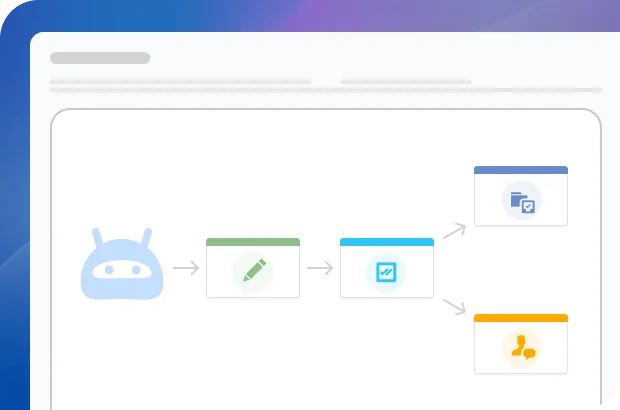
Wide choice of templates
Use our templates or create a smart process from scratch. Set up custom pipelines, sales funnels, Kanban stages, default access permissions for pipelines, and more.
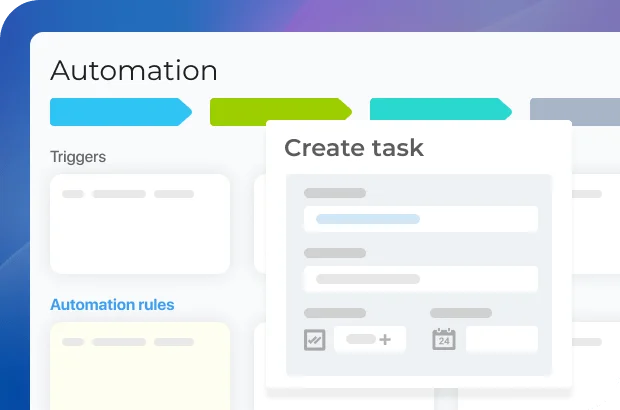
Integrated with other Bitrix24 tools
For advanced process optimization, you can link your smart process to other CRM entities, calendars, tasks, and even task templates.

Ready to use SPA in Bitrix24?
MCP in Bitrix24
Connect external AI tools like ChatGPT to Bitrix24 to perform actions inside your workspace: create a task, find a deal, and more. That means faster work, less routine effort, and a smoother daily workflow.
Secure AI access
No-code setup
Natural-language actions
Permission-based control
Fast connection
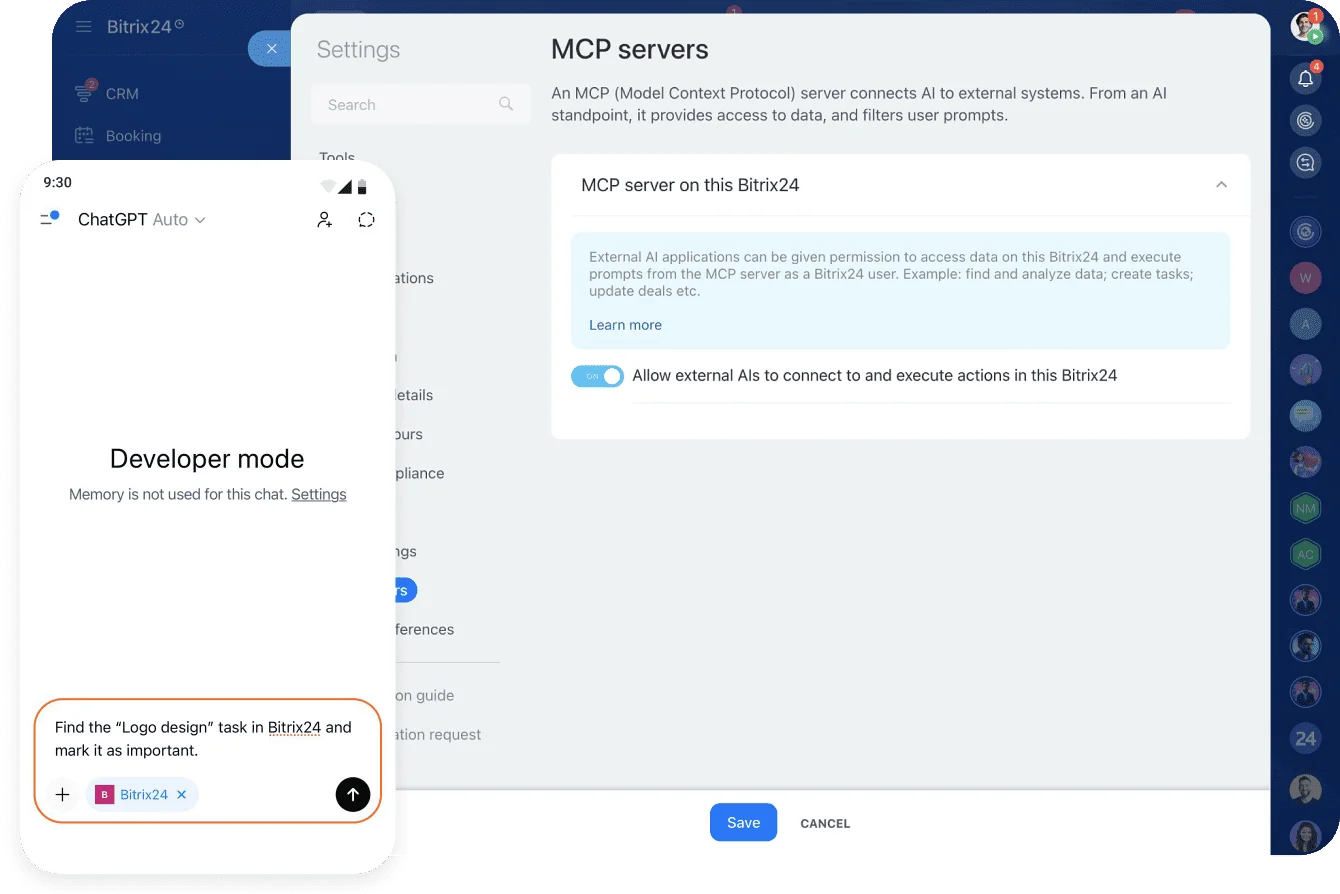
MCP at a glance
MCP stands for Model Context Protocol. It gives popular AI tools like ChatGPT and Manus AI a structured, secure way to interact with Bitrix24 instead of only providing text responses.

External AI in Bitrix24
With MCP, Bitrix24 becomes part of the AI's working environment. That means the AI can read data, understand context, and carry out actions inside your workspace.

Easy to connect
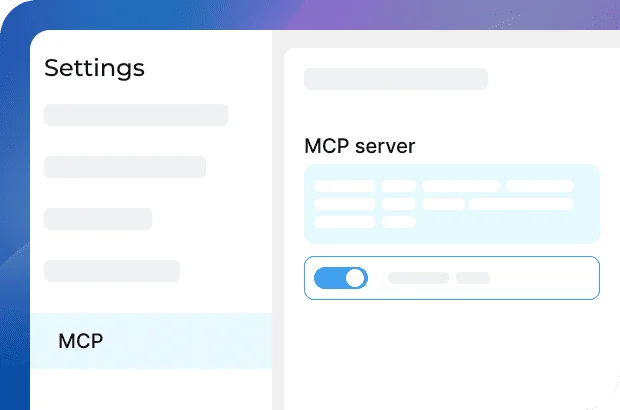
Setup is quick and straightforward. In Bitrix24 settings, open MCP Servers and enable the option that allows external AIs to connect to your workspace.

Ready to connect external AIs to Bitrix24?
What makes Bitrix24 better than 99% of other solutions on the market?
- Replaces all your current SaaS solutions
- Free forever for unlimited users
- Easy to migrate your data from other systems
- Integrated with all your favorite services and apps
- Used, loved, and trusted by 15,000,000+ organizations worldwide
- 100% flat fee: predictable costs, no per-user pricing

Rules and triggers
Automating certain routine processes via rules and triggers can help you save a great deal of time and eliminate human errors.
Easy, no-code setup
Wide choice of standard rules
Custom automation rules
Integrated with CRM and other Bitrix24 tools
Easy to set up
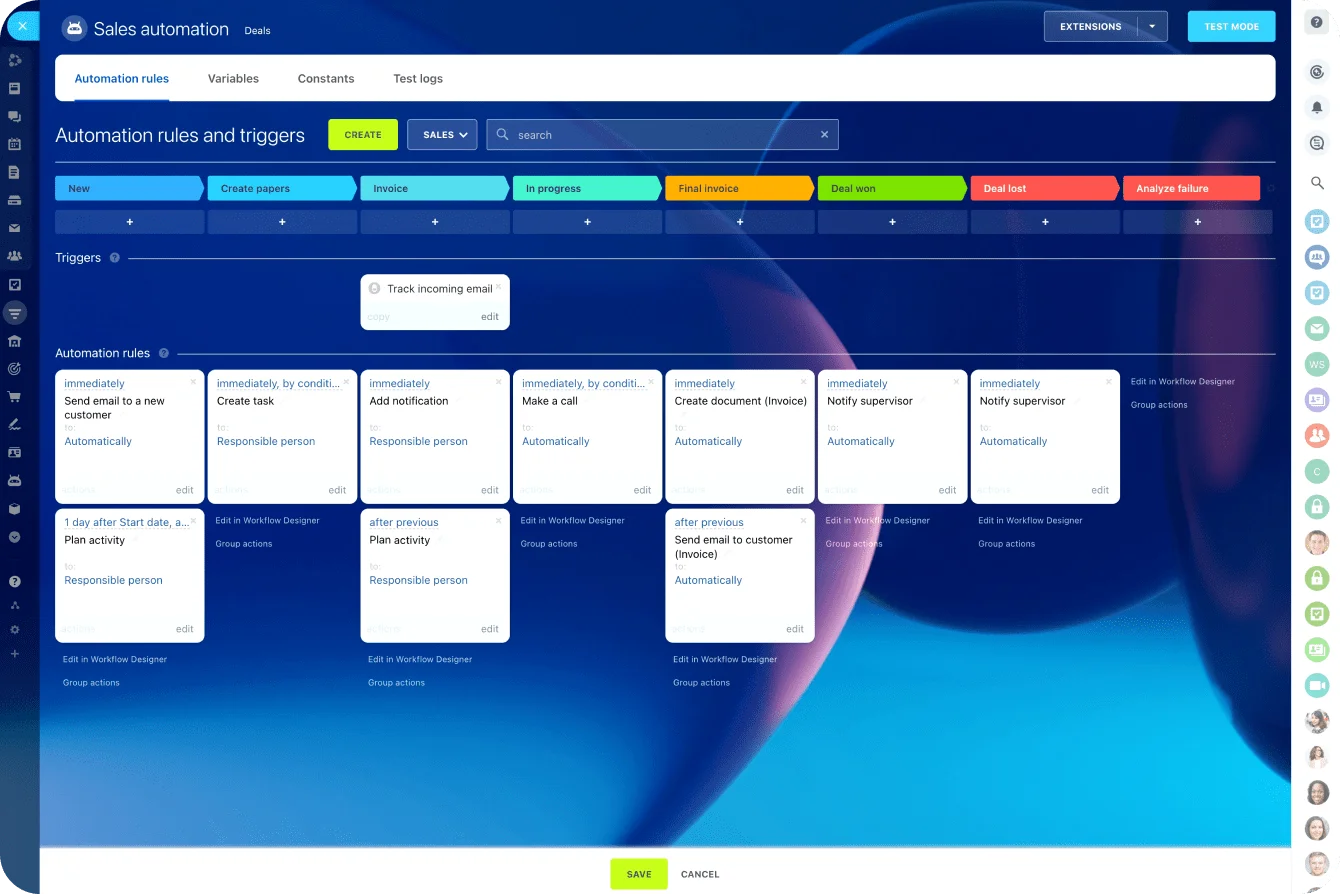
Configuring a task automation rule in the Bitrix24 process automation software takes only a few minutes and does not require any programming skills whatsoever. The whole process is super intuitive and visual.
Wide choice of operations
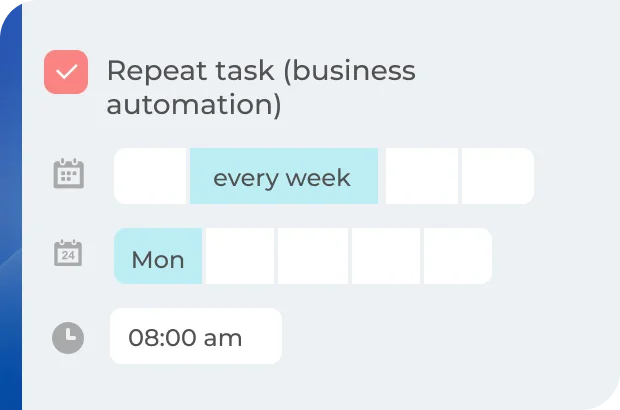
You can automate a wide range of standard, routine operations like creating a task, changing a stage in Kanban, task status, assignee, sending a notification to a particular employee, and more.
Integrated with CRM and other Bitrix24 tools
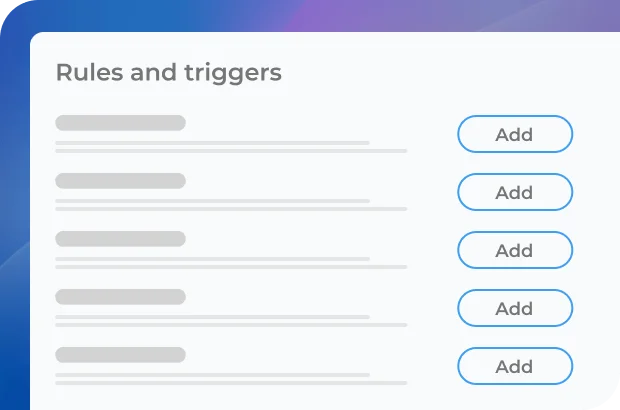
Tasks can be automatically created based on certain triggers and actions in CRM (e.g., when a deal is moved to the next stage, a new task is created for an employee to email an invoice to the client).
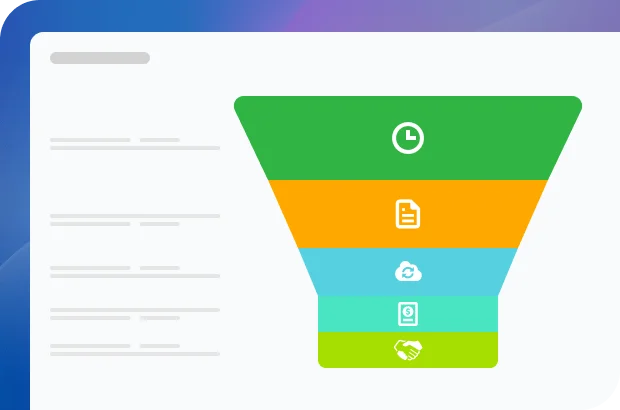

Ready to use automation rules & triggers in Bitrix24?
Flows
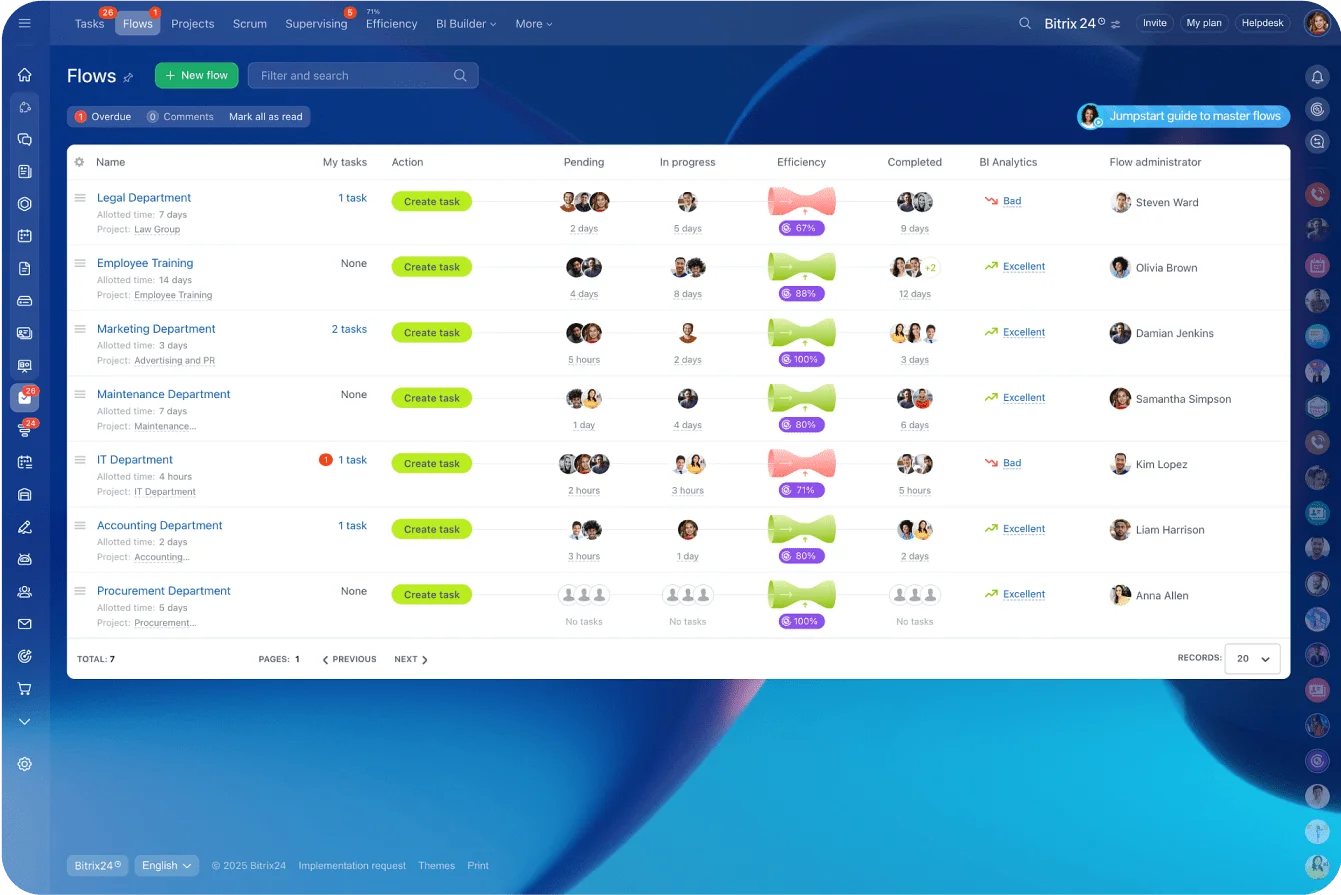
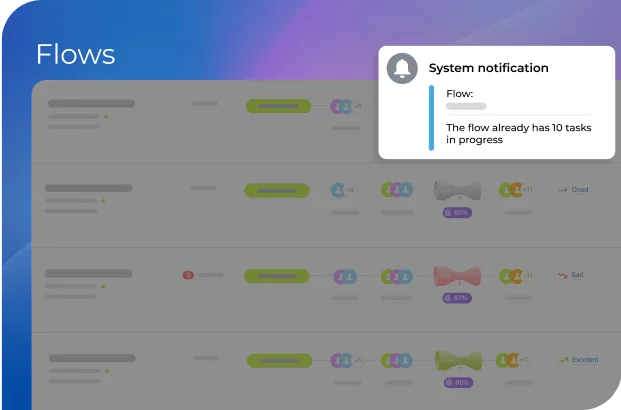
Flows are a clever way of visualizing tasks that are related to a particular process inside your company or department (e.g., legal documents approval). Creating a flow allows everyone to see what the current workload is and identify bottlenecks to increase work efficiency.
Customizable task templates
No more bottlenecks
Real-time workload management
Increased work efficiency
AI-based analysis and recommendations
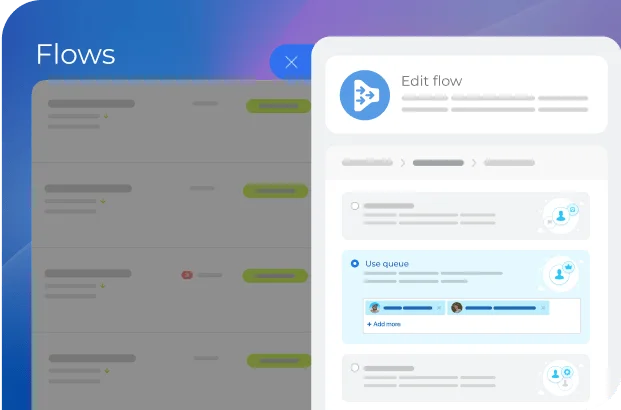
Multiple ways to work with tasks
To distribute tasks, you can use a queue, assign them manually, or allow the team members to pick pending tasks once they become available.
Flow efficiency
Once your flows start working, you will immediately see if there are any missed deadlines and take the necessary action, which leads to a more balanced and efficient workload management.
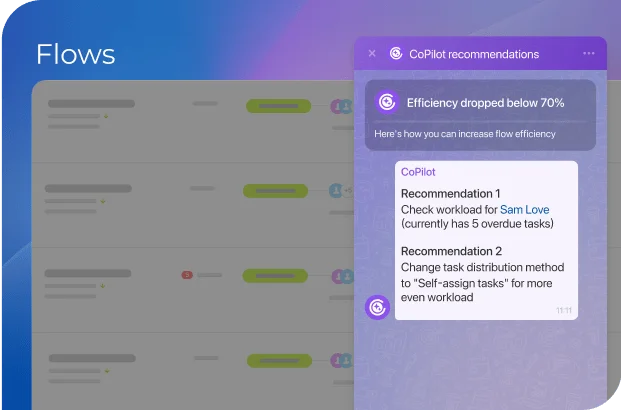
Real-time workload management
If the number of tasks in progress exceeds a certain critical value, you will receive a notification and will be able to step in and redistribute the workload more evenly.
More than just automation
Explore the full potential and amazing capabilities of Bitrix24.




Integrations
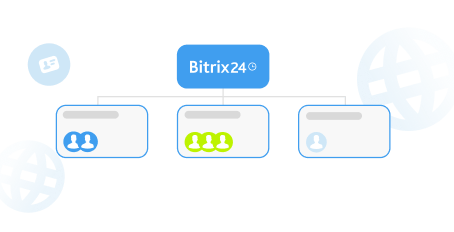
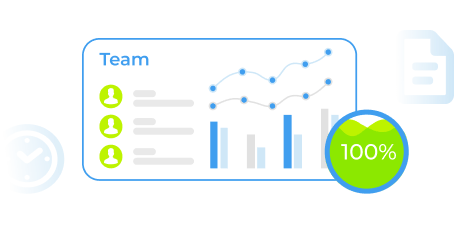
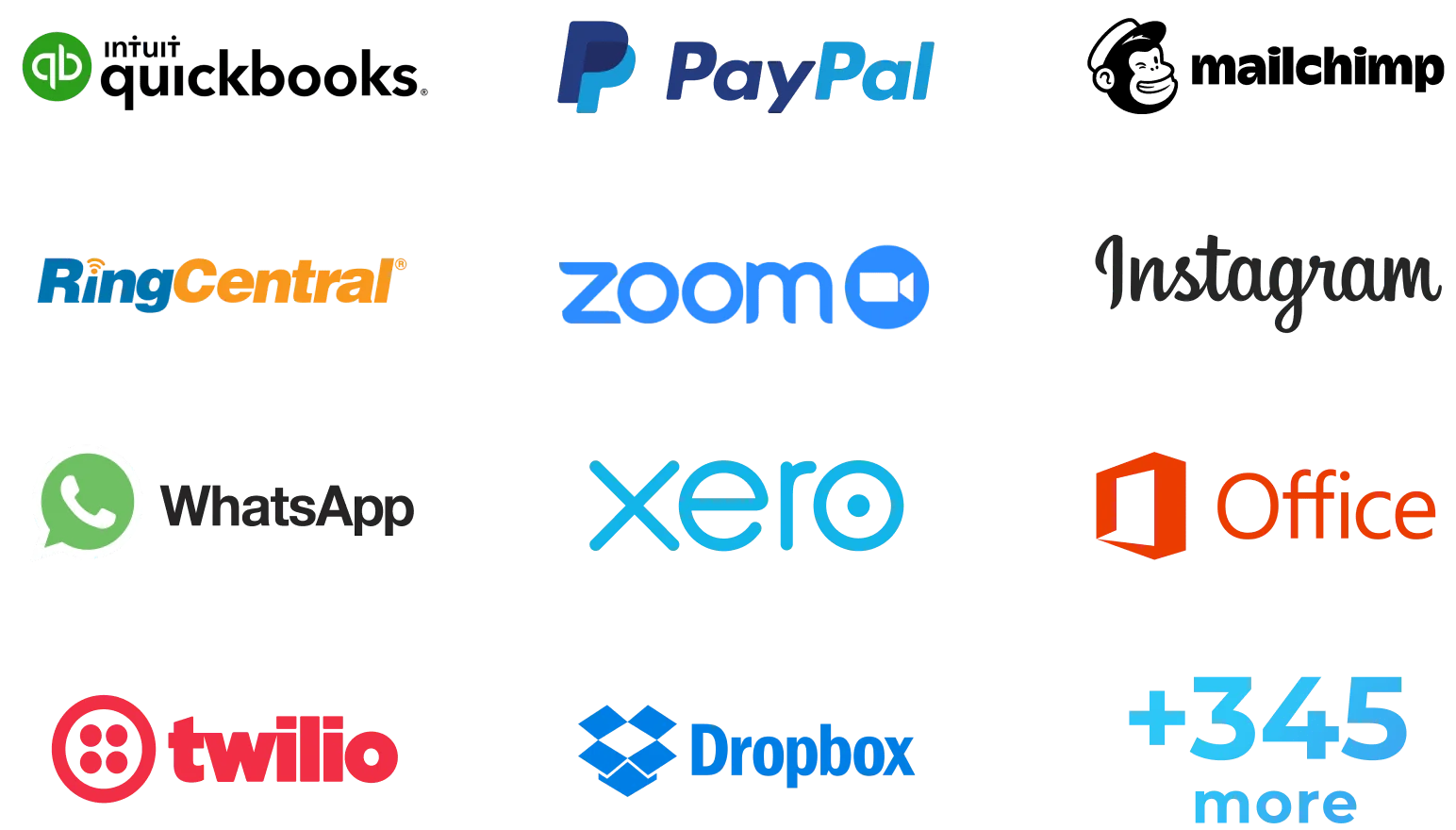
Bitrix24 comes with several dozen integrations available in Bitrix24 Market. You can also create your own apps using our REST API.
Ready to get started?
Used and trusted by over 15,000,000 organizations around the world, Bitrix24 is a perfect choice for your business
Start for free Request assistance from Bitrix24 partners