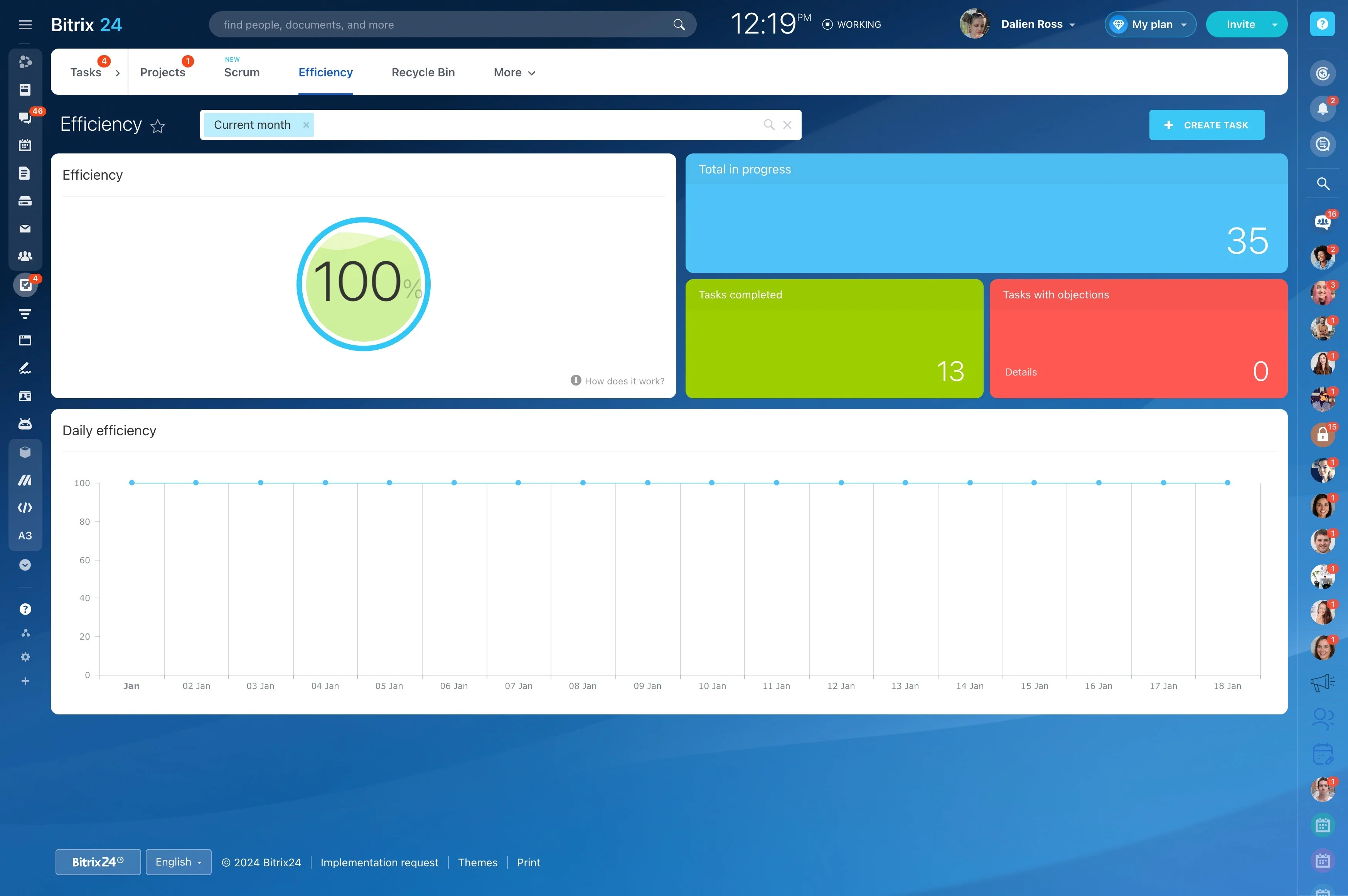
When work passes between several people, each task needs a clear owner, a realistic deadline, and enough context to move forward. A structured task workflow makes responsibilities visible and gives everyone a shared view of progress.
Bitrix24 supports the process from creating a task to completing it. Teams can describe the required work, assign participants, monitor status, and keep questions or updates with the task they relate to.
Keep updates attached to each task
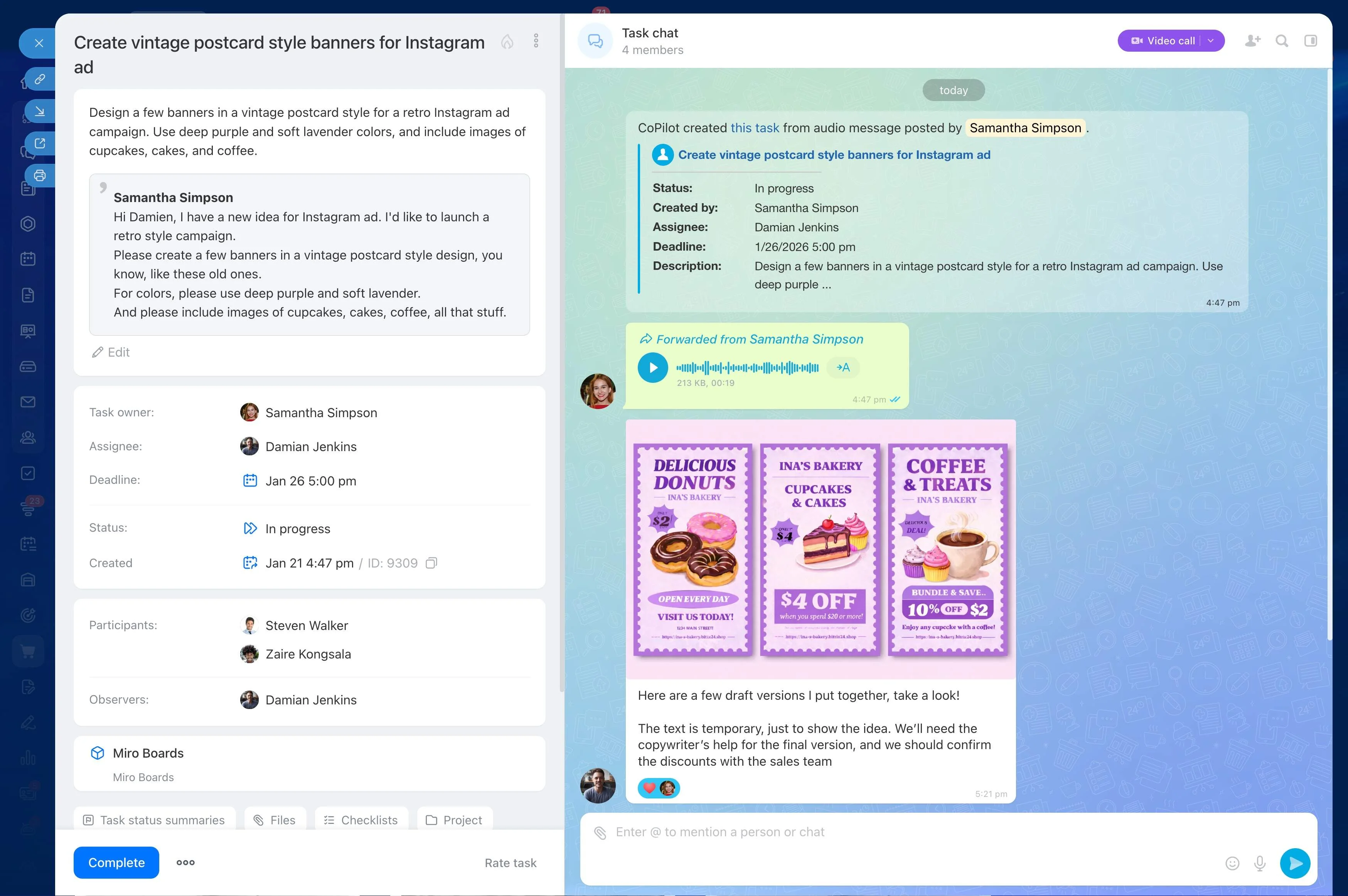
Questions, clarifications, and progress notes are easier to use when they remain with the relevant task. Keeping the conversation in context preserves decisions and gives participants the information they need without rebuilding the history elsewhere.

Define the work before it starts
Turn a request into an actionable task by recording the expected result, relevant context, responsible person, and due date. Clear details at the start reduce ambiguity and give the assignee a practical reference for completing the work.
Make responsibility visible
Assign each task to a specific owner and add other participants when their input is needed. This separates accountability from contribution, so everyone can see who is responsible for completion and who supports the work.
See what is pending or complete
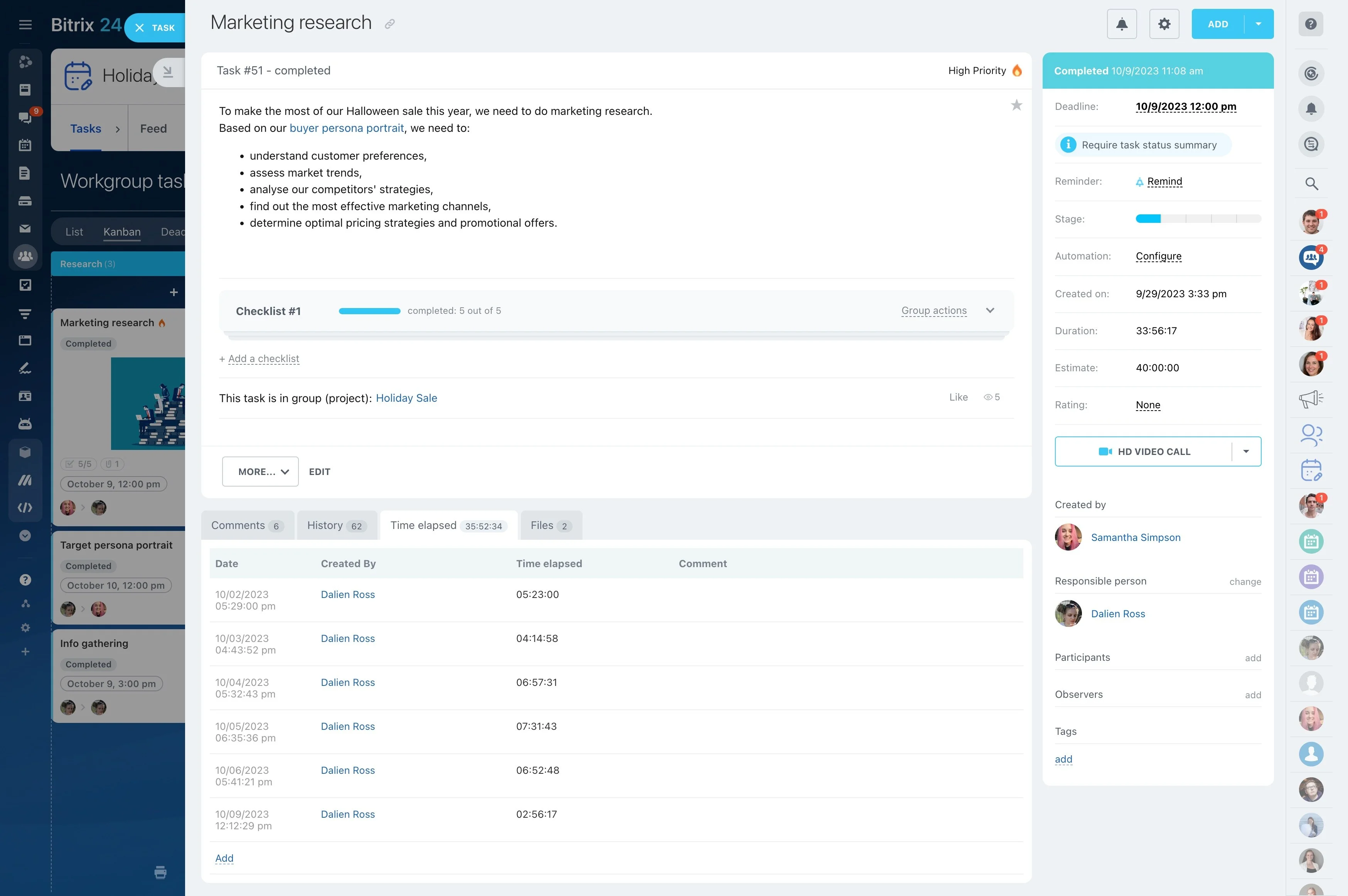
Track tasks as they move from planned work to active progress and completion. Status information helps team members identify unfinished items, focus on the next action, and discuss work that is not moving as expected.
Give recurring work a repeatable structure
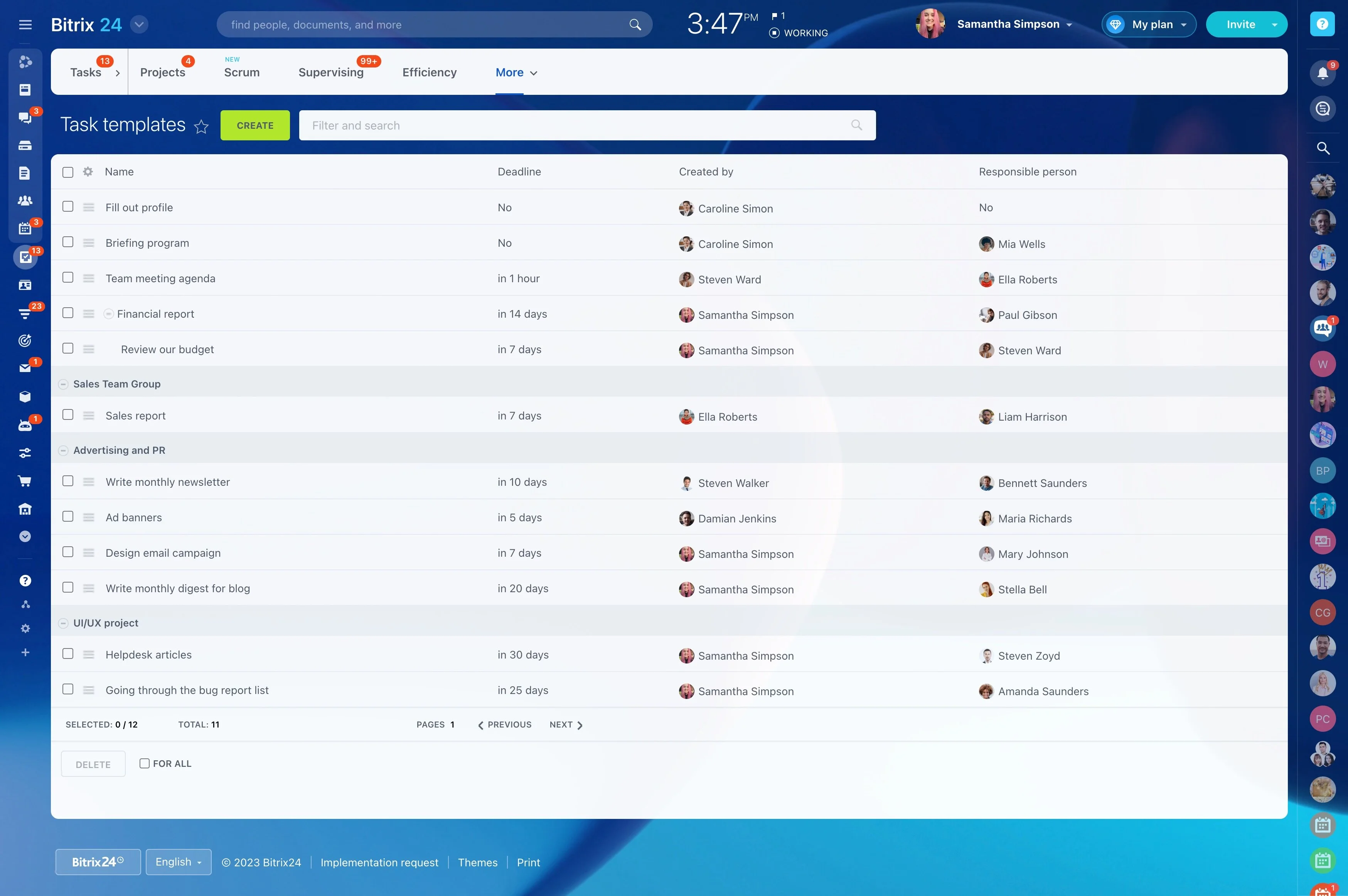
Routine responsibilities still need clear ownership and timing. Use defined tasks for weekly or monthly activities so the same work follows a consistent pattern and assignees know what is expected each time.
Review commitments and next actions
Task reviews show what is due, what is underway, and where attention may be needed. This gives individuals and managers a concrete basis for adjusting priorities and discussing upcoming commitments.