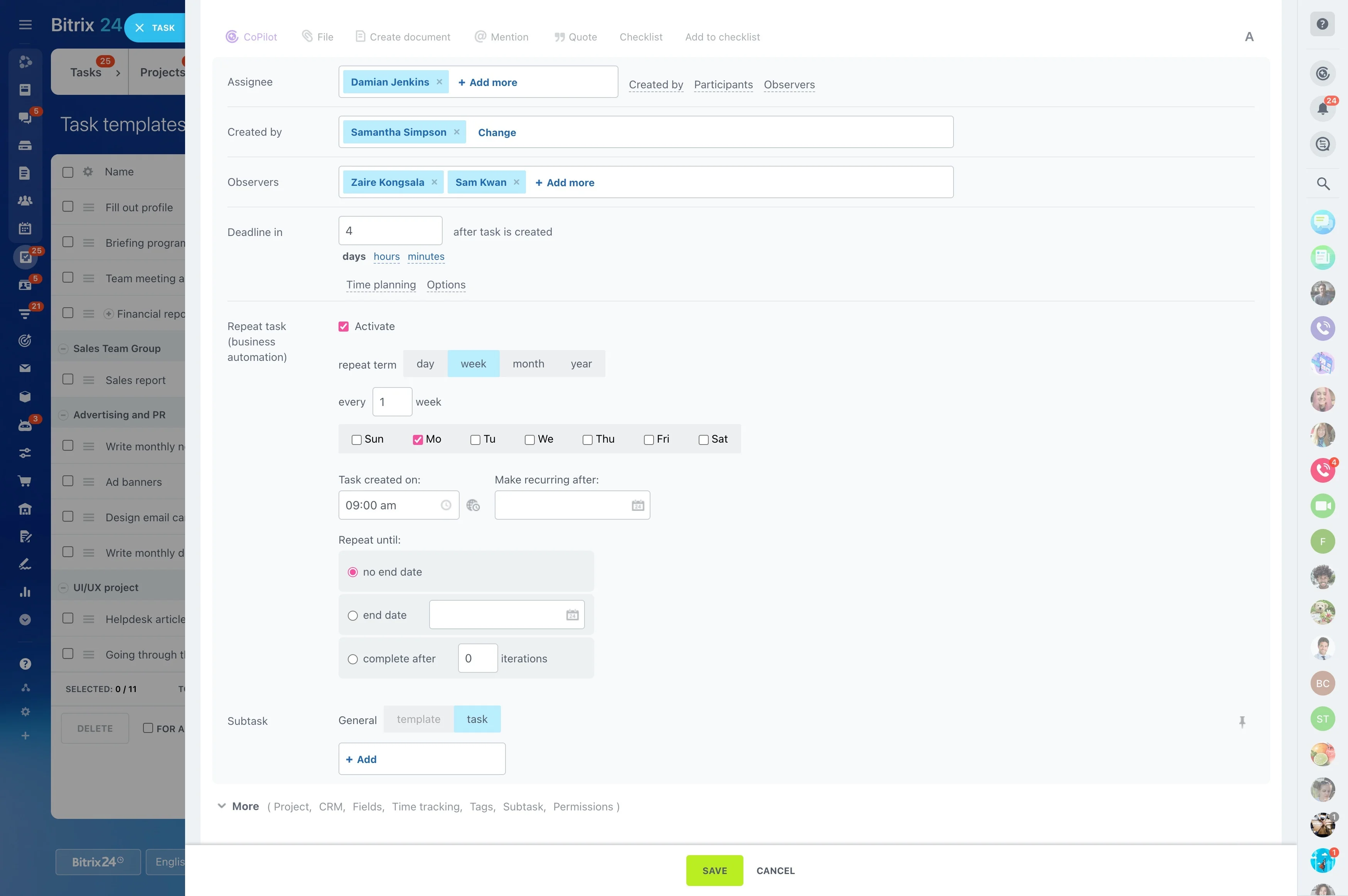
Keep tone, offers, and CTAs consistent across reps
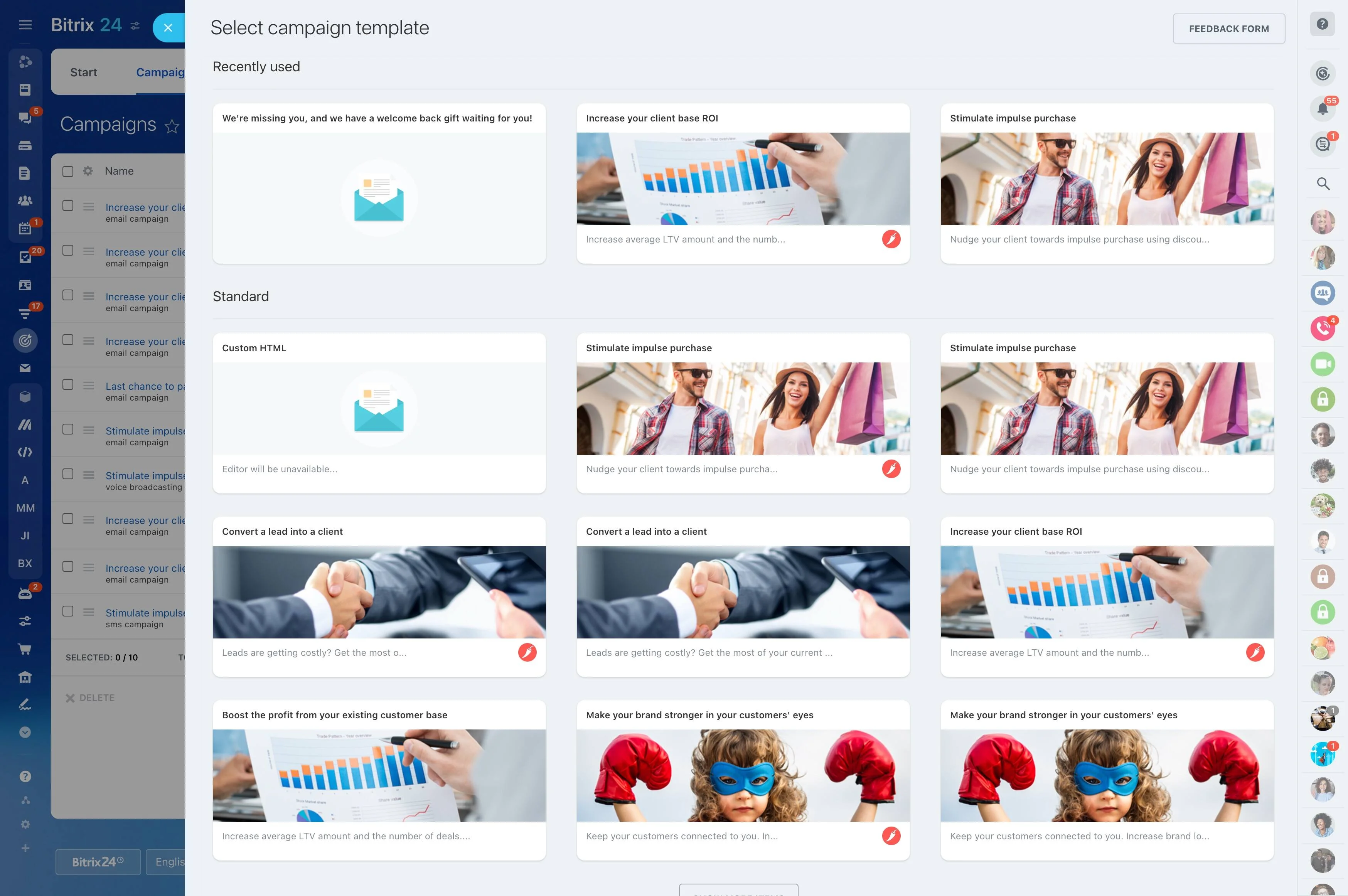
High-volume sales communication shouldn’t force a choice between speed and relevance. When every rep writes routine emails from scratch, messaging drifts, follow-up quality varies by person, and it’s harder to compare what actually moves deals forward.
CRM email templates give your team a repeatable baseline for the moments that happen in every pipeline—first-touch replies, demo recaps, quote follow-ups, and check-ins—while keeping space for the details that make an email feel written for one customer. In Bitrix24, templates are used from inside the CRM context, so each send is tied to the right record and captured in the communication history for later review.
- Send common sales emails faster without rewriting
- Keep tone, offers, and CTAs consistent across reps
- Make personalization explicit and easy to complete
- Review performance using CRM activity history and deal outcomes
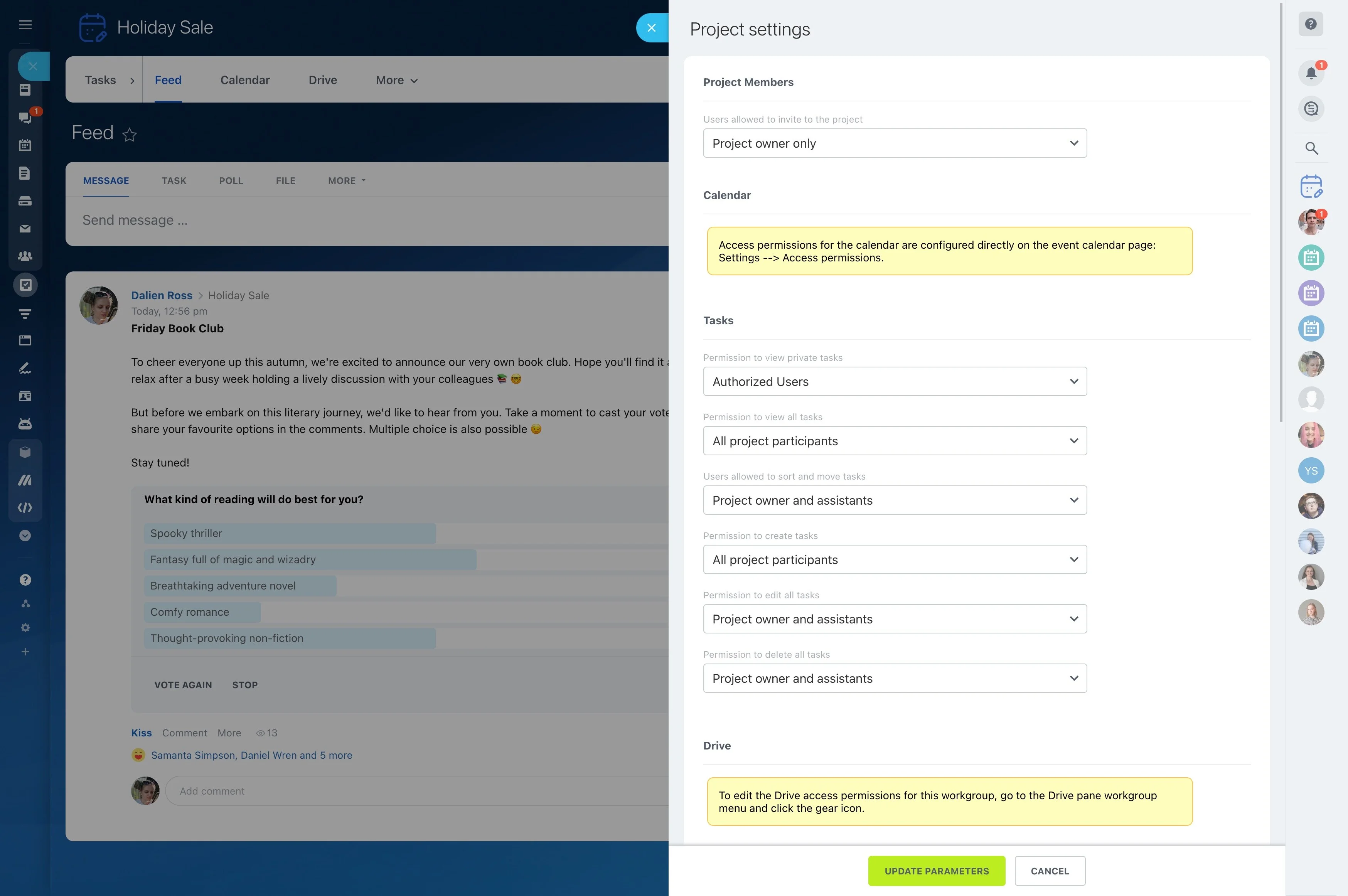
Set editing permissions to protect approved messaging
Email templates are a shared sales asset, so decide who can create, edit, and publish changes. Limiting edit access prevents brand drift and keeps high-performing messages from being overwritten mid-quarter.
A practical approach: sales ops or marketing maintains the approved set, team leads propose changes, and reps use templates while adding deal-specific context.
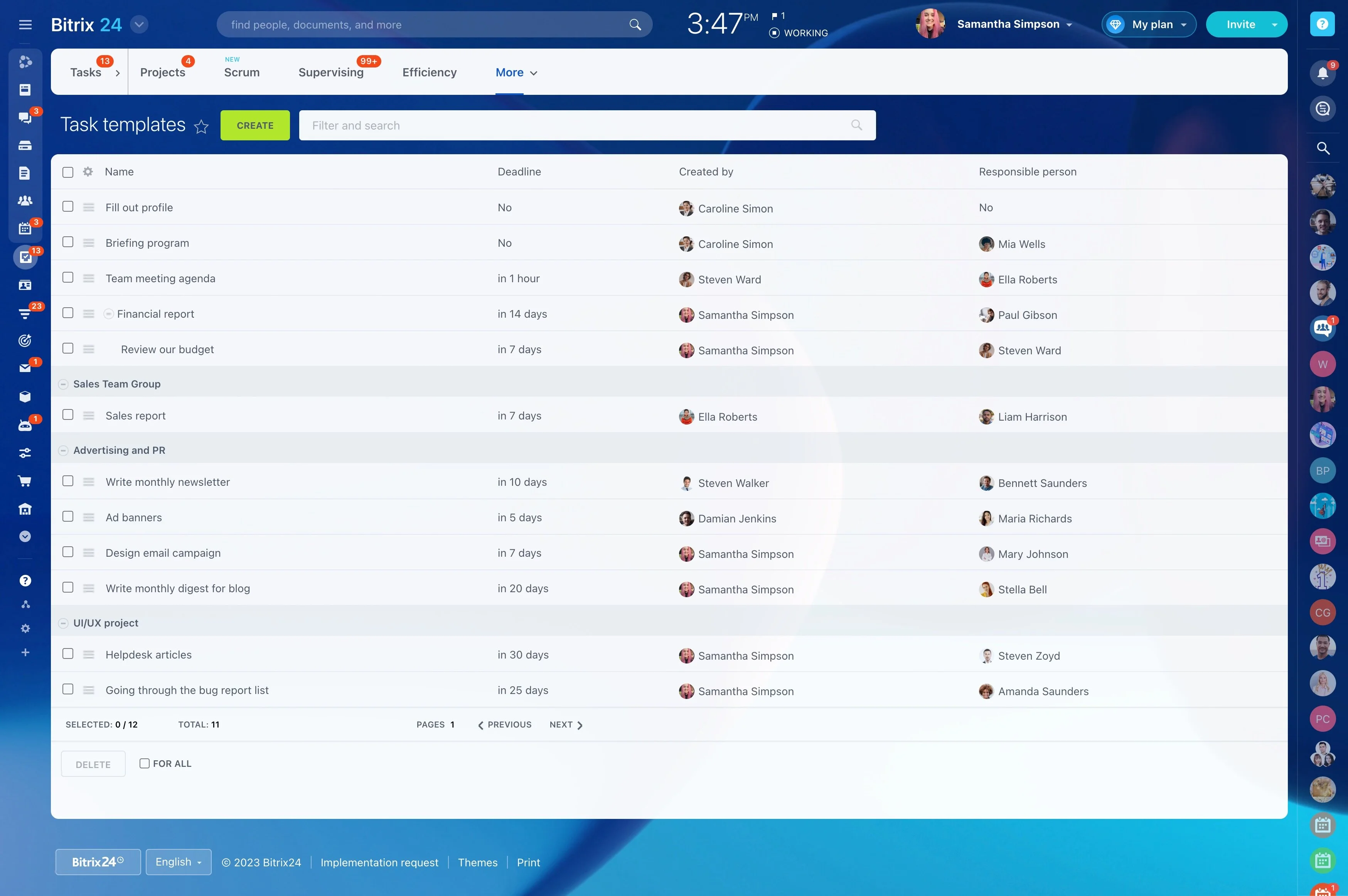
Map templates to pipeline triggers and next steps
Templates work best when they’re tied to a specific moment in your process, not a generic “type of email.” Define each one by its trigger (what just happened in the CRM) and the next action you want (reply with details, confirm a meeting, review a quote).
Example: lead is qualified → send “Intro + 2 questions” → email is logged to the record → create a follow-up task if there’s no reply. The measurable outcome is simpler execution: faster first-touch and more consistent follow-up coverage across reps.
Standardize the message, leave room for context
Strong templates lock the parts that must stay consistent—positioning, terms, and the main CTA—while reserving a small, obvious space for deal-specific context. Keep the “personalization slots” limited so reps can fill them quickly and reliably.
- One short context line tied to the recipient’s situation
- One clear CTA that matches the current deal stage
- Consistent tone and signature rules across the team
Create a usable template library (not a pile)
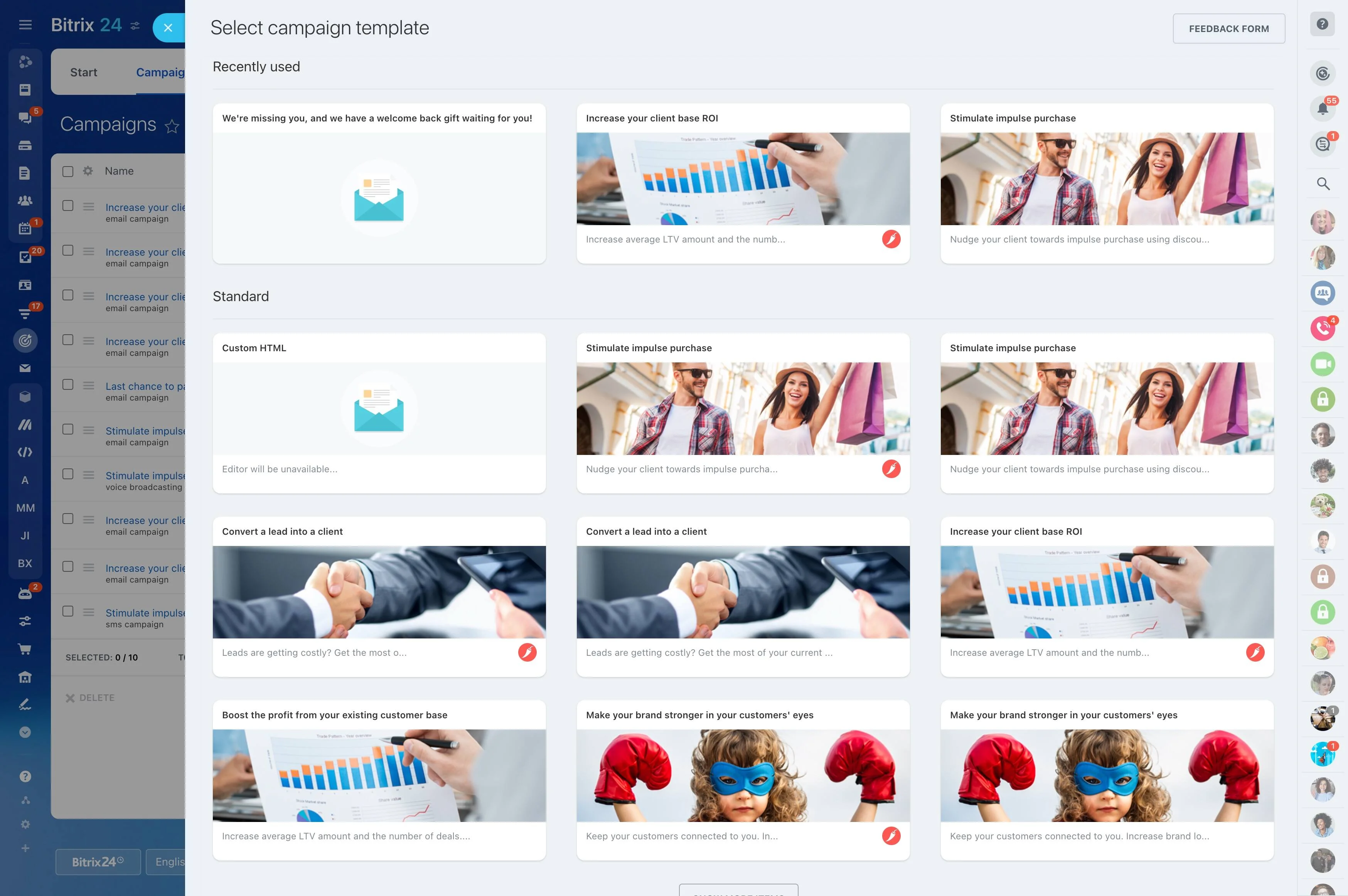
Speed comes from findability. Use a naming convention that matches your pipeline and intent (e.g., “Lead — First touch,” “Deal — Demo recap,” “Deal — Quote follow-up,” “Customer — Renewal reminder”) and assign a clear owner for updates.
When you revise a template, note what changed and when, so you can compare CRM activity and downstream outcomes before and after the update.
Review results using logged CRM email activity
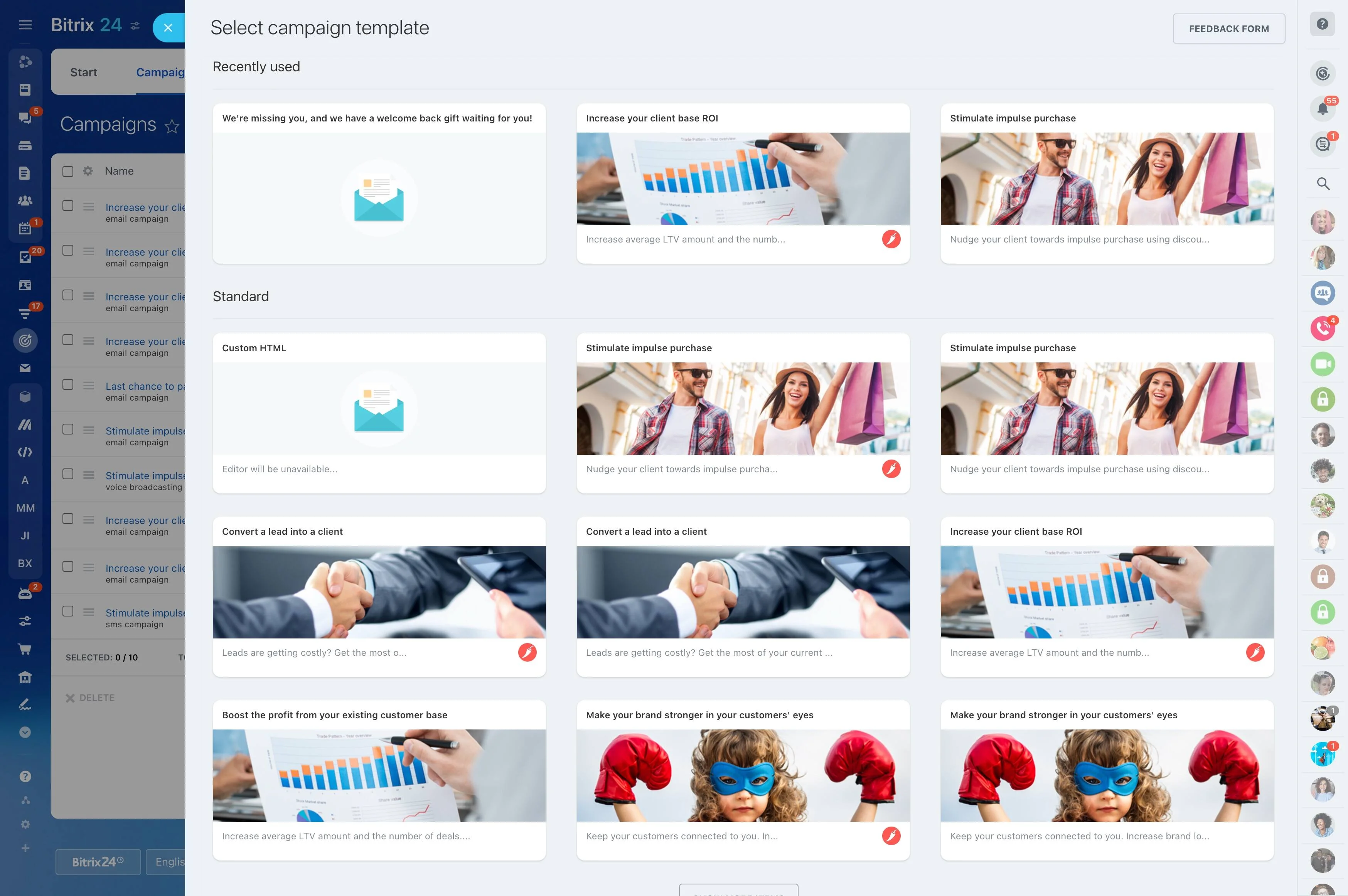
Templates only matter if they improve outcomes. Use CRM activity history to review where templates are used, then compare against results your team already tracks—replies, meetings booked, stage progression, and wins.
Run regular reviews to retire weak templates, refine subject lines and CTAs, and tighten the “what happens next” step after a send.
Pair templates with consistent post-send actions
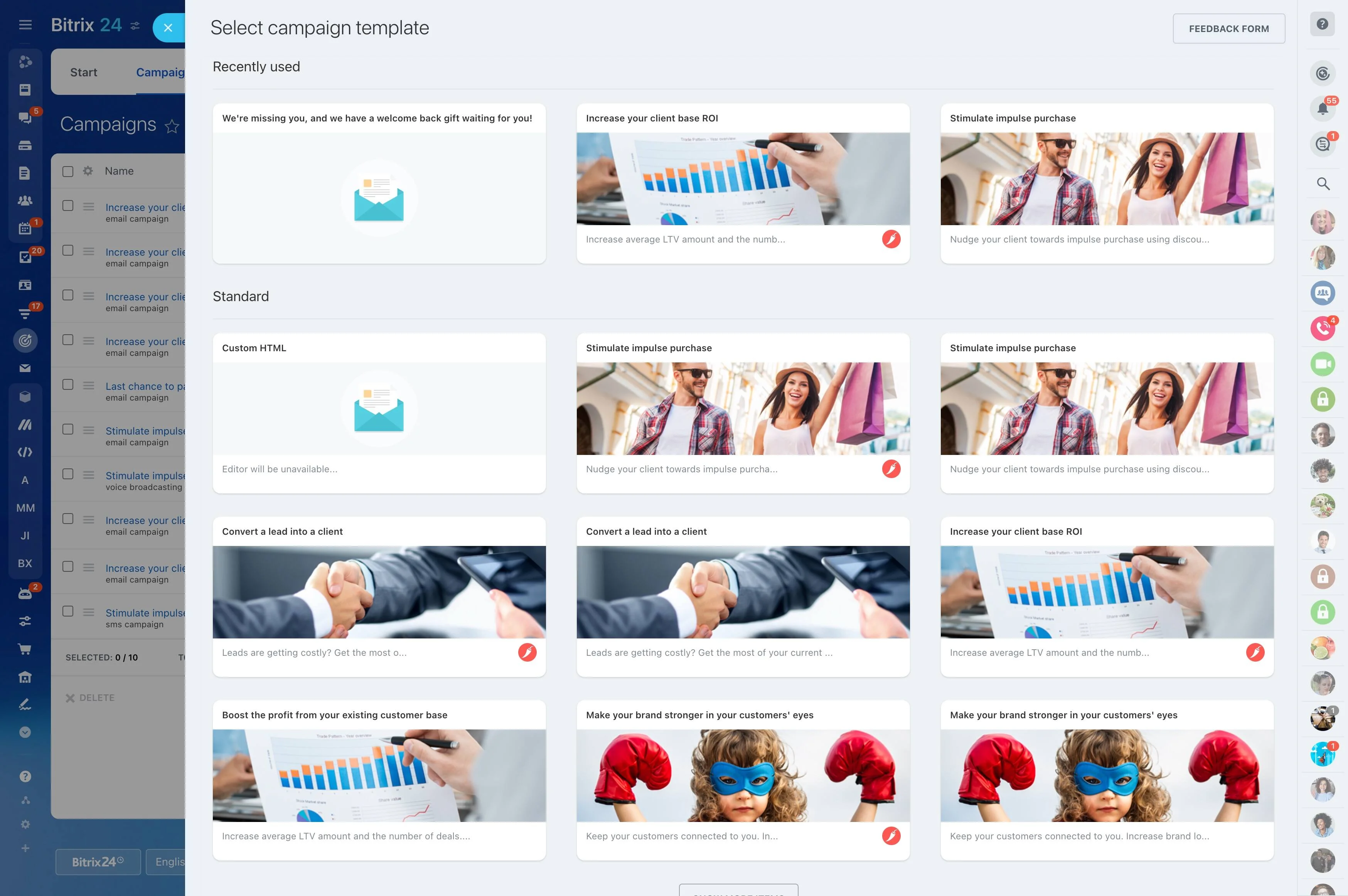
Templates are most effective as part of a cadence. Define the expected follow-up action for each key email so the workflow doesn’t stop at “sent.”
- Align key templates to the stages where they’re expected
- Keep every email visible in the deal/lead history for handoffs
- Standardize the next step after sending (task, reminder, or scheduled follow-up)