Spot drop-offs and slow stages in reports
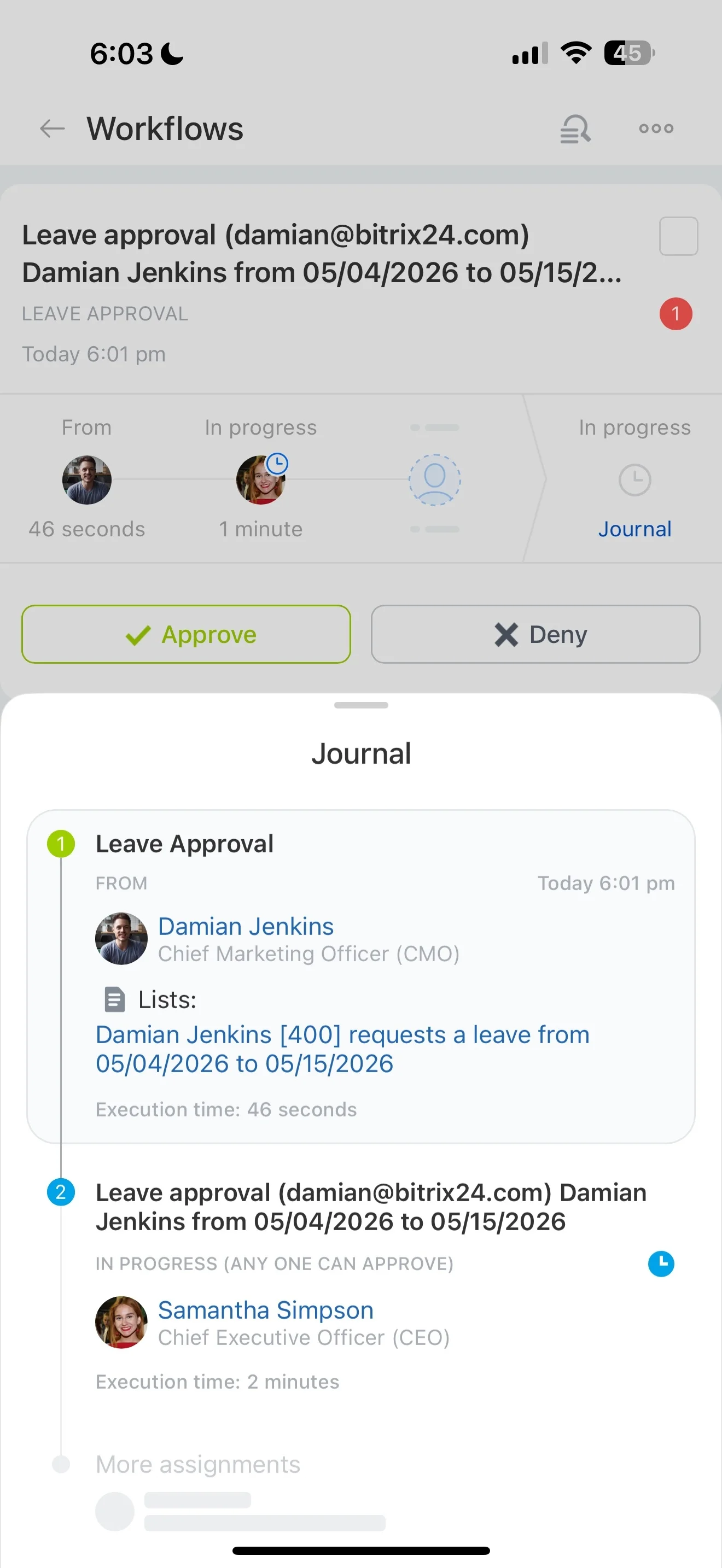
Customer journey mapping becomes actionable when it reflects how work actually moves: a new inquiry becomes a qualified lead, a deal progresses to close, onboarding starts, and retention work continues after the first value is delivered. If touchpoints and ownership are tracked separately, it’s difficult to explain why customers stall, which interactions mattered, or where handoffs break down.
In Bitrix24, you can map the journey directly to your CRM workflow by defining stages that match real customer moments and recording touchpoints as activity on the customer record. That makes the “map” operational: you can see what triggered the next step, who owns it, what was delivered, and how long each phase takes.
- Represent acquisition → sales → onboarding → retention as clear CRM stages
- Capture touchpoints (meetings, notes, documents) in the same record
- Measure progress with stage movement and time-in-stage reporting
Make handoffs explicit with owners and access
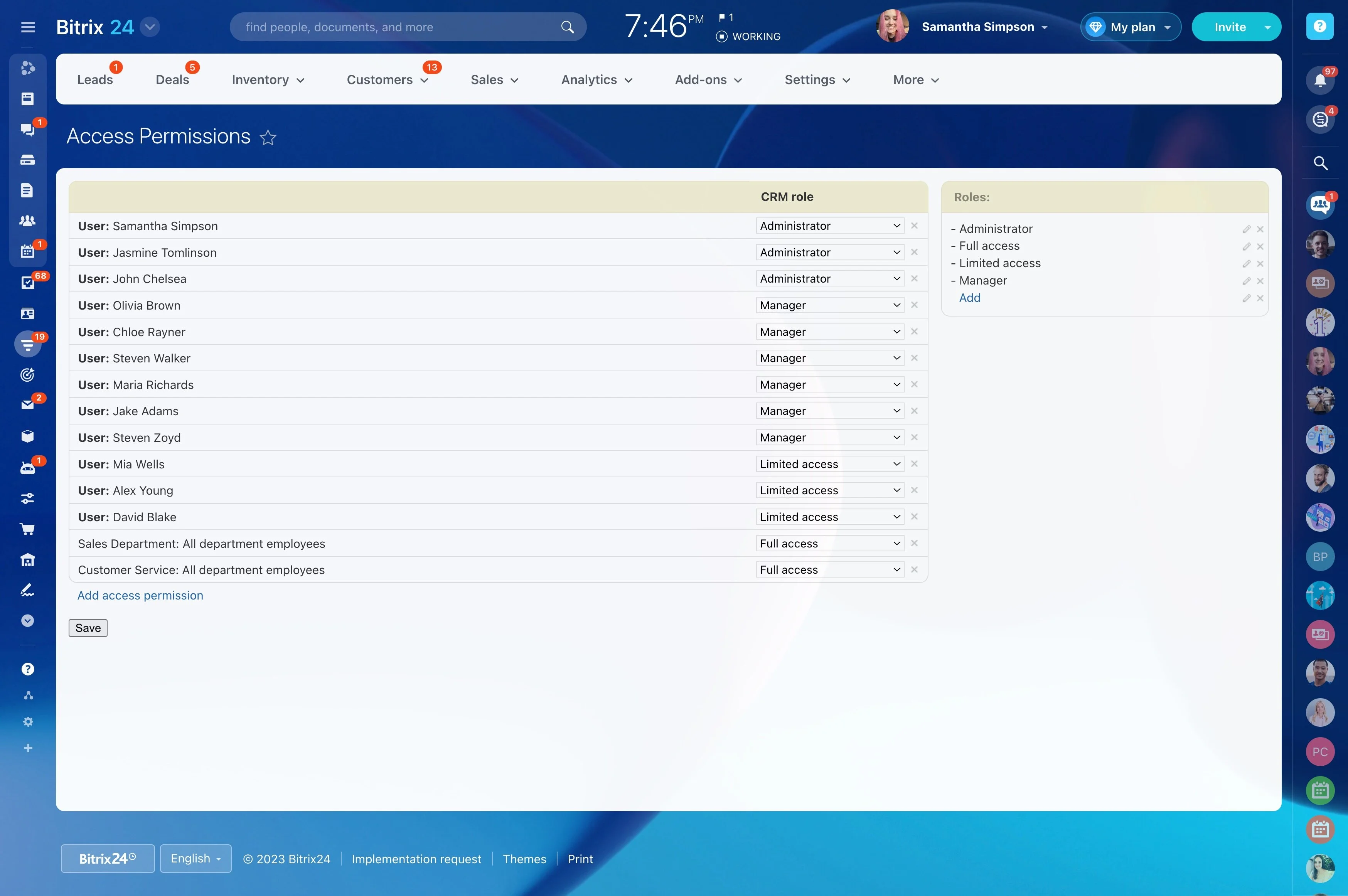
Most journey failures happen between teams, not within a single stage. Define ownership for each phase (marketing → sales → onboarding → success) so it’s obvious who is responsible when a record enters a new stage.
Use role-based CRM permissions to control who can view and edit customer data and interaction history, while still giving downstream owners the context they need to act confidently.
Turn the journey into stages your team uses
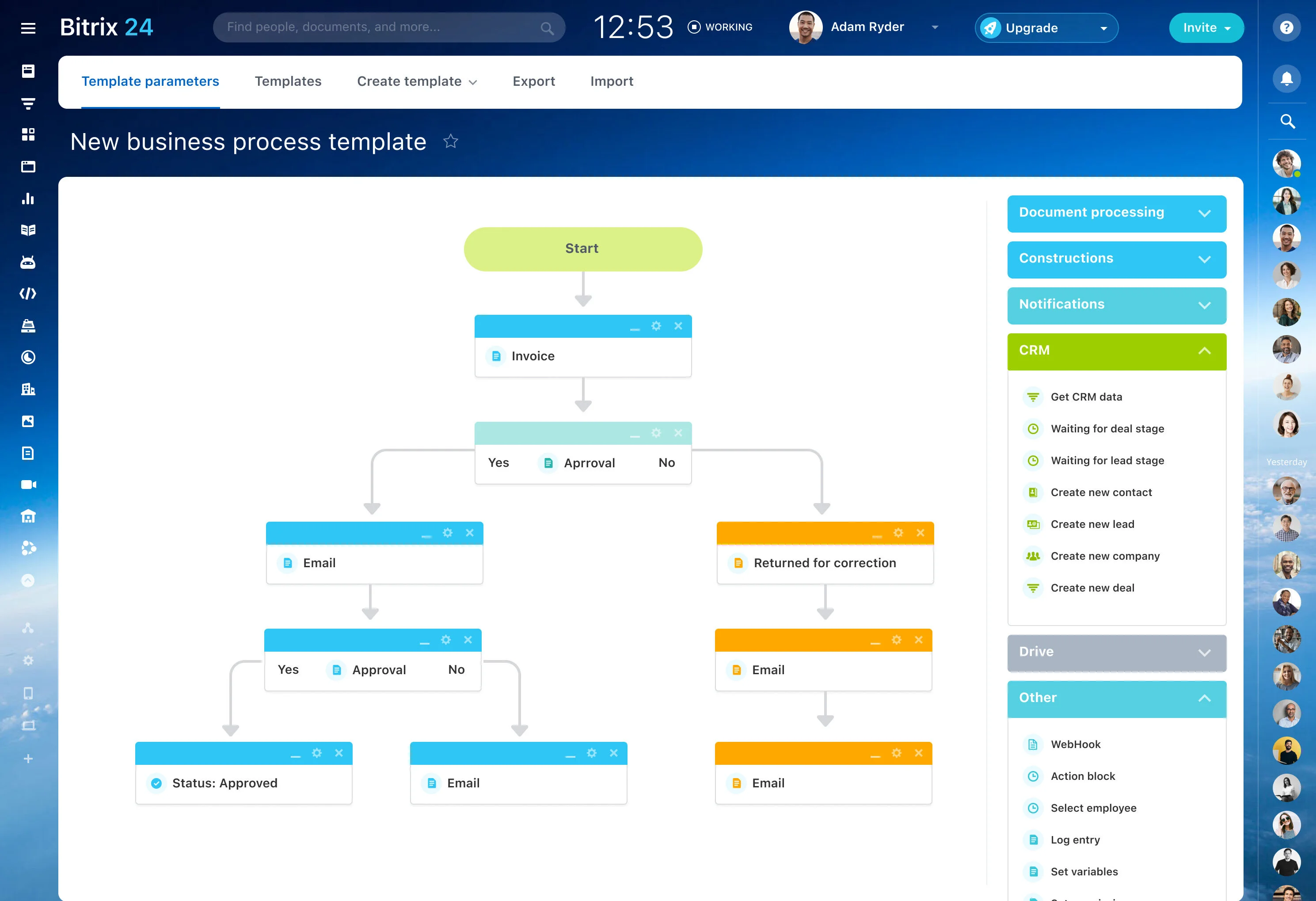
Start with a shared stage model that matches how customers actually progress, not an idealized diagram. Configure your CRM pipeline so each stage represents a customer moment (for example: “Requested demo,” “Proposal sent,” “Onboarding kickoff,” “First value achieved,” “Renewal review”).
When the journey lives inside the working pipeline, it stays current and shows where customers are right now—not where they “should” be.
Log touchpoints as evidence, not assumptions
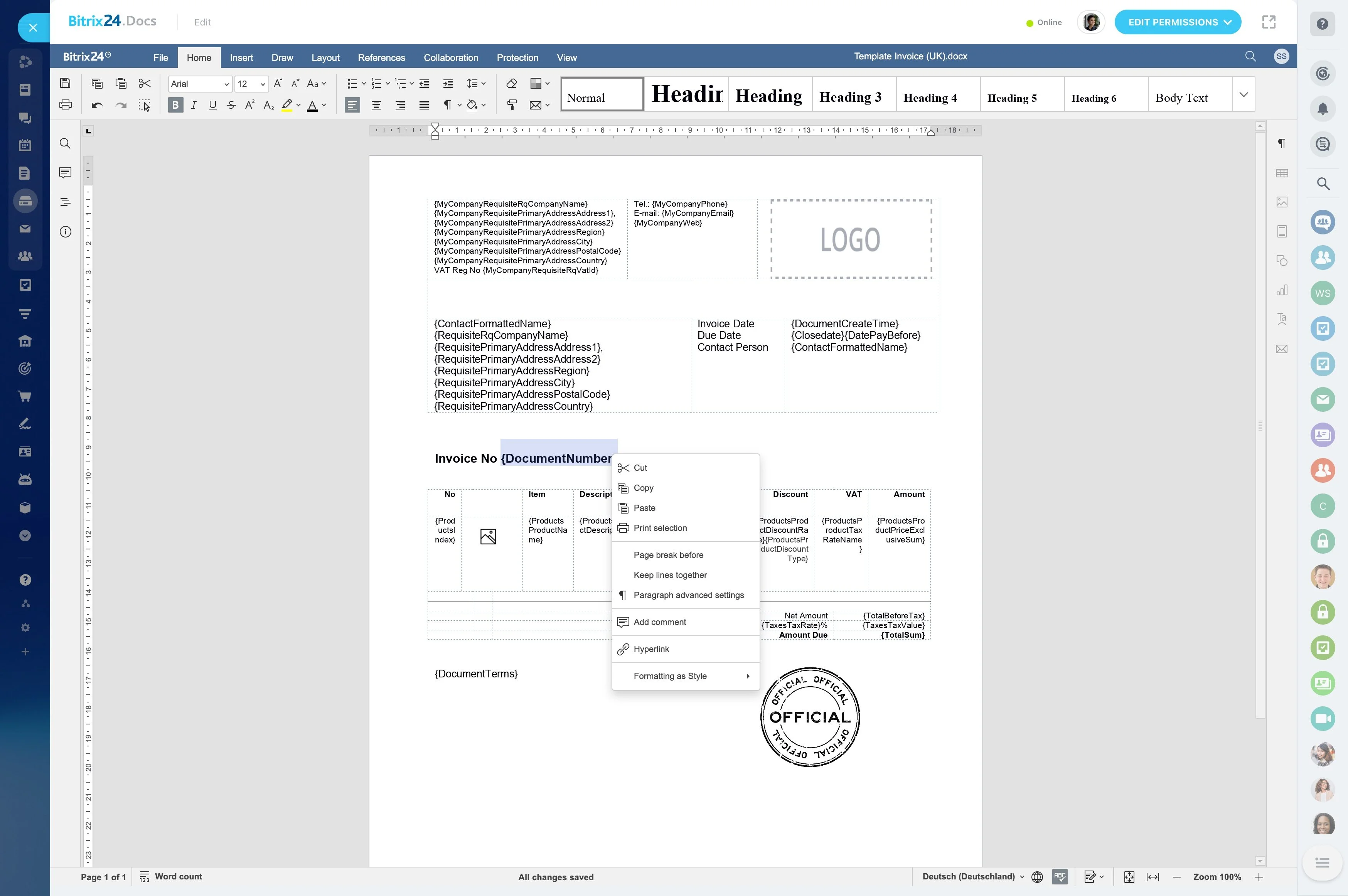
A useful journey map is built from real interactions: calls, meetings, messages, documents, and internal notes. Record each touchpoint on the relevant CRM item so the next owner can see what happened, when it happened, and what the customer received.
Over time, you can compare planned touchpoints to actual ones and see which interactions most often precede stage progression.
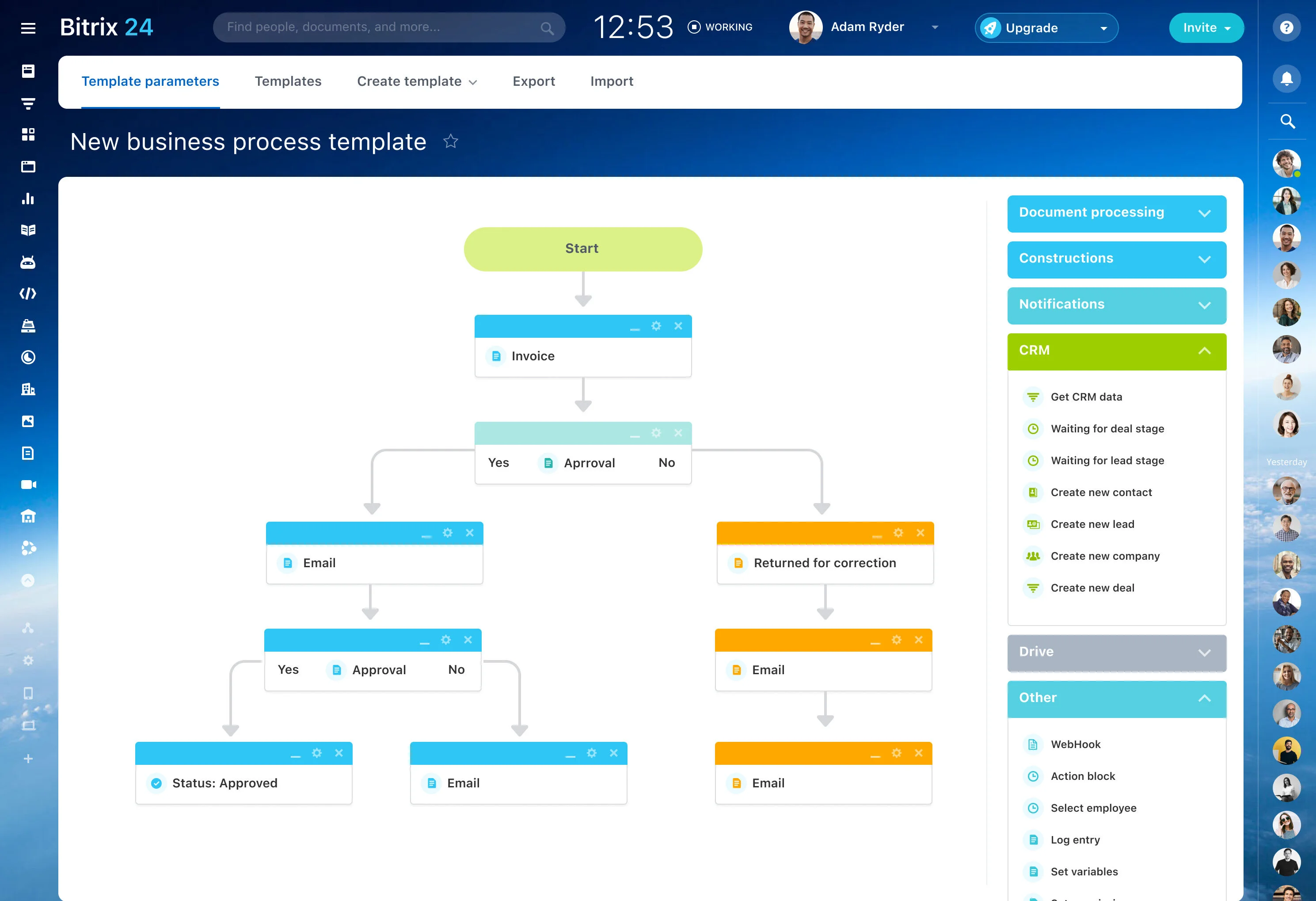
Example: trigger → action → outcome
Use a consistent pattern per stage to make the journey measurable:
- Trigger: A customer submits an onboarding request after purchase.
- CRM action: The deal moves to “Onboarding,” an owner is assigned, and the kickoff meeting is scheduled and recorded on the deal as a touchpoint.
- Measurable outcome: Track how many deals reach “Onboarding kickoff completed” and the time from entering “Onboarding” to that stage to identify delays.
This turns journey mapping into a repeatable workflow you can improve using stage conversion and cycle time.
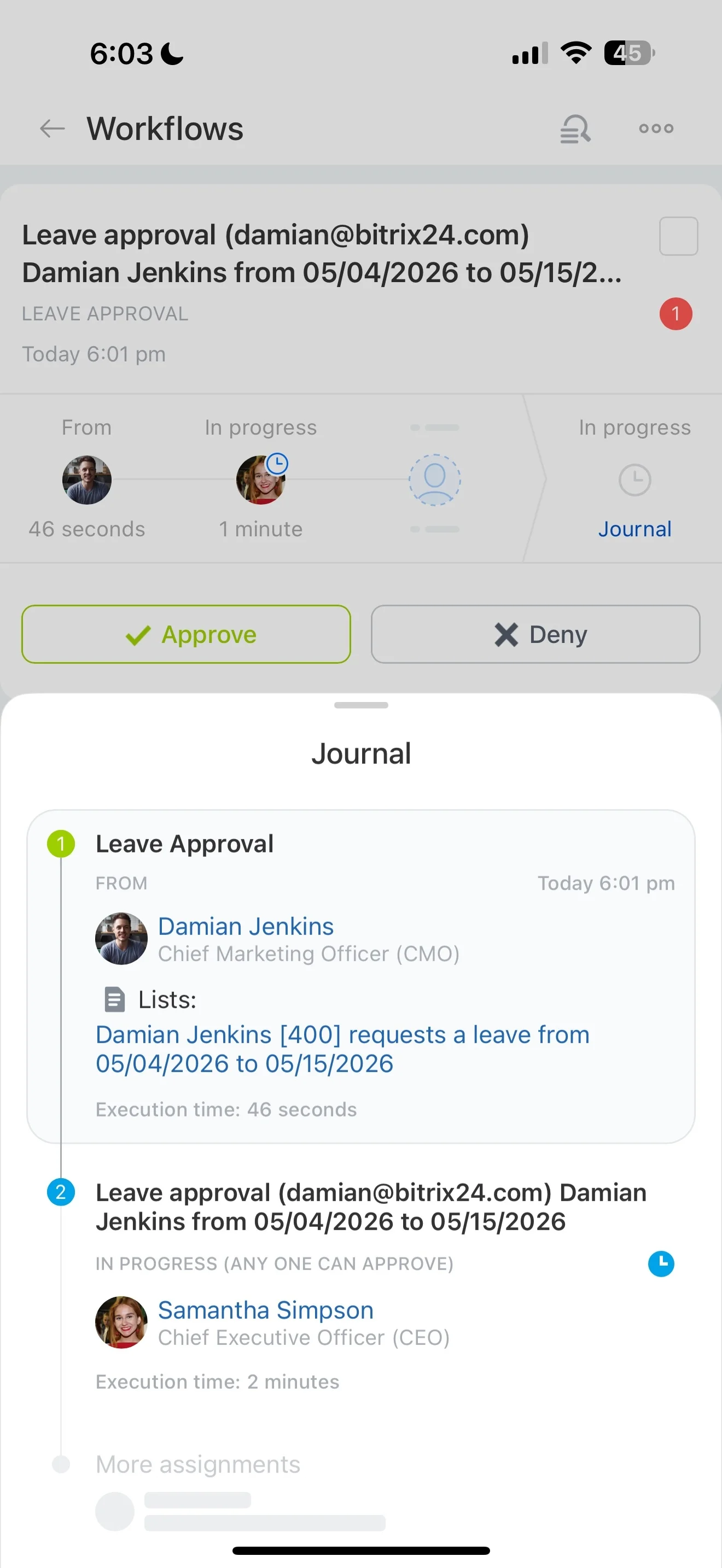
Spot drop-offs and slow stages in reports
When your journey is expressed as CRM stages, you can review where records stall, which stages take the longest, and where customers drop out. Segment results by source, region, or product line to see whether certain journeys need different touchpoints.
Use what you learn to refine stage definitions, tighten handoff rules, and standardize the interactions that consistently move customers forward.
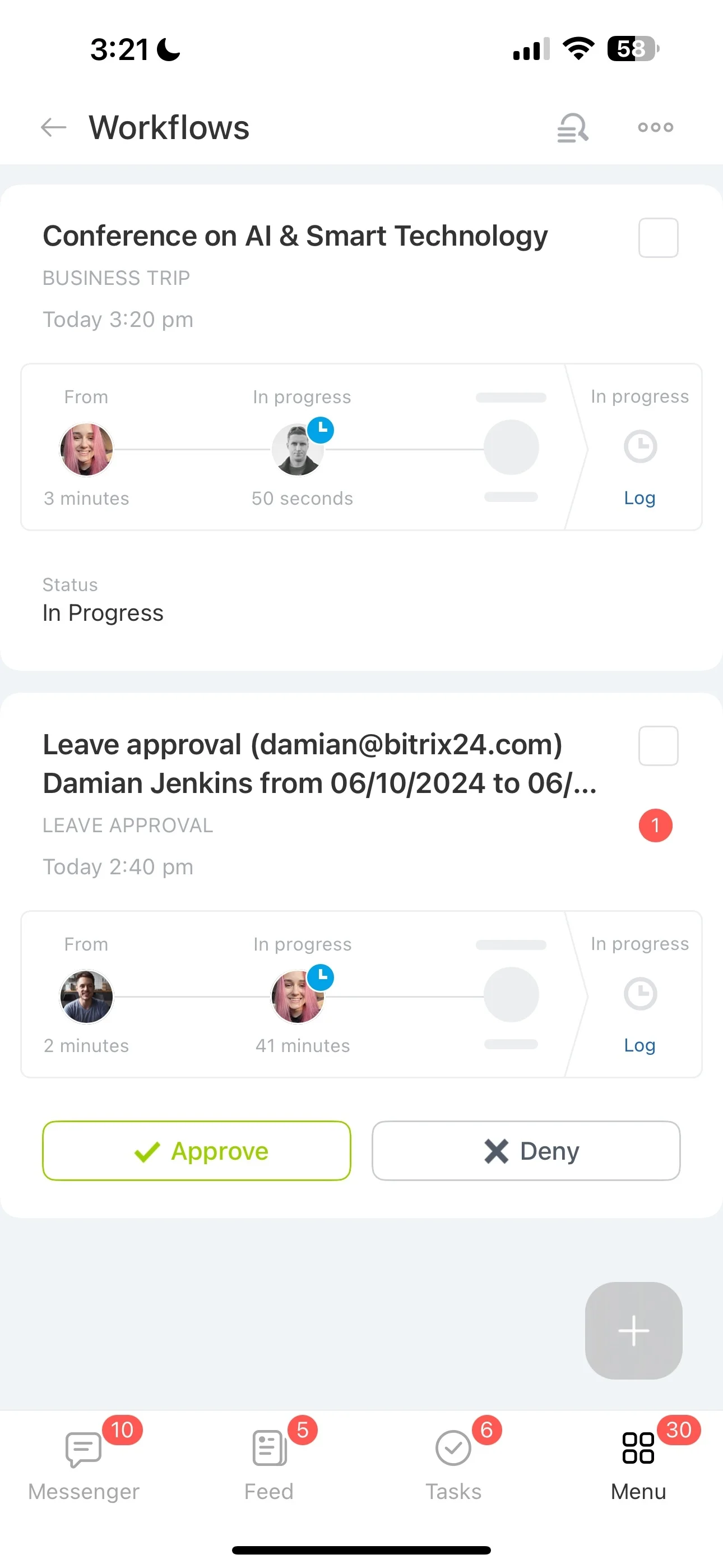
Roll out in phases and keep history usable
Implement the map in steps: start with acquisition and sales, then expand into onboarding and retention once teams consistently record touchpoints. Keep “done” criteria simple for each stage, and review the journey regularly with the teams who own the handoffs.
When you adjust stages, do it deliberately so teams keep continuity and reporting remains comparable over time.