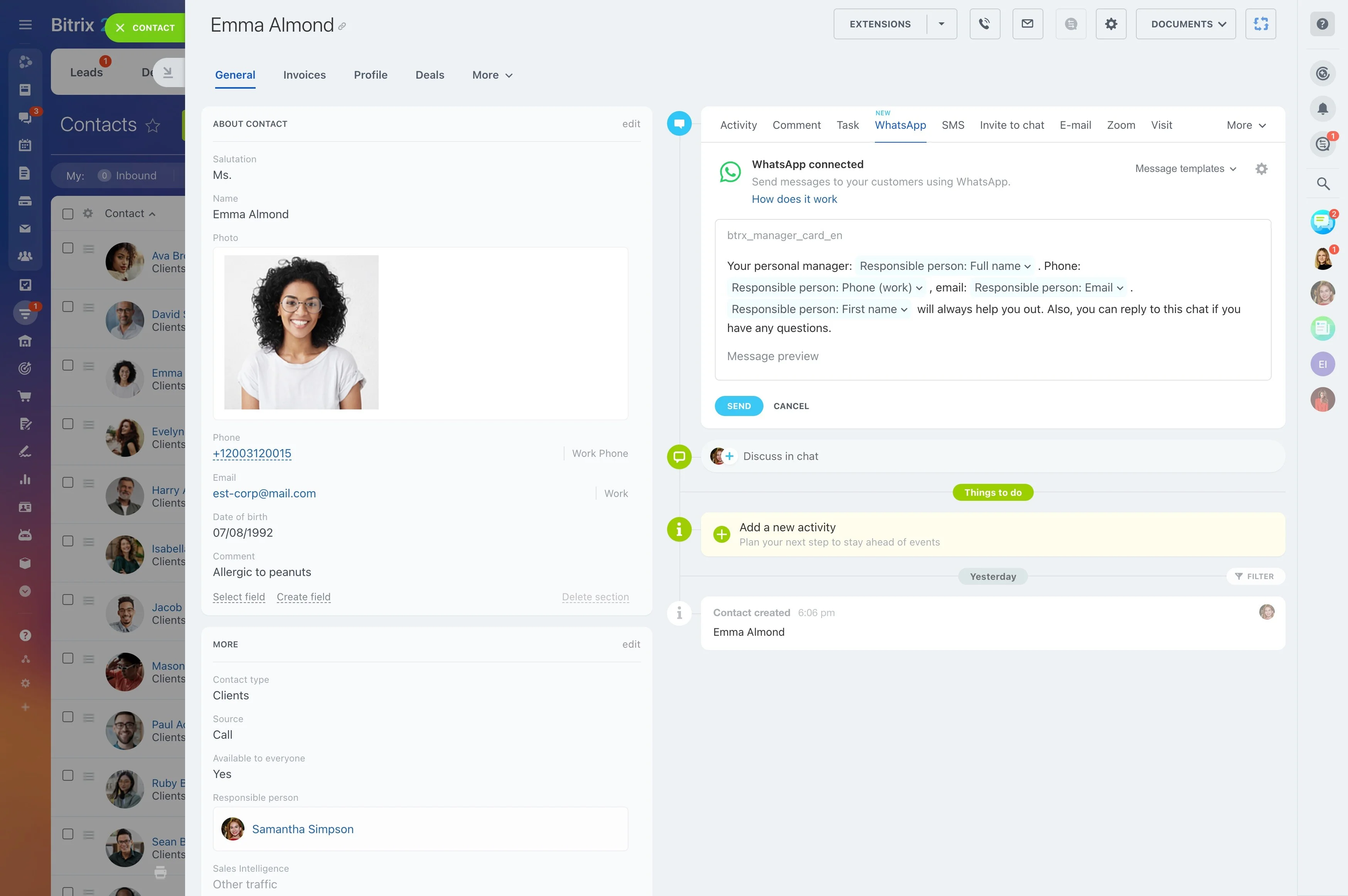
Patient communication continues long after an inquiry is received.
Patient communication continues long after an inquiry is received. Reception staff may need to arrange an examination, answer questions, follow up after a visit, and contact patients when a recall is due.
Bitrix24 lets your practice organize these interactions around a clear patient communication workflow. Record the inquiry, assign the next action, preserve relevant history, and move the relationship from appointment coordination to recall outreach without losing context.
Configure the CRM around your practice
A dental practices CRM should reflect the way reception and administrative staff handle inquiries, appointments, follow-ups, and recalls. Start by mapping those stages and handoffs, then configure records, responsibilities, and next actions around the practice's actual process.
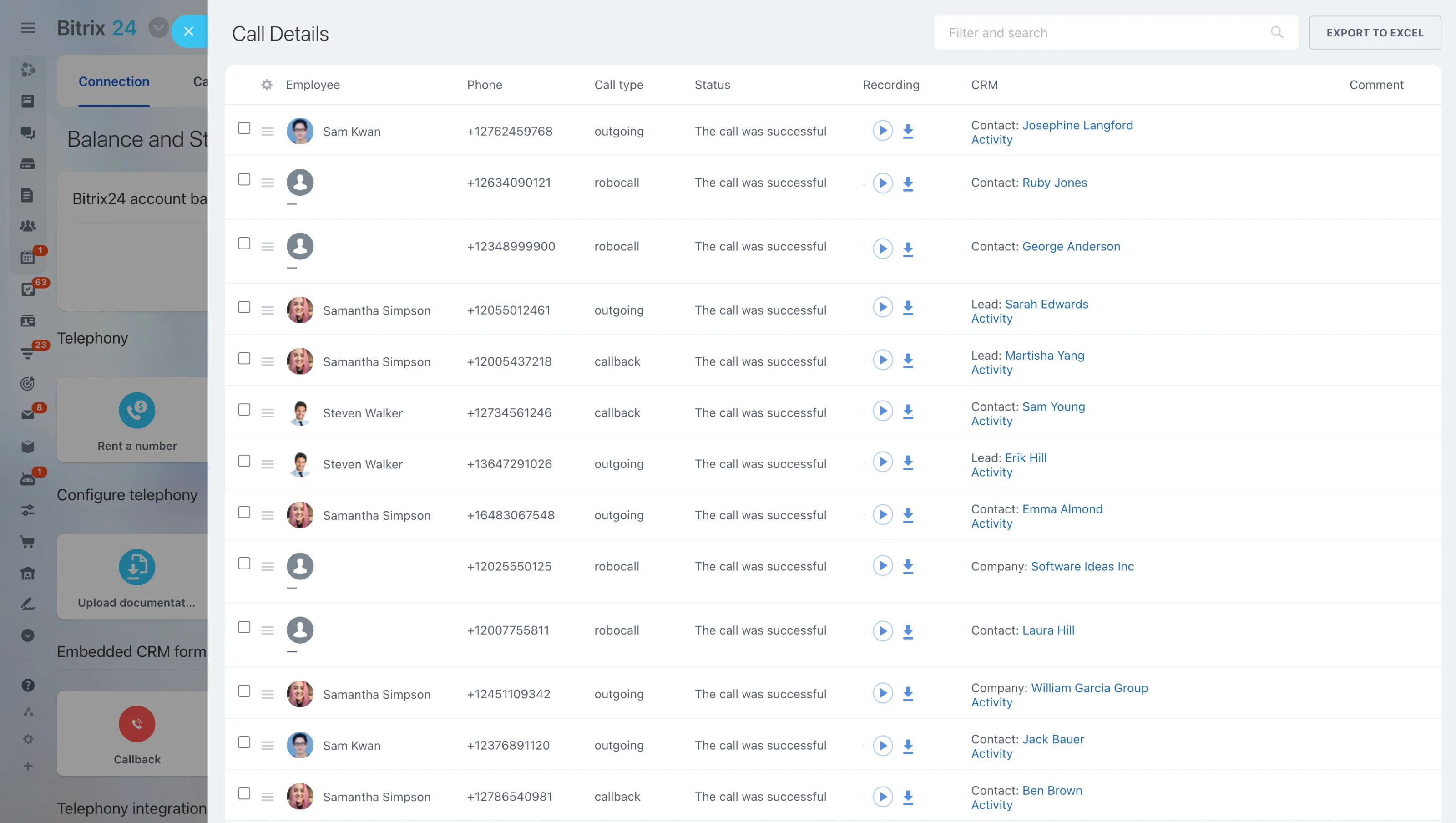
Turn recalls into a defined workflow
Recall outreach works best when patients can be identified by follow-up stage and each contact attempt has a recorded outcome.
- Identify patients due for outreach.
- Assign the contact and record the response.
- Set the next action when an appointment or further follow-up is required.
This gives the practice a repeatable process for moving recall conversations forward.
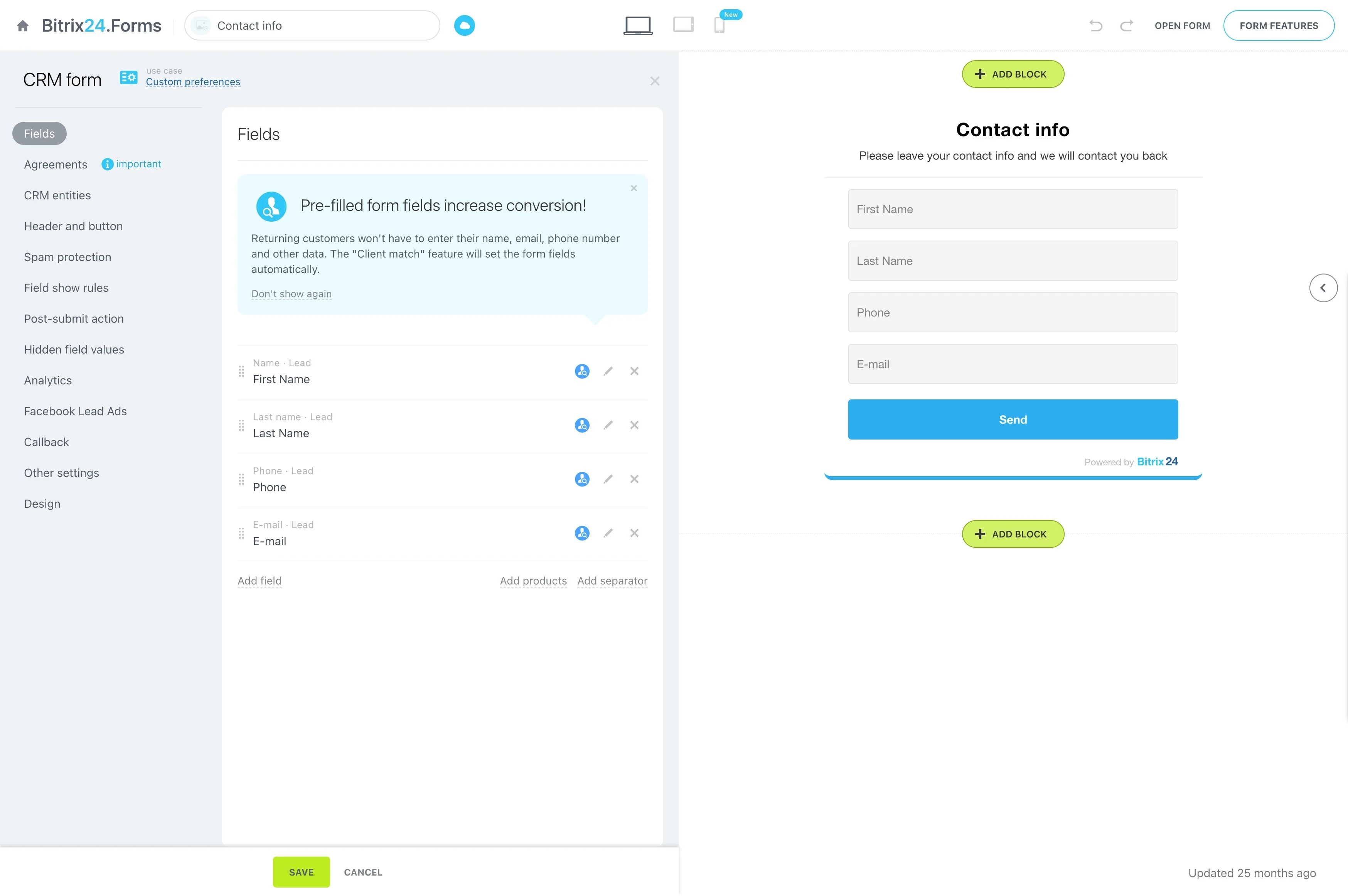
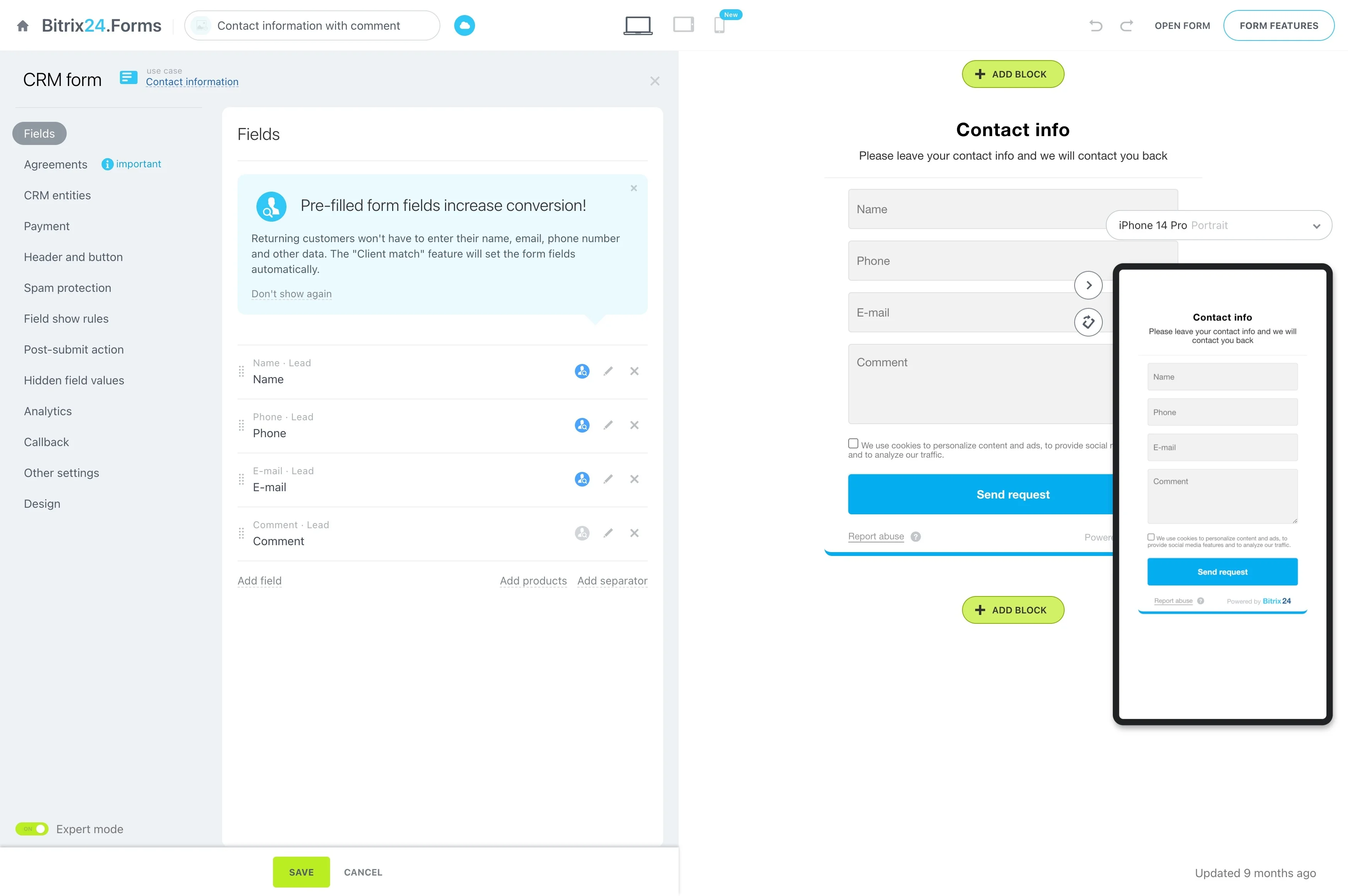
Capture inquiries and assign the next step
When a prospective patient contacts the practice, record the reason for the inquiry, contact details, and requested service. Assign responsibility for the response so the request has a clear owner and staff can see whether follow-up is still needed.
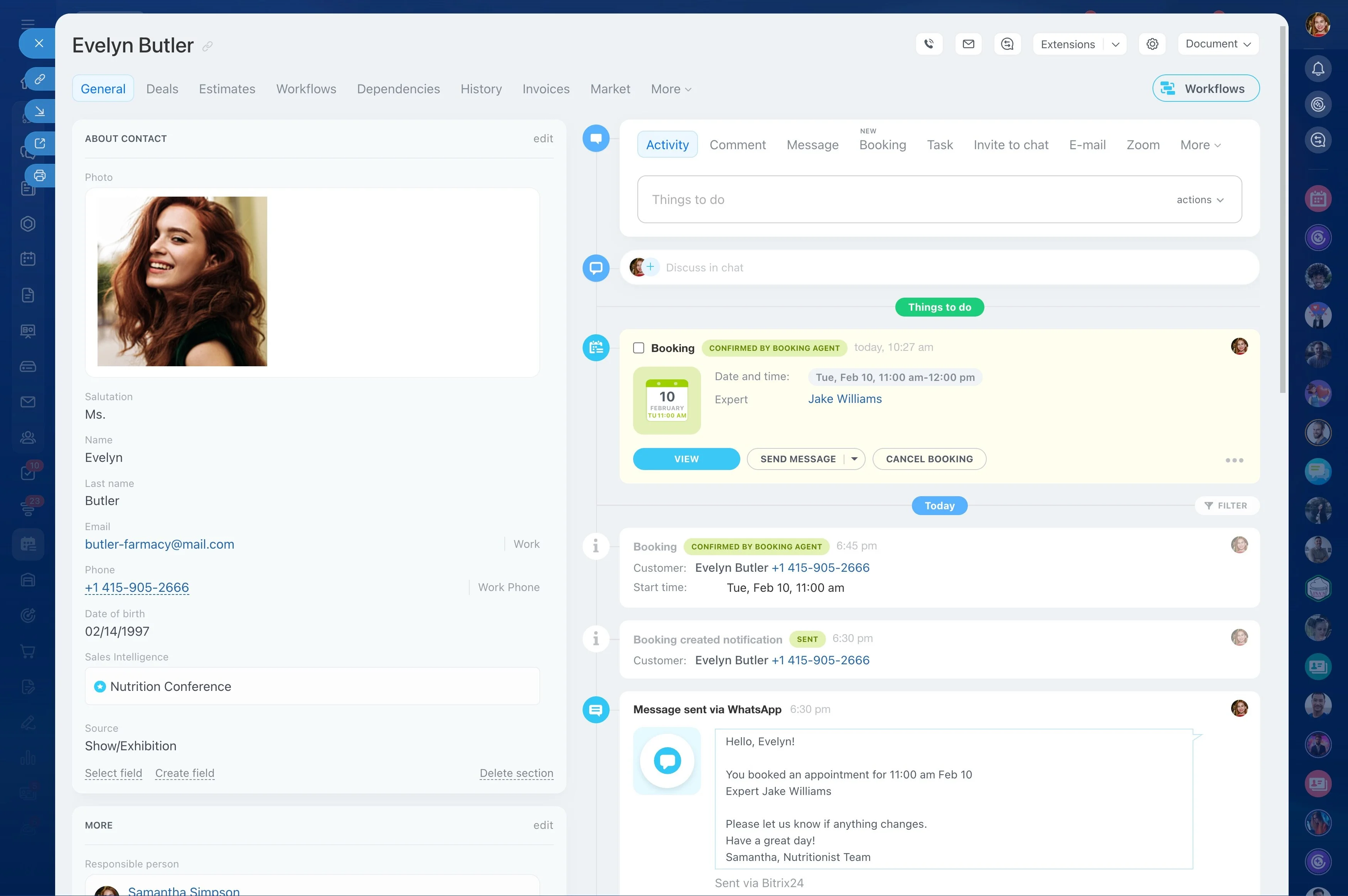
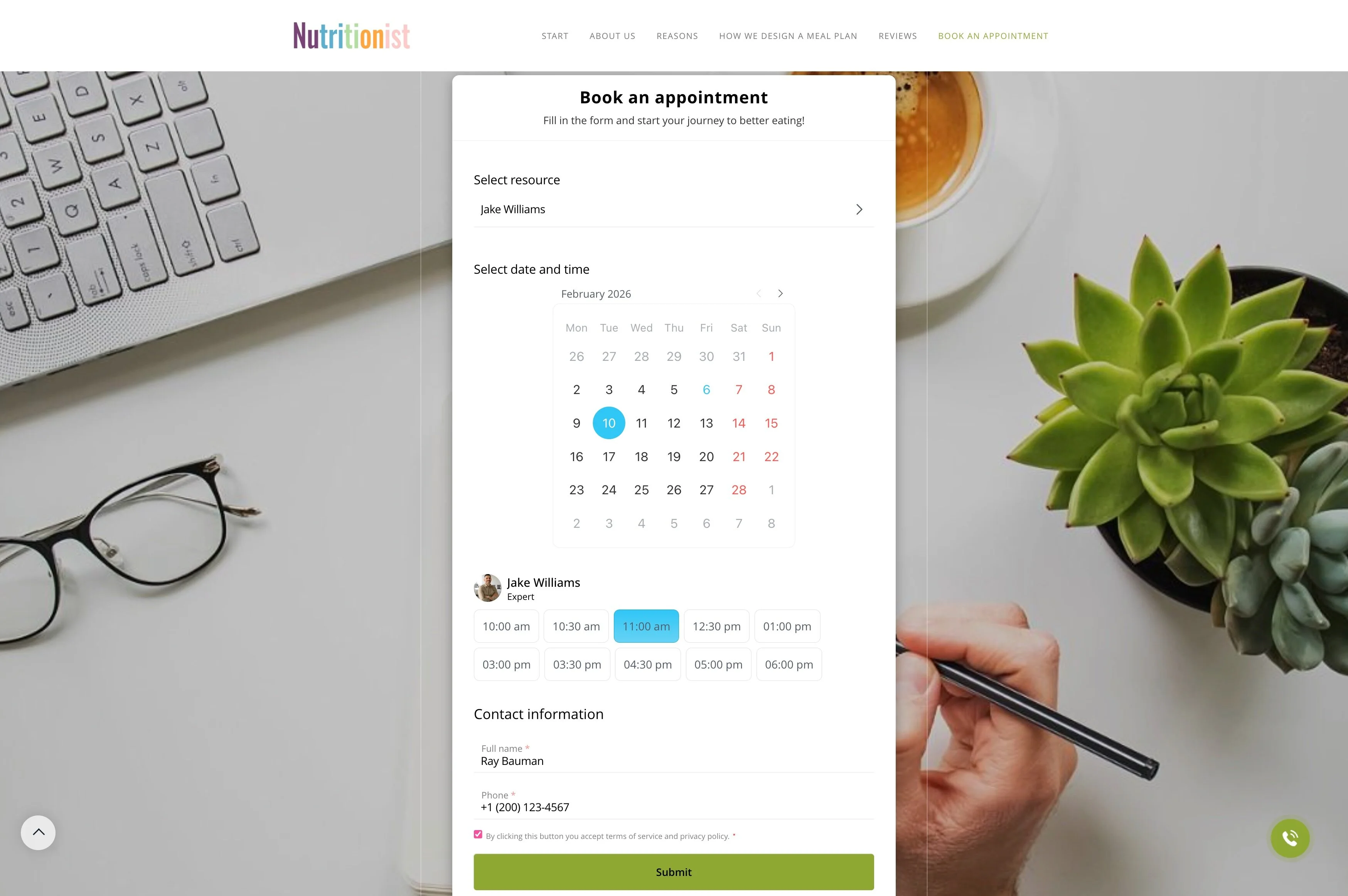
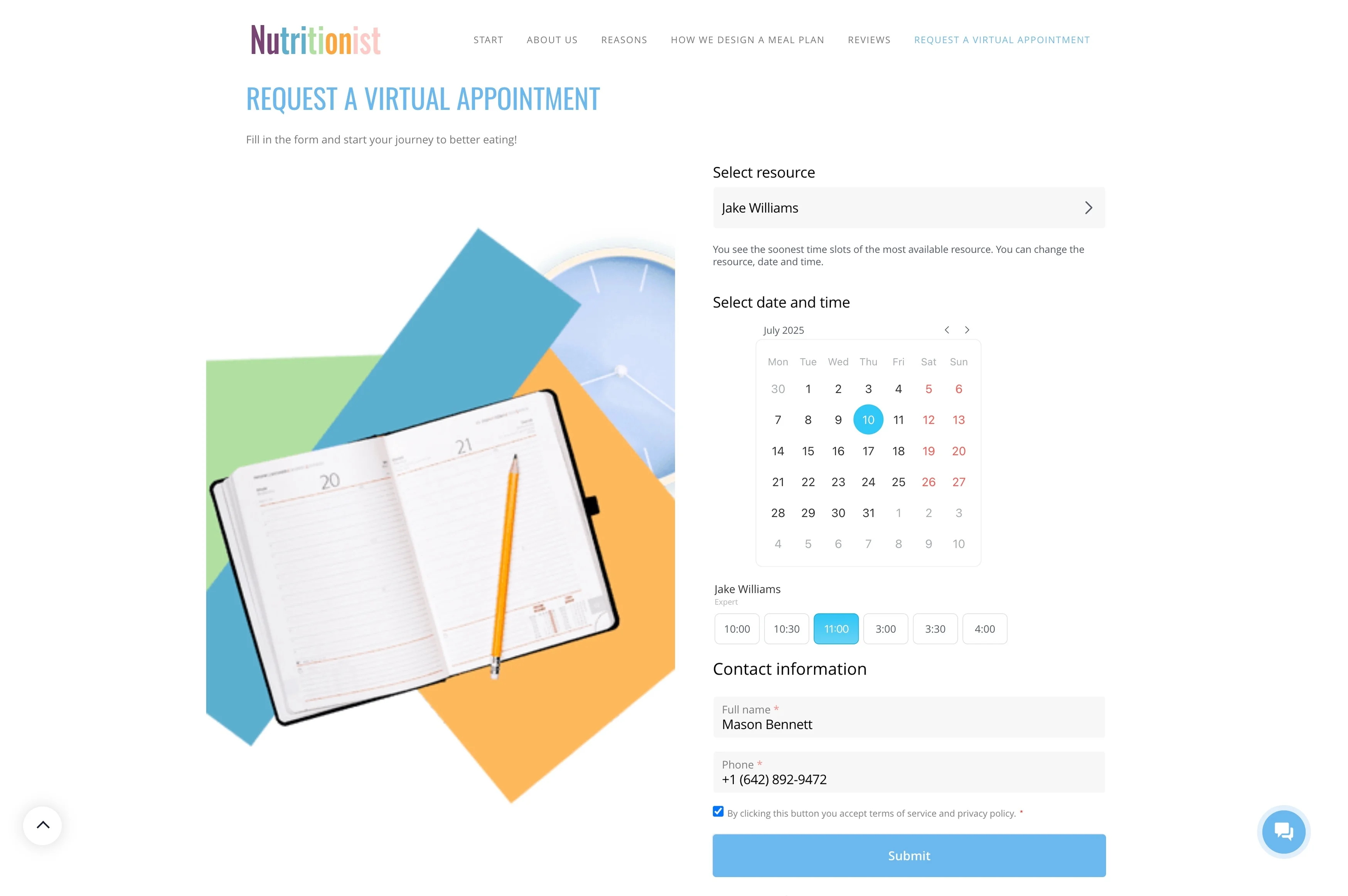
Coordinate appointment-related follow-up
Booking an appointment may require more than one interaction. Staff can track questions, availability discussions, and outstanding actions against the patient record, giving the next team member enough context to continue the conversation.
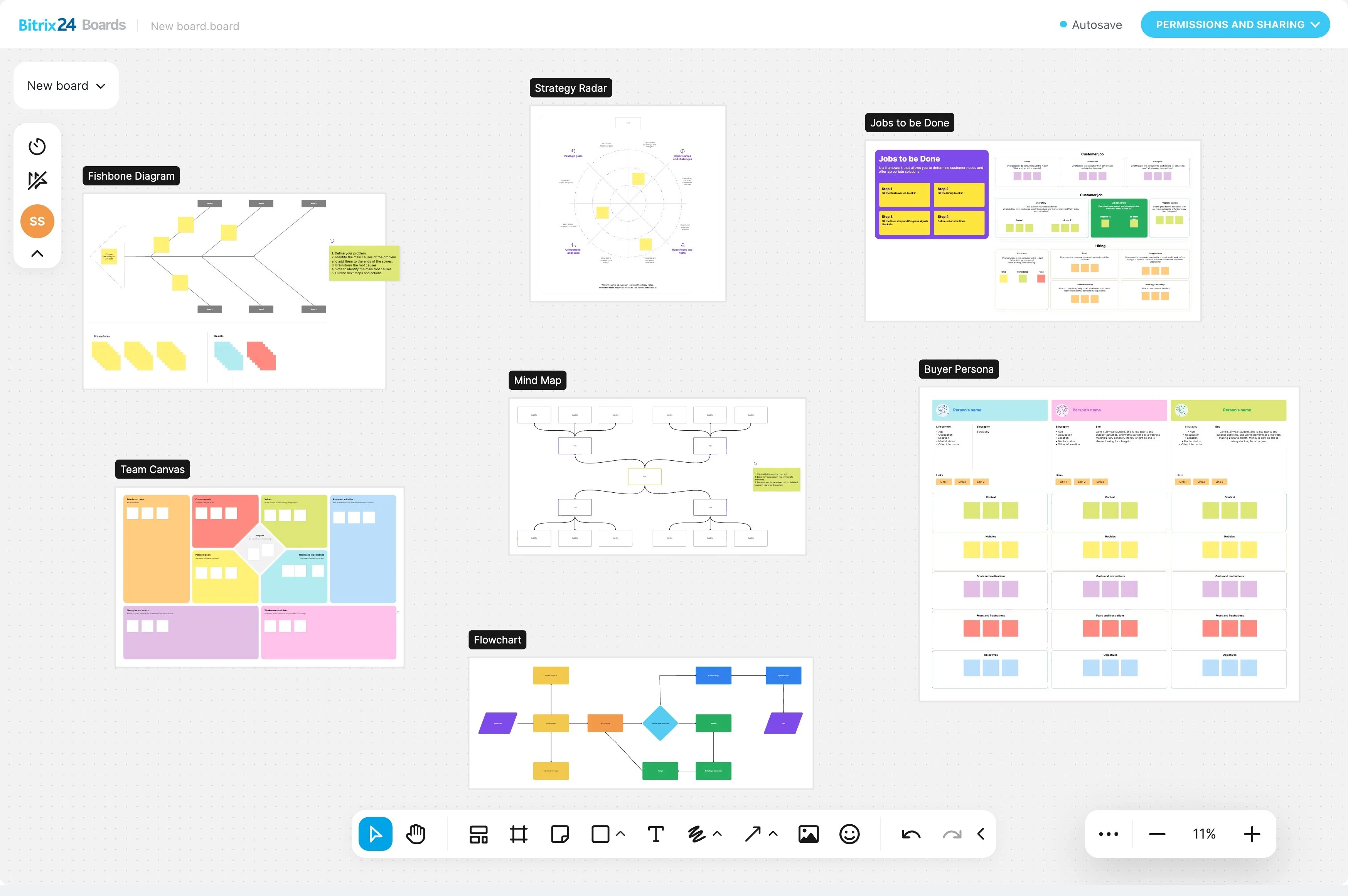
Keep communication in patient context
Patients may speak with different members of the practice about appointments or treatment questions. A shared record helps staff review previous communication before responding, reducing repetition and making ownership clearer when follow-up changes hands.
Example: from examination inquiry to recall
A prospective patient asks about an examination online. A staff member records the request, follows up on availability, and arranges the appointment. After the visit, the practice records the required next step and keeps the communication history attached to the patient relationship.
When recall outreach is due, staff can review that context, contact the patient, update the status, and continue from the recorded response.
See which follow-ups need attention
Practice managers can review inquiries awaiting contact, appointment actions that remain open, and recall conversations requiring attention. Clear stages and ownership help the team separate new requests from active follow-up and prioritize the day's work.