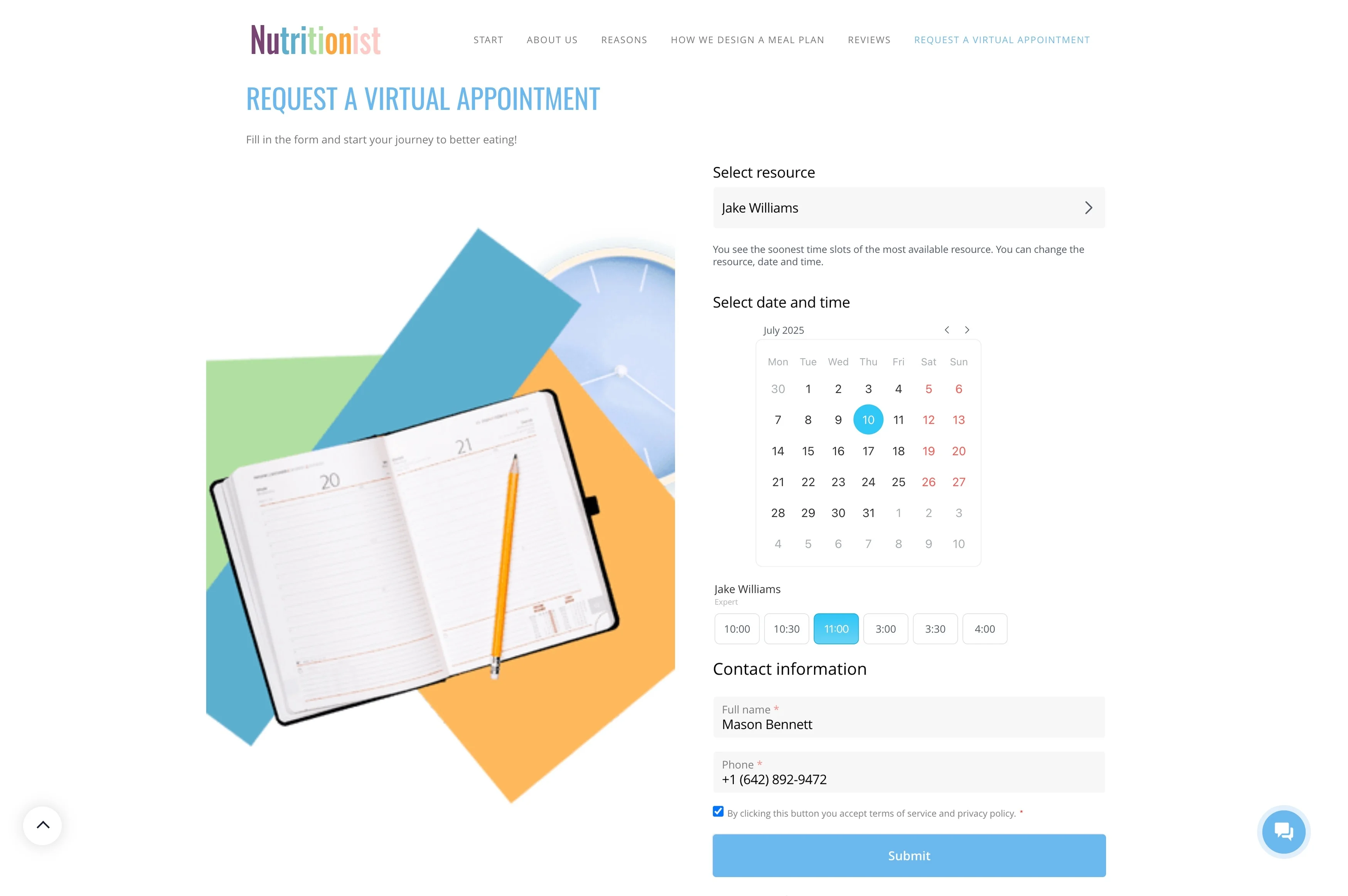
Define bookable availability upfront
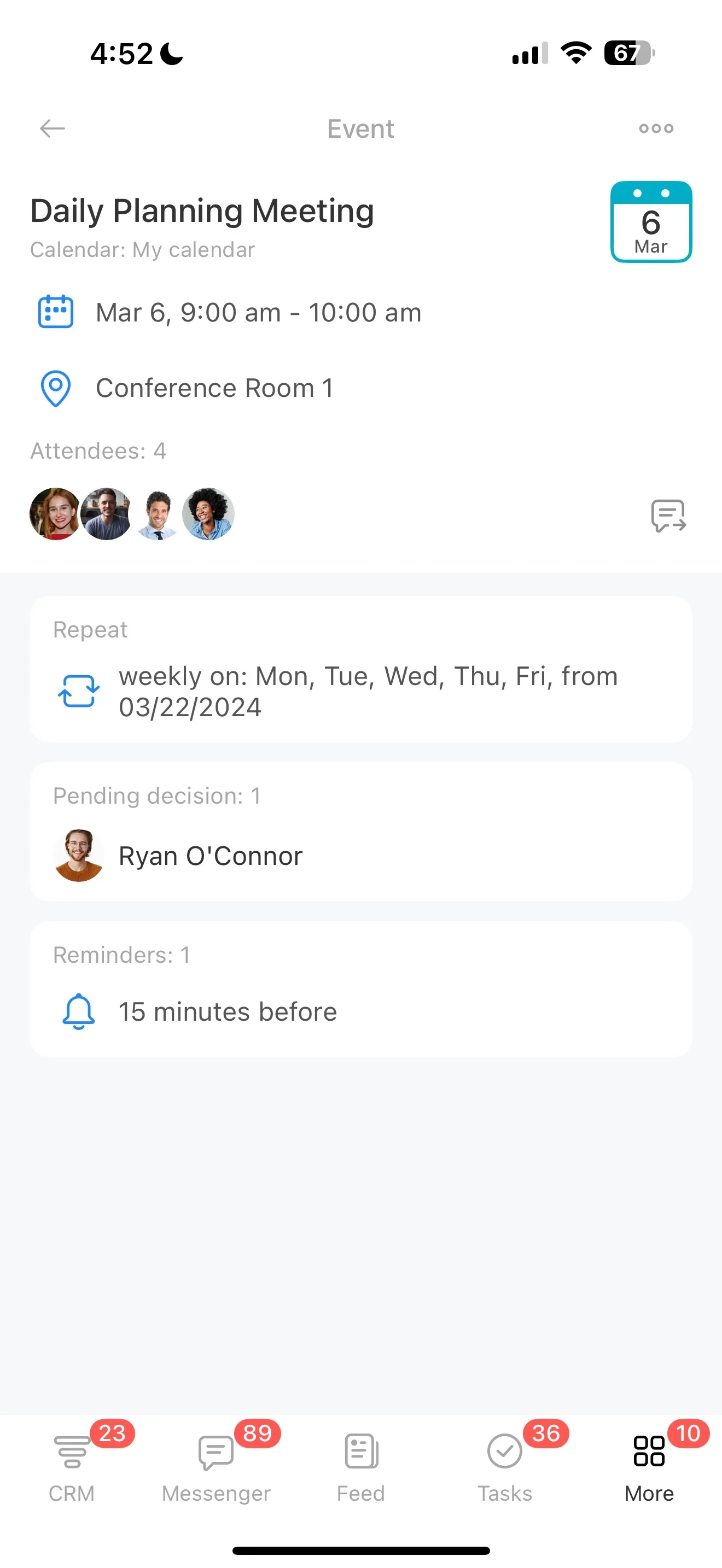
For service teams that deliver work by appointment—repairs, salons, consultations, onsite visits, classes—each booking is both a schedule commitment and a relationship touchpoint. What matters day to day is keeping availability, assigned staff, customer history, and follow-ups tied to the same place, so nothing gets lost between “booked” and “done.”
A CRM for service businesses should treat the appointment as the start of the customer record, not a standalone calendar event. With Bitrix24, you can set availability, turn each booking into a CRM item, confirm details, send reminders, and record outcomes—then use that same history to drive a consistent post-service follow-up.
- Turn appointments into customer-linked CRM records
- Coordinate staff and shared resources around scheduled work
- Keep service notes and follow-ups connected for repeat visits
Standardize post-service follow-up
Build follow-up steps into “job complete” so they happen consistently: check satisfaction, share care instructions, schedule the next visit, or open an issue for resolution. When follow-up lives on the same record as the appointment, the team has the full context while the experience is still fresh.
- Send a thank-you or aftercare message
- Prompt a rebooking at the right interval
- Assign and track any problems to resolution
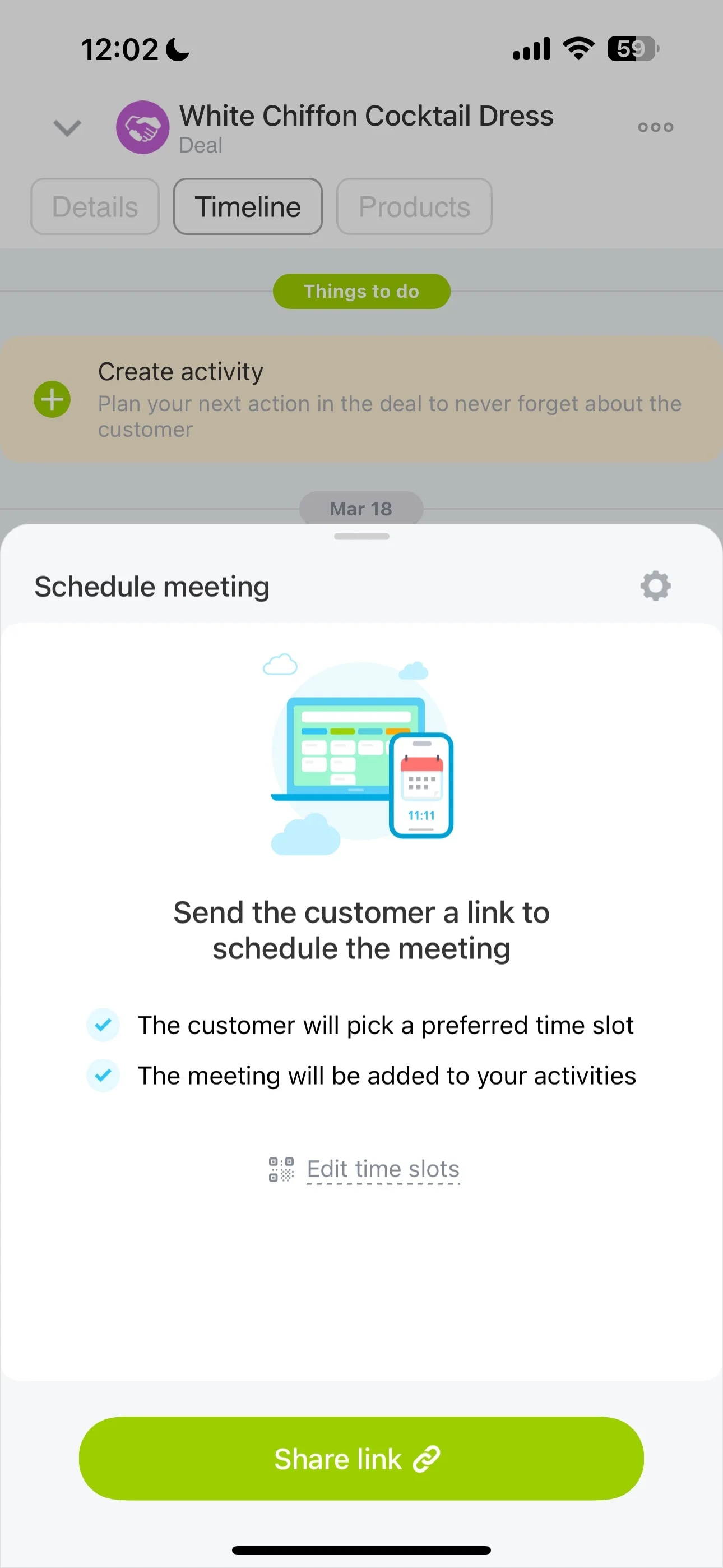
Keep confirmation and changes in one place
Use the same appointment record to confirm service details, location (if relevant), prerequisites, and timing. When reschedules or updated instructions come in, logging them on the record keeps the latest plan easy to find for everyone involved.
Define bookable availability upfront
Start by setting when your team can actually take appointments, so you’re booking from real availability instead of negotiating times after the fact. When availability is clear, intake becomes repeatable: pick a slot, capture customer details, and create the record your team will use through delivery and follow-up.
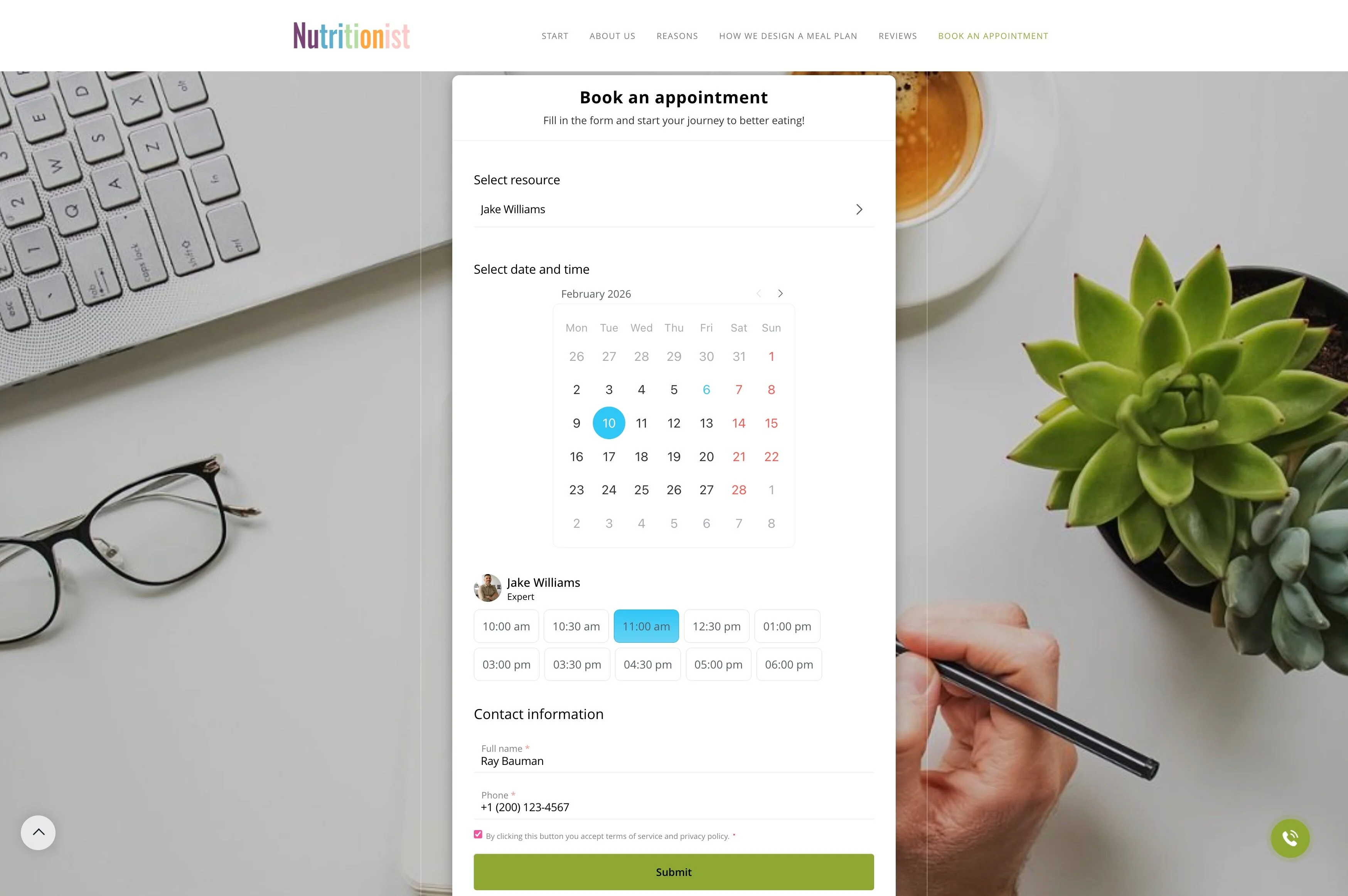
Turn each booking into a CRM record
Make every appointment a trackable CRM item linked to the customer, service request, and notes. That way, the booking isn’t just “on the calendar”—it’s the working record for handoffs, prep, and delivery, so the assigned specialist doesn’t need to re-collect basics.
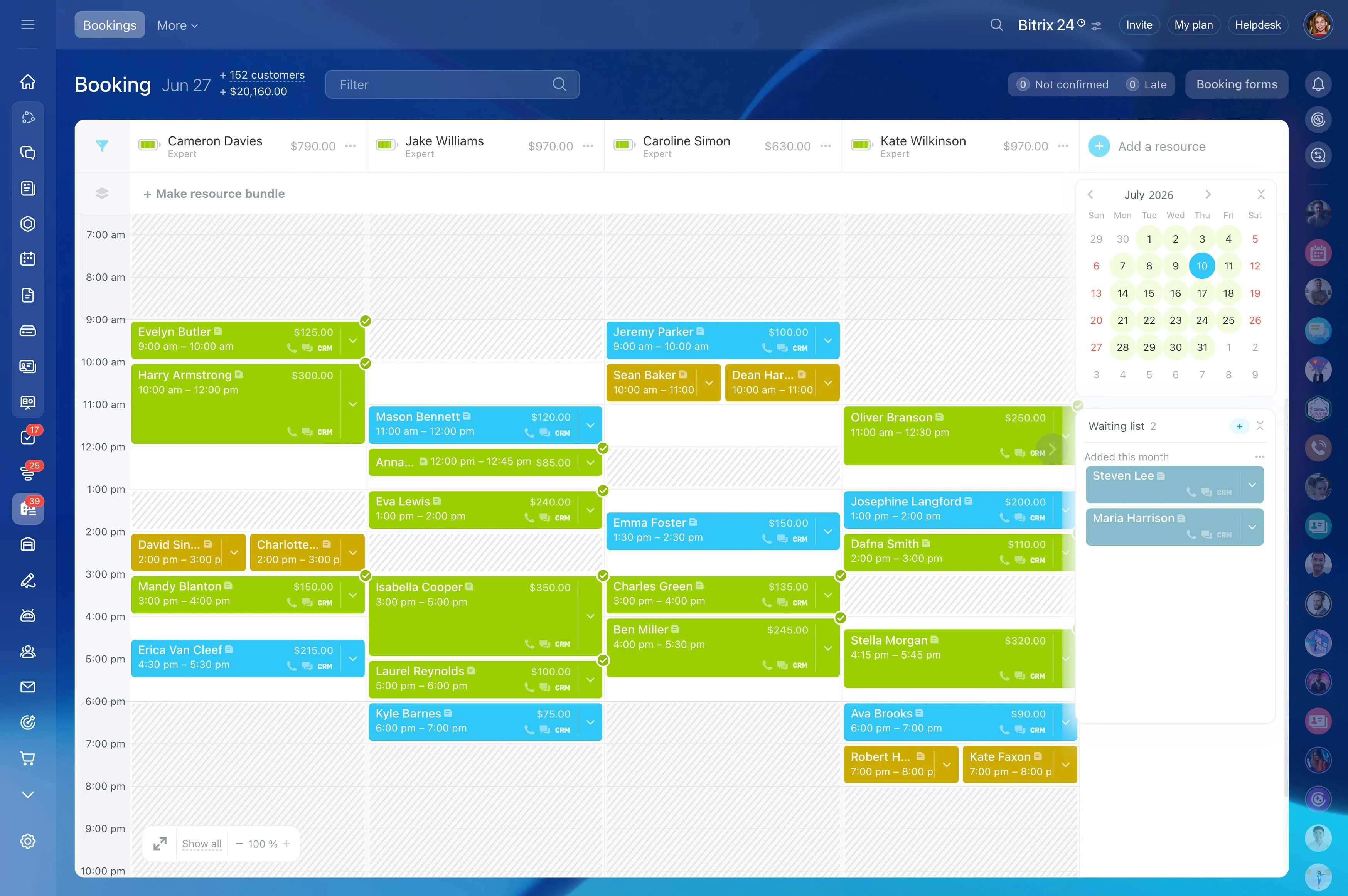
Assign staff and reserve resources while booking
A booking is only truly confirmed when the right staff member is responsible and any shared resource is reserved. Build assignment into the appointment creation so ownership is visible from the start.
- Set a clear responsible person for delivery
- Reserve rooms or equipment when needed
- Reduce internal back-and-forth on the day
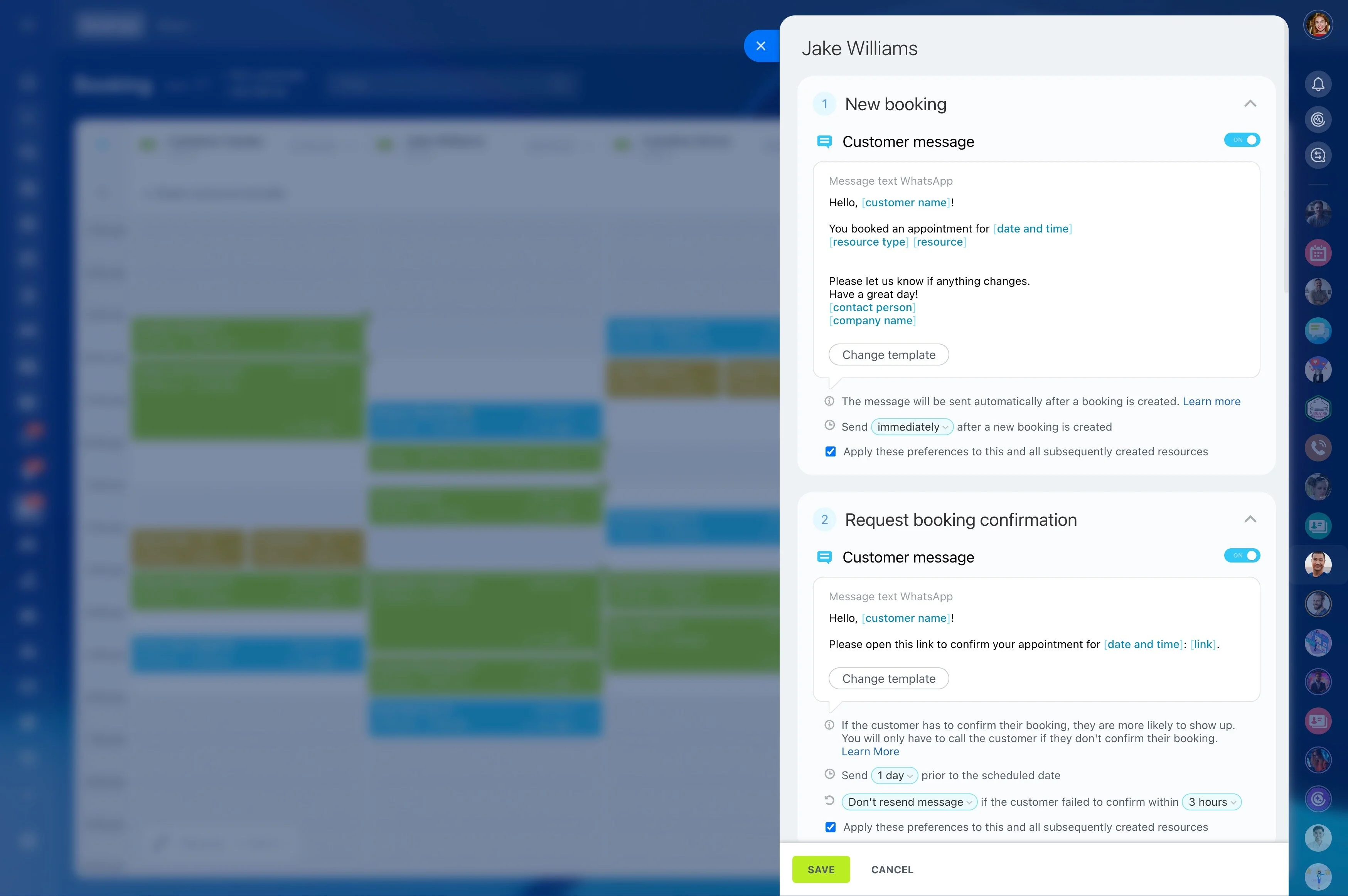
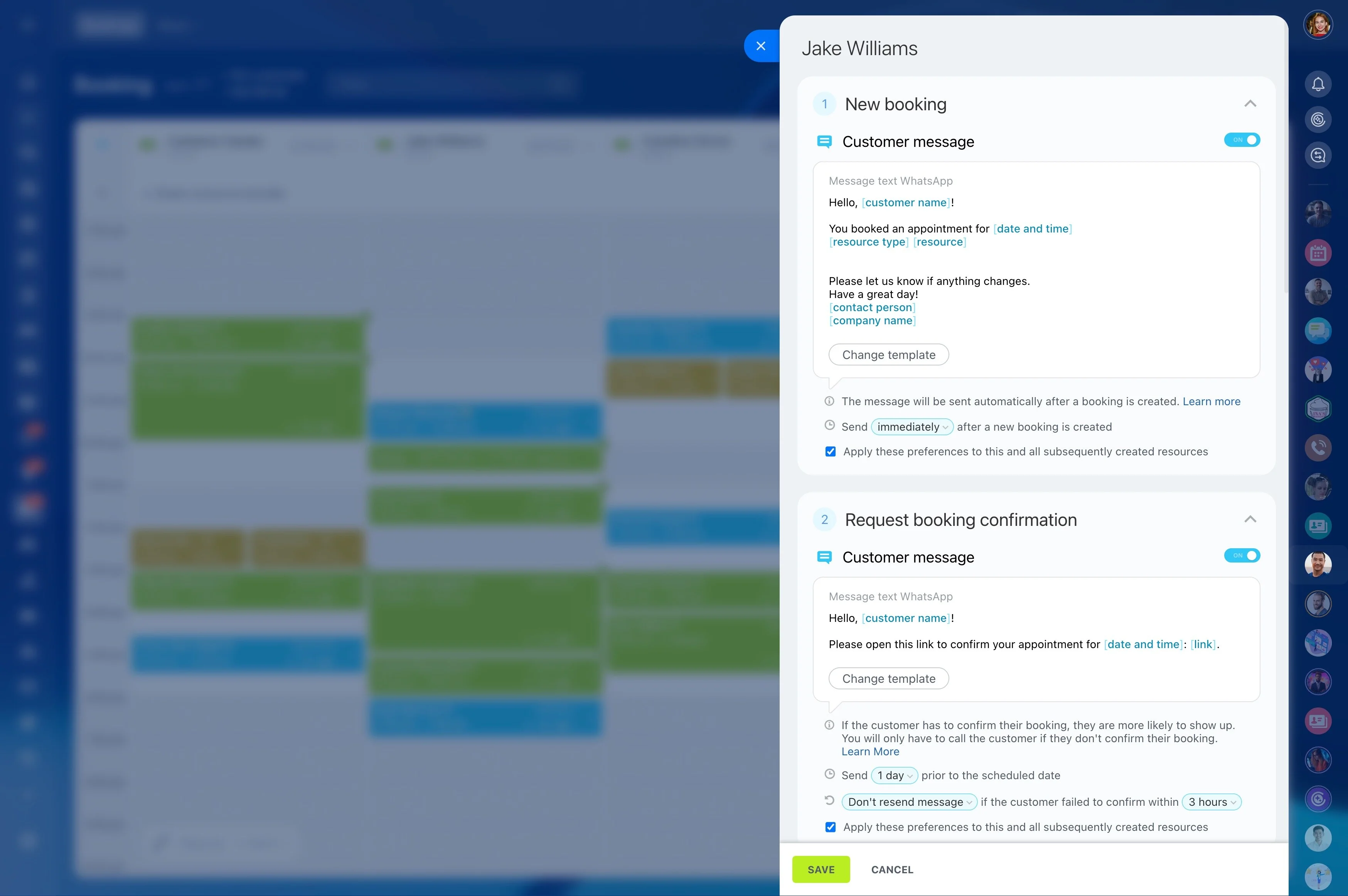
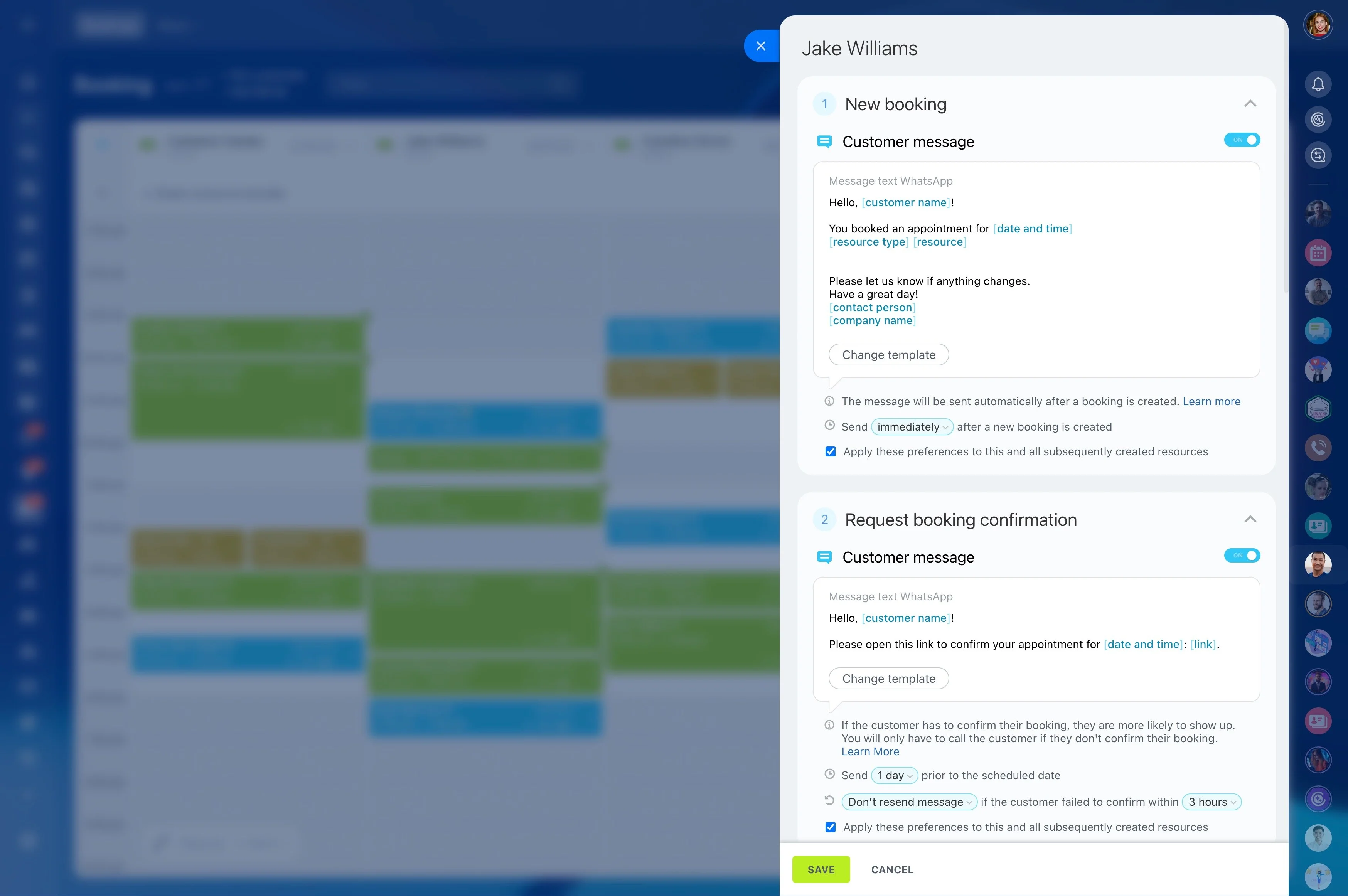
Treat reminders as a workflow checkpoint
Reminders work best when they’re part of the appointment’s progression, not an ad-hoc message. Connecting reminders to the booking record helps your team see what was already sent and avoid conflicting instructions before calling or messaging.
Capture service history for repeat visits
Continuity is what makes service CRM valuable: what was requested, what was delivered, and what you learned. Keep outcomes and key notes attached to the customer so the next visit starts with context and your team can recommend the next logical step based on what actually happened.