Gmail CRM Integration: Capture Every Client Email Without Copy-Paste

You live in Gmail. Your customers do, too. But your CRM can’t help you if half the conversation stays trapped in inboxes, BCC threads, and forwarded chains. You end up screenshotting quotes, pasting snippets into notes, or chasing a colleague for “that last reply” you can’t find. Meanwhile, the deal record stays incomplete — making your forecasts look healthier than reality and your handoffs riskier than they should be.
The cost adds up fast. Reps lose hours each week on manual logging, managers review pipelines with partial context, and leadership makes decisions on activity data that’s missing entire conversations. One overlooked customer reply can delay a proposal, violate an SLA, or stall a renewal. Multiply that by every active deal and the hidden revenue impact becomes obvious: slower cycles, avoidable churn, and missed upsell windows.
Bitrix24 connects Gmail to your CRM so every inbound and outbound message is captured and matched to the right lead, contact, company, or deal — automatically. No tab juggling. No copying. Just clean, complete timelines anyone on your team can trust. You choose which labels to sync, what to exclude, and who can see what. Your team keeps working in Gmail. Bitrix24 does the logging — quietly and reliably — so your email history finally becomes a strength, not a liability.
From Inbox Chaos to a Repeatable Sales Process
Gmail is perfect for conversations.
After Bitrix24’s Gmail CRM integration:
- Reps copy-paste selected emails into the CRM — sometimes — so deal timelines are partial and inconsistent.
- Managers discover risks too late because critical replies live in private inboxes or side channels.
- Handoffs and coverage falter when context is trapped in threads instead of timelines tied to tasks, quotes, and deals.
- Every touch logs to the right record automatically, creating a single narrative that spans qualification, evaluation, and close.

The CRM Gmail Integration Sales Actually Use
Most email CRM tools force reps to change habits, install clunky extensions, or remember to hit a special button.
Real-world example: Your AE replies in Gmail to a technical stakeholder looped in mid-cycle.
- Inbound emails from prospects and customers are pulled from Gmail and logged to matching Bitrix24 records.
- Outbound emails you send — whether from Gmail or from Bitrix24 — appear in the contact’s activity timeline alongside calls, meetings, and tasks.
- Entire threads and attachments stay linked together, so context doesn’t scatter across separate notes or files.
- When Bitrix24 can’t find a match, it follows your rules: create a new lead, assign an owner, and drop it into the correct pipeline or review queue.

Never Miss a Client Email Again
Every deal has two timelines: the one in your inbox and the one in your CRM.
Consider this scenario: A champion forwards your quote to purchasing, who replies from ap@client.com asking for a revised term.
- Smart matching: Bitrix24 matches messages by email address, domain, and existing associations to connect emails to the right contact, company, and open deals — even when multiple…
- Thread continuity: Replies and forwards stitch back into the original conversation, preserving subject continuity and participants across the entire exchange.
- Attachment preservation: Proposals, POs, NDAs, and signed agreements are captured alongside the activity, so you don’t hunt through archives at quarter end.
- Controlled lead creation: Unknown senders can become leads automatically — or wait in a review queue so you avoid noise from no‑reply addresses or partner newsletters.

Clean Data In, Confident Decisions Out
Bad email logging is worse than no logging: duplicates, irrelevant threads, and personal messages clutter dashboards and ruin trust.
When your email CRM is quiet, focused, and complete, your dashboards become a source of truth.
- De-duplication and association logic: Bitrix24 prevents duplicate contacts and deals by matching on email, domain, and existing relationships — even when prospects use aliases like…
- Noise filters that actually work: Exclude labels like Promotions or Social, ignore internal domains and no‑reply senders, and whitelist/blacklist domains so only sales‑critical…
- Role-aware visibility: Protect sensitive conversations with permissions and private activities. Exec-to-exec threads can be visible to leadership while remaining hidden from broader…
- Structured enrichment: Subject lines, timestamps, participants, and file names populate consistent fields — fueling accurate reporting and automation.
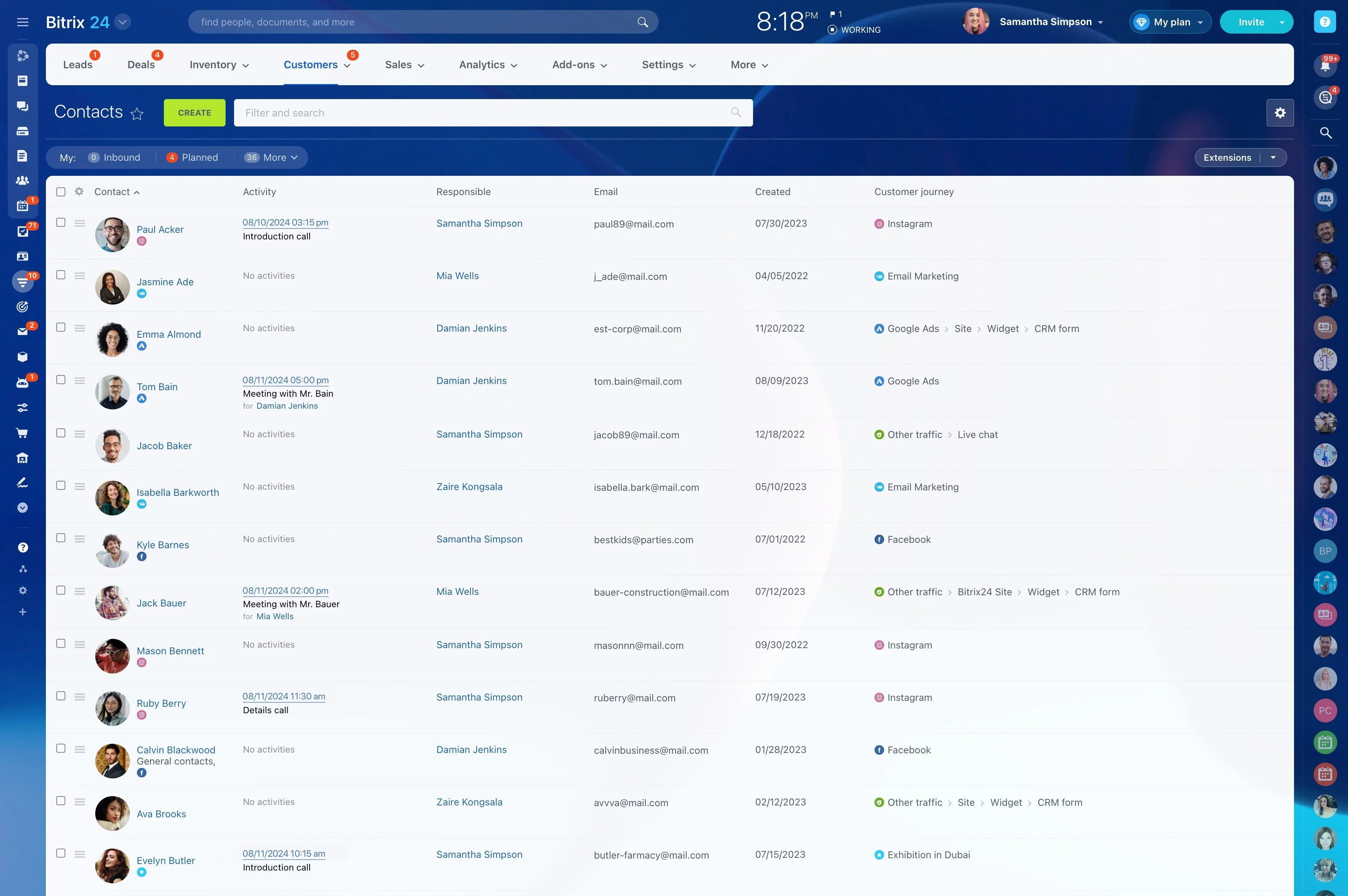
Set Up Your CRM Gmail Sync in Minutes
You don’t need to rewire Gmail or teach reps new tricks.
Quick start, step by step: 1) Connect Gmail securely: Authorize via OAuth — no passwords stored.
- Keep sending from Gmail, and Bitrix24 logs it automatically.
- Or compose from Bitrix24 using your Gmail account so messages appear in both Gmail Sent and the CRM timeline.
- On mobile? Use Gmail as usual; your unique CRM BCC address captures ad‑hoc messages if you need a quick fallback.

Security, Privacy, and Admin Control You Can Trust
Email holds your most sensitive customer conversations.
Built-in protections:
- OAuth 2.0 for Gmail: Connect without sharing passwords. Revoke access anytime from Google admin settings.
- Encryption by default: Data is encrypted in transit and at rest within Bitrix24 to protect message content and attachments.
- Granular permissions: Control which teams can view or send emails. Restrict visibility on sensitive threads to specific roles or owners.
- Audit trails: See who accessed, sent, or modified email activities, with time-stamped histories for compliance.
