AI Follow-Up Email Generator: Send the Recap While the Client Still Remembers the Call
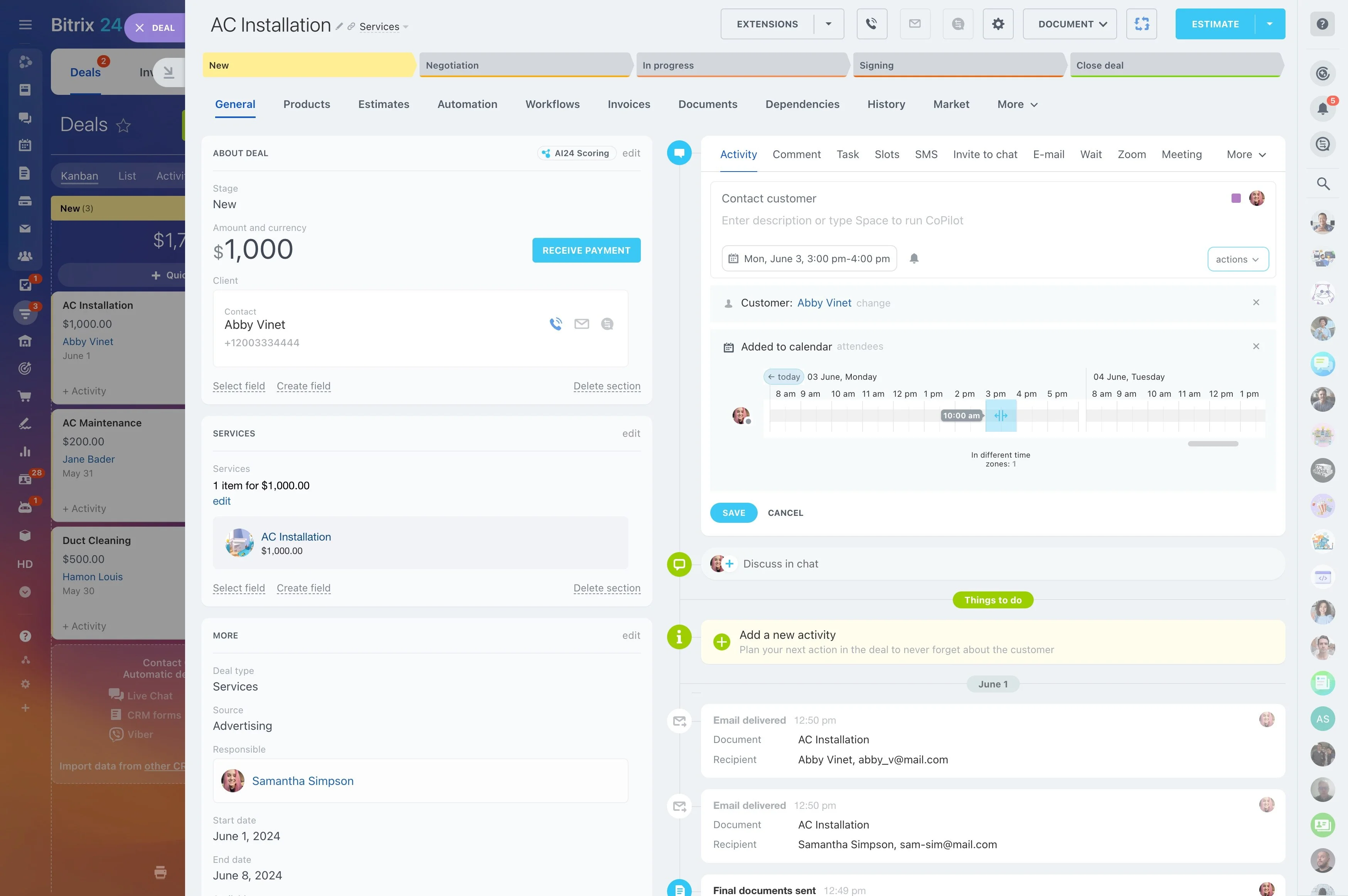
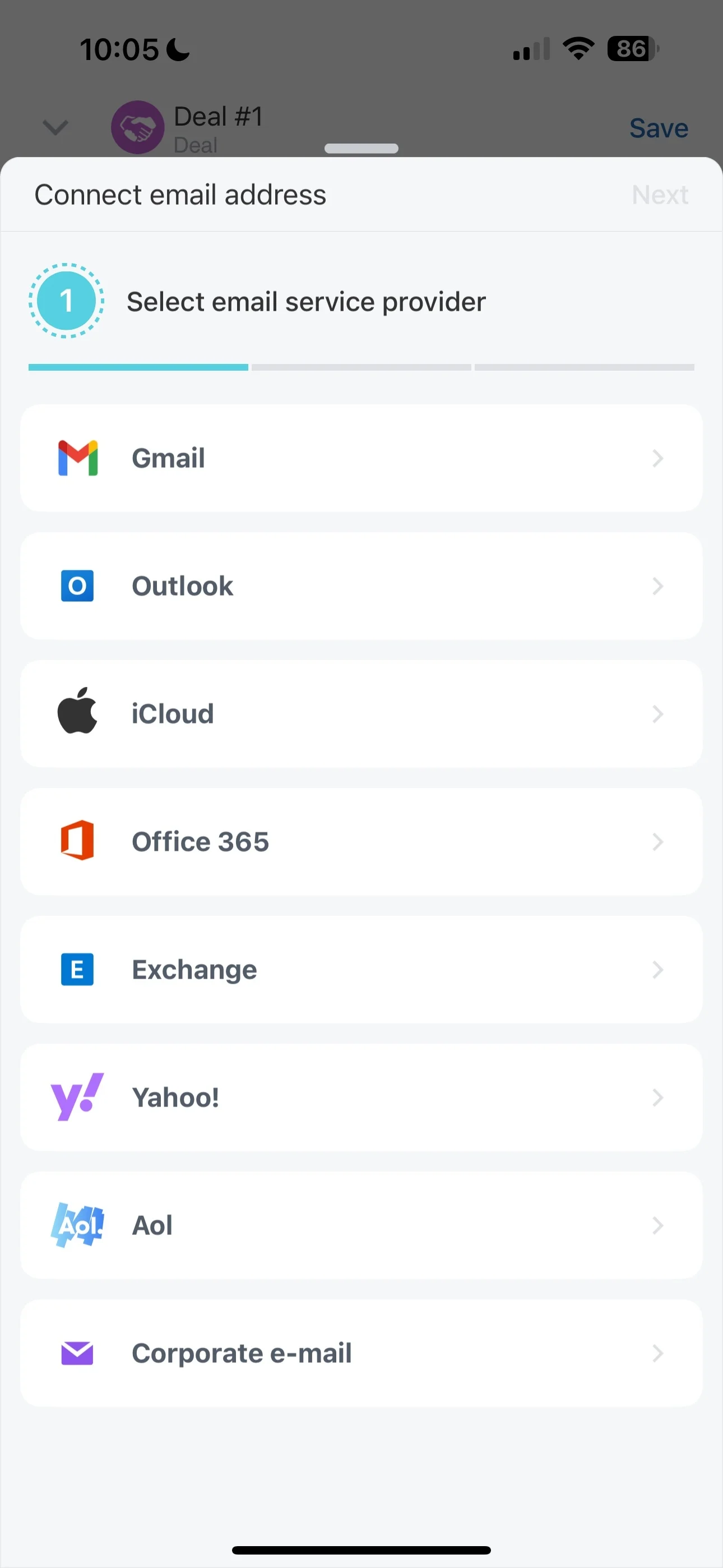
The best follow-up goes out while the call is still fresh. Build an app that reads the deal timeline and the call transcript, drafts a recap with agreed next steps, and lets your rep edit and send it from Bitrix24 Webmail.
The best follow-up goes out right after the call, but most are written at the end of the day — short and generic. With Alaio Vibecode, you can build a generator that reads the deal context in your CRM and drafts a personal recap your rep reviews and sends.
- Draft follow-ups from real deal and call history.
- Summarize agreements and next steps with dates.
- Keep one tone across the whole sales team.
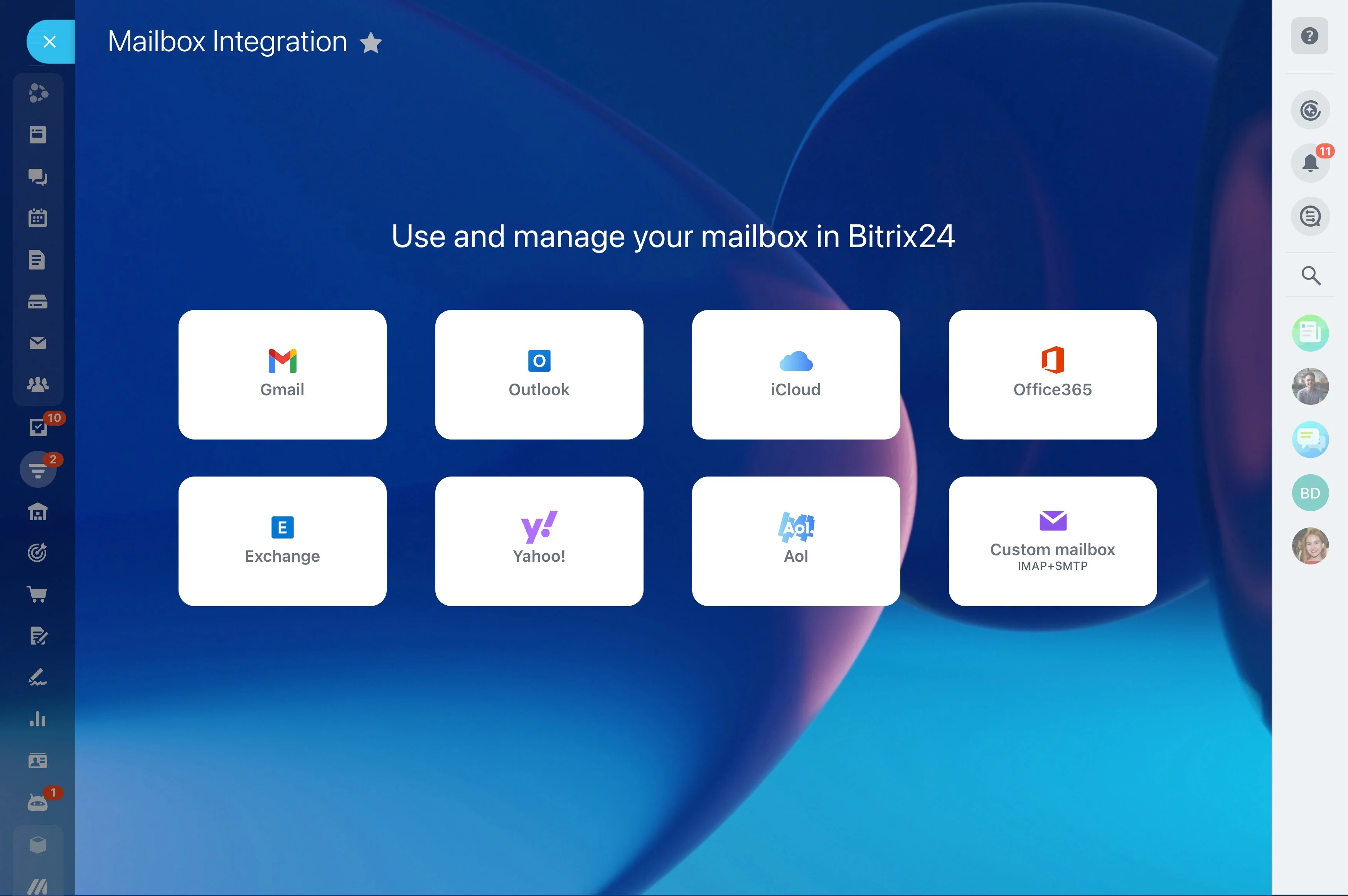
- Send through Webmail so every email stays on the timeline.
Your Tone and Templates
You decide how your follow-ups should sound.
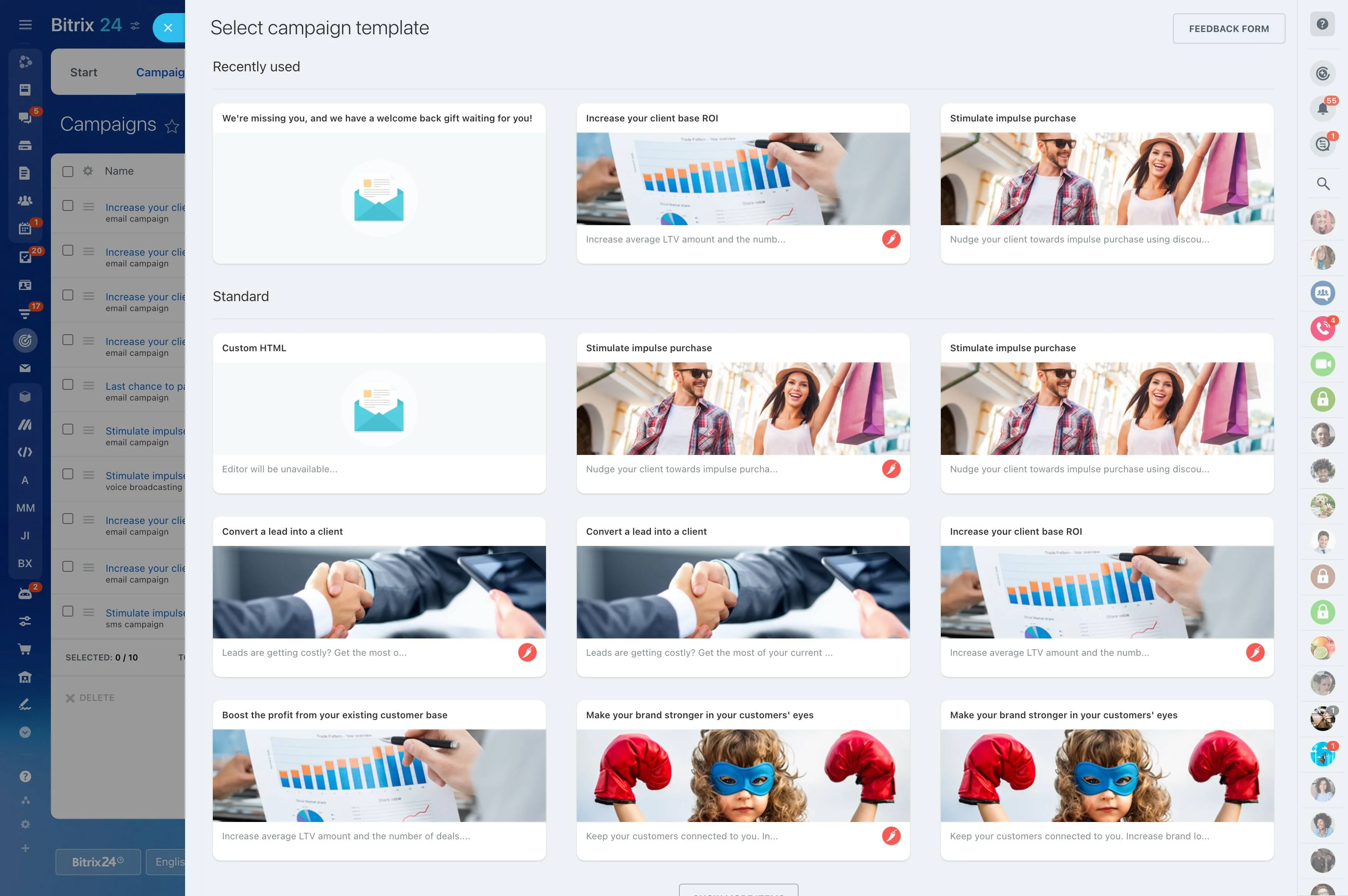
- Set a formal style for enterprise clients and a short one for quick confirmations.
- Add a few emails from your best reps as examples.
- Generate drafts in several languages for international pipelines.
Personal Because It Uses Real Context
Personalization comes from details, not from inserting a first name. The app pulls what your team already logged in Bitrix24 CRM.
- Read the deal stage, products, and open questions.
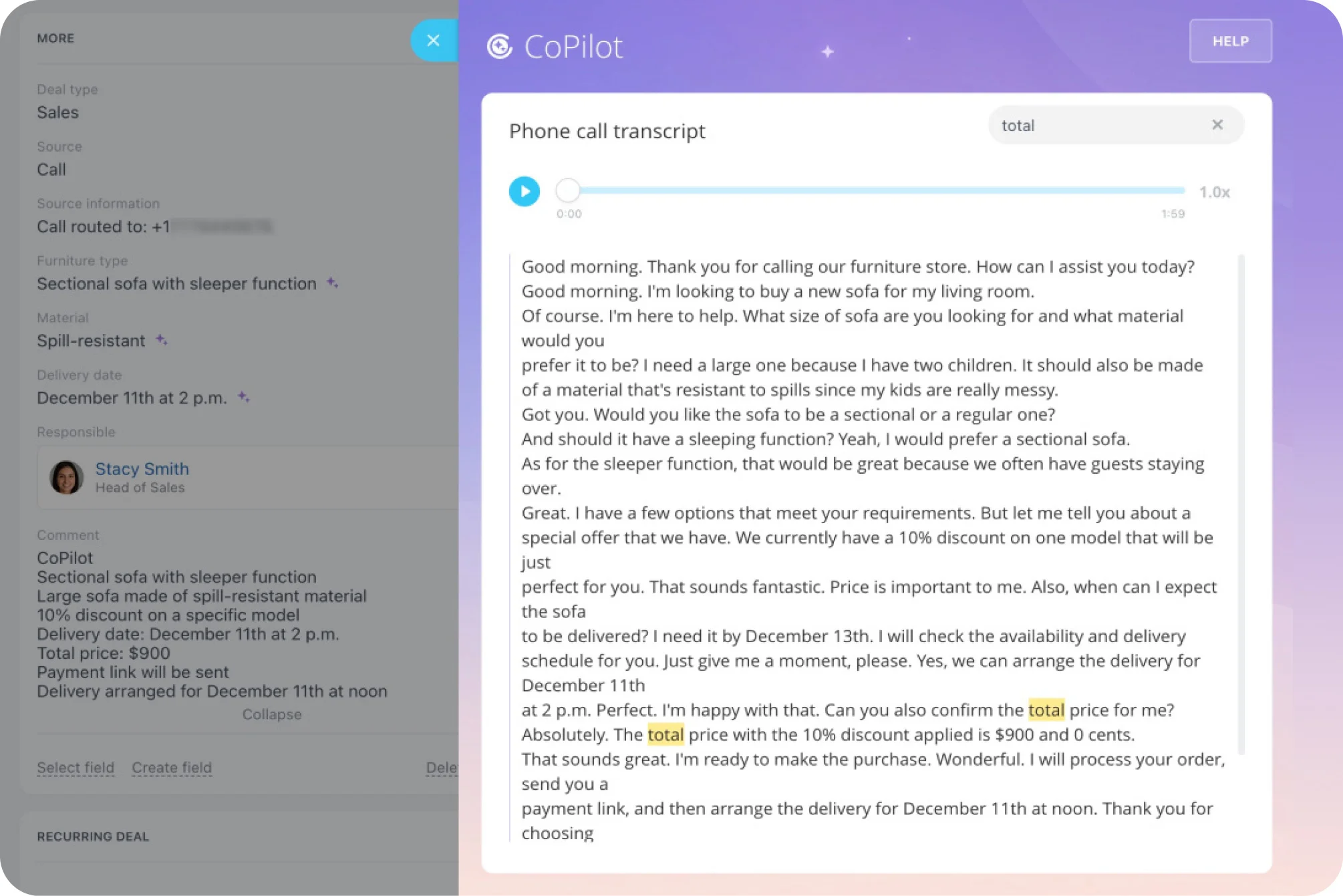
- Use the latest CoPilot call transcript and recent emails.
- Refer to what the client asked and what you promised.
- Leave a placeholder when key details are missing.
Next Steps That Turn Into Work
A good follow-up ends with clear actions. The app keeps the email and your internal work in sync.
- Extract agreed actions such as sending a proposal or booking a demo.
- Offer to create matching tasks or CRM to-dos with due dates.
- Make sure nothing promised in writing is forgotten.
One Click From the Deal Card
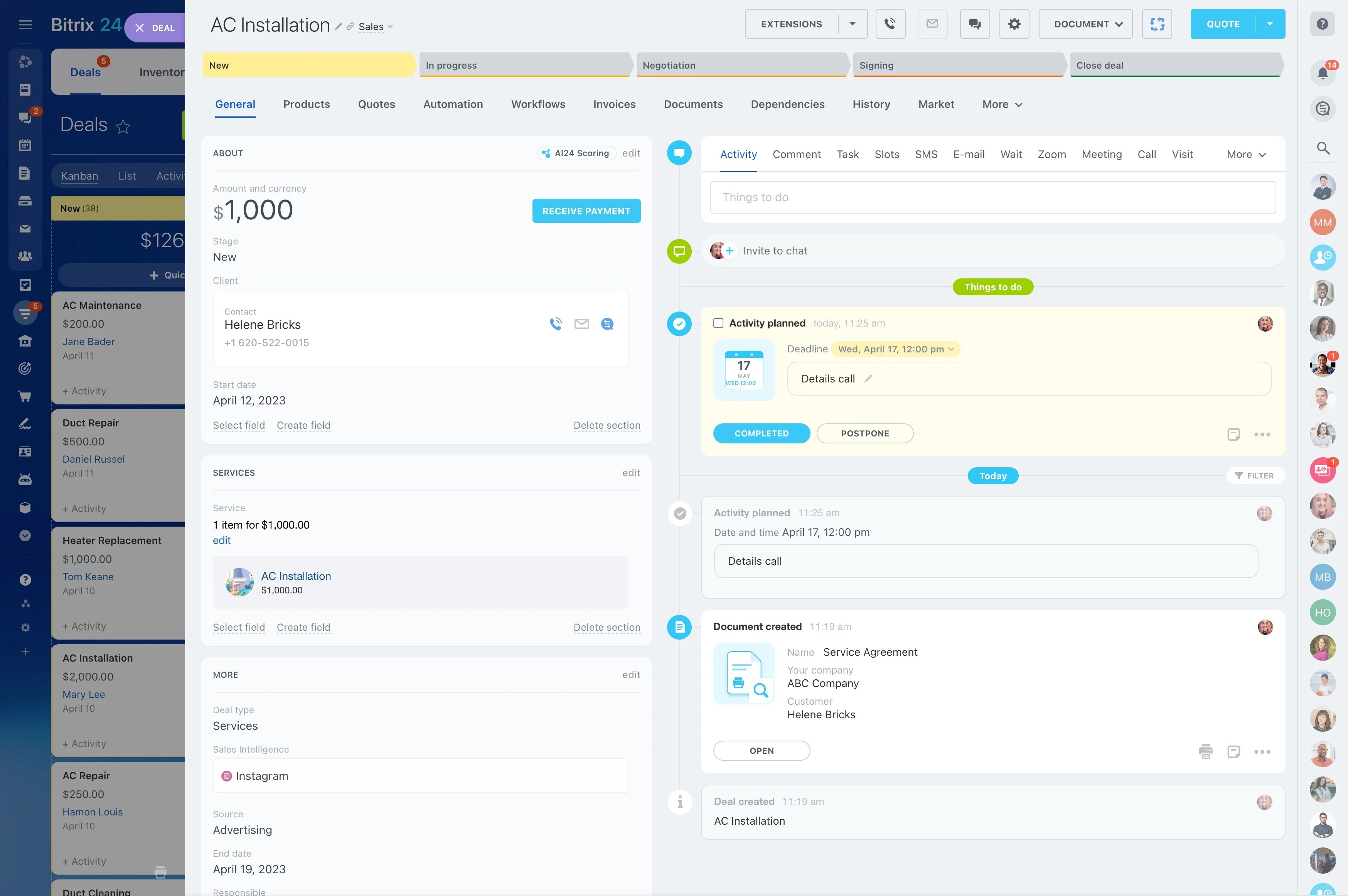
Vibecode apps can open inside the Bitrix24 interface, so reps never switch tools.
- Add the generator as a tab or action in the deal card.
- Generate, edit, and send in one place.
- Log the sent email automatically through Bitrix24 Webmail.
Build the Follow-Up Generator With Vibecode
No coding background is required — just a clear description. More examples are collected in Bitrix24 AI use cases.
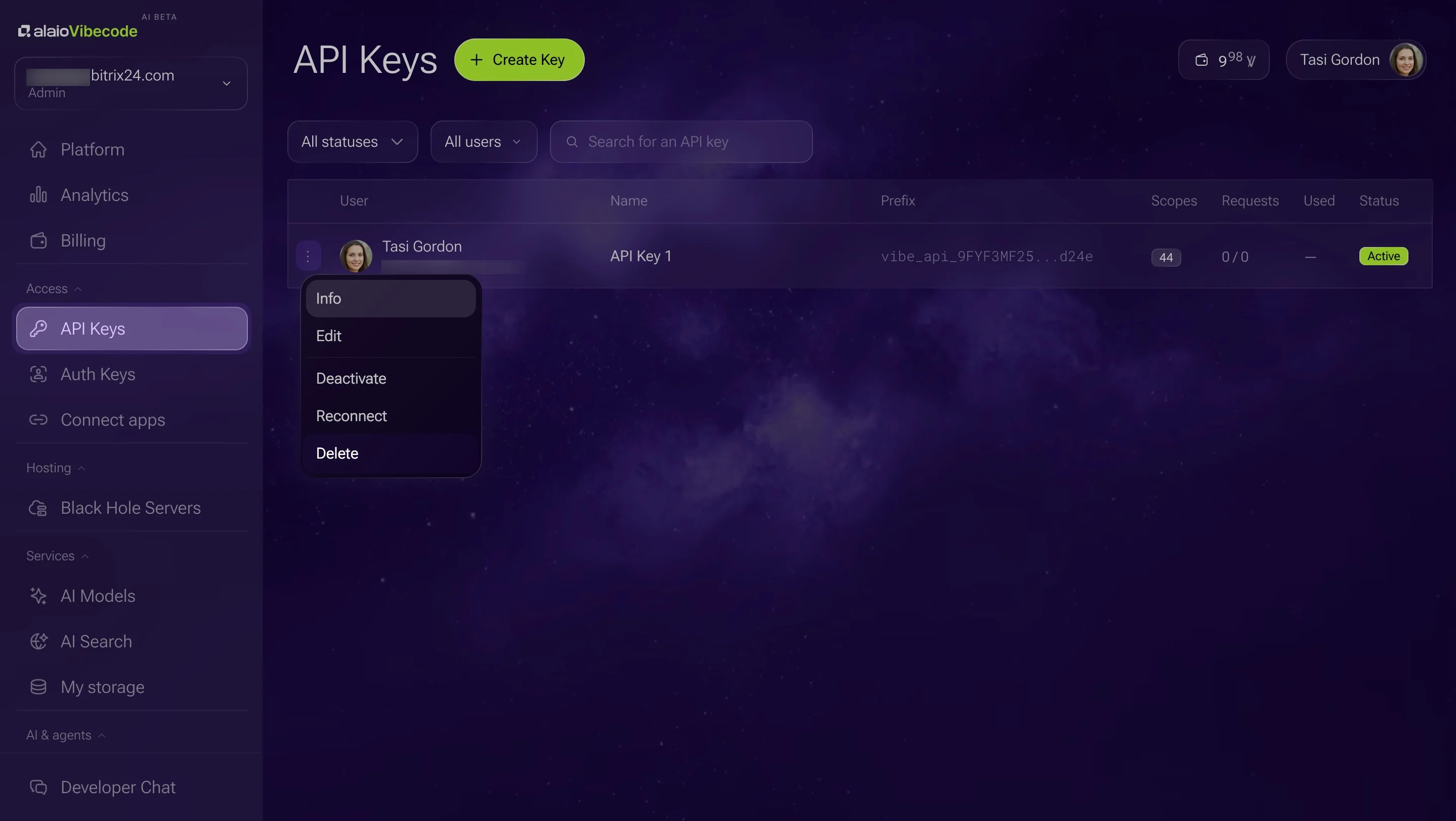
1. Create an API key with CRM and mail access in Vibecode.
2. Describe the app: "After each call, draft a follow-up using the deal timeline and transcript, and let me edit and send it."
3. Let your AI coding tool build it with Vibecode's documentation.
4. Fine-tune wording and layout in plain language.
Human Review Stays in Control
The app drafts; your rep decides what gets sent.
- Nothing leaves the CRM without a click.
- Built-in AI models are included in Vibe+ plans within the monthly AI allowance, so everyday drafting needs no separate budget.
- Metered AI models are optional and billed in Vibe credits.
- Vibecode is in AI Beta, so plans and pricing may change.
For more information about Bitrix24, head over to our training courses.
We also have a great YouTube channel that covers every aspect of Bitrix24, from sales and planning to document management and company internal communication tools.
To download the self-hosted edition of Bitrix24 that can be installed on your own server and give you access to open source code, please visit the Bitrix24 Self-Hosted page.
Be sure to check out other Bitrix24 tools:
15,000,000+ organizations have chosen Bitrix24