What's New in Bitrix24 Boards: Better Flowcharts, Faster Task Creation, and Easier Collaboration

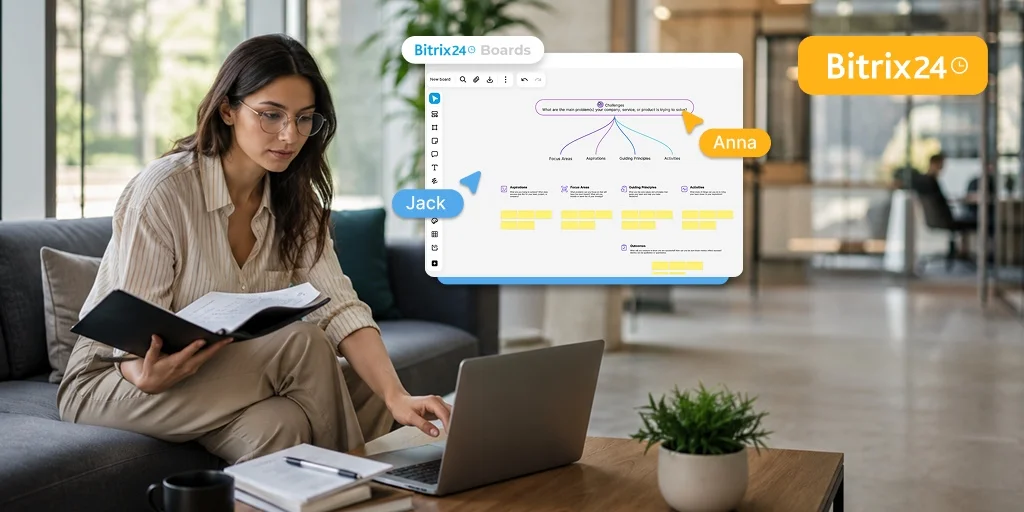
Planning a project is easy. Having one place for ideas, diagrams, feedback, and tasks makes it easier for teams to collaborate and keep work moving.
The latest updates to Bitrix24 Boards help teams move from discussion to action faster by keeping plans, feedback, and tasks in one place. Whether you’re mapping a sales process, planning a campaign, or organizing an HR initiative, the new tools make it easier to structure information, collaborate, and keep projects moving forward.
New Board Features for Everyday Work
- Import and export tables let teams quickly move existing data into a board and share it when needed. This reduces manual work and keeps information consistent across projects.
- Emojis and stickers make it easy to react to ideas or give quick feedback without long comment threads, helping teams make decisions faster and keep conversations focused.
- Code blocks allow teams to add formatted snippets directly into the board, which is especially useful for developers and product teams working on technical details in a shared space.
- The virtual dice adds a simple way to make random selections during workshops or brainstorming sessions, helping teams keep meetings interactive and efficient.
- A minimap improves navigation in large boards by giving a full overview of the workspace. Instead of scrolling through complex diagrams, users can quickly jump to the section they need.
How do you build flowcharts in Bitrix24 Boards?
Flowcharts can be created using new shapes and by placing them directly on arrows. This makes it easier to map approval chains, customer journeys, onboarding steps, and other workflows in a clear visual format without using external tools.
How can you turn ideas into tasks in Bitrix24?
Any board item can be turned into a task in just a few clicks. This helps teams move from discussion to execution immediately, ensuring that decisions become trackable work with clear responsibility.
Copying a board allows teams to reuse successful structures for new projects. This is especially useful for recurring workflows, campaign planning, or onboarding processes where consistency matters.
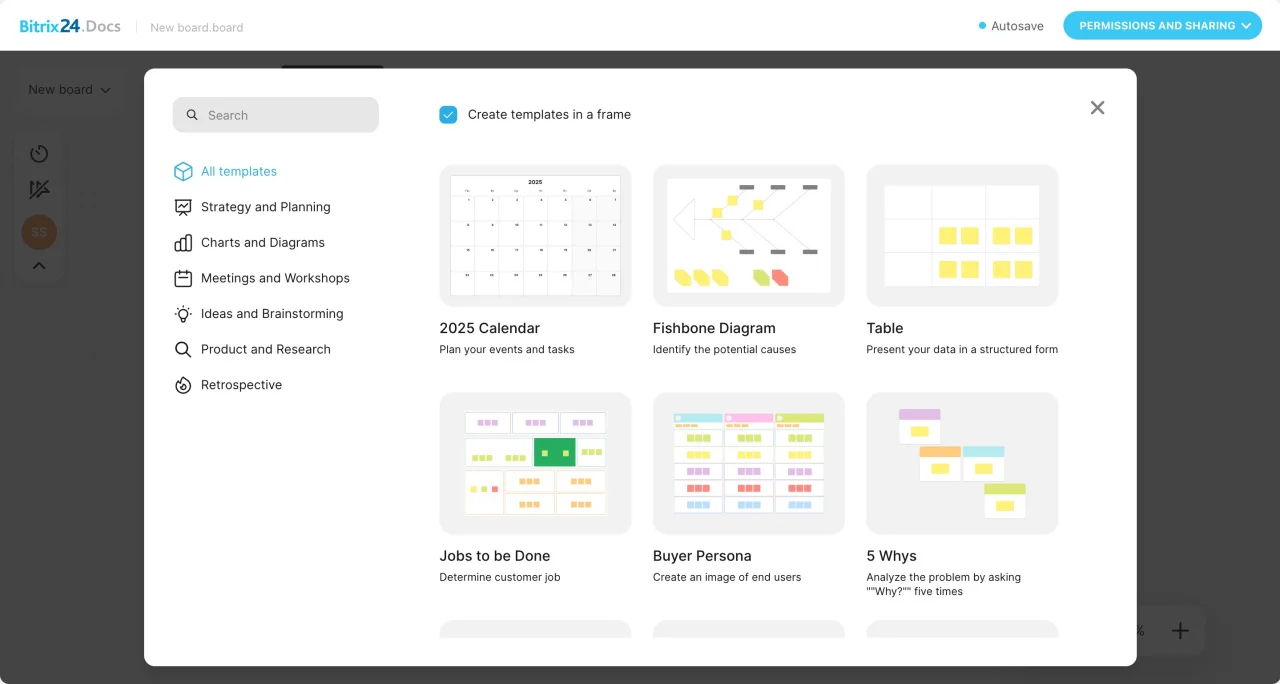
What these updates mean for team productivity
Imagine a marketing team preparing a product launch while working remotely across different locations and time zones. They map the campaign workflow, collect quick feedback using emojis, and turn decisions into tasks directly from the board. Once the project is complete, they reuse the same structure for the next launch.The result is less time spent recreating project structures, fewer follow-up meetings, and a faster path from planning to execution. Team members know exactly what needs to happen next, while project information stays organized in one place.
Keep Planning, Collaboration, and Execution in One Place
By bringing planning and execution together in one workspace, Bitrix24 Boards help teams spend less time switching between tools and more time moving work forward.
To learn more about these updates and see how they can fit into your team’s daily work, check out our detailed guides on the new Bitrix24 Boards features.