The Top Asana Alternatives for Project Management This Year


Asana is a solid starting point. But once your team hits a certain size, you start duct-taping it together with five other tools: one for chat, one for reporting, one for time tracking.
At that point, you're not using a project management tool; you're managing your project management tool.
This guide skips the feature chest-thumping.
Ten alternatives, ranked by what they're actually good at (not just feature checklists), so you can find the one that fixes the specific thing that's broken.
TL;DR
- Asana works well for simple task coordination but struggles when teams need to handle communication, time tracking, reporting, and broader workflows in the same place.
- The 10 best alternatives in 2026 split into four groups: all-in-one platforms (Bitrix24), flexibility-first tools (ClickUp, Airtable, Notion), visual and lightweight tools (Monday.com, Trello, Basecamp), and structured or specialized platforms (Wrike, Smartsheet, Teamwork).
- Research consistently shows that tool sprawl is a leading cause of productivity loss in modern teams.
- Match the platform to how your team actually works today and how it's likely to grow, rather than to feature counts or brand recognition, and selection becomes much easier.
Best overall Asana alternative: Bitrix24 is the strongest option for growing teams that want project management, communication, time tracking, reporting, and CRM in one workspace. ClickUp is better for deep customization, Monday.com is better for visual tracking, and Wrike is better for enterprise reporting.
Upgrade Your Project Management
Switch to Bitrix24: The all-in-one workspace. Get project management, communication, time tracking, reporting, and CRM seamlessly integrated.
Get Started NowWhy teams look for Asana alternatives in 2026
Asana handles simple coordination and task management well. The strain shows up as workflows grow more complex.
- Tool fragmentation. Separate tools for chat, meetings, time tracking, and reporting create constant context-switching
- Limited flexibility. Managing dependencies, cross-functional work, and evolving processes often forces workarounds
- Visibility gaps. As projects scale, tracking progress, balancing workloads, and spotting risks early gets harder without deeper reporting
- Rising costs. Growing teams plus integrations equals a tool stack that's more expensive and harder to manage over time
That's why many teams look for a more connected solution — one that combines project management, collaboration, and tracking in a single workspace.
The real cost of tool sprawl
This isn't just a feel-good argument for consolidation. The research is direct, and some of the most authoritative comes from Asana itself.
What the research says
Asana's Anatomy of Work Index 2021, which surveyed 13,123 knowledge workers across Australia, France, Germany, Japan, Singapore, the UK, and the US, found that organizations of every size are losing 60 percent (!) of their time to "work about work" — the time wasted on searching for information, switching between apps, and holding status meetings. The pattern is even worse at enterprise scale: organizations of 5,000+ employees lose 63 percent of their time to work about work every week.
Harvard Business Review's 2022 research on digital workers reinforces the cost: the average digital worker toggles between applications and websites nearly 1,200 times per day, losing roughly 9% of their annual work time to context switching alone.
What this means when comparing Asana alternatives
Dustin Moskovitz, co-founder and CEO of Asana, has been explicit about what teams actually need to fix this. "Clarity is really difficult for teams to achieve even when they're in the office, but it's particularly challenging when working remotely,"he said in announcing the 2021 research — with the solution being "providing clarity—from the top to the bottom—and a consolidation of tools."
The editorial point is simple: if your Asana setup requires separate tools for chat, video, time tracking, and reporting, you're fighting the very problem Moskovitz himself has identified. That's often the tipping point for looking at an alternative.
Quick comparison: the best Asana alternatives
|
Tool |
Best for |
Key strength |
Pricing |
|---|---|---|---|
|
Bitrix24 |
Growing teams wanting one workspace |
PM, communication, time tracking, and CRM in one platform |
Free + paid |
|
ClickUp |
Teams with custom workflows |
Highly flexible views, fields, and automation |
Free + paid |
|
Monday.com |
Visual project tracking |
Intuitive dashboards and timelines |
Paid |
|
Wrike |
Enterprise teams |
Advanced reporting and resource management |
Paid |
|
Trello |
Simple task management |
Easy Kanban boards and fast setup |
Free + paid |
|
Notion |
Docs + project management |
Flexible workspace for knowledge and tasks |
Free + paid |
|
Smartsheet |
Structured workflows |
Spreadsheet-style planning and automation |
Paid |
|
Teamwork |
Client-focused teams |
Time tracking, billing, client collaboration |
Paid |
|
Airtable |
Data-driven workflows |
Database-style flexibility |
Free + paid |
|
Basecamp |
Simple collaboration |
Built-in communication with minimal complexity |
Paid |
The 10 platforms in detail
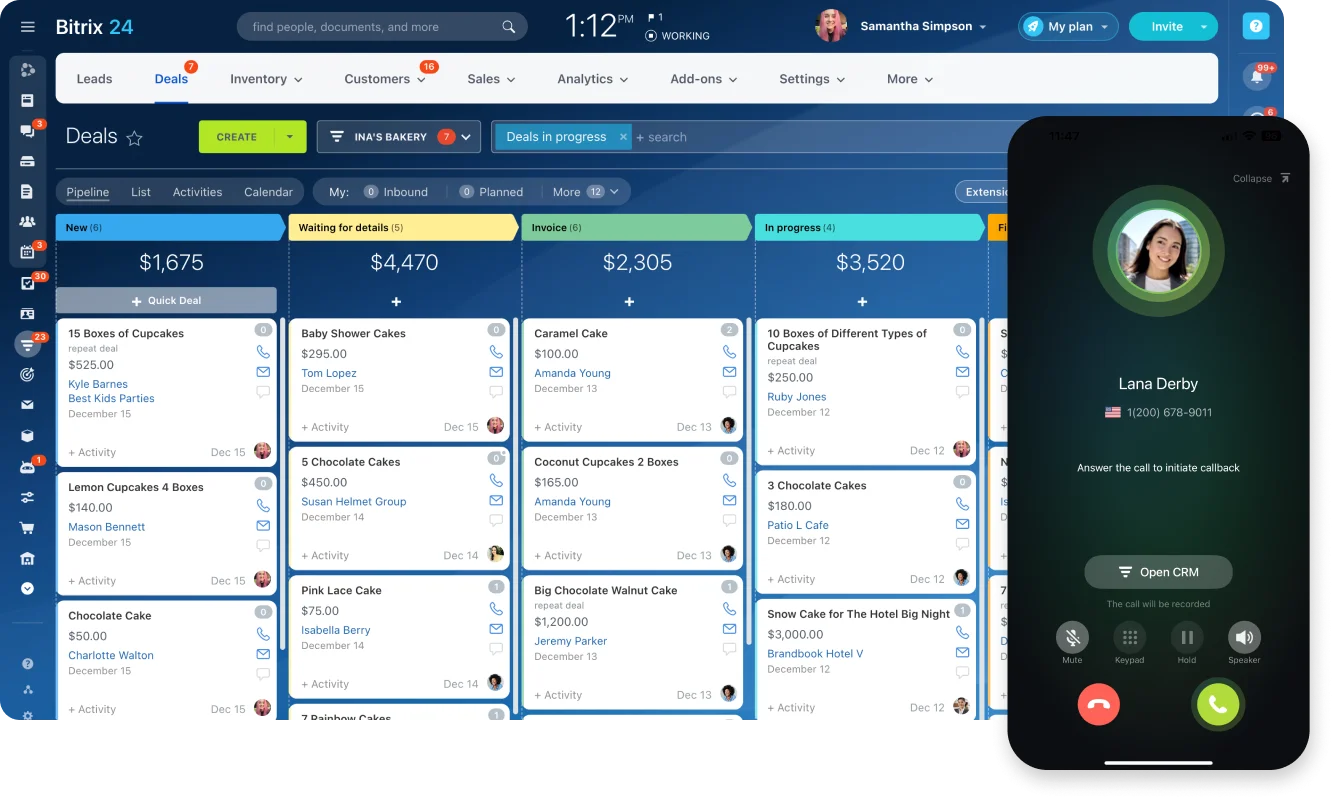
1. Bitrix24 — best for unified operations
Combines project management, communication, time tracking, and CRM in one workspace, reducing reliance on integrations.
- Strengths: Tasks with dependencies, Kanban/Gantt/calendar views, built-in chat and video, workflow automation, CRM integration.
- Limitation: Breadth of features requires structured onboarding for larger teams.
- Best for: Growing teams and SMBs wanting to manage projects, communication, and operational workflows in one platform.
2. ClickUp — best for flexibility
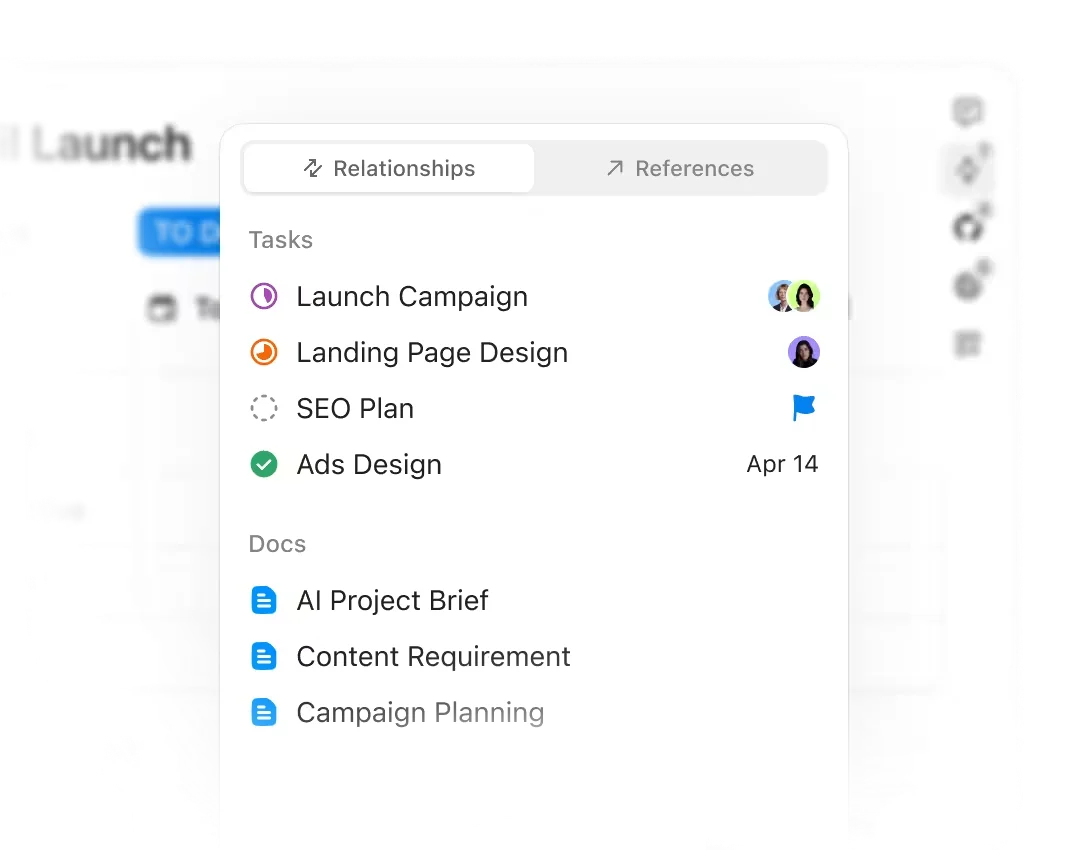
- Strengths: Multiple views, custom fields and statuses, hierarchical organization, built-in docs and goals.
- Limitation: Setup and maintenance time; flexibility can become overhead.
- Best for: Teams with complex, evolving workflows that need deep customization.
3. Monday.com — best for visual tracking
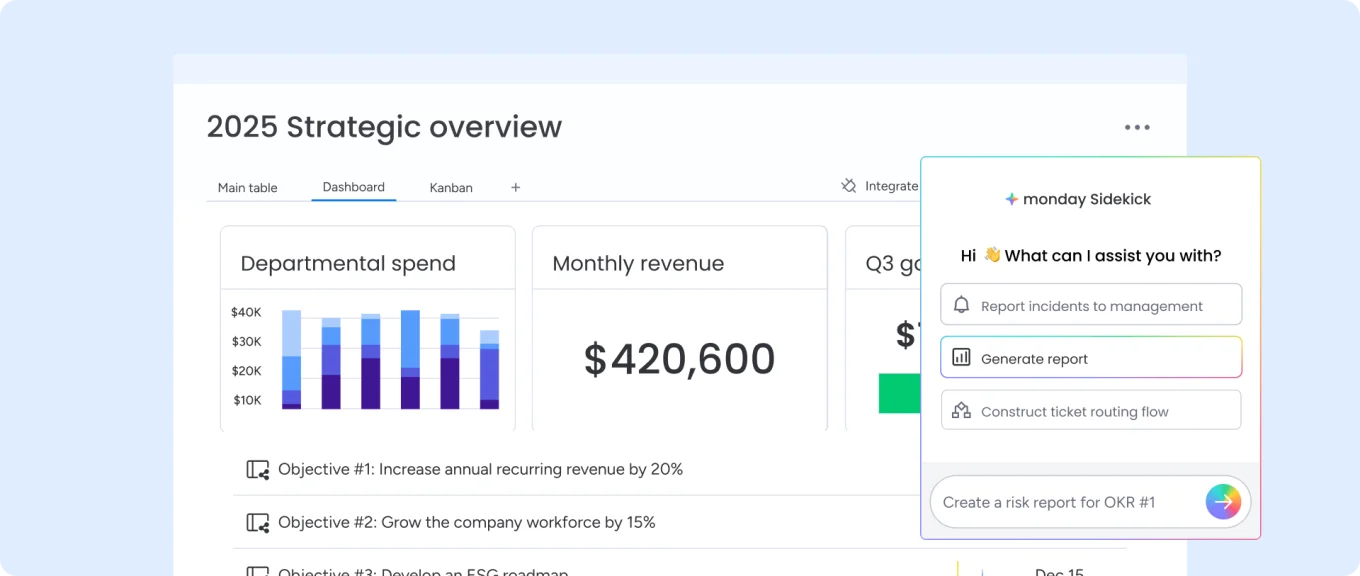
- Strengths: Visual boards, timelines, dashboards, drag-and-drop management, fast onboarding.
- Limitation: Less depth of customization than ClickUp; no all-in-one capabilities.
- Best for: Teams that want clear, visual oversight across multiple projects.
4. Wrike — best for enterprise reporting
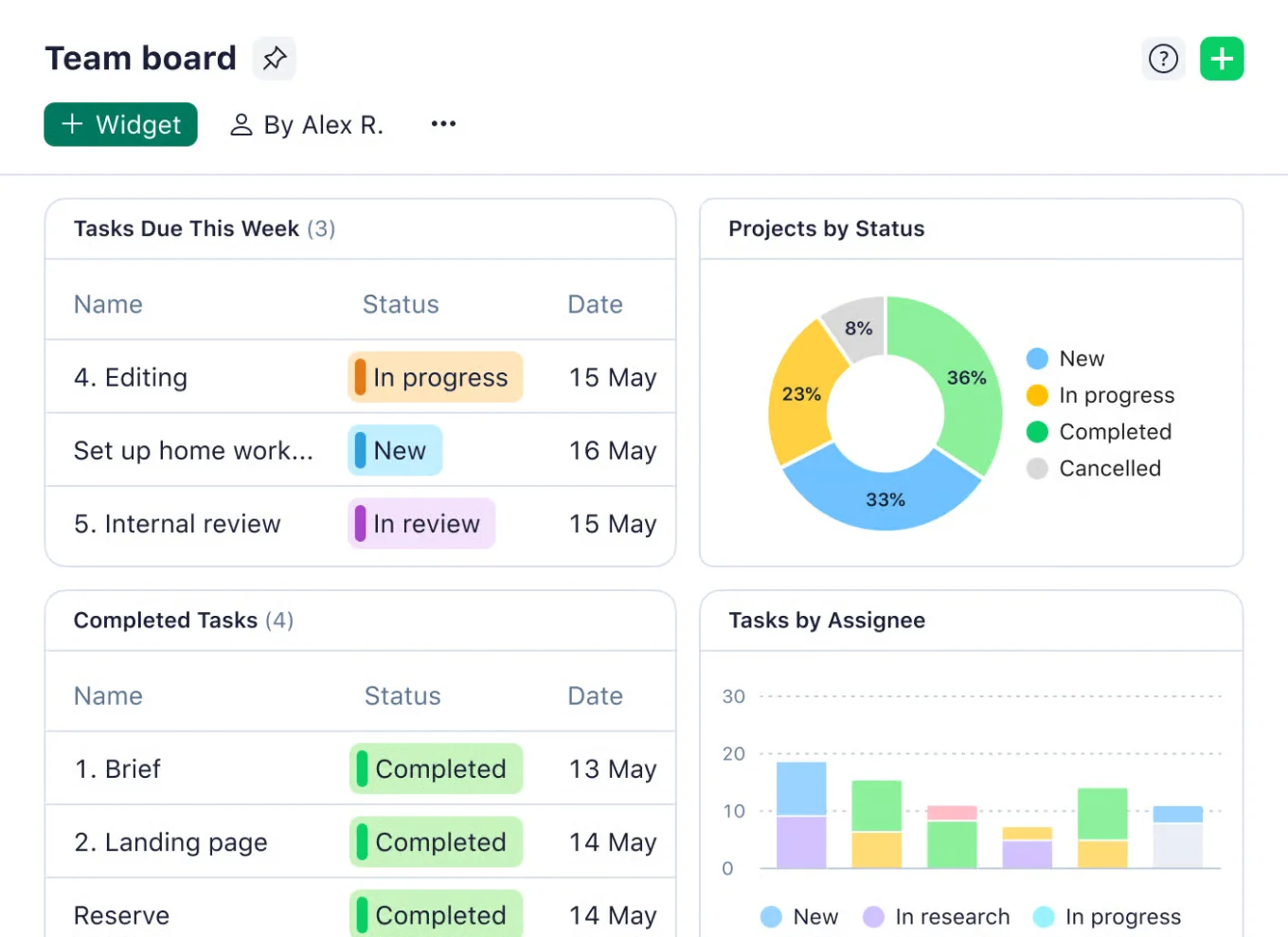
- Strengths: Advanced reporting and analytics, resource and workload management, role-based permissions.
- Limitation: Feels heavier and more structured; longer setup for smaller teams.
- Best for: Enterprise teams managing large, multi-layered projects.
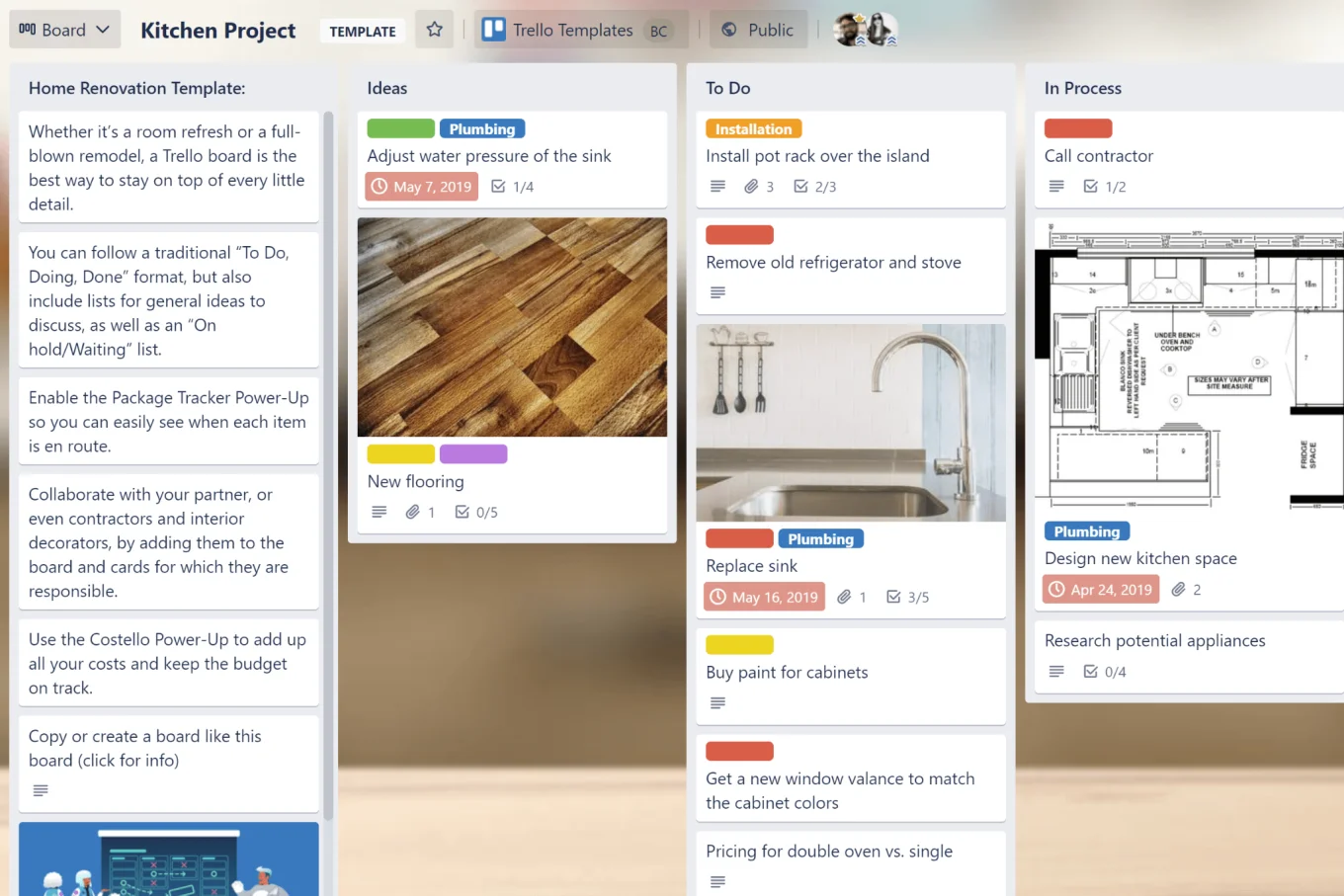
5. Trello — best for simple Kanban
- Strengths: Drag-and-drop boards, cards and lists, Power-Ups for extended functionality.
- Limitation: Limited for dependencies, timelines, or cross-team coordination.
- Best for: Individuals and small teams with straightforward workflows.
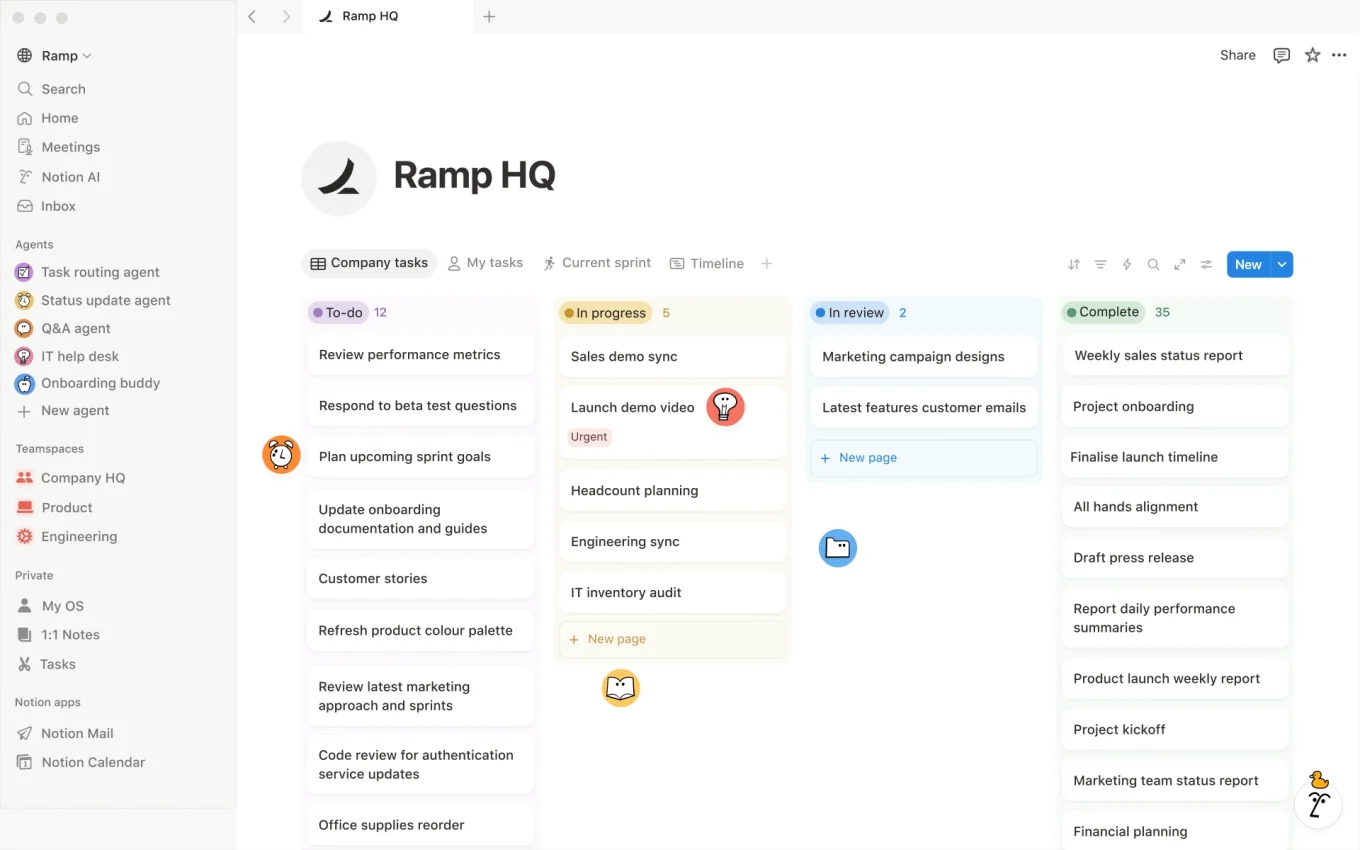
6. Notion — best for docs + PM
- Strengths: Custom pages and databases, team wikis, templates, real-time collaboration.
- Limitation: Less structured out of the box; teams often need to build their own systems.
- Best for: Teams whose workflows revolve around knowledge and execution together.
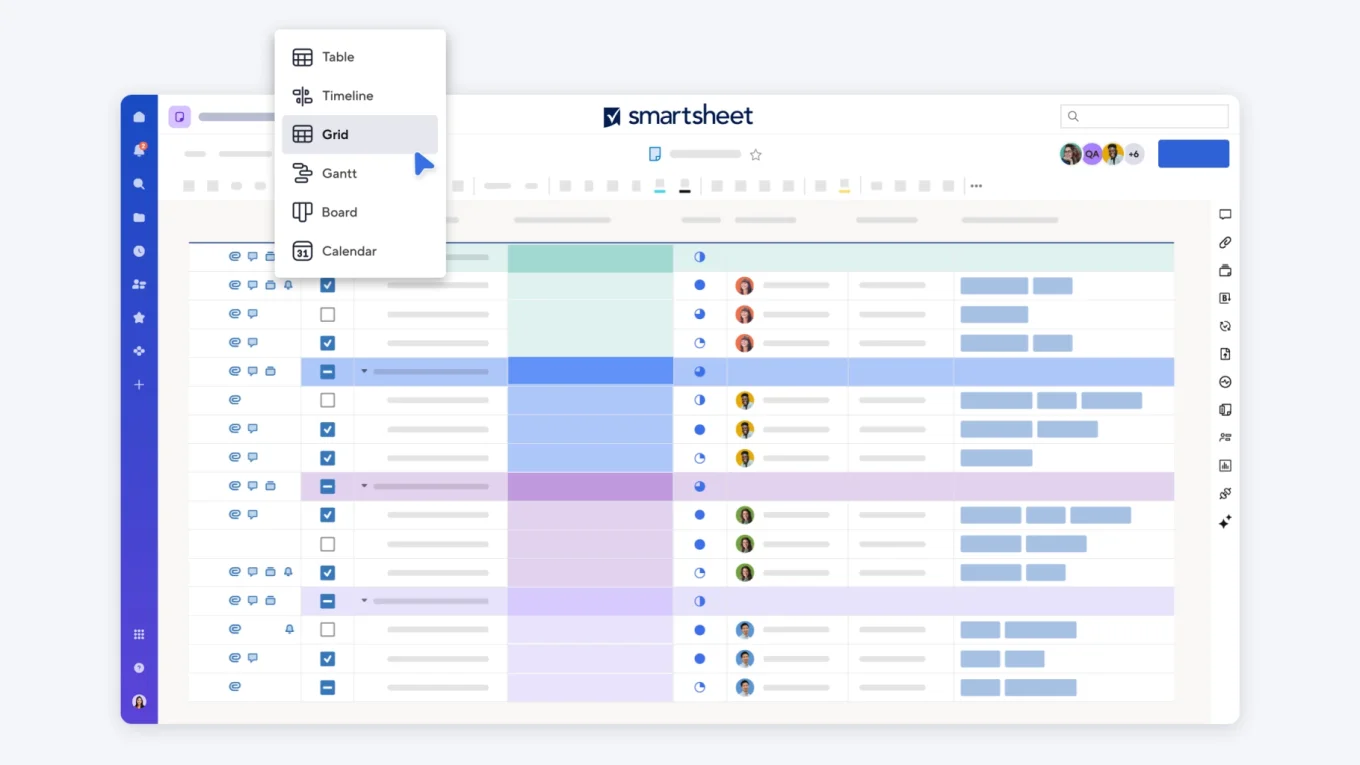
7. Smartsheet — best for structured planning
- Strengths: Grid/Gantt/card/calendar views, workflow automation, resource and capacity planning.
- Limitation: Less intuitive for visually-oriented teams; longer onboarding.
- Best for: Operations teams with process-driven, data-heavy workflows.
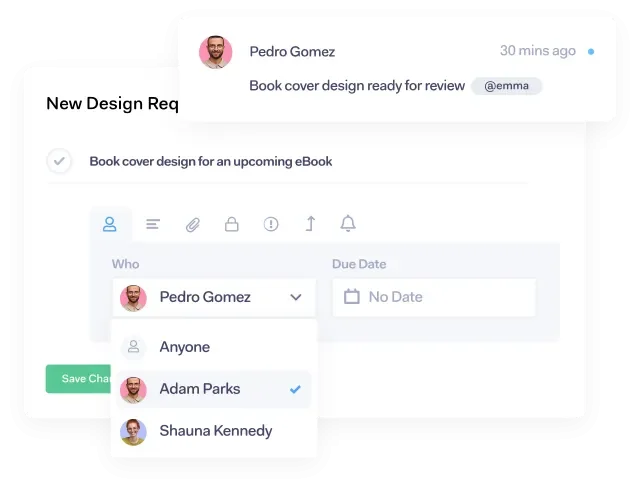
8. Teamwork — best for client work
- Strengths: Built-in time tracking, billing and invoicing, client access and collaboration.
- Limitation: More specialized; much of the functionality is wasted if you're not managing clients.
- Best for: Agencies, consultancies, and service-based teams.
9. Airtable — best for data-heavy workflows
- Strengths: Database-style organization, linked records, multiple views, automation.
- Limitation: Not plug-and-play; setup takes time.
- Best for: Teams managing structured data alongside projects (marketing, operations, content).
10. Basecamp — best for simplicity
- Strengths: To-do lists, message boards, centralized communication, minimal complexity.
- Limitation: Lacks advanced reporting, automation, and dependency management.
- Best for: Teams prioritizing simplicity and communication over deep functionality.
Edge cases most Asana-alternative roundups skip
Standard advice doesn't fit every team. Here's when defaults shift.
1. Remote-first or fully distributed teams. Communication depth matters more than PM features. A lighter PM tool plus robust async communication beats a deeper PM tool with scattered comms. Bitrix24 and Basecamp handle this better than tools that assume a shared Slack, for instance.
2. Teams deeply integrated with Google Workspace or Microsoft 365. Native integration often outweighs feature breadth. ClickUp, Monday.com, and Wrike all do this well; specialty tools like Airtable require more configuration to feel seamless.
3. Organizations with a mature BI or analytics stack. Native reporting matters less if you already ship CRM and project data to a warehouse. Focus on data portability and API quality rather than in-app dashboards — Wrike and Smartsheet tend to lead here, while Notion and Trello have weaker exports.
4. Teams managing both internal projects and external client work. Two fundamentally different workflows — project delivery and customer service — usually demand two fundamentally different tools, or one platform deep enough to run both. Bitrix24 (with its built-in CRM) and Teamwork (with its billing focus) are the realistic contenders.
5. Highly technical or engineering-led teams. Dev teams often already have Jira or Linear entrenched. Rather than replacing them, the right alternative complements them: Notion for docs, ClickUp for cross-functional coordination, and Bitrix24 for business-side visibility. Don't force engineering off a tool that works.
6. Fast-scaling companies (50 → 500 employees in 18 months). The tool that works at 50 people rarely scales to 500 without painful migration. Platforms engineered for the startup-to-scale-up transition — Wrike, Bitrix24, and ClickUp — handle this better than Trello, Basecamp, or Notion, which typically need replacement somewhere between 200 and 400 employees.
7. Teams with heavy regulatory or compliance requirements. Audit trails, access controls, and data residency constrain your shortlist. Wrike, Smartsheet, and Bitrix24 offer enterprise-grade governance; lighter tools (Trello, Basecamp) usually don't meet compliance bars in regulated industries.
How to choose the right Asana alternative
The decision comes down to how your team works today and how your needs are likely to evolve. Match the pattern to the platform.
|
If your biggest friction is… |
Look closely at |
|---|---|
|
Tool sprawl and fragmented workflows |
Bitrix24 |
|
Need for deep customization |
ClickUp, Airtable |
|
Visual clarity across multiple projects |
Monday.com |
|
Complex, large-scale project tracking |
Wrike |
|
Simplicity and fast onboarding |
Trello, Basecamp |
|
Docs and knowledge alongside tasks |
Notion |
|
Client work with time tracking and billing |
Teamwork |
|
Structured, data-heavy planning |
Smartsheet, Airtable |
When in doubt, think long-term. Many teams choose a tool based on what they need today, then outgrow it within a year. Choosing a platform that scales with your projects, team, and processes saves the far more expensive cost of switching again later.
Choose the tool your team will grow into
There's no universally right answer here — a three-person team and a three-hundred-person team have completely different problems.
But if you've read this far, you're probably past the "simple task list" stage. You're dealing with real operational complexity: projects that span teams, reporting that needs to actually mean something, communication that shouldn't live in a separate app.
Frequently asked questions
What should I look for in an Asana alternative? The best Asana alternative should include task management, project planning, timeline or Gantt views, collaboration tools, time tracking, reporting, integrations, and pricing that fits your team size.
Which Asana alternative is best for growing teams? The right choice depends on your workflow and budget, but growing teams usually need a scalable platform with automation, customizable project views, collaboration, and performance reporting.
Are there free Asana alternatives for small businesses? Yes. Many project management platforms offer free plans for small teams, making it easier to organize tasks, communicate, and track deadlines before upgrading to advanced features.
Why compare Asana alternatives before choosing a project management tool? Comparing Asana alternatives helps you find the best balance of features, usability, integrations, and cost, so your team can manage projects efficiently without unnecessary complexity.