Alaio Vibecode: Getting Started and What You Can Build

Businesses rarely work in exactly the same way. A team may need a report that shows information differently, a calculator based on its own pricing rules, a connection to a specialized system, or an AI assistant designed for a specific workflow. While many needs can be handled with existing tools, some challenges call for a more customized approach.
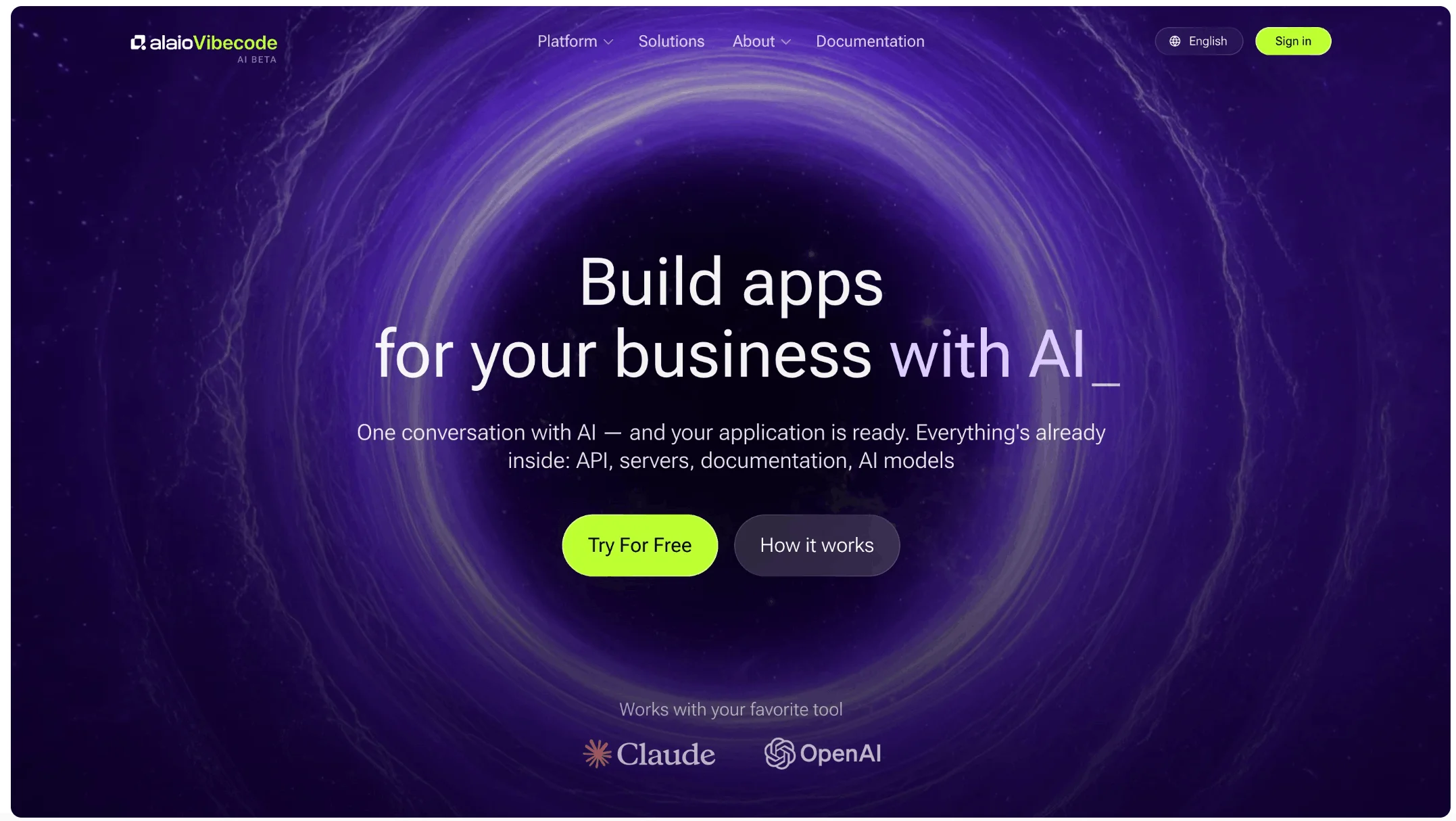
Alaio Vibecode helps teams create AI-powered apps, chatbots, and AI agents for Bitrix24. Instead of writing code, you describe what you need in plain language and use that idea as the foundation for a new solution.
Getting started with Alaio Vibecode
Vibecode makes custom solution creation accessible to different teams, not only developers. Managers can create business summaries, marketers can develop specialized reports, product teams can test new ideas, and IT specialists can handle tasks that may otherwise require a longer development process.
New Bitrix24 accounts receive 10 welcome Vibe credits, giving teams an opportunity to try Vibecode and create a simple app. Your data stays protected at every step, with access controlled through your Bitrix24 account and permissions you can revoke whenever you choose.
If you are exploring Vibecode for the first time, this Helpdesk article covers the basics of getting started and helps you understand the main options available in the platform.
What can you build with Vibecode?
Vibecode is especially useful for business scenarios where a standard setup or ready-made app does not fully match the need.
Connect specialized systems. A healthcare organization, for example, could create a solution that transfers relevant information from a medical records system into CRM when both systems support data exchange.
Handle complex calculations and forms. A construction company could build a calculator that considers project size, materials, delivery, timelines, and additional work. A customer fills out a form, and the calculator returns an estimated price on the spot, before anyone picks up the phone.
Create AI assistants for focused tasks. A sales team could use an assistant that prepares daily summaries of active deals, overdue tasks, and customers who need attention. Another team could create a tool that identifies possible duplicate customer records and helps employees review them.
Test ideas before larger development projects. Teams can create a working prototype, collect feedback, and decide whether the solution meets their needs before investing more resources.
The right approach depends on the task. Standard settings, automation rules, workflows, and ready-made solutions remain the best choice for common scenarios. When a business challenge requires a more customized solution, Vibecode provides the flexibility to build around that specific situation.
This Helpdesk article walks through more use cases and helps you decide when Vibecode is the right fit.
Have an idea for a custom solution?
With Alaio Vibecode, you can create AI-powered apps, chatbots, integrations, and assistants designed to solve your specific business challenges.
Explore Alaio Vibecode