Managing Hybrid Teams Efficiently: 6 Tips


Your remote employees missed the decision made in Tuesday's hallway conversation. Your office team didn't see the project channel update posted at 9 PM. The new hire who started last week still can't find the onboarding checklist because it lives in three different places depending on who you ask.
A 2024 Stanford study published in Nature found that hybrid workers showed zero productivity loss compared to fully in-office peers, with resignations even dropping by 33%. The model works.
Hybrid team management is the practice of coordinating employees across remote and in-office environments using shared systems, structured communication, and clear performance frameworks.
The six tips below are the structural changes that make it work consistently.
TL;DR: Hybrid teams fail when they rely on office habits that don't translate to distributed work. Six structural changes (communication systems, transparent task management, predictable schedules, documentation culture, outcome-based performance, and a unified workspace) close the gap between flexibility and accountability.
Why managing hybrid teams is uniquely challenging
Hybrid work gives employees flexibility, but it introduces complexity that traditional management wasn't designed for. Three issues surface consistently.
Communication asymmetry
Communication asymmetry happens when some team members receive information earlier or more completely than others, usually because of where and how conversations take place.
In office environments, updates often happen through informal conversations, quick check-ins, or spontaneous meetings. In hybrid teams, those interactions are less consistent. Remote employees may miss information that circulates in the office, while important decisions end up scattered across emails, chat messages, and meetings.
Without a shared system for communication, teams lose alignment. People make decisions based on partial information, duplicate work increases, and progress slows down.

Visibility bias
Visibility bias occurs when employees who are physically present are perceived as more productive or engaged than remote peers, regardless of their actual output.
In hybrid teams, office-based employees naturally have more face time with managers and colleagues. They are more likely to be included in informal discussions or noticed during day-to-day activity. Meanwhile, remote team members may contribute just as much (or more), but their work is less visible.
This imbalance can affect recognition, opportunities, and long-term engagement. Over time, it creates a subtle divide between in-office and remote employees unless managers actively design for equal visibility.
Coordination friction
Coordination friction refers to delays and inefficiencies caused by misaligned schedules, locations, or availability across a team.
Hybrid teams often work across different hours, rotate between office and remote days, or collaborate across multiple locations. Without clear scheduling systems and shared workflows, even simple decisions can take longer to resolve.
A question that would take a quick conversation in an office can turn into hours of back-and-forth messages when calendars do not align. Meetings become harder to organize, and collaboration slows down as a result.
These challenges don’t mean hybrid work is ineffective; they mean it needs structure. The six strategies below are designed to solve these issues and help your team stay aligned and productive.
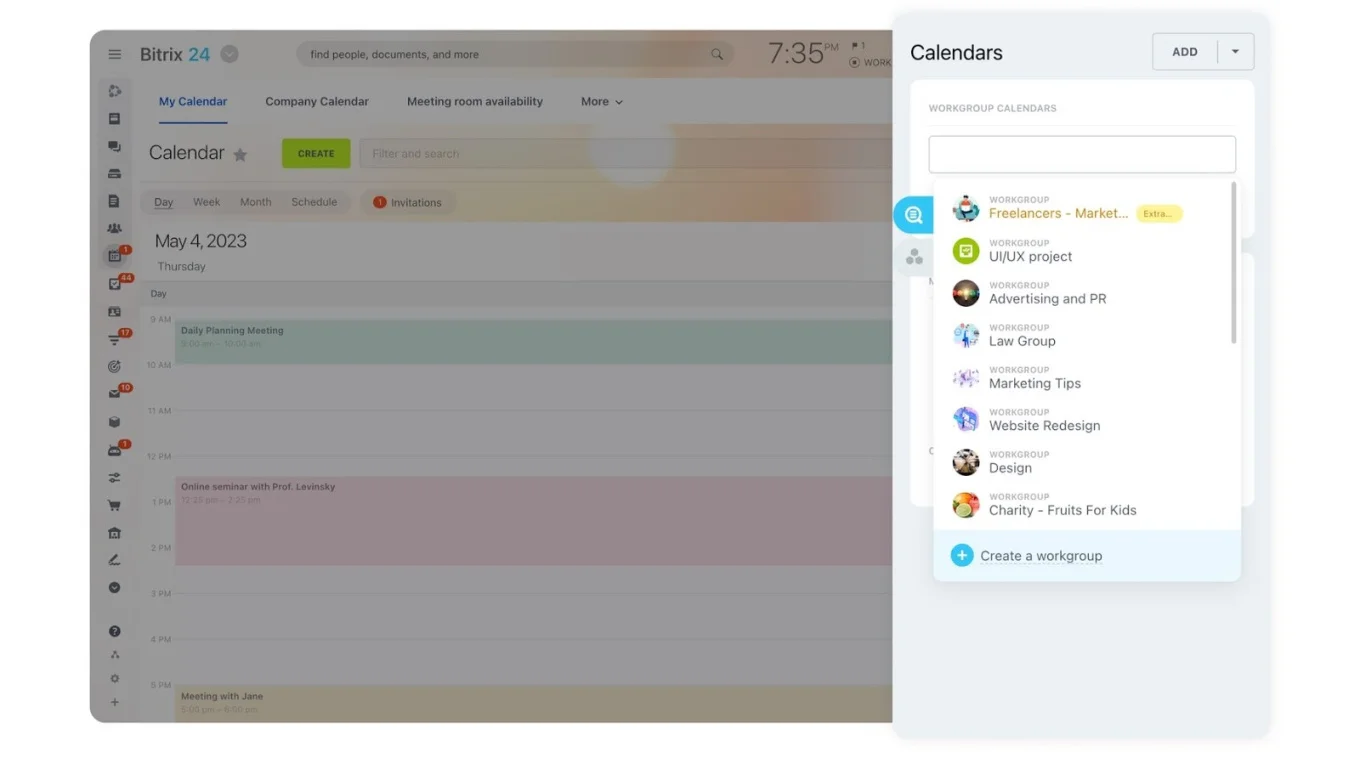
Tip 1: Design a structured communication system
Communication in hybrid environments needs far more structure than in a single office. Without clear systems, information scatters fast.
Define where different conversations belong:
- Quick updates → team chat
- Project discussions → task channels tied to specific projects
- Complex decisions → video meetings with a documented summary
- Company-wide announcements → central feed so everyone receives the same information
Balance real-time and asynchronous
Real-time conversations — chat or video — work for urgent questions. Asynchronous communication through comments, task updates, or shared documents lets employees contribute on their own schedules. Progress continues even when team members aren't online simultaneously.
Document decisions visibly
Meeting summaries, project updates, and action items should live in shared spaces — not buried in email threads only attendees can see. The written record becomes the official record, regardless of who was in the room.
Bitrix24 brings team chat, video calls, and shared discussion spaces into a single communication platform, so conversations stay organized and accessible to everyone.
Check out our full range of solutions here.
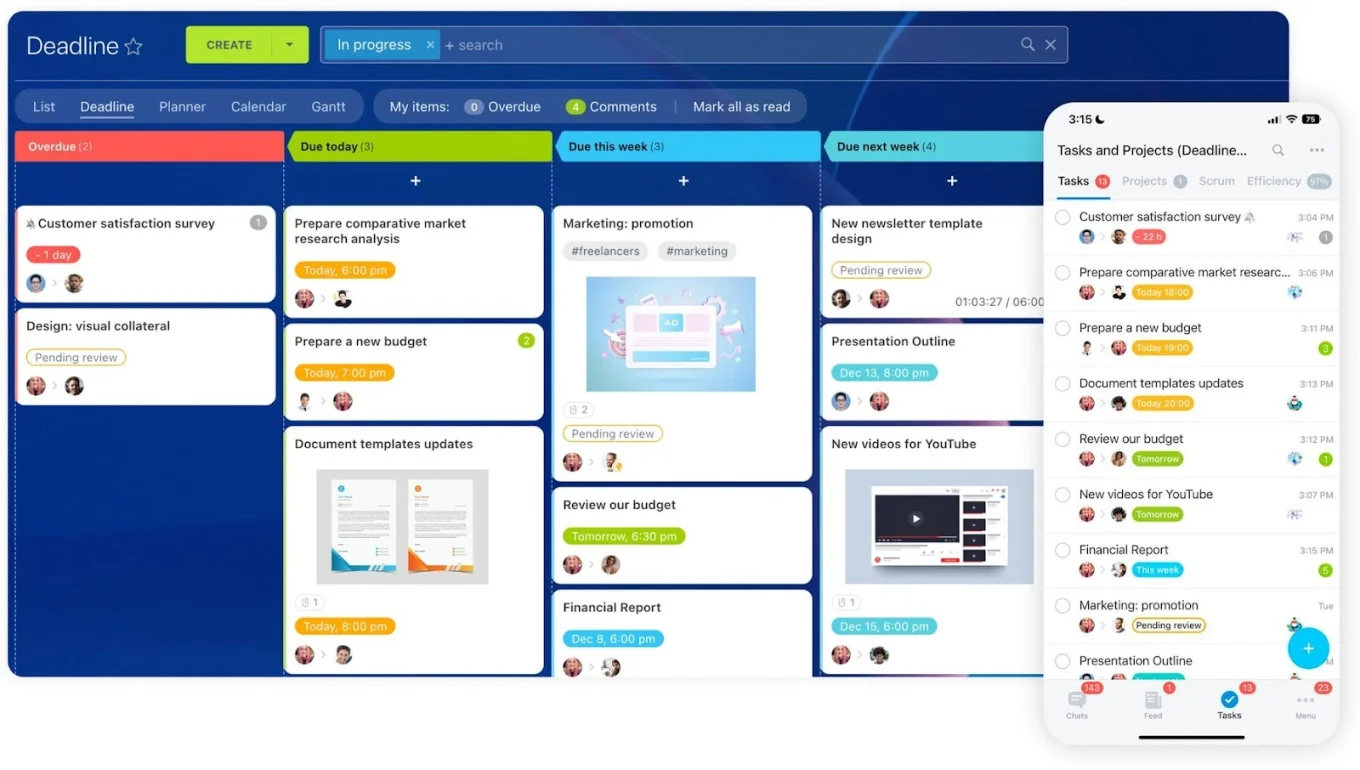
Tip 2: Make work visible with transparent project management
In traditional offices, managers rely on visual cues to understand progress. Hybrid work removes that ambient visibility.
|
Element |
Why it matters |
What it looks like in practice |
|
Clear task ownership |
Eliminates ambiguity about who is responsible |
Every task has one assigned owner, a deadline, and a short description of the expected outcome |
|
Visual progress tracking |
Reduces status meetings and keeps everyone aligned |
Task boards, project timelines, or milestone trackers that show progress at a glance |
|
Granular task breakdown |
Surfaces delays early and distributes work evenly |
Large projects broken into smaller, trackable steps rather than single monolithic objectives |
|
Centralized file access |
Prevents version confusion across locations |
Documents, briefs, and deliverables attached directly to tasks |
|
Workload visibility |
Helps managers spot overload before it causes burnout |
Dashboards showing task distribution across team members |
A shared project management platform makes this practical. When communication, files, and tracking live in the same system, hybrid teams collaborate more smoothly and stay accountable.
Tip 3: Create predictable hybrid work schedules
Flexibility is hybrid work's biggest advantage, but too much flexibility without structure makes collaboration difficult.
Core collaboration hours
Define specific periods when everyone is available for meetings and discussions. Many teams use a shared window (such as 10:00 AM to 2:00 PM) for synchronous collaboration while leaving the rest of the schedule flexible for focused work.
Coordinated office days
If employees choose office days randomly, they arrive expecting collaboration only to find key colleagues are remote. Set general guidelines (shared in-office days for team meetings or project work) so office time is intentional rather than accidental.
Visible calendars
Encourage up-to-date shared calendars so team members can see when colleagues are available, working remotely, or doing focused work. This reduces scheduling conflicts and makes planning collaboration easier.
When availability is clear and consistent, hybrid teams spend less time coordinating and more time actually getting work done.
Hybrid Team Audit Checklist: Find Gaps in Remote and Office Workflows
Enter your email address to get a comprehensive, step-by-step guide

Tip 4: Build a documentation-first culture
In hybrid teams, information can't live only in meetings or casual conversations. If knowledge isn't documented, remote employees miss context and even office-based employees struggle to find details later.
Three documentation habits that change how hybrid teams operate:
- Document decisions immediately. A short summary after every important discussion: what was decided, who owns next steps, and deadlines. When this lives in a visible place, nobody relies on memory or second-hand updates.
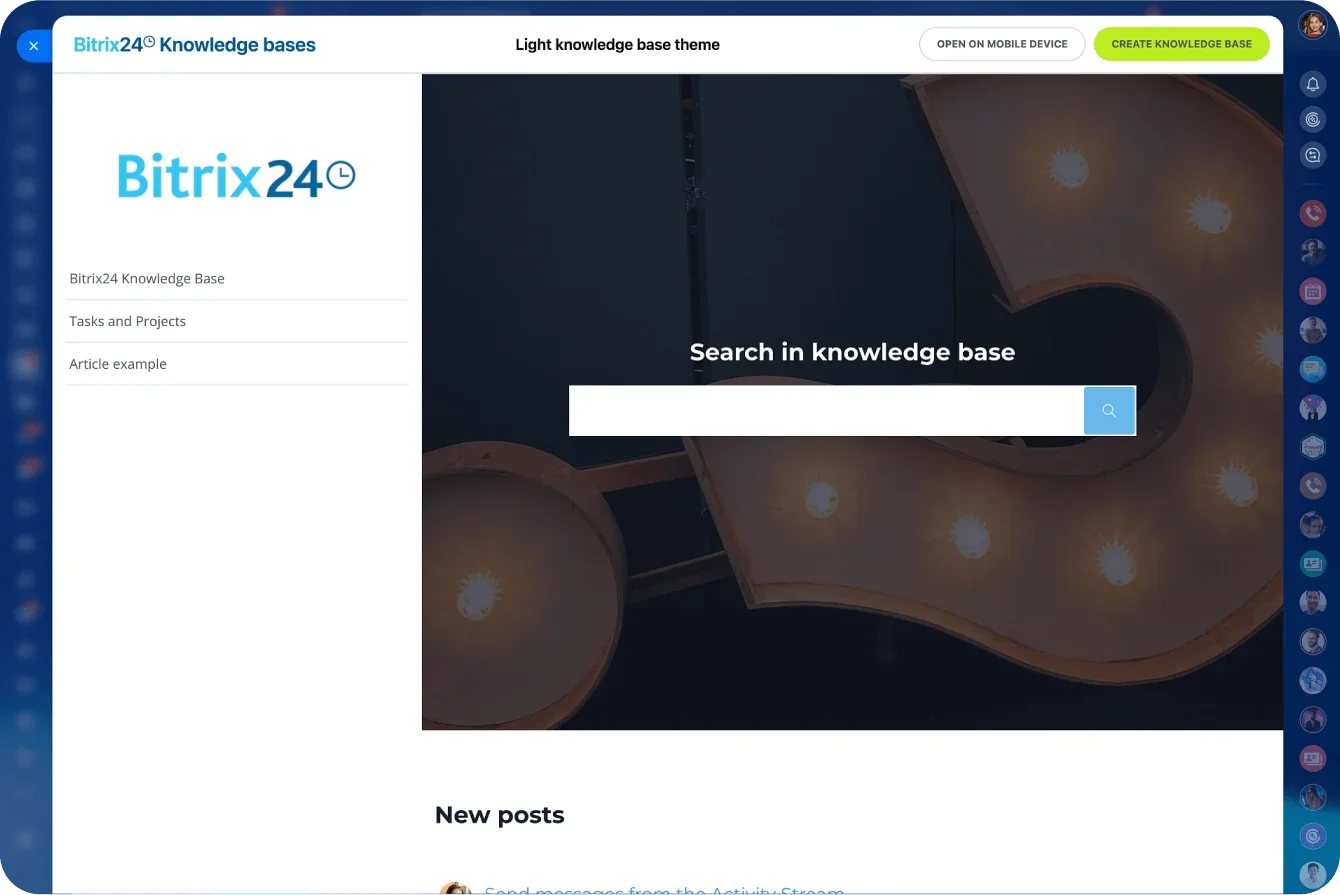
- Create a central knowledge base. One default location for processes, policies, onboarding materials, and project documentation. When employees know where to look, they stop searching through chat threads and email chains. A dedicated knowledge base eliminates the "ask around" problem that slows hybrid teams disproportionately.
- Make documentation a shared responsibility. Encourage team members to update process documents when something changes and add notes that help others complete work faster. This reduces dependency on "go-to" people and makes the team more resilient.
If it’s not documented, it doesn’t exist. Clear records turn scattered conversations into reliable team knowledge.
Pro tip: Keep decisions, tasks, and documents connected in one place. With tools like Bitrix24, documentation stays tied to the work itself, so context is never lost.
Tip 5: Manage performance based on outcomes
Hybrid work requires a shift in how managers evaluate productivity. In offices, visibility becomes a shortcut for judging performance: employees seen in meetings or working late appear more productive. In hybrid teams, that shortcut breaks.
Focus on deliverables, not presence
Define clear goals and expected outcomes. Instead of "work on the marketing campaign," set a specific deliverable: complete the campaign strategy document by a certain date.
Track milestones, not hours
Evaluate whether tasks are completed on time, whether deliverables meet quality expectations, and whether projects are moving forward. Short weekly check-ins allow managers and team members to review progress and address blockers without micromanaging daily activity.
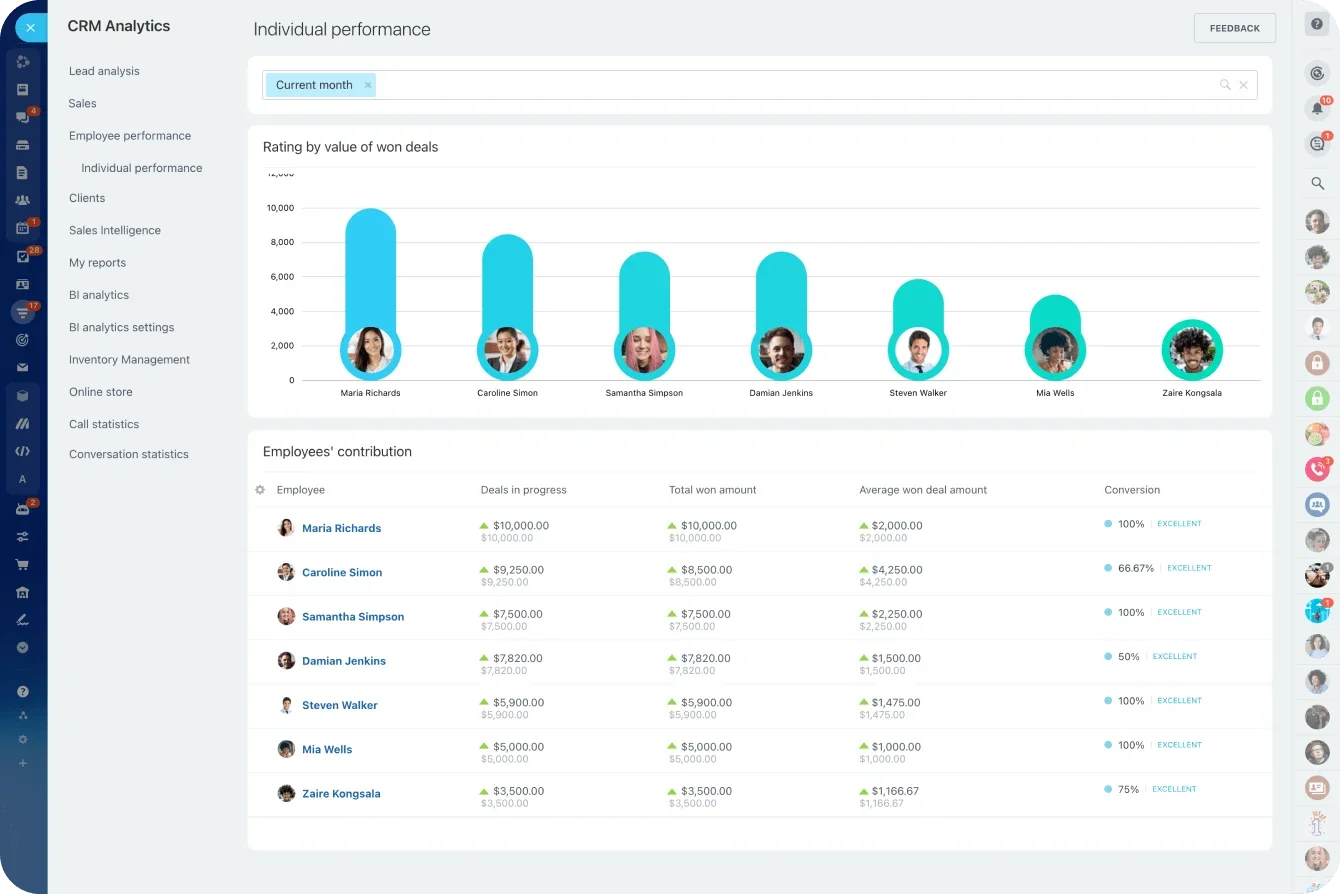
Bitrix24 provides task tracking, progress reports, and workload analytics so managers can monitor project performance without watching who's online at any given moment.
Tip 6: Use a unified digital workspace
Many hybrid teams rely on disconnected tools — one app for chat, another for tasks, a different platform for documents, separate tools for meetings and calendars.
What fragmentation actually costs:
- Tasks get duplicated across platforms
- Updates are missed because they were shared in a different app
- No one is sure which version of a document is current
- New team members can't figure out where to find anything
Why a single workspace changes the dynamic
A unified workspace creates one source of truth. Everyone knows where to find project updates, where conversations happen, and where documents are stored.
Bitrix24 brings communication, project management, and collaboration together with document storage, calendars, and scheduling, giving small and mid-size teams a single platform instead of a patchwork of separate apps.
When these tips may need adjustment
These six strategies assume a baseline of regular collaboration and shared deadlines. Some contexts require a different approach:
- Teams spread across 8+ hour time zone differences. Core collaboration hours (Tip 3) become impractical when there's no reasonable overlap window. In these cases, shift to a fully asynchronous model: decisions happen in written threads with clear deadlines for input, not in real-time meetings. The documentation-first habits from Tip 4 become even more critical.
- Hybrid teams where most employees strongly prefer full-time office or full-time remote. If the "hybrid" label masks a team that's essentially split into two camps, coordination tools won't fix the cultural divide. Address the underlying preference mismatch directly (through explicit agreements about how each group stays connected) rather than layering systems on top of a structural tension.
- Creative or R&D teams that rely heavily on whiteboarding and spontaneous ideation. Transparent task management (Tip 2) works for structured deliverables, but some teams produce their best work through unstructured, high-bandwidth collaboration. For these teams, prioritize regular in-person sessions for ideation and reserve the structured hybrid approach for execution phases.
- Organizations where leadership is fully in-office and expects the same from everyone. If senior leaders equate physical presence with commitment, no amount of outcome-based performance tracking will override that cultural signal. The change has to start at the top. Hybrid teams succeed only when leadership genuinely models and supports the approach.
Hybrid strategies work best when adapted to your team’s reality, not applied as one-size-fits-all rules.
Structure is what makes flexibility work
The most successful hybrid teams rely on clear systems rather than informal office habits.
When structured communication, visible task management, predictable schedules, strong documentation, outcome-based performance, and a unified workspace are in place, hybrid teams work just as effectively — often more effectively — than traditional office teams.
Start for free with Bitrix24 to bring your hybrid team's communication, tasks, and collaboration into one connected workspace.
Navigate Hybrid Team Challenges
Experience Bitrix24's integrated workspace, tailored to support clear communication, task management, and collaboration within hybrid teams.
Start NowFrequently asked questions
How do I prevent remote employees from feeling left out of decisions?
The most common cause is information flowing through informal office conversations that never get documented. Make it a rule that every decision gets recorded in a shared space (a task comment, a channel post, or a brief meeting summary) within 24 hours. When the written record becomes the official record, location stops determining who's informed.
What are the best core hours for a hybrid team across time zones?
Aim for a 3–4 hour overlap that falls within normal business hours for all locations. For U.S. teams spanning Eastern and Pacific time, 11:00 AM–3:00 PM ET works well. For global teams, rotate meeting times so no single location always carries the early-morning or late-evening burden.
How do I measure hybrid team productivity without micromanaging?
Track deliverables, milestones, and project completion rates rather than hours logged or online status. Set clear expected outcomes and review progress in short weekly check-ins. If work is delivered on time at the expected quality, the system is working.
What's the biggest mistake companies make with hybrid work?
Treating hybrid as "remote work plus an office" rather than a distinct operating model. The most common failure is assuming that office habits (spontaneous meetings, hallway updates, visual presence as a proxy for productivity) will translate to a distributed team. Hybrid requires its own communication norms, documentation practices, and performance frameworks.
How often should hybrid teams meet in person?
Research and practice suggest quarterly or monthly in-person gatherings work well for relationship-building and strategic alignment. For day-to-day coordination, well-structured virtual communication is more effective than frequent mandatory office days. Make in-person time intentional, used for activities that benefit most from physical proximity.