Normalize costs across the main pricing models
When you’re evaluating a CRM, the headline monthly price is rarely the number you’ll live with. The real cost shows up after you add the users who need access, hit limits (storage, records, automation, reporting), or discover that a “must-have” part of your workflow sits in a higher tier.
This CRM pricing guide gives you a practical way to compare pricing models, spot common upgrade triggers, and estimate 12‑month total cost of ownership (TCO). Use the checklists to build a like-for-like comparison, then run the same trial scenario in Bitrix24 to confirm what you’ll actually need to pay for.
- Define your workload and required workflow objects
- Normalize pricing across models into a 12‑month estimate
- Identify limits that force upgrades or add-ons
- Compare TCO against measurable outcomes, not feature lists
Run the same trial scenario in Bitrix24
After you narrow your shortlist, run one structured scenario in each CRM (including Bitrix24) so the pricing comparison reflects real usage, not assumptions.
- Import a representative sample of contacts and deals
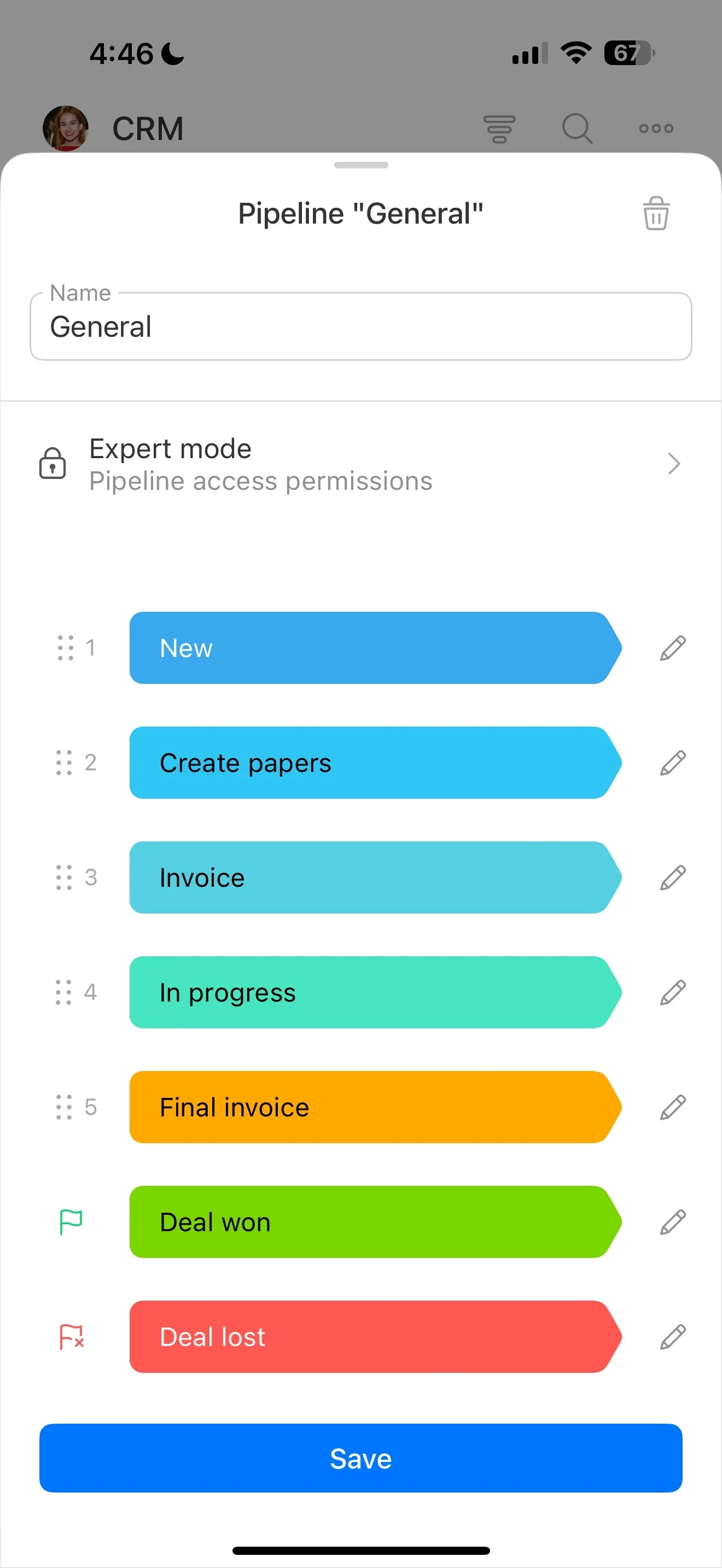
- Recreate your stages, required fields, and approvals
- Test daily work: logging activities, moving deals, manager reviews
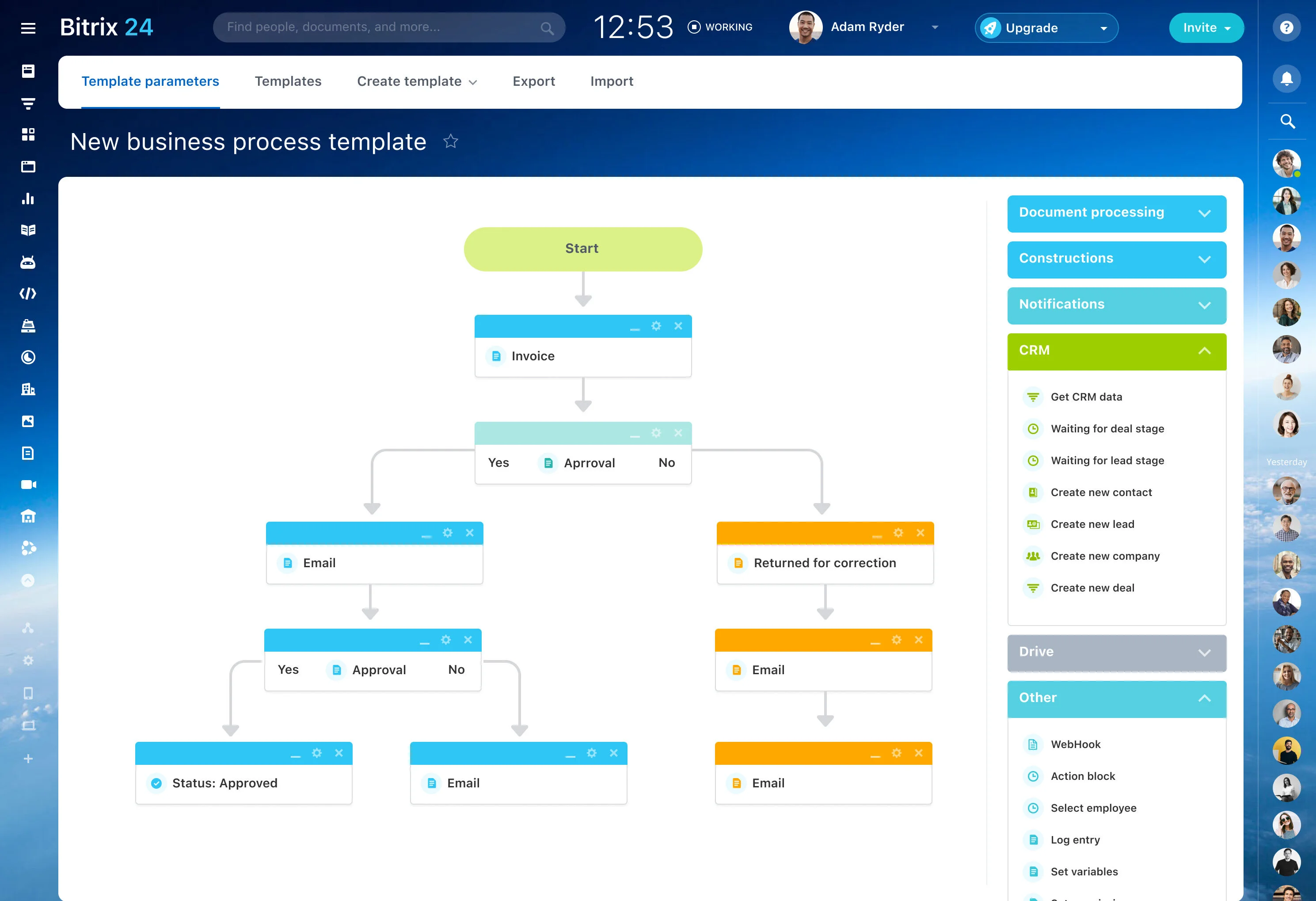
- Note what requires upgrades, add-ons, or significant configuration effort
Update your TCO model with what you learn in the trial, then choose the best cost-to-value fit for your workflow.
Hidden costs to confirm in writing
Two CRMs can share the same sticker price but differ sharply once setup and operations are included. Ask vendors to answer these before you commit so your comparison stays fair.
- Implementation: paid onboarding, mandatory packages, consulting requirements
- Data migration: what imports cover vs. what needs paid services
- Customization: whether fields, layouts, approvals, or pipelines require services
- Support: what’s included vs. paid tiers; expectations for responsiveness
- Training: admin/manager enablement and ongoing onboarding
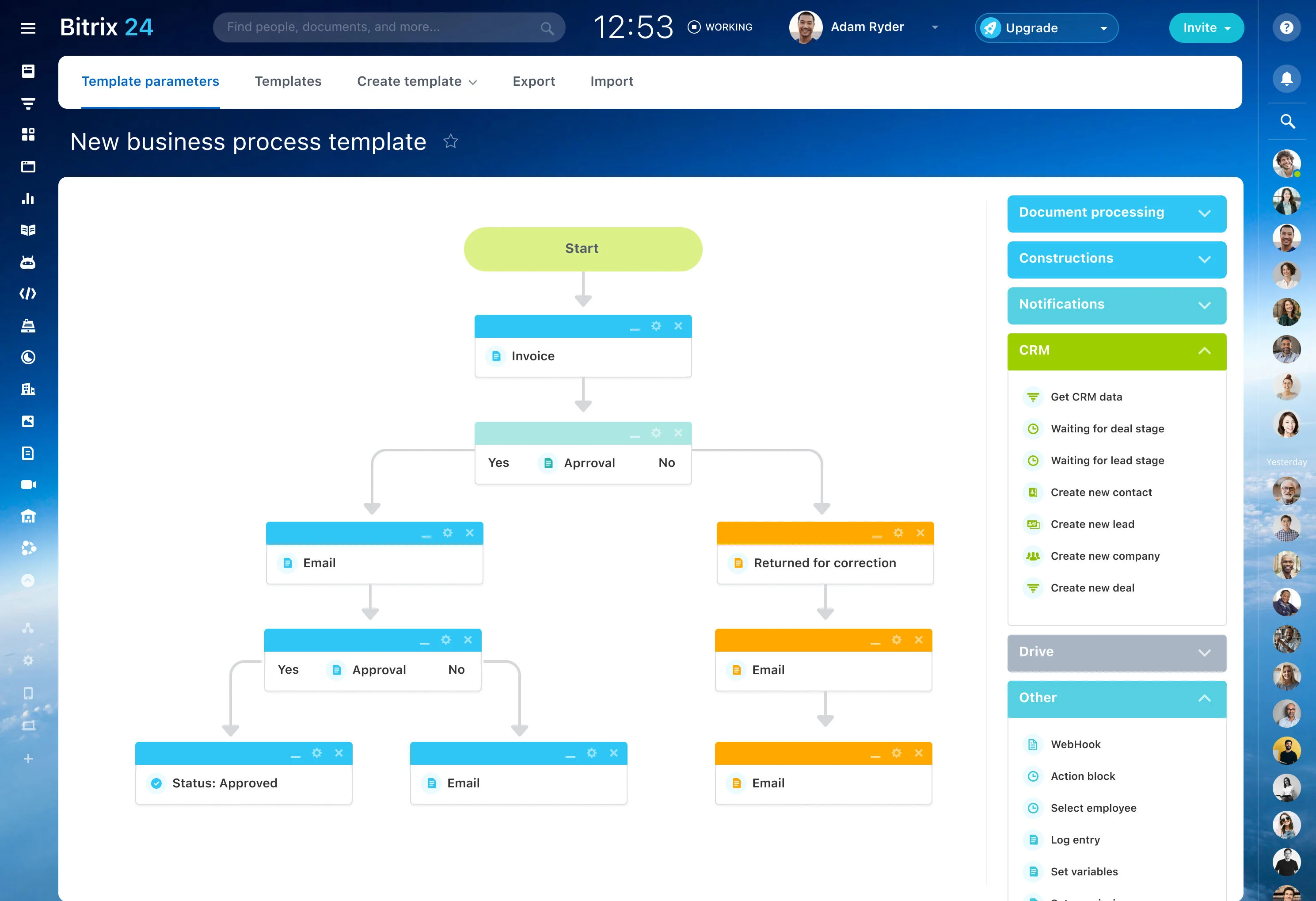
- Add-ons: CPQ, e-signature, calling/SMS, advanced analytics (only if required)
Define your workload before comparing tiers
Start by writing what your CRM must support in the first 90 days. This prevents “cheap” plans from winning on paper while your real workload (more users, more records, more approvals, more reporting) pushes you into upgrades.
- Team shape: sellers, managers, admins, occasional users
- Core objects: leads, deals, companies, contacts, products, quotes/invoices (only if required)
- Pipeline complexity: stages, approvals, handoffs
- Channels: email, forms, phone, chat (only what you’ll connect)
- Reporting: source tracking, activity, forecasting expectations
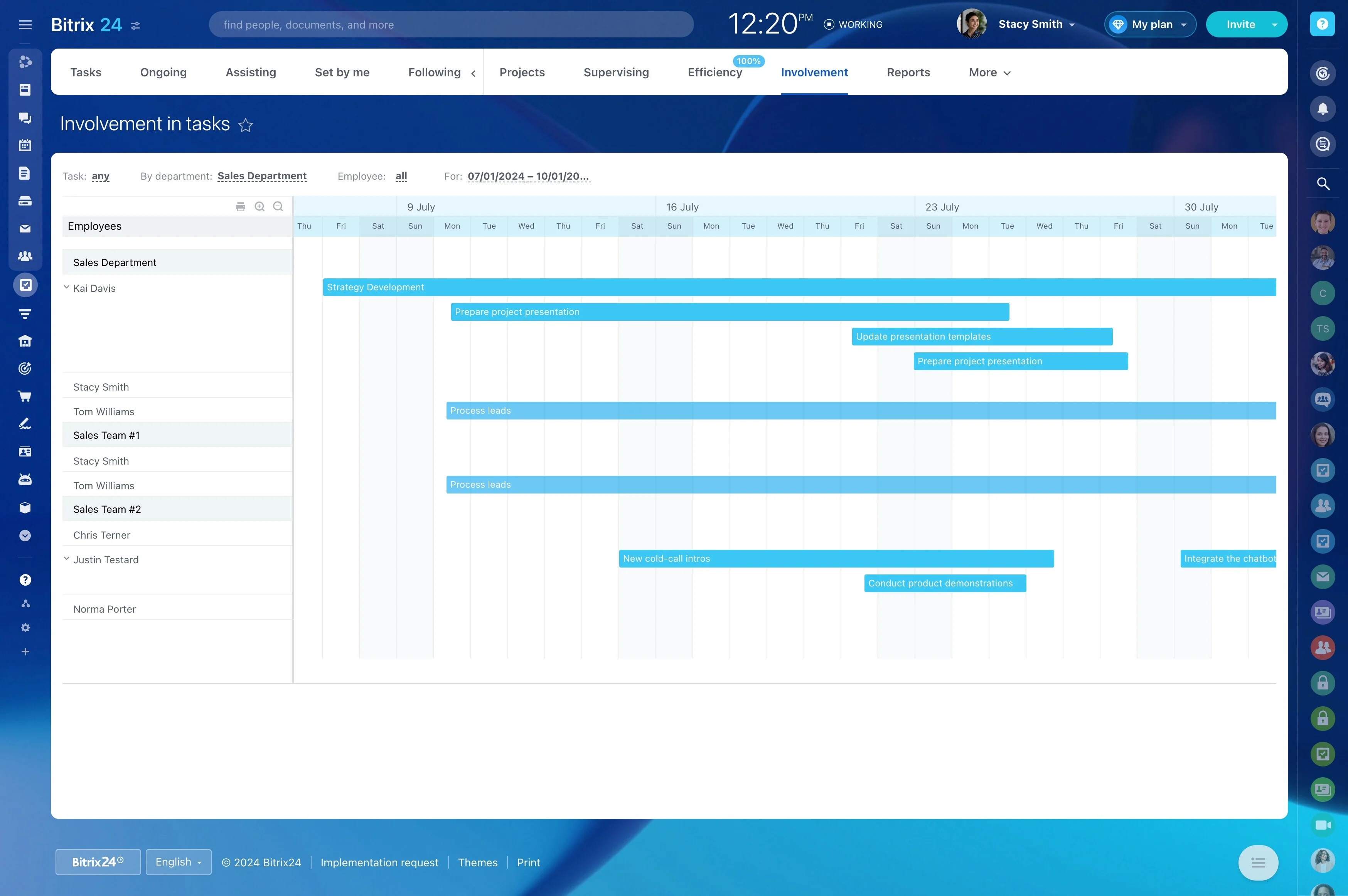
Normalize costs across the main pricing models
CRM pricing comparisons only work when you translate each vendor’s model into the same monthly and annual estimate for your workload.
- Per user (seat-based): scales with headcount; watch role restrictions and tier-gated capabilities.
- Per account/company: can fit small teams; can become expensive as your customer list or “managed” accounts grow.
- Usage-based: tied to volume (storage, messages, automation, API); stable for steady usage, risky for spikes.
- Bundle/platform: can reduce total spend if you’d otherwise buy those tools separately—only if the bundle matches how you work.
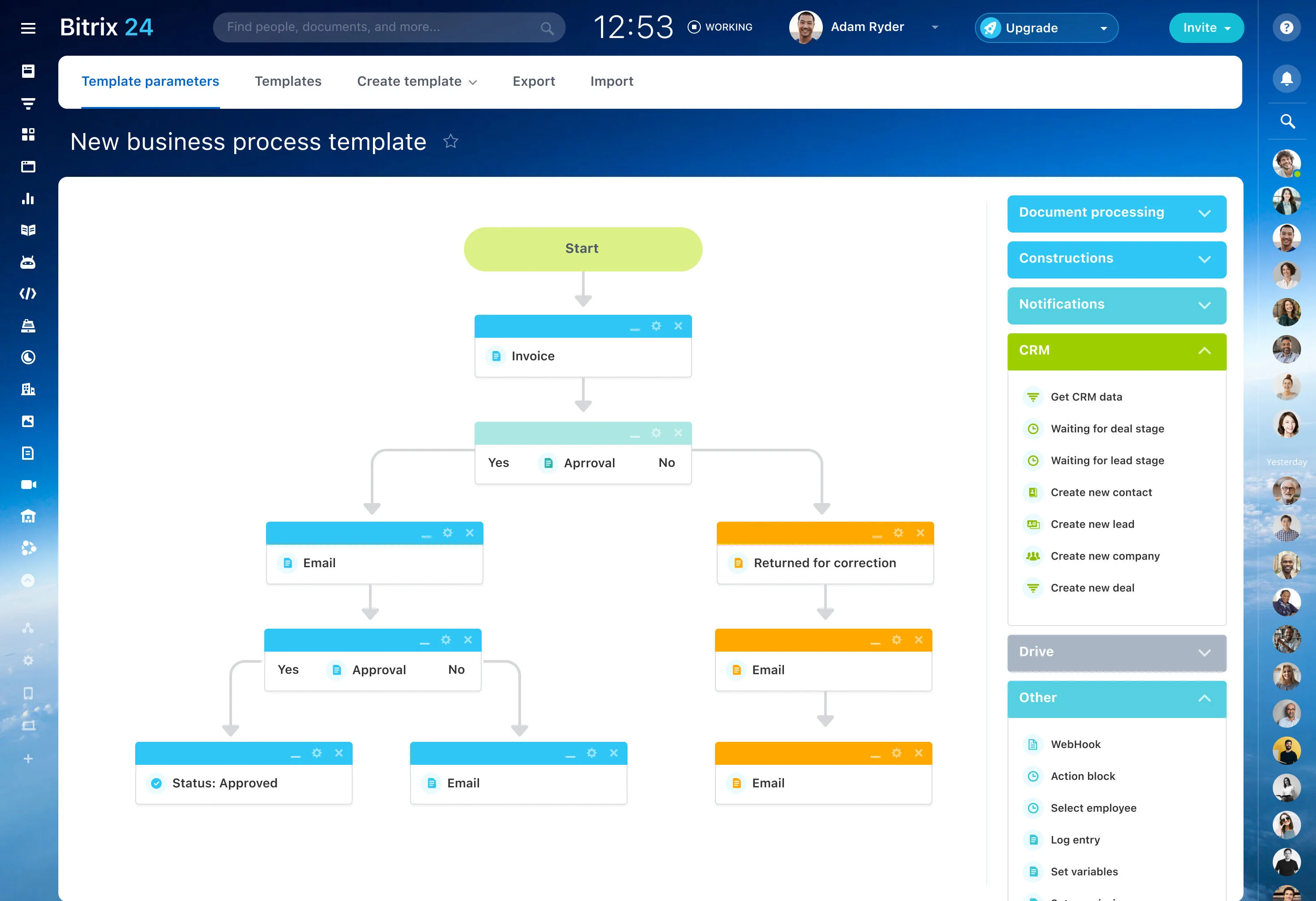
Checklist: limits that change your monthly bill
Build your estimate around the limits most likely to force a higher tier or extra charges. On pricing pages, scan for anything framed as “included,” “up to,” or “fair use.”
- Users and roles: paid seats vs. limited roles; guest rules
- Records growth: contacts/companies/leads/deals; archiving approach
- Storage: attachments, documents, recordings
- Automation: caps on rules, runs, or workflow features
- Communication volume: email sync/tracking, calling, SMS
- Reporting depth: forecasting, dashboards, audit history
- Integrations/API: connector access, API usage limits
- Environments: sandboxes, multiple workspaces/portals
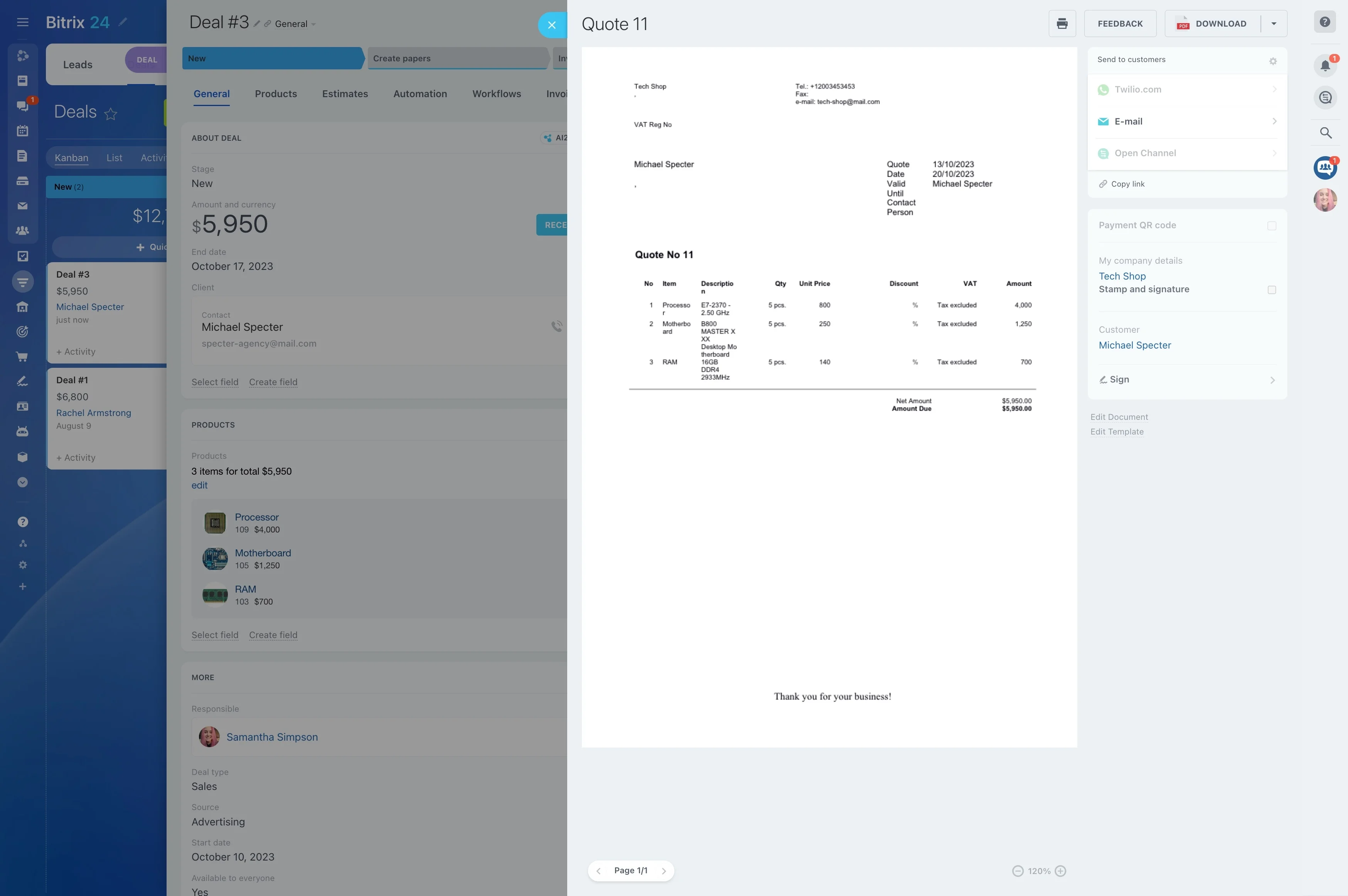
A simple 12-month TCO model
You don’t need a perfect spreadsheet—just the same method for every vendor. Estimate 12‑month total cost using consistent assumptions.
- Licenses: monthly price × seats, plus expected seat growth
- Usage charges: storage, communications, automation, API (if applicable)
- One-time costs: implementation, migration, training
- Admin time: monthly hours × internal hourly cost
- Required add-ons: only what your workload brief demands
Then compare with one or two normalized metrics (for example, effective cost per active user), using your own benchmarks.
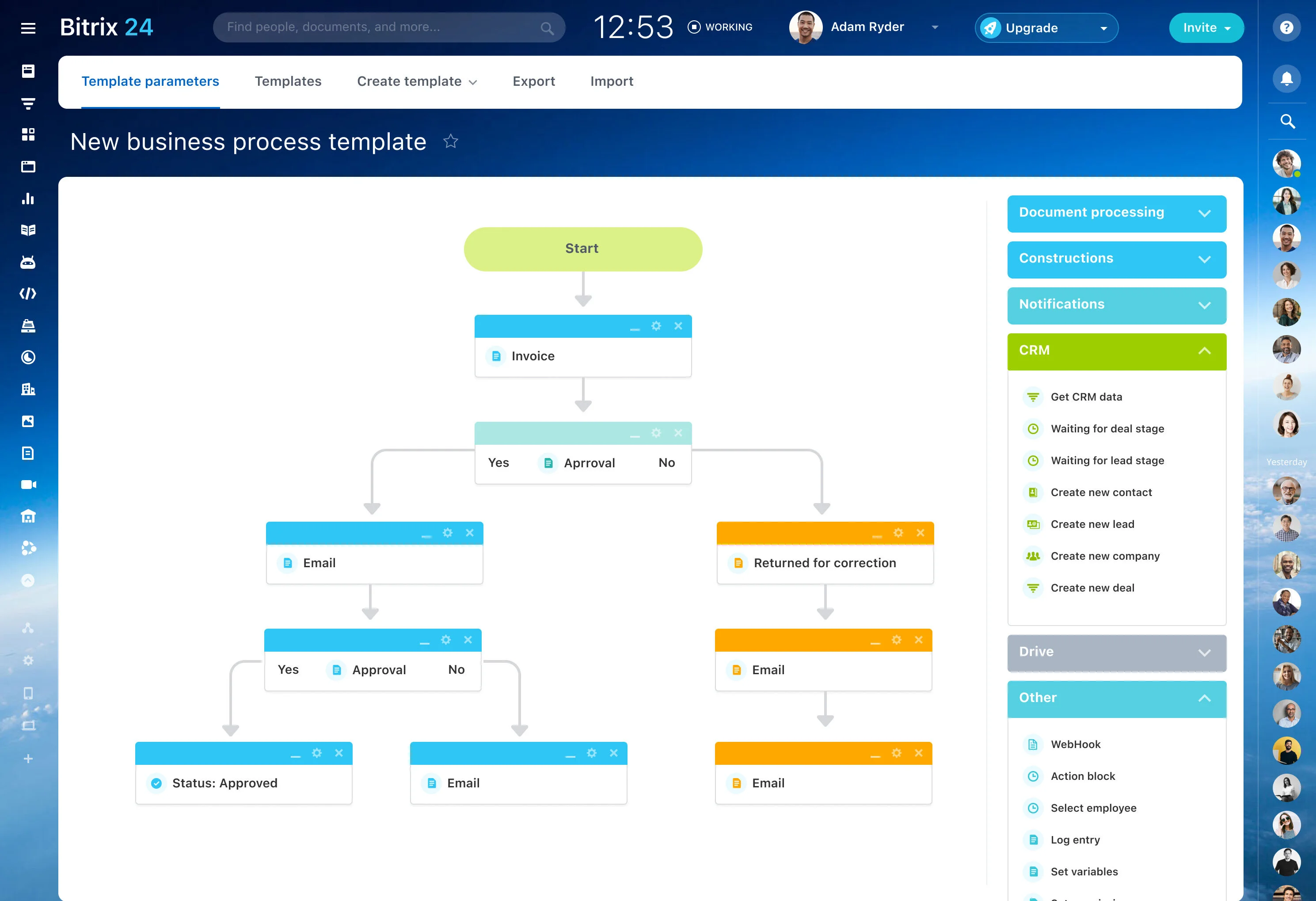
Turn “value” into trial-ready metrics
“Affordable” means the CRM improves outcomes enough to justify its ongoing cost. Pick 2–4 measurable targets so your evaluation stays objective.
- Speed: lead-to-first-response time; time between stages
- Data quality: completion of required fields; consistent stage use
- Execution: activity logging and follow-up rates
- Forecast reliability: variance between forecasted and actual results
- Manager visibility: time to prepare pipeline reviews and find deal history