New in Bitrix24 Mobile App: Smarter Email and Calling Tools for Teams

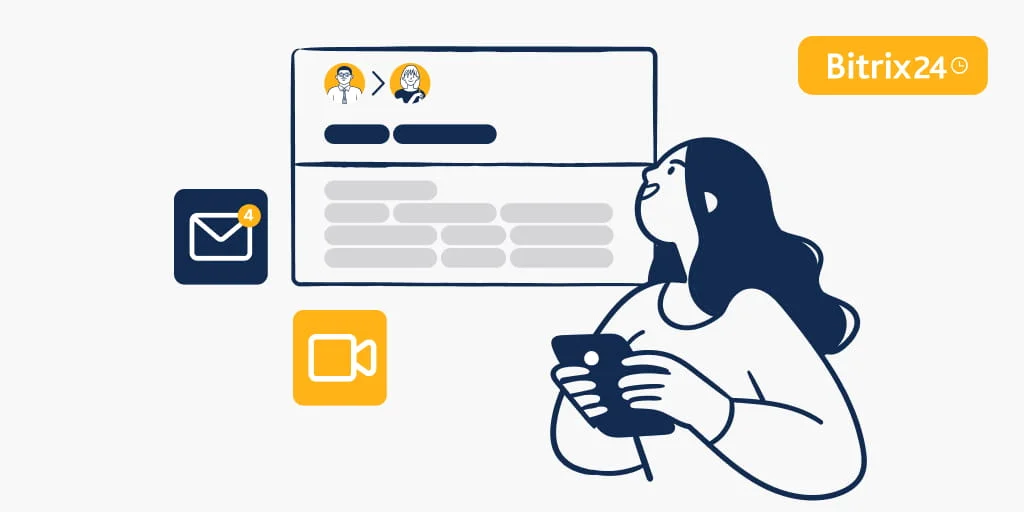
Business today moves without a fixed location. Teams switch between meetings, remote work, and on the go tasks while staying responsive and informed. Fast access to communication tools directly shapes productivity and customer experience.
As mobile work becomes the norm, teams need the ability to manage conversations, stay aligned with colleagues, and respond to customers without delay, no matter where they are.
When Every Second Counts with a Customer
Response time often defines service quality. When emails, calls, and CRM data are accessible anywhere, teams stay connected to what matters most instead of waiting to return to a desktop. A few seconds of delay can mean the difference between closing a deal or losing it.More Ways to Manage Email from Mobile
The latest Bitrix24 mobile app updates give users more flexibility in handling business communication on the go.
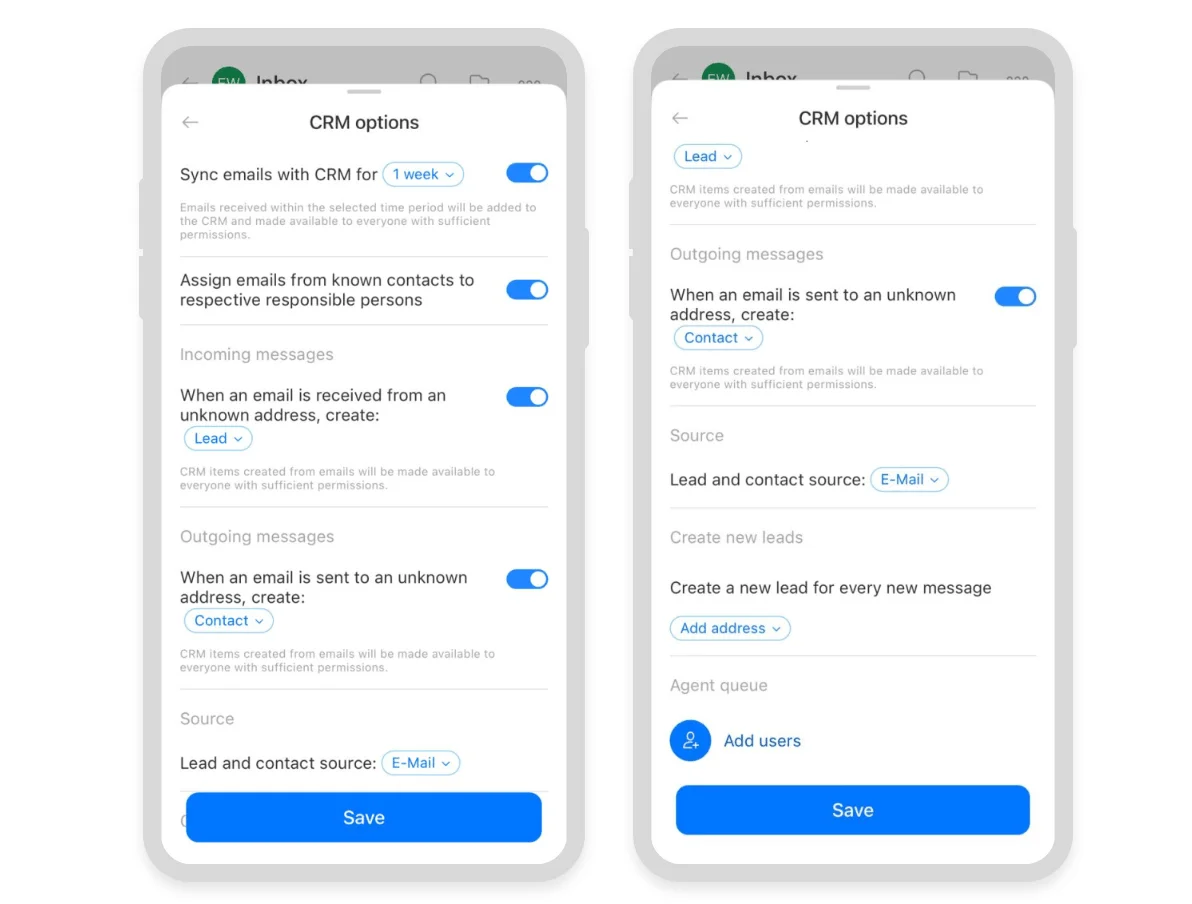
Email settings can now be managed directly from the mobile app. This includes CRM integration, mailbox access for teammates, folder synchronization, and calendar connections.
Here is what that means for your daily work. When an email arrives from a known client, Bitrix24 automatically links it to the existing CRM record. When an email comes from an unknown address, you can create a new lead or contact right from your phone. You can also set up an agent queue to rotate new leads evenly among team members. Meeting invitations sent via email appear automatically in your Bitrix24 Calendar.
Improved Mobile Call Reliability
Improvements in mobile call handling help ensure every incoming call reaches your team. When a customer calls, the app can now show the incoming screen even if your phone is locked or you are using another app.
Employees can respond quickly when customers reach out. Reliable calls mean fewer missed opportunities, less back and forth to reschedule, and faster resolution for support issues. Your team stays focused on conversations instead of troubleshooting why the phone did not ring.
Customer emails connect automatically to CRM records, giving employees the context they need to respond effectively. Shared mailbox access supports collaboration. Calendar integration keeps meetings organized. These improvements help teams stay aligned and responsive throughout the day.
A Better Customer Experience
Imagine a sales team managing client interactions. A new email arrives and links to the correct CRM record, making relevant details immediately available. Colleagues collaborate through a shared mailbox. Meeting invitations add directly to their calendars.
When a customer calls, the right person receives the notification without delay. The result is smoother collaboration, fewer missed opportunities, and a consistent customer experience.
Stay Connected Anywhere
The Bitrix24 mobile app brings tasks, chats, CRM, and cloud storage together in one place.Learn more about these updates and see how they feel for your team. Small changes to how you handle email and calls on the go can make the whole day run more smoothly.