Self-Hosted CRM: Full Control Over Your Data, Servers, and Security

Your data policy is non-negotiable: every customer record must stay inside your perimeter. Yet most mid-market CRMs exist only in someone else’s cloud. That mismatch creates redlines in MSAs and DPAs, introduces sub-processors you never approved, and leaves you explaining residency with vendor PDFs instead of your own diagrams and logs.
The costs stack up fast:
- Weeks lost to security reviews and legal exceptions that stall enterprise deals
- Surprise egress and integration fees when data traverses public networks
- Audit friction when regulators or customers ask exactly where data lives and who can access it
- Operational risk from update windows and region controls you don’t control
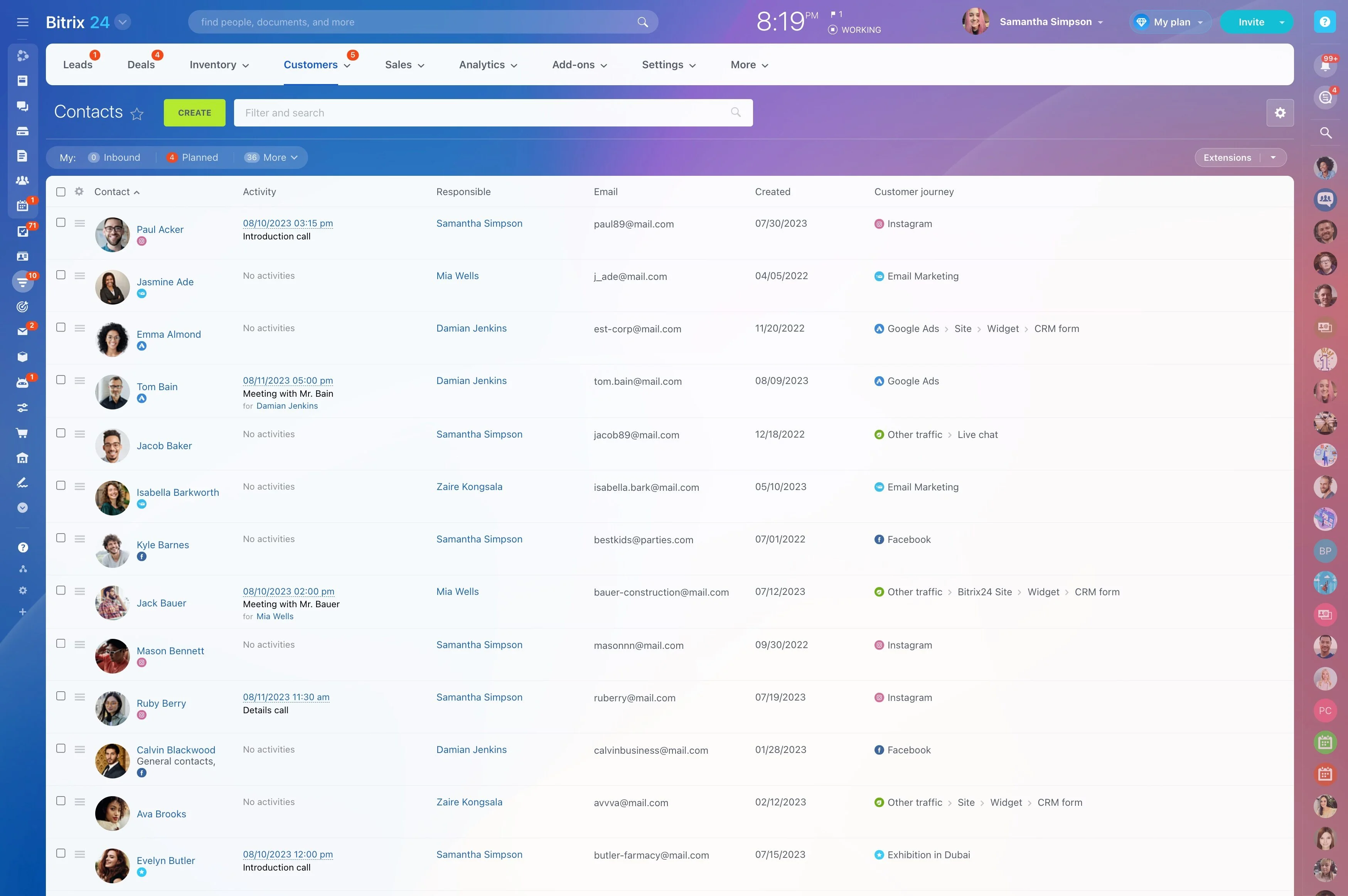
You don’t have to trade compliance for capability. Bitrix24 Self-Hosted CRM runs entirely on infrastructure you control — on-premises or in your private cloud. Keep full command over where data is stored, how it’s encrypted, who can access it, and when updates occur. Your teams still get a modern CRM platform for sales, service, and automation — without sending customer data to a vendor cloud.
Migration, updates, and total cost you can forecast
Owning your CRM stack only works if moving in — and staying current — are predictable.
A proven cutover plan many teams follow: 1) Stand up a staging environment and import a representative data slice; validate counts, field types, and permissions.
- Guided imports for contacts, companies, deals, products, and activities via CSV/Excel with validation previews.
- REST/API paths for historical records, attachments, IDs, and custom objects — so downstream systems can keep their references intact.
- Certified partners for end‑to‑end migrations, including field mapping, transformation rules, and parallel run support.
- A guided path from Bitrix24 Cloud to on‑premise that preserves key structures and workflows.

Customize workflows without duct-tape code
Rigid CRMs make your teams bend around the tool.
No‑code and admin‑friendly customizations:
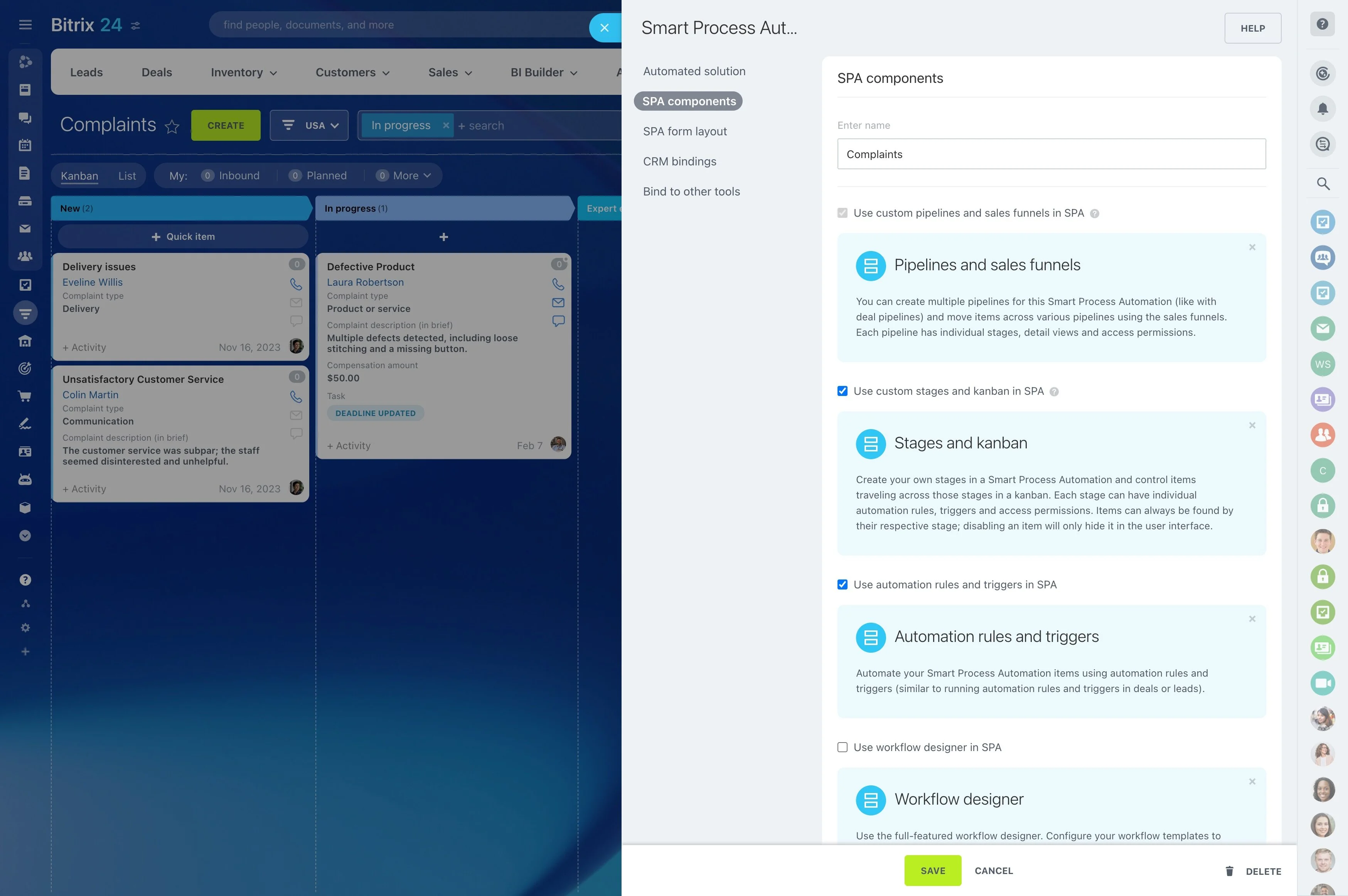
- Pipelines and stages that mirror your qualification, proposal, and closing steps — even for different business lines.
- Assignment rules that route leads by territory, product, or SLA.
- Custom fields, forms, and page layouts so reps see only what matters.
- Automations that send emails, create tasks, escalate tickets, and trigger approvals when deals move or SLAs change.

Keep every record on your servers—no exceptions
If your policy mandates that all customer data remain within your infrastructure, a cloud‑only CRM creates permanent drag on sales and compliance.
You install and operate the full stack on your hardware or private cloud, so customer records, files, notes, emails, call logs, and audit trails live exactly where you deploy them.
- Residency by design: contacts, companies, deals, activities, attachments, and logs are persisted in your storage systems — your volumes, disks, snapshots, and backup locations.
- Security under your policy: traffic is encrypted in transit (TLS), while data at rest follows your standards — disk/database encryption, key rotation, and custody in your KMS or HSM.
- Zero surprise processors: there are no hidden third‑party clouds. If you integrate an external tool, it’s because you allowed it and can document the data flow.
- Region pinning is a configuration, not a guarantee; cross‑region services and background processing can muddy residency claims.
Deploy on-premise your way—VM, Linux, or private cloud
A CRM that can’t run inside your perimeter forces you to argue for exceptions and punch holes in your firewall.
Common deployment options:
- Preconfigured virtual appliance: spin up a tested stack (web server, PHP runtime, database, caching) on your hypervisor in minutes. Ideal for rapid POCs or standardized VM estates.
- Linux installation: install on your preferred Linux distribution to align with existing hardening baselines, package repositories, and monitoring agents.
- Private cloud images: provision inside your VPC/VNet, ensure all data flows stay within your subnets/security groups, and enforce outbound egress rules.

Security, access, and audit you can prove
Security teams don’t accept promises; they need evidence.
Controls you can enforce:
- Role‑based access control: restrict who can read, edit, delete, or export records across pipelines, stages, and business units.
- Field‑level permissions: protect sensitive attributes (PII, financials, health data) without blocking entire records, enabling least‑privilege access.
- SSO and directory integration: connect SAML/SSO/LDAP/AD to inherit password rules, MFA, device posture checks, and session lifecycles.
- Network segmentation and IP allowlists: lock down admin consoles to management subnets and jump hosts; block public access by default.

Built to perform and scale with your business
On‑premise doesn’t have to mean slow or fragile.
Performance foundations:
- Optimized caching and indexing to keep pipelines, searches, and large product catalogs responsive even under high activity.
- Background workers to offload bulk updates, imports, and automations without blocking user interactions.
- Efficient attachment handling so large files and frequent collaboration don’t stall the UI or balloon response times.
- Separate web, application, and database tiers to scale each component independently; place them on dedicated hosts with the right storage classes.

An open source CRM alternative—without the DIY tax
Open source CRM promises control and low cost — until plugin sprawl, upgrade risk, and maintenance soak up your engineering time.
Typical DIY pitfalls:
- Patchwork experiences across plugins and themes that confuse users and drive adoption down.
- Compatibility roulette at each upgrade — will the quoting module and the reporting plugin still work after the core changes?
- Security review overhead for every add‑on you install, plus ongoing vulnerability scanning and patching.
- Hidden costs as in‑house engineers spend sprint after sprint on maintenance rather than roadmap features.