The Paperless Practice: Automating Document Collection and Client Updates


When documents arrive late (or in the wrong thread), matters stall, staff waste hours nudging clients, and you end up answering the same “any update?” question over and over. Sound familiar?
A paperless legal workflow fixes that by making document collection and client status updates automatic and matter-based. So clients always know what to upload, where to upload it, and what happens next.
In this article, you’ll learn what a paperless workflow looks like, why email and shared folders break at scale, and how to roll out secure portals and stage-based reminders that keep matters moving once you’re handling 20+ active cases. And with Bitrix24, it all runs from one workspace.
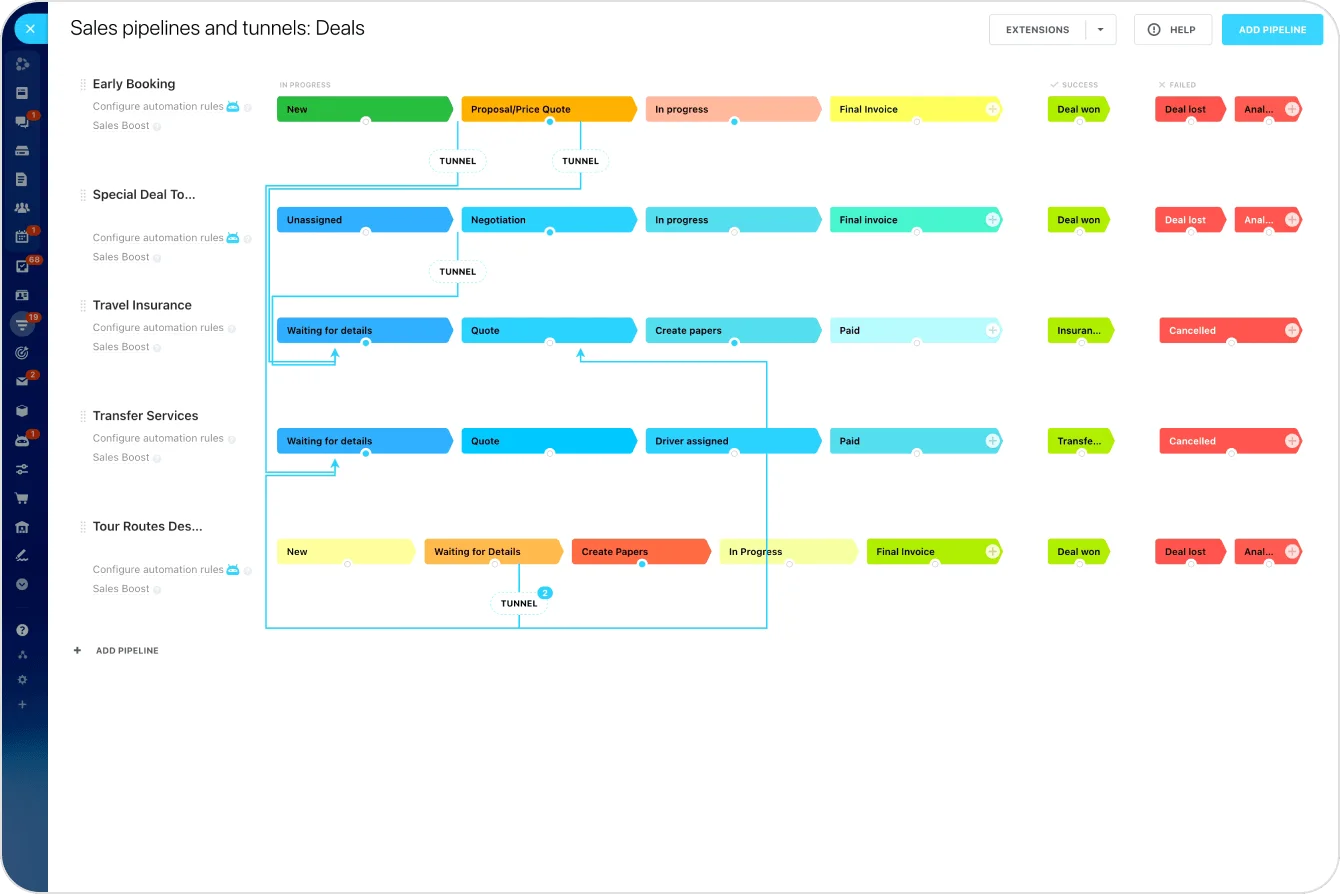
The hidden cost of chasing clients for paperwork
Document follow-up feels minor until you multiply it across dozens of active matters. One missing document can block the next step: intake can’t be completed, a filing gets delayed, discovery prep drags on.
The cost usually shows up in a few predictable places:
- Time lost to repetitive admin follow-ups
- Slower case timelines as matters stall waiting on paperwork
- More inbound “any update?” emails from clients
- Staff overload from tracking what’s missing across cases
Most clients aren’t ignoring you. They’re busy, don’t understand what’s required, or aren’t sure where to upload files. When the process relies on email chains and manual tracking, gaps are inevitable.
Why email and shared folders don't scale
Email feels easy because it's familiar. Shared folders feel organized because everything is "in one place." Neither was built to run a legal workflow.
|
Problem |
Email-Based Workflow |
Shared Folders |
CRM-Based Portal (Bitrix24) |
|---|---|---|---|
|
Document tracking |
Files buried in threads; no view of what’s missing per case |
Files stored but not tied to matter stages |
Every document linked to the matter record with status tracking |
|
Version control |
Wrong versions forwarded; duplicates proliferate |
Multiple copies in subfolders with unclear naming |
Single source of truth with upload history |
|
Client access |
Clients search inboxes for the right thread |
Clients forget links or upload to the wrong folders |
One portal per matter with a clear checklist |
|
Automated follow-up |
None — staff must remember and send manually |
None — no connection to deadlines or stages |
Reminders trigger automatically based on matter stage |
|
Confidentiality |
Attachments can be forwarded to anyone |
Permission management across folders is fragile |
Role-based access at the matter level with an audit trail |
|
Status visibility |
Clients email for updates; staff respond repeatedly |
No status layer — just files in folders |
Clients see progress; staff see what’s pending at a glance |
The pattern is consistent: email- and folder-based workflows create blind spots that a CRM-based portal resolves structurally.
What a paperless legal workflow looks like
A paperless practice isn't "scan everything and call it done." It's a structured, predictable process that's easy to follow for both your team and your clients.
- Centralized client and matter records. Each client has a single record tied to their matter. Documents, messages, tasks, and notes live in one place — no hunting across inboxes and shared drives for the latest file.
- Secure client portal for document exchange. Clients use one consistent location to upload documents, review what's been requested, and see what's still outstanding. No guessing, no "where should I send this?" friction.
- Automation built into the workflow. When a matter reaches a new stage, the right document request goes out automatically. If a submission is late, the system follows up. Staff only step in when something needs judgment or escalation.
- Built-in status visibility. Clients see progress without emailing your team. Staff see what's pending at a glance. Fewer interruptions, fewer missed steps, less reliance on memory.
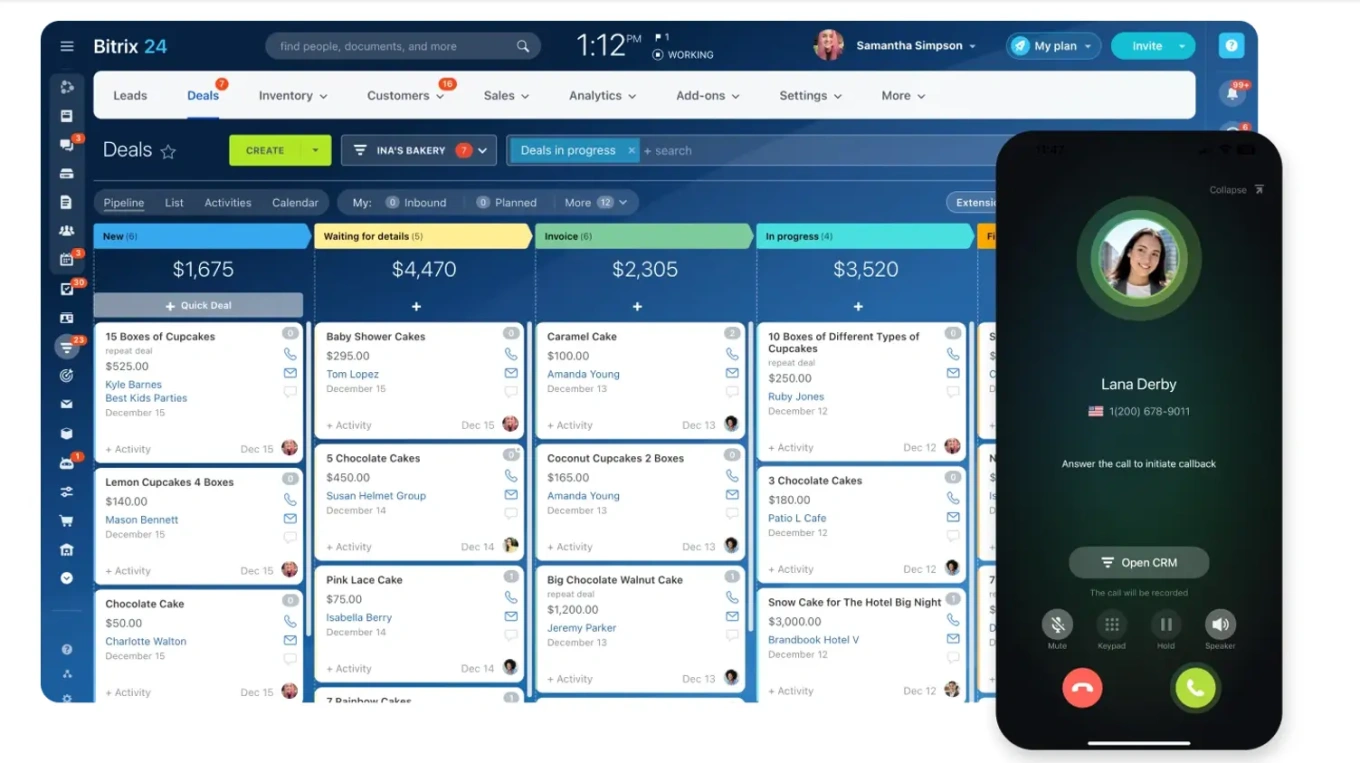
Bitrix24 supports this model by combining CRM records, client-facing communication tools, document management, and task automation in one environment.
 [image removed]
Using client portals to eliminate the back-and-forth
Document collection breaks down when clients don't have a clear, repeatable way to complete requests. A client portal removes that friction by giving each client one consistent place to act, tied directly to their matter.
Inside the portal, clients see exactly what's required, what's been submitted, and what's outstanding — organized by matter stage (intake, review, discovery, closing) so they understand what's needed now versus later.
Files attach to the correct matter automatically, version history is maintained, and access stays limited to the right people.
In Bitrix24, portal uploads appear in real time inside the matter record, and the next step (task creation, review assignment, or confirmation) triggers automatically.
Automating document requests and follow-ups
A client portal gives clients a clear place to upload. Automation removes the ongoing effort from your side.
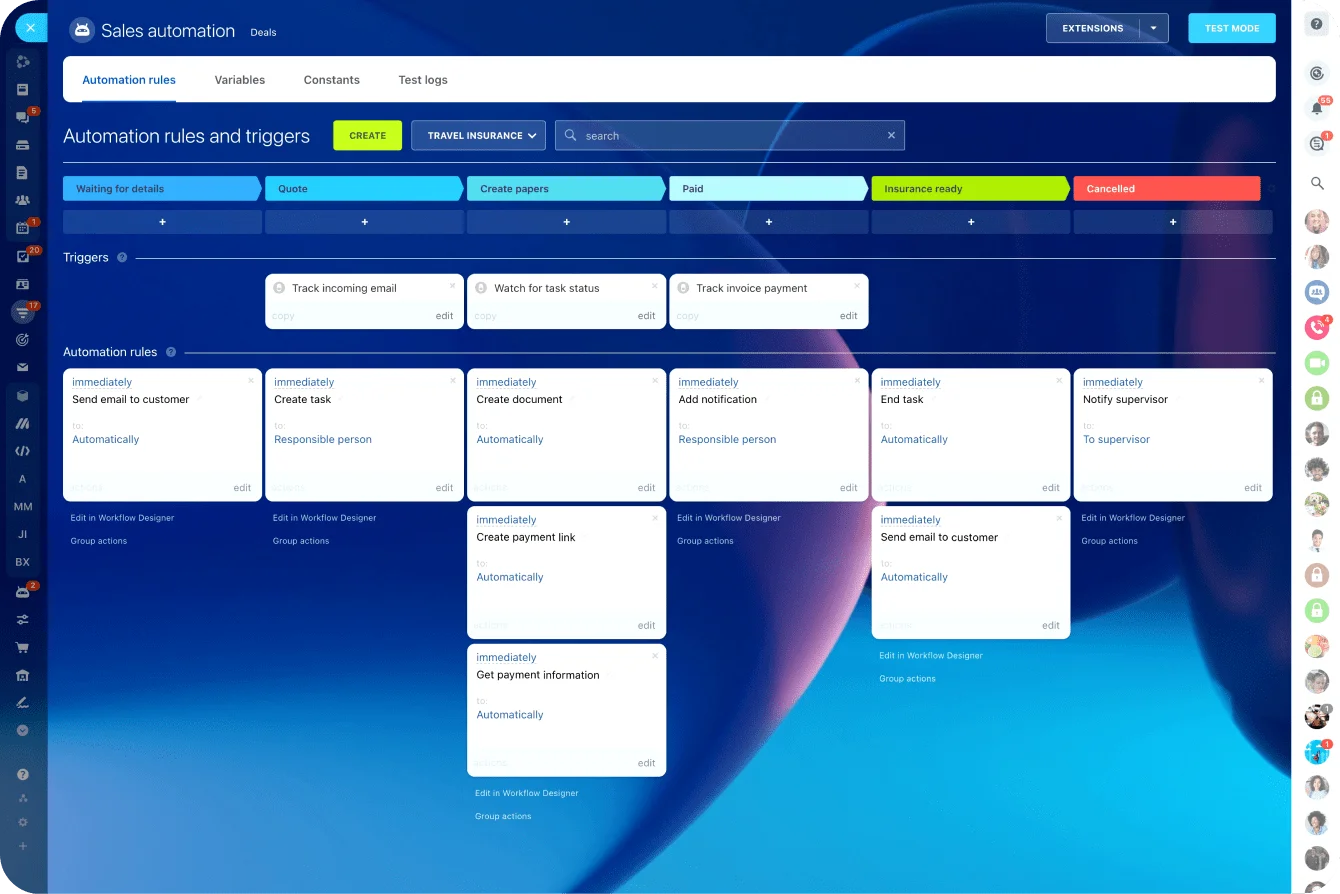
- Trigger requests at the right stage. When a matter opens, the intake packet goes out automatically. When it moves into review, the next document set is requested. When you reach filing or closing, the portal prompts the final items. No one drafts the email or updates a checklist — the request is tied to the stage.
- Let reminders run on schedule. If a client hasn't submitted what's needed, the system follows up after a set number of days — then again if required. The message stays consistent, timely, and professional.
- Escalate exceptions without micromanaging. Set rules that notify the responsible staff member when a document is overdue, flag matters at risk of missing a deadline, and create an internal task the moment a required upload arrives so review starts immediately.
With Bitrix24, these workflows tie directly to CRM stages and portal activity. Once configured, the process runs in the background, freeing your team to focus on legal work.
Security, access control, and client trust
Email-based processes feel safe because they're familiar, but attachments can be forwarded or sent to the wrong recipient with a single click, and there's rarely a reliable record of who viewed what.
A paperless practice improves security by design: matter-level access controls limit visibility by role or case, clients see only what applies to their matter, every upload and view is logged for audit purposes, and access can be granted or revoked instantly.
Bitrix24 includes permission controls, secure document handling, and activity tracking built into the workflow.
Paperless Client Workflow Templates: Automated Document Pack
Enter your email address to get a comprehensive, step-by-step guide

When this approach falls short
Automating document collection is high-leverage, but it has limits.
Clients with very low digital comfort. If a significant portion of your client base struggles with online portals — elderly clients, clients without reliable internet access — forcing digital-only submission creates a barrier. Offer the portal as the default with a phone or mail alternative, and have staff enter those submissions into the system on the client's behalf.
Matters with unpredictable document requirements. Highly complex litigation or regulatory matters where the required documents shift frequently don't fit neatly into pre-built stage-based automation. For these, use the portal for collection but rely on manual task creation for requests rather than automated triggers.
No internal process agreement. Automation codifies your workflow — if attorneys and staff haven't agreed on what documents are required at each stage and who owns review, the system will reflect that confusion rather than resolve it. Solution? Map the process before automating it.
Automation should cover the repeatable work, not every exception. Keep a simple fallback for edge cases, and the workflow stays helpful instead of rigid.
Getting started: a practical rollout checklist
- Start with one matter type. Pick a category with predictable, repeatable steps — intake is often the best starting point because it's document-heavy and consistent across clients.
- Map the workflow before automating. Outline the matter stages, which documents are required at each, who owns review, and what should happen after a submission arrives.
- Add automation in layers. Start with three rules: send the initial document request when a matter is created, send a reminder after a set number of days if items are missing, and notify staff the moment an upload arrives. Expand from there.
- Set client expectations early. Tell clients they'll upload through a portal and receive automatic updates at key milestones. When people know what "normal" looks like, resistance drops.
- Expand across matter types. Once the first workflow is stable, replicate it for other case categories with adjusted document sets and stage definitions. With Bitrix24, you scale without switching tools — the same CRM and automation infrastructure supports every matter type.
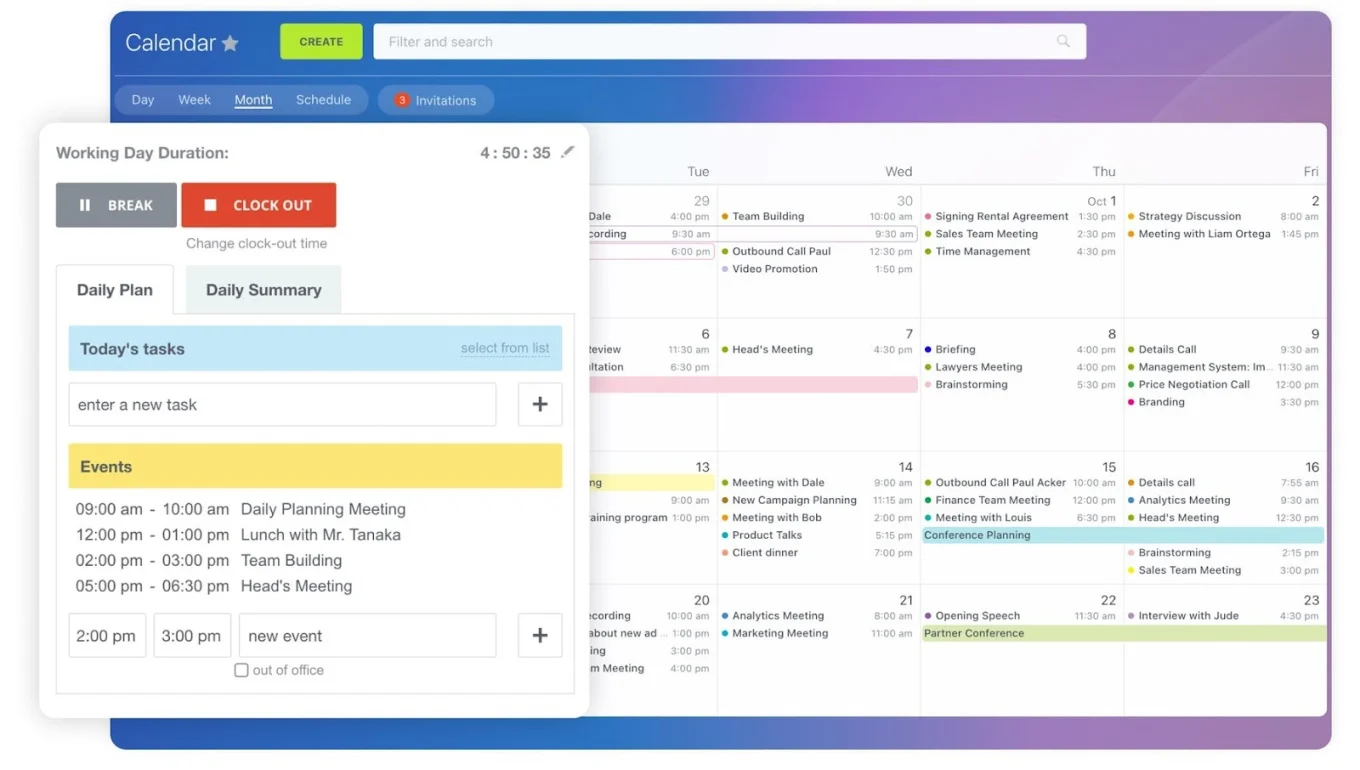
Faster cases, happier clients, less admin work
When document collection and client updates run automatically, matters move forward without unnecessary pauses, staff stop spending hours on routine follow-ups, and clients feel informed instead of uncertain. (And yes, your inbox gets a little quieter too!)
Build your first automated matter workflow and start for free with Bitrix24 today.
Boost Efficiency with Bitrix24
Automate your law firm's document collection and client updates with Bitrix24's CRM. Experience secure, seamless, and efficient workflows from one workspace.
Get Started NowFrequently asked questions
How can I share documents securely with clients?
Use a client portal connected to your matter records instead of email attachments. In Bitrix24, each client accesses a matter-specific portal to upload and download files with permission controls. Access is logged, and files stay in-system unless you export them (unlike email attachments, which can be forwarded, saved locally, or sent to the wrong person).
Can I track time spent on phone calls automatically?
Yes. If Bitrix24 is connected to your telephony system, it logs inbound and outbound calls, records call duration, and links the call to the relevant client or matter record. Most firms still review and categorize entries before billing, but the manual logging step disappears.
How does CRM help with conflict of interest checks?
It makes checks faster and more reliable than searching email threads or paper files. In Bitrix24, you can search across client records, related contacts, opposing parties (via custom fields), and matter history to flag potential conflicts before engagement. All in one searchable system.
What types of documents can clients upload through the portal?
Any standard file type, including PDFs, images, Word documents, scanned forms, and photos. In Bitrix24, uploads attach directly to the matter record with basic metadata (like upload date and file name), so you can see exactly what arrived and when. Permission controls apply to sensitive files the same way they do to everything else.
How long does it take to set up a paperless workflow?
Most firms can build and test one matter-type workflow in 1–2 weeks (stages, document requirements, portal access, reminders, and internal task triggers). Rolling it out across multiple matter types typically takes 2–3 months, including staff training and process refinement.
Can I use this for client intake specifically?
Yes, intake is usually the best place to start. A typical setup sends the engagement letter and document checklist when a matter is created, gives the client portal access, triggers reminders if items are missing (often at 3, 7, and 14 days), notifies the assigned staff member when required documents arrive, and moves the matter to the next stage when intake is complete.